How we make this list: we compare pricing pages, product documentation and public user reviews. Ratings come from G2, Capterra or Trustpilot, with the date we checked them.
Key takeaways
- Ubuntu and Linux Mint are the safest first switches for most Windows users, with large communities and broad hardware support.
- Zorin OS is built to feel familiar to Windows users, with layouts that resemble Windows and macOS.
- Fedora and Debian suit users who want newer software or a stable, community-run base, with more setup involved.
- macOS is a strong alternative only if you buy Apple hardware, since it does not officially run on most PCs.
- ChromeOS Flex is best for older machines used mainly for web browsing, email, and documents.
Quick comparison
| Tool | Best for | Starting price | Free plan |
|---|
 Ubuntu Ubuntu | General Windows replacement | Free | Yes |
 Linux Mint Linux Mint | Familiar desktop for switchers | Free | Yes |
 Zorin OS Zorin OS | Windows-like layout and ease | Free | Yes |
 Fedora Fedora | Newer software and developers | Free | Yes |
 Debian Debian | Stable, long-term base system | Free | Yes |
 elementary OS elementary OS | Clean, simple desktop | Free | Yes |
 openSUSE openSUSE | Developers wanting a stable Linux base | Free | Yes |
 macOS macOS | Apple hardware users | See website | No |
 ChromeOS Flex ChromeOS Flex | Older PCs for web use | Free | Yes |
 Manjaro Manjaro | Rolling updates with easier setup | Free | Yes |
Is your product missing or out of date?
We review this list regularly. Vendors can request a listing, send updated pricing or ask about featured placement.
The best Windows 11 alternatives
Starting priceFree
Free planYes
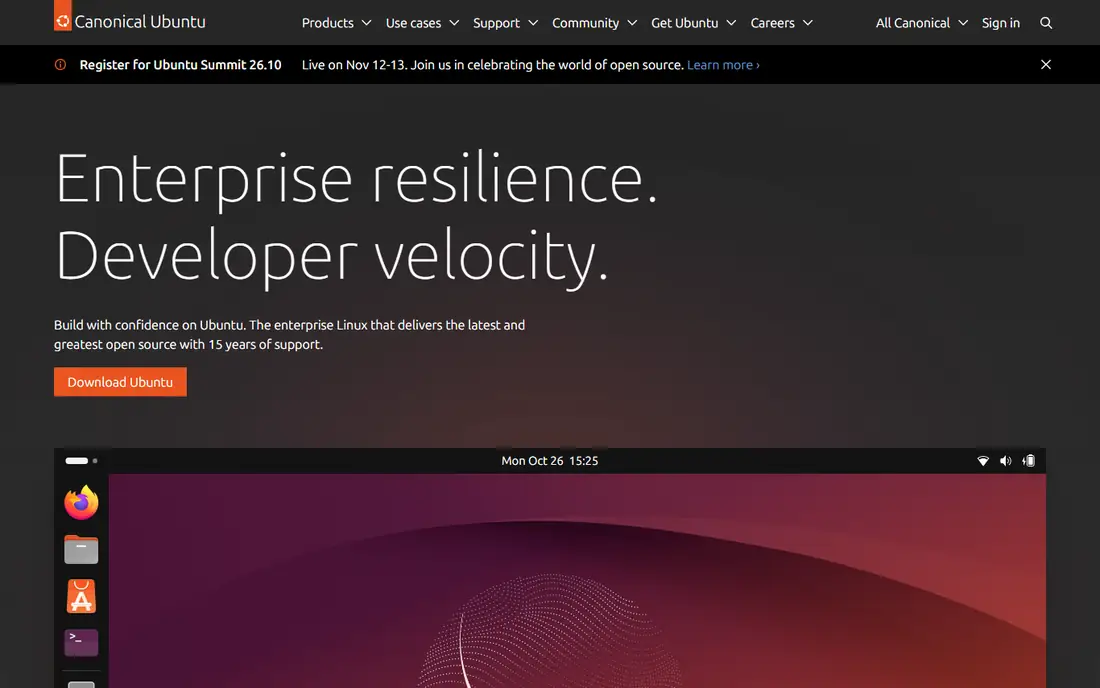
Ubuntu is the most widely used desktop Linux distribution, and that scale helps new switchers. Hardware support is broad, software installation is straightforward through its app store, and long-term support releases receive updates for years. Most everyday tasks, including browsing, email, documents, video calls, and media playback, work out of the box.
The GNOME desktop does not look like Windows, so the first week takes adjustment. Some Windows-only apps, such as certain Adobe tools and games with strict anti-cheat software, may not run well. Ubuntu is the best default choice if you want a supported, well-documented system and are willing to learn a new desktop layout.
What we like- Huge community and documentation
- Broad hardware support
- Long-term support releases
Watch out for- Default desktop differs from Windows
- Some Windows apps need alternatives or compatibility tools
Starting priceFree
Free planYes
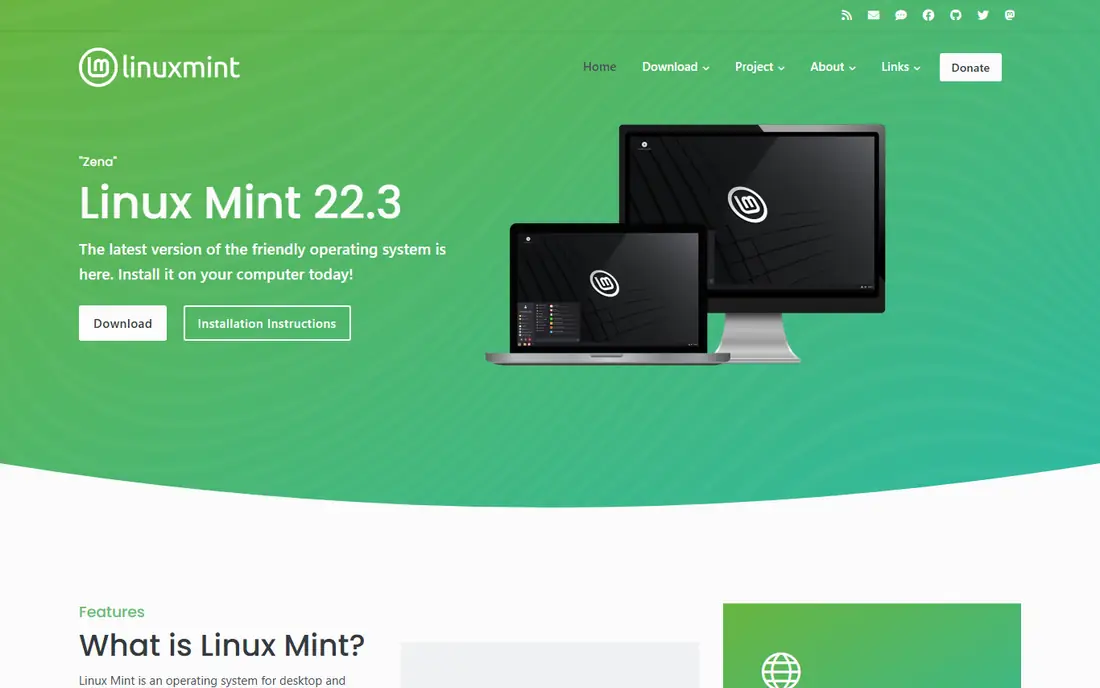
Linux Mint is designed for people moving from Windows. Its Cinnamon desktop has a taskbar, start-style menu, and system tray in familiar places, which shortens the learning curve. Mint also handles media playback and common drivers well, so a fresh install often feels ready faster than other distributions.
Because Mint builds on Ubuntu long-term support releases, some apps arrive in older versions than on faster-moving systems. That trade-off favors stability over new features, which suits most home and office users. If you want Windows familiarity with Linux underneath, Mint is the easiest switch on this list.
What we like- Windows-like Cinnamon desktop
- Easy setup
- Strong support for media codecs
Watch out for- Based on Ubuntu LTS, so some software versions lag
- Smaller team than Ubuntu
Starting priceFree
Free planYes
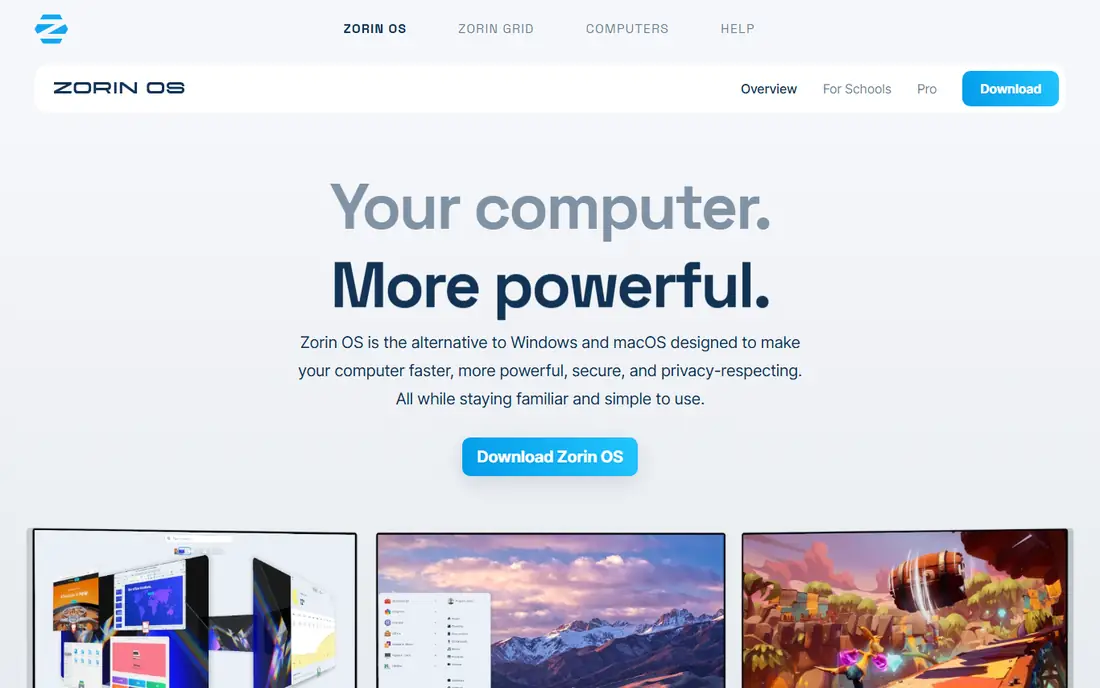
Zorin OS targets switchers directly. Its Core edition is free, and its appearance settings let you choose layouts that resemble Windows, macOS, or a classic Linux desktop. Tools for running some Windows apps are included, and the system is built on Ubuntu long-term support, which gives it a stable base and familiar software.
The free Core edition covers most needs, while Pro adds extra layouts, creative apps, and support for a one-time fee. Check the current Pro price on the vendor site before buying, since it has changed over time. Zorin is a good pick if you want a polished, Windows-like first impression without paying for the core system.
What we like- Core edition is free
- Layouts resemble Windows and macOS
- Windows app support tools included
Watch out for- Paid Pro edition adds layouts and apps
- Based on Ubuntu LTS, so updates follow that cycle
Starting priceFree
Free planYes
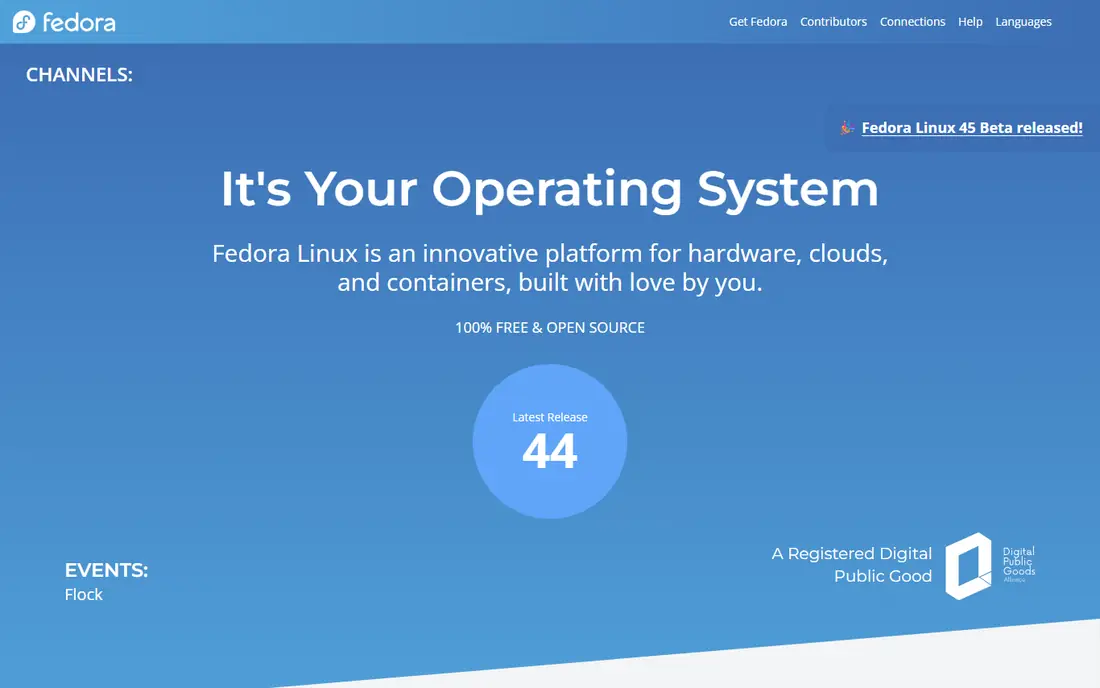
Fedora ships newer software than Ubuntu long-term support or Mint, which appeals to developers and users who want recent tools. It is closely tied to Red Hat's ecosystem, and many technologies that later appear in enterprise Linux first appear in Fedora. The Workstation edition is a clean, modern desktop for coding, browsing, and office work.
Releases arrive roughly every six months, with support for about a year, so upgrades are more frequent than on LTS systems. Some media codecs and proprietary drivers need extra steps after install. Fedora fits users who are comfortable with occasional upgrades and want newer software without the complexity of a rolling release.
What we like- Recent software versions
- Strong developer tools
- Backed by a large open source community
Watch out for- Shorter support cycle than LTS systems
- Some proprietary codecs need extra setup
Starting priceFree
Free planYes
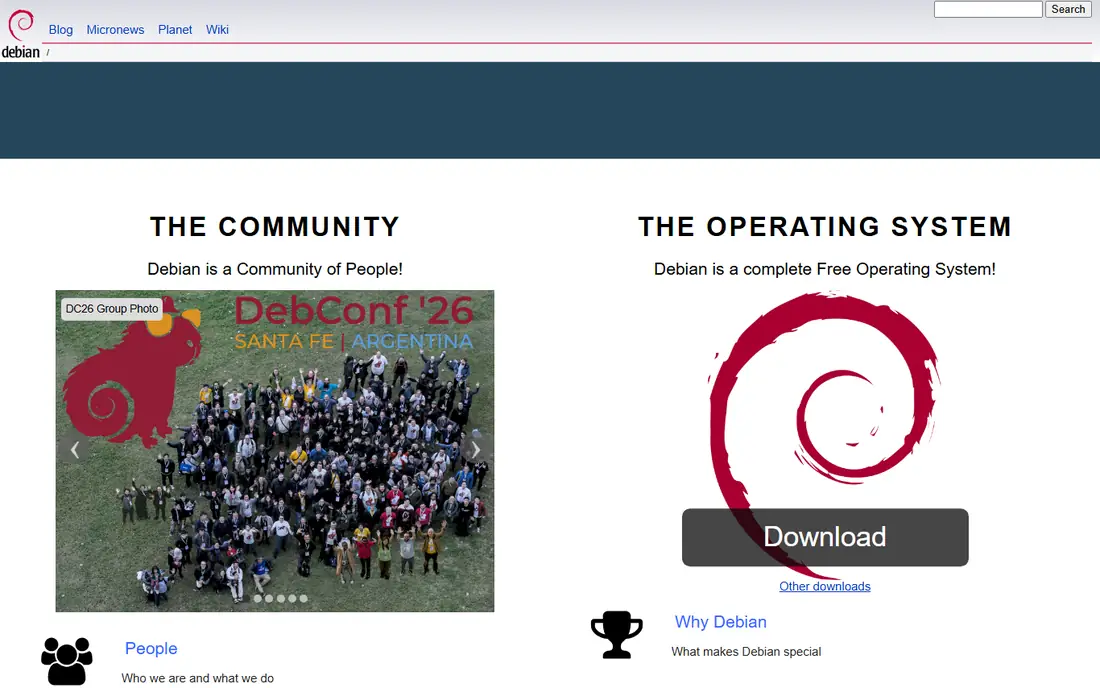
Debian is the foundation for Ubuntu, Mint, and many other distributions. Its stable release prioritizes reliability over new features, which makes it a solid choice for servers, older machines, and users who dislike frequent change. The software repository is vast, and Debian runs on a wide range of hardware, including older 32-bit systems in some builds.
The stable release can feel dated if you want the newest app versions, and initial setup may need more manual work for Wi-Fi drivers or media codecs. Debian suits experienced users, or anyone who wants a system that changes slowly and rarely breaks. New switchers may prefer Mint or Ubuntu first, then move to Debian later if stability matters most.
What we like- Very stable
- Huge software repository
- Runs on many hardware types
Watch out for- Software versions can be older
- Setup needs more manual steps than Mint or Zorin
Starting priceFree
Free planYes
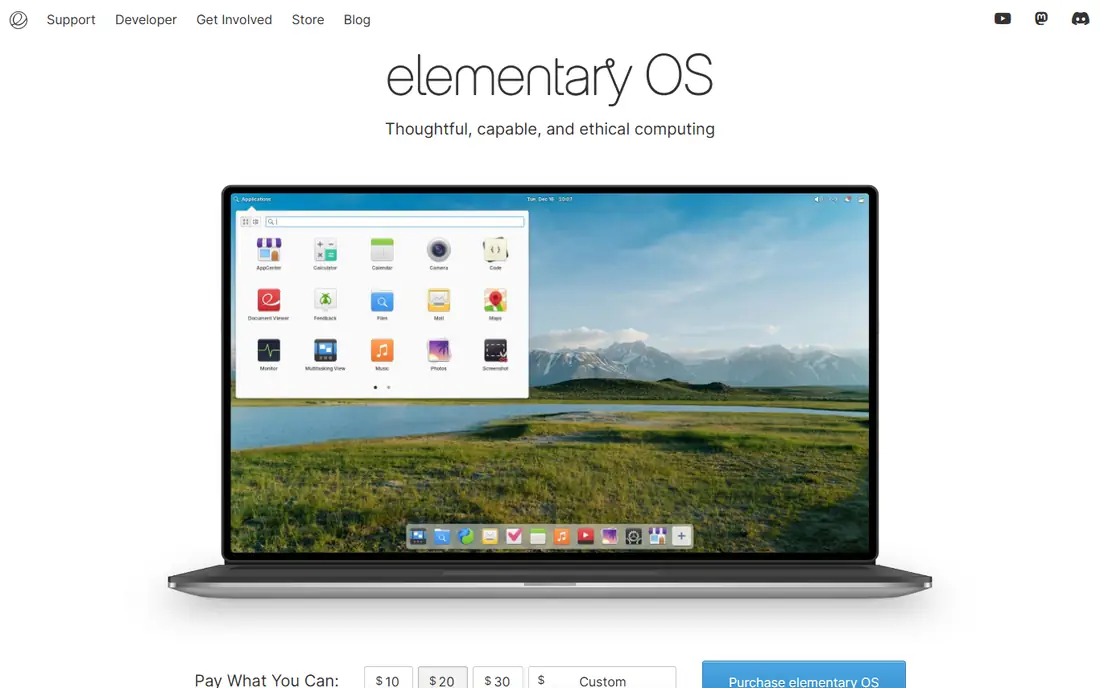
elementary OS focuses on a clean, consistent desktop with a dock, a simple app launcher, and a curated set of apps. It feels closer to macOS than Windows, and it runs well on modest hardware. The design is coherent, which helps users who find a busy desktop distracting.
Customization is limited compared with other Linux desktops, and the app store is smaller than Ubuntu's. Users who want deep tweaking or a wide range of niche apps may feel constrained. elementary OS fits people who want a simple, attractive system for browsing, documents, and media, without a lot of settings to manage.
What we like- Polished, simple design
- Fast on modest hardware
- Curated app store
Watch out for- Fewer customization options
- Smaller app selection than Ubuntu
Starting priceFree
Free planYes
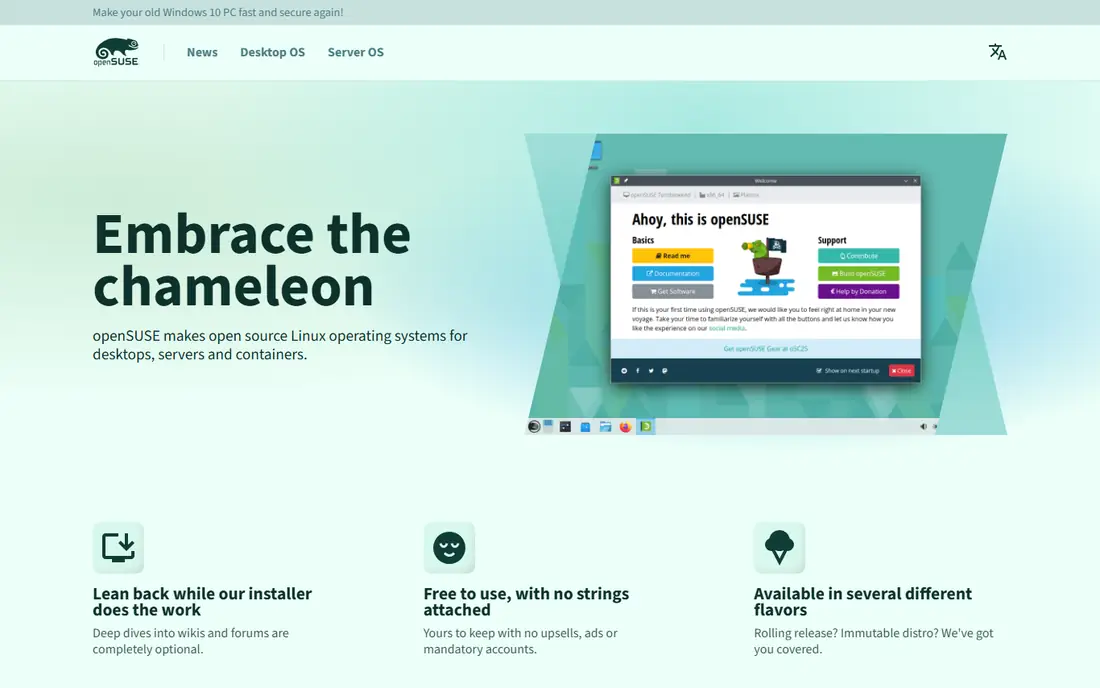
openSUSE offers two paths in one project. Leap is a stable release suited to workstations and servers, while Tumbleweed is a rolling release for users who want newer software. Both include YaST, a system tool that handles software, network, and user settings in one place. That combination appeals to developers and system administrators who want control without building a system from scratch.
The community is smaller than Ubuntu's, and initial setup may need more decisions about desktop and software sources. openSUSE suits users who are comfortable with Linux basics and want a dependable base for development or server work. New switchers may prefer Mint or Ubuntu first, then try openSUSE once they know which desktop and workflow they like.
What we like- Stable Leap and rolling Tumbleweed editions
- Strong system tools
- Large software repository
Watch out for- Smaller community than Ubuntu
- Setup takes more steps for new users
Starting priceSee website
Free planNo
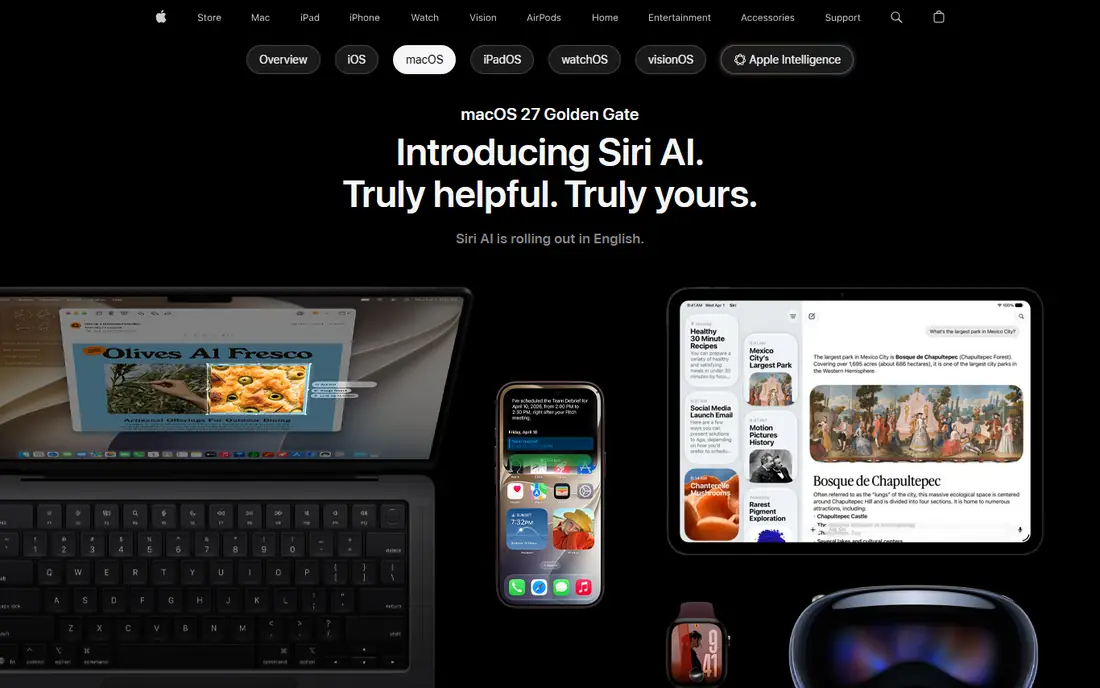
macOS is the operating system for Mac computers, and it is the only alternative on this list that is not free to install on any PC. Apple controls both hardware and software, which gives a consistent experience, long update support, and tight integration with iPhone, iPad, and Apple services. Creative apps, office work, and development all run well on modern Macs.
The cost is the hardware itself, and you cannot officially install macOS on a standard Windows PC. Some Windows-only business software has no macOS version, though web apps and alternatives cover many cases. macOS fits buyers who are ready to switch hardware as well as software, and who value integration with Apple devices.
What we like- Polished design
- Strong integration with iPhone and iPad
- Long software support on Apple hardware
Watch out for- Requires Apple hardware
- Less hardware choice
- Some Windows software has no macOS version
Starting priceFree
Free planYes
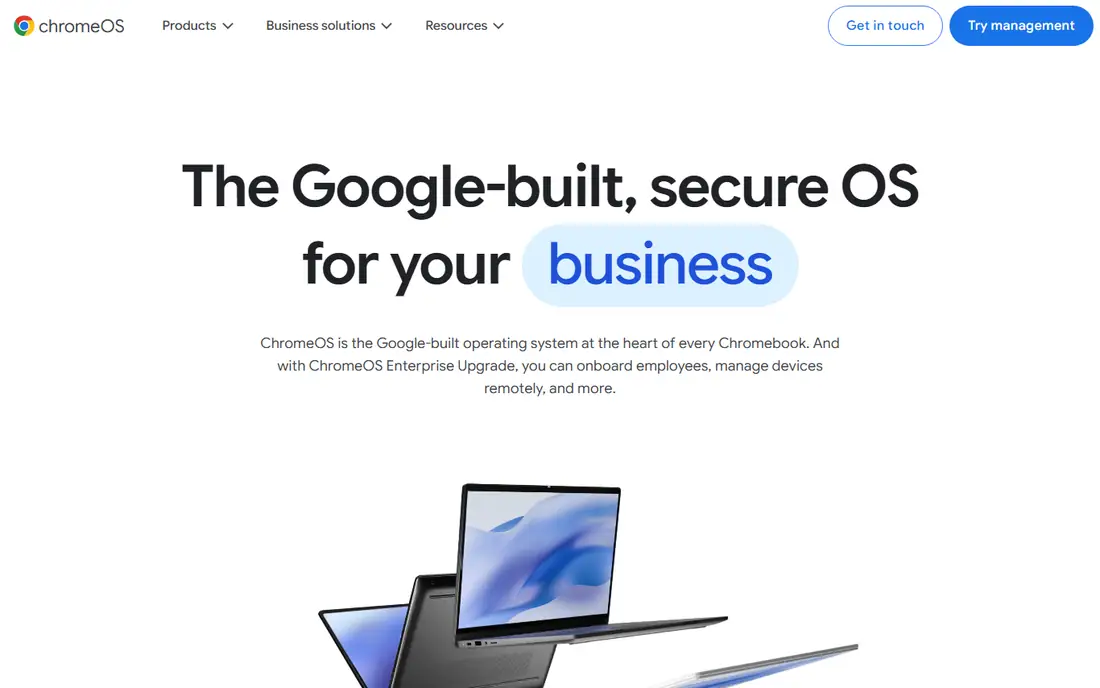
ChromeOS Flex, from Google, installs on older Windows PCs and Macs and turns them into simple, web-focused machines. It boots fast, updates in the background, and needs little maintenance, which makes it a good way to extend the life of a laptop that struggles with Windows 11. Browsing, email, Google Docs, and video calls work well.
Heavy desktop software, professional video editing, and many Windows games do not fit ChromeOS Flex. Offline use is possible for some apps, but the system assumes a reliable internet connection for most work. It fits schools, shared family computers, and secondary laptops used mainly online, rather than a primary work machine for specialized software.
What we like- Free
- Light and fast on old hardware
- Simple to manage and update
Watch out for- Limited to web and Android-style apps in many cases
- Weak for heavy desktop software
Starting priceFree
Free planYes
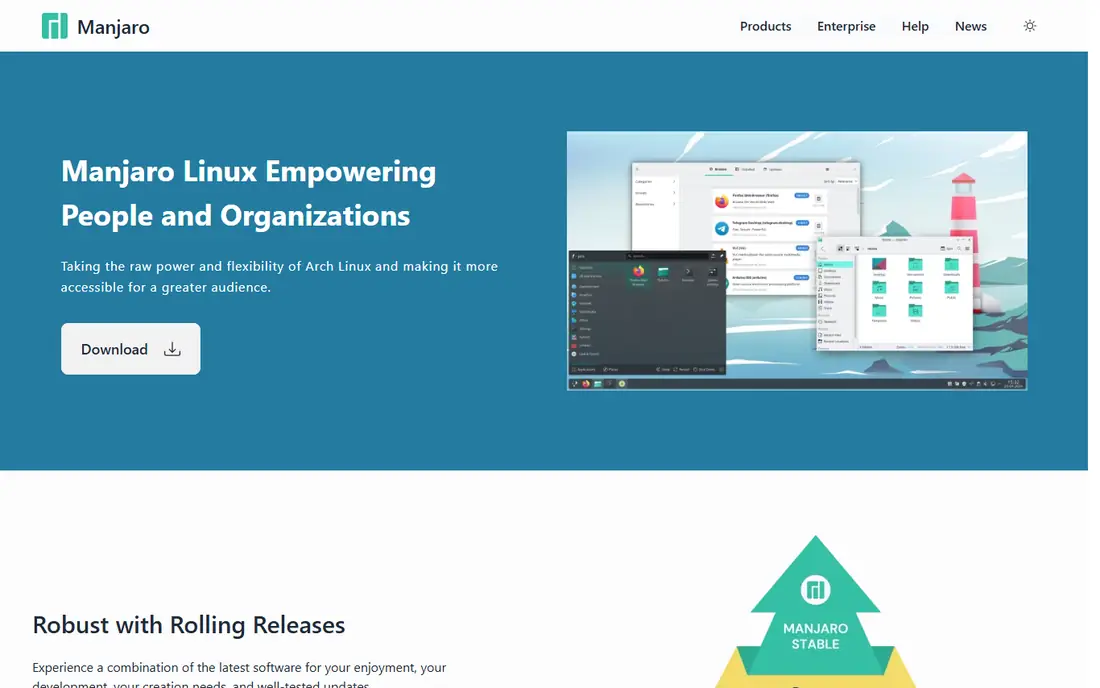
Manjaro is based on Arch Linux but adds an easier installer, graphical tools, and a more tested update cycle. As a rolling release, it delivers new software continuously instead of in large version jumps. Users can choose KDE, GNOME, or Xfce desktops, and hardware detection is generally good.
Rolling releases carry more risk than long-term support systems. An update can occasionally cause a problem that needs fixing, so Manjaro suits users who are comfortable troubleshooting and who keep backups. If you want recent software and are willing to learn, Manjaro offers Arch-style freshness with a gentler start.
What we like- Rolling release with recent software
- Easy installer
- Multiple desktop choices
Watch out for- Rolling updates can occasionally break things
- Needs more attention than LTS systems
How we chose
We compared systems on current availability, hardware requirements, ease of switching from Windows, software compatibility, update support, and price, using official project homepages and documentation. We favored systems with active maintenance in 2026 and a clear audience, rather than small distributions with uncertain support. Prices are listed as Free where the core system is free to download, and as See website where cost depends on hardware or a paid edition.
Before you install anything
Back up documents, photos, and browser data before you change an operating system. Check whether your printer, scanner, and key apps have Linux or macOS versions, or web versions that cover your needs. Try a system from a USB drive first, which lets you check Wi-Fi, sound, and display without erasing Windows. If you need Windows for one app, dual booting keeps both systems on one machine, though it needs more disk space and care during setup.
Frequently asked questions
Can I run Windows apps on Linux?
Some Windows apps run through compatibility tools such as Wine or Proton, and many have Linux or web versions. Professional tools and games with strict anti-cheat software are the most likely to fail. Check your specific apps before switching, and test them from a USB session if possible.
Will Linux run on my old Windows PC?
Often, yes. Light distributions such as Linux Mint Xfce, Zorin OS Lite, and ChromeOS Flex are built for older hardware. Check the minimum requirements on the project site, and try a USB session to confirm Wi-Fi and graphics work.
Is Linux really free?
The core systems in this list are free to download and use, with optional paid editions or support in some cases. Zorin OS Pro and commercial support are examples of paid extras. The free editions cover normal home and office use.
Should I choose Ubuntu or Linux Mint?
Choose Mint if you want a Windows-like desktop from the start. Choose Ubuntu if you want the largest community and documentation, and you do not mind a different desktop layout. Both are based on similar foundations, and switching later is possible.
Can I go back to Windows if I do not like the alternative?
Yes, if you have a Windows license and installation media, or a recovery drive made before switching. Dual booting is safer than erasing Windows outright, since it lets you return without reinstalling. Back up your files either way.
Sources we checked (10)
- https://ubuntu.com
- https://linuxmint.com
- https://zorin.com/os
- https://fedoraproject.org
- https://www.debian.org
- https://elementary.io
- https://www.opensuse.org
- https://www.apple.com/macos
- https://chromeos.google
- https://manjaro.org
Is your product missing or out of date?
We review this list regularly. Vendors can request a listing, send updated pricing or ask about featured placement.

Shihab Mia · Founder, Rankite
Shihab has 5+ years in B2B and SaaS SEO. He writes Rankite's software buying guides from pricing pages, documentation and public user reviews. More about Shihab.