How we make this list: we compare pricing pages, product documentation and public user reviews. Ratings come from G2, Capterra or Trustpilot, with the date we checked them.
Key takeaways
- UptimeRobot is the best free starting point, with 50 monitors free and 5-minute checks on the free plan.
- Pingdom is the established enterprise choice, with uptime checks from more than 100 locations plus real user monitoring.
- Better Stack and Checkly suit developer teams, combining uptime checks with incident management and monitoring as code.
- StatusCake and HetrixTools give small teams generous free tiers covering uptime, page speed, SSL and blacklist checks.
- Uptime Kuma is the best self-hosted option: free, open source and under your full control.
Quick comparison
| Tool | Best for | Starting price | Free plan |
|---|
 UptimeRobot UptimeRobot | Free uptime monitoring for small portfolios | Free | Yes |
 Pingdom Pingdom | Established enterprise monitoring with RUM | See website | No |
 Better Stack Better Stack | Teams combining uptime, logs and on-call | See website | Yes |
 StatusCake StatusCake | Small teams needing several monitor types | Free | Yes |
 Uptime Kuma Uptime Kuma | Self-hosted free monitoring | Free | Yes |
 Site24x7 Site24x7 | Full-stack monitoring beyond uptime | $9 per month | No |
 Checkly Checkly | Developer teams with monitoring as code | Free | Yes |
 HetrixTools HetrixTools | Free uptime plus blacklist monitoring | Free | Yes |
Is your product missing or out of date?
We review this list regularly. Vendors can request a listing, send updated pricing or ask about featured placement.
#1UptimeRobot
Best for: Free uptime monitoring for small portfolios4.7/5 on
G2 (324 reviews, checked Oct 2026)
Visit uptimerobot.com
Starting priceFree
Free planYes
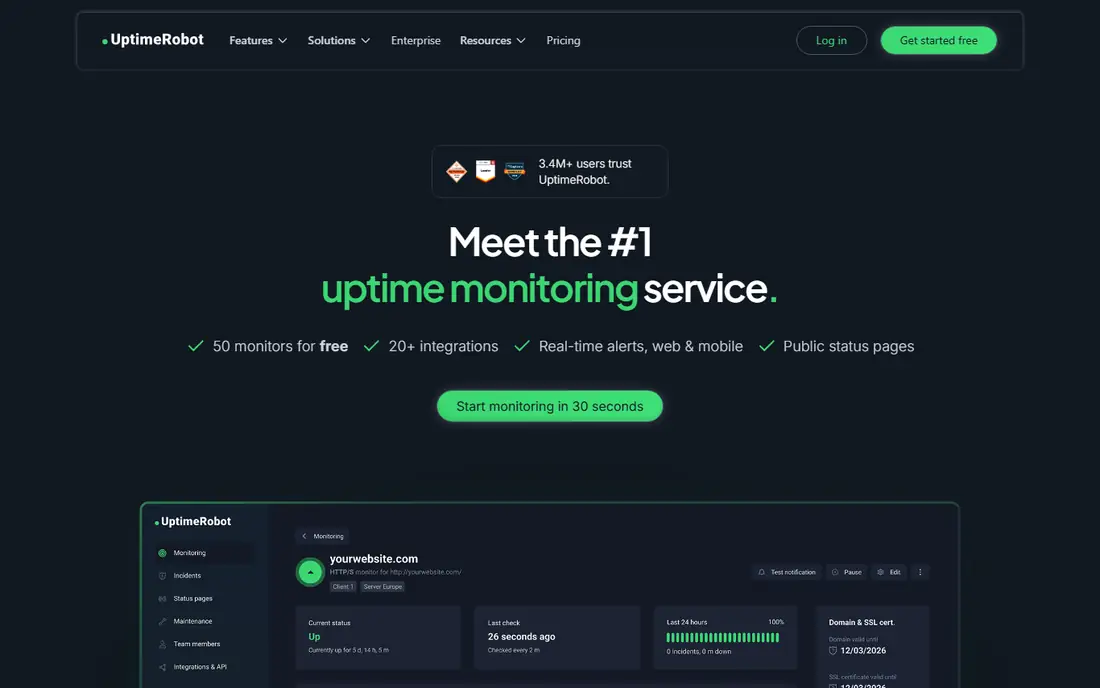
UptimeRobot is the most popular free uptime monitor for a reason: 50 monitors free, checks for websites, APIs, servers and endpoints, and alerts by email, SMS, voice call, push and integrations like Slack, Teams, Discord and PagerDuty. When a check fails, UptimeRobot re-checks from a different data center in the same region before opening an incident, so a single blip does not wake you up.
Paid plans tighten the interval: Solo checks every 60 seconds, Team every 30 seconds and Scale every 15 seconds, with multi-location checks, response time alerts, incident management and maintenance windows. For personal projects and small portfolios, the free tier alone is enough to catch downtime before users report it.
What we like- 50 monitors free with no credit card
- HTTP, ping, port, keyword, DNS and SSL monitor types
- Status pages and 20 plus integrations
- False positives filtered by re-checks
Watch out for- Free checks run every 5 minutes only
- Free plan is non-commercial
- Faster intervals and more locations need paid plans
Starting priceSee website
Free planNo
Pingdom, from SolarWinds, is the established name in website monitoring. Synthetic monitoring simulates visitor interaction, testing uptime, page speed and multi-step transactions like logins and checkouts, while real user monitoring shows how actual visitors experience your site by browser, device and geography. Together they answer both whether your site is up and whether it is fast for real users.
The platform is fully functional for 30 days as a trial, but there is no free tier, and pricing is not published on the homepage, so teams need a quote. For enterprises and hosting providers who need third-party proof of SLA performance, Pingdom's reporting and 100 plus check locations justify the cost. For small sites, the free tools here cover the same uptime basics for nothing.
What we like- Uptime checks from more than 100 locations worldwide
- Synthetic transaction monitoring plus real user monitoring in one platform
- Page speed analysis
- Public status pages
Watch out for- No free plan, only a 30-day trial
- Pricing is not published on the homepage
- RUM adds cost on top of synthetic checks
#3Better Stack
Best for: Teams combining uptime, logs and on-call4.8/5 on
G2 (344 reviews, checked Oct 2026)
Visit betterstack.com
Starting priceSee website
Free planYes
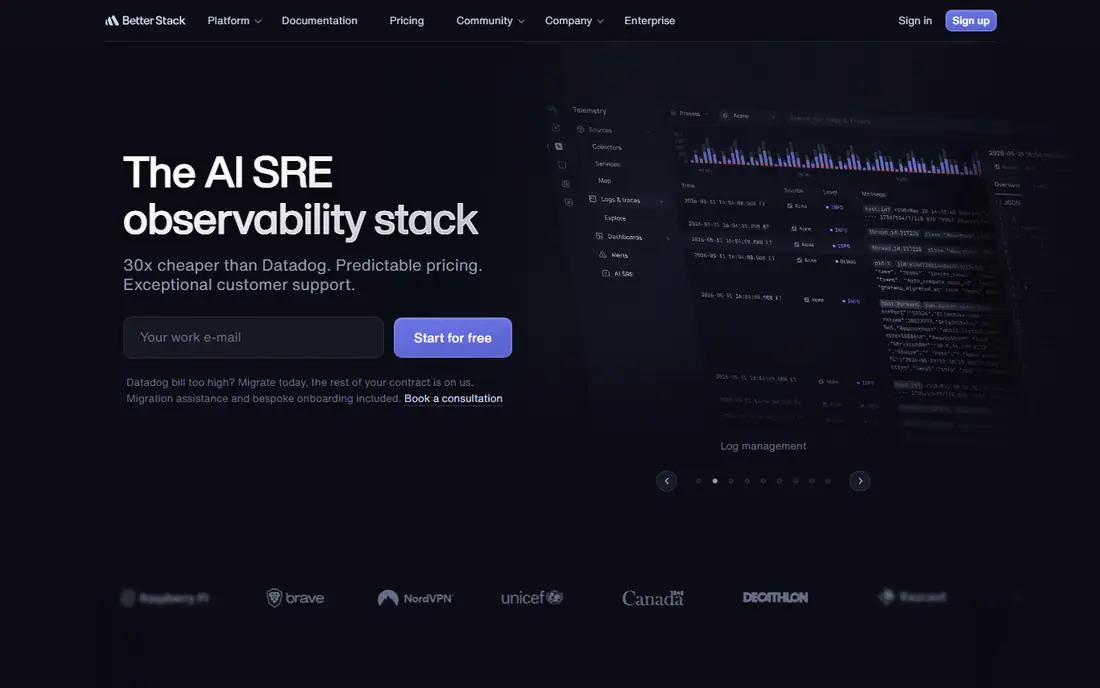
Better Stack is the all-in-one observability platform for teams that want uptime monitoring, log management, incident management, on-call scheduling and status pages without stitching five tools together. Its free tier covers 10 monitors with 3-minute checks, and paid plans add monitors in blocks plus on-call responders with unlimited phone and SMS alerts.
The vendor positions itself as far cheaper than Datadog with predictable pricing, and its status pages look genuinely good, with custom domains available. For a team that already needs logs and incident response, Better Stack replaces several subscriptions at once. For uptime checks alone, the simpler free tools here are cheaper and faster to set up.
What we like- Uptime monitoring plus logs, incidents, on-call and status pages in one platform
- Generous free tier
- Predictable pricing positioned against Datadog
Watch out for- Homepage focuses on the full observability stack, so uptime specifics need digging
- On-call responders add per-person cost
- Browser checks cost extra
#4StatusCake
Best for: Small teams needing several monitor types4.8/5 on
G2 (15 reviews, checked Oct 2026)
Visit statuscake.com
Starting priceFree
Free planYes
StatusCake has monitored websites since 2012 and now serves more than 220,000 customers. Its free plan covers 10 uptime monitors at 5-minute intervals plus one page speed, one domain and one SSL monitor, which is more breadth than most free tiers. Paid plans scale to 100 monitors at 1-minute intervals on Superior and 300 monitors at 30-second intervals on Business, with server monitoring, team tools and reporting.
The breadth is the selling point: one account watches uptime, page speed, SSL expiry, domain expiry and servers, with alerts routed through integrations and StatusCake Pages keeping customers informed. For small businesses that want several monitor types without several tools, StatusCake's free tier is one of the most complete.
What we like- Free plan with 10 uptime monitors, page speed, domain and SSL monitors
- Paid plans check every 30 seconds from 30 countries
- 220,000 plus customers since 2012
Watch out for- Paid pricing not shown on the homepage
- Free checks run every 5 minutes
- Server monitoring needs paid plans
Starting priceFree
Free planYes
Uptime Kuma is the self-hosted monitoring tool that developers love. One Docker command starts a full monitoring dashboard with uptime checks, status pages and notifications, and because it is open source, there are no monitor limits, no subscriptions and no data leaving your infrastructure. It is the tool teams choose when they want monitoring without depending on another vendor's uptime.
The trade-off is responsibility: you maintain the server, the backups and the availability of the monitor itself, which matters because a monitor that goes down with your site helps nobody. For homelabs, small teams with a spare server and privacy-conscious operators, Uptime Kuma is the best free option, and it pairs well with a hosted tool as a second opinion.
What we like- Completely free and open source
- Self-hosted, so your data stays with you
- Docker install in one command
- Status pages included
Watch out for- You run and maintain the server yourself
- No hosted support or SLA
- Single-server setup needs backup planning
#6Site24x7
Best for: Full-stack monitoring beyond uptime4.6/5 on
G2 (477 reviews, checked Oct 2026)
Visit site24x7.com
Starting price$9 per month
Free planNo
Site24x7 is the full-stack option for teams whose monitoring needs go beyond ping checks. Website monitoring sits alongside server, cloud, network, application performance, Kubernetes and real user monitoring, with synthetic transactions that record and simulate multi-step interactions in a real browser, like logins and checkouts. AI-powered anomaly detection flags problems before they become outages.
The Web Uptime plan starts around $9 per month billed annually for website monitoring, with higher plans adding transactions, RUM and APM. For a DevOps team that wants one console for the whole infrastructure, Site24x7 is strong value. For a small site that only needs uptime alerts, the free tools here are simpler and cheaper.
What we like- Website, server, cloud, network, APM and real user monitoring in one platform
- Synthetic transactions in real browsers
- Public status pages
- 13,000 plus customers
Watch out for- No free tier for ongoing use
- Breadth means a steeper learning curve
- Advanced features like RUM and transactions need higher plans
#7Checkly
Best for: Developer teams with monitoring as code4.6/5 on
G2 (33 reviews, checked Oct 2026)
Visit checklyhq.com
Starting priceFree
Free planYes
Checkly is the monitoring platform built for developers who treat monitoring configuration as code. Checks are written in TypeScript with Playwright, stored in your repository and deployed through the CLI, so uptime monitors, API checks and browser workflows live alongside the code they watch. The free Hobby plan covers 10 monitors, and paid plans from around $24 per month add more monitors and browser runs.
The platform now positions itself as an AI-native reliability layer, with agents able to create monitors from natural-language prompts and deploy them to 20 plus regions in under 30 seconds. For teams already shipping with Playwright tests, Checkly turns those tests into production monitors with almost no extra work. For non-technical users, the code-first approach is a barrier.
What we like- Monitoring as code with Playwright browser checks
- Free Hobby plan
- 20 plus global monitoring regions
- CLI and AI-native workflow for agents
Watch out for- Browser runs consume credits fast at short intervals
- Requires technical setup
- No real user monitoring
Starting priceFree
Free planYes
HetrixTools is the free tool that server operators quietly rely on. The free plan includes 15 uptime monitors and 32 blacklist monitors forever, with checks every minute from up to 12 locations, and an outage is only declared when most locations agree, which cuts false alarms dramatically. Ping and MTR diagnostics help troubleshoot network issues, and alerts go out by email, SMS, phone calls, webhooks and 17 apps on every plan, including free.
The blacklist monitoring is unique here: it watches whether your IPs or domains land on major blacklists and links straight to each delisting page, which matters for anyone running mail servers or shared hosting. For hosts, agencies and server admins, HetrixTools combines uptime and reputation monitoring in one free account.
What we like- 15 uptime monitors and 32 blacklist monitors free forever
- 1-minute checks from up to 12 locations
- Outages confirmed from several locations before alerting
- All alert channels on every plan
Watch out for- Interface is utilitarian rather than polished
- Server monitoring needs an agent install
- Smaller community than UptimeRobot
How we chose
We compared vendor homepages, pricing pages and documentation against public comparisons and user reviews. Every tool here had its official homepage opened and confirmed. One planned listing, Freshping, was dropped during checking because its domain now redirects to Freshworks' general homepage, and HetrixTools replaced it. Where a vendor does not publish a price on its homepage, we recorded "See website" instead of repeating third-party estimates.
What to weigh before you buy
Start with check frequency. A 5-minute interval means up to 5 minutes of undetected downtime, which is fine for a blog but not for a checkout flow. Paid plans at 30-second or 1-minute intervals catch outages faster, and multi-location checks catch regional outages that a single location misses.
Then match the tool to your stack. Simple uptime alerts suit UptimeRobot, StatusCake or HetrixTools free tiers. Developer teams get more from Checkly's monitoring as code or Better Stack's combined platform. Full infrastructure teams need Site24x7 or Pingdom. And if you want zero vendor dependence, self-host Uptime Kuma and keep a free hosted tool as backup.
Frequently asked questions
What is a ping monitoring tool?
A ping monitoring tool repeatedly checks whether a website, server or API endpoint is reachable and responding, using ICMP ping, HTTP requests or port checks, and alerts you when it stops responding. Most tools also track response times, SSL expiry and keyword presence.
How often should ping checks run?
For critical services, 1-minute or 30-second intervals catch outages fast enough to limit damage. For personal sites and blogs, 5-minute checks on a free plan are usually enough, since the cost of a few extra minutes of downtime is low.
Is free uptime monitoring reliable?
Yes, for basic uptime checks. UptimeRobot, StatusCake and HetrixTools all offer genuinely free tiers used by thousands of sites. The limits are check frequency, monitor counts and support, not reliability of the checks themselves.
What is the difference between uptime monitoring and real user monitoring?
Uptime monitoring checks from outside your infrastructure whether your site responds, while real user monitoring measures how actual visitors experience your site, including load times by browser, device and location. Pingdom and Site24x7 offer both; most free tools offer uptime only.
Should I monitor from multiple locations?
Yes, if your audience is global. A site can be down in one region while working in another due to DNS, CDN or routing issues, and multi-location checks with outage confirmation reduce both missed outages and false alarms.
Sources we checked (10)
- https://uptimerobot.com
- https://www.pingdom.com
- https://betterstack.com
- https://www.statuscake.com
- https://uptime.kuma.pet
- https://www.site24x7.com
- https://checklyhq.com
- https://hetrixtools.com
- https://hyperping.com/blog/best-pingdom-alternatives
- https://dev.to/devhelm/best-website-monitoring-tools-in-2026-what-engineering-teams-actually-use-5fkn
Is your product missing or out of date?
We review this list regularly. Vendors can request a listing, send updated pricing or ask about featured placement.

Shihab Mia · Founder, Rankite
Shihab has 5+ years in B2B and SaaS SEO. He writes Rankite's software buying guides from pricing pages, documentation and public user reviews. More about Shihab.