How we make this list: we compare pricing pages, product documentation and public user reviews. Ratings come from G2, Capterra or Trustpilot, with the date we checked them.
Key takeaways
- Todoist is the fastest option for capturing tasks, while Notion is the most flexible for building a custom system.
- TickTick gives the most features per dollar, with habits and a focus timer included in the same app.
- Motion and Sunsama cost more, but they help readers who struggle to fit tasks into a real calendar.
- Google Calendar is a strong free starting point, especially inside the Google ecosystem.
- Start free where possible, then pay only when a specific paid feature solves a weekly problem.
Quick comparison
| Tool | Best for | Starting price | Free plan |
|---|
 Todoist Todoist | Fast task capture on any device | $5 per user/month (billed annually) | Yes |
 Notion Notion | Building a custom planning system | $10 per user/month (billed annually) | Yes |
 TickTick TickTick | Tasks, calendar, habits, and focus in one app | $49.99 per year | Yes |
 Motion Motion | Automatic scheduling of tasks and meetings | See website | Free trial (7 days) |
 Sunsama Sunsama | Guided daily planning with time blocking | $19.99 per month | Free trial (14 days) |
 Any.do Any.do | Simple lists, reminders, and family sharing | $4.99 per user/month (billed annually) | Yes |
 Google Calendar Google Calendar | Free calendar-based planning with Google accounts | $0 | Yes |
Is your product missing or out of date?
We review this list regularly. Vendors can request a listing, send updated pricing or ask about featured placement.
#1Todoist
Best for: Fast task capture on any device4.5/5 on
G2 (832 reviews, checked Oct 2026)
Visit todoist.com
Starting price$5 per user/month (billed annually)
Free planYes
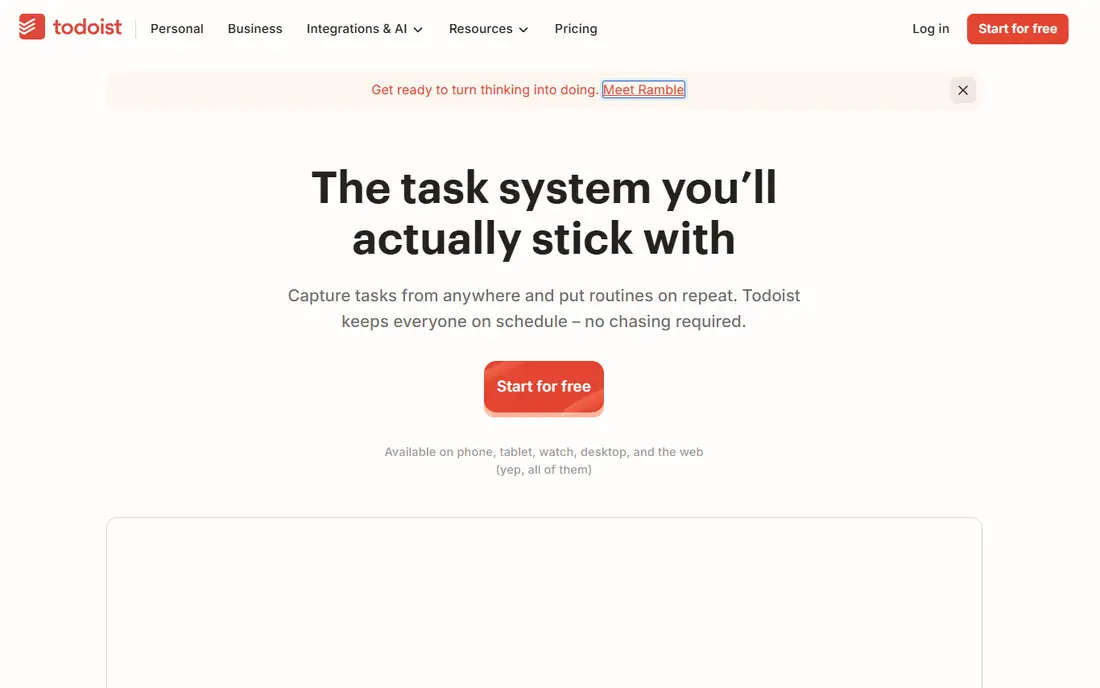
Todoist earns its place first because it turns a thought into a task in seconds. Type a task in plain words, add a date and a project in the same line, and the entry is filed without opening extra menus. It is built around fast task capture on any device, and that focus shows in how the main screens are arranged, with the most used actions close at hand and less used settings kept out of the way. For a new user, the first week usually settles the question of fit, because the core routine either feels natural or it starts to feel like extra work.
In daily use, Todoist works best when it holds one clear job at first. Move only the lists or schedules you already use, and check the tool on a phone as well as on a computer, because a tool that is awkward on the device you carry will be skipped on busy days.
On price, compare the free plan or trial against the features you use every week, not against the full feature list. Todoist fits readers who want fast task capture on any device. If the limits below look like daily friction, choose a different option from this list instead of forcing a fit.
What we like- Natural language task entry
- Apps on almost every platform
- Clear projects, labels, and priorities
Watch out for- Reminders need the paid plan
- No built-in time blocking
#2Notion
Best for: Building a custom planning system4.6/5 on
G2 (13,834 reviews, checked Oct 2026)
Visit notion.com
Starting price$10 per user/month (billed annually)
Free planYes
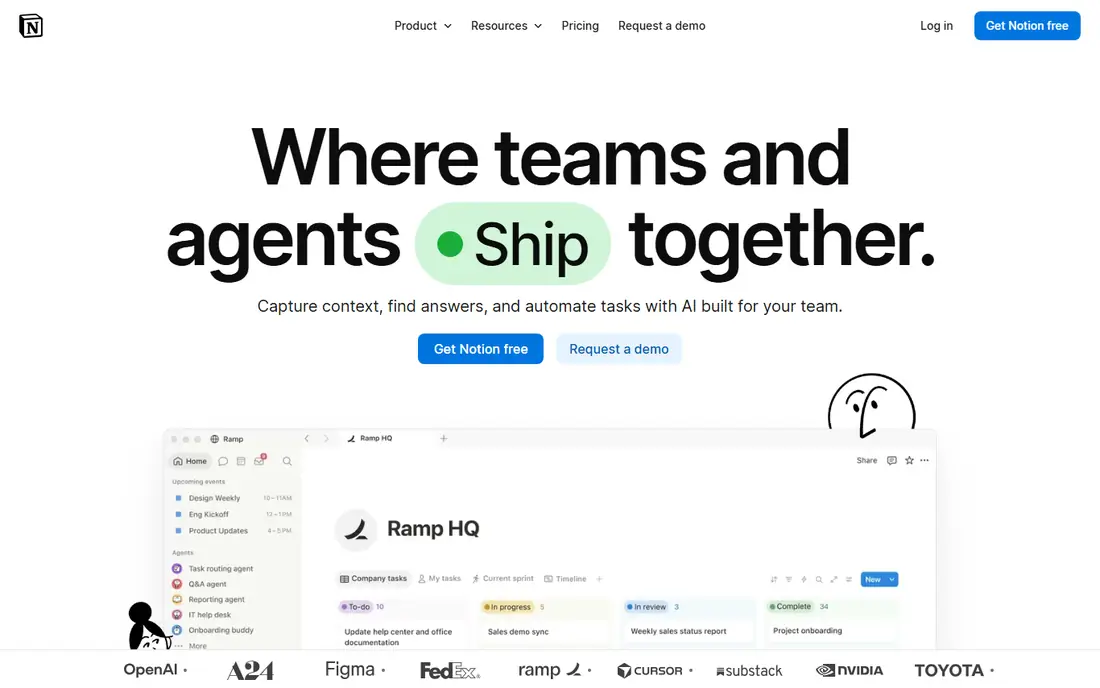
Notion suits readers who want to design their own planner rather than accept a fixed layout. Pages, databases, and templates can be combined into a weekly planner, a project tracker, or a simple task list, and the same workspace can hold notes beside the work. It is built around building a custom planning system, and that focus shows in how the main screens are arranged, with the most used actions close at hand and less used settings kept out of the way. For a new user, the first week usually settles the question of fit, because the core routine either feels natural or it starts to feel like extra work.
In daily use, Notion works best when it holds one clear job at first. Move only the lists or schedules you already use, and check the tool on a phone as well as on a computer, because a tool that is awkward on the device you carry will be skipped on busy days.
On price, compare the free plan or trial against the features you use every week, not against the full feature list. Notion fits readers who want building a custom planning system. If the limits below look like daily friction, choose a different option from this list instead of forcing a fit.
What we like- Flexible pages and databases
- Strong templates for planning
- Works for notes, tasks, and docs together
Watch out for- Setup takes time for new users
- Can feel heavy for a simple list
#3TickTick
Best for: Tasks, calendar, habits, and focus in one app4.5/5 on
G2 (113 reviews, checked Oct 2026)
Visit ticktick.com
Starting price$49.99 per year
Free planYes
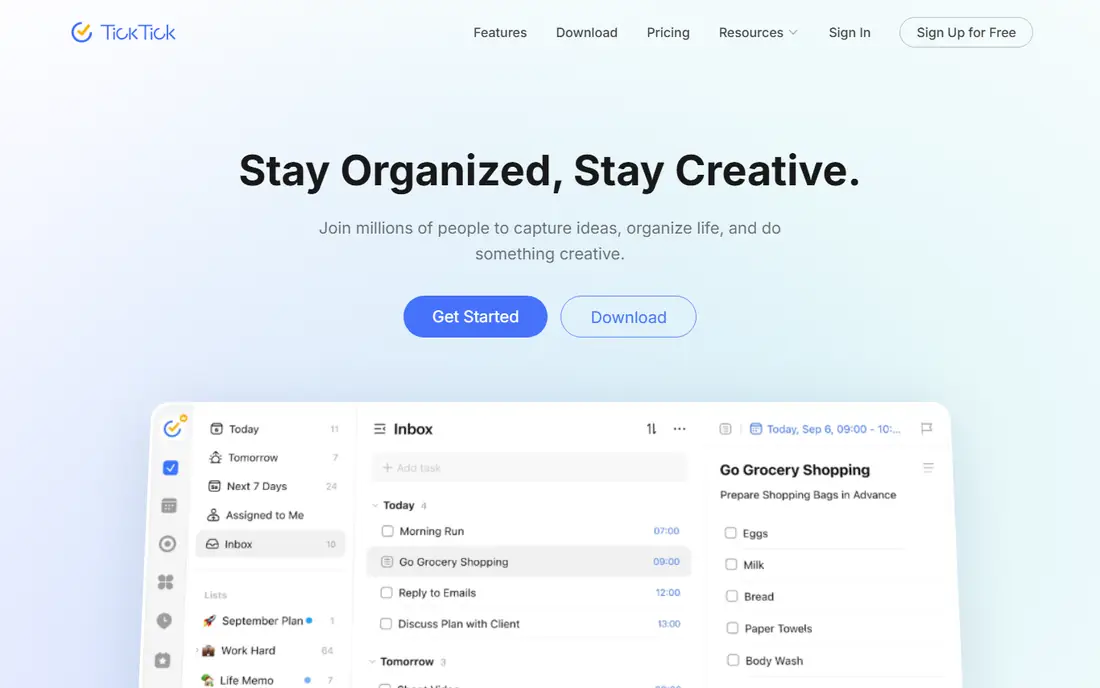
TickTick packs several daily tools into one app, which helps readers who dislike switching between apps. Tasks, a calendar, habits, and a focus timer live in the same account, so a morning plan, a habit streak, and a timed work session do not need three separate tools. It is built around tasks, calendar, habits, and focus in one app, and that focus shows in how the main screens are arranged, with the most used actions close at hand and less used settings kept out of the way. For a new user, the first week usually settles the question of fit, because the core routine either feels natural or it starts to feel like extra work.
In daily use, TickTick works best when it holds one clear job at first. Move only the lists or schedules you already use, and check the tool on a phone as well as on a computer, because a tool that is awkward on the device you carry will be skipped on busy days.
On price, compare the free plan or trial against the features you use every week, not against the full feature list. TickTick fits readers who want tasks, calendar, habits, and focus in one app. If the limits below look like daily friction, choose a different option from this list instead of forcing a fit.
What we like- Built-in habit tracker and Pomodoro timer
- Full calendar views
- Good value on the annual plan
Watch out for- Interface is busier than simpler apps
- Some features sit behind the paid plan
#4Motion
Best for: Automatic scheduling of tasks and meetings4.1/5 on
G2 (157 reviews, checked Oct 2026)
Visit usemotion.com
Starting priceSee website
Free planFree trial (7 days)
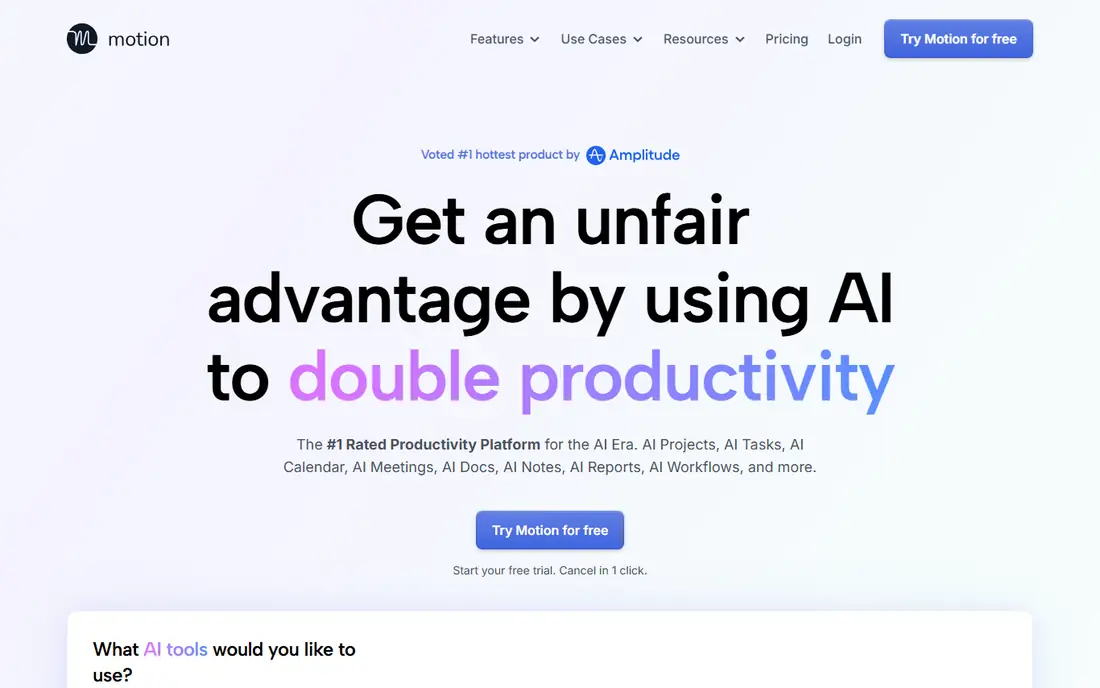
Motion is the choice for readers whose main problem is not listing work, but finding time for it. It takes tasks, deadlines, and calendar events and builds a schedule from them, then reshapes that schedule when priorities or meetings change. It is built around automatic scheduling of tasks and meetings, and that focus shows in how the main screens are arranged, with the most used actions close at hand and less used settings kept out of the way. For a new user, the first week usually settles the question of fit, because the core routine either feels natural or it starts to feel like extra work.
In daily use, Motion works best when it holds one clear job at first. Move only the lists or schedules you already use, and check the tool on a phone as well as on a computer, because a tool that is awkward on the device you carry will be skipped on busy days.
On price, compare the free plan or trial against the features you use every week, not against the full feature list. Motion fits readers who want automatic scheduling of tasks and meetings. If the limits below look like daily friction, choose a different option from this list instead of forcing a fit.
What we like- Automatically schedules tasks around meetings
- Warns about at-risk deadlines
- Combines tasks, projects, and calendar
Watch out for- No free plan, only a trial
- Price is high for a single user
#5Sunsama
Best for: Guided daily planning with time blocking4.7/5 on
Capterra (27 reviews, checked Oct 2026)
Visit sunsama.com
Starting price$19.99 per month
Free planFree trial (14 days)
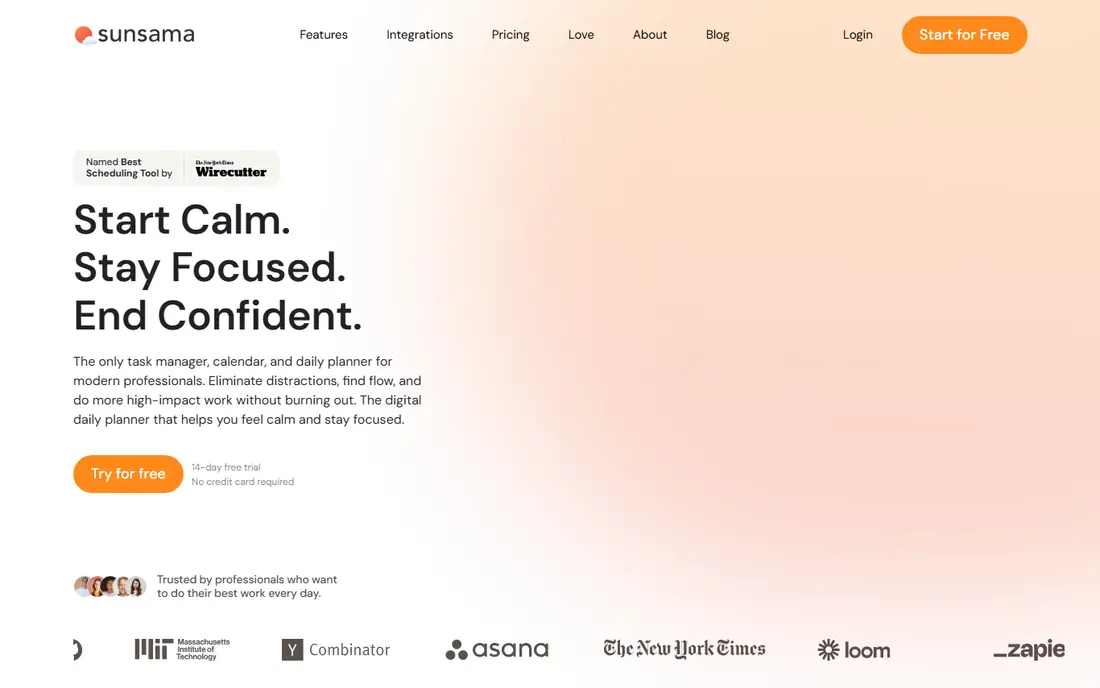
Sunsama slows planning down on purpose, and that slower routine is exactly what some readers need. Each day starts with a guided review, tasks are dragged onto the calendar in realistic blocks, and the day ends with a shutdown step that records what was finished. It is built around guided daily planning with time blocking, and that focus shows in how the main screens are arranged, with the most used actions close at hand and less used settings kept out of the way. For a new user, the first week usually settles the question of fit, because the core routine either feels natural or it starts to feel like extra work.
In daily use, Sunsama works best when it holds one clear job at first. Move only the lists or schedules you already use, and check the tool on a phone as well as on a computer, because a tool that is awkward on the device you carry will be skipped on busy days.
On price, compare the free plan or trial against the features you use every week, not against the full feature list. Sunsama fits readers who want guided daily planning with time blocking. If the limits below look like daily friction, choose a different option from this list instead of forcing a fit.
What we like- Calm guided start-of-day routine
- Time blocking on the calendar
- Pulls tasks from other tools
Watch out for- No free plan, only a trial
- Costs more than simple task apps
#6Any.do
Best for: Simple lists, reminders, and family sharing4.2/5 on
G2 (197 reviews, checked Oct 2026)
Visit any.do
Starting price$4.99 per user/month (billed annually)
Free planYes
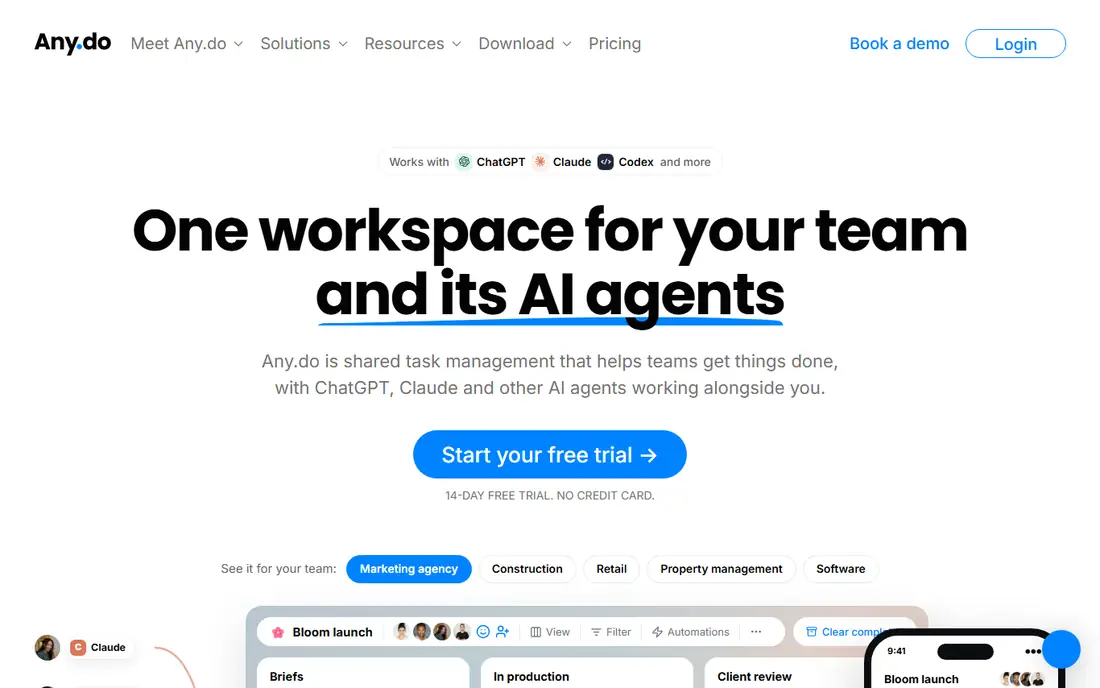
Any.do keeps the focus on the list itself, with little setup standing between a user and a finished task. Lists, reminders, and a calendar view cover most personal planning, and shared lists make it useful for a household that needs one grocery list and one set of chores. It is built around simple lists, reminders, and family sharing, and that focus shows in how the main screens are arranged, with the most used actions close at hand and less used settings kept out of the way. For a new user, the first week usually settles the question of fit, because the core routine either feels natural or it starts to feel like extra work.
In daily use, Any.do works best when it holds one clear job at first. Move only the lists or schedules you already use, and check the tool on a phone as well as on a computer, because a tool that is awkward on the device you carry will be skipped on busy days.
On price, compare the free plan or trial against the features you use every week, not against the full feature list. Any.do fits readers who want simple lists, reminders, and family sharing. If the limits below look like daily friction, choose a different option from this list instead of forcing a fit.
What we like- Clean and simple task lists
- Location and time reminders on paid plans
- Shared lists for families
Watch out for- Fewer project features than larger tools
- Some useful reminders need the paid plan
#7Google Calendar
Best for: Free calendar-based planning with Google accounts4.7/5 on
G2 (78 reviews, checked Oct 2026)
Visit calendar.google.com
Starting price$0
Free planYes
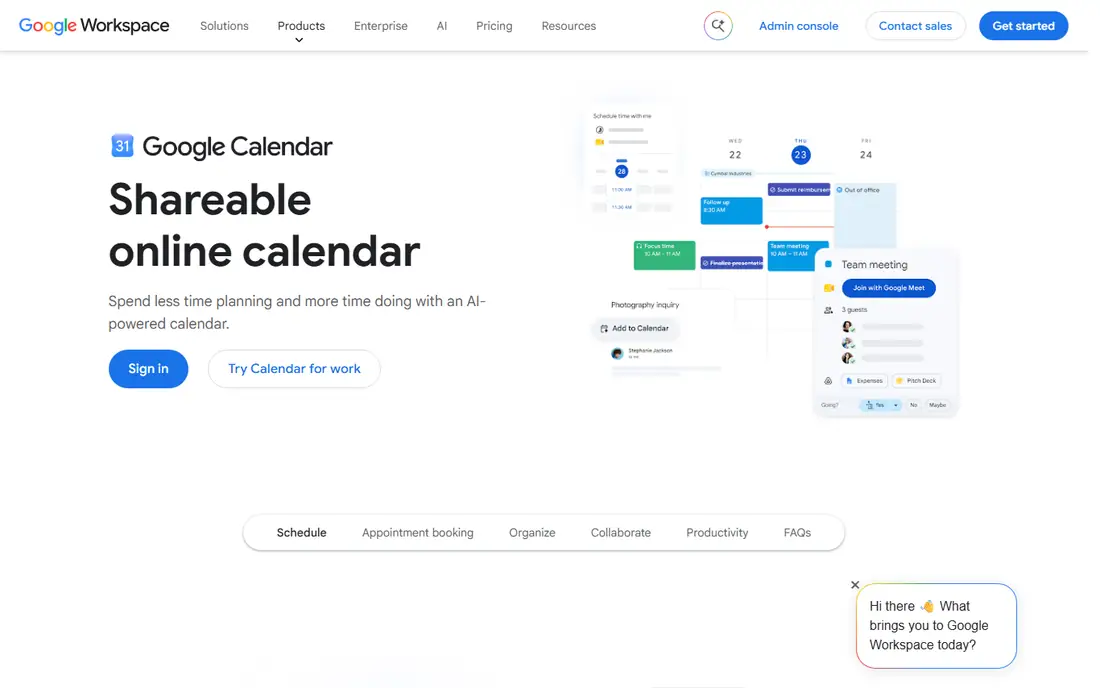
Google Calendar is the simplest planner on this list, and for many readers that simplicity is a strength. Events, reminders, and shared calendars sit in one place, and tasks can be added beside events without learning a new system. It is built around free calendar-based planning with google accounts, and that focus shows in how the main screens are arranged, with the most used actions close at hand and less used settings kept out of the way. For a new user, the first week usually settles the question of fit, because the core routine either feels natural or it starts to feel like extra work.
In daily use, Google Calendar works best when it holds one clear job at first. Move only the lists or schedules you already use, and check the tool on a phone as well as on a computer, because a tool that is awkward on the device you carry will be skipped on busy days.
On price, compare the free plan or trial against the features you use every week, not against the full feature list. Google Calendar fits readers who want free calendar-based planning with google accounts. If the limits below look like daily friction, choose a different option from this list instead of forcing a fit.
What we like- Free with a Google account
- Easy sharing with other people
- Strong mobile and web apps
Watch out for- Task features are basic
- Needs a Google account for full use
How we chose
We compared pricing pages, product documentation, and public feature descriptions for tools that are available in the United States in 2026, and we kept only tools that fit the category without stretching the definition. Price, free plan terms, platform support, and the limits that affect daily use carried more weight than marketing claims, because a tool that looks strong in a demo can still fail on a normal Tuesday. We also checked that each official homepage loads and belongs to the named product, and we left out tools that could not be verified. Where a price could not be confirmed from the vendor page at the time of writing, the entry says See website rather than guessing a figure.
How to pick a planner you will keep using
Match the tool to your planning style
Some readers plan by list, some plan by calendar, and some plan by building a system. List planners should start with Todoist or Any.do. Calendar planners should try Google Calendar, Sunsama, or Motion. System builders should try Notion or TickTick, where databases and views can be shaped to fit a routine.
Try one tool for two full weeks
A planner needs at least two normal weeks to prove itself, including one week with travel, illness, or a deadline crunch. During that trial, track three things: how fast capture feels, how often the plan survives contact with a busy day, and how much time setup takes each morning. If setup takes more than a few minutes, the tool is too heavy for the job.
Check the device and the people around you
A planner must work on the phone you carry, the computer you use at work, and, where needed, with the people who share your lists or calendar. Check sharing, calendar sync, and offline access before paying, because those limits only become clear after the trial ends. A cheaper tool that syncs well beats an expensive tool that leaves tasks stranded on one device.
Frequently asked questions
Which planner app is best for beginners?
Todoist and Any.do are the easiest starting points, because both open to a simple list and need little setup. Google Calendar is also easy if most of your planning is already event based. Start with one of those, and move to a heavier tool only when a clear limit appears.
Is a paid planner app worth the cost?
A paid plan is worth the cost when it removes a weekly problem, such as reminders, calendar views, or automatic scheduling. It is not worth the cost for features that look useful but go unused for a month. Use the free plan or trial first, then pay for the one feature you missed most.
Can one app replace a calendar and a task list?
TickTick, Motion, and Sunsama come closest, because they combine tasks with calendar views. Notion can also do this with more setup. If your calendar is shared with a team, keep the main calendar where the team already works and use the planner for tasks.
What is the difference between a planner app and a to-do list app?
A to-do list app mainly stores and checks off tasks. A planner app adds scheduling, routines, or a daily review on top of that list. The line is not sharp, and many tools on this list do both, so judge by the daily routine rather than the label.
Should I use a free planner app?
Yes, if the free plan covers your lists, reminders, and devices. Free plans from Todoist, TickTick, Any.do, and Google Calendar cover serious personal use. Pay only when you hit a limit that affects work every week.
How often should I review my planner?
A short daily review in the morning and a weekly review at the end of the week is enough for most readers. The daily review picks the tasks for the day, and the weekly review clears stale tasks and sets priorities for the next week.
Sources we checked (8)
- https://todoist.com/pricing
- https://www.notion.com/pricing
- https://ticktick.com/pricing
- https://www.usemotion.com/pricing
- https://sunsama.com/pricing
- https://www.any.do/pricing
- https://calendar.google.com
- https://todo.microsoft.com
Is your product missing or out of date?
We review this list regularly. Vendors can request a listing, send updated pricing or ask about featured placement.

Shihab Mia · Founder, Rankite
Shihab has 5+ years in B2B and SaaS SEO. He writes Rankite's software buying guides from pricing pages, documentation and public user reviews. More about Shihab.