How we make this list: we compare pricing pages, product documentation and public user reviews. Ratings come from G2, Capterra or Trustpilot, with the date we checked them.
Key takeaways
- GitHub is the default choice for most teams, with a free plan, $4 per user per month Team tier, and the largest familiar ecosystem.
- Codeberg suits teams that want free, community-run Git hosting without tracking, with issues, pull requests, and CI included.
- Bitbucket is the low-cost pick for teams already using Jira and Confluence, while Azure DevOps suits Microsoft-centered organizations.
- Perforce Helix Core suits large binary files and game development, where Git can struggle with very large assets.
- Self-hosted options such as Gitea and Apache Subversion give control over data and hosting, at the cost of more maintenance work.
Quick comparison
Is your product missing or out of date?
We review this list regularly. Vendors can request a listing, send updated pricing or ask about featured placement.

#1GitHub
Best for: Most teams and open source4.7/5 on
G2 (2,412 reviews, checked Oct 2026)
Visit github.com
Starting priceFree
Free planYes
GitHub is the version control platform most developers already know, which is a practical advantage when hiring, onboarding contractors, or contributing to open source. The free plan includes unlimited public and private repositories, issues, projects, and 2,000 Actions minutes per month, while Team at $4 per user per month adds protected branches, code owners, and more Actions minutes. Enterprise at $21 per user per month adds advanced security, SAML SSO, audit logs, and far more CI capacity. Pull requests, code review, and GitHub Pages for documentation cover most team workflows without extra tools.
The limits appear at scale and in regulated work. Advanced security features sit behind Enterprise, CI minutes and package storage have caps that growing teams must watch, and very large binary files require Git LFS rather than plain Git. GitHub also centers on Git, so teams using centralized workflows need to adapt. For most software teams, startups, and open source projects, GitHub is the safest default: familiar, well documented, and easy to integrate with deployment and project tools.
What we like- Largest Git hosting ecosystem
- Pull requests, Actions, and packages
- Free plan with unlimited repos
Watch out for- Advanced security needs Enterprise
- CI minutes and storage have limits
- Large binary files need Git LFS
Starting priceFree
Free planYes
Codeberg is a community-run Git hosting platform maintained by the non-profit Codeberg e.V. in Berlin. It offers repository hosting, issues, pull requests, and CI, and it states plainly that it does not track users, use third-party cookies, or sell data. Hosting is free, funded by optional donations and memberships rather than per-user fees, which makes it an easy choice for open source projects, students, and small teams that want a public home for code without a bill.
The trade-off is scale. The ecosystem is far smaller than GitHub, so teams will find fewer ready-made integrations, actions, and public examples, and there is no enterprise support tier comparable to GitHub Enterprise. Hosting sits in Europe, which is a plus for data protection but worth noting for teams with latency or residency rules elsewhere. Codeberg fits teams that value free, independent hosting and are comfortable with a smaller community, rather than teams that need the largest marketplace of integrations.
What we like- Free Git hosting with no tracking
- Run by a non-profit
- Issues, pull requests, and CI included
Watch out for- Smaller ecosystem than GitHub
- Fewer third-party integrations
- No enterprise support tier

#3Bitbucket
Best for: Atlassian-centered teams4.4/5 on
G2 (1,015 reviews, checked Oct 2026)
Visit bitbucket.org
Starting priceFree
Free planYes
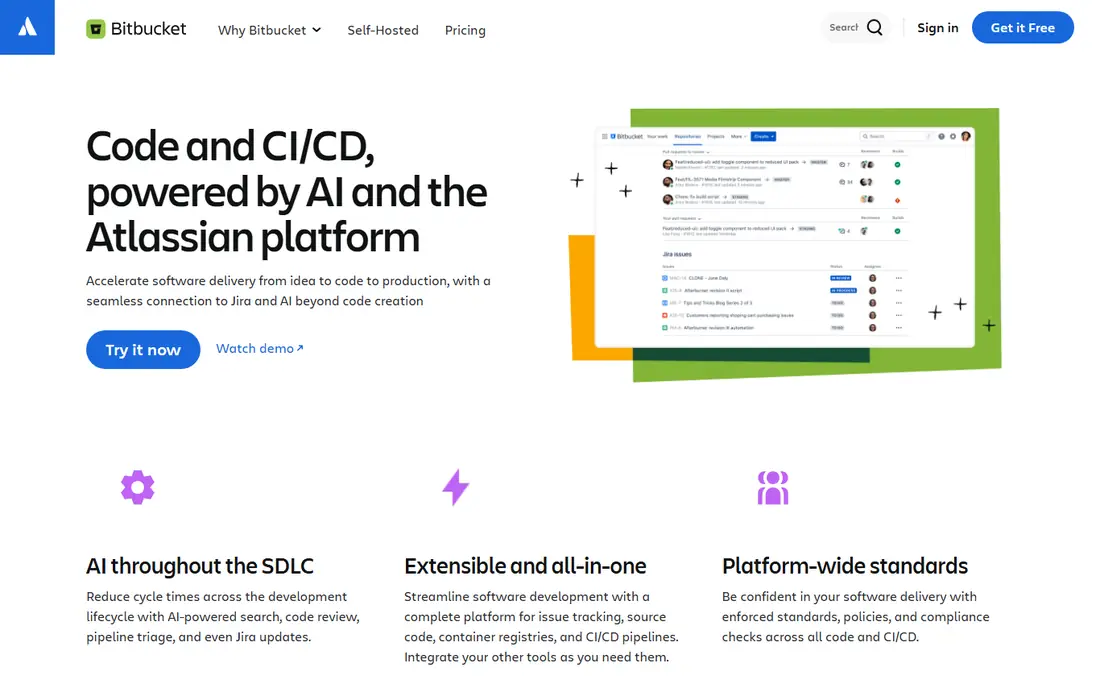
Bitbucket is the natural Git host for teams already paying for Jira and Confluence. Issues, pull requests, and Pipelines for CI connect directly to Jira tickets, so work tracking and code review stay in one workflow. The free plan covers up to five users with unlimited private repositories, while paid Standard and Premium tiers add more build minutes, deployment controls, and security features at a lower per-user price than GitHub Enterprise. For Atlassian shops, that integration saves time every day.
The free tier's five-user limit is the main constraint, and build minutes on lower plans are modest compared with GitHub Actions allowances. The wider ecosystem of actions, apps, and community examples is also smaller than GitHub's. Bitbucket suits small to mid-size teams centered on Atlassian tools, especially those that already track work in Jira and want code, review, and deployment linked to tickets without adding another vendor.
What we like- Tight Jira and Confluence integration
- Low paid entry price
- Simple pipeline setup
Watch out for- Free plan limited to five users
- CI minutes are modest
- Smaller ecosystem than GitHub
Starting priceFree
Free planYes
Azure DevOps bundles Repos for Git hosting, Boards for planning, Pipelines for CI and deployment, and Test Plans for quality work, with strong integration into Azure cloud services and Microsoft identity tools. That bundle suits organizations already running on Azure, Active Directory, and Visual Studio, since access, billing, and deployment fit the same stack. A free tier covers small teams and stakeholders, with paid basic users for larger teams, though exact pricing varies by user type and should be checked on the current plan page.
The interface can feel heavy for a small team that only needs Git hosting, and open source projects usually prefer GitHub for visibility and community. Azure DevOps also overlaps with GitHub in Microsoft's own lineup, which can confuse buyers choosing between them. In practice, choose Azure DevOps when your organization is Microsoft-centered and wants planning, testing, and deployment in one enterprise system, and choose GitHub when community reach and simplicity matter more.
What we like- Repos, Boards, Pipelines, and Test Plans together
- Strong Azure integration
- Free tier for small teams
Watch out for- Interface can feel enterprise-heavy
- GitHub is often preferred for open source
- Pricing varies by user type

#5Perforce Helix Core
Best for: Large files and game teams4.2/5 on
G2 (95 reviews, checked Oct 2026)
Visit perforce.com
Starting priceSee website
Free planFree trial
Perforce Helix Core, often called P4, is a centralized version control system built for very large files and large teams, especially in game development, chip design, and media production. Where Git can struggle with gigabytes of binary assets, Helix Core handles large files, partial checkouts, and detailed access controls more smoothly. It also supports streams and branching models designed for large code and asset bases, with tooling for build and release workflows that many game studios rely on.
The workflow differs from Git, so developers used to distributed branching need training, and the hiring pool familiar with Perforce is smaller than the Git pool. Pricing is quote-based and varies by team size and use, so this guide lists it as See website, with a trial to test performance on your actual assets. Perforce is the right choice when large binaries, strict access control, and scale matter more than Git familiarity, and it is often used alongside Git for code while assets live in Helix Core.
What we like- Handles very large binary files well
- Fine-grained access control
- Proven in game and chip work
Watch out for- Quote-based pricing
- Different workflow from Git
- Smaller hiring pool familiar with it
Starting priceSee website
Free planNo
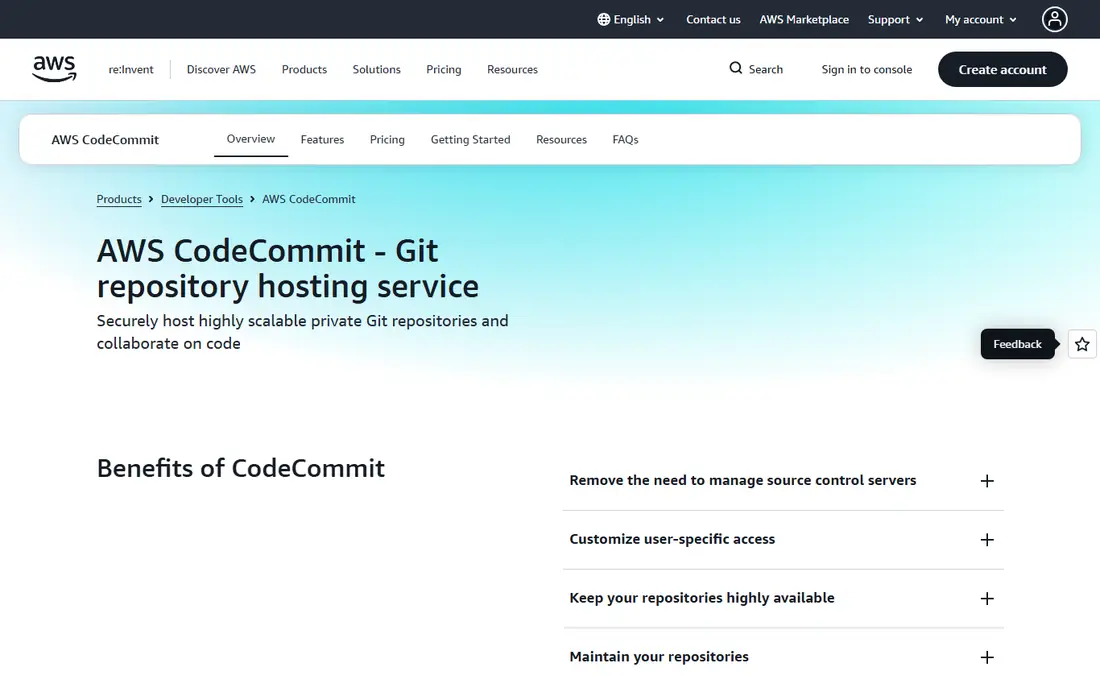
AWS CodeCommit is a fully managed Git hosting service for teams already building on Amazon Web Services. It uses IAM for access control, encrypts repositories, and integrates with CodePipeline, CodeBuild, and CloudWatch for deployment and monitoring, which keeps code, build, and deploy inside one AWS account and security model. For teams with strict AWS governance, that integration simplifies audits and access reviews compared with adding a separate SaaS host.
The ecosystem is smaller than GitHub, with fewer community actions, integrations, and public examples, and pricing follows AWS usage patterns rather than a simple per-user plan, so check the current AWS pricing page for your region and use. CodeCommit also ties your workflow more closely to AWS, which can complicate a move to another cloud later. It suits AWS-centered teams that value managed hosting, IAM control, and pipeline integration over community size.
What we like- Fully managed Git hosting on AWS
- IAM access control
- Integrates with CodePipeline and CloudWatch
Watch out for- No permanent free tier in the same sense as GitHub
- Smaller community ecosystem
- AWS lock-in for tooling

#7Gitea
Best for: Lightweight self-hosted Git4.7/5 on
G2 (17 reviews, checked Oct 2026)
Visit gitea.com
Starting priceFree
Free planYes
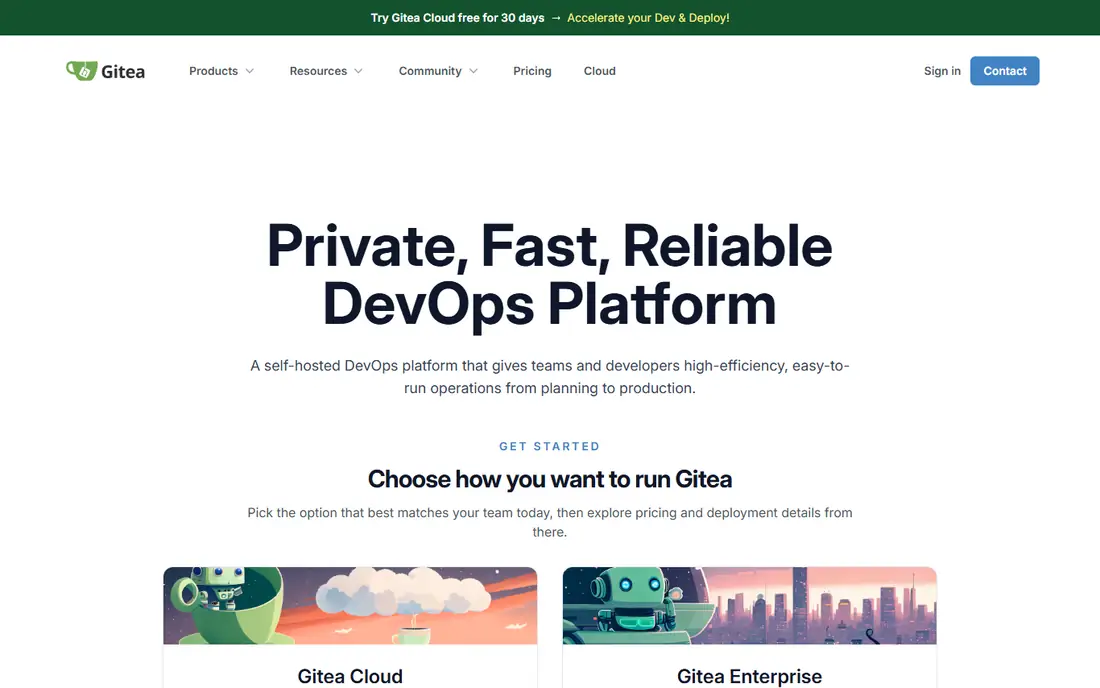
Gitea is a lightweight, open source Git hosting service you can run on your own server, even on modest hardware. It covers repositories, pull requests, issues, wikis, and package hosting in a clean interface, and it suits small teams, hobby projects, classrooms, and organizations that want full control over code data. Because it is free and self-hosted, there is no per-user fee, and you can run it behind a firewall for internal projects that should never leave your network.
Self-hosting is also the cost. You handle installation, backups, security updates, uptime, and scaling, and enterprise features such as advanced compliance controls are lighter than GitHub Enterprise. CI usually needs an external runner or extra setup. Gitea is best for teams that want a simple, private Git host they control, have someone comfortable maintaining a server, and do not need a large SaaS ecosystem.
What we like- Free and open source
- Light on resources
- Easy self-hosting for small teams
Watch out for- You maintain servers, backups, and updates
- Fewer enterprise features
- CI needs extra setup
Starting priceFree
Free planYes
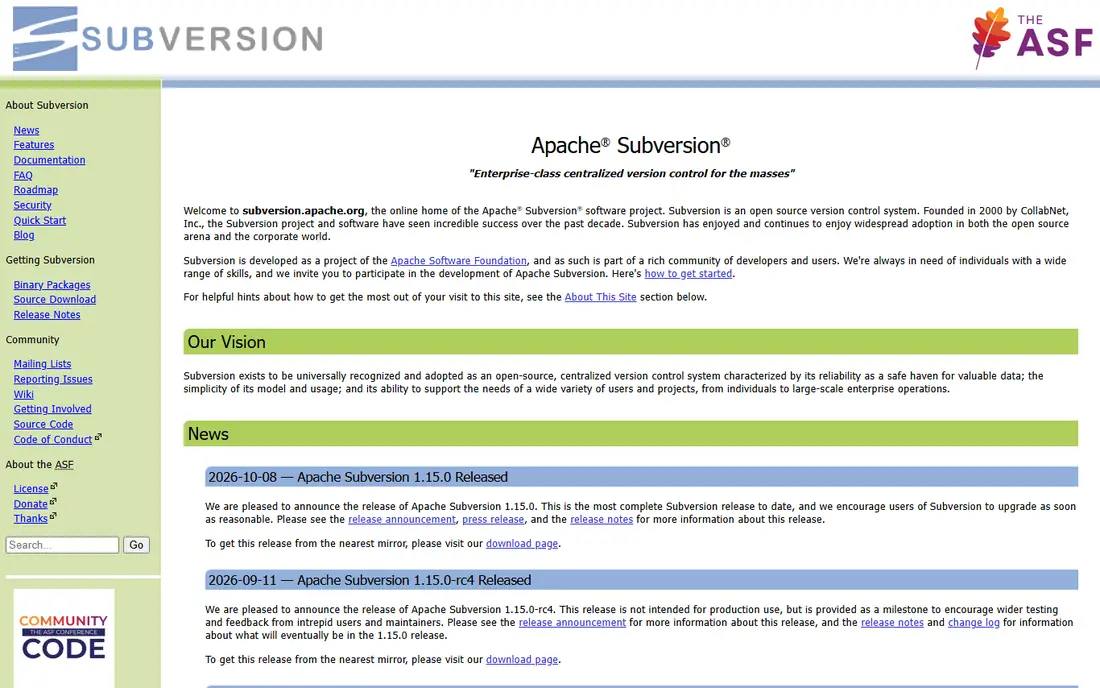
Apache Subversion, or SVN, is a centralized version control system that remains useful for teams with a single central repository, large document trees, or workflows that do not fit Git branching. It is free and open source, with a simple checkout, commit, and update model that new users often grasp quickly. SVN also handles large binary files and partial checkouts in ways that suit documentation, design assets, and legacy codebases where a central history matters more than distributed branching.
Git has largely replaced SVN for modern software development, so branching, merging, and offline work feel heavier in SVN, and the ecosystem of hosting, CI, and review tools is smaller. Teams starting fresh should usually choose Git hosting instead. SVN earns its place here for legacy projects, centralized document control, and teams that already run SVN well and do not want to migrate a large history for little gain.
What we like- Free and open source
- Simple centralized model
- Strong for documents and large trees
Watch out for- Centralized workflow differs from Git
- Branching and merging are heavier
- Smaller modern tooling ecosystem
How we chose
We reviewed official product and pricing pages, documentation, and public comparisons, and we compared hosting models, CI support, security features, access control, and self-hosting options. We favored tools that exist today and fit real coding workflows, from open source and startups to game studios and regulated teams, rather than code search or project tools that are not version control systems. Prices were taken from vendor pages where confirmed, including GitHub Team at $4 per user per month, and marked as See website where pricing varies by user type, region, or quote.
Choosing between Git hosting and self-hosting
Start with team size and data rules. Cloud hosting on GitHub or Bitbucket removes server work, gives fast onboarding, and offers CI, security scanning, and integrations out of the box. That suits most startups, agencies, and open source projects, where speed and hiring familiarity matter most. Self-hosting with Gitea suits teams with strict data residency, air-gapped networks, or internal-only code, but it adds maintenance, backup, and security work that someone must own.
Next, check branching and review habits. If your team uses pull requests, code owners, and protected branches, confirm those features exist on the plan you will actually pay for, not just the top tier. Check CI minutes, storage limits, and large file handling with your real repository size, since a demo with a tiny repo hides those limits. Finally, test migration early: import a real repository, run a pipeline, and invite the team to review a change. The tool that survives that week with the least friction is usually the right choice, even if another tool looks stronger on paper.
Frequently asked questions
What is the best tool for version control in coding?
GitHub is the best default for most teams, with a free plan, familiar pull requests, and a large ecosystem. Codeberg suits teams that want free, community-run hosting, Bitbucket suits Atlassian teams, and Perforce suits large binary files. The best tool depends on team size, existing tools, and whether you need self-hosting.
Is Git the same as GitHub?
No, Git is the distributed version control system itself, while GitHub, Bitbucket, Gitea, and Codeberg are hosting platforms built around Git. You can use Git locally without any host, but a host adds collaboration, pull requests, CI, and access control. Apache Subversion is a separate centralized system, not Git.
Can I use version control for free?
Yes, GitHub, Bitbucket, Gitea, Codeberg, and Apache Subversion all offer free options, though limits differ. GitHub free includes unlimited repositories, Bitbucket free covers up to five users, and Codeberg is free to use with optional donations. Self-hosted Gitea and Subversion are free software, but you pay for server time and maintenance.
Which version control tool is best for game development?
Perforce Helix Core is often preferred for game development because it handles very large binary assets, such as art and audio, better than plain Git. Many studios use Git for code and Perforce for assets, or use Git LFS to extend Git for larger files. Test with your actual asset sizes before committing to one approach.
Should a small team self-host version control?
Usually no, unless data rules require it. Cloud hosting removes server maintenance, backups, and security updates, and free tiers cover most small teams. Self-host with Gitea only when you need full data control, internal-only access, or an air-gapped setup, and you have someone to maintain it.
How do I migrate from one version control tool to another?
Start by mirroring the repository, including branches and tags, then test CI, access rules, and integrations in the new tool before switching the team. Keep the old host read-only for a transition period, update remote URLs and pipeline configs, and train the team on review and branch rules. A trial migration with a real project catches most problems early.
Sources we checked (8)
- https://github.com
- https://codeberg.org
- https://bitbucket.org
- https://azure.microsoft.com/en-us/products/devops
- https://www.perforce.com
- https://aws.amazon.com/codecommit
- https://gitea.com
- https://subversion.apache.org
Is your product missing or out of date?
We review this list regularly. Vendors can request a listing, send updated pricing or ask about featured placement.

Shihab Mia · Founder, Rankite
Shihab has 5+ years in B2B and SaaS SEO. He writes Rankite's software buying guides from pricing pages, documentation and public user reviews. More about Shihab.
 Codeberg
 Azure DevOps
 AWS CodeCommit
 Apache Subversion