How we make this list: we compare pricing pages, product documentation and public user reviews. Ratings come from G2, Capterra or Trustpilot, with the date we checked them.
Key takeaways
- GitHub Copilot remains the default AI pair programmer with the broadest IDE support.
- Cursor leads AI-native editors with agent workflows and deep codebase awareness.
- Windsurf and Amazon Q Developer target teams wanting agentic coding with enterprise controls.
- Tabnine, Cody, Augment Code and Qodo cover privacy-focused completion, code search and quality.
Quick comparison
Is your product missing or out of date?
We review this list regularly. Vendors can request a listing, send updated pricing or ask about featured placement.
AI coding tools split into in-IDE completion, AI-native editors and agentic platforms that plan and edit across files. Teams often combine one of each. Eight tools.
Starting priceSee website
Free planYes
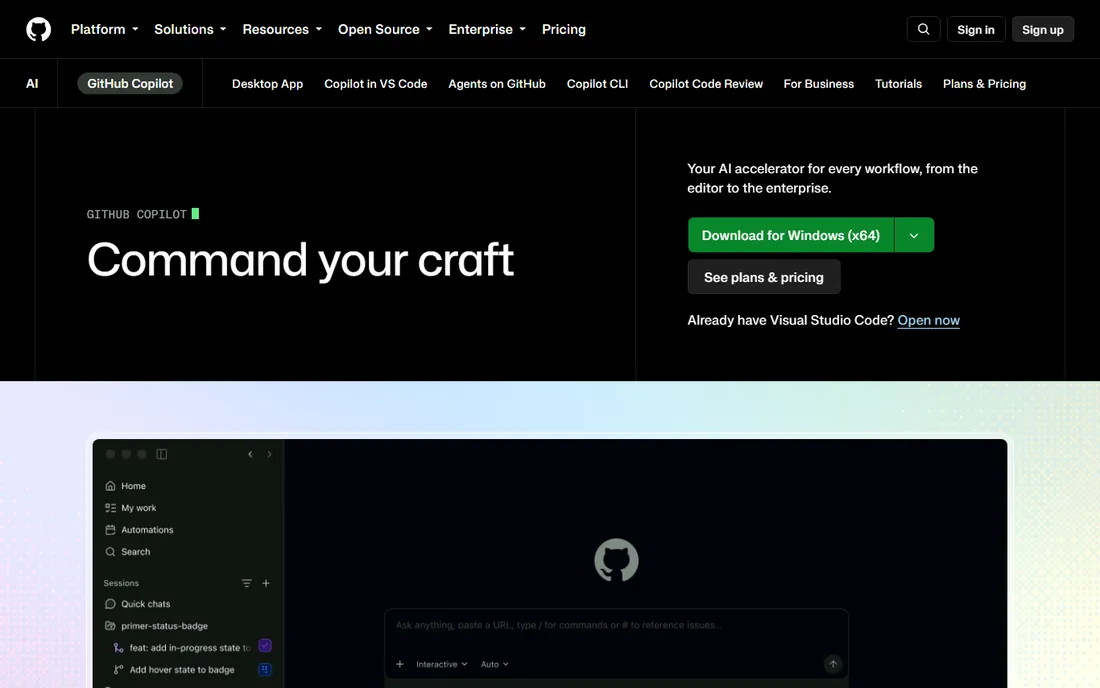
Copilot suggests code inline, answers questions in chat and now runs agent mode for multi-file tasks. The GitHub integration makes rollout simple for teams already there.
Output quality needs review discipline. Copilot fits teams wanting the most-supported default with minimal setup.
What we like- Inline suggestions plus chat and agent mode
- Works in VS Code, JetBrains and CLI
- Huge adoption and ecosystem
- Free tier available
Watch out for- Code review still essential
- Enterprise features add cost
Starting priceSee website
Free planYes
Cursor rethinks the editor around AI: chat with your codebase, generate across files and run agents in the background. Teams report real velocity gains on greenfield and refactoring work.
Usage-based billing needs monitoring. Cursor fits teams ready to adopt an AI-first editor as their daily driver.
What we like- VS Code fork built around AI
- Agent mode with background coding
- Codebase indexing
- Fast-moving feature releases
Watch out for- Pricing can surprise heavy users
- Leaving the VS Code ecosystem has trade-offs
Starting priceSee website
Free planYes
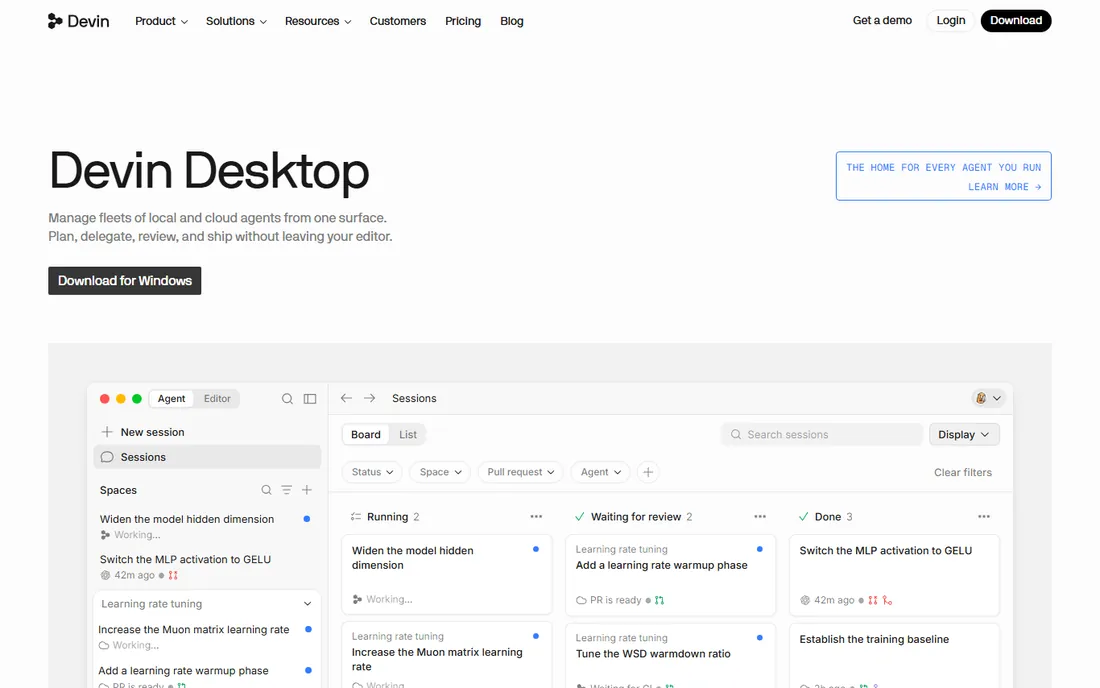
Windsurf (from the Codeium team) combines an AI-native IDE with the Cascade agent that plans, writes and iterates across files. Completion quality benefits from years of Codeium work.
Agent autonomy needs review. Windsurf fits teams wanting agentic coding with a generous free tier.
What we like- Cascade agent for multi-step coding
- Deep codebase understanding
- Free tier
- Codeium lineage in completion quality
Watch out for- Newer brand with a smaller ecosystem
- Agentic workflows need guardrails
Starting priceSee website
Free planYes
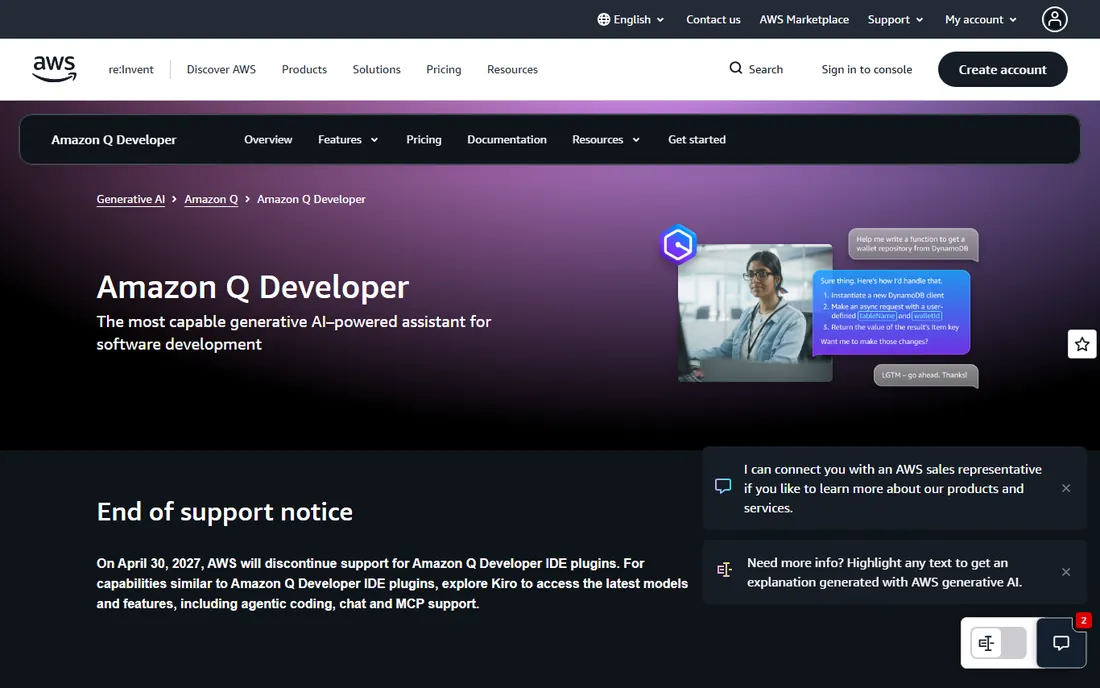
Amazon Q Developer generates code, scans for security issues and helps modernize applications, with deep AWS knowledge. Teams on AWS get the most value.
Multi-cloud teams compare carefully. It fits engineering orgs standardized on AWS needing secure AI assistance.
What we like- Code generation plus security scanning
- AWS API expertise
- Transformation features for upgrades
- Free tier for individuals
Watch out for- Best on AWS
- General coding lags specialist tools in some areas
Starting priceSee website
Free planYes
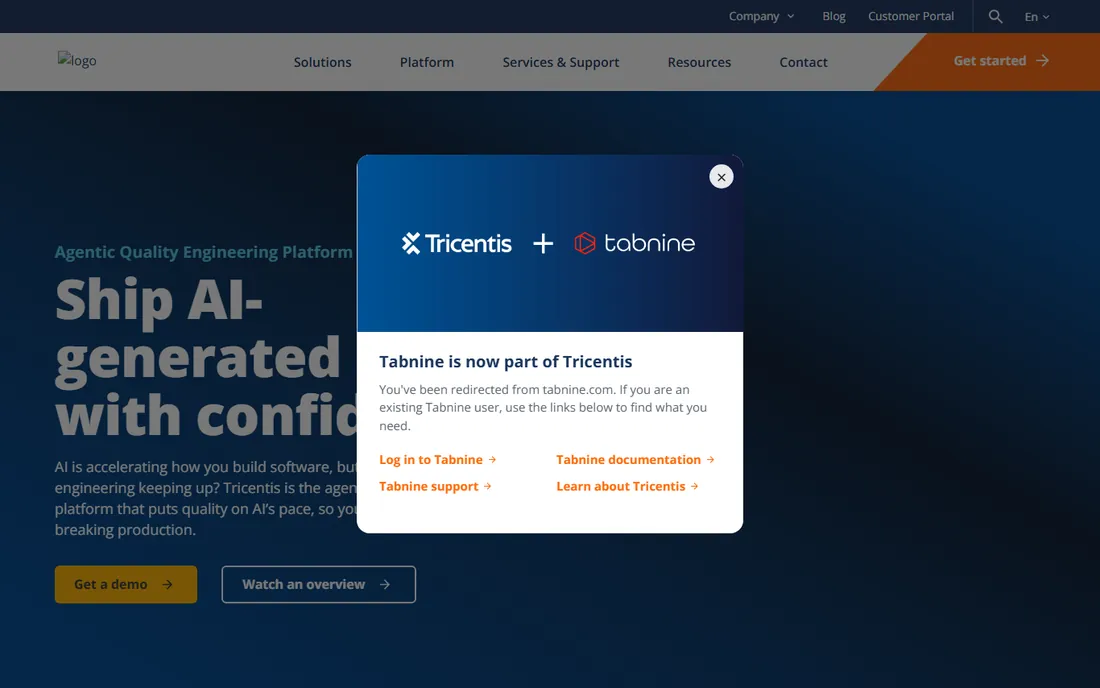
Tabnine focuses on private, personalized completion: models learn your team's patterns without exposing code, with self-hosting for regulated environments.
It is completion-first, not agentic. Tabnine fits enterprises prioritizing code privacy and compliance.
What we like- Personalized completions trained on your codebase
- On-prem and private deployment options
- 80-plus IDE support
- Enterprise security focus
Watch out for- Completion style is more conservative than agents
- The free tier is limited
Starting priceSee website
Free planYes
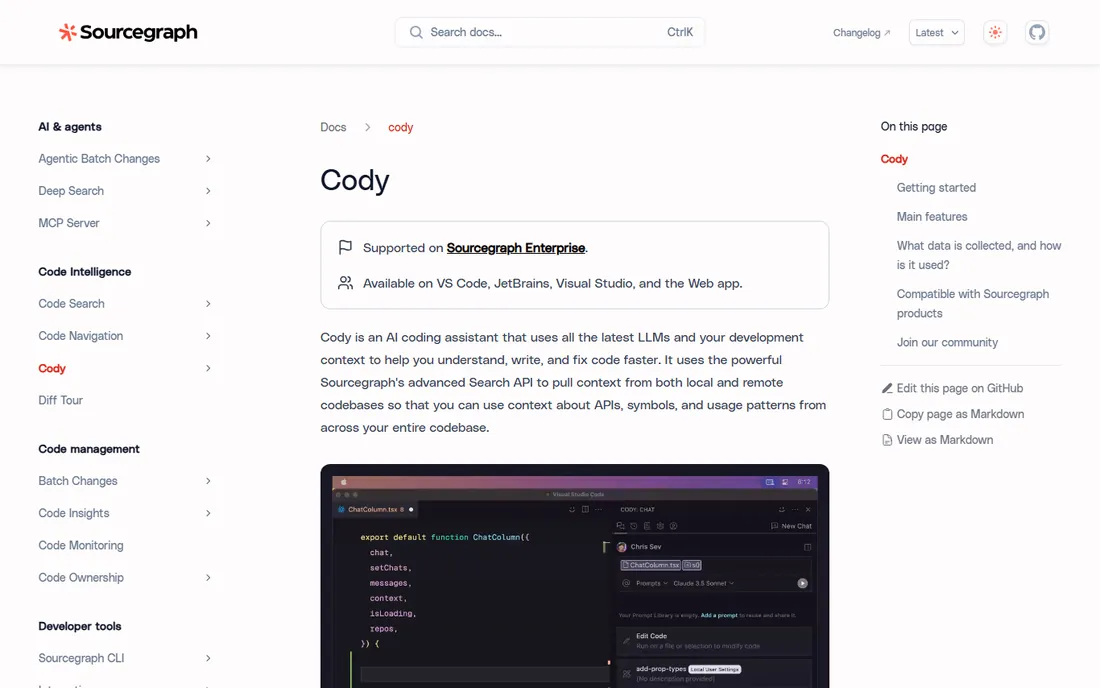
Cody answers questions and writes code with awareness of your entire codebase, powered by Sourcegraph's code graph and search. Large teams navigating monorepos benefit most.
Standalone value is lower. Cody fits enterprises already using Sourcegraph or managing sprawling codebases.
What we like- Deep codebase context via Sourcegraph code intelligence
- Multi-repo understanding
- Strong for large monorepos
- Enterprise search heritage
Watch out for- Shines brightest with Sourcegraph
- Editor experience is less native than Cursor
Starting priceSee website
Free planNo
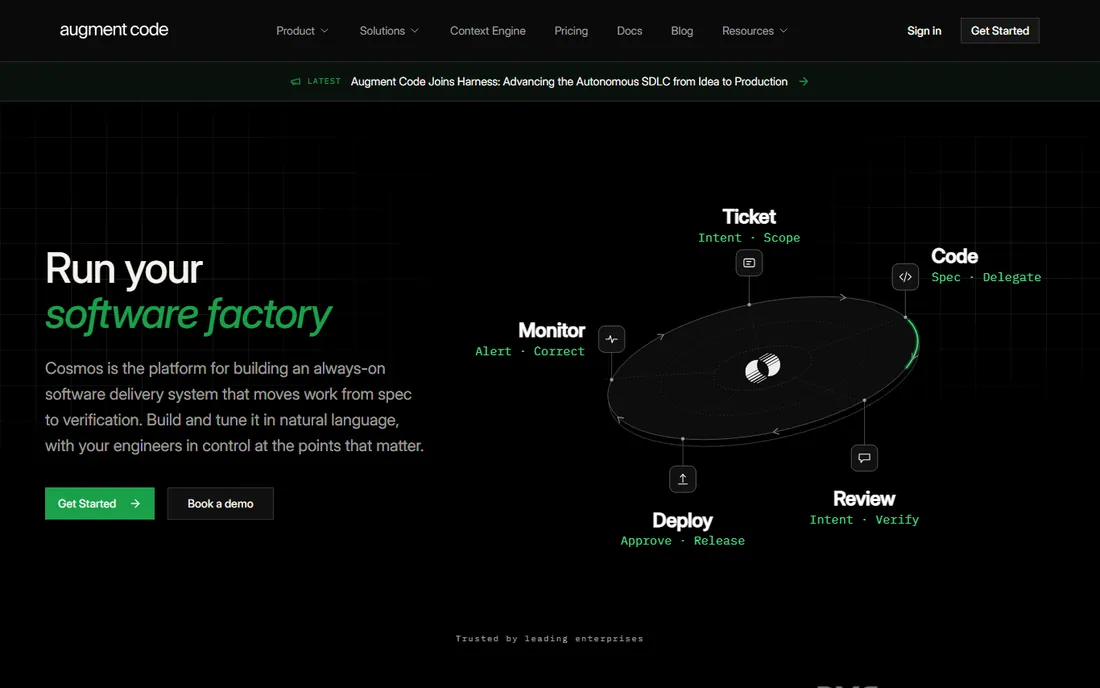
Augment Code targets large enterprise codebases with deep context: its code graph understanding handles the sprawling dependencies that confuse smaller-context tools.
It is an enterprise purchase. Augment fits large engineering orgs where codebase scale is the core problem.
What we like- Very large context windows with code graph awareness
- Built for enterprise codebases
- Strong on complex refactoring
Watch out for- Paid-only
- Smaller community than Copilot or Cursor
Starting priceSee website
Free planYes
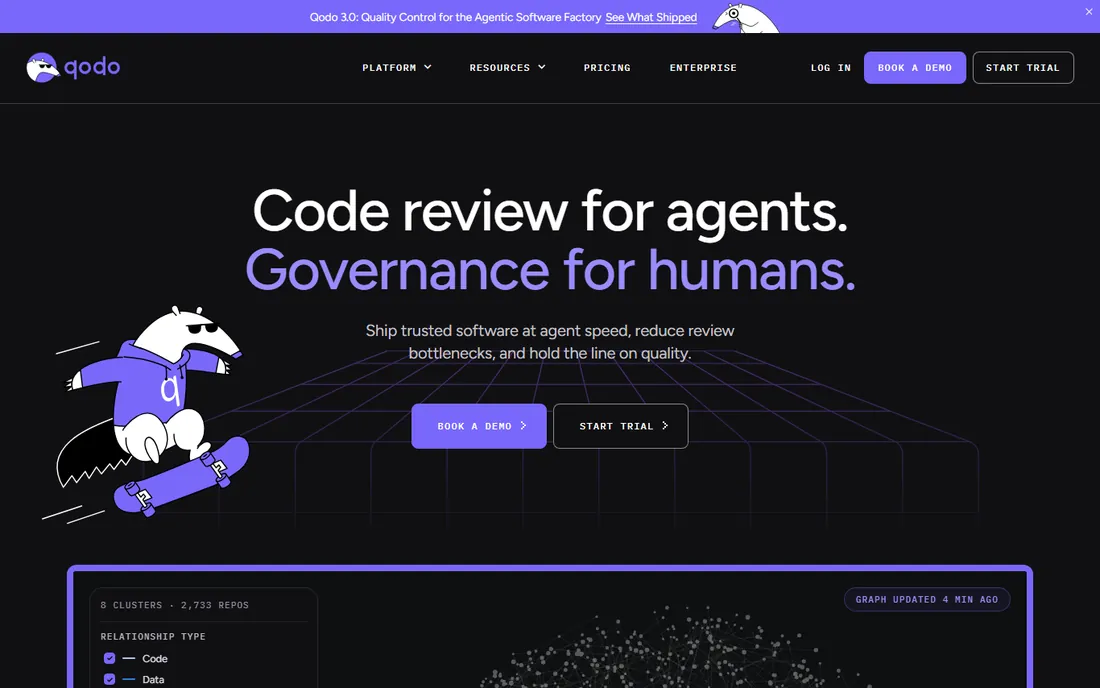
Qodo (formerly Codium) aims AI at quality: generating tests, reviewing pull requests and suggesting improvements. It complements generation tools by raising the review bar.
Pair it with Copilot or Cursor. Qodo fits teams wanting AI-driven testing and review automation.
What we like- Focus on testing, code review and quality (formerly Codium)
- Agentic test generation
- Catches issues before merge
Watch out for- Less of a general coding assistant
- Narrower use case
What to check before you buy
Decide your workflow: inline completion, AI-native editing or agentic multi-file work. Many teams end up with two layers.
Check data policies: where is your code processed, and can you self-host or exclude training? Verify IDE and language support for your stack. Confirm pricing against real usage: seat licenses behave very differently from usage-based agent pricing. Finally, establish review practices: AI output always needs human verification.
Individual developers adopt AI coding tools in an afternoon. Rolling them out across an engineering organization takes planning, because the questions shift from "does it help me" to "is it safe, compliant and worth the spend."
Start with a pilot, not a mandate. Pick two or three teams with different profiles: a product team doing feature work, a platform team doing refactoring, and ideally a team in a regulated area. Run the pilot for six to eight weeks with clear success criteria: cycle time, review burden, defect rates and developer sentiment. A mandate without evidence breeds quiet resistance; a pilot with numbers sells itself.
Settle the data question first. Legal and security need answers before wide rollout: where is code processed, is it retained, is it used for model training, and what certifications does the vendor hold. Regulated industries may require self-hosted or zero-retention options, which narrows the field fast. Get this in writing from the vendor, not from a marketing page.
Decide on one standard, with exceptions. Supporting five different AI tools means five security reviews, five bills and no shared learning. Standardize on one primary tool for the org, allow documented exceptions for teams with specific needs, and revisit the standard annually. The market moves too fast for a permanent decision.
Train for the new workflow. The developers who gain most from AI coding tools are not the ones who accept every suggestion; they are the ones who decompose problems well, write precise prompts and review output skeptically. Run internal workshops on effective patterns: using agents for scaffolding and boilerplate, keeping humans on architecture and edge cases, and always reading generated diffs before merging.
Measure honestly. Track lead time for changes, change failure rate and review time alongside suggestion acceptance. Watch for quality drift: if defect rates rise while velocity climbs, the review process needs tightening, not the tool. Share results openly so teams learn from each other.
Plan the budget model. Seat licenses are predictable; usage-based agent pricing is not. Model costs against real pilot usage, set team-level budgets or guardrails, and review spend monthly in the first two quarters. Surprise bills kill trust in the program faster than any technical issue.
How we chose
We selected AI coding platforms with real software-team customers and live products, spanning completion, editors and agents, using vendor sites, documentation and public reviews. Pricing varies by seat and usage, so all prices are See website. We did not benchmark code output.
Setting ground rules for AI-generated code
AI coding tools work best inside clear boundaries. Teams that set ground rules early avoid the quality and security problems that give these tools a bad name.
Rule one: the author is accountable. Whoever merges AI-generated code owns it exactly as if they had typed it. This single rule fixes most behavior problems, because it makes careless acceptance a personal quality issue, not a tool issue.
Rule two: no generated secrets or credentials. AI tools happily complete code that hardcodes API keys or tokens. Pair the rollout with secret scanning in CI so leaked credentials get caught mechanically, not by hope.
Rule three: review generated code harder, not less. Generated code looks confident and idiomatic, which makes reviewers skim. Train reviewers to check edge cases, error handling and security implications in AI-heavy diffs, and keep the two-reviewer norm for critical paths.
Rule four: keep humans on architecture. AI tools excel at implementing well-specified pieces and struggle with system-level design. Require human design review for new services, data models and public APIs, and let the AI handle the implementation within those boundaries.
Rule five: document the non-obvious. AI-generated code often lacks the "why" comments that future maintainers need. Make explanatory comments on tricky logic part of the definition of done, whether a human or a model wrote the code.
Rule six: pin down licensing. Some training-data provenance questions remain unsettled. Your legal team should approve the vendor's IP indemnification terms, and teams working on copyleft-sensitive codebases need explicit guidance on what assistance is acceptable.
Frequently asked questions
What is the difference between Copilot and Cursor?
Copilot is an AI assistant that plugs into existing editors; Cursor is an editor rebuilt around AI with agent workflows and codebase indexing.
Are AI coding tools safe for proprietary code?
It depends on the vendor's data policy. Tabnine offers on-prem deployment; others process code in the cloud with varying retention. Read the security docs before rolling out.
What is agentic coding?
AI that plans and executes multi-step tasks: reading files, editing across the codebase, running tests. Cascade, Copilot agent mode and Cursor agents work this way.
Do AI coding tools replace code review?
No. They accelerate writing but introduce subtle bugs. Human review, tests and CI remain essential.
Which tool is best for AWS teams?
Amazon Q Developer, with AWS-specific knowledge and security scanning. Teams also pair it with general tools.
How should teams measure ROI?
Track cycle time, PR throughput and defect rates, not just suggestion acceptance. Pilot with one team before org-wide rollout.
How much does AI coding assistance cost per developer?
Pricing varies widely. Seat-based plans typically run from ten to forty dollars per developer per month, while usage-based agent pricing depends on how heavily the team uses autonomous features. Pilot with a small team first and measure actual consumption before committing org-wide, because heavy agent users can cost several times the base seat price.
Can AI coding tools work with a private codebase?
Yes, with caveats. Most enterprise plans offer zero-retention modes where your code is not used for training, and several tools index private repositories to provide context-aware suggestions. Verify the data flow in writing: where code is processed, how long it is stored, and which certifications the vendor holds. Regulated teams should prefer vendors with SOC 2 reports and clear data processing agreements.
Sources we checked (8)
- https://github.com/features/copilot
- https://cursor.sh/
- https://windsurf.com/
- https://aws.amazon.com/q/developer/
- https://www.tabnine.com/
- https://sourcegraph.com/cody
- https://augmentcode.com/
- https://www.qodo.ai/
Is your product missing or out of date?
We review this list regularly. Vendors can request a listing, send updated pricing or ask about featured placement.

Shihab Mia · Founder, Rankite
Shihab has 5+ years in B2B and SaaS SEO. He writes Rankite's software buying guides from pricing pages, documentation and public user reviews. More about Shihab.
 GitHub Copilot
 Cursor
 Windsurf
 Amazon Q Developer
 Tabnine
 Sourcegraph Cody
 Augment Code
 Qodo
Qodo