How we make this list: we compare pricing pages, product documentation and public user reviews. Rankite is independent; if a vendor ever pays for a featured spot, that listing is clearly labeled Partner.
Key takeaways
- No-code app builders split into two camps: web-app and internal-tool platforms (Bubble, Softr, Glide) and native mobile publishers (Adalo, FlutterFlow, Thunkable, Appy Pie, BuildFire).
- Starting prices run from $5 per user per month (AppSheet) to $39 per month (FlutterFlow), and nearly every tool offers a free plan or trial.
- Native app store publishing, code export, and real database control are the three features that separate the serious builders from the toy ones. Check them before you commit.
- AI app generation now ships in most of these tools, but the generated app still needs your judgment on data structure, permissions, and store review.
Quick comparison
| Tool | Best for | Starting price | Free plan |
|---|
 Bubble Bubble | Full-featured web apps and MVPs | $32 per month (billed annually) | Yes |
 Glide Glide | Spreadsheet-powered internal tools | $25 per month | Yes |
 Softr Softr | Client portals and business web apps | $19 per month (billed annually) | Yes |
 Adalo Adalo | Native iOS and Android apps from one project | $36 per month | Yes |
 FlutterFlow FlutterFlow | Native apps with full code export | $39 per month | Yes |
 Thunkable Thunkable | Beginner-friendly native mobile apps | $37 per month (billed annually) | Yes |
 Appy Pie Appy Pie | AI-generated apps for both app stores | $16 per month | Yes / Free trial (7 days) |
 BuildFire BuildFire | Business apps with growth marketing built in | See website | No |
 AppSheet AppSheet | Google Sheets to working app for internal teams | $5 per user/month | Yes |
 Zoho Creator Zoho Creator | Custom business apps in the Zoho ecosystem | $8 per user/month (billed annually) | Yes |
Is your product missing or out of date?
We review this list regularly. Vendors can request a listing, send updated pricing or ask about featured placement.
The best app builder no coding options
Gartner estimates that by 2026, low-code development tools will account for 75% of new application development, up from 40% in 2021, according to reporting by InfoWorld. That shift is not just an enterprise story. Small businesses now build customer apps, internal tools, and client portals without hiring developers, and the ten platforms below are the ones worth your attention.
Starting price$32 per month (billed annually)
Free planYes
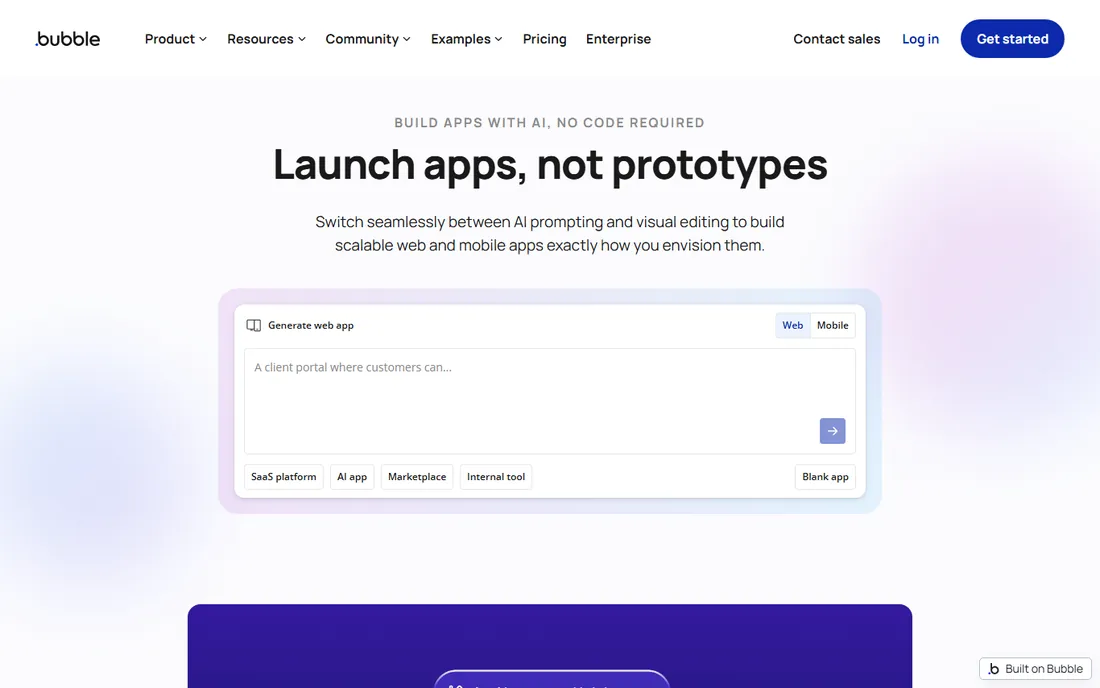
Bubble is the most capable no-code platform for building real web applications. The visual editor handles complex workflows, conditional logic, user authentication, and API integrations that simpler tools cannot touch. Marketplaces, SaaS products, and internal dashboards all ship on Bubble, and the platform now publishes native mobile apps alongside web.
The tradeoff is complexity. Bubble is not a weekend project tool; expect to invest real time learning the editor, the database model, and the workload-unit pricing that meters your app's activity. Costs scale with usage, not just plan tier, so a successful app can get expensive. But if your app needs genuine custom logic, nothing else on this list goes as far without code.
What we like- Deepest no-code logic and database of any web builder
- Huge plugin marketplace with 5,000+ extensions
- Build and test free, pay only to go live
Watch out for- Real learning curve compared to simpler builders
- Workload-unit pricing can surprise you as usage grows
- No source code export if you ever leave
Starting price$25 per month
Free planYes
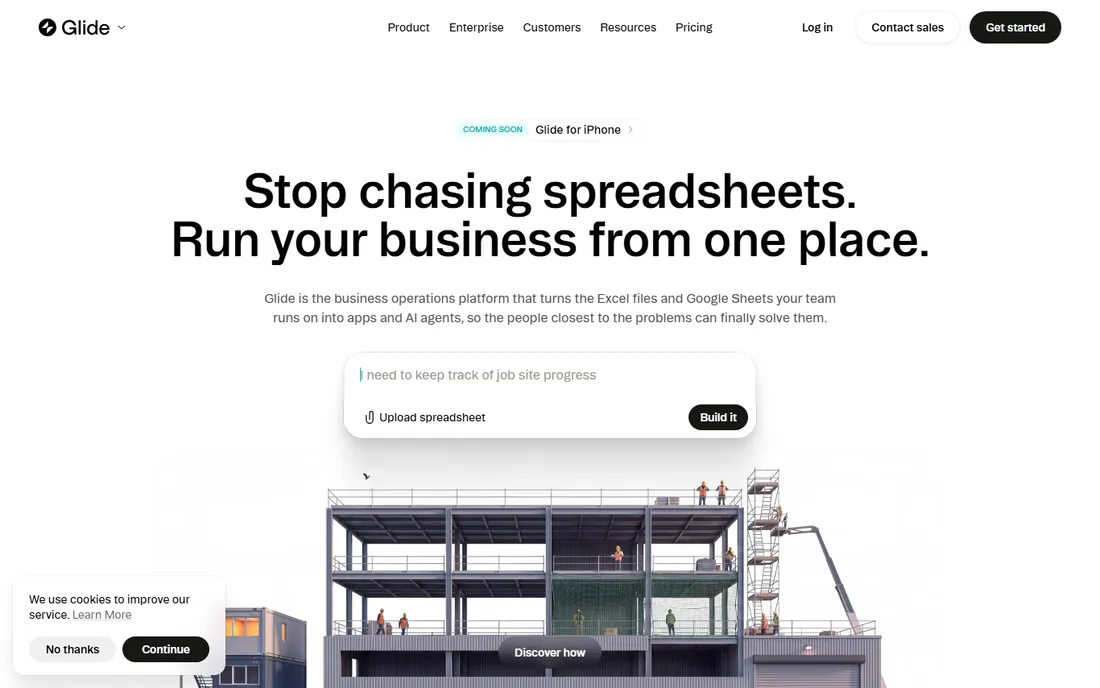
Nobody turns a spreadsheet into an app faster than Glide. Connect a Google Sheet, Excel file, or Airtable base, and you get a working app with search, forms, and user roles in minutes. For CRMs, inventory trackers, field checklists, and directories, that speed is the whole pitch.
What you give up is native distribution. Glide apps install as progressive web apps, and publishing to the Apple App Store or Google Play is not the standard path. Complex business logic also hits the limits of the component system sooner than on Bubble or Adalo. Use Glide when your team lives in spreadsheets and needs an internal tool this week, not a consumer app for the stores.
What we like- Fastest path from a Google Sheet to a working app
- Polished mobile-friendly interface with minimal effort
- AI features for generating app content
Watch out for- Apps are progressive web apps, not native store apps
- Design customization stays within Glide's system
- Per-editor pricing gets expensive for larger teams
Starting price$19 per month (billed annually)
Free planYes
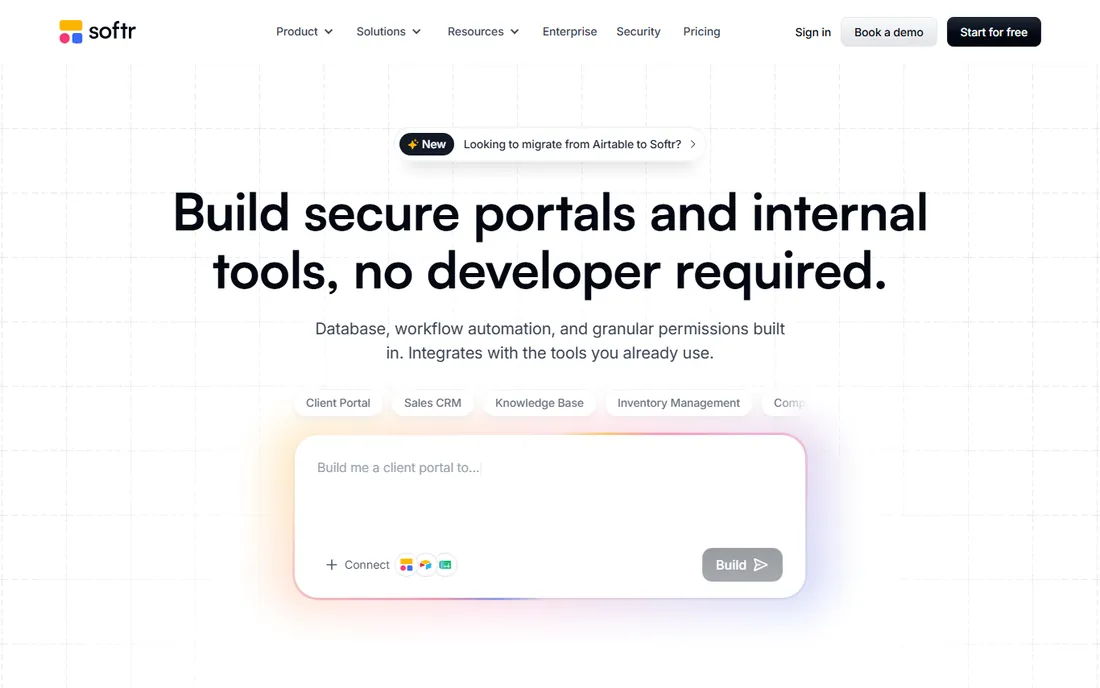
Softr turns your existing data into a professional web app with user logins, permissions, and workflows. Client portals are its flagship use case: connect an Airtable base, set up who sees what, and publish a branded portal where each client sees only their own projects and documents. The free plan includes unlimited apps, which makes it easy to prototype.
The pricing is refreshingly flat compared to the usage-metered competition. The limitation is scope: Softr builds business web apps, not native mobile apps and not complex SaaS products with deep custom logic. If your need is portals, directories, dashboards, or internal tools on top of data you already have, Softr is the most direct route.
What we like- Best-in-class client portals with role-based permissions
- Connects to Airtable, Notion, Google Sheets, and its own database
- Flat pricing with unlimited apps on every plan
Watch out for- Web apps only, no native iOS or Android publishing
- Aimed at business tools, not consumer SaaS products
- You cannot export or own the underlying code
#4
Adalo
Best for: Native iOS and Android apps from one project
Visit adalo.com
Starting price$36 per month
Free planYes
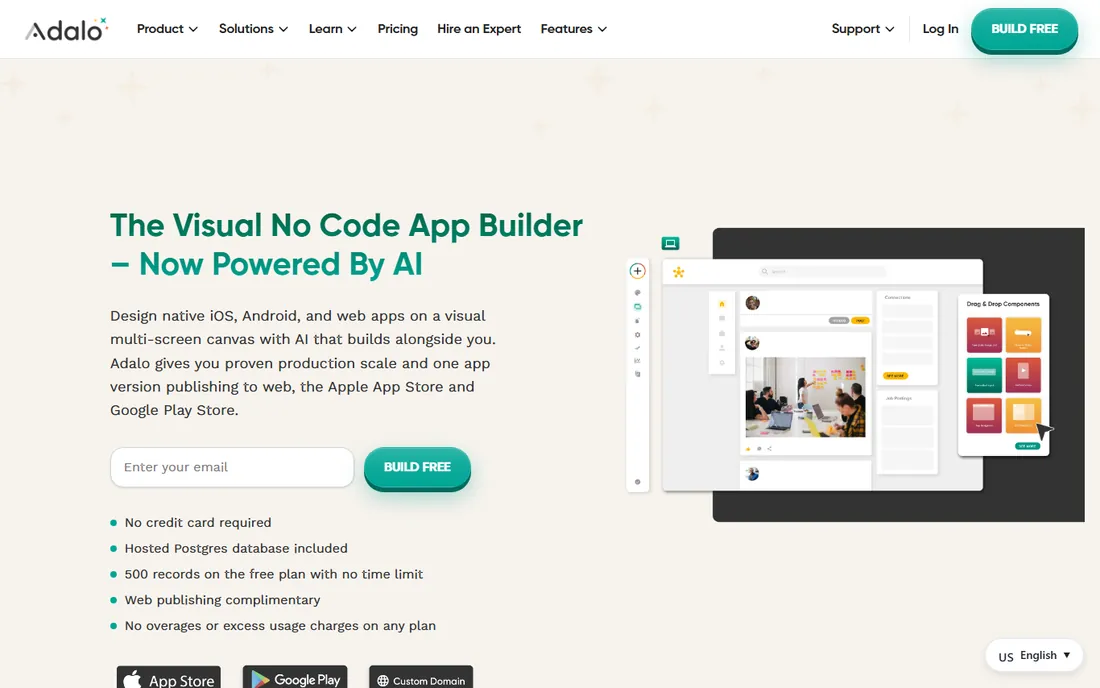
Adalo's promise is simple: design once, publish to the Apple App Store, Google Play, and the web. The visual multi-screen canvas lets you see your whole app at once, and the AI builder generates a working foundation from a description. At $36 a month flat with unlimited records and no usage charges, the economics are predictable in a way Bubble's are not.
For a small business that needs a real app in the stores, that combination is hard to beat. The catches are platform lock-in (you cannot download your app's source code) and a ceiling on complexity: Adalo handles booking apps, directories, and CRMs well, but not the intricate logic Bubble manages. Start free, prototype with the 500-record free tier, and upgrade when you are ready to publish.
What we like- True native apps for iOS, Android, and web from a single project
- Flat $36/month with unlimited database records and no usage caps
- AI-powered app generation with Magic Start
Watch out for- No source code export, so you are locked into the platform
- Database and logic depth trail Bubble
- Only one app publisher seat on lower tiers
Starting price$39 per month
Free planYes
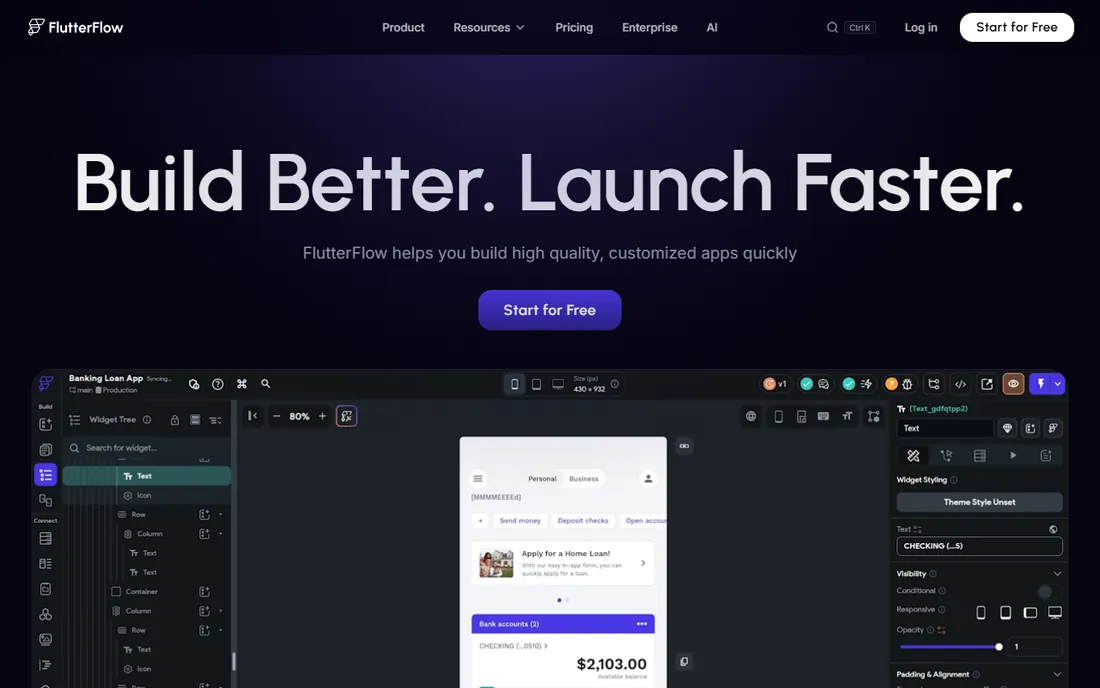
FlutterFlow is the builder for people who want an exit strategy. You design visually, and the platform generates genuine Flutter code that you can export, hand to a developer, or maintain yourself. That code ownership is unique on this list and matters if your app might outgrow no-code someday.
The price of that freedom is responsibility. Unlike Bubble or Adalo, FlutterFlow does not include your database: you configure Firebase or Supabase yourself and pay for it separately. The per-seat pricing also means a three-person build team costs three subscriptions. For founders who want native quality today and the option of custom development tomorrow, it is the most future-proof choice here.
What we like- Export real Flutter source code with no vendor lock-in
- High-quality native output for iOS, Android, and web
- Strong Firebase and Supabase backend integrations
Watch out for- You set up and pay for your own backend separately
- Per-seat pricing adds up for teams
- Steeper learning curve than template-driven builders
Starting price$37 per month (billed annually)
Free planYes
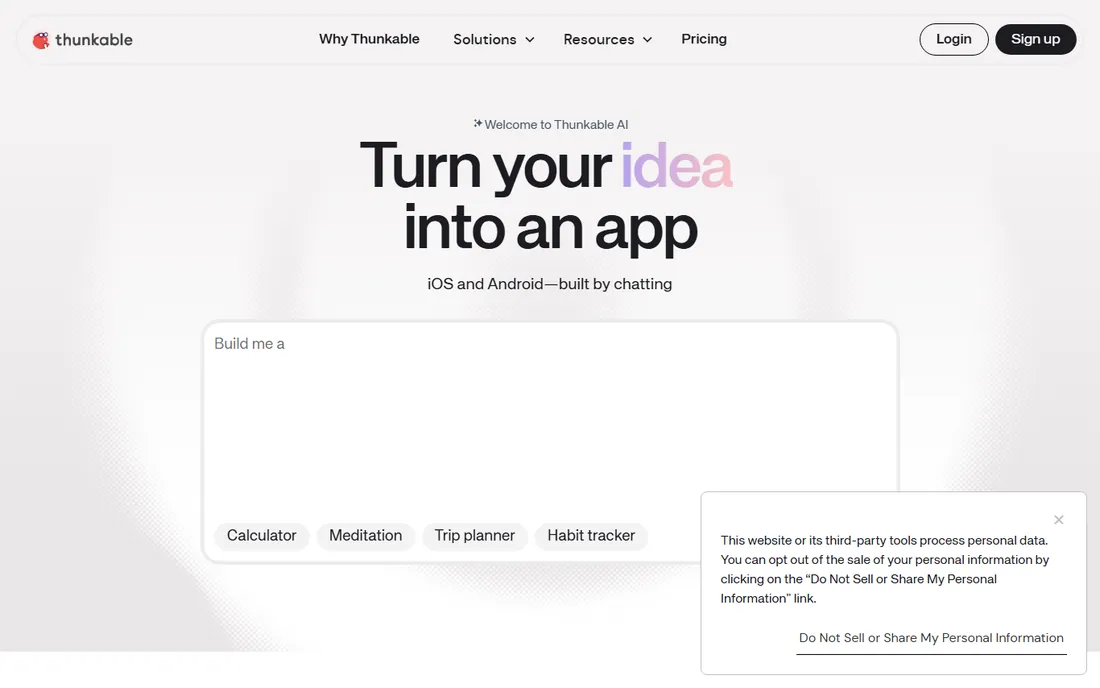
Thunkable has been teaching non-developers to build mobile apps for years, and the onboarding shows it. The drag-and-drop interface, block-based logic, and live device testing make it one of the easiest ways to get a native app running. The new AI builder can generate an app from a chat conversation.
It is best thought of as a learning-friendly middle ground. The free tier is too limited for real use, and serious publishing needs the $37-per-month Builder plan or higher. It also lacks a built-in backend, so you will connect Airtable, Firebase, or Google Sheets for data. For a first native app built by someone with zero technical background, Thunkable remains a strong starting point.
What we like- Genuinely approachable drag-and-drop builder
- Publishes native apps to both stores plus the web
- Live testing on your phone while you build
Watch out for- Free plan is restrictive and projects are public
- Only one live published app on the Builder plan
- No managed backend, relies on outside data sources
Starting price$16 per month
Free planYes / Free trial (7 days)
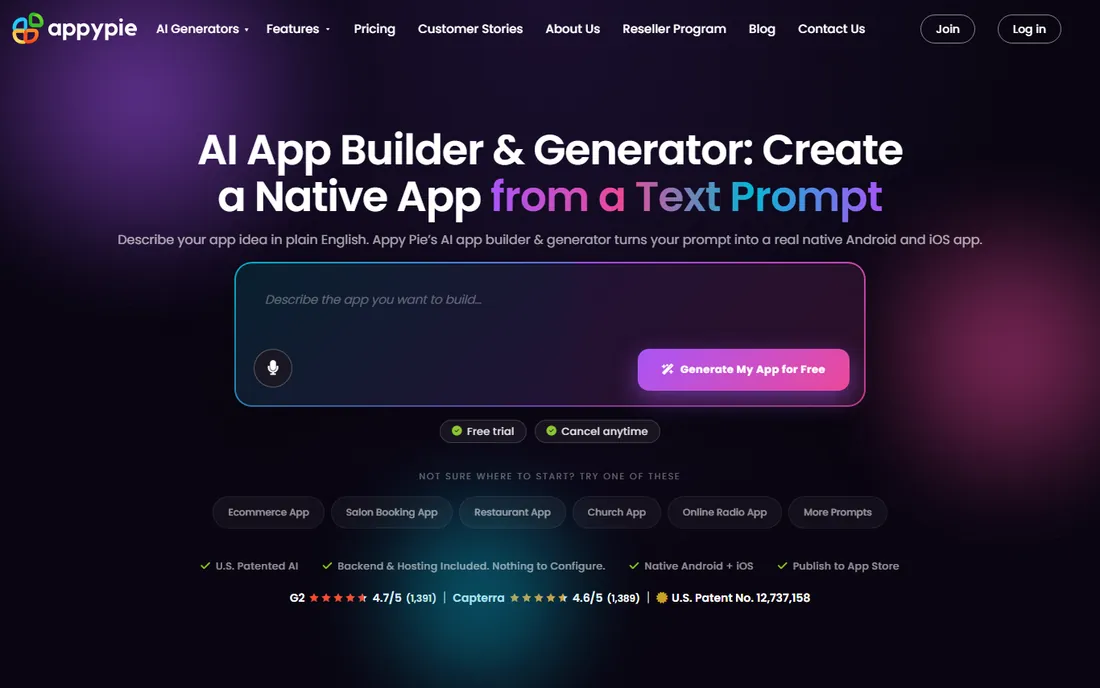
Appy Pie leans harder into AI generation than anyone else here. Describe your app in plain English, and the platform produces native Android and iOS builds with a backend, push notifications, and payment integrations wired in. At $16 a month to start, it is the cheapest path to both app stores on this list.
The tradeoff is control. You cannot export code, the design system is template-driven, and iOS publishing requires the $60-per-month Platinum plan. Appy Pie is also refreshingly honest about its limits: no custom server-side logic, no game engines, and Apple review is still your responsibility. For standard business app patterns like ordering, booking, and loyalty, it delivers remarkable speed for the money.
What we like- AI generates a real native app from one prompt
- Backend, push notifications, and payments included
- Cheapest entry price for store publishing
Watch out for- No source code export
- Android-only on the Basic plan, iOS needs Platinum
- Template-driven design limits deep customization
Starting priceSee website
Free planNo
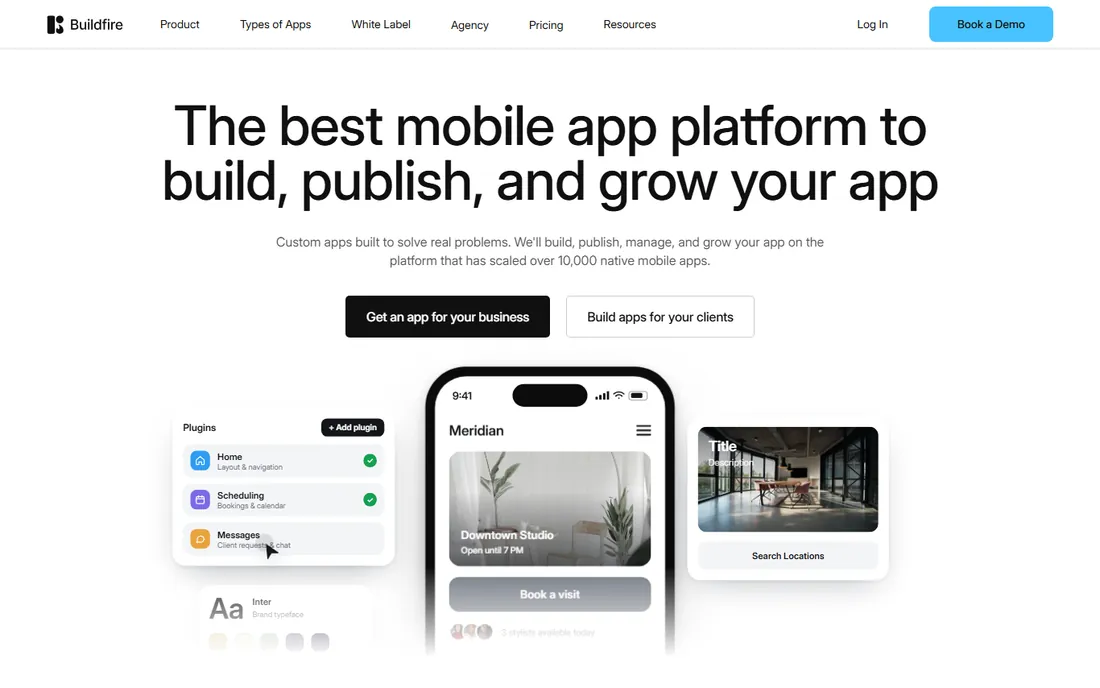
BuildFire targets businesses that want more than a builder: a platform plus a growth engine. The plugin marketplace covers loyalty programs, food ordering, Shopify integration, and content apps, and the built-in push notification system handles segmentation and campaigns at a scale most competitors cannot match.
This is the premium option on the list, and it prices like one. Plans are quote-based and historically run into the hundreds per month, and there is no free tier for experimentation. Where BuildFire earns that premium is after launch: store optimization help, analytics, and a professional services team that will build the app for you. Consider it when the app is a revenue channel worth investing in, not a side project.
What we like- 150+ ready-made plugins for features like loyalty and ecommerce
- Push notification engine with segmentation at scale
- Professional services team can build for you
Watch out for- No public pricing, quote-based plans
- Positioned at a higher price point than DIY competitors
- No free plan to test with
Starting price$5 per user/month
Free planYes
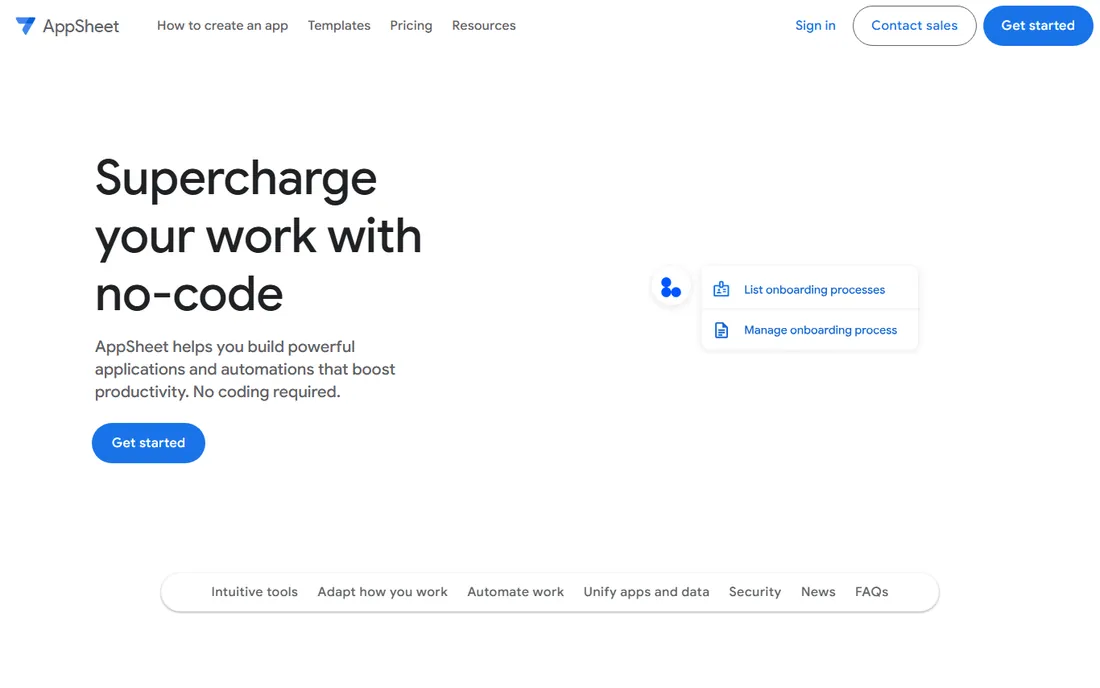
AppSheet is Google's no-code platform, and it shows in the best way if your company runs on Google Workspace. Point it at a Google Sheet and it generates a working app with forms, barcode scanning, signature capture, and offline sync. Field teams, inspectors, and operations staff get native-feeling mobile apps from data they already maintain.
The per-user pricing is the catch to model carefully. At $5 per user per month it is cheap for a ten-person team and painful for a thousand-person one. AppSheet is also unapologetically an internal-tools platform: consumer apps for the public app stores are not its game. For a small business already living in Google Sheets, though, it is the most natural app builder on this list.
What we like- Deep Google Workspace integration
- Offline-capable mobile apps from spreadsheet data
- Per-user pricing stays cheap for small teams
Watch out for- Built for internal tools, not consumer app store apps
- Per-user pricing gets expensive as teams grow
- Interface looks utilitarian next to Glide or Softr
#10
Zoho Creator
Best for: Custom business apps in the Zoho ecosystem
Visit zoho.com
Starting price$8 per user/month (billed annually)
Free planYes
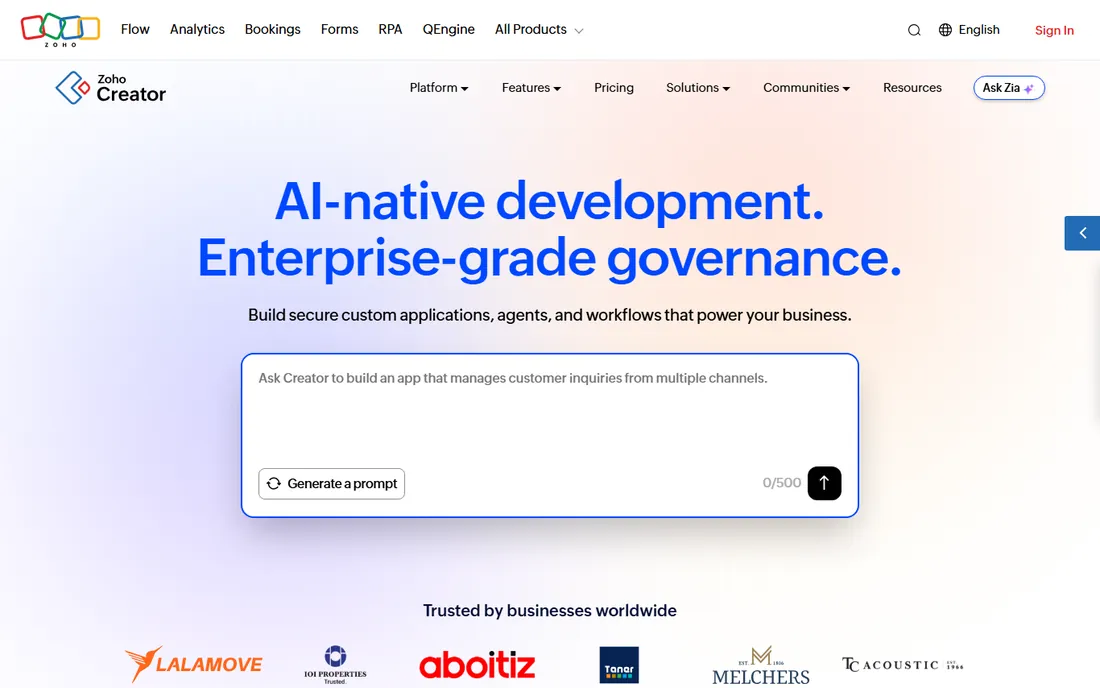
Zoho Creator is the low-code platform inside the Zoho universe. Build forms, workflows, dashboards, and portals visually, then extend them with Deluge, Zoho's approachable scripting language. Every app you build runs on web, iOS, and Android, and connects natively to Zoho CRM, Books, and the rest of the suite.
It is the most "platform" of the options here: governance controls, audit trails, and deployment options that assume an IT stakeholder somewhere. That depth comes with a steeper learning curve than Glide or Softr. But if your business already runs on Zoho, Creator turns that investment into custom apps without a second vendor, a second login, or a second bill.
What we like- Native integration with the entire Zoho suite
- Deluge scripting adds real logic for power users
- Every app ships with native iOS and Android versions
Watch out for- Interface and learning curve feel enterprise-grade
- Pricing tiers gate features like API access
- Strongest value only if you already use Zoho products
What to know about AI app generators before you commit
Nearly every tool on this list now offers some form of AI app generation: describe your app, get a working draft. The demos are impressive, and for standard app patterns they genuinely save hours. But the AI does not remove the decisions that determine whether your app works.
Data structure is the big one. An AI can generate screens, but it cannot decide how your customers, orders, and inventory relate to each other. Spend an hour sketching your data model before you prompt, and the generated app will be dramatically better. Permissions are the second: who sees what, which the AI will guess at unless you specify. And app store review is the third: Apple rejects low-effort or template-clone apps, so a generated app still needs your polish, real content, and a clear purpose before submission.
Treat the AI as a fast junior developer, not a product manager. It builds what you describe, quickly and literally. The describing is still your job.
How to pick the right no-code app builder
Start with where your users are. If the app lives in the Apple App Store and Google Play, your shortlist is Adalo, FlutterFlow, Thunkable, Appy Pie, and BuildFire. If it is a web app or internal tool, look at Bubble, Softr, Glide, AppSheet, and Zoho Creator. Mixing up these two categories is the most common expensive mistake in no-code.
Match the builder to the app's complexity
Simple data display, forms, directories, and booking flows work on almost anything here. The moment you need custom logic, multi-step workflows, or complex user roles, the field narrows to Bubble, Adalo, FlutterFlow, and Zoho Creator. Be honest about complexity up front: rebuilding on a second platform costs far more than starting on the right one.
Price the whole first year, not the first month
Most of these tools bill annually for the best rate, and the real cost includes the extras. Apple charges $99 per year for a developer account; Google Play charges a $25 one-time fee. FlutterFlow needs a separate Firebase or Supabase bill. Bubble's workload units scale with success. Add it all up for twelve months before you compare headline prices.
Check the exits before you enter
No-code platforms are sticky by design. Ask three questions: can I export my data, can I export my code, and what happens to my app if I cancel. FlutterFlow is the only tool here with full code export. Everyone else lets you export data but keeps the app itself. That is fine as long as you choose with open eyes.
Test with real content, not lorem ipsum
Every builder looks good with sample data. Build your actual screens with your actual content, your actual images, and your actual user flows during the free plan or trial. Problems with performance, layout, and logic show up immediately with real content and hide completely with placeholders.
How we chose
We started from the no-code platforms that appear most consistently across buyer guides, review sites, and builder communities, then narrowed to ten that cover the category's real range: web app builders, native mobile publishers, spreadsheet-to-app tools, and ecosystem platforms. We checked each vendor's own site and documentation for current positioning and pricing, using recent third-party reviews only to cross-check figures where vendors present pricing in complex tiers. We weighted publishing options, data ownership, and pricing transparency alongside features, since a builder that traps your app or surprises you with usage bills is a bad fit for a small business. We did not test any of these tools hands-on.
Frequently asked questions
Can I really build an app with no coding experience?
Yes, for a wide range of apps. Booking systems, directories, CRMs, internal tools, ordering apps, and content apps are all well within what these platforms handle. You will still need to think carefully about your data structure and user flows, which is product thinking rather than coding. Apps with novel real-time features, hardware integration, or 3D graphics will need developers.
How much does it cost to build an app without code?
The builders in this guide start between $5 per user per month and $39 per month, with free plans for prototyping. Budget for the extras: Apple Developer Program at $99 per year, Google Play's $25 one-time fee, and possibly a backend service like Firebase for FlutterFlow. A realistic first-year total for a small business app runs from a few hundred to a few thousand dollars.
Will my app be on the Apple App Store and Google Play?
Only the native mobile builders publish to the stores: Adalo, FlutterFlow, Thunkable, Appy Pie, and BuildFire. Glide and Softr produce web apps that install like apps but do not go through store review. Bubble now offers native mobile publishing alongside web. Always verify that the specific features you need are supported before you commit to a platform.
Do I own my app if I build it with a no-code tool?
You own your data everywhere, but the app itself is a different story. FlutterFlow is the only builder on this list that exports full source code you can take anywhere. With the others, your app lives on the vendor's platform, and leaving means rebuilding. Export your data regularly regardless of platform.
What is the easiest no-code app builder for a complete beginner?
Thunkable and Glide are the gentlest introductions: Thunkable for native mobile apps, Glide for spreadsheet-powered web apps. Appy Pie's AI generation is also beginner-friendly if your app fits a standard pattern. Expect to graduate to Adalo or Bubble as your needs grow more complex.
Can no-code apps handle real businesses and real traffic?
Yes, with the right platform. Bubble hosts production SaaS products, BuildFire has scaled apps to hundreds of thousands of downloads, and Zoho Creator runs enterprise workflows. The key is matching the platform to the load: usage-based pricing like Bubble's scales with success but needs monitoring, while flat-rate tools like Adalo stay predictable. Prototype on the free tier, then load-test before launch.
Sources we checked (15)
- https://bubble.io/
- https://bubble.io/blog/best-no-code-app-builder/
- https://www.glideapps.com/
- https://www.glideapps.com/pricing
- https://www.softr.io/
- https://www.adalo.com/
- https://flutterflow.io/
- https://thunkable.com/
- https://www.appypie.com/
- https://buildfire.com/
- https://appsheet.com/
- https://www.zoho.com/creator/
- https://www.infoworld.com/article/2337677/low-code-development-technologies-market-forecast-to-hit-445-billion-by-2026.html
- https://www.lowcode.agency/blog/flutterflow-pricing-plans
- https://www.fahimai.com/appy-pie
Is your product missing or out of date?
We review this list regularly. Vendors can request a listing, send updated pricing or ask about featured placement.

Shihab Mia · Founder, Rankite
Shihab has spent more than a decade helping SaaS and e-commerce brands grow through search. He writes Rankite's software buying guides from pricing pages, documentation and public user reviews. More about Shihab.