How we make this list: we compare pricing pages, product documentation and public user reviews. Ratings come from G2, Capterra or Trustpilot, with the date we checked them.
Key takeaways
- Figma is the industry standard for collaborative product design in the browser.
- Sketch remains strong for Mac-based teams that want a fast native app.
- Framer turns designs into live websites without a separate build step.
- Penpot and Lunacy prove strong UI design does not require a subscription.
- ProtoPie and Axure RP serve prototypes that need logic, sensors, and real data.
Quick comparison
| Tool | Best for | Starting price | Free plan |
|---|
 Figma Figma | Collaborative product design | Free; Professional from $16 per editor/month | Yes |
 Sketch Sketch | Mac-based design teams | From $12 per editor/month | Free trial |
 Framer Framer | Design to live website | Free; Basic from $10 per month | Yes |
 Penpot Penpot | Open source design | Free; cloud plans from $7 per user/month | Yes |
 Lunacy Lunacy | Free desktop design app | Free | Yes |
 ProtoPie ProtoPie | Realistic interactive prototypes | See website | Free trial |
 Axure RP Axure RP | Logic-heavy enterprise prototypes | From $29 per user/month | Free trial |
 UXPin UXPin | Code-based design systems | See website | Free trial |
Is your product missing or out of date?
We review this list regularly. Vendors can request a listing, send updated pricing or ask about featured placement.
#1Figma
Best for: Collaborative product design4.7/5 on
G2 (1,593 reviews, checked Oct 2026)
Visit figma.com
Starting priceFree; Professional from $16 per editor/month
Free planYes
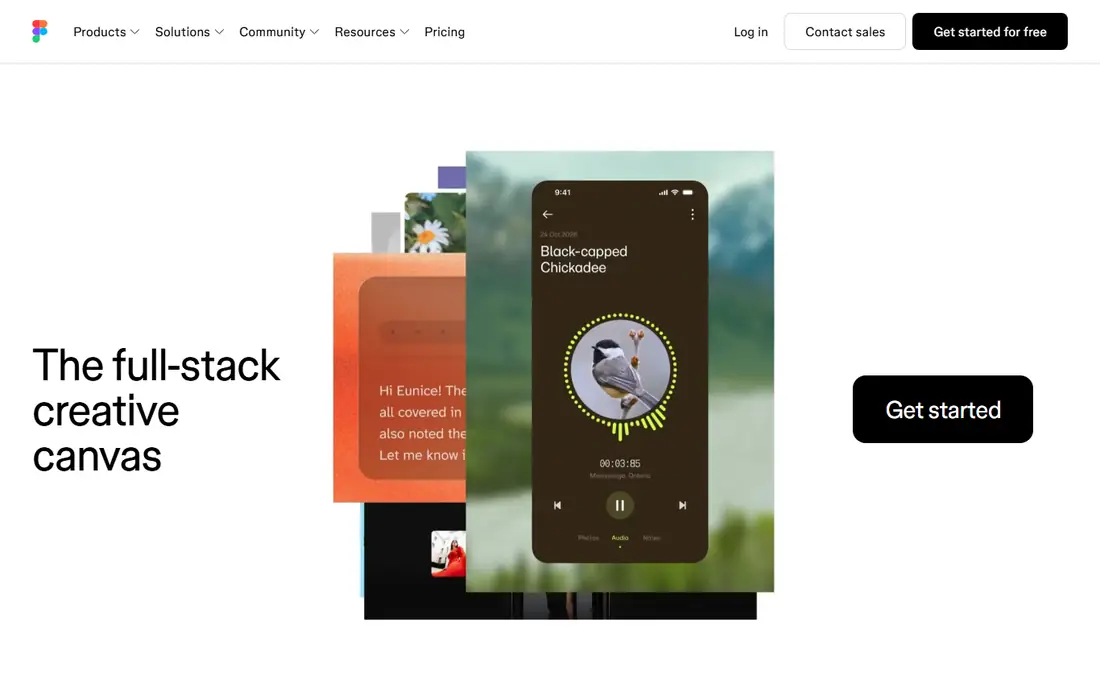
Figma is where most product design happens now, and the reason is collaboration. Several designers can work in the same file at once, stakeholders can comment directly on frames, and developers inspect specs in Dev Mode without extra export steps. The community library of templates, icons, and UI kits shortens every project, and plugins automate repetitive tasks like content filling and accessibility checks.
The pricing model deserves attention. Viewers are free, but editors cost $16 per editor per month on annual billing, and large teams with many editors feel that total quickly. Offline work is also limited compared with native apps. For teams that design together, though, no other tool matches the shared workflow.
What we like- Real-time multiplayer editing
- Huge plugin and community library
- Strong Dev Mode handoff
Watch out for- Editor pricing adds up for large teams
- Needs internet for full collaboration
- Free plan limits design files
#2Sketch
Best for: Mac-based design teams4.5/5 on
G2 (1,227 reviews, checked Oct 2026)
Visit sketch.com
Starting priceFrom $12 per editor/month
Free planFree trial
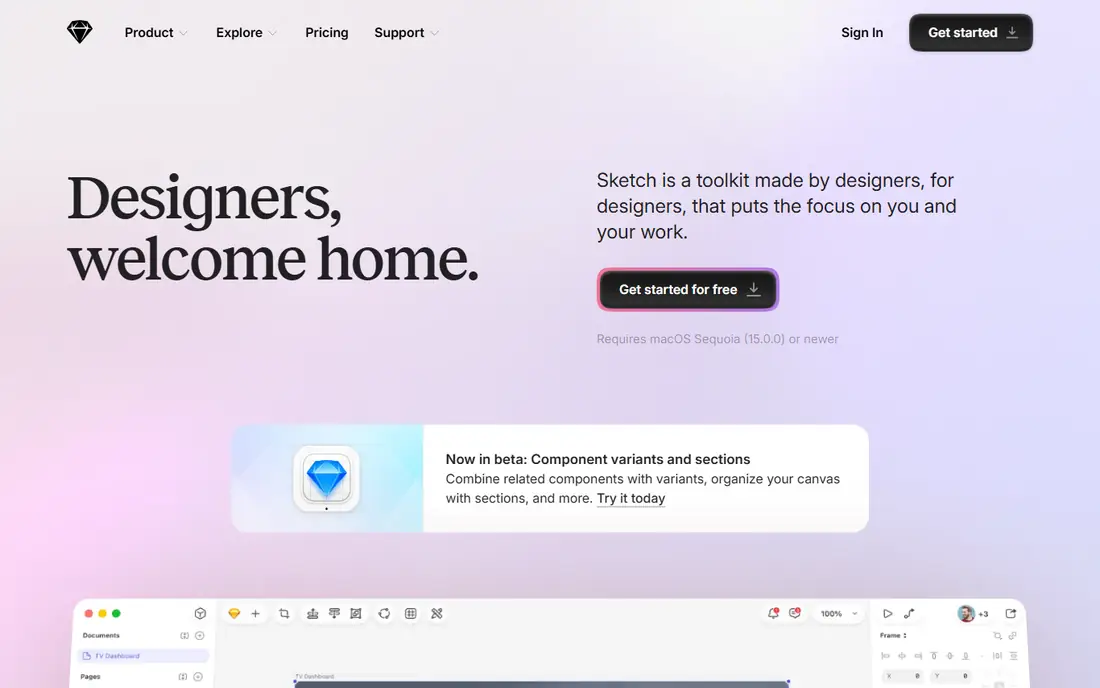
Sketch remains the choice for Mac-based designers who value speed and local files. The native app feels faster than browser tools on large documents, and offline work is fully supported, which matters for travel and unreliable connections. Shared libraries, symbols, and a deep plugin ecosystem cover design systems well, and the Mac App Store version suits solo designers.
The limits are platform and collaboration. Sketch runs only on Mac, and real-time multiplayer editing is not its strength. There is no permanent free plan, only a 30-day trial. For a Mac-only team that prefers local files and native speed, Sketch is still an excellent tool.
What we like- Fast native Mac app
- Works offline
- Deep plugin ecosystem and shared libraries
Watch out for- Mac only
- No permanent free plan
- Real-time collaboration is weaker than Figma
#3Framer
Best for: Design to live website4.5/5 on
G2 (144 reviews, checked Oct 2026)
Visit framer.com
Starting priceFree; Basic from $10 per month
Free planYes
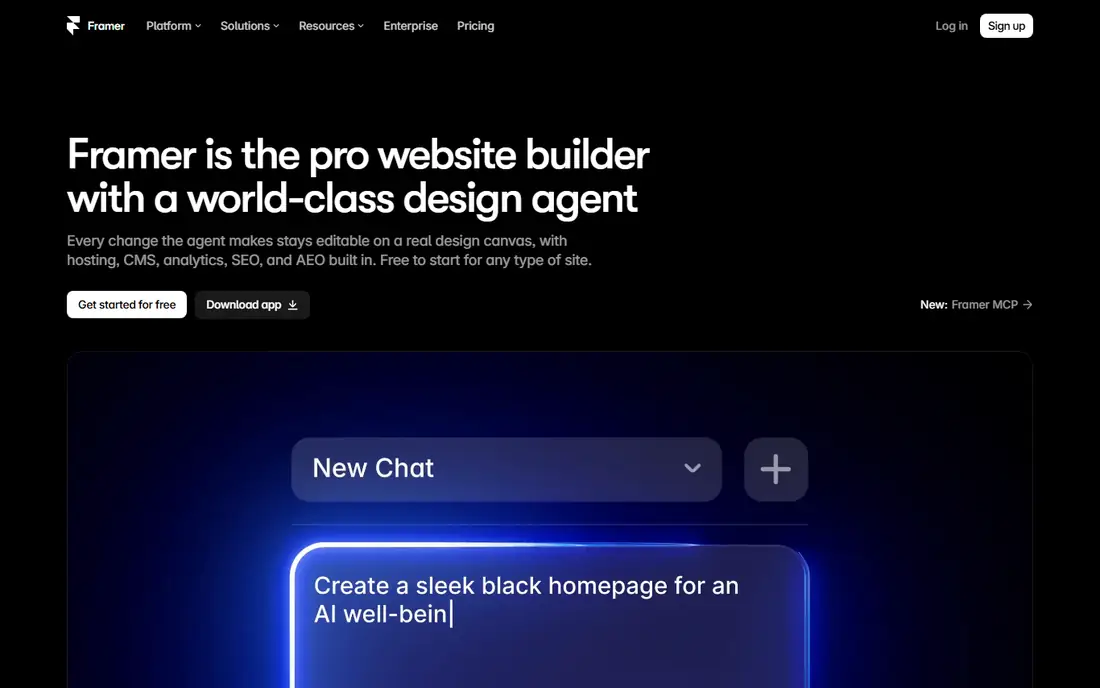
Framer closes the gap between design and publishing. A designer can lay out a marketing site, add animations, and publish it live without handing files to a developer for a rebuild. The free tier covers unpublished design work, and paid site plans start at $10 a month on annual billing. For startups and agencies that ship landing pages constantly, that speed is a real advantage.
Framer is less suited to native mobile app design, where other tools offer better device workflows. Site-based pricing also means costs grow with the number of published sites. For web-first teams, however, the design-to-live path is hard to beat.
What we like- Designs publish as real websites
- Free tier for unpublished work
- Strong animation tools
Watch out for- Site pricing is per site
- Less suited to native app design
- Learning curve for advanced layouts
#4Penpot
Best for: Open source design4.5/5 on
G2 (10 reviews, checked Oct 2026)
Visit penpot.app
Starting priceFree; cloud plans from $7 per user/month
Free planYes
Penpot is the open source answer to Figma, and it has grown into a serious tool rather than a curiosity. Teams can self-host it for free, keeping design files on their own servers, or use the cloud plan, which is free for up to eight users on the Professional tier. Because Penpot uses open standards like SVG, files stay portable instead of locked into a proprietary format.
The ecosystem is smaller than Figma, with fewer plugins and templates, and some enterprise features are still catching up. For teams that care about data ownership, budget, or open standards, Penpot offers professional design without vendor lock-in.
What we like- Open source and self-hostable
- Free cloud plan for small teams
- Uses open standards like SVG
Watch out for- Smaller plugin ecosystem
- Fewer templates than Figma
- Enterprise features still maturing
#5Lunacy
Best for: Free desktop design app4.3/5 on
G2 (28 reviews, checked Oct 2026)
Visit icons8.com
Starting priceFree
Free planYes
Lunacy, from the Icons8 team, is a free desktop design app for Windows, Mac, and Linux that covers the core UI workflow without a subscription. It opens Sketch files, includes built-in icons, photos, and illustrations, and runs natively for fast performance. Students, freelancers, and small teams can do real client work on it at no cost.
Collaboration is limited compared with browser tools, and the community and plugin library are smaller. A Pro tier exists for extra cloud features, but the core app stays free. For a solo designer on a budget, Lunacy removes the cost barrier entirely.
What we like- Fully free for personal and commercial use
- Native desktop apps
- Built-in graphics and icons
Watch out for- Smaller community
- Collaboration features are limited
- Fewer integrations than Figma
#6ProtoPie
Best for: Realistic interactive prototypes4.4/5 on
G2 (24 reviews, checked Oct 2026)
Visit protopie.io
Starting priceSee website
Free planFree trial
ProtoPie builds prototypes that feel like real products. Designers can use phone sensors, voice, and multi-device interactions without writing code, which matters for hardware-adjacent products and complex mobile flows. Prototypes can run on real devices, so user testing shows genuine behavior rather than clickable mockups.
ProtoPie is a prototyping specialist, not a full design tool, so most teams pair it with Figma or Sketch for visual design. Pricing varies across sources, so check the current page before budgeting. For teams that test interactions seriously, the realism justifies the extra tool.
What we like- Sensor and hardware interactions
- Multi-screen prototypes
- No code required
Watch out for- Pricing varies by plan and region
- Not a full design tool
- Learning curve for advanced logic
#7Axure RP
Best for: Logic-heavy enterprise prototypes4.2/5 on
G2 (277 reviews, checked Oct 2026)
Visit axure.com
Starting priceFrom $29 per user/month
Free planFree trial
Axure RP is the tool for prototypes with logic. Conditional flows, variables, data-driven repeaters, and detailed specifications let UX teams model complex enterprise software before developers build it. Documentation output helps large organizations align design, product, and engineering on exactly how a flow should behave.
The learning curve is steeper than Figma or Framer, and the interface feels dated to designers used to modern tools. At $29 per user per month, it is also pricey for solo users. For enterprise UX teams modeling complex systems, Axure RP remains the deepest option.
What we like- Conditional logic and variables
- Detailed specifications
- Enterprise documentation output
Watch out for- Steeper learning curve
- Interface feels dated
- Price is high for solo users
#8UXPin
Best for: Code-based design systems4.2/5 on
G2 (118 reviews, checked Oct 2026)
Visit uxpin.com
Starting priceSee website
Free planFree trial
UXPin builds prototypes from real code components rather than pictures of components. Design systems stay consistent because the prototype uses the same components developers ship, and conditional logic adds genuine interactivity like form validation and data-driven states. That alignment reduces the gap between design and engineering that causes rework.
Setup often needs developer help to connect code libraries, and pricing varies across sources, so confirm the current plan before buying. The community is smaller than Figma. For teams with a mature design system and engineering support, UXPin offers the closest prototype to the real product.
What we like- Prototypes built from real code components
- Design system documentation
- Conditional interactions
Watch out for- Pricing varies widely across sources
- Setup needs developer help
- Smaller community
How we chose
We compared tools on vendor pricing pages, public documentation, and widely cited reviews, including published Rankite design comparisons from October 2026. We favored tools US buyers can use today with a free plan or trial and a distinct strength. We did not claim hands-on testing, and where prices conflicted across sources we wrote See website rather than guessing.
Start with your team shape. A distributed product team needs browser collaboration, which points to Figma or Penpot. A Mac-only team that values offline speed may prefer Sketch. A solo designer on a budget should start with Lunacy or Penpot free tiers before paying anything. A marketing team that ships landing pages constantly should weigh Framer, since publishing directly saves handoff time on every page.
Then check the handoff path. Developers need specs, assets, and design tokens in a form they can use, and tools differ in how clean that output is. If your product needs realistic prototype testing, budget for ProtoPie or Axure RP alongside the main design tool rather than forcing the main tool to do everything. Finally, count editors, not total users. Most tools charge per editor while viewers are free, so the real cost depends on how many people actually edit files. Trial the top two choices on a real project for two weeks, and pick the one the team opens without prompting each morning without being asked to do so.
One more factor is plugin and template depth. A large community library saves hours on icons, wireframes, and design system starters, while a small ecosystem means building more from scratch. Check whether the templates you need exist before committing, since a cheap tool with no templates can cost more in designer time than a pricier tool with a rich library.
Also consider file ownership and exit. Browser tools hold your files on vendor servers, while Penpot self-hosting and Sketch local files keep them in your hands. Export a sample project before committing, and confirm the export keeps layers, components, and text editable. A tool that traps your design system is expensive to leave later, no matter how low the monthly price looks today.
Frequently asked questions
Is Figma still the best UI design tool?
For most product teams, yes. Its collaboration, plugins, and handoff workflow are the standard others are judged against. Solo designers and budget teams may prefer Penpot or Lunacy.
Can I design UI for free?
Yes. Figma, Penpot, Lunacy, and Framer all offer free tiers that cover real design work. Paid plans add more files, editors, or published sites.
Do I need a separate prototyping tool?
Not always. Figma and Framer cover basic prototypes well. ProtoPie or Axure RP earn their place when prototypes need sensors, logic, variables, or realistic data.
Is Sketch still relevant in 2026?
Yes, for Mac-based teams. Its native speed, offline work, and plugin ecosystem keep it competitive, though it lacks Figma-level real-time collaboration.
What is the cheapest good UI design tool?
Lunacy is free for personal and commercial use, and Penpot self-hosting is free. Both cover core UI design without a subscription.
How do developers get specs from these tools?
Figma Dev Mode, Sketch inspect, and Penpot inspect all export measurements, colors, and assets. UXPin goes further by using real code components in prototypes.
Sources we checked (8)
- https://www.figma.com/pricing
- https://www.sketch.com/pricing
- https://www.framer.com/pricing
- https://penpot.app/pricing
- https://icons8.com/lunacy
- https://www.protopie.io/pricing
- https://www.axure.com/pricing
- https://www.uxpin.com/pricing
Is your product missing or out of date?
We review this list regularly. Vendors can request a listing, send updated pricing or ask about featured placement.

Shihab Mia · Founder, Rankite
Shihab has 5+ years in B2B and SaaS SEO. He writes Rankite's software buying guides from pricing pages, documentation and public user reviews. More about Shihab.