How we make this list: we compare pricing pages, product documentation and public user reviews. Ratings come from G2, Capterra or Trustpilot, with the date we checked them.
Key takeaways
- Figma is the default prototyping tool for most product teams.
- Framer turns designs into live websites with no code.
- ProtoPie leads for high-fidelity interactive prototypes with sensors and logic.
- Axure RP suits complex enterprise prototypes with conditional logic and data.
- Penpot and Lunacy offer strong free routes for teams avoiding subscriptions.
Quick comparison
| Tool | Best for | Starting price | Free plan |
|---|
 Figma Figma | Default team prototyping | Free; Professional from $16 per editor per month | Yes |
 Framer Framer | Design to live website | Free; Basic from $10 per month | Yes |
 ProtoPie ProtoPie | High-fidelity interaction | See website | Free trial |
 Axure RP Axure RP | Complex enterprise prototypes | From $29 per user per month | Free trial |
 Sketch Sketch | Mac-native design and prototyping | From $12 per editor per month | Free trial |
 Penpot Penpot | Free open-source prototyping | Free; cloud from $7 per user per month | Yes |
 Lunacy Lunacy | Free Windows design and prototyping | Free | Yes |
 UXPin UXPin | Code-backed design systems | See website | Free trial |
Is your product missing or out of date?
We review this list regularly. Vendors can request a listing, send updated pricing or ask about featured placement.
#1Figma
Best for: Default team prototyping4.7/5 on
G2 (1,593 reviews, checked Oct 2026)
Visit figma.com
Starting priceFree; Professional from $16 per editor per month
Free planYes
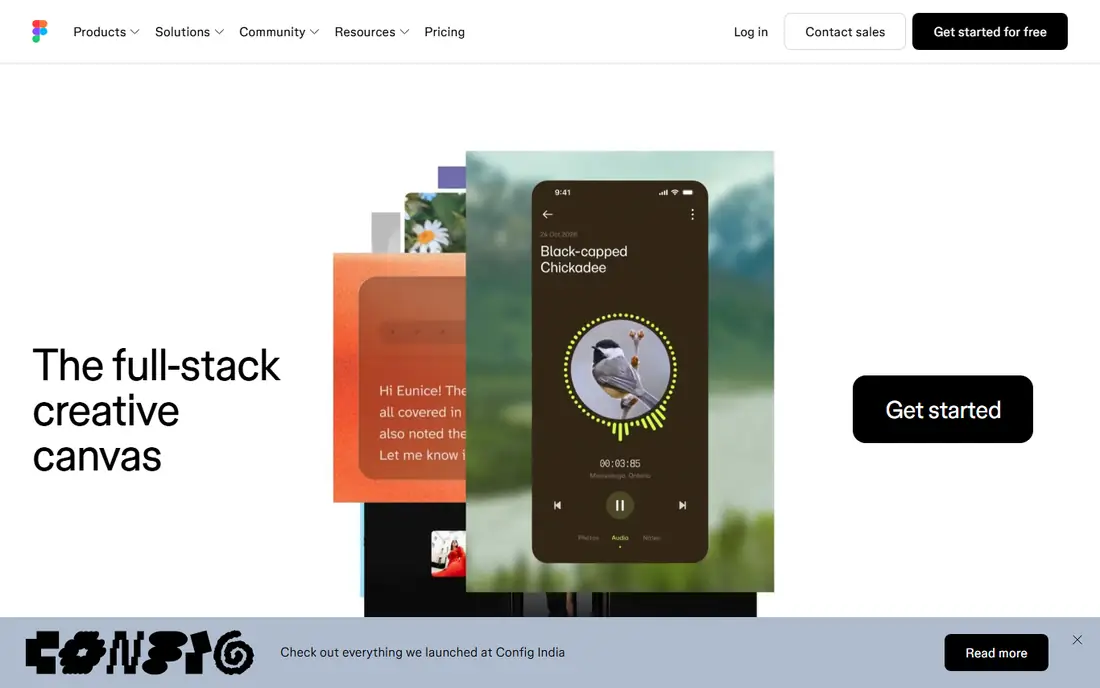
Figma is the default prototyping tool for most product teams. Design and prototype live in one file, real-time collaboration lets designers and stakeholders comment together, and variables plus conditional flows support branching logic without leaving the tool. The free starter plan covers small teams, and Professional runs $16 per editor per month.
Advanced interactions need learning, and huge files can slow browser performance. For a team that wants the tool most collaborators already know, Figma is the safest choice, and its community files accelerate every project.
What we like- Industry standard with huge community
- Real-time collaboration
- Variables and conditional flows
- Free starter plan
Watch out for- Advanced prototyping needs learning
- Browser performance on huge files
- Offline use limited
#2Framer
Best for: Design to live website4.5/5 on
G2 (144 reviews, checked Oct 2026)
Visit framer.com
Starting priceFree; Basic from $10 per month
Free planYes
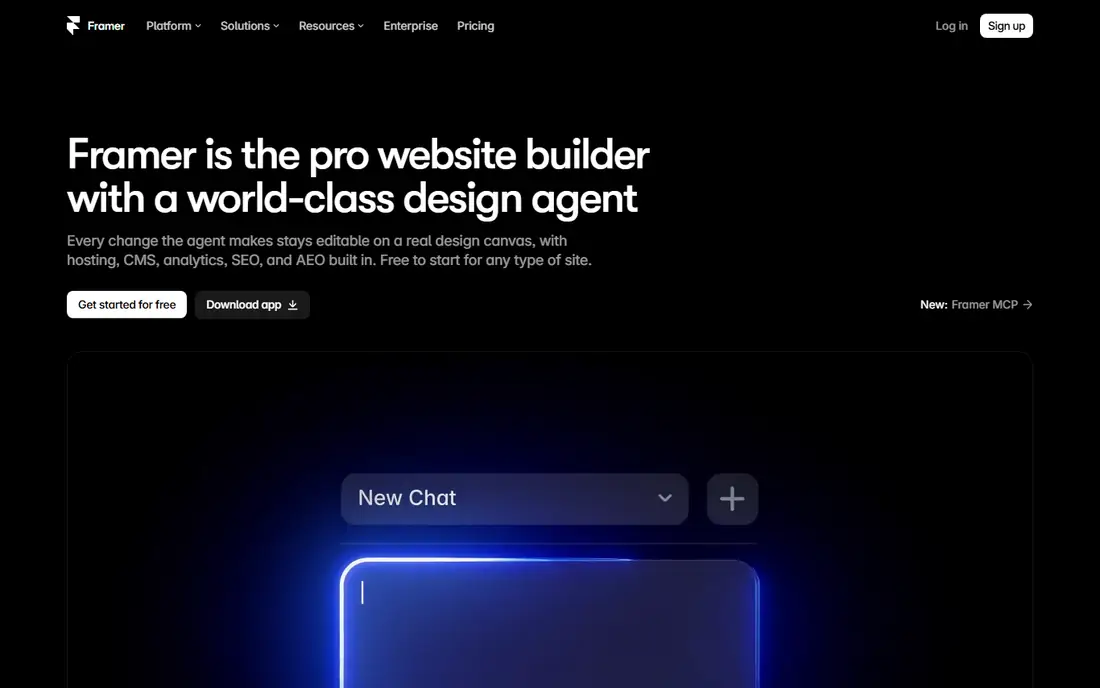
Framer turns designs into live websites with no code. Prototypes publish as real sites with working navigation, animations, and forms, so stakeholders test the real thing rather than a simulation. Templates and a built-in CMS speed marketing sites and landing pages, and the free tier covers personal projects, with Basic from $10 a month.
The website focus limits mobile app prototyping compared with ProtoPie or Axure, and advanced features need paid plans. For a team prototyping websites and landing pages, Framer closes the gap between prototype and production.
What we like- Designs publish as live websites
- Strong animation and interaction
- Templates and CMS built in
- Free tier
Watch out for- Website focus limits app prototyping
- Advanced features need paid plans
- Smaller design community than Figma
#3ProtoPie
Best for: High-fidelity interaction4.4/5 on
G2 (24 reviews, checked Oct 2026)
Visit protopie.io
Starting priceSee website
Free planFree trial
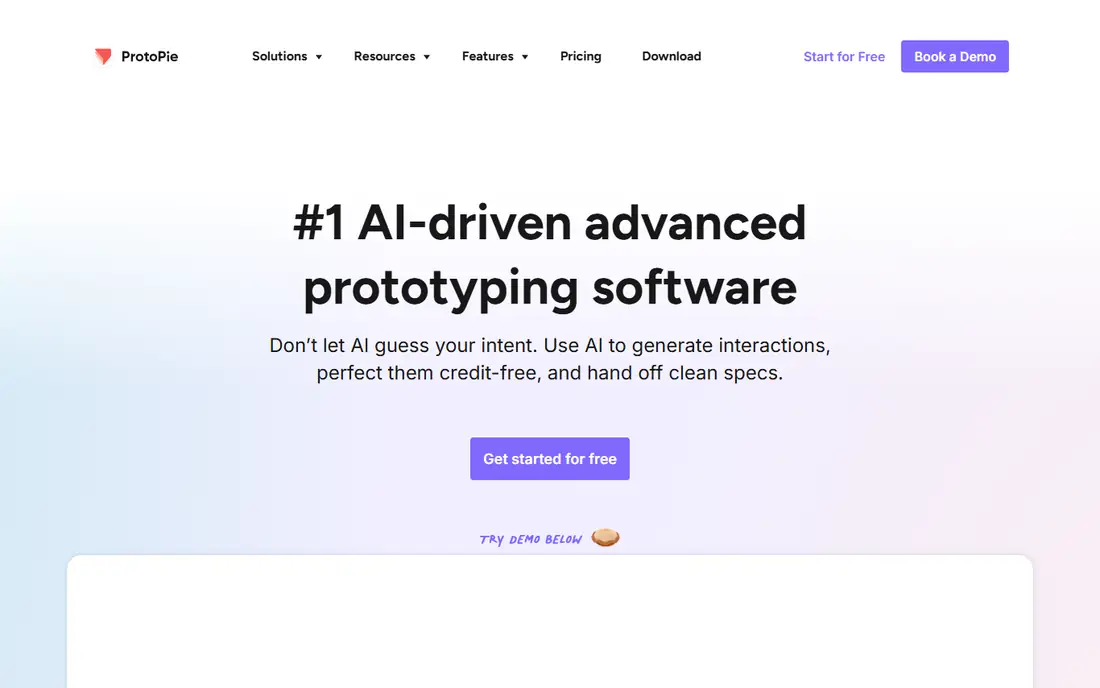
ProtoPie leads for high-fidelity interactive prototypes. Sensors, voice input, and conditional logic let prototypes respond to tilt, proximity, sound, and multi-touch, which matters for mobile apps, automotive interfaces, and smart devices. Prototypes run on real devices, so testing feels like using the finished product.
Pricing varies by plan and needs checking on the vendor page, and advanced logic takes learning. For a team that must test realistic interactions before building, ProtoPie reaches fidelity Figma cannot match without code.
What we like- Sensor, voice, and logic-driven interactions
- Realistic device testing
- No code needed for complex flows
Watch out for- Pricing varies and needs checking
- Learning curve for advanced logic
- Smaller ecosystem than Figma
#4Axure RP
Best for: Complex enterprise prototypes4.2/5 on
G2 (277 reviews, checked Oct 2026)
Visit axure.com
Starting priceFrom $29 per user per month
Free planFree trial
Axure RP suits complex enterprise prototypes with conditional logic and data. Variables, repeaters, and adaptive views let one prototype simulate many user paths and data states, and built-in documentation keeps specs beside screens. That depth serves regulated industries and large systems where edge cases matter.
At $29 per user per month, it costs more than Figma, and the interface feels dated. For a simple click-through, it is overkill. For an enterprise team prototyping a system with rules, roles, and data, Axure RP is the most capable tool here.
What we like- Conditional logic, variables, and data-driven prototypes
- Documentation built in
- Enterprise governance
Watch out for- $29 per user per month
- Dated interface
- Overkill for simple click-through prototypes
#5Sketch
Best for: Mac-native design and prototyping4.5/5 on
G2 (1,227 reviews, checked Oct 2026)
Visit sketch.com
Starting priceFrom $12 per editor per month
Free planFree trial
Sketch remains the Mac-native design and prototyping tool. Native performance feels fast, the plugin ecosystem is mature, and prototyping with smart animate covers flows, transitions, and interactions for most product work. Pricing starts at $12 per editor per month, with a free trial.
Mac-only support excludes Windows teams, and collaboration trails Figma real-time editing. For a Mac-only team that values native speed and a deep plugin library, Sketch is still a strong prototyping choice.
What we like- Native Mac performance
- Mature plugin ecosystem
- Prototyping with smart animate
- One-time purchase history
Watch out for- Mac only
- Collaboration weaker than Figma
- Prototyping less advanced than ProtoPie
#6Penpot
Best for: Free open-source prototyping4.5/5 on
G2 (10 reviews, checked Oct 2026)
Visit penpot.app
Starting priceFree; cloud from $7 per user per month
Free planYes
Penpot is the free open-source answer to Figma. Browser-based collaboration covers design and prototyping, self-hosting keeps data in-house, and the component system grows with each release. Cloud plans start at $7 per user per month, while self-hosted use is free.
The community is smaller than Figma, and advanced prototyping features are still maturing. For a team that wants to avoid subscriptions, own its data, or contribute to open source, Penpot is the best free prototyping route.
What we like- Free and open source
- Browser-based collaboration
- Self-hosting option
- Growing component system
Watch out for- Smaller community than Figma
- Advanced prototyping features still maturing
- Fewer plugins
#7Lunacy
Best for: Free Windows design and prototyping4.3/5 on
G2 (28 reviews, checked Oct 2026)
Visit icons8.com
Starting priceFree
Free planYes
Lunacy is a free design tool from Icons8 that covers prototyping on Windows without a subscription. Native performance feels fast, it reads Sketch and Figma files, and built-in graphics, icons, and photos speed mockups. Prototyping covers flows and transitions for standard product work.
Windows focus limits Mac teams, and prototyping is simpler than Figma or ProtoPie. For a Windows user who wants a free, fast design and prototyping tool, Lunacy is the best no-cost option.
What we like- Fully free
- Native Windows performance
- Reads Sketch and Figma files
- Built-in graphics and icons
Watch out for- Windows focused
- Prototyping simpler than Figma
- Smaller community and plugin set
#8UXPin
Best for: Code-backed design systems4.2/5 on
G2 (118 reviews, checked Oct 2026)
Visit uxpin.com
Starting priceSee website
Free planFree trial
UXPin suits teams whose prototypes must match production code. Design systems use real code components, so prototypes behave like the built product, and conditional logic plus data support realistic states. Developer handoff is built in, since the same components appear in design and code.
Pricing varies by plan and needs checking, and code components take learning. For a design-system team that wants prototypes built from the same components engineers ship, UXPin closes the design-to-code gap better than any tool here.
What we like- Prototypes use real code components
- Design system management
- Conditional logic and data
- Developer handoff built in
Watch out for- Pricing varies and needs checking
- Learning curve for code components
- Smaller community than Figma
How we chose
We compared tools on prototyping fidelity, interaction logic, collaboration, design-system support, and pricing, using vendor pages and published comparisons from 2026. We favored tools US teams can use today with a distinct strength. We did not claim hands-on testing, and where prices varied by plan we wrote See website. Note that Adobe XD and InVision are not listed: XD is in maintenance mode and no longer sold standalone, and InVision shut down in late 2024.
Start with the fidelity you need to test. Click-through flows for stakeholder approval need only Figma or Sketch. Realistic interactions with sensors, voice, or conditional logic need ProtoPie or Axure. Live websites need Framer. Code-accurate prototypes need UXPin. Choosing more fidelity than the question requires wastes time, while choosing less leaves the key question untested.
Then check collaboration and handoff. Figma real-time editing suits distributed teams, Penpot self-hosting suits privacy-conscious teams, and UXPin code components suit design-system teams. Test the prototype on real devices early: a flow that feels fine on a desktop screen can fail on a phone, and ProtoPie device testing catches that before development starts.
Also plan the prototype lifecycle. Throwaway prototypes for one review need speed, so pick the tool the team already knows. Evolving prototypes that become design specs need variables, components, and documentation, so pick a tool with system support. Finally, budget learning time: Figma skills transfer across jobs, while Axure and ProtoPie depth pays off only for teams that prototype often. A tool the whole team can open beats a powerful tool only one person understands.
Common mistakes waste prototyping effort. Teams polish visual details before testing flows, so test structure first and visuals later. Others prototype every screen instead of the riskiest flows, so prioritize the paths where users fail or drop off. Keep prototypes focused on one question each, test with real users where possible, and retire prototypes once the question is answered, since stale prototypes confuse later decisions.
Testing method matters as much as tool choice. Unmoderated tests with five users catch most flow problems, while moderated sessions reveal why users hesitate or misread a screen. Record sessions where users consent, watch for the first moment of confusion rather than the final opinion, and fix that moment first, since early confusion shapes everything that follows in a flow.
Stakeholder reviews need structure too. Give reviewers one task and one question per prototype, such as whether the checkout flow feels clear, rather than asking for general opinions. General feedback produces visual comments, while task-based feedback reveals flow problems, and the prototype improves faster when every review answers a specific question.
Version control for prototypes prevents confusion when designs change weekly. Name versions by date and question tested, keep the tested version linked from the test notes, and archive old versions rather than deleting them, so the team can trace why a flow changed, what evidence drove the change, and who approved it.
Accessibility testing belongs in prototyping, not after launch. Check color contrast, keyboard navigation, and screen reader order in the prototype itself, since fixing these issues in design costs far less than rebuilding them in code. A prototype that only works with a mouse hides problems that will affect real users later.
Frequently asked questions
What is the best prototyping tool overall?
Figma, for most product teams, thanks to collaboration, community, and a free tier. High-fidelity interaction needs ProtoPie, and complex enterprise logic needs Axure RP.
Can I prototype for free?
Yes. Figma, Framer, Penpot, and Lunacy all offer free tiers. Penpot self-hosted and Lunacy are fully free, while Figma free covers small teams.
What is the difference between low and high fidelity prototyping?
Low fidelity tests structure and flows with simple screens. High fidelity tests realistic interactions, data, and device behavior, using tools like ProtoPie or Axure RP.
Is Adobe XD still a good prototyping tool?
No. Adobe XD is in maintenance mode and no longer sold standalone, so new teams should choose Figma, Framer, or Penpot instead.
Which tool turns prototypes into live websites?
Framer. Designs publish as real websites with working navigation and forms, which suits marketing sites and landing pages.
Do I need code to build advanced prototypes?
No. ProtoPie and Axure RP build logic, sensors, and data-driven flows without code. UXPin uses code components for teams that want production accuracy.
Sources we checked (8)
- https://www.figma.com
- https://www.framer.com
- https://www.protopie.io
- https://www.axure.com
- https://www.sketch.com
- https://penpot.app
- https://icons8.com/lunacy
- https://www.uxpin.com
Is your product missing or out of date?
We review this list regularly. Vendors can request a listing, send updated pricing or ask about featured placement.

Shihab Mia · Founder, Rankite
Shihab has 5+ years in B2B and SaaS SEO. He writes Rankite's software buying guides from pricing pages, documentation and public user reviews. More about Shihab.