How we make this list: we compare pricing pages, product documentation and public user reviews. Ratings come from G2, Capterra or Trustpilot, with the date we checked them.
Key takeaways
- Versatile here means one tool that covers several media types, such as social graphics, photo edits, video clips, and presentations, not a specialist for one job.
- Canva suits non designers who need fast output across formats, while Adobe Express suits teams that want Adobe assets and commercially safe AI images.
- Figma suits interface and product design teams, while Photopea, GIMP, and Inkscape suit users who want professional file support at no cost.
- Free plans are strong in this group: Photopea, GIMP, and Inkscape cost nothing, and Canva, Adobe Express, Figma, VistaCreate, and Pixlr all offer free entry.
- Canva Pro pricing conflicts across sources, so this guide lists it as See website and notes the range in the text.
Quick comparison
| Tool | Best for | Starting price | Free plan |
|---|
 Canva Canva | Fast mixed media for non designers | See website | Yes |
 Adobe Express Adobe Express | Branded content with safe AI | $9.99 per month | Yes |
 Figma Figma | Interface and product design | $16 per editor per month | Yes |
 VistaCreate VistaCreate | Budget template design | $10 per month | Yes |
 Photopea Photopea | Free professional file editing | Free | Yes |
 GIMP GIMP | Free advanced photo editing | Free | Yes |
 Inkscape Inkscape | Free vector illustration | Free | Yes |
 Pixlr Pixlr | Quick browser photo edits | $1.99 per month | Yes |
Is your product missing or out of date?
We review this list regularly. Vendors can request a listing, send updated pricing or ask about featured placement.
#1Canva
Best for: Fast mixed media for non designers4.7/5 on
G2 (7,678 reviews, checked Oct 2026)
Visit canva.com
Starting priceSee website
Free planYes
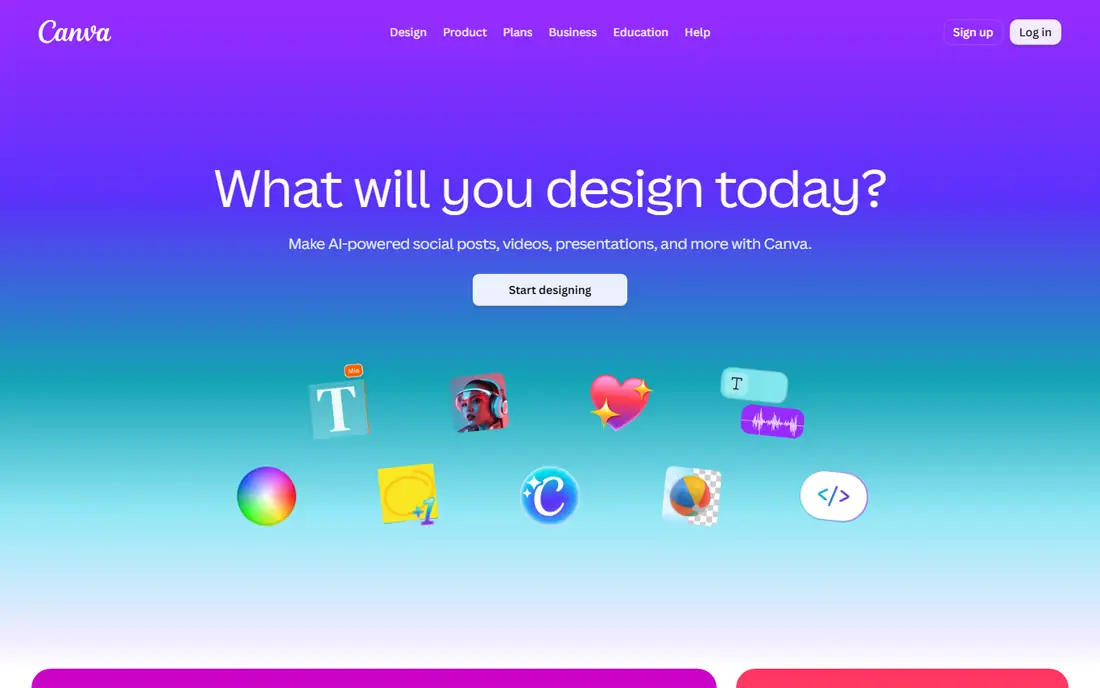
Canva is the default versatile tool for non designers, covering social posts, flyers, presentations, short videos, and print layouts from one editor with a huge template library. The free plan covers everyday social posts, flyers, and presentations, while Pro adds the full template and asset libraries, brand kits, background removal, and Magic Studio AI tools. Pro pricing is reported at $14.99 per month, $18 per month, and $12.99 per month across different sources, so this guide lists it as See website and you should confirm the current price for your region and billing cycle.
The trade off is speed against depth. Canva produces good looking output fast, but photo editing stays shallow next to GIMP or Photoshop, and print professionals will miss finer export controls. Canva fits small businesses, creators, and teams that need fast mixed media output without learning a professional suite.
What we like- Huge template library
- Social, video, presentation, and print formats
- Magic Studio AI tools
- Brand kits on Pro
- Easy collaboration
Watch out for- Pro price conflicts across sources
- Free plan limits premium assets
- Advanced photo editing is shallow
- Export control is limited for print pros
#2Adobe Express
Best for: Branded content with safe AI4.5/5 on
G2 (855 reviews, checked Oct 2026)
Visit adobe.com
Starting price$9.99 per month
Free planYes
Adobe Express is the Canva style tool inside the Adobe ecosystem, covering social posts, flyers, videos, and marketing graphics from templates, with one click tools for background removal, resizing, and cropping. Premium runs $9.99 per month and adds the full template and font libraries, a larger Adobe Stock collection, brand kits, and 100 GB of storage. Firefly AI generation is a real strength here, with image generation, generative fill, and text effects built into the editor, and Adobe positions Firefly output as commercially safe, which matters for business use.
The trade off is Adobe depth against team polish. Express beats Canva on AI safety and Adobe assets, but collaboration is thinner and video editing stays basic. Adobe Express fits small businesses that want branded content fast with Adobe fonts, stock, and AI images.
What we like- Firefly AI images built in
- Commercially safe AI features
- Adobe Stock and fonts
- One click resize and background removal
- Links to Photoshop and Illustrator
Watch out for- Free plan limits premium templates
- Collaboration is thinner than Canva
- Heavy canvases can feel slow
- Video editing is basic
#3Figma
Best for: Interface and product design4.7/5 on
G2 (1,593 reviews, checked Oct 2026)
Visit figma.com
Starting price$16 per editor per month
Free planYes
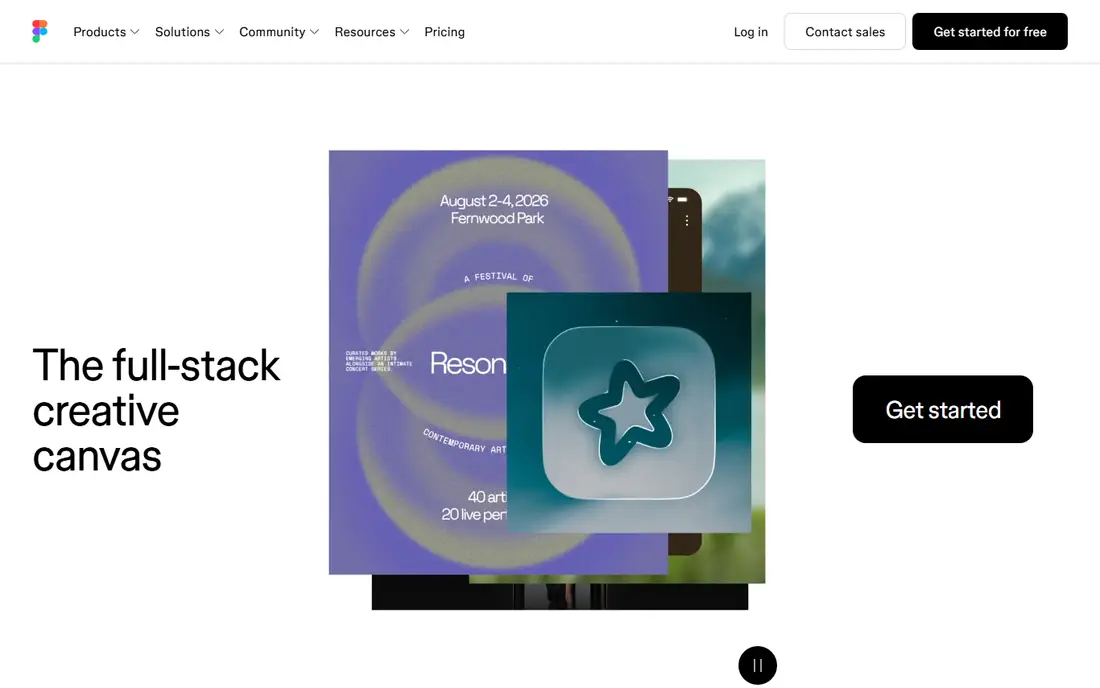
Figma is the collaborative design tool for websites, apps, and product interfaces, with real time editing, reusable components, and design systems that keep a whole product consistent. The free Starter plan covers learning and small projects, while paid plans are reported at $16 per editor per month billed annually in most sources, with some sources listing $12 to $15 per editor, so confirm the current seat price. FigJam, the whiteboard companion, adds brainstorming and planning to the same account.
The trade off is interface strength against media breadth. Figma is the best tool here for product design, but it is not a photo editor and print layout is weak. Figma fits product teams and designers who need collaborative interface design with shared components.
What we like- Real time collaboration
- Reusable components and design systems
- Strong free Starter plan
- FigJam for whiteboarding
- Large plugin set
Watch out for- Paid price conflicts across sources
- Not a photo editor
- Print layout is weak
- Free Starter limits file count
Starting price$10 per month
Free planYes
VistaCreate, formerly Crello, is the budget template tool for social content, covering static posts, animated graphics, and short videos from a large template library. The free plan covers basic design, while Pro runs $10 per month billed annually with the full library, background removal, and scheduling. It undercuts Canva Pro on price in most reports, which makes it a strong pick for solo creators who mostly need social templates.
The trade off is price against AI depth. VistaCreate costs less, but its AI tools and brand controls are thinner than Canva and Adobe Express. VistaCreate fits budget conscious creators who want ready made templates and animated social content without paying for a full suite.
What we like- Large template library
- Animated social content
- Scheduling on paid plans
- Lower price than Canva Pro
- Simple editor
Watch out for- AI tools are thinner than Canva and Express
- Brand controls are lighter
- Video depth is limited
- Template quality varies
#5Photopea
Best for: Free professional file editing4.6/5 on
G2 (21 reviews, checked Oct 2026)
Visit photopea.com
Starting priceFree
Free planYes
Photopea is the free browser editor that opens PSD, AI, XCF, and other professional file formats that most free tools cannot, with layers, masks, and smart objects in a Photoshop style interface. Core use is free with ads, and a paid plan removes ads and adds more history steps. Because it runs in the browser, there is nothing to install, and files stay on your own machine unless you choose to save them elsewhere.
The trade off is cost against polish. Photopea handles professional files for free, but the free tier shows ads and browser performance can lag on very large files. Photopea fits users who need to open and edit PSD and AI files without paying for Photoshop.
What we like- Opens PSD, AI, and other professional formats
- Runs in the browser with no install
- Layers, masks, and smart objects
- Free for core use
Watch out for- Ads on the free tier
- Performance depends on browser
- No native app
- Advanced features trail Photoshop
#6GIMP
Best for: Free advanced photo editing4.3/5 on
G2 (1,484 reviews, checked Oct 2026)
Visit gimp.org
Starting priceFree
Free planYes
GIMP is the free desktop photo editor for advanced work, with layers, masks, selection tools, and a large plugin set that covers retouching, compositing, and color work at a professional level. It costs nothing, runs on Windows, Mac, and Linux, and handles PSD files alongside its own XCF format. For users who need Photoshop level editing without a subscription, GIMP is the standard free answer.
The trade off is power against ease. GIMP does professional grade work, but the interface feels dated and the learning curve is real for beginners. GIMP fits budget conscious users and teams that need advanced photo editing on desktop at no cost.
What we like- Professional grade photo editing at no cost
- Layers, masks, and plugins
- Runs on Windows, Mac, and Linux
- Large community
Watch out for- Learning curve is steep
- Interface feels dated
- No native CMYK for print pros
- Collaboration features are absent
#7Inkscape
Best for: Free vector illustration4.4/5 on
G2 (417 reviews, checked Oct 2026)
Visit inkscape.org
Starting priceFree
Free planYes
Inkscape is the free vector illustration tool for logos, icons, diagrams, and illustration, built around SVG as its native format. It costs nothing, runs on Windows, Mac, and Linux, and covers bezier drawing, text on paths, gradients, and tracing for users who need scalable artwork. For vector work without an Illustrator subscription, Inkscape is the standard free pick.
The trade off is vector strength against media breadth. Inkscape draws vectors well, but it is not a photo editor or a social template tool, so it pairs best with GIMP or Photopea for mixed work. Inkscape fits illustrators, logo designers, and teams that need free vector output.
What we like- Professional vector drawing at no cost
- Logos, icons, and illustration
- SVG native
- Runs on Windows, Mac, and Linux
- Active community
Watch out for- Learning curve for new users
- No photo editing depth
- Performance slows on huge files
- Print color tools are basic
#8Pixlr
Best for: Quick browser photo edits4.4/5 on
G2 (751 reviews, checked Oct 2026)
Visit pixlr.com
Starting price$1.99 per month
Free planYes
Pixlr is the quick browser photo editor for fast edits, with AI image tools, filters, and batch editing in a simple interface that needs no install. The free plan covers basic editing with ads, while paid plans start at $1.99 per month billed annually, which makes it one of the cheapest paid photo tools in this guide. Pixlr suits social creators who need a photo fixed and posted in minutes rather than a deep retouching session.
The trade off is speed against depth. Pixlr is fast and cheap, but editing depth trails GIMP and Photoshop, and AI credits cap on paid plans. Pixlr fits creators who want quick browser photo edits and AI tools at a very low price.
What we like- Fast browser photo editing
- AI image tools
- No install
- Very low paid price
- Batch editing on paid plans
Watch out for- Free tier shows ads and limits
- Depth trails GIMP and Photoshop
- AI credits cap on paid plans
- Print tools are basic
How we chose
We compared published pricing pages and third party design comparisons from 2026, favoring tools that cover several media types rather than one specialist job. We recorded free plan depth and entry prices separately, and we listed Canva as See website because Pro pricing conflicts across sources. We weighed template breadth, file format support, and AI features separately, since no single tool leads on all three, and we favored tools with a genuinely usable free tier.
Start with your main output: social and marketing teams should shortlist Canva and Adobe Express, product teams should shortlist Figma, and budget users should start with Photopea, GIMP, and Inkscape at no cost. Next, check AI needs: Adobe Express offers commercially safe AI images, Canva offers Magic Studio, and Pixlr offers AI photo tools, while GIMP and Inkscape have no native AI. Then confirm file needs: if you must open PSD or AI files, Photopea is the free answer, and if you need print color control, a professional suite still beats every tool here. Finally, test one real project during trial, since template quality, export options, and editor speed vary more than feature lists suggest. A tool that covers your most common formats well will save more time than a specialist you rarely open.
Frequently asked questions
What is the most versatile digital media tool overall?
Canva covers the widest mix of social, video, presentation, and print formats for non designers, while Adobe Express is the strongest Adobe option, and Figma leads for product design.
Is there a completely free versatile media tool?
Photopea, GIMP, and Inkscape cost nothing, and Canva, Adobe Express, Figma, VistaCreate, and Pixlr all offer free plans with limits.
Why is Canva listed as See website?
Canva Pro pricing is reported at $12.99, $14.99, and $18 per month across different sources, so confirm the current price on the Canva pricing page for your region and billing cycle.
Can Photopea really replace Photoshop?
Photopea opens and edits PSD files well for everyday work, but Photoshop still leads on advanced retouching, automation, and print color control.
Which tool is best for logos and icons?
Inkscape is the best free vector tool for logos and icons, while Figma suits product icons inside a design system, and Canva suits fast social logos from templates.
Do I need a paid plan for AI images?
Adobe Express includes Firefly AI on its free plan with limits, Canva includes Magic Studio AI with credits, and Pixlr includes AI photo tools, so test the free tier before paying.
Sources we checked (0)
Is your product missing or out of date?
We review this list regularly. Vendors can request a listing, send updated pricing or ask about featured placement.

Shihab Mia · Founder, Rankite
Shihab has 5+ years in B2B and SaaS SEO. He writes Rankite's software buying guides from pricing pages, documentation and public user reviews. More about Shihab.