How we make this list: we compare pricing pages, product documentation and public user reviews. Ratings come from G2, Capterra or Trustpilot, with the date we checked them.
Key takeaways
- Procreate is the best iPad painting app, with a complete art studio plus Pocket for iPhone and Dreams for animation.
- Krita is the best free painting app, professional, open source, and made by artists.
- Clip Studio Paint is the best app for illustration, manga, and animation, loved by professionals.
- Rebelle is the best app for realistic traditional media, with phenomenal oils and watercolors.
- Corel Painter suits artists who want the deepest traditional-media brush library on desktop.
Quick comparison
| Tool | Best for | Starting price | Free plan |
|---|
 Procreate Procreate | iPad artists who want a complete, intuitive art studio | See website | See website |
 Clip Studio Paint Clip Studio Paint | Illustrators, manga artists, and animators who want professional tools | See website | See website |
 Krita Krita | Artists who want a free, professional, open source painting program | Free | Yes |
 Corel Painter Corel Painter | Desktop artists who want the deepest traditional-media simulation | See website | See website |
 Adobe Fresco Adobe Fresco | Artists already in the Adobe Creative Cloud ecosystem | See website | See website |
 Rebelle Rebelle | Artists who want hyper-realistic oils and watercolors | See website | See website |
 MediBang Paint MediBang Paint | Free manga, illustration, and comic creation | Free | Yes |
 Sketchbook Sketchbook | Artists who want natural, paper-like sketching | See website | See website |
Is your product missing or out of date?
We review this list regularly. Vendors can request a listing, send updated pricing or ask about featured placement.
The best apps for digital painting
#1Procreate
Best for: iPad artists who want a complete, intuitive art studio4.9/5 on
G2 (73 reviews, checked Oct 2026)
Visit procreate.com
Starting priceSee website
Free planSee website
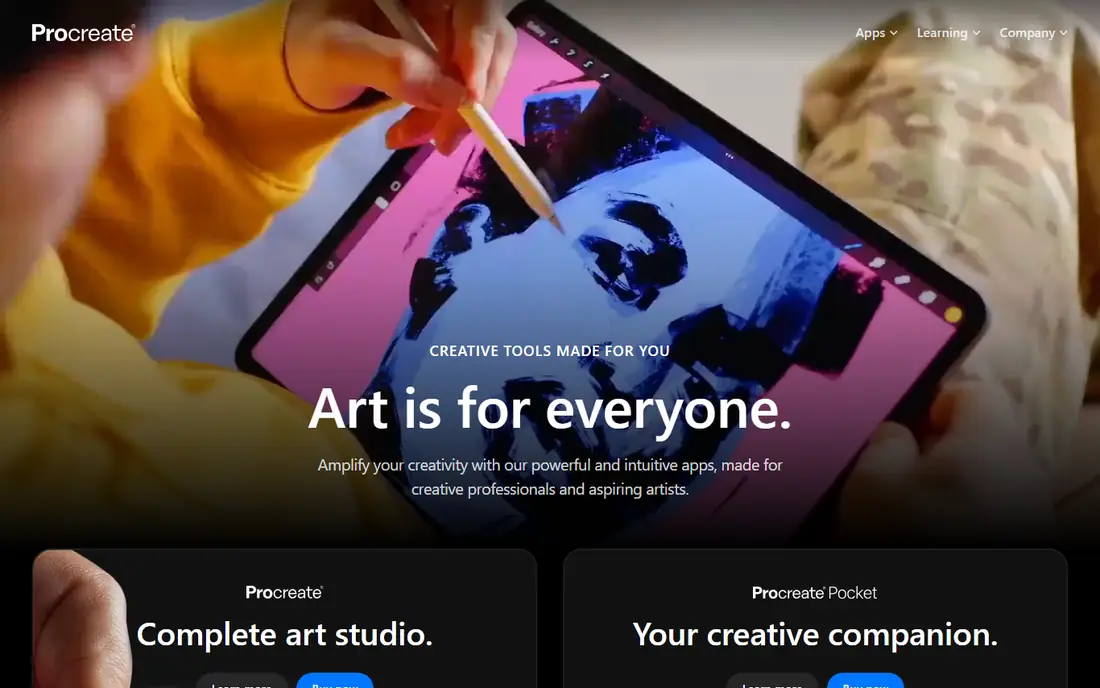
Procreate is the creative app designed for iPad, and it remains the benchmark for digital painting on Apple's tablet. Its homepage presents a complete art studio for iPad, a creative companion in Procreate Pocket for iPhone, and animation on iPad through Procreate Dreams, all built around the idea that art is for everyone, from creative professionals to aspiring artists.
The app's strength is its balance of power and simplicity. Brushes feel responsive with Apple Pencil, layers and blend modes support serious illustration work, and the interface stays out of the way so you can focus on drawing. A help center and stories section support learning, with artist profiles and events from the Procreate team.
The limitations are platform and price transparency. The main app is iPad only, so desktop artists need another tool, and pricing is not shown plainly on the homepage. For iPad artists, though, no other app matches Procreate's polish and community.
What we like- Complete art studio for iPad, Procreate Pocket for iPhone, Procreate Dreams for animation, powerful and intuitive, made for professionals and aspiring artists
Watch out for- IPad only for the main app, pricing not shown plainly on the homepage, no desktop version
#2Clip Studio Paint
Best for: Illustrators, manga artists, and animators who want professional tools4.4/5 on
G2 (55 reviews, checked Oct 2026)
Visit clipstudio.net
Starting priceSee website
Free planSee website
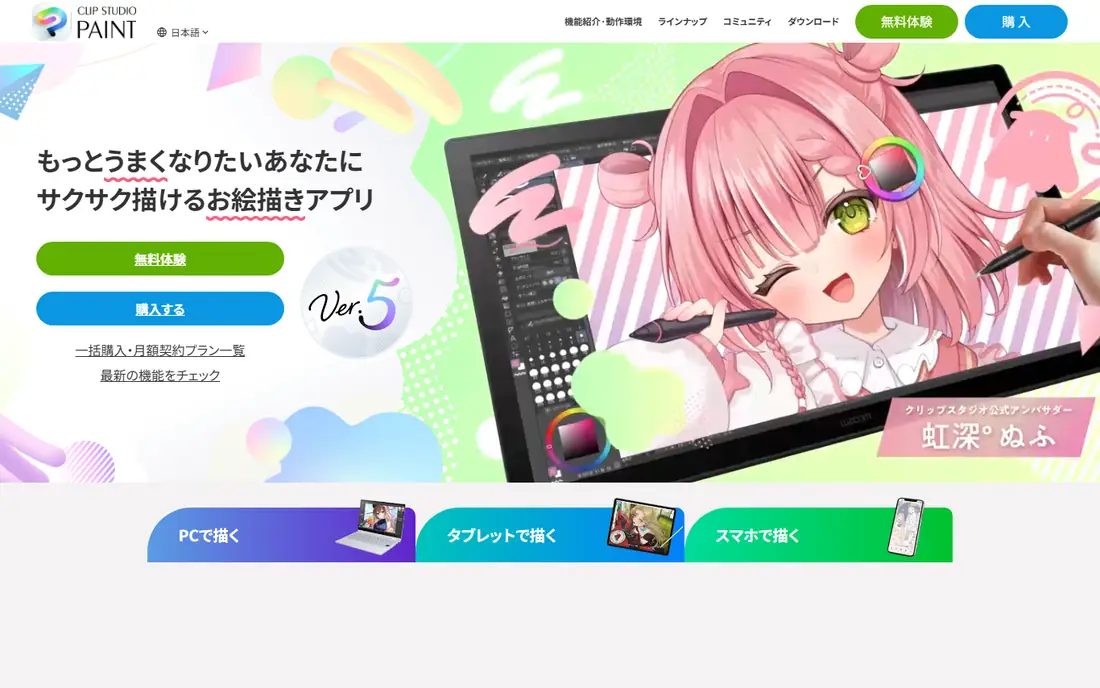
Clip Studio Paint is the drawing app loved by professional artists for digital illustration, manga, and animation. Its brushes feel like real art materials, with watercolor, oil, and pen textures that let you achieve styles other apps cannot, and more than 40,000 free brushes plus 100,000 plus free materials from users worldwide expand what you can do.
The app is built for complete production: manga panel division, speech balloons, text, speed lines, and tones in one action, multi-page management for books and webtoons, animation with sound and camera work, and vector data that stays clean at 4K resolution. Drawing support features help beginners master faces and bodies, adjust balance after drawing, and build convincing backgrounds with perspective rulers and 3D models.
Pricing is not shown plainly on the homepage, and our check served Japanese-language content, though the product itself is fully available in English. For illustrators and manga artists who want professional-grade tools, Clip Studio Paint is the best choice.
What we like- Loved by professional artists, high-quality brushes like real art materials, manga and animation features, 40,000 plus free brushes, vector drawing, multi-page management
Watch out for- Homepage content served in Japanese during our check, pricing not shown plainly on the homepage, feature depth can overwhelm beginners
#3Krita
Best for: Artists who want a free, professional, open source painting program4.4/5 on
G2 (65 reviews, checked Oct 2026)
Visit krita.org
Starting priceFree
Free planYes
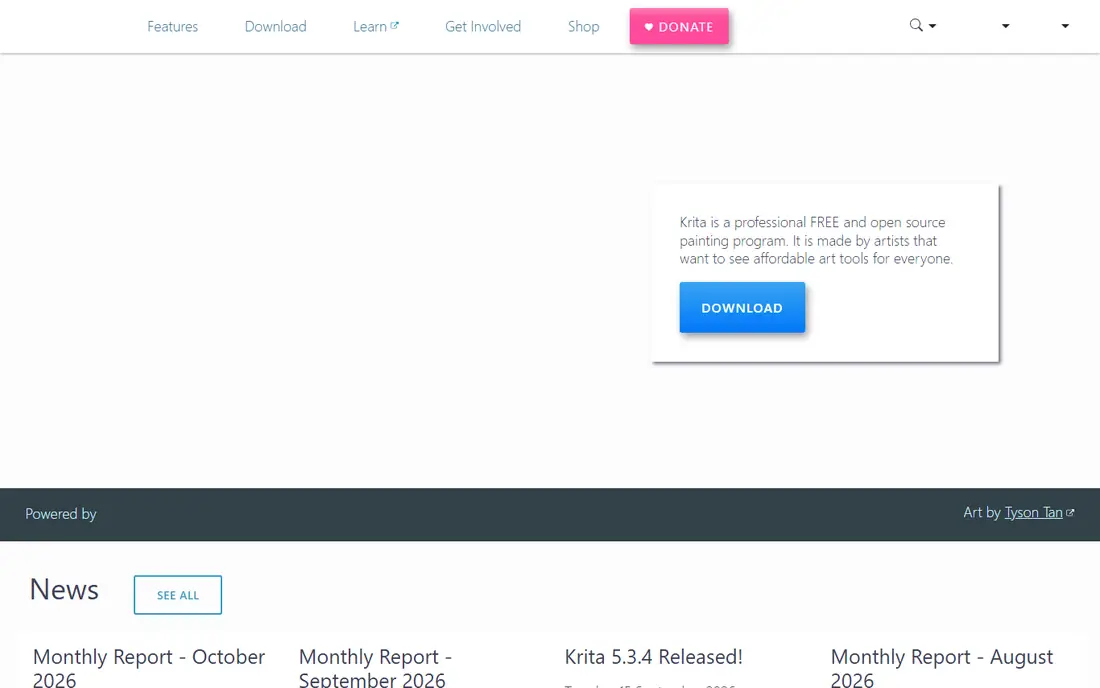
Krita is a professional free and open source painting program, made by artists who want affordable art tools for everyone. It is a public project licensed under GNU GPL and owned by its contributors, which is why it is free and open source software, forever.
The feature set is serious: multiple brush types for different art styles, layers, drawing assistants, stabilizers, and animation tools to transform artwork, plus brushes, patterns, vector libraries, texture packs, page templates, and plugins that expand what Krita can do. A supportive online community shares artwork, tips, and feedback, and monthly development reports show active progress, with recent releases including Krita 5.3.4 and 6.0.4.
The trade-offs are polish and learning curve. Krita's interface is denser than Procreate's, and performance depends on your hardware. For artists who want professional painting tools without paying anything, Krita is unmatched.
What we like- Professional and free forever, open source under GNU GPL, multiple brush types, layers, drawing assistants, stabilizers, animation tools, supportive community
Watch out for- Interface can feel busy, performance varies on low-end hardware, fewer commercial tutorials than Procreate
#4Corel Painter
Best for: Desktop artists who want the deepest traditional-media simulation4.7/5 on
Capterra (11 reviews, checked Oct 2026)
Visit corel.com
Starting priceSee website
Free planSee website
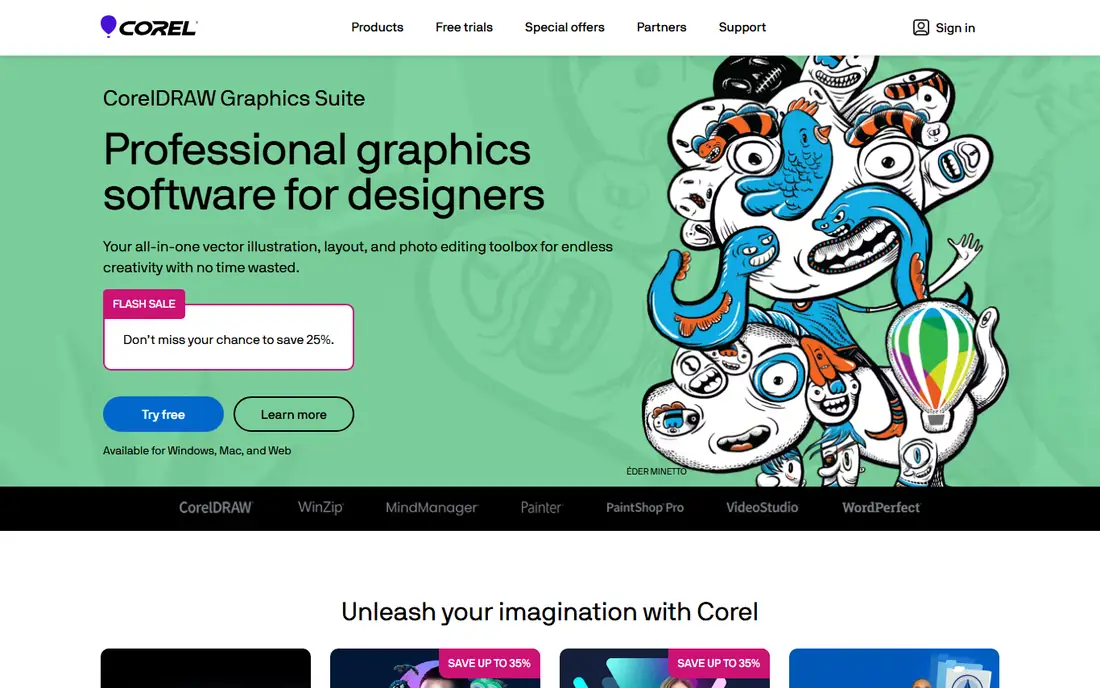
Corel Painter is the long-running desktop painting program from Corel, praised by artists for how it handles blending digital mediums and its vast library of brushes. Testimonials on Corel's homepage highlight Painter's blending and brush range, placing it alongside CorelDRAW Graphics Suite and VideoStudio in Corel's creative lineup.
Painter's appeal is realism and depth. Its brushes simulate oils, watercolors, pastels, and more with a fidelity that has kept professional illustrators loyal for years, and its customization lets artists build brushes that match their exact style. Corel offers free trials with no credit card required across its popular products, so you can test Painter before buying.
Pricing is not shown plainly on the homepage, and Painter is a desktop-first tool rather than a tablet app. For desktop artists who want the most realistic traditional-media painting experience, Corel Painter remains a top choice.
What we like- Vast library of brushes for blending digital mediums, long-running professional tool, CorelDRAW ecosystem, free trial available
Watch out for- Pricing not shown plainly on the homepage, desktop focus, learning curve for the brush library
#5Adobe Fresco
Best for: Artists already in the Adobe Creative Cloud ecosystem4.5/5 on
G2 (34 reviews, checked Oct 2026)
Visit adobe.com
Starting priceSee website
Free planSee website
Adobe Fresco is Adobe's painting and drawing app, designed to work alongside Photoshop and Illustrator inside Creative Cloud. Its live brushes simulate watercolor and oil with realistic blending, while vector brushes keep lines crisp, and work syncs across devices through Creative Cloud.
The ecosystem is Fresco's biggest advantage. Artwork moves easily into Photoshop for finishing or Illustrator for vector work, and Creative Cloud libraries, fonts, and storage tie everything together. Adobe offers free trials across its products, and students and teachers save significantly on Creative Cloud plans.
The caveats are price and verification: Fresco is subscription-based through Creative Cloud, pricing is not shown plainly on the homepage, and our check confirmed Adobe's main site rather than a dedicated Fresco product page. For artists already paying for Creative Cloud, Fresco is a natural and powerful addition.
What we like- Adobe ecosystem integration, Photoshop and Illustrator compatibility, Creative Cloud sync, free trials across Adobe products
Watch out for- Pricing not shown plainly on the homepage, subscription model, homepage check was via Adobe's main site rather than a dedicated Fresco page
#6Rebelle
Best for: Artists who want hyper-realistic oils and watercolors4.8/5 on
G2 (81 reviews, checked Oct 2026)
Visit escapemotions.com
Starting priceSee website
Free planSee website
Rebelle, now in version 8, is the hyper-realistic painting software from Escape Motions, where cutting-edge technology meets the timeless beauty of traditional media. Its oils and watercolors use real physical pigment color mixing, so colors blend the way they do on a real palette, and watercolor and paper interactions are widely praised as the closest digital emulation of real watercolor available.
Artists and press agree: ImagineFX calls Rebelle the software to watch for results as close to real-world painting as possible, illustrator Simon Lovell says he has never used more advanced software for real-media mimicking, and leading concept artist Craig Mullins calls Rebelle's oils magnificent. The software is also user-friendly and packed with features that bring paintings to life realistically, with no mess to clean up.
Pricing is not shown plainly on the homepage, and Rebelle is a desktop-focused tool. For artists who judge a painting app by how real the paint feels, Rebelle is the best choice here.
What we like- Hyper-realistic painting with real pigment color mixing, phenomenal oils and watercolors, Rebelle 8 is the latest version, praised by ImagineFX and leading artists
Watch out for- Pricing not shown plainly on the homepage, desktop focus, smaller community than Procreate or Krita
Starting priceFree
Free planYes
MediBang Paint is a free illustration and manga app from MediBang, offering a wide range of brushes, comic tools, and cloud features for artists on iPad, mobile, and desktop. Its brushes cover pencil, ink, paint, and more, all customizable, and its comic features support panel creation, tones, and text for manga and webtoon work.
The app's current homepage highlights MediBang Paletta, a newer iPad illustration app designed for iPad and Apple Pencil with a simple interface, customizable brushes, filters, and gesture controls, available on the App Store and Google Play. Paletta shows MediBang's continued focus on accessible, lightweight painting tools, while MediBang Paint itself remains the free, full-featured option for manga and illustration.
The trade-offs are depth and focus: MediBang Paint is simpler than Clip Studio Paint for professional manga production, and some features need an account. For a free, capable painting and manga app, MediBang Paint is an excellent choice.
What we like- Free to use, wide brush range, manga and comic tools, cloud features, iPad, mobile, and desktop availability
Watch out for- Homepage currently highlights MediBang Paletta, its newer iPad app, interface is simpler than Clip Studio Paint, some features need an account
Starting priceSee website
Free planSee website
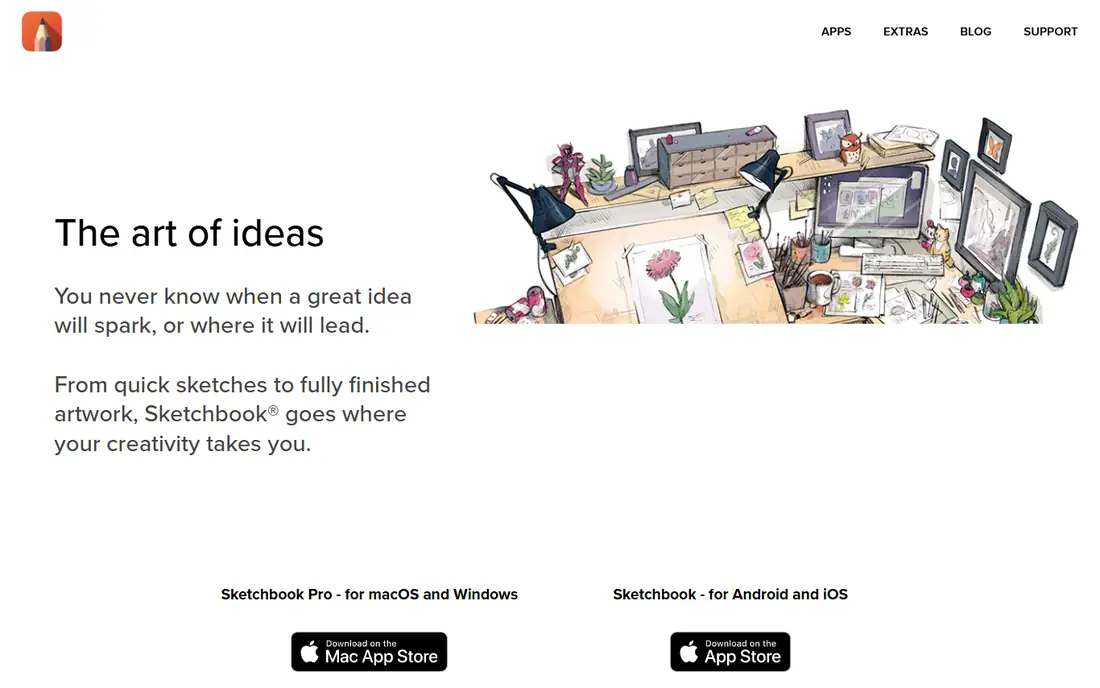
Sketchbook is for everyone who loves to draw, from quick sketches to fully finished artwork, and its core promise is natural drawing. Working in Sketchbook feels like drawing on paper: brushes and pens behave like their physical counterparts without cluttering your desk or going dry, the interface is clean and unobtrusive, and tools tuck out of sight until you need them.
The feature set covers professional needs: a wide variety of highly customizable brushes supported by guides, rulers, and stroke tools for stylistic freedom and precision, plus layers with a full complement of blend modes for building up and exploring drawings and color. Sketchbook Pro serves macOS and Windows through the Mac App Store and Microsoft Store, while Sketchbook for Android and iOS is available on the App Store and Google Play.
Pricing is not shown plainly on the homepage, and Sketchbook has fewer manga and animation features than Clip Studio Paint. For artists who value a clean, natural sketching feel above all else, Sketchbook is a joy to use.
What we like- Feels like drawing on paper, highly customizable brushes, guides, rulers, and stroke tools, layers with full blend modes, Pro for macOS and Windows, mobile for Android and iOS
Watch out for- Pricing not shown plainly on the homepage, fewer illustration-specific features than Clip Studio Paint, smaller update cadence
How we chose
We compared apps genuinely built for digital painting, with real brush engines and painting features, not just photo editors or note apps with a pen tool. We checked each vendor homepage to confirm the app exists and matches its description, and we used published prices where the vendor shows them. Where a vendor does not publish a price, we wrote "See website" rather than guessing. One note: Adobe Fresco was confirmed via Adobe's main site rather than a dedicated product page, Corel Painter via Corel's main site, and MediBang's homepage currently highlights its newer Paletta app alongside MediBang Paint. Apps were kept only if they are actively offered and usable for digital painting, not just similar in name.
Pick by your device and style
If you paint on iPad, Procreate is the obvious choice, with MediBang Paletta as a free alternative. If you want free and professional on desktop, Krita is unmatched. If you draw manga or illustration professionally, Clip Studio Paint is the best tool. If realistic paint matters most, Rebelle's oils and watercolors are the closest to real media, with Corel Painter as the desktop classic. If you live in Adobe's world, Fresco ties everything together, and if you just love to sketch, Sketchbook feels the most like paper. Try the free options first, test brushes with your own stylus, and choose the app whose feel matches your hand.
Frequently asked questions
What is the best app for digital painting?
Procreate is the best app for iPad painting, Krita is the best free professional app, and Clip Studio Paint is the best app for illustration and manga. The right choice depends on your device, budget, and style.
Is there a free digital painting app?
Yes. Krita is free and open source forever, and MediBang Paint is free to use. Procreate, Clip Studio Paint, Corel Painter, and Rebelle are paid apps, though some offer trials.
Which app is best for realistic watercolor and oil painting?
Rebelle is the best app for realistic traditional media, with hyper-realistic oils and watercolors using real pigment color mixing. Corel Painter is the desktop classic for traditional-media simulation.
Can I use Procreate on Windows or Android?
No. Procreate's main app is designed for iPad, with Procreate Pocket for iPhone. Windows and Android artists should look at Krita, Clip Studio Paint, MediBang Paint, or Sketchbook instead.
What is the best app for manga?
Clip Studio Paint is the best app for manga, with panel division, tones, speech balloons, multi-page management, and animation features used by professionals. MediBang Paint is the best free manga alternative.
Do I need a stylus for digital painting apps?
A stylus helps a great deal for pressure sensitivity and precision, especially Apple Pencil on iPad or a drawing tablet on desktop. Some apps, including Clip Studio Paint, support finger drawing with stabilization, but a stylus gives far better control.
Sources we checked (0)
Is your product missing or out of date?
We review this list regularly. Vendors can request a listing, send updated pricing or ask about featured placement.

Shihab Mia · Founder, Rankite
Shihab has 5+ years in B2B and SaaS SEO. He writes Rankite's software buying guides from pricing pages, documentation and public user reviews. More about Shihab.