How we make this list: we compare pricing pages, product documentation and public user reviews. Rankite is independent; if a vendor ever pays for a featured spot, that listing is clearly labeled Partner.
Key takeaways
- Substance 3D Painter is the default for game asset texturing, with a smart-material workflow that most studios now expect artists to know.
- Mari remains the film-industry standard for hero assets, built to handle the texture resolutions that VFX demands.
- Blender gives you capable 3D painting for free, and it is the right starting point if budget is zero.
- ZBrush pairs sculpting and painting in one tool, which suits character artists who texture as they sculpt.
- ArmorPaint and 3DCoat are the independent alternatives, one open-source and cheap, the other a full-featured perpetual-license option.
Quick comparison
| Tool | Best for | Starting price | Free plan |
|---|
 Substance 3D Painter Substance 3D Painter | Game asset texturing | See website | Free trial (30 days) |
 Mari Mari | Film-quality hero asset texturing | $35/month | Free trial (30 days) |
 3DCoat 3DCoat | Affordable all-round 3D painting | See website | Free trial (30 days) |
 Blender Blender | Free 3D painting in a full 3D suite | Free | Yes |
 ZBrush ZBrush | Sculpt-first artists who also paint | $33.25/month | Free trial |
 ArmorPaint ArmorPaint | Open-source PBR texture painting | $19 one-time | No |
 BodyPaint 3D BodyPaint 3D | Painting inside Cinema 4D | Included with Cinema 4D ($69.91/month) | Free trial |
Is your product missing or out of date?
We review this list regularly. Vendors can request a listing, send updated pricing or ask about featured placement.
The best 3D painting software
Starting priceSee website
Free planFree trial (30 days)
Most 3D painters are not bought, they are inherited. The studio standardizes on one, and you learn it. In games, that standard is Substance 3D Painter. Its layer-based workflow will feel familiar to anyone coming from Photoshop, but the layers carry material information, roughness, metalness, height, not just color. Paint a scratch and it behaves like a scratch under any lighting.
The smart material system is the reason for its dominance. You can build a weathered metal or worn leather once, then apply it to any model and have it adapt to the geometry, edges, and cavities automatically. For production teams texturing hundreds of assets, that reusability is the difference between shipping on time and not. Export presets for Unreal, Unity, and major renderers mean painted textures drop straight into the engine.
The catch is Adobe. Painter is sold through the Substance 3D Collection on subscription, with a 30-day trial available, and Adobe does not publish a simple price on the product page. Artists who dislike subscriptions have reason to grumble. But if you want the tool that game job postings ask for by name, this is it.
What we like- Industry-standard smart materials and procedural workflow
- Real-time PBR viewport
- Huge library of shared materials and export presets for game engines
Watch out for- Subscription-only through Adobe
- Price not listed publicly, so budgeting needs a quote or plan lookup
Starting price$35/month
Free planFree trial (30 days)
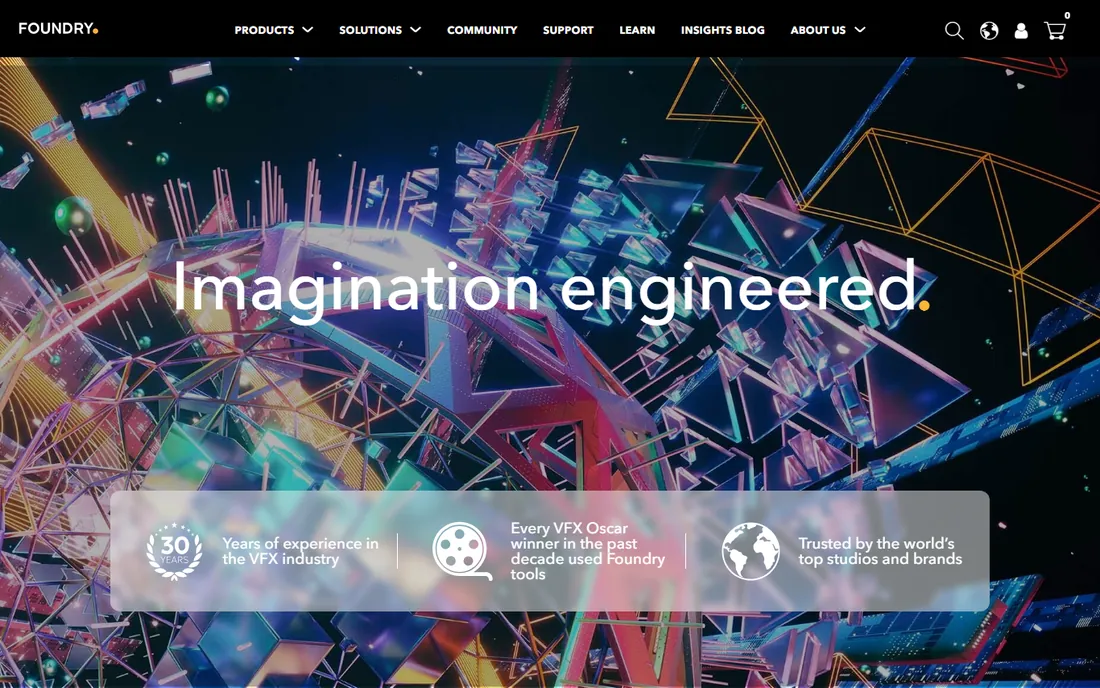
If Substance Painter is the game industry's brush, Mari is film's. Foundry's texture painting tool was built for hero assets, the creatures, vehicles, and environments that fill a cinema screen, where a single texture can run to tens of thousands of pixels across. Mari's architecture handles that scale without falling over, which is why VFX houses trust it with their most important work.
Mari supports both layer-based painting for artists who think in Photoshop terms and a node graph for technical artists who want procedural control. It plays well in a pipeline: it speaks the same UDIM and multi-tile UV language as the rest of film production, and it integrates with look-development tools like Katana. The individual subscription runs $35 per month or $299 per year, with teams pricing higher, and a 30-day trial lets you test it on real work.
There is also a free non-commercial version, which makes Mari unusually learnable for a high-end tool. The honest weakness is fit: for game assets or simple product renders, Mari's power is wasted and its workflow feels heavy. It earns its price on complex, high-resolution film work and nowhere else.
What we like- Handles massive texture resolutions for film
- Node-based and layer workflows
- Free non-commercial version for learning
Watch out for- Overkill for simple assets
- Individual pricing adds up, and teams pricing is steep
Starting priceSee website
Free planFree trial (30 days)
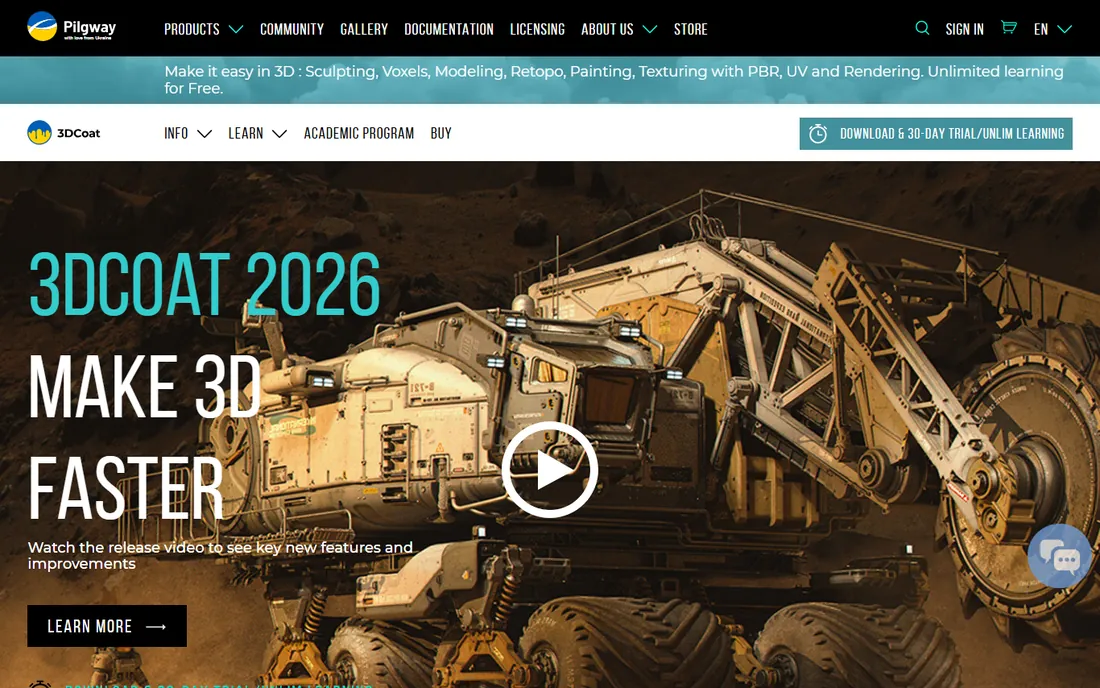
3DCoat is the independent's answer to the subscription giants. It combines 3D painting with sculpting, retopology, and UV unwrapping in a single application, so a freelance artist can take a model from rough sculpt to painted, game-ready asset without leaving the program. That all-in-one scope is rare at its price point.
The painting workflow supports PBR texturing with layers, smart materials, and hand-painted stylized looks that many artists prefer over procedural realism. Its voxel sculpting is genuinely distinctive, letting you sculpt without worrying about topology, then retopologize in the same tool. For indie game developers and freelancers, that pipeline coverage matters more than any single feature.
3DCoat offers a perpetual license rather than forcing a subscription, and a 30-day trial is available from the vendor. The trade-off is polish and ecosystem. The interface has its own logic that takes adjustment, and you will find fewer tutorials and ready-made materials than for Substance. If you want capable software you can own outright, 3DCoat is the strongest candidate.
What we like- Painting plus sculpting, retopo, and UV tools in one app
- Perpetual license option
- Strong voxel sculpting
Watch out for- Interface feels idiosyncratic next to Adobe tools
- Smaller community means fewer tutorials
Starting priceFree
Free planYes
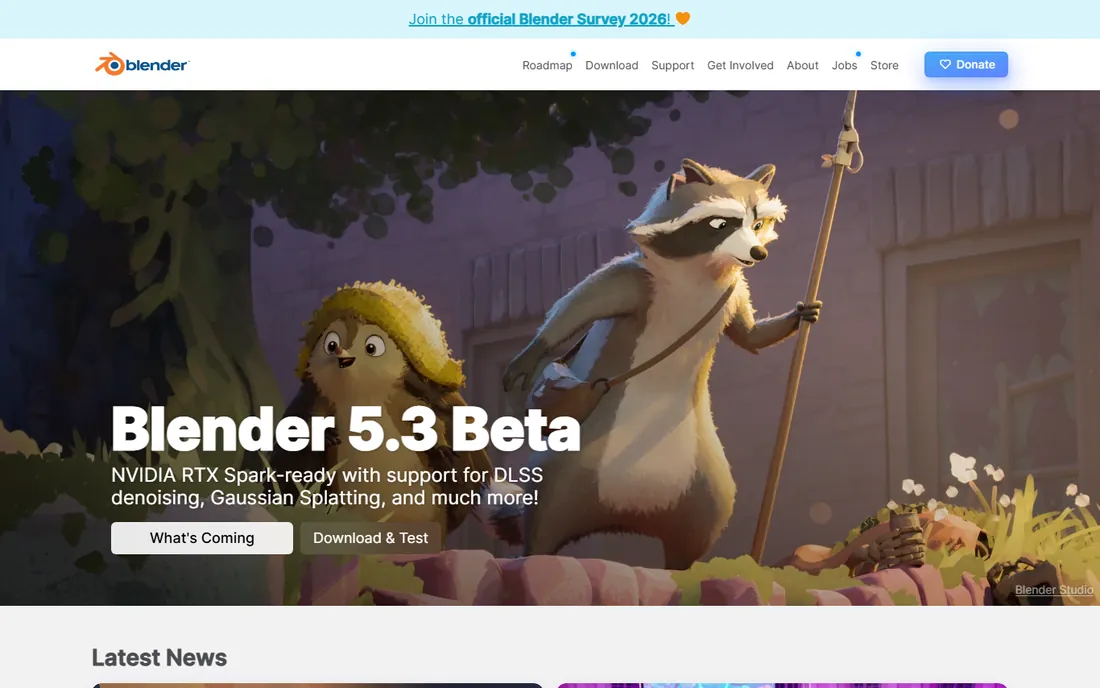
Blender does not need an introduction, but its texture painting mode deserves one. Inside the same free application where you model and sculpt, you can paint directly onto 3D models with textured brushes and masking, previewing results in the viewport. For artists whose budget is zero, that is not a compromise, it is a complete pipeline.
The advantage is integration. You can sculpt a character, paint it, and render the final image without exporting between programs or paying for anything. The community around Blender is enormous, so tutorials for texture painting workflows are easy to find, and add-ons extend the painting toolset further. Studios on tight budgets and students learning the craft start here for good reason.
The honest limitation is specialization. Blender's painting tools are a mode inside a giant application, not a dedicated texturing studio. You will do more manual setup, manage your own export workflows, and miss conveniences like smart materials. But free is free, and Blender's painting is more than good enough for indie games, short films, and learning the fundamentals.
What we like- Completely free and open source
- Texture painting built into a full modeling, sculpting, and rendering suite
- Huge tutorial community
Watch out for- Painting tools are less specialized than dedicated apps
- Workflow involves more manual setup
Starting price$33.25/month
Free planFree trial
ZBrush is primarily a sculpting tool, but its polypaint feature makes it a legitimate painting option for a specific kind of artist: the character sculptor who wants to paint color directly onto a high-resolution model. Instead of painting texture maps, you paint color onto the model's vertices, which feels natural when you are already sculpting every pore and wrinkle.
That workflow shines for organic work. Creature designers and character artists can sculpt and paint in one continuous creative flow, then bake the polypaint down to texture maps for rendering or game engines. ZBrush's ability to handle models with enormous polygon counts means the painted detail can be extremely fine. Maxon now bundles ZBrush for iPad with the subscription, extending that workflow to tablets.
Pricing runs $33.25 per month or $399 billed annually, with a free trial available. The catch is that polypaint is not a layer-based PBR texturing workflow. Hard-surface artists and anyone needing precise control over roughness and metalness maps will find dedicated painters more direct. Choose ZBrush for painting when sculpting is the main event and color follows form.
What we like- Unmatched sculpting detail with polypaint for direct color
- Industry standard for character and creature work
- Includes ZBrush for iPad
Watch out for- Painting is vertex-based rather than texture-layer based
- Interface is famously unconventional
Starting price$19 one-time
Free planNo
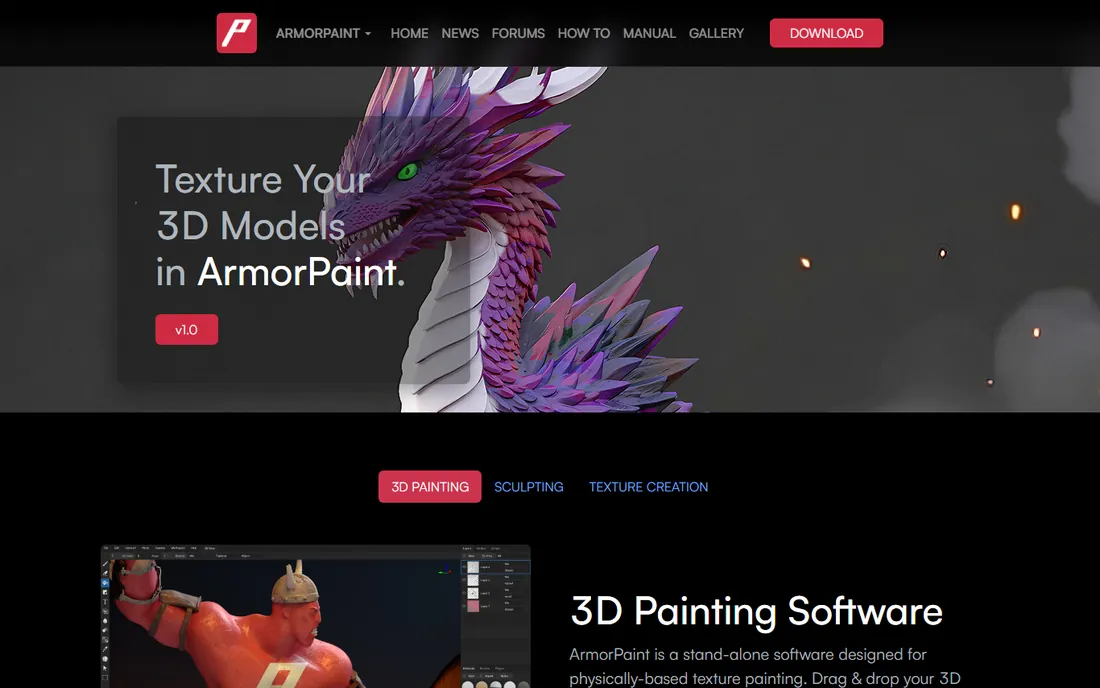
ArmorPaint is the open-source challenger in dedicated 3D texture painting. It offers node-based PBR material painting with GPU acceleration, live-link plugins for Blender, Unity, and Unreal Engine, and a path-traced viewport, an ambitious feature set for a community-driven project. Version 1.0 arrived in 2026 after years in development, adding AI-assisted texture tools that run locally.
The pricing model is unusual and appealing: the source code is free under a permissive license, and compiled binaries cost a one-time $19. There is no subscription and no paywalled tier of features. For artists who want a dedicated painting application without recurring costs, and who are comfortable building from source or paying the small binary fee, the value proposition is strong.
The honest weakness is maturity. ArmorPaint's feature set and stability do not yet match Substance Painter or 3DCoat, and support comes from the community rather than a vendor help desk. But it is improving steadily, it runs on Windows, macOS, Linux, and even mobile platforms, and for budget-conscious artists it is the most interesting project in the space.
What we like- Open-source PBR painting with node-based materials
- GPU-accelerated with ray-traced viewport
- One-time $19 for compiled binaries
Watch out for- Smaller feature set than commercial rivals
- Development pace depends on a small team and community
Starting priceIncluded with Cinema 4D ($69.91/month)
Free planFree trial
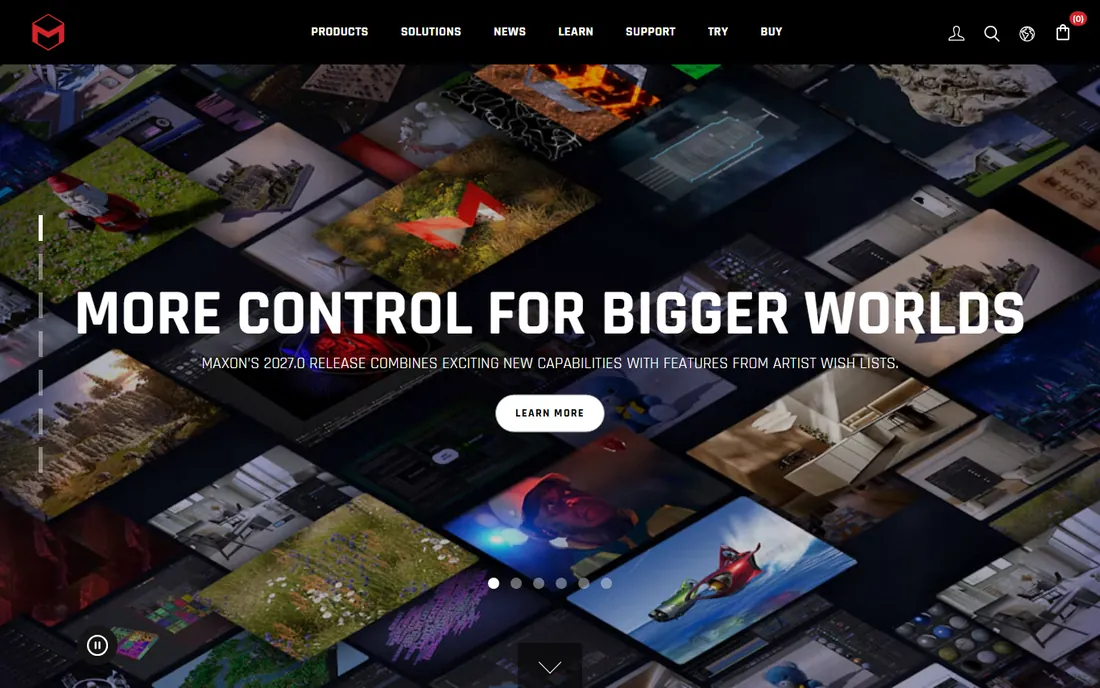
BodyPaint 3D is Maxon's 3D painting toolset, and it ships as part of Cinema 4D rather than as a standalone product. For motion graphics artists and designers already working in Cinema 4D, that integration is the entire argument: you can paint textures on your models without leaving the application where you animate and render.
The workflow will feel familiar to Photoshop users, with layers, brushes, and projection painting onto UV-mapped models. It handles the everyday texturing needs of broadcast design, product visualization, and motion graphics cleanly. Because it lives inside Cinema 4D, there is no export-import round trip, and painted textures update in your renders immediately.
Access comes through a Cinema 4D subscription, which Maxon prices from $69.91 per month, with a free trial available. Nobody buys Cinema 4D just for BodyPaint, and as a painting tool it has not kept pace with dedicated applications. But if Cinema 4D is already your home, BodyPaint covers most painting needs without another purchase or another application to learn.
What we like- Integrated directly with Cinema 4D
- Familiar Photoshop-style layers
- Good for motion graphics texture work
Watch out for- Only available as part of Cinema 4D
- Development pace is slower than standalone painters
Understanding 3D painting pricing
3D painting software spans every pricing model in the industry, which makes comparison shopping genuinely useful. At one end, Blender is free forever and ArmorPaint asks a one-time $19 for binaries. In the middle, Mari's individual plan runs $35 per month and ZBrush $33.25, both with annual options that lower the monthly cost. At the top, Substance 3D Painter and BodyPaint 3D come only inside larger subscriptions, Adobe's Substance Collection and Cinema 4D respectively, so you are buying an ecosystem, not just a brush.
Think about total cost against how you work. A freelancer texturing game assets full-time will earn back a subscription quickly, while a hobbyist painting models on weekends will not. Perpetual licenses like 3DCoat's look cheaper over three years than any subscription, but only if the tool keeps meeting your needs without paid upgrades. Trials are generous across this category, use them on a real project, not a test sphere, before committing.
How we chose
We focused on software whose primary job is painting textures onto 3D models, and verified each is actively sold and maintained today. We confirmed current pricing from the vendors' own pages, and we excluded discontinued products, Mudbox is being wound down by Autodesk and Quixel Mixer is discontinued, so neither appears here. We did not claim hands-on testing. Instead we weighed painting workflow depth, fit for games versus film versus general 3D work, pricing model, and the honest limitations each tool carries.
What to look for
Start with your output. Game artists need PBR texture sets that export cleanly to engines, which favors Substance Painter, 3DCoat, or ArmorPaint. Film artists need extreme resolution and pipeline integration, which points to Mari. If you sculpt characters and paint them in the same session, ZBrush's polypaint keeps you in flow.
Check the UV and export story before you fall in love with a brush engine. Painting is only half the job; the textures have to land correctly in your renderer or engine. Look for export presets for your target, support for your UV workflow, and a trial long enough to complete one real asset end to end.
Finally, be honest about learning investment. ZBrush and Mari reward deep expertise but punish dabblers. Blender and ArmorPaint are kinder to beginners but ask more manual setup. The best tool is the one you will actually master, not the one with the longest feature list.
Frequently asked questions
What is the best 3D painting software for beginners?
Blender is the best starting point because it is free and includes painting alongside modeling and sculpting. Once you understand the fundamentals, moving to Substance 3D Painter or 3DCoat feels like an upgrade rather than a restart.
Is Substance 3D Painter worth the subscription?
For game artists and studios, usually yes. Its smart materials and engine export presets save enough production time to justify the cost, and it is the tool most game job postings expect. Hobbyists and occasional users may find 3DCoat or ArmorPaint better value.
Can I paint 3D models for free?
Yes. Blender offers full 3D texture painting at no cost, and ArmorPaint's source code is free if you build it yourself. Mari also offers a free non-commercial version for learning. These cover most needs short of high-end film production.
What is the difference between texture painting and vertex painting?
Texture painting creates image maps, like color or roughness, that wrap around the model via UVs. Vertex painting stores color directly on the model's vertices, which is simpler but limited by mesh density. ZBrush's polypaint is vertex painting; Substance Painter and Mari are texture painting.
Do I need a graphics tablet for 3D painting?
It helps enormously. Pressure sensitivity controls brush size, opacity, and flow naturally, which a mouse cannot replicate. Any current pen tablet works with the tools on this list. It is the single best hardware upgrade for texture work.
Why is Mudbox not on this list?
Autodesk announced in 2026 that Mudbox will be discontinued, with subscription sales ending. We only list tools you can buy and rely on today, so we replaced it with actively maintained alternatives.
Sources we checked (7)
- https://www.adobe.com
- https://foundry.com/
- https://3dcoat.com/
- https://www.blender.org/
- https://maxon.net/
- https://armorpaint.org/
- https://www.cgchannel.com/2026/09/armorpaint-1-0-is-out-after-eight-years-in-early-access/
Is your product missing or out of date?
We review this list regularly. Vendors can request a listing, send updated pricing or ask about featured placement.

Shihab Mia · Founder, Rankite
Shihab has spent more than a decade helping SaaS and e-commerce brands grow through search. He writes Rankite's software buying guides from pricing pages, documentation and public user reviews. More about Shihab.