How we make this list: we compare pricing pages, product documentation and public user reviews. Rankite is independent; if a vendor ever pays for a featured spot, that listing is clearly labeled Partner.
Key takeaways
- Most established galleries land on Artlogic (from £156/month) or Art Galleria (from $65/month): both combine inventory, consignments, invoicing, CRM and a connected website in one system.
- The budget route is real: Artwork Archive starts at $8/month and GalleryTool has a free tier for up to 50 artworks.
- Prefer to own your software? Masterpiece Manager sells a $1,900 one-time desktop license, the only perpetual license on this list.
- ArtBinder ($2,340/year) suits mobile-first teams; Artfundi ($99/month) suits institutions with governance requirements; Exhibbit covers 3D virtual exhibitions and pairs with a management tool rather than replacing one.
Quick comparison
| Tool | Best for | Starting price | Free plan |
|---|
 Artlogic Artlogic | Established galleries wanting inventory, website, CRM and marketing in one platform | From £156/month (Gallery Platform, Essential) | No (free consultation call offered) |
 ArtCloud ArtCloud | US galleries and boutiques wanting point of sale plus online sales | See website (plans tiered by users and inventory) | Free trial |
 Artwork Archive Artwork Archive | Artists and small galleries on a tight budget | $8/month (artists and collectors, billed annually; organization plans from $29/month) | Free trial (14 days, no credit card required) |
 Art Galleria Art Galleria | Growing galleries that want guided setup and data import included | $65/month (Gallery Starter, billed annually; $78 month-to-month) | Free trial (14 days) |
 ArtBinder ArtBinder | Gallery teams that work from phones at fairs and client visits | $2,340/year | No (demo on request) |
 Masterpiece Manager Masterpiece Manager | Galleries that prefer desktop software they own outright | $1,900 one-time (Version9, 2 users) | No |
 Artfundi Artfundi | Institutions needing audited security and asset governance | $99/month (SIMPLIFY) | Free trial (14 days; credit card required) |
 GalleryTool GalleryTool | Small galleries wanting a free start with online showrooms | Free (Starter, up to 50 artworks); paid plans from €42/month | Yes (Starter tier, up to 50 artworks) |
 ArtSystems ArtSystems | Established galleries with complex multi-currency accounting needs | $2,595/year | No (demo on request) |
 Exhibbit Exhibbit | Galleries selling through online 3D exhibitions | See website | No |
Is your product missing or out of date?
We review this list regularly. Vendors can request a listing, send updated pricing or ask about featured placement.
The best art gallery software
Two weeks before the art fair, a gallery director opens three spreadsheets, an inbox full of consignment agreements, and an invoicing app that talks to none of them. The booth will look perfect. The paperwork behind it will not. That is the week most galleries finally shop for management software, and it is the worst week to do it, because every demo looks great when you are desperate.
These ten tools cover the real market: inventory and consignments, artist and collector records, invoicing, and the websites and marketing that attach to them. Prices come from each vendor's own pricing page, and where a vendor publishes none, that is stated instead of guessed.
#1
Artlogic
Best for: Established galleries wanting inventory, website, CRM and marketing in one platform
Visit artlogic.net
Starting priceFrom £156/month (Gallery Platform, Essential)
Free planNo (free consultation call offered)
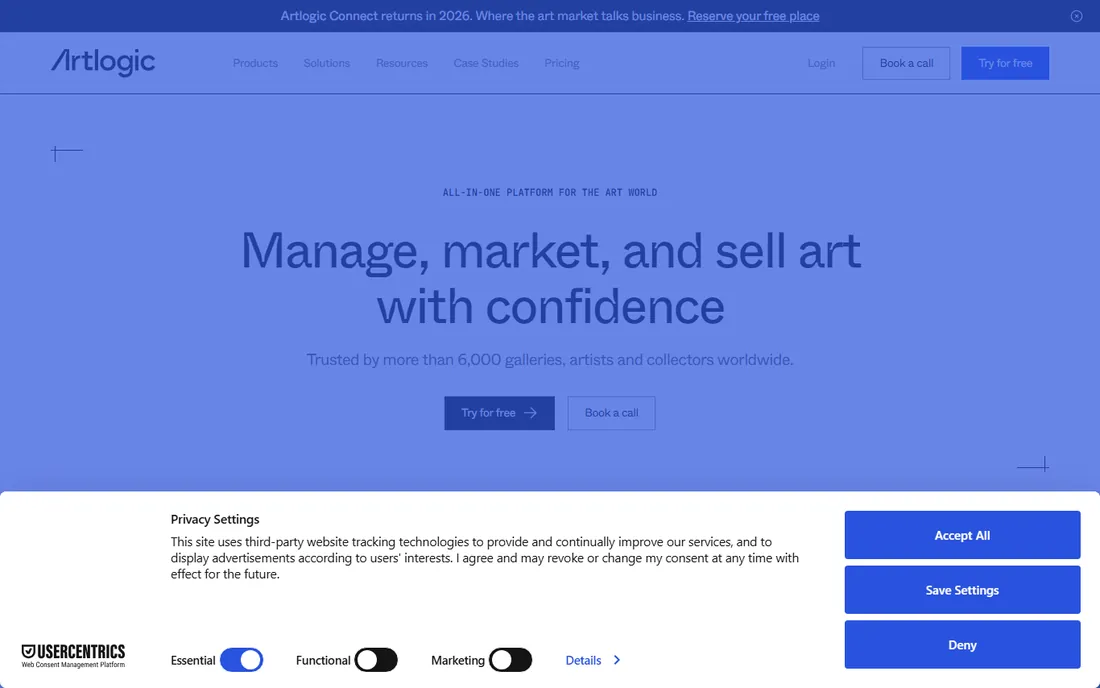
Artlogic is the default answer in the commercial gallery world for a reason. The Gallery Platform bundles the management database with a website that syncs to inventory, a sales pipeline with offer tracking, and marketing email, so a work sold at the fair updates the website, the collector record and the invoice without retyping.
The honest catch is the commercial model. The headline "from £156/month" is the Essential gallery platform; Professional starts around £311/month, Expert is quote-only, and adding users or modules moves the number. There is no free trial, only a consultation call, and onboarding can carry a setup fee. If your gallery turns over real volume and you want one system instead of four, this is the benchmark. If you are a two-person space, start further down this list.
What we like- One platform for database, websites, sales pipeline, marketing emails and payments
- Up to 25,000 artworks with unlimited contacts and invoices on the gallery plans
- Artsy integration and a companion sales app for iPhone and iPad
Watch out for- Pricing is per-user and module-based, so the bill climbs quickly past the headline figure
- Far more system than a solo artist or single-location gallery needs
#2
ArtCloud
Best for: US galleries and boutiques wanting point of sale plus online sales
Visit artcloud.com
Starting priceSee website (plans tiered by users and inventory)
Free planFree trial
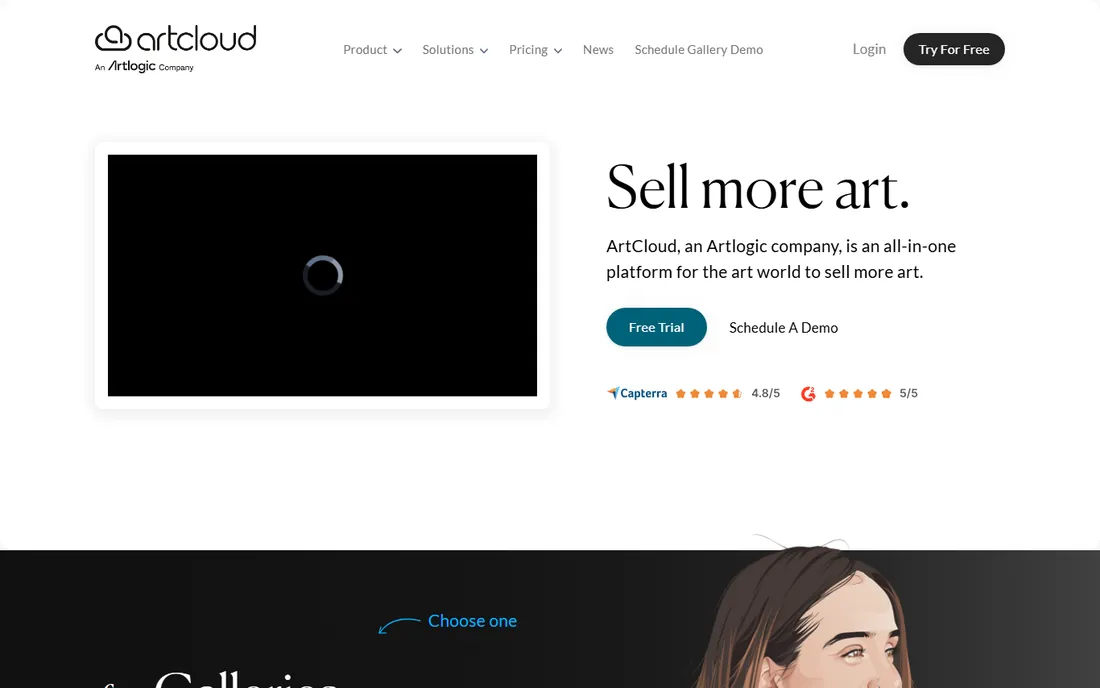
ArtCloud pitches itself as the all-in-one for galleries that sell at a counter. Inventory management, a CRM, invoicing with point of sale, consignment reporting and a website builder sit in one subscription, and the Stripe integration means invoices, the website and the marketplace can all take payment. Tiers scale from a single user with 50 inventory items up to unlimited users and inventory, which gives small spaces a growth path.
The frustration is pricing opacity. The pricing page describes the tiers but shows no dollar figures in the public text, and third-party directories list figures the vendor does not confirm. Get the quote in writing. Also note the ownership: ArtCloud is now an Artlogic company, so ask how long the standalone product will be sold and supported before you migrate a multi-year inventory to it.
What we like- Integrated point of sale with Stripe payments and remote-pay invoicing
- Drag-and-drop website builder tied to inventory
- Free listing on the ArtCloud Marketplace
Watch out for- No prices published on the pricing page, so you cannot budget without talking to sales
- Now an Artlogic company, which raises fair questions about the long-term product roadmap
Starting price$8/month (artists and collectors, billed annually; organization plans from $29/month)
Free planFree trial (14 days, no credit card required)
Artwork Archive wins on price and simplicity. The artist plans cover inventory, locations, sales tracking, invoicing and contact management, and the organization plans add exhibitions, appraisal tracking, maintenance records and call-for-entry management. The 14-day trial needs no credit card.
The trade-off is scope. This is inventory and career management, not a gallery operating system: no point of sale, no full website builder, and thin marketing tools next to Artlogic or Art Galleria. For an artist, a small gallery or a private collection, that focus is a virtue. For a gallery running fairs, a retail counter and an email program, it will feel small within a year.
What we like- The cheapest credible option on this list, with QR codes, Private Rooms for collectors, and a public profile page even on lower tiers
- Free data import on the top artist plan and a 30 percent lifetime discount for nonprofits
Watch out for- Plan limits are piece-count based (100 pieces on the entry artist plan), so growing inventories get pushed up the tiers
- There is no full website builder, only embeds and a public profile
#4
Art Galleria
Best for: Growing galleries that want guided setup and data import included
Visit artgalleria.com
Starting price$65/month (Gallery Starter, billed annually; $78 month-to-month)
Free planFree trial (14 days)
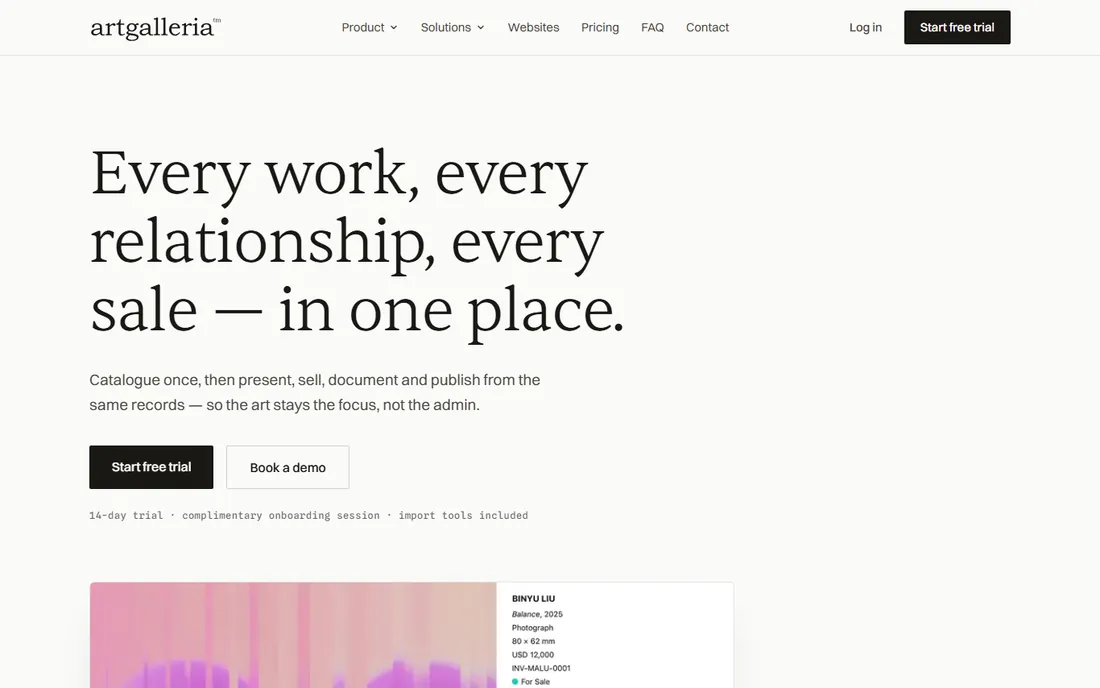
Art Galleria is built around a simple idea: catalogue the artwork once, then let every output (website listing, viewing room, offer, invoice, label, certificate) draw from that record. The gallery plans scale from 500 artworks on Starter to unlimited on the top tier, with 1, 3 and 5 users respectively, and cover consignments, exhibitions, fairs and a collector CRM. Support is a genuine selling point, with published phone numbers for the US, UK/Europe and Australia/NZ.
What sets it apart commercially is the onboarding. Every plan includes a 1:1 session and assisted import of artworks, artists and contacts, and the vendor says most galleries need under 15 minutes of prep. That matters because migration is where gallery software projects stall. Pricing is published in six currencies with a real 14-day trial.
What we like- Complimentary onboarding session and assisted data import from spreadsheets on every plan
- Artist self-service portals for submissions
- Viewing rooms, offers and invoices generated from the same artwork record
Watch out for- Monthly billing runs about 20 percent higher than annual
- The website builder is solid but bespoke design work costs extra
Starting price$2,340/year
Free planNo (demo on request)
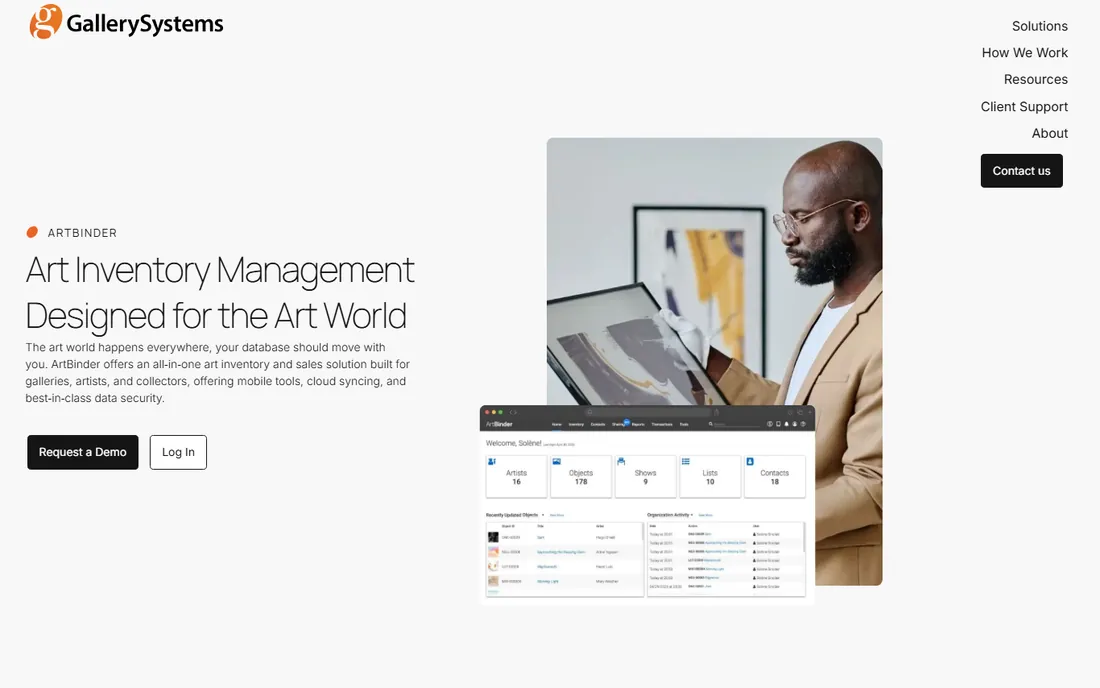
ArtBinder's pitch is mobility. The cloud system keeps inventory synced across devices, and the mobile app is built for the way gallerists work away from the desk: showing work to a collector at dinner, updating availability from the booth, sending a private viewing room link from the car. Custom fields, templates, reports and user permissions let larger teams shape it to their workflow, and AWS hosting with encryption covers security.
The commercial reality is a single annual figure: $2,340 per year to start, scaling with storage, users and hosting needs. No monthly plan, no free tier: a considered purchase, not a try-it-Friday signup. Request the demo, ask what migration includes, and get renewal terms in writing.
What we like- A mobile app designed for the fair booth: update records, present works and sell from anywhere with real-time sync
- Unlimited objects, contacts and artist records
- Live expert support and a dedicated migration team
Watch out for- Annual-only pricing with no monthly option, so the entry commitment is the full $2,340
- Sold by Gallery Systems now, so confirm contract and support terms directly rather than assuming the old ArtBinder terms
Starting price$1,900 one-time (Version9, 2 users)
Free planNo
Masterpiece Manager is the outlier for buyers who dislike subscriptions. Version9 is desktop software: $1,900 one-time for inventory control, client management, email marketing, point of sale and reporting with two user licenses and unlimited computers. The vendor has sold to independent galleries and consignment retailers since the 1990s, and the feature list covers the unglamorous core (commissions, consignments) that cloud newcomers sometimes miss.
The catch is that the ecosystem around the license is all recurring. The integrated website is $100/month plus template costs, maintenance (updates) is $30/month, the SuccessPackage with support and hosting is $150/month, and extra user licenses are $200 each. A gallery wanting the full setup can end up paying subscription-like money anyway, assembled from parts.
What we like- A perpetual license, not a subscription: pay once and the software is yours
- Covers inventory, client management, email marketing, point of sale and reporting
- Optional integrated website and multi-location sync
Watch out for- The buying process is a phone call, not a signup page, which tells you everything about the era of the sales model
- The website add-on runs $100/month and software maintenance is $30/month, so the "one-time" cost grows
#7
Artfundi
Best for: Institutions needing audited security and asset governance
Visit artfundi.tech
Starting price$99/month (SIMPLIFY)
Free planFree trial (14 days; credit card required)
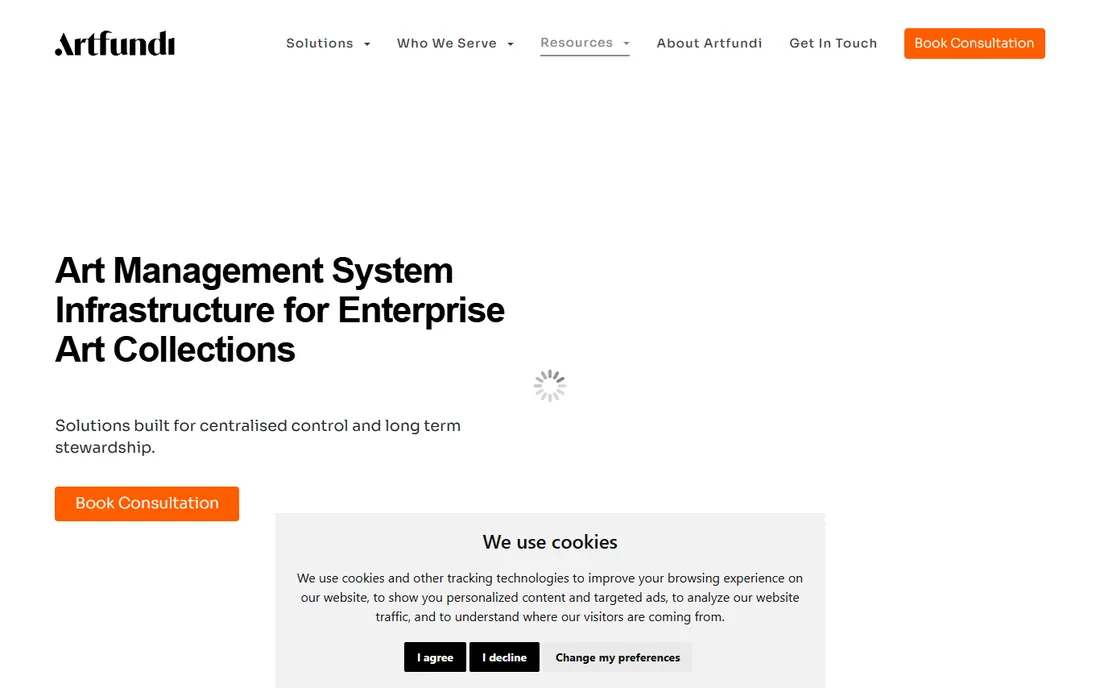
Artfundi comes from the institutional side of the market. Where most gallery tools talk about sales, Artfundi talks about custody: smart tracking of art and artifacts, real-time location monitoring, environment monitoring, and audit-ready records with customized user roles. SIMPLIFY ($99/month) covers CRM, invoicing, inventory for up to 3,000 artworks and 3 users; AMPLIFY ($199/month) adds the website, SEO and curation tools; SAFEGUARD is quote-based.
This is the right tool when the collection's governance matters as much as its sales: museums, corporate collections, large estates. The 14-day trial requires a credit card, though you are not charged during it, and there are no setup fees. For a commercial gallery focused on selling, the governance depth is overkill and the integration story is thinner than the US competitors. For an institution, it is one of the few options that takes security seriously.
What we like- ISO27001-certified security with real-time location and movement tracking for physical works
- Governance framing (audit-ready records, approved movement management) that museums and large collections actually need
- 14-day trial and no setup fees
Watch out for- Standard plans list no third-party integrations (custom integrations are an enterprise matter)
- Support is South Africa-based, so US galleries should check coverage hours
Starting priceFree (Starter, up to 50 artworks); paid plans from €42/month
Free planYes (Starter tier, up to 50 artworks)
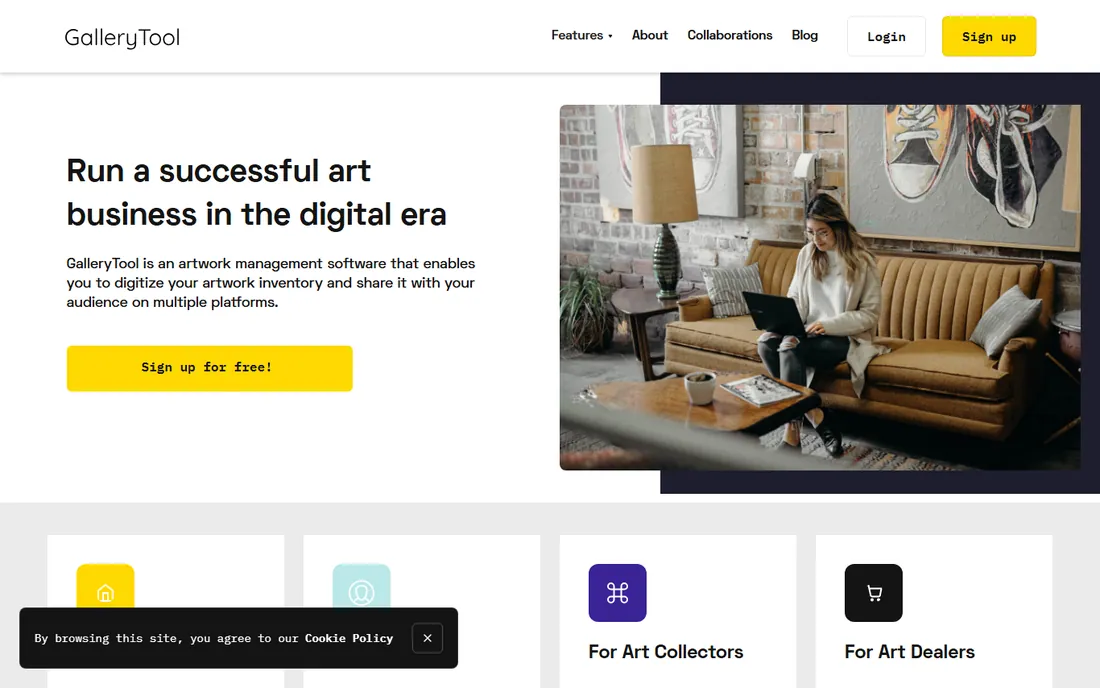
GalleryTool is the low-friction European option. The free Starter tier covers up to 50 artworks with unlimited online showrooms, artist profiles, contacts and user accounts, enough for a small space or an artist to run a real operation. Paid tiers lift the artwork cap to 10,000 (€42/month) and 20,000 (€60/month) and add customizable PDF templates, chat support and Excel import. There are separate tracks for galleries, artists, dealers and collectors.
The honest limitations are scale and polish. This is inventory, showrooms and documents, not a sales and marketing platform: no built-in email marketing, no POS, and a quiet integrations story. But the free tier means you can catalogue a real inventory and publish real showrooms before spending anything, which none of the premium tools allow. For a new gallery watching every euro, that is a meaningful difference.
What we like- A genuinely free tier with unlimited online showrooms, artist profiles and user accounts
- Straightforward paid tiers (€42 and €60/month) priced in artwork counts, not seats
- No setup fees and Excel import included on paid plans
Watch out for- Prices are in euros, so US buyers should confirm billing currency and tax handling
- Only one customizable PDF template on the lower paid tier, and website integration on the top tier is on-demand rather than self-serve
#9
ArtSystems
Best for: Established galleries with complex multi-currency accounting needs
Visit artsystems.com
Starting price$2,595/year
Free planNo (demo on request)
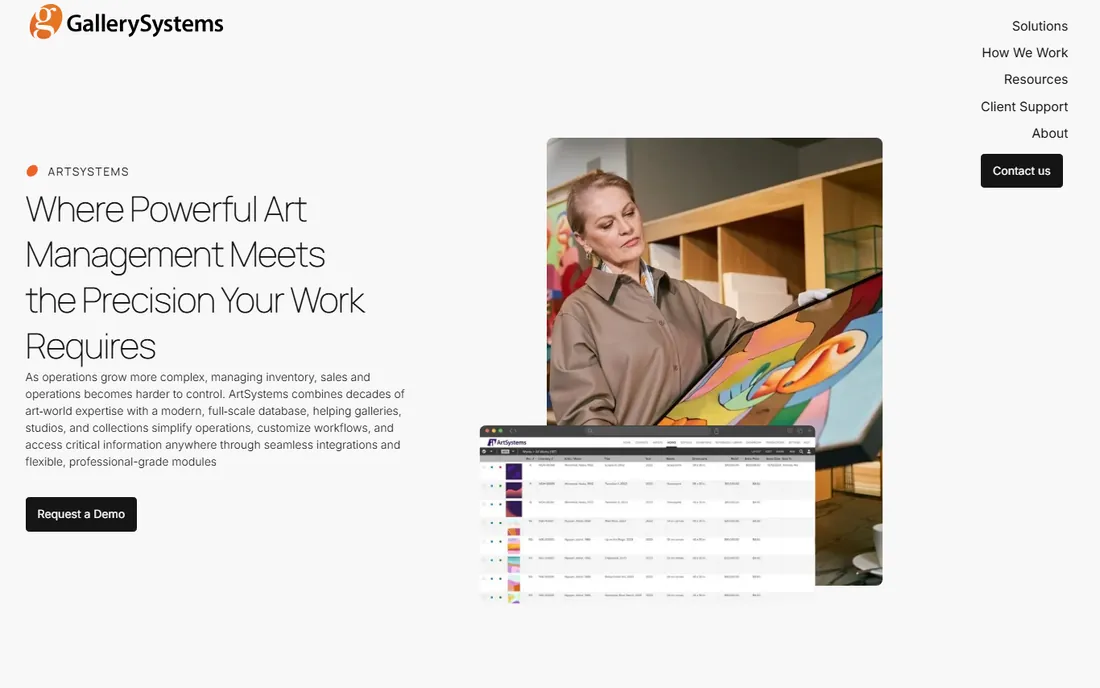
ArtSystems is the veteran: gallery, studio and collection management software refined since 1989, now a web-based platform with desktop roots. The pitch is completeness for complex operations, with customizable modules, granular field-level security, provenance and exhibition literature tracking, and financial reporting that handles multiple currencies and VAT properly. QuickBooks and Artsy integrations connect the books and the listings.
The price reflects the positioning. At $2,595/year to start, with the Showroom website builder at another $2,250/year, this is priced for galleries with real back-office complexity, not for spaces choosing their first system. There is no free trial; evaluation happens through a demo. If your gallery operates across currencies or needs field-level access control for a larger team, shortlist it. Otherwise the price is hard to justify.
What we like- Deep financial tooling: true multi-currency accounting, VAT handling and a full running history of objects, financials and interactions
- Integrations with QuickBooks and Artsy
- In business since 1989
Watch out for- The highest entry price on this list and annual-only
- The Showroom website product is a separate $2,250/year add-on, so the "platform" price can double
Starting priceSee website
Free planNo
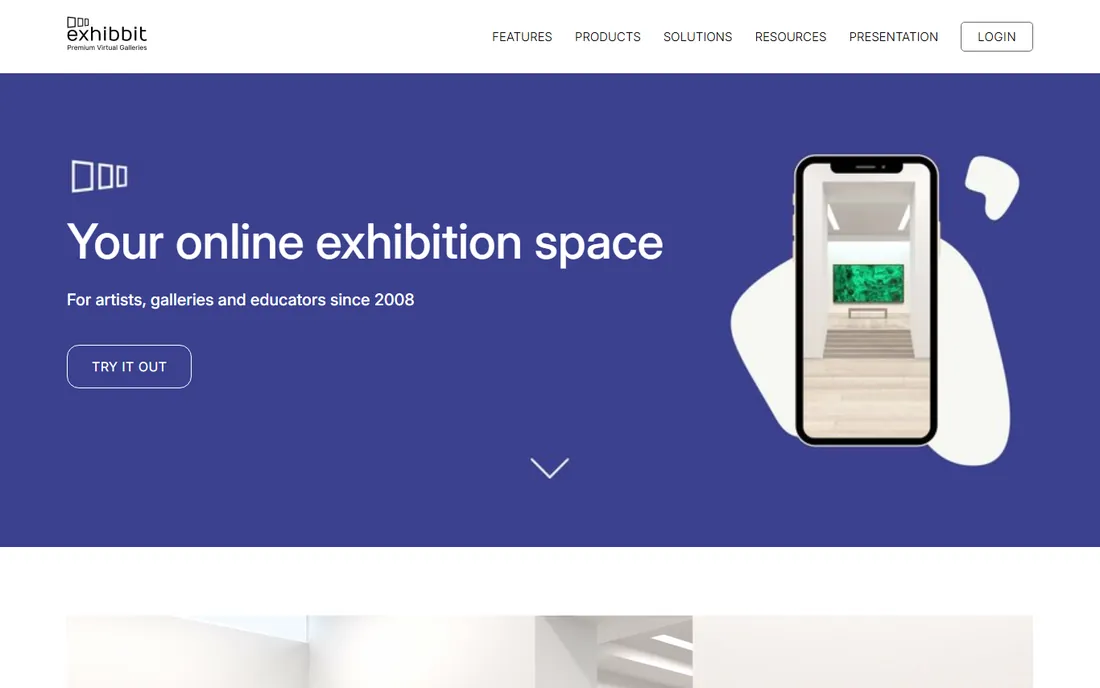
Exhibbit earns its place as the specialist pick. It builds navigable 3D gallery spaces in the browser where visitors can walk through exhibitions on any device, and each subscription includes five exhibition spaces to mix current, past and online-only shows. Galleries use it to extend physical shows online, run private viewings for remote collectors, and keep past exhibitions visible as a sales archive.
Do not buy it expecting the rest of the stack. There is no artwork inventory, no consignment tracking and no invoicing; the vendor sells it as a subscription and you should confirm current pricing on their site. The right setup is Exhibbit for presentation plus Artwork Archive, GalleryTool or Art Galleria for the records underneath. Bought that way, it is the cheapest way to give online collectors something close to walking into the room.
What we like- In-browser 3D virtual galleries with no downloads for visitors
- Each subscription includes five exhibition spaces, so several shows can run in parallel
- Purpose-built for curating, publishing and promoting exhibitions quickly
Watch out for- It is an exhibition platform, not gallery management software: no inventory database, no invoicing, no CRM, so it pairs with a tool above rather than replacing one
How we chose
We started with the searches buyers run: art gallery software, gallery management software and gallery inventory software. For each candidate we opened the vendor's own site and pricing page, checked plan structure and limits against public reviews on G2, Capterra and Software Advice and practitioner discussion on Reddit, and compared inventory, consignment, invoicing, website and integration coverage. Where a vendor publishes no prices, we wrote "See website" rather than repeating an unverified directory figure. One candidate, ArtBase, was dropped during research: it merged with Artlogic in 2022 and is no longer sold. No hands-on testing was performed.
What to check before you sign
The monthly price is the least informative number on a gallery software pricing page. These are the line items that decide the real cost.
Count inventory, users and locations first
Most plans are gated by artwork counts, user seats or both. Artwork Archive's entry plan caps at 100 pieces, GalleryTool's free tier at 50 artworks, Art Galleria's Starter at 500. Count your current inventory, add two years of acquisitions and consignments, and price the tier you will actually land in. Then count logins: Artlogic and Artfundi charge per user, and a "cheap" plan for three people can cost more than a "premium" plan for one.
Decide what all-in-one must include
"All-in-one" means different things to each vendor. For some it is inventory plus a website; for others it adds POS, email marketing and payments. Write down your non-negotiables (consignment tracking? online payments? a synced website?) and check each plan against them. The most expensive mistake here is buying a cheap inventory tool and then paying for three other subscriptions to cover the gaps.
Check the import and the exit
Ask how your data gets in and how it gets out. Art Galleria includes assisted import and onboarding on every plan; ArtBinder and Artlogic migrate through their teams; Masterpiece charges hourly for data translation. On the way out, confirm you can export artworks, images, contacts and financial history in open formats. A gallery's database is a decade-long asset; the software is a subscription. Never confuse the two.
The hidden costs in gallery software pricing
The advertised price is rarely the total. Setup and onboarding fees appear at Artlogic (migration services) and Masterpiece ($150/hour for data translation and custom programming). Per-user fees multiply the headline price at Artlogic and Artfundi once the team grows. Website products are often separate SKUs: ArtSystems' Showroom is $2,250/year on top of the $2,595 platform, and Masterpiece's integrated website is $100/month plus templates. Annual-only billing at ArtBinder ($2,340) and ArtSystems ($2,595) commits the full year on day one, while month-to-month at Art Galleria costs about 20 percent more than annual.
Frequently asked questions
How much does art gallery software cost?
For a small gallery, $8 to $99 per month covers the real options: Artwork Archive ($8/month), GalleryTool (free to €42/month), Artfundi ($99/month) and Art Galleria ($65/month). Established galleries pay £156+/month for Artlogic, $2,340/year for ArtBinder or $2,595/year for ArtSystems. Masterpiece Manager is the outlier at $1,900 one-time for the desktop license, with recurring add-ons.
Can I migrate my inventory from spreadsheets?
Yes, and every serious vendor expects it. Art Galleria includes assisted import and onboarding on all plans, ArtBinder and Artlogic migrate through their own teams, and Artwork Archive offers free data import on its top artist plan. Prepare a clean CSV or Excel export first; vendors say most galleries need under an hour of prep. Masterpiece charges $150/hour for data translation, so budget for that on the desktop route.
Do these tools build my gallery website too?
Most do, but check whether it is included or an add-on. Artlogic, Art Galleria, ArtCloud and GalleryTool include website builders tied to inventory. ArtSystems sells its Showroom website separately ($2,250/year), Masterpiece charges $100/month for its integrated site, and Artwork Archive offers embeds and a public profile rather than a full site. Confirm the sync is automatic: inventory changes should publish without retyping.
What is the difference between gallery software and collection management software?
Gallery software is built to sell: inventory, consignments, CRM, invoicing, POS and marketing. Collection management software is built to steward: provenance, conservation, loans, insurance and governance, which is where Artfundi and ArtSystems lean. Many galleries need both, which is why the stronger tools cover consignments and certificates alongside the sales pipeline.
Who owns my data if I cancel?
You do, but export quality varies. Before signing, confirm you can export artworks with images, contacts, sales history and financial records in open formats (CSV/Excel plus image files). Cloud vendors can end access when billing stops, so keep your own backups. This is also the quiet argument for Masterpiece's desktop model: the database file sits on your machine.
Sources we checked (22)
- https://artlogic.net/
- https://artlogic.net/full-comparison
- https://support.artlogic.net/hc/en-gb/articles/14715213432988-How-much-does-it-cost-to-add-a-user-to-an-Artlogic-account
- https://artcloud.com/
- https://artcloud.com/gallery_pricing
- https://www.artworkarchive.com/pricing
- https://www.getapp.co.nz/software/132527/artwork-archive
- https://www.artgalleria.com
- https://www.artgalleria.com/for-galleries
- https://www.artgalleria.com/faq
- https://www.gallerysystems.com/artbinder-gallery-inventory-software/
- http://www.masterpiecemanager.com/arete/pricing.php
- https://artfundi.tech/
- https://artfundi.tech/pricing
- https://slashdot.org/software/p/ArtFundi/
- https://www.gallerytool.com
- https://www.gallerytool.com/customer-types/artwork-inventory-software-for-art-dealers
- https://artsystems.com/
- https://exhibbit.com
- https://artbase.com/
- https://www.capterra.com/compare/163273-170623/Artlook-vs-Artlogic
- https://www.softwareadvice.com/art-gallery/artfundi-profile/alternatives/
Is your product missing or out of date?
We review this list regularly. Vendors can request a listing, send updated pricing or ask about featured placement.

Shihab Mia · Founder, Rankite
Shihab has spent more than a decade helping SaaS and e-commerce brands grow through search. He writes Rankite's software buying guides from pricing pages, documentation and public user reviews. More about Shihab.