How we make this list: we compare pricing pages, product documentation and public user reviews. Ratings come from G2, Capterra or Trustpilot, with the date we checked them.
Key takeaways
- Two buyer types: shift-based teams (retail, restaurant, services) need a time clock with scheduling and payroll export; project-based teams (agencies, freelancers) need timer-based tracking with billable hours.
- Cheapest shift clock: Homebase (free for 1 location, 10 employees) and OnTheClock ($4 per employee per month plus $5 base fee).
- Cheapest project tracker: Clockify (free for 5 users) and Toggl Track (free plan, Starter from $9 per license per month billed annually).
- Watch the add-ons: Deputy's payroll, HR and analytics are paid extras, and QuickBooks Time's 2026 price increase made it one of the priciest clocks per user.
Quick comparison
| Tool | Best for | Starting price | Free plan |
|---|
 When I Work When I Work | Restaurants, retail stores and shift-based small businesses that want scheduling and time tracking together | $2.50 per user per month (Essentials) | 14-day trial (no credit card required) |
 Homebase Homebase | Single-location restaurants, retail shops, salons and service businesses with hourly teams | $0 (Basic, 1 location, up to 10 employees); $24 per location per month billed annually (Essentials) | Yes (Basic: scheduling, time clock, timesheets, team messaging) |
 Deputy Deputy | Shift-based businesses from single locations to enterprises that want structured scheduling with real compliance controls | See website | Trial available |
 Connecteam Connecteam | Deskless and frontline teams (field services, construction, home care, retail) that need scheduling, tracking, chat and training in one app | $29 per month billed annually (Basic, first 30 users included) | Yes (Small Business plan free for up to 10 users, all hubs) |
 Clockify Clockify | Freelancers, agencies and small project-based teams that want simple time tracking with a real free option | See website (free plan for up to 5 users) | Yes (free for up to 5 users: unlimited tracking, projects, timesheets) |
 Toggl Track Toggl Track | Freelancers, consultants, agencies and remote teams that bill by the hour and live in project reporting | $9 per license per month billed annually (Starter); $12 month-to-month | Yes |
 QuickBooks Time (formerly TSheets) QuickBooks Time (formerly TSheets) | Businesses already running QuickBooks Online that want time tracking wired directly into payroll and invoicing | See website | 30-day trial (no credit card) |
 OnTheClock OnTheClock | Small hourly teams (10 to 30 people) that want GPS and geofencing without paying enterprise prices | $4 per employee per month plus $5 monthly base fee | 30-day trial (no credit card) |
 Buddy Punch Buddy Punch | Small businesses where punch accountability is the priority: field crews, home services and multi-site teams | $4.99 per user per month (Starter; plus monthly base fee) | 14-day trial |
Is your product missing or out of date?
We review this list regularly. Vendors can request a listing, send updated pricing or ask about featured placement.
The best timekeeping software for small business
Timekeeping means two different things. For restaurants, retail shops and service companies, it is a time clock: employees punch in, shifts get scheduled, hours flow to payroll. For agencies, freelancers and consultants, it is a timer: hours get tracked against projects and clients, then billed. Buy the wrong type and even the best tool feels broken.
The nine tools below cover both, ordered from shift clocks to project trackers. Prices come from the vendors' own pricing pages and docs, checked in October 2026.
#1
When I Work
Best for: Restaurants, retail stores and shift-based small businesses that want scheduling and time tracking together
Visit wheniwork.com
Starting price$2.50 per user per month (Essentials)
Free plan14-day trial (no credit card required)
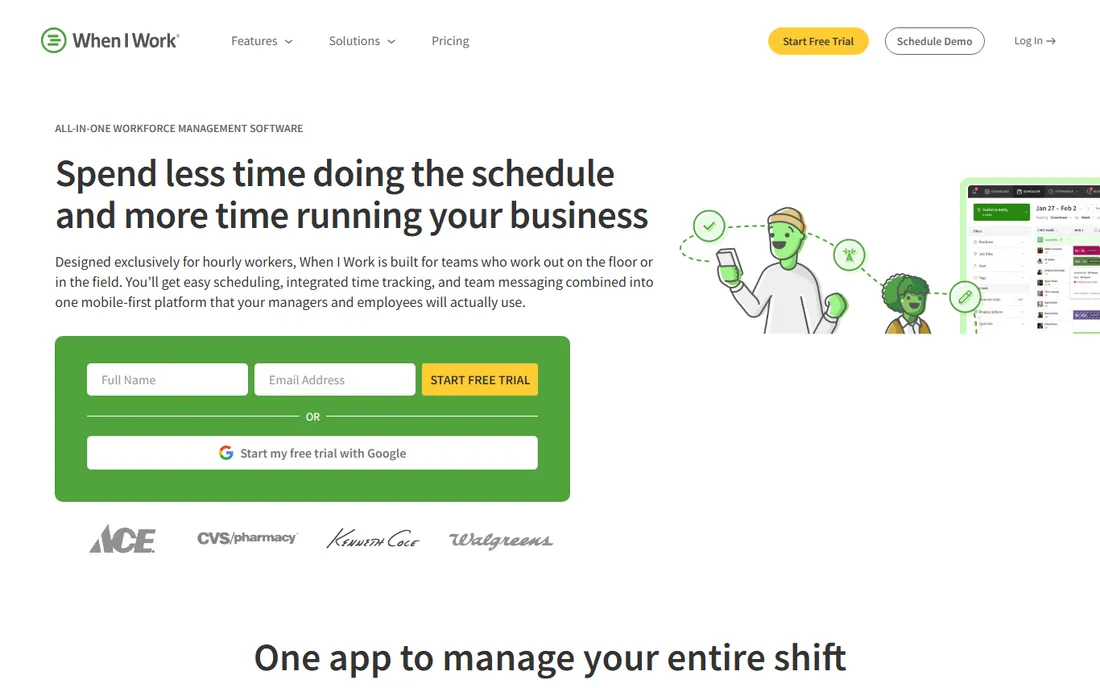
When I Work is the scheduling-first pick. Managers build schedules in minutes, staff swap shifts and clock in from the mobile app, and GPS clock-ins with geofencing keep punches honest. Essentials at $2.50 per user covers the core; Pro at $5 and Premium at $8 add depth.
The honest catch is the per-user model: a 20-person team on Premium costs far more than a flat per-location competitor. Monthly or annual billing with no contracts keeps it flexible. For a shift business that lives on its schedule, the simplicity is worth pricing per head.
What we like- Built for hourly shift teams: scheduling, time and attendance and team messaging in one app
- Transparent per-user pricing with no base fee
- Payroll and POS integrations plus partner offers for new customers
Watch out for- Per-user pricing gets expensive as headcount grows
- No permanent free plan
- Advanced features (API, SSO) require Premium at $8 per user
#2
Homebase
Best for: Single-location restaurants, retail shops, salons and service businesses with hourly teams
Visit joinhomebase.com
Starting price$0 (Basic, 1 location, up to 10 employees); $24 per location per month billed annually (Essentials)
Free planYes (Basic: scheduling, time clock, timesheets, team messaging)
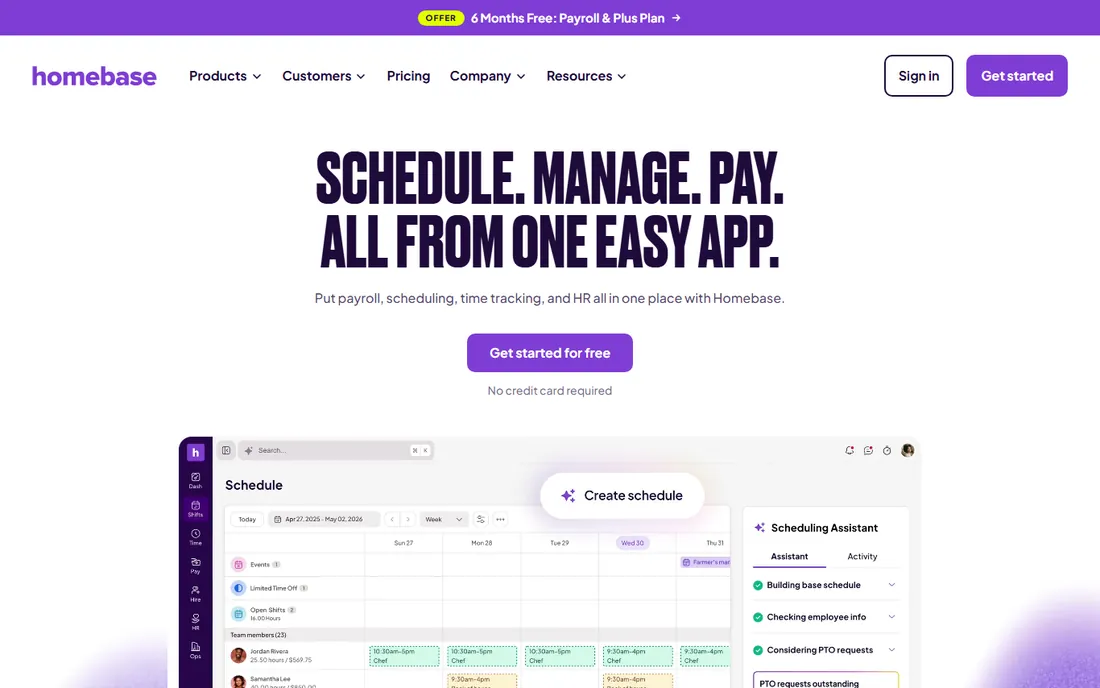
Homebase wins the free tier. Basic covers scheduling, time clock, timesheets and team messaging at $0 for a single location with up to 10 employees. Paid tiers are per location: Essentials $24 a month billed annually ($30 month-to-month), Plus $56 ($70), All-in-One $96 ($120).
The location model cuts both ways: a 20-person team pays the same as a 10-person team, but two storefronts means two subscriptions. Payroll adds real per-person cost on top. For a single-location hourly business, the free plan plus flat-location pricing is the cheapest serious setup here.
What we like- Generous free tier for one location with up to 10 employees
- Per-location pricing means cost stays flat as the team grows
- Built-in payroll, hiring and HR tools make it a full back office
Watch out for- Multi-location businesses pay per site, so costs multiply
- Payroll is a paid add-on ($49/month plus $6 per employee) on every plan
#3
Deputy
Best for: Shift-based businesses from single locations to enterprises that want structured scheduling with real compliance controls
Visit deputy.com
Starting priceSee website
Free planTrial available
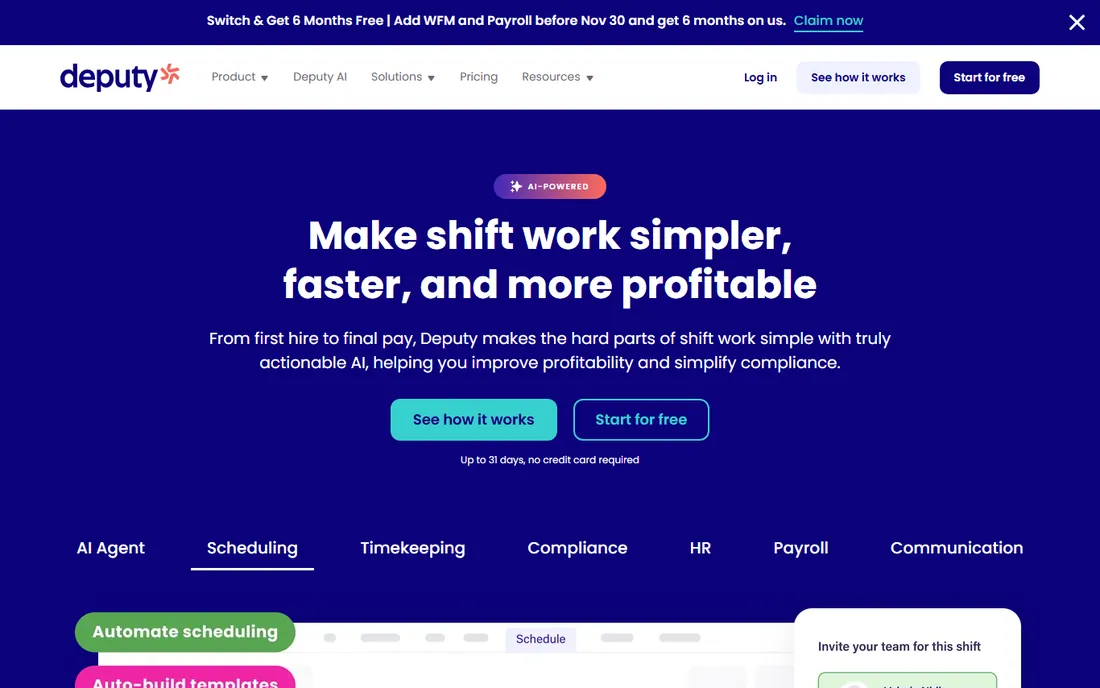
Deputy is the compliance-first pick. Its auto-scheduling ties to sales forecasts and labor budgets, and built-in rules handle fair workweek requirements, breaks and overtime. Biometric clock-in and geofencing give punch accountability that basic clocks lack.
The honest catch is the add-on stack: a working setup with payroll, HR and analytics costs well above the entry seat price, and Deputy launched its own US payroll product in 2026, adding another decision point. Confirm current tiers at deputy.com/pricing before budgeting. For businesses where labor-law compliance is a daily risk, the structure justifies the stack.
What we like- Strong AI auto-scheduling with demand forecasting, labor budgets and compliance rules
- Biometric clock-in options, geofencing and GPS timestamps prevent buddy punching
- 300-plus integrations across payroll, POS and HR
Watch out for- Payroll, HR, messaging and analytics are paid add-ons, so the headline seat price understates the real cost
- Plan tiers and minimums should be confirmed on the pricing page before buying
#4
Connecteam
Best for: Deskless and frontline teams (field services, construction, home care, retail) that need scheduling, tracking, chat and training in one app
Visit connecteam.com
Starting price$29 per month billed annually (Basic, first 30 users included)
Free planYes (Small Business plan free for up to 10 users, all hubs)
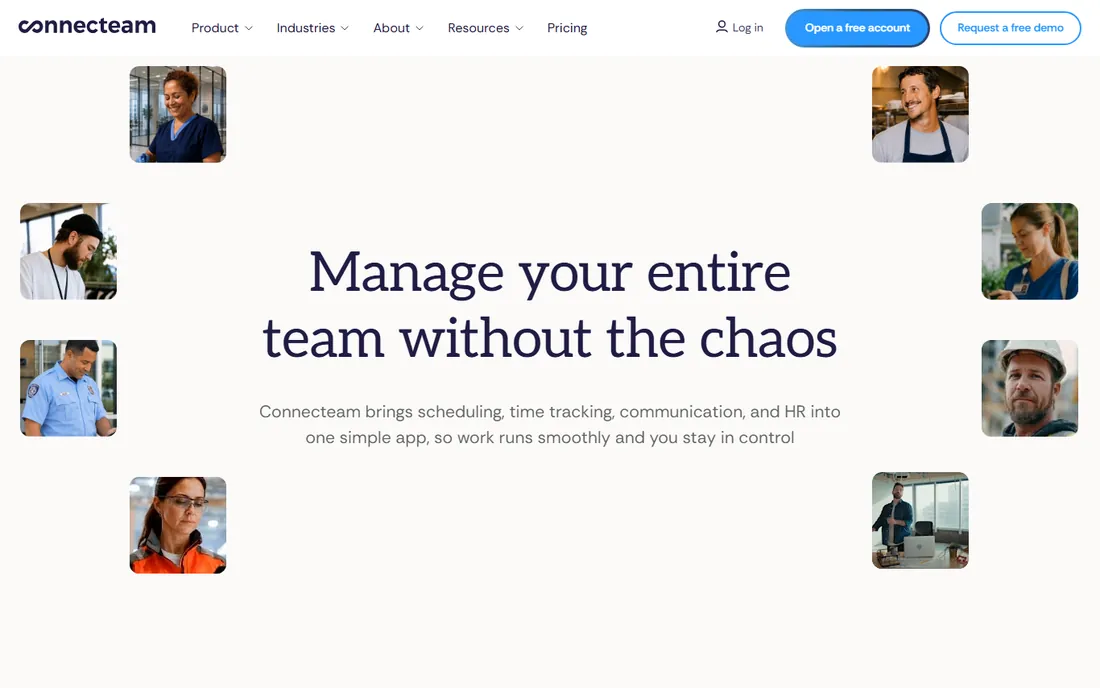
Connecteam is the value play for deskless teams. One flat fee replaces separate chat, forms and time-tracking tools, and the free plan for up to 10 users includes all three hubs, which is rare. Basic at $29 a month billed annually ($35 month-to-month) covers the first 30 users on one hub.
The hub pricing is the trap: Operations, Communications and HR & Skills are separate subscriptions, so a team using everything pays three times the headline. Extra users beyond 30 bill per user. For a field team of 15 to 25 that needs time tracking plus communication, the single-hub math still wins.
What we like- Flat pricing covers the first 30 users, far cheaper than per-user tools for teams of 10 to 30
- Free-forever plan for up to 10 users
- GPS time clock, geofencing, scheduling, team chat and forms in one mobile app
Watch out for- Each hub is priced separately, so all three hubs triple the bill
- Weaker shift-scheduling depth than specialists like Deputy or When I Work
#5
Clockify
Best for: Freelancers, agencies and small project-based teams that want simple time tracking with a real free option
Visit clockify.me
Starting priceSee website (free plan for up to 5 users)
Free planYes (free for up to 5 users: unlimited tracking, projects, timesheets)
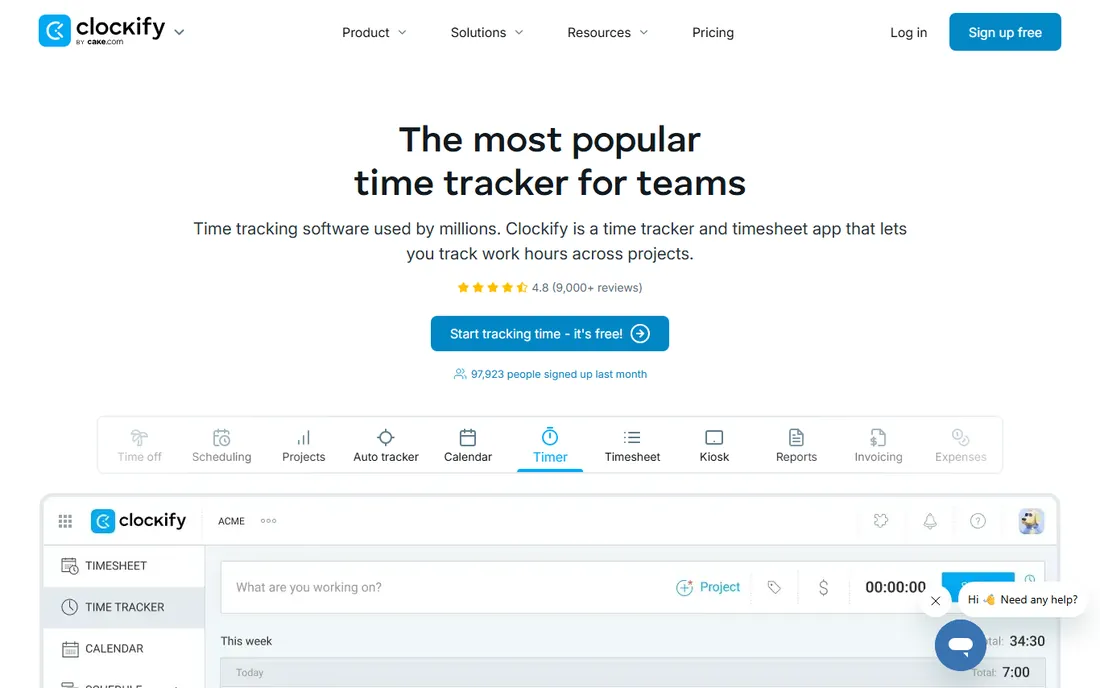
Clockify is the free-project-tracker standard. The free plan for up to 5 users covers unlimited tracking, projects and timesheets, and paid plans (Basic, Standard, Pro, Enterprise) add invoicing, approvals, scheduling and location features. Check current per-user prices on clockify.me/pricing before budgeting.
The honest catch is the 2026 free-plan cut: teams that joined for unlimited free seats now pay from the sixth seat. For a small agency or freelancer collective under five people, it remains the cheapest way to track billable hours. Setup is instant self-serve with no sales process.
What we like- Free plan covers core tracking with no expiry
- Deep feature set for the price: kiosk clock-in, time off, invoicing, approvals, scheduling, expenses and GPS on higher tiers
- Cross-platform apps with offline tracking
Watch out for- Free plan was cut from unlimited users to 5, so growing teams hit paid tiers sooner
- Time off, invoicing and GPS are gated behind higher tiers
#6
Toggl Track
Best for: Freelancers, consultants, agencies and remote teams that bill by the hour and live in project reporting
Visit toggl.com
Starting price$9 per license per month billed annually (Starter); $12 month-to-month
Free planYes
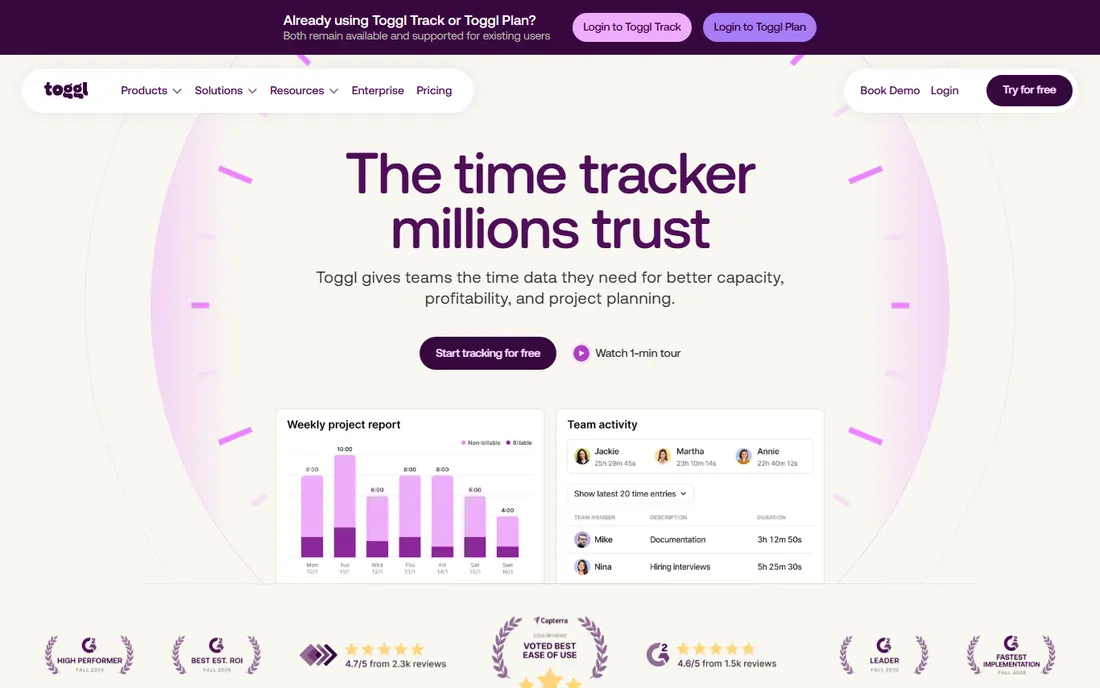
Toggl Track is the timer people stick with. One click starts tracking across web, desktop, mobile and browser extensions, and the reporting turns hours into invoices, profitability analysis and capacity decisions. Starter runs from $9 per license a month billed annually; Premium from $18 ($20 month-to-month).
The honest catch is fit: it is built for project billing, not payroll-driven timekeeping, so shift-based businesses should look at Homebase or Buddy Punch instead. For billable-hour work, the frictionless timer plus clean client reporting is the reason teams pay more than Clockify.
What we like- The easiest one-click timer in the category, with low-friction tracking teams actually use
- Strong reporting for billable work: billable rates, project estimates, profitability and client reporting
- Publicly commits to no screenshots or keystroke monitoring
Watch out for- More expensive than Clockify at every paid tier, with no real time-clock or kiosk features for hourly shift teams
- Per-license billing counts every seat until removed
#7
QuickBooks Time (formerly TSheets)
Best for: Businesses already running QuickBooks Online that want time tracking wired directly into payroll and invoicing
Visit quickbooks.intuit.com
Starting priceSee website
Free plan30-day trial (no credit card)
QuickBooks Time is the native choice for QuickBooks shops. Employees clock in via the QuickBooks Workforce app, hours map to payroll items automatically, and invoicing pulls time directly. GPS tracking, geofencing and mileage run on the upper tier.
The honest catch is price and lock-in. Intuit raised Premium from $8 to $10 per user in July 2026 (plus a monthly base fee), making it costlier than most standalone clocks, and leaving QuickBooks means rebuilding the workflow. US pricing details shift by page; confirm at quickbooks.intuit.com/time-tracking/ before publishing numbers. If you run QuickBooks payroll, the native flow is worth it. If not, buy a cheaper clock.
What we like- Native fit for QuickBooks users: time flows directly into payroll and invoicing with no third-party integration
- Mobile GPS tracking, kiosk clock-in with facial recognition, scheduling and time-off management
- Free unlimited phone and chat support
Watch out for- One of the most expensive options per user after the July 2026 price increase
- Requires a QuickBooks account for the full workflow
- Base fee plus per-user pricing penalizes small teams
#8
OnTheClock
Best for: Small hourly teams (10 to 30 people) that want GPS and geofencing without paying enterprise prices
Visit ontheclock.com
Starting price$4 per employee per month plus $5 monthly base fee
Free plan30-day trial (no credit card)
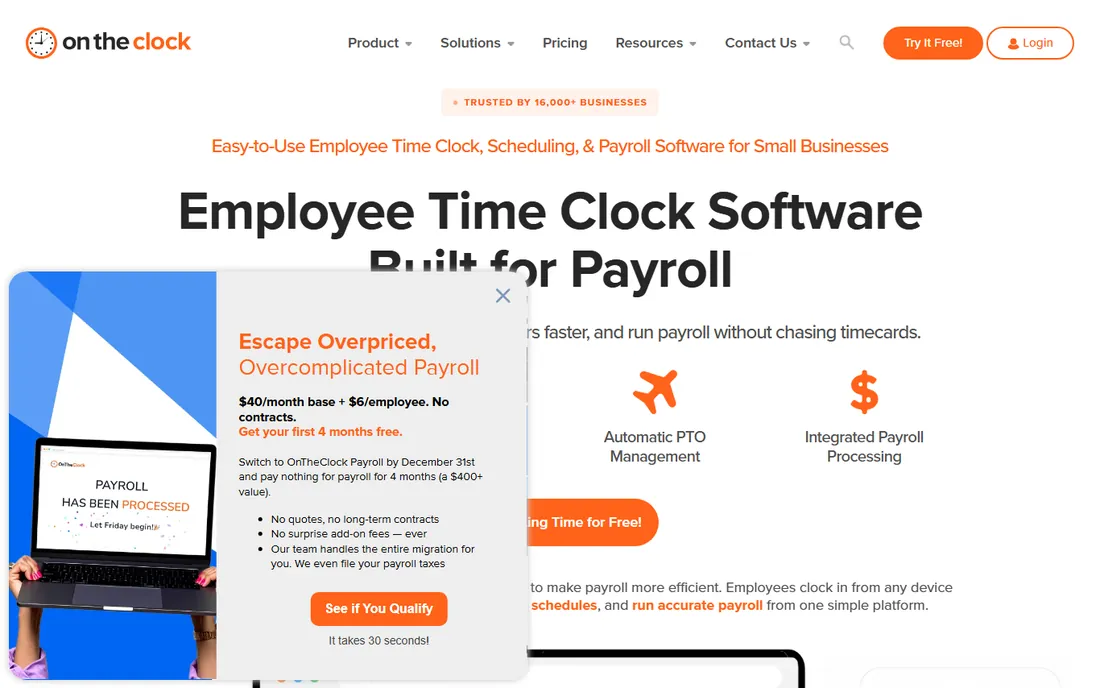
OnTheClock is the flat-price honest broker. One plan includes the location controls other vendors gate behind upgrades: a 15-person team pays $65 a month for time tracking with GPS and geofencing. The optional payroll add-on ($6 per employee plus $40 base, with a $250 one-time implementation fee) keeps timecards and payroll in one system.
The honest catch is depth: single pay rate per employee and limited HR features make it a focused time clock, not a workforce suite. For a small team that wants punch accountability and payroll exports without a tier maze, the math is clean.
What we like- Flat published pricing with everything in one plan: GPS, geofencing, scheduling, PTO and payroll exports included
- Flexible clock-in (web, mobile, kiosk) with optional photo capture, PIN and IP restrictions
- Optional native payroll
Watch out for- Only one pay rate per employee, limiting complex job-costing setups
- No permanent free plan
- Payroll add-on nearly doubles the cost for small teams
#9
Buddy Punch
Best for: Small businesses where punch accountability is the priority: field crews, home services and multi-site teams
Visit buddypunch.com
Starting price$4.99 per user per month (Starter; plus monthly base fee)
Free plan14-day trial
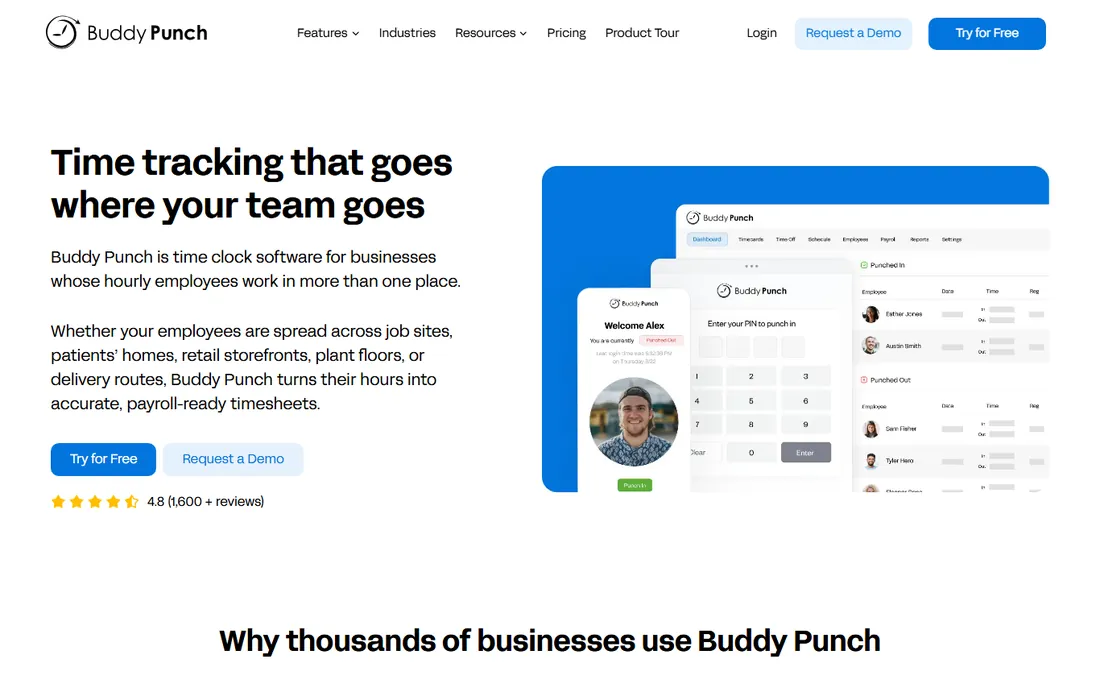
Buddy Punch is the accountability pick. Every punch can carry a photo, GPS coordinates and device verification, which is exactly what field-service owners worried about buddy punching need. Starter at $4.99 per user covers the basics; Pro at $6.99 and Advanced at $12.99 add the verification depth, with optional add-ons for real-time GPS ($2/user), scheduling ($1/user) and advanced reporting.
The honest catch is the cost structure: the monthly base fee plus per-user charges plus add-ons means a small team on Pro with GPS pays more than OnTheClock for similar coverage. Confirm the current base fee on the pricing page before comparing. For teams where time theft is the problem, the verification is worth the stack.
What we like- Strong accountability toolkit: webcam photos on punches, GPS coordinates, geofencing, IP and device locks, Face ID verification
- Unlimited free admin users
- Good payroll and accounting integrations plus Zapier
Watch out for- Base fee plus per-user charges makes it pricey for very small teams
- Geofencing, scheduling and real-time GPS are gated behind Pro and Advanced or paid add-ons
The shift clock vs. the project timer: buying the right type
The single biggest mistake is buying across types. A restaurant that buys Toggl Track gets beautiful project reports and no way to run payroll; an agency that buys Deputy gets compliance rules it will never use. Decide first which problem you have: scheduled hourly shifts paid through payroll, or tracked hours billed to clients.
Shift teams should shortlist When I Work, Homebase, Deputy, OnTheClock and Buddy Punch, and decide on free tier (Homebase), scheduling depth (When I Work, Deputy) or accountability (Buddy Punch, OnTheClock). Project teams should shortlist Clockify and Toggl Track, and decide on free (Clockify) or reporting polish (Toggl Track). Connecteam and QuickBooks Time straddle: Connecteam for deskless teams that need both scheduling and communication, QuickBooks Time for QuickBooks shops that need native payroll flow.
The per-user vs. per-location vs. per-hub pricing maze
Pricing models matter more than plan names here. Per-user tools (When I Work, Deputy, Buddy Punch, Toggl Track, Clockify) scale with headcount: cheap for five people, painful for fifty. Per-location tools (Homebase) stay flat as the team grows but multiply with storefronts. Per-hub tools (Connecteam) look cheap until you turn on all three hubs. Base-fee tools (OnTheClock, Buddy Punch, QuickBooks Time) punish very small teams and favor mid-size ones.
Do the math for your actual headcount before shortlisting. A 25-person restaurant: Homebase Plus at $56 a month per location beats When I Work Premium at $8 per user ($200). A 5-person agency: Clockify free or Toggl Track Starter beats everything. The "cheapest" tool is entirely a function of team size, locations and hubs.
Frequently asked questions
What is the best free timekeeping software for small business?
Homebase's Basic plan (free for one location, up to 10 employees) is the best free shift clock. Clockify's free plan (up to 5 users) is the best free project timer. Connecteam's free plan covers up to 10 users across all hubs. All three are real free tiers, not expiring trials.
How much does timekeeping software cost?
Entry prices run from free to about $8 per user per month. Representative numbers: When I Work from $2.50 per user, Homebase from $24 per location, OnTheClock $4 per employee plus $5 base, Buddy Punch from $4.99 per user plus base, Toggl Track Starter from $9 per license. Add-ons (payroll, GPS, scheduling) and base fees change the real total, so model your headcount.
What is the difference between a time clock and time tracking software?
A time clock (Homebase, Buddy Punch, OnTheClock) records employee punches for payroll: clock in, clock out, breaks, overtime. Time tracking software (Clockify, Toggl Track) records hours against projects and clients for billing. Some tools do both, but most are built for one job.
Do I need GPS tracking for my employees?
For field crews, home services and multi-site teams, GPS and geofencing prevent off-site and buddy punching, and the accountability usually pays for itself. For office or single-site teams, it adds cost and friction without much benefit. OnTheClock includes GPS in its flat plan; Buddy Punch and Deputy gate it behind higher tiers.
Should I get timekeeping from my payroll provider or a standalone tool?
If you run QuickBooks payroll, QuickBooks Time's native flow saves real admin time, but it costs more than standalone clocks. Otherwise, standalone tools (Homebase, OnTheClock, Buddy Punch) integrate with Gusto, ADP, Rippling and QuickBooks anyway, and they are cheaper and better at timekeeping specifically.
Can timekeeping software handle PTO and scheduling too?
Most shift clocks can: Homebase, When I Work, Deputy, OnTheClock and Buddy Punch all include scheduling and PTO management, with depth varying by plan. Project trackers are weaker here: Clockify has time off and scheduling on higher tiers, while Toggl Track focuses on tracking and reporting rather than shift scheduling.
Sources we checked (11)
- https://wheniwork.com/pricing/
- https://joinhomebase.com/pricing
- https://www.deputy.com/pricing/
- https://connecteam.com/pricing/
- https://clockify.me/pricing
- https://support.toggl.com/en/articles/2212775-payment-plans-at-toggl-track
- https://quickbooks.intuit.com/time-tracking/
- https://www.ontheclock.com/pricing/
- https://buddypunch.com/pricing/
- https://www.g2.com/categories/time-clock
- https://www.capterra.com/time-clock-software/
Is your product missing or out of date?
We review this list regularly. Vendors can request a listing, send updated pricing or ask about featured placement.

Shihab Mia · Founder, Rankite
Shihab has 5+ years in B2B and SaaS SEO. He writes Rankite's software buying guides from pricing pages, documentation and public user reviews. More about Shihab.