How we make this list: we compare pricing pages, product documentation and public user reviews. Rankite is independent; if a vendor ever pays for a featured spot, that listing is clearly labeled Partner.
Key takeaways
- HoneyBook and Dubsado are built for client-based service businesses, combining proposals, contracts, invoicing, and payments in one flow, with HoneyBook offering a 30-day free trial.
- Keap is the pick when marketing automation matters as much as operations: it pairs a CRM with email campaigns and pipeline management for small businesses.
- Scoro and Accelo serve agencies and professional services firms that need project profitability, resource planning, and client work in one system.
- HelloBonsai and 17hats target freelancers and solo operators who want contracts, invoices, and client management without enterprise complexity.
- No single platform wins for everyone. The right choice depends on whether your bottleneck is lead follow-up, project delivery, or getting paid.
Quick comparison
| Tool | Best for | Starting price | Free plan |
|---|
 HoneyBook HoneyBook | client-based businesses that want one workflow | $29/month (billed annually) | Free trial (30 days) |
 Keap Keap | small businesses that need CRM plus automation | See website | See website |
 Scoro Scoro | agencies that track project profitability | See website | See website |
 Accelo Accelo | professional services firms managing client work | See website | See website |
 Dubsado Dubsado | creative studios that run on client processes | See website | See website |
 HelloBonsai HelloBonsai | freelancers who need contracts and invoicing | See website | See website |
 17hats 17hats | solo operators who want everything in one login | See website | See website |
Is your product missing or out of date?
We review this list regularly. Vendors can request a listing, send updated pricing or ask about featured placement.
The best all-in-one business management software
Starting price$29/month (billed annually)
Free planFree trial (30 days)
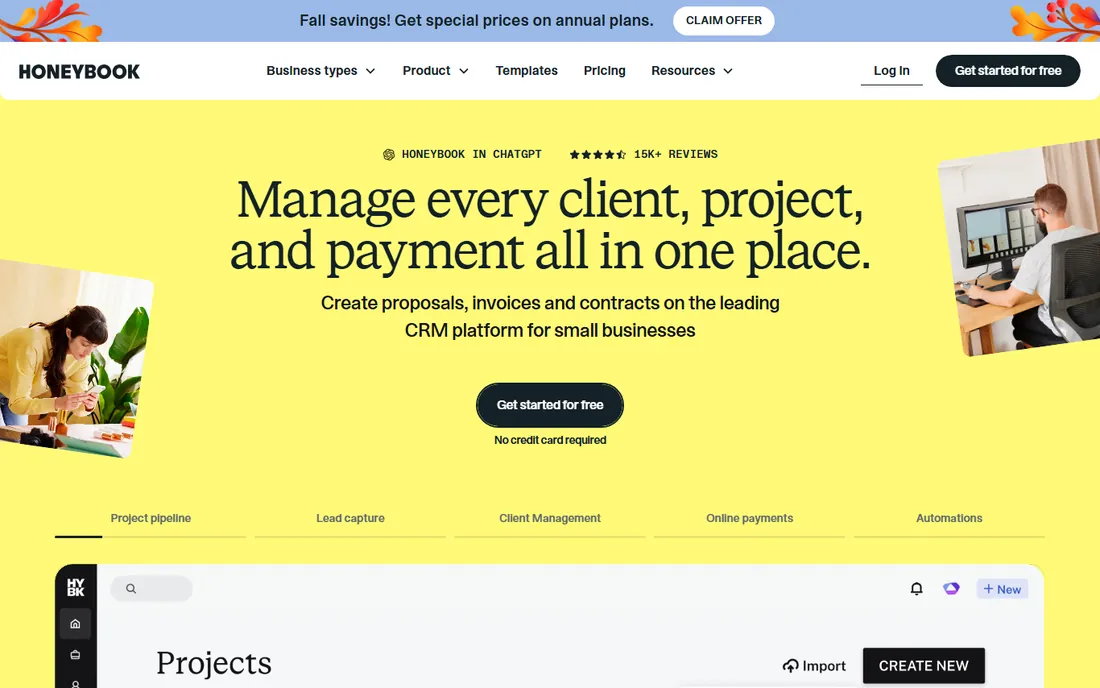
HoneyBook describes itself as client management software for small businesses, and the product backs that up with a single flow: send an invoice, get a contract e-signed, collect payment by card or bank transfer, and schedule the next meeting without leaving the platform. The company says it serves more than 100,000 small businesses, and its page leads with a 30-day free trial that requires no credit card, which makes it easy to test against your real client process before paying anything.
The integrations list shows where HoneyBook fits in a business. It connects to QuickBooks for accounting, Gmail and Outlook for email, Zoom for meetings, and Calendly for scheduling, with Zapier available for everything else. AI features draft emails, take notes, and surface insights, which suits owners who do their own admin between client calls. Published pricing starts at $29 per month billed annually for the Starter plan, with Essentials at $49 and Premium at $109, and every plan starts with a free trial. The honest limitation is team size. HoneyBook is built for independent businesses and small teams, and larger firms with complex operations will outgrow it.
What we like- Proposals, contracts, invoices, and payments in one client flow
- 30-day free trial with no credit card required
- Scheduling and AI assistance built in
Watch out for- Team features require the higher tiers
- Aimed at independent businesses rather than larger teams
#2
Keap
Best for: small businesses that need CRM plus automation
Visit keap.com
Starting priceSee website
Free planSee website
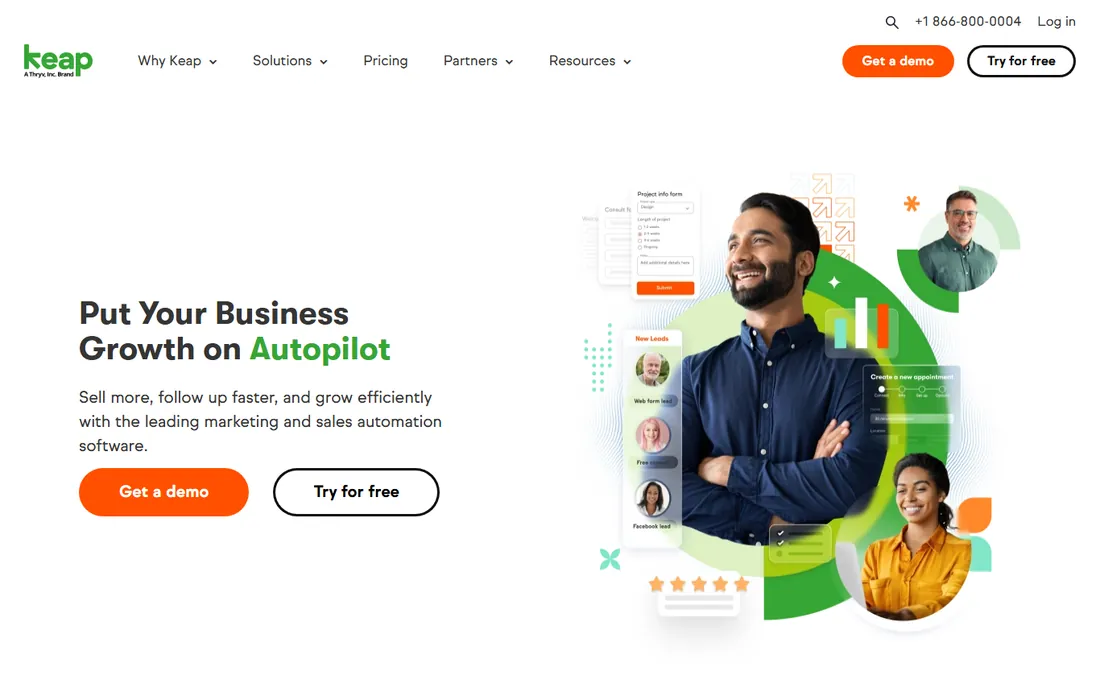
Keap, formerly Infusionsoft, has spent years refining one idea: a small business should be able to capture a lead, follow up automatically, and manage the sale without duct-taping five tools together. The platform combines a contact CRM with email marketing, a visual sales pipeline, and automation workflows that trigger follow-ups, reminders, and internal tasks. For a service business whose bottleneck is leads going cold, that automation is the core value.
Compared with the project-focused tools on this list, Keap leans toward the front of the business: marketing, sales, and client communication. It still handles invoicing and payments, but its strength is keeping the pipeline moving. The company does not publish pricing on its homepage, so expect a conversation with sales or a pricing page visit to get numbers. Businesses choosing between Keap and HoneyBook should ask which problem hurts more. If it is lead follow-up, Keap's automation wins. If it is project delivery and billing, the workflow tools below fit better.
What we like- Combines CRM, email marketing, and sales pipeline in one platform
- Automation handles lead follow-up without manual effort
- Long track record with small businesses
Watch out for- Pricing not published on the homepage we reviewed
- More marketing-heavy than project-focused tools
#3
Scoro
Best for: agencies that track project profitability
Visit scoro.com
Starting priceSee website
Free planSee website
Scoro is work management software built for agencies, consultancies, and other businesses that sell their team's time. The platform ties together quoting, project planning, time tracking, billing, and reporting, so an agency owner can see which projects are profitable and which are quietly losing money. Utilization dashboards and project health views give managers the numbers they need without exporting data to a spreadsheet first.
The positioning sits above the freelancer tools on this list. Scoro assumes you have a team, multiple concurrent projects, and a need to plan resources across them. That makes it a strong fit for a growing agency that has outgrown a patchwork of project boards and invoicing apps but does not want a full enterprise PSA suite. The company does not publish pricing on the pages we reviewed, which is typical for this tier. Agencies evaluating Scoro should compare it directly with Accelo, since both target professional services firms with similar needs.
What we like- Projects, quotes, billing, and reporting in one system
- Built for agencies that sell time and need margin visibility
- Dashboards show utilization and project health
Watch out for- Pricing not published on the pages reviewed
- Geared toward teams, so solo freelancers may find it heavy
#4
Accelo
Best for: professional services firms managing client work
Visit accelo.com
Starting priceSee website
Free planSee website
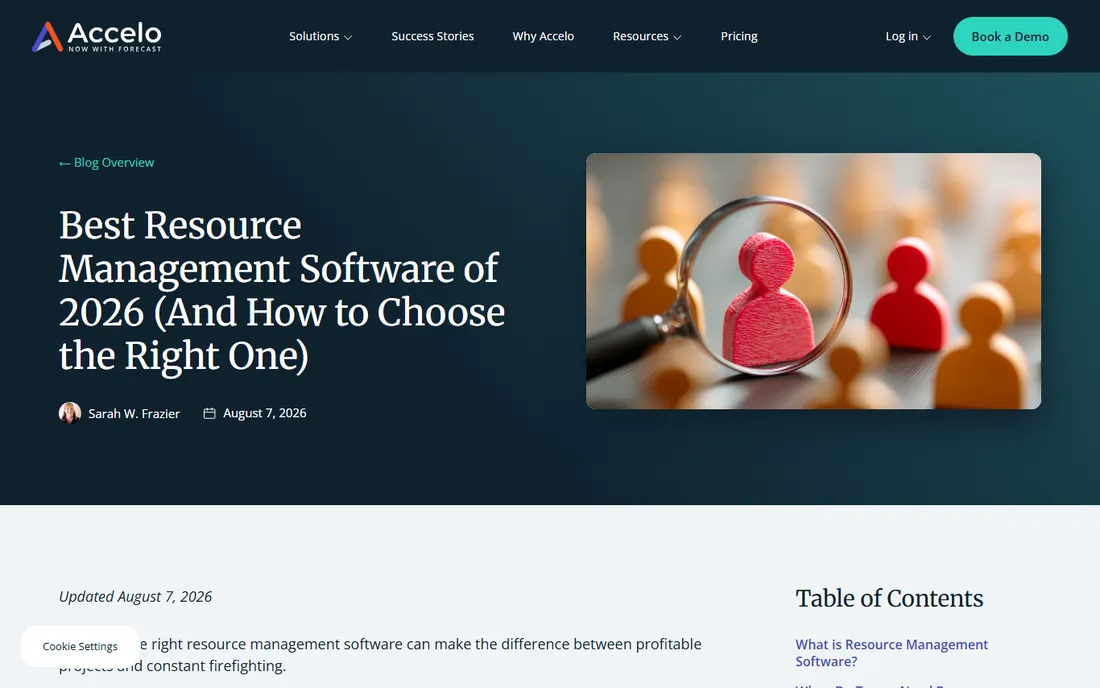
Accelo calls its category professional services automation, and the product covers the full client engagement: sales, quoting, project delivery, time tracking, billing, and retainers. It is designed for firms where the work itself is the product, such as marketing agencies, IT consultancies, and engineering firms. Resource management shows who is overloaded and who has capacity, and retainer tracking keeps recurring client work visible and billable.
The depth is the selling point and the cost. Accelo does more than the freelancer tools on this list, and setting it up properly takes more thought about your processes. Firms that invest that effort get a system where every hour is tracked against a client, every project has a margin, and renewals do not slip through the cracks. Like Scoro, Accelo does not publish pricing on the pages we reviewed, so plan on a demo and a quote. For a firm choosing between the two, the deciding factor is usually which interface your team will actually use every day.
What we like- Built for client-facing project work from quote to cash
- Resource management and retainer tracking included
- Strong fit for firms with recurring client engagements
Watch out for- Pricing not published on the pages reviewed
- Implementation takes more effort than simpler tools
Starting priceSee website
Free planSee website
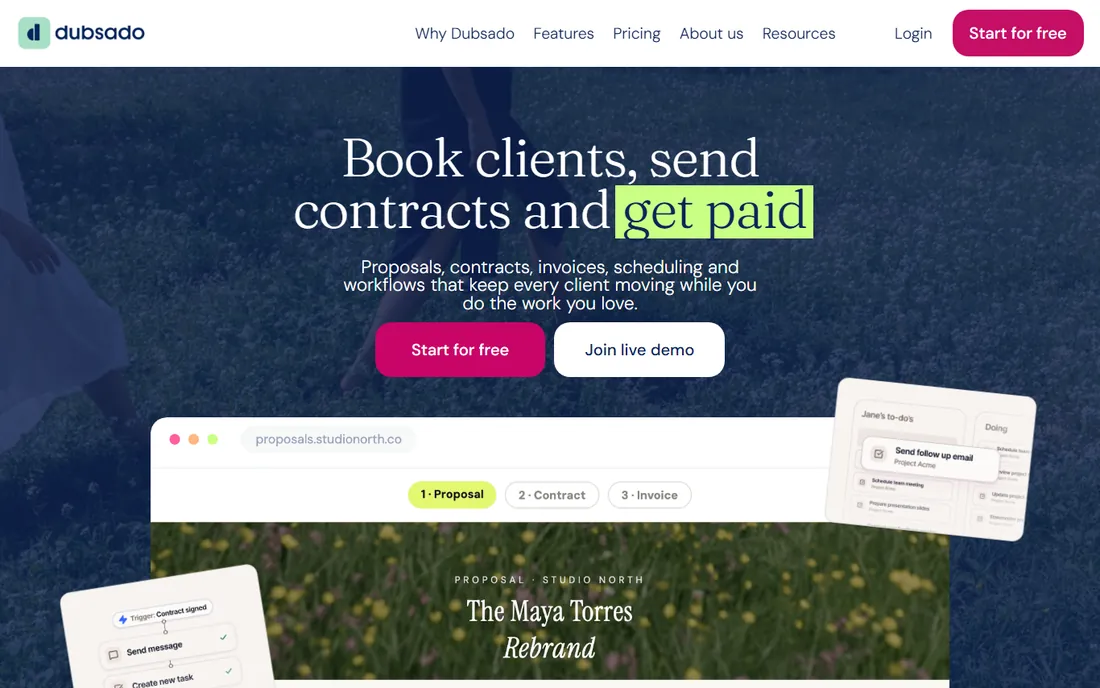
Dubsado is the workflow nerd's choice for client management. Where HoneyBook streamlines a standard flow, Dubsado lets you design the flow: multi-step workflows that send a proposal, follow up automatically, collect a signed contract, take a deposit, schedule sessions, and send the final invoice, all branded to look like your business. Photographers, designers, coaches, and event professionals have built loyal followings around it because it handles the repetitive client admin they used to do by hand.
The customization is both the attraction and the learning curve. You can build exactly the process your business runs on, but building it takes an afternoon of focused setup. Once it is running, the automation pays that time back quickly. Dubsado does not publish pricing on its homepage, so check the site for current plans. Creative businesses choosing between Dubsado and HoneyBook are usually choosing between maximum control and minimum setup.
What we like- Deep workflow automation for the client journey, from inquiry to final invoice
- Forms, contracts, and schedulers in one brandable system
- Popular with creative and wedding-industry businesses
Watch out for- Pricing not published on the homepage we reviewed
- The depth of customization takes time to learn
Starting priceSee website
Free planSee website
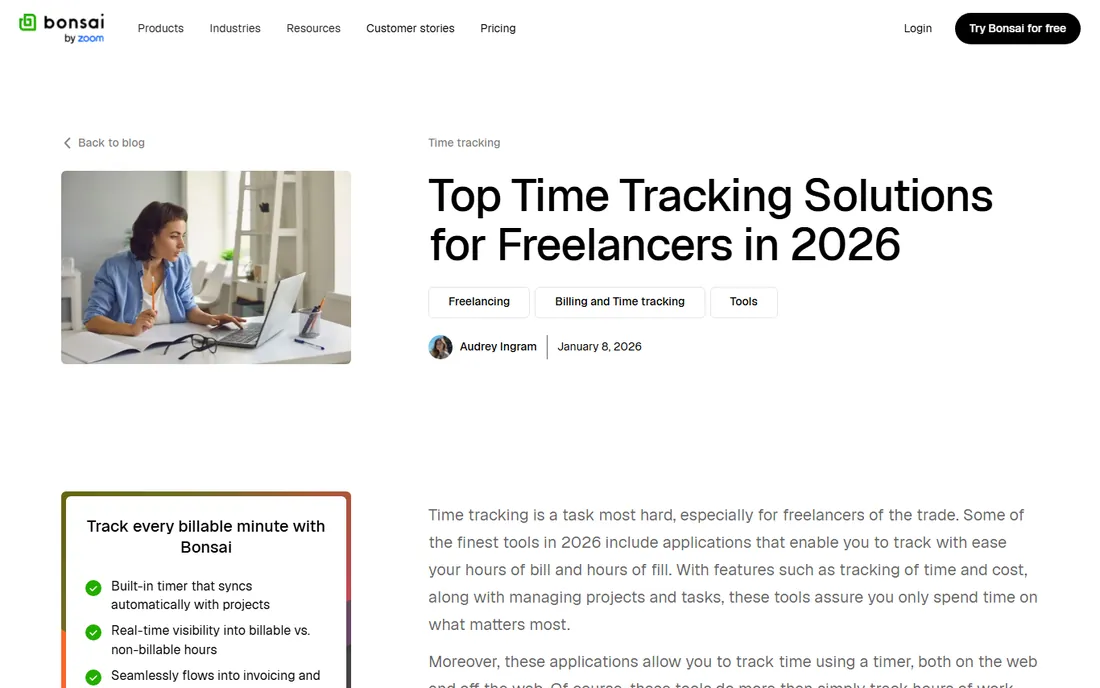
HelloBonsai, often just called Bonsai, is the freelancer's all-in-one. It covers the unglamorous backbone of independent work: proposals, contracts, invoicing, time tracking, expenses, and even tax assistance for the self-employed. The product is designed for one person running a business, which shows in the interface. Setup is measured in hours, not weeks, and the daily workflow is simple enough to maintain between client projects.
The scope is deliberately narrower than Scoro or Accelo. There is no resource planning for a team because there is no team. For a solo designer, writer, developer, or consultant, that focus is a feature: you get the contracts and invoicing you need without paying for agency machinery you will never use. The company does not publish pricing on the pages we reviewed, so verify current plans on the site. Freelancers comparing Bonsai with 17hats are choosing between two philosophies of solo business management, and the right one is whichever matches how you already work.
What we like- Contracts, proposals, invoices, and time tracking built for solo operators
- Clean interface that a freelancer can set up in an evening
- Expense and tax features for independent workers
Watch out for- Pricing not published on the pages reviewed
- Less suited to teams than the agency tools above
Starting priceSee website
Free planSee website
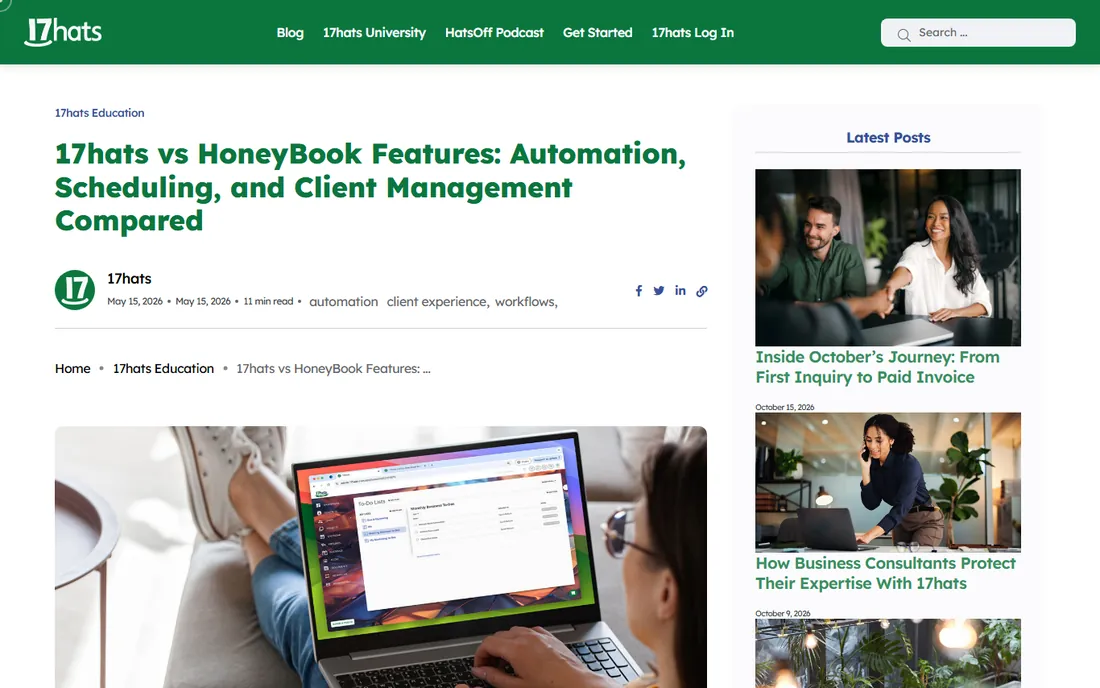
17hats takes the broadest definition of all-in-one on this list. One account covers contacts and CRM, project management, invoicing, contracts, online scheduling, time tracking, and even basic bookkeeping. The target customer is the solo operator or micro-business that wants a single login for the entire back office. Automation handles routine emails and reminders, and the client portal gives customers one place to see their projects and invoices.
The breadth is the pitch and the risk. Covering everything means no single feature is as deep as a dedicated tool, but for a one-person business, good enough across the board beats excellent in one corner. The company publishes comparison content against HoneyBook, which tells you exactly who it considers its competition: client-based solo businesses choosing their first real management platform. Pricing is not published on the pages we reviewed, so check the site. Between 17hats and HelloBonsai, the choice comes down to breadth versus focus.
What we like- Broad feature set, CRM, projects, invoices, contracts, and bookkeeping, in one account
- Automation for routine client communication
- Aimed squarely at very small businesses
Watch out for- Pricing not published on the pages reviewed
- Interface covers a lot of ground, which can feel busy
Every platform on this list has a boundary, and knowing yours in advance saves a painful migration later. The most common boundary is accounting. None of these tools replace QuickBooks or Xero for bookkeeping, tax preparation, or payroll. They handle client-facing money, invoices, contracts, payments, while your accounting software handles the books. Plan on running both, and check that your chosen platform integrates with your accounting system.
The second boundary is team size. Freelancer tools like HelloBonsai and 17hats assume one person. HoneyBook and Dubsado assume a small team. Scoro and Accelo assume a growing firm with managers who need utilization data. Buying a team-sized tool as a solo operator wastes money, and running a team on a solo tool creates workarounds that cost more than the upgrade. Count your people, including part-timers and contractors who will log in, before you commit.
The third boundary is marketing depth. If your business lives on email campaigns, lead scoring, and nurture sequences, Keap's automation is in a different class from the project tools' notification emails. Some businesses end up with Keap for the front end and a project tool for delivery. That is a legitimate setup, and it still beats the five-app patchwork most businesses start with.
How to run a real trial before you commit
Do not evaluate these tools with fake data. Pick one real client project, or one real lead, and run it through the trial the way you would run it in production. Send a real proposal. Get a real contract signed. Issue a real invoice. The flaws that matter only appear under real conditions: the proposal template that cannot handle your pricing structure, the invoice that confuses your clients, the automation that fires at the wrong time.
Involve the people who will use it daily. An owner can love a dashboard that the team hates to feed, and a tool the team will not feed is a tool that fails. Give your project manager or assistant a week with the trial and ask one question: would you rather keep this or go back? Their answer is worth more than any feature list.
Finally, test the exit before you enter. Ask how you export your client list, your invoices, and your project history. Every vendor promises easy import. Far fewer make export equally easy. A platform that holds your client data hostage is not all-in-one, it is all-in-your-way. The trial period is the only time you have full bargaining power, so use it.
How we chose
We built this list from vendor product pages, documentation, and public discussion on sites like G2, Capterra, and Reddit, focusing on platforms that genuinely combine client management, project work, and billing rather than doing one thing well and bolting on the rest. We checked each vendor's current site on October 14, 2026, to confirm the product still exists, and we recorded pricing and trial terms only where the vendor publishes them. We did not install or test any of these products, and nothing in this guide is based on hands-on use. Where a vendor does not publish pricing, we say "See website" instead of guessing.
Frequently asked questions
What does all-in-one business management software actually include?
At minimum, it should cover client or contact management, project or job tracking, and invoicing with payments. Most platforms on this list add contracts, scheduling, time tracking, and some automation. None of them replace accounting software like QuickBooks for bookkeeping and taxes.
Which is better for a freelancer, HoneyBook or Bonsai?
Both serve freelancers, but they start from different places. HoneyBook organizes the client workflow, proposals through payment, while HelloBonsai covers the freelancer's back office, including contracts, expenses, and tax help. Many solo operators could use either. Run a real project through both trials and keep the one your clients find easier.
Can these tools replace my CRM?
For many small businesses, yes. Keap is a full CRM with marketing automation, and HoneyBook, Dubsado, and 17hats all manage contacts and pipelines. If you have a dedicated sales team with complex pipeline stages, a standalone CRM may still fit better, but most service businesses under fifty people can consolidate.
How long does it take to set one up?
Freelancer tools like HelloBonsai and 17hats can be running in an evening. HoneyBook and Dubsado take a focused day or two, mostly spent building your proposal and contract templates. Agency platforms like Scoro and Accelo take longer, often a few weeks with real client data, because they require decisions about your project structure and billing rates.
What should I check before paying for a year upfront?
Run a real client through the trial, confirm the accounting integration works with your books, test the export options, and make sure the people who will use it daily prefer it to the current setup. Annual discounts are only savings if you stay. Monthly billing for the first quarter is cheap insurance.
Do I still need QuickBooks if I buy one of these?
Yes. These platforms handle client-facing work like proposals, contracts, projects, and invoices. QuickBooks or Xero handles bookkeeping, bank reconciliation, payroll, and tax preparation. The two should integrate so invoices flow into your books without double entry.
Sources we checked (7)
- https://honeybook.com/
- https://keap.com/
- https://www.scoro.com/blog/
- https://www.accelo.com/blog/best-resource-management-tools
- https://www.dubsado.com/
- https://www.hellobonsai.com/blog/freelance-time-tracking
- https://blog.17hats.com/17hats-vs-honeybook-features-automation-client-management-compared/
Is your product missing or out of date?
We review this list regularly. Vendors can request a listing, send updated pricing or ask about featured placement.

Shihab Mia · Founder, Rankite
Shihab has spent more than a decade helping SaaS and e-commerce brands grow through search. He writes Rankite's software buying guides from pricing pages, documentation and public user reviews. More about Shihab.