How we make this list: we compare pricing pages, product documentation and public user reviews. Ratings come from G2, Capterra or Trustpilot, with the date we checked them.
Key takeaways
- ClockShark, busybusy and Workyard are built for construction first, with GPS, job codes and cost-code reporting that office timers lack.
- QuickBooks Time is the natural pick if payroll and accounting already run in QuickBooks, since hours flow straight into payroll.
- Clockify and Connecteam keep costs low for small crews, with free plans that cover basic time tracking.
- GPS and screenshot features raise privacy questions. Tell crews what is tracked, when tracking starts and stops, and why, before rollout.
- Always price a tool for your real crew size, including base fees, not just the per-user rate.
Quick comparison
| Tool | Best for | Starting price | Free plan |
|---|
 ClockShark ClockShark | Construction crews with scheduling | $40 per month plus $9 per user/month | Free trial |
 QuickBooks Time QuickBooks Time | Contractors already using QuickBooks | $20 per month plus $8 per user/month | Free trial |
 busybusy busybusy | Construction crews tracking labor and equipment | $9.99 per user/month plus $40 admin license | Yes |
 Hubstaff Hubstaff | Mixed field and office teams | $4.99 per user/month | Free trial |
 Connecteam Connecteam | Small crews needing scheduling and chat | $29 per month for the first 30 users | Yes |
 Clockify Clockify | Low-cost project time tracking | $3.99 per user/month | Yes |
 Workyard Workyard | GPS-verified contractor time cards | $6 per user/month | Free trial |
 Buddy Punch Buddy Punch | Simple clock-in with accountability checks | $19 per month plus $5.49 per user/month | Free trial |
Is your product missing or out of date?
We review this list regularly. Vendors can request a listing, send updated pricing or ask about featured placement.
The best time tracking apps for contractors
Starting price$40 per month plus $9 per user/month
Free planFree trial
ClockShark is designed for field service and construction crews, not adapted from an office timer. Workers clock in and out from a phone, pick a job and task, and managers see GPS-verified time cards, live crew location and job-cost reports. Scheduling is built in, so a foreman can drag a shift to a different worker or job without a separate app.
Pricing starts at $40 per month plus $9 per user per month on the Standard plan, which puts a 10-person crew at about $130 per month. That is higher than a simple timer, but the job costing, scheduling and payroll integrations replace several separate tools. If your crew is small and you only need a time clock, a free option further down this list will cost less.
What we like- GPS-verified time cards and geofencing
- Job and task tracking with job-cost reports
- Drag-and-drop scheduling
- Integrations with QuickBooks, Sage, ADP and Gusto
Watch out for- Base fee plus per-user fee adds up for small crews
- Some advanced controls sit on higher tiers
- No free plan, only a trial
Starting price$20 per month plus $8 per user/month
Free planFree trial
QuickBooks Time, formerly TSheets, makes most sense when QuickBooks is already the center of the business. Time records flow into payroll, invoices and job costing without retyping hours, and the mobile app, Time Kiosk and GPS tracking cover site clock-in. Scheduling is included on all plans, and location is recorded only while a worker is on the clock.
The Premium plan is listed at $20 per month plus $8 per user per month, with Elite at $40 plus $10, and both require a QuickBooks Online subscription. That total cost is the main drawback for a contractor who does not already use QuickBooks. If you do, the payroll link alone can save hours each pay period and cut the errors that come from manual entry.
What we like- Hours flow directly into QuickBooks payroll and invoicing
- GPS tracking and Time Kiosk for site clock-in
- Scheduling included on all plans
- Integrates with more than 50 accounting and payroll apps
Watch out for- Requires an active QuickBooks Online subscription
- Geofencing is limited to the Elite plan
- Base fee plus per-user fee is costly for very small crews
Starting price$9.99 per user/month plus $40 admin license
Free planYes
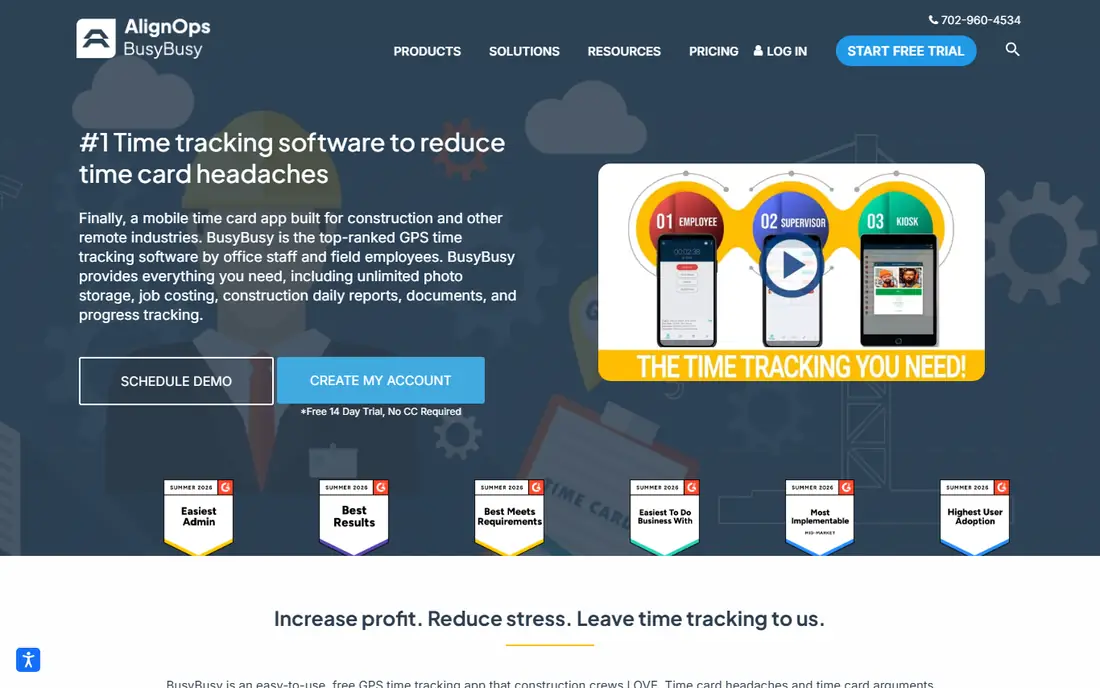
busybusy is a construction time card app first, and it shows in features like cost codes, equipment hours, project progress photos, daily reports and signed time cards. Supervisors can clock in a whole crew, switch cost codes, assign equipment and collect signatures from a phone, and the app works offline where cell signal is weak. Daily sign-off captures a worker confirmation that hours are correct, plus a report of injuries or non-injuries, which helps with disputes later.
The free plan is unusually strong, covering GPS tracking, job costing and equipment tracking for unlimited users. Pro costs $9.99 per user per month plus a $40 admin license, billed annually, which puts a 10-person crew near $130 per month. If you need scheduling and breadcrumbing, pay for Pro. If you only need accurate time cards and job costs, the free plan may be enough.
What we like- Free plan covers GPS time tracking, job costing and equipment tracking
- Daily sign-off with injury and non-injury reports
- Supervisor clock-in for whole crews
- Offline mode for areas with poor signal
Watch out for- Paid Pro plan adds a $40 monthly admin license on top of per-user fees
- Scheduling and GPS breadcrumbing need a paid plan
- Breaks are unpaid only
Starting price$4.99 per user/month
Free planFree trial
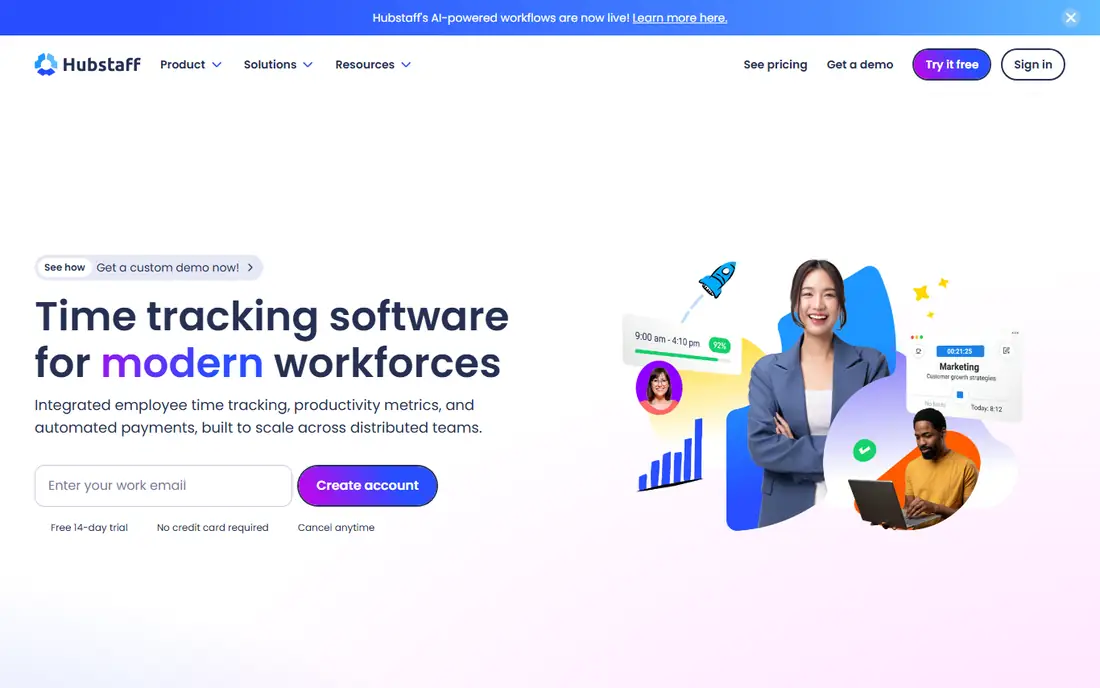
Hubstaff suits a contractor with both field crews and office staff, since it covers time tracking, productivity data, scheduling and payments in one system. The Starter plan starts at $4.99 per seat per month billed annually, with a two-seat minimum, and higher plans add scheduling, attendance, timesheet approvals and automated payroll. Mobile GPS tracking and geofenced job sites are available on Enterprise or as an add-on on eligible plans.
The catch for construction is that the cheapest plan does not include the full field toolkit, so check which tier your GPS needs sit on before buying. Screenshots and activity tracking are also configurable, and crews should be told exactly what is recorded. For a mixed team that wants one tool for office and field time, Hubstaff is a flexible, low-cost starting point.
What we like- Low starting price with a two-seat minimum
- GPS tracking and geofenced job sites on higher tiers or as an add-on
- Payroll, invoicing and scheduling on higher plans
- Desktop and mobile apps
Watch out for- Full GPS and geofencing features are not on the cheapest plan
- Screenshots and activity scores can feel intrusive if not explained
- No native payroll tax calculation
#5Connecteam
Best for: Small crews needing scheduling and chat4.6/5 on
G2 (3,506 reviews, checked Oct 2026)
Visit connecteam.com
Starting price$29 per month for the first 30 users
Free planYes
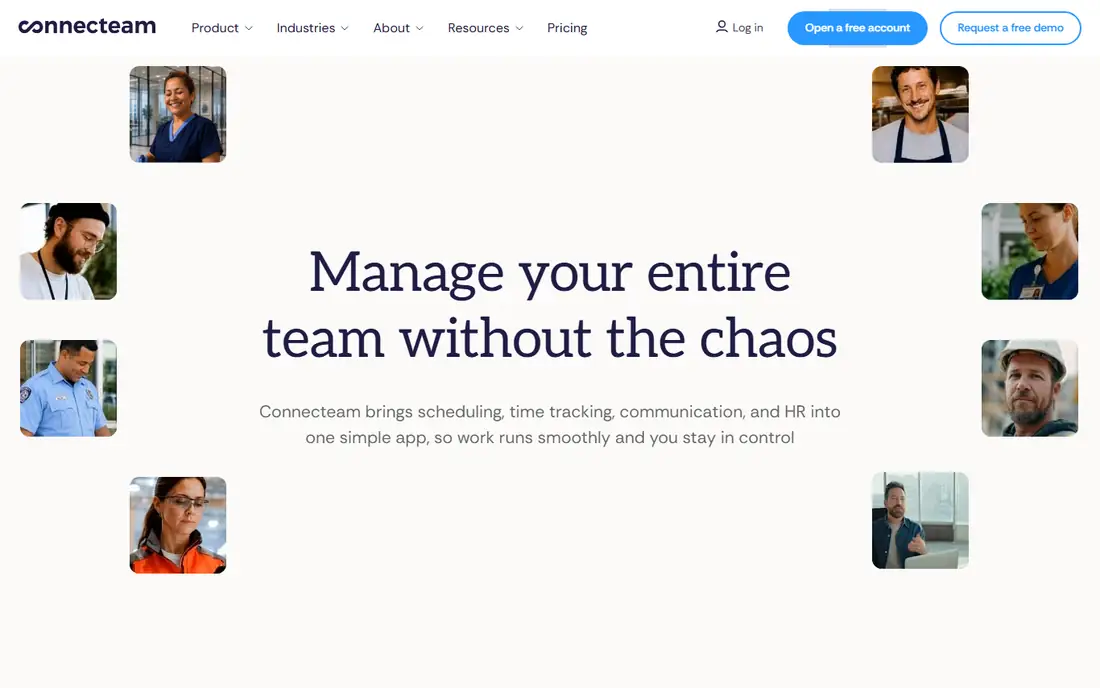
Connecteam is an all-in-one employee app for deskless teams, and its time clock sits alongside scheduling, forms, training and chat. That breadth helps a small contractor who wants one app for the whole crew, rather than separate tools for time, schedules and messages. Setup is quick, and the interface feels like a consumer app, which helps crews adopt it fast.
Pricing starts at $29 per month for the first 30 users on the Operations Basic plan, with a free plan for up to 10 users. Geofencing, which restricts clock-in to a job site area, starts on Advanced, so a contractor who needs strict location control should check that tier. For a crew of 10 or fewer, the free plan is a strong deal. For larger crews with complex job costing, ClockShark or busybusy fit better.
What we like- Free plan for up to 10 users
- Time clock, scheduling, forms and team chat in one app
- Simple setup with no IT help needed
- Live support around the clock
Watch out for- Geofence coverage starts on the Advanced plan
- Per-user pricing changes above 30 users
- Job costing is lighter than construction-only tools
#6Clockify
Best for: Low-cost project time tracking4.5/5 on
G2 (204 reviews, checked Oct 2026)
Visit clockify.me
Starting price$3.99 per user/month
Free planYes
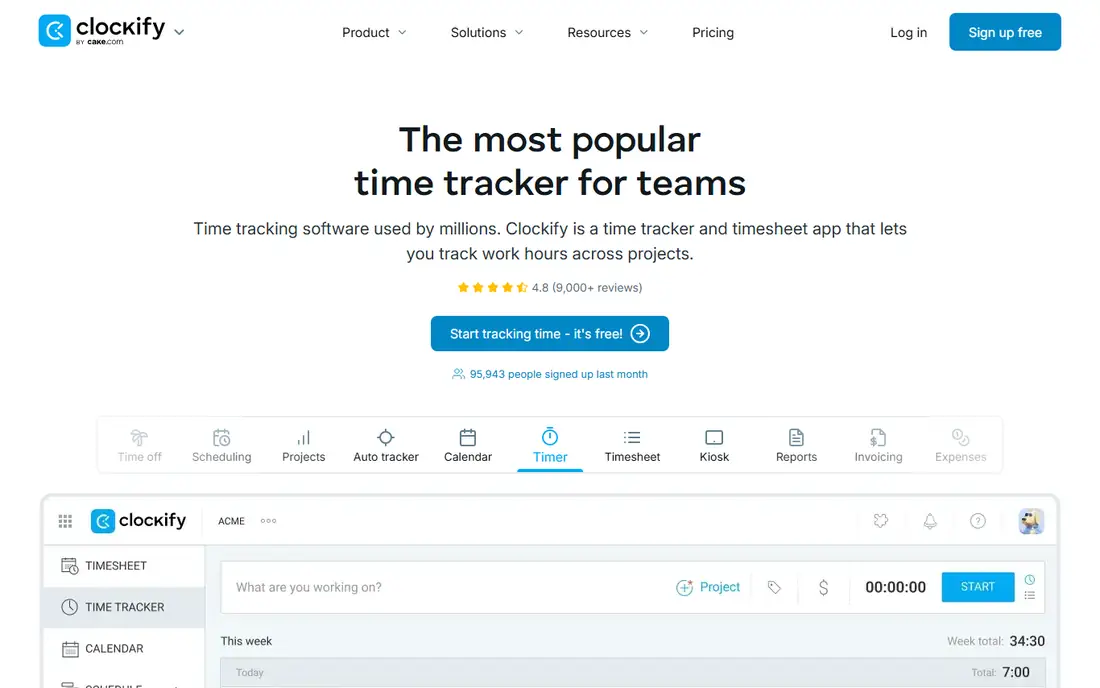
Clockify is the budget pick in this list, and it works best for a contractor or subcontractor who mainly needs clean project time records rather than GPS enforcement. The free plan covers unlimited users, timers, timesheets and basic reports, and paid plans start at $3.99 per user per month billed annually. Billing rates, invoicing and scheduling arrive on paid tiers, with GPS and screenshots on Pro at $7.99 per user per month.
The limit is field control. Clockify does not offer the same geofencing, crew scheduling or cost-code depth as construction tools, so a foreman managing several sites will find gaps. For a solo contractor, a small crew or an office team tracking project hours, it is hard to beat on price. For a large field crew, pair it with a separate scheduling tool or pick a construction-first app.
What we like- Free plan with unlimited users
- Simple timers, timesheets and calendar views
- Billing rates from the Basic plan
- Kiosk mode and GPS on Pro
Watch out for- Not built for job-site geofencing or shift rosters
- Scheduling and approvals need paid plans
- Project reporting is lighter than construction costing tools
Starting price$6 per user/month
Free planFree trial
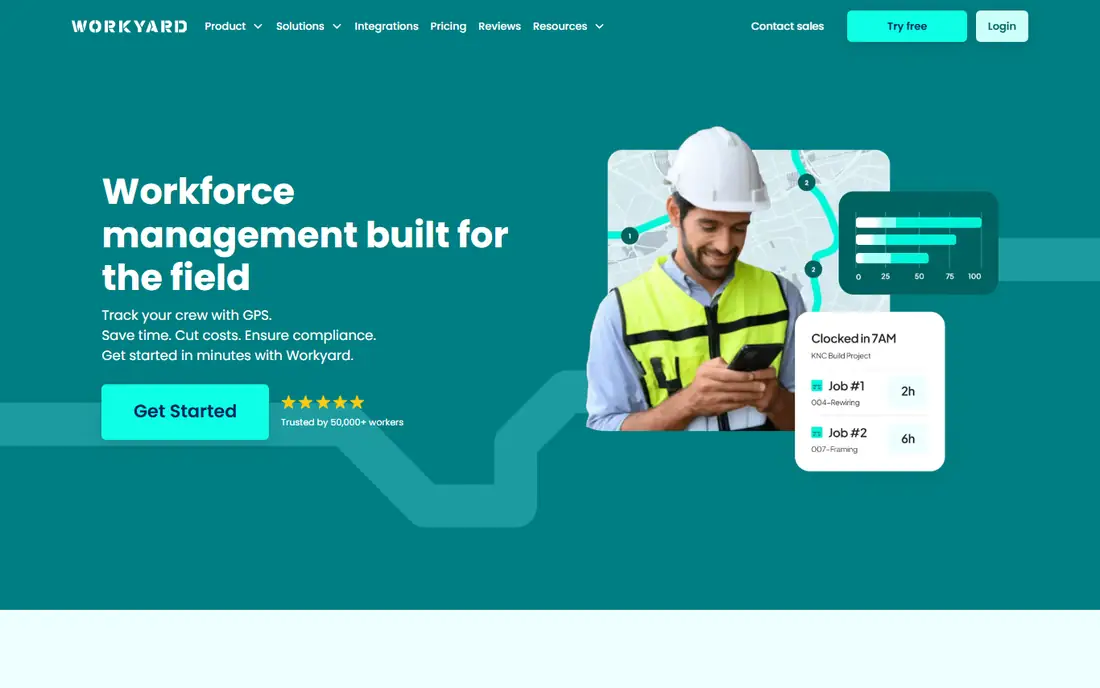
Workyard is built for construction crews that need proof of where and when work happened. Workers clock in with GPS-supported punches, managers set geofencing rules, and time is allocated to jobs and cost codes for payroll and labor-cost reports. Supervisors review time before it goes to payroll, and exports work with QuickBooks, Gusto, ADP, Sage and other payroll tools.
Starter pricing is $6 per user per month billed annually, which makes a 10-person crew about $60 per month, well below ClockShark and QuickBooks Time for the same headcount. The trade-off is vendor size and support depth compared with larger platforms. For a contractor who wants GPS-verified time cards without a base fee, Workyard is a strong value choice.
What we like- GPS-supported punches with geofencing and restrictions
- Job and cost-code time allocation
- Supervisor review and payroll-ready exports
- Integrations with QuickBooks, Gusto, ADP and Sage
Watch out for- No free plan, only a trial
- Smaller vendor than QuickBooks or Hubstaff
- Advanced scheduling features vary by plan
#8Buddy Punch
Best for: Simple clock-in with accountability checks4.8/5 on
G2 (404 reviews, checked Oct 2026)
Visit buddypunch.com
Starting price$19 per month plus $5.49 per user/month
Free planFree trial
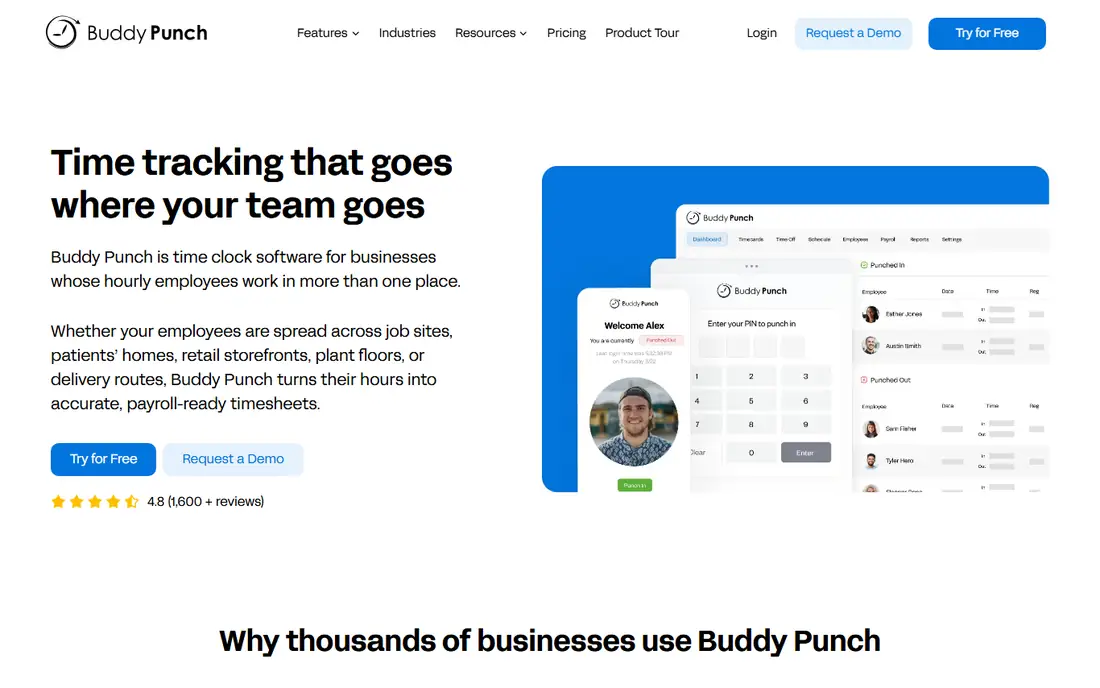
Buddy Punch focuses on making clock-in simple and accountable. Workers can punch in from a computer, phone or kiosk with a PIN, QR code or facial recognition, and managers can require a selfie at clock-in, set GPS and geofence rules, and get alerts for late arrivals or missed shifts. Overtime, break rules and PTO accruals are handled in the app, and reports export to payroll providers.
Pricing is $19 per month plus $5.49 per user per month, so a 10-person crew costs about $74 per month. That sits between Clockify and the construction-heavy tools. If your main problem is buddy punching, missed punches or messy timesheets, Buddy Punch solves it directly. If you need deep job costing and equipment tracking, busybusy or ClockShark will go further.
What we like- Very simple clock-in for workers with little tech experience
- GPS tracking, geofencing and selfie or facial recognition checks
- Overtime, break and PTO rules
- Payroll integrations with QuickBooks, Gusto and ADP
Watch out for- Base fee plus per-user fee for a small crew
- No free plan
- Construction job costing is lighter than busybusy or ClockShark
How we chose
We compared vendor pricing pages, product documentation and public reviews on G2, Capterra and Reddit, and checked that each vendor homepage loads and belongs to the product named. We favored tools that work well on a phone at a job site, that support jobs or cost codes, and that cover a mix of free, low-cost and construction-specific options. We did not claim hands-on testing. Prices were checked in October 2026 and vary by billing period and plan, so confirm the current price for your crew size before buying.
What a contractor should check before buying
GPS rules and crew trust
Decide what you actually need: a clock-in location, a full route trail, or just a geofence that blocks off-site punches. Tell crews in writing what is tracked and when tracking stops. A tool that feels like surveillance will get switched off or worked around, which defeats the purpose.
Job costing, not just hours
Hours alone do not tell you if a job made money. Check that time can be split by job, task and cost code, and that reports show estimated versus actual hours and labor cost. That split is what separates a construction tool from a general timer.
Payroll handoff
Ask how approved time reaches payroll. A direct integration with QuickBooks, Gusto, ADP or Sage saves retyping and cuts errors. If your payroll provider is not supported, check the export format and test it with one pay period before rollout.
Offline and kiosk options
Job sites often have weak signal, and not every worker has a company phone. Check offline mode, a shared kiosk mode and supervisor clock-in for whole crews. Those three features matter more on site than a polished dashboard.
Frequently asked questions
What is the best free time tracking app for contractors?
busybusy and Clockify both offer useful free plans. busybusy covers GPS time tracking, job costing and equipment tracking, which fits construction crews. Clockify covers unlimited users and project timers, which fits a solo contractor or office team. Connecteam is also free for up to 10 users if you want scheduling and chat in the same app.
Do I need GPS tracking for my crew?
It depends on the job. GPS helps when crews work at several sites, when clients dispute hours, or when payroll errors are common. It is less useful for a fixed crew at one site with a supervisor present. Start with clock-in location and geofencing before adding full route tracking, and explain the policy to crews first.
Can these apps handle overtime and breaks?
Most tools here handle overtime rules, break rules and PTO, but the details vary by plan. Buddy Punch, Hubstaff and QuickBooks Time cover overtime and approvals well. Check your state or local labor rules, since break and overtime requirements differ, and confirm the app can match them before you rely on it for payroll.
How much should a 10-person crew expect to pay?
It ranges from free on a limited plan to about $130 per month on base-fee plans like ClockShark or busybusy Pro. Clockify and Connecteam can be free at that size, Workyard is about $60 per month, and Buddy Punch is about $74 per month. Always add base fees, admin licenses and any required accounting subscription to the per-user rate.
What if workers do not have smartphones?
Look for a kiosk mode, supervisor clock-in or a shared tablet option. QuickBooks Time offers a Time Kiosk app, busybusy offers kiosk mode and supervisor clock-in, and Buddy Punch offers kiosk punch-in with PIN, QR code or facial recognition. Test the kiosk flow on site before rollout.
Is QuickBooks Time worth it if I do not use QuickBooks?
Usually not. QuickBooks Time is strongest when hours flow into QuickBooks payroll and invoicing. Without QuickBooks, you pay a base fee plus per-user fees for features that rivals offer cheaper. In that case, ClockShark, busybusy or Workyard will usually give better value for a construction crew.
Sources we checked (8)
- https://www.clockshark.com/
- https://quickbooks.intuit.com/time-tracking/
- https://busybusy.com/
- https://hubstaff.com/
- https://connecteam.com/
- https://clockify.me/
- https://www.workyard.com/
- https://buddypunch.com/
Is your product missing or out of date?
We review this list regularly. Vendors can request a listing, send updated pricing or ask about featured placement.

Shihab Mia · Founder, Rankite
Shihab has 5+ years in B2B and SaaS SEO. He writes Rankite's software buying guides from pricing pages, documentation and public user reviews. More about Shihab.