How we make this list: we compare pricing pages, product documentation and public user reviews. Ratings come from G2, Capterra or Trustpilot, with the date we checked them.
Key takeaways
- Construction time tracking is its own category: GPS-verified clock-ins, job and cost-code allocation, offline mode for dead zones, and payroll exports matter more than timers.
- Cheapest real GPS clocks: busybusy (free plan with unlimited users; Pro $9.99/user/month billed annually) and Timeero (Basic $6/user/month, no base fee).
- ClockShark (from $40/month + $9 per user, Standard) and Workyard (Starter $6/user/month + $50 base) tie time to scheduling and cost codes, but watch ClockShark's three-year contract term.
- Raken, ExakTime and Buildertrend are quote-based; Fieldwire is a field-management app with timesheet forms, not a GPS clock.
Quick comparison
| Tool | Best for | Starting price | Free plan |
|---|
 busybusy busybusy | Construction crews that prioritize GPS-verified field time and job-level labor visibility at a low entry price | $0 (Free plan, unlimited users); $9.99 per user per month billed annually (Pro) | Yes (free plan with GPS time tracking, job costing and equipment tracking) |
 Timeero Timeero | Small construction crews paid hourly who drive between jobs and need GPS plus mileage in one cheap app | $6 per user per month (Basic); $9 (Pro); $12 (Premium) | 14-day trial |
 ClockShark ClockShark | Construction and field service businesses that want GPS-verified time tracking tied directly to scheduling and payroll | From $40/month + $9 per user (Standard, per ClockShark's own site) | 14-day trial |
 Workyard Workyard | GCs and specialty trades running multiple jobs that need GPS-verified time tied to cost codes without manual assignment | $6 per user per month billed annually plus $50/month base fee (Starter) | 14-day trial (no credit card) |
 Raken Raken | General contractors and specialty trades that want daily reporting, time and production tracking in one mobile-first app | See website (quote-based tiers) | 14-day trial |
 ExakTime (Arcoro Time) ExakTime (Arcoro Time) | Construction companies, especially government and prevailing-wage contractors, that need rugged on-site clocks plus mobile time tracking | See website (quote-based) | No |
 Fieldwire Fieldwire | GCs and specialty trades whose coordination runs through plans, tasks and punch work, with timesheets via custom forms | $0 (Basic: 5 users, 3 projects); $39 per user per month billed annually (Pro) | Yes (Basic) |
 Buildertrend Buildertrend | Residential builders and remodelers that want time tracking inside their project management platform | See website (flat monthly license, unlimited users) | Trial reported (30-day risk-free) |
Is your product missing or out of date?
We review this list regularly. Vendors can request a listing, send updated pricing or ask about featured placement.
The buying reality: quote-based pricing and contracts
Before the list, a warning that shapes this whole category. Half of these vendors do not publish pricing: Raken, ExakTime and Buildertrend are quote-based, and several publish prices that third-party sources say have moved. ClockShark's plans also carry a three-year contract term with annual increases, which is the single most important detail in this article. Where figures come from the vendor's own pages we use them; where they are reported we say so and tell you to confirm before signing.
The best time tracking software for construction
A construction time clock has to survive the jobsite: no signal, shared devices, crews that move between jobs, and hours that must land on the right cost code or the bid goes wrong. The eight tools below are ordered from field-reporting apps through dedicated GPS clocks to full construction platforms. Prices are from the vendors' own pages, checked in October 2026.
#1
busybusy
Best for: Construction crews that prioritize GPS-verified field time and job-level labor visibility at a low entry price
Visit busybusy.com
Starting price$0 (Free plan, unlimited users); $9.99 per user per month billed annually (Pro)
Free planYes (free plan with GPS time tracking, job costing and equipment tracking)
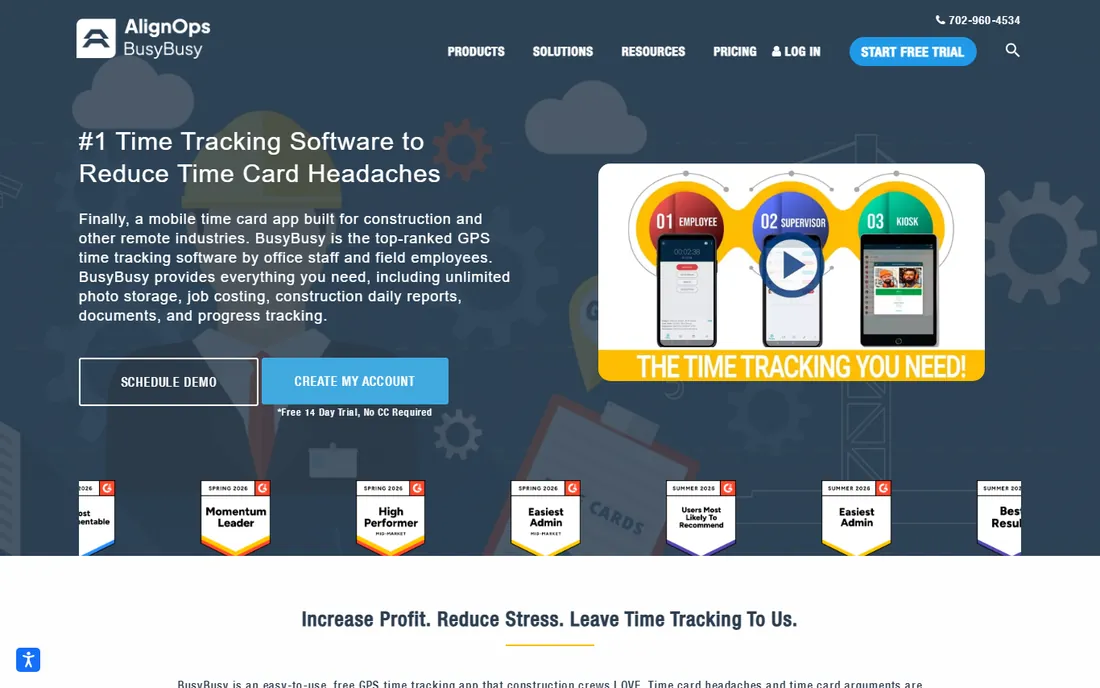
busybusy is the GPS-first value pick. The free plan with unlimited users is unmatched as an on-ramp, and paid tiers (Pro $9.99, Premium $14.99 per user per month billed annually) add documents, team messaging and progress tracking. Required Onsite blocks off-site clock-ins, breadcrumbing records the shift route, and facial-recognition kiosk mode stops buddy punching.
The honest catch is the admin fee plus tier gating: model the all-in monthly total at your actual crew size. The free plan also limits employee time edits. For a crew that wants GPS enforcement and job costing at the lowest entry price, nothing else starts free.
What we like- Free plan with unlimited users that includes GPS time tracking, job costing and equipment tracking, a genuine on-ramp no rival matches
- GPS enforcement stack: breadcrumbing, Required Onsite geofence blocking, location-based reminders
- Daily project reports auto-generate weather, job costing and injury data
Watch out for- A $40/month admin license on paid plans is easy to miss and changes the effective cost for small crews
- Premium features sit on the top tier at $14.99 per user per month
#2
Timeero
Best for: Small construction crews paid hourly who drive between jobs and need GPS plus mileage in one cheap app
Visit timeero.com
Starting price$6 per user per month (Basic); $9 (Pro); $12 (Premium)
Free plan14-day trial
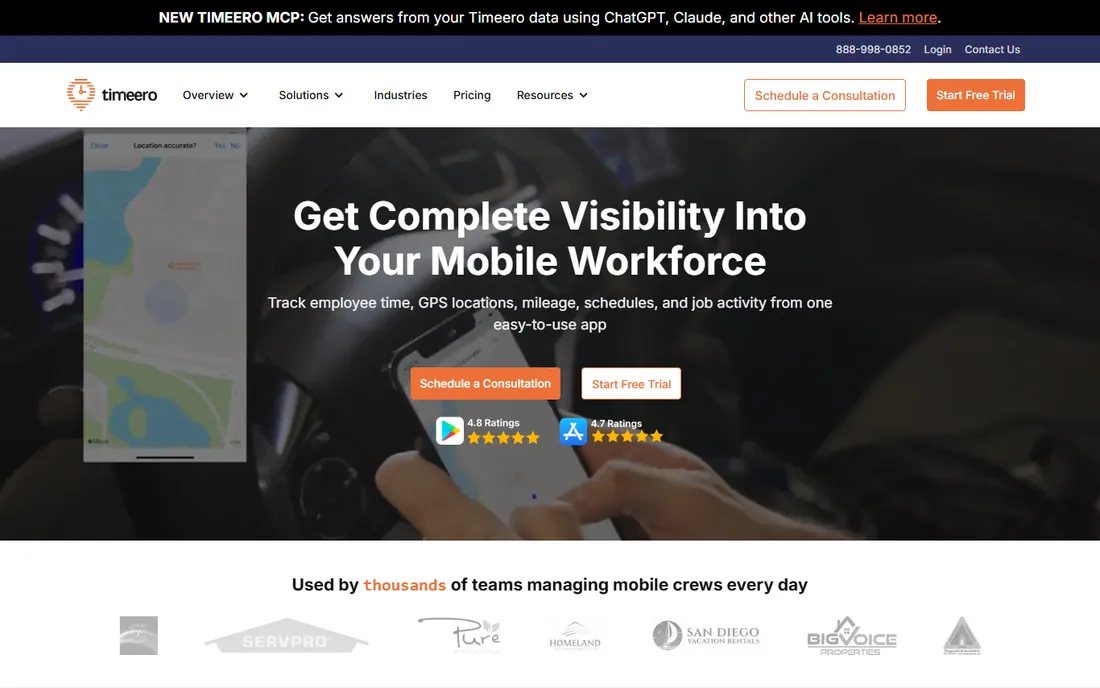
Timeero is the price-to-GPS champion. Six dollars a user buys GPS time tracking plus automatic mileage with IRS rate calculations, polygon geofences that match real jobsite shapes, and California break-compliance features for regulated crews. No base fee keeps small-crew math clean.
The honest catch is cost-code depth: job-level reports exist, but contractors who bid by phase will need a spreadsheet alongside. For a small crew that drives between jobs and needs hours plus mileage verified, it undercuts almost every construction rival.
What we like- No base fee and a genuinely cheap entry point with GPS, mileage and break tracking on every plan
- Strong GPS toolkit: polygon geofencing, automatic clock in/out, breadcrumb trails, facial-recognition kiosk
- Automatic mileage with route replay
- Works offline and syncs on reconnect
Watch out for- No permanent free plan, and Basic is capped at 10 users
- Job costing is shallow: no cost-code budgets or phase-level breakdowns
#3
ClockShark
Best for: Construction and field service businesses that want GPS-verified time tracking tied directly to scheduling and payroll
Visit clockshark.com
Starting priceFrom $40/month + $9 per user (Standard, per ClockShark's own site)
Free plan14-day trial
ClockShark is the scheduling-to-timesheet loop. Build the schedule, crews clock in against it with GPS verification, and hours flow to payroll integrations. The vendor's own site lists Standard from $40 a month plus $9 per user; third-party sources citing the current pricing page report $42 plus $9.50 per active user for Standard and $63 plus $11.50 for Pro.
The contract is the story: a three-year term with CPI-linked annual increases means budgeting off the three-year total, not the monthly figure. Confirm current figures at clockshark.com/pricing before signing. For businesses that want scheduling and GPS time in one system and can live with the commitment, the workflow is the best integrated here.
What we like- GPS time tracking with registered geofencing, drag-and-drop scheduling and job/task tracking purpose-built for trades
- KioskClock with PIN and facial recognition for shared job-site devices
- Deep payroll and accounting integrations (QuickBooks, ADP, Sage, Gusto, Xero, Paychex)
Watch out for- Plans carry a three-year contract term with annual per-user increases tied to CPI, a major commitment
- No free plan, and advanced job costing is gated behind Pro
#4
Workyard
Best for: GCs and specialty trades running multiple jobs that need GPS-verified time tied to cost codes without manual assignment
Visit workyard.com
Starting price$6 per user per month billed annually plus $50/month base fee (Starter)
Free plan14-day trial (no credit card)
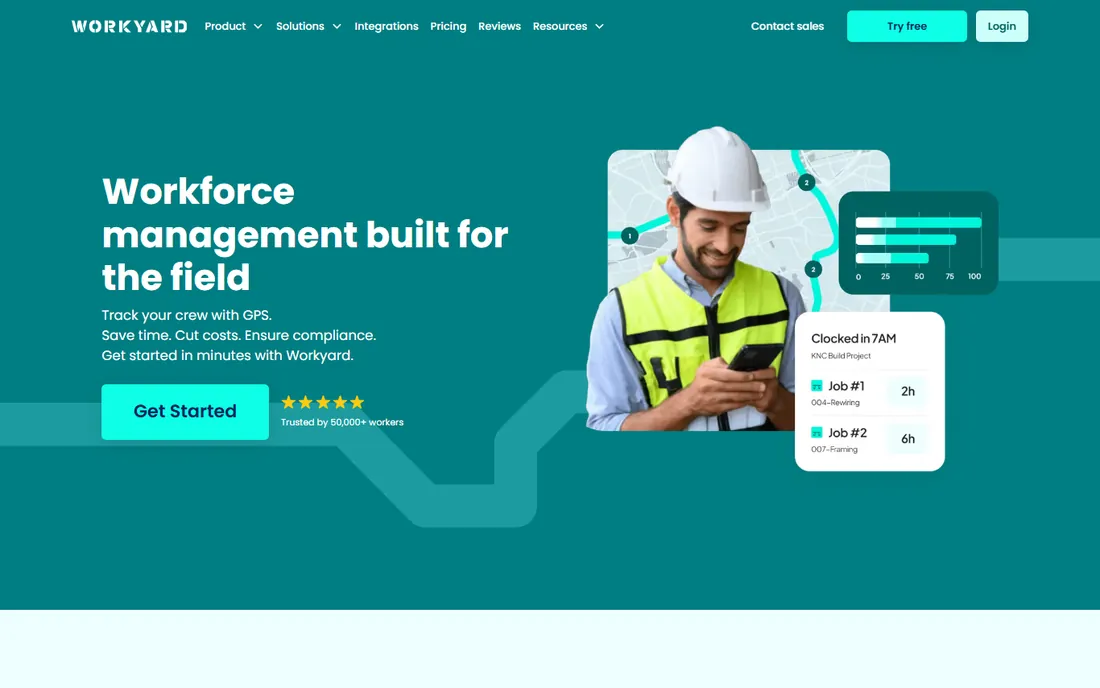
Workyard is the cost-code automation pick. Location-verified punches carry cost-code allocation automatically, producing an audit trail that stands up in payroll disputes. Starter at $6 per user per month billed annually plus the $50 base covers GPS tracking, geofencing, offline mode and payroll sync; Pro and Autopilot are quote-based.
The honest catch is the base fee for small crews and the sales-led upper tiers. For GCs running multiple jobs where hours must land on the right cost code, the automatic allocation plus construction-ERP integrations (Sage 300 CRE, Foundation) are unmatched.
What we like- GPS built into the costing workflow: verified time tied to jobs and cost codes automatically, with polygon geofencing
- The strongest construction payroll integration set, including native Sage 300 CRE and Foundation Software on Autopilot
- Offline mode records punches without signal
Watch out for- The $50/month base fee stings for very small crews, and Pro/Autopilot pricing requires a sales call
- Feature-dense for teams that just need punch in/out
#5
Raken
Best for: General contractors and specialty trades that want daily reporting, time and production tracking in one mobile-first app
Visit rakenapp.com
Starting priceSee website (quote-based tiers)
Free plan14-day trial
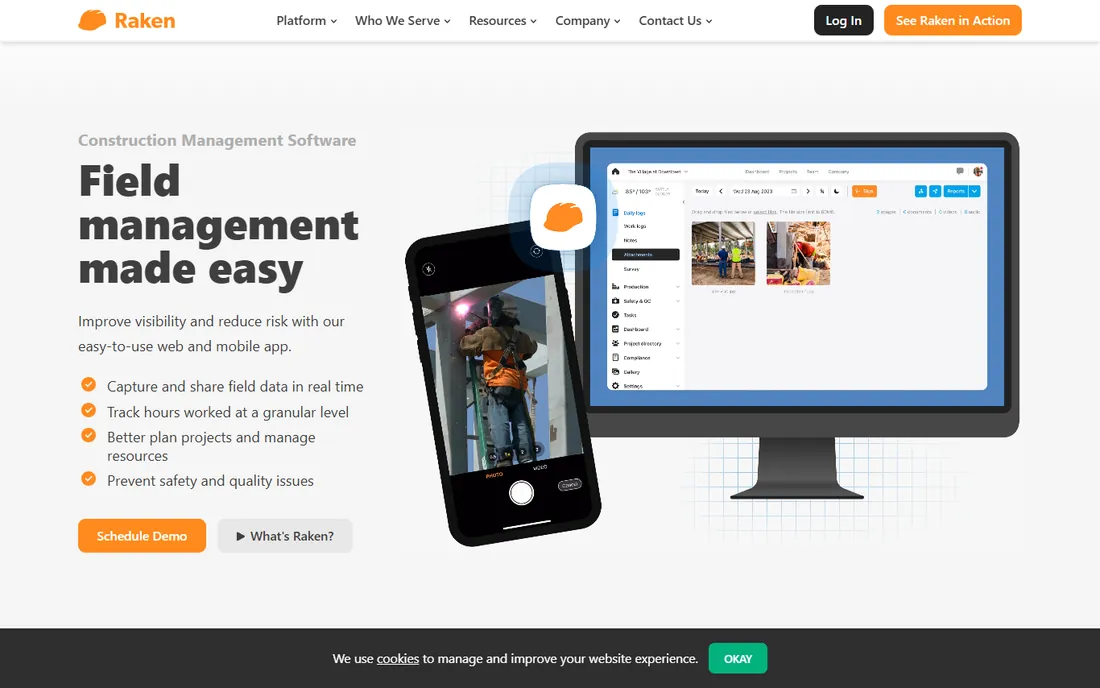
Raken is the daily-reporting specialist that also tracks time. Supers dictate notes, attach photos and weather auto-populates, so reports come back the next day instead of next week. Time and production tracking feed the same dashboards.
The honest catch is pricing opacity and scope: it tracks time well but is not a payroll engine, and complex scheduling dependencies are a known weak spot. Get a quote before comparing against the published prices elsewhere in this list. For GCs whose biggest pain is field documentation with time attached, the adoption rate is the selling point.
What we like- Field-first design crews actually use: daily reports, time cards and toolbox talks completable from a phone in minutes, with voice-to-text
- Offline mode works in dead zones and syncs on reconnect
- Strong construction integrations: Procore, Sage, QuickBooks, Foundation
Watch out for- Quote-based pricing hides the real cost until a sales call
- Reporting-first DNA means it is not a payroll engine on its own
#6
ExakTime (Arcoro Time)
Best for: Construction companies, especially government and prevailing-wage contractors, that need rugged on-site clocks plus mobile time tracking
Visit exaktime.com
Starting priceSee website (quote-based)
Free planNo
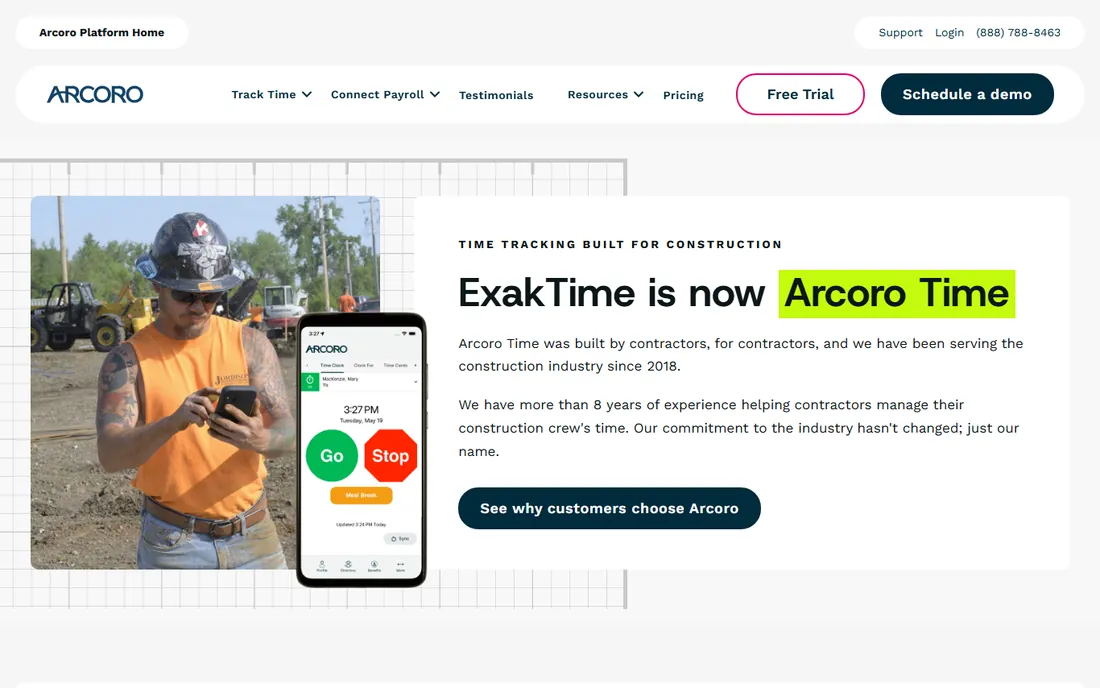
ExakTime is the compliance pick for public works. Rugged on-site clocks survive harsh environments where phones do not, and the Arcoro platform pairs time data with certified-payroll reporting built for government contractors. Prevailing-wage support is the reason to choose it.
The honest catch is total opacity: no published pricing, no trial consistently reported, and a brand transition that can confuse feature comparisons. Budget planning requires a sales conversation. For private-sector crews without prevailing-wage needs, the dedicated clocks here offer more for less.
What we like- Long-standing construction specialist (founded 2000) with rugged job-site time clocks as well as mobile apps
- Deep construction payroll integrations: Sage 300 CRE, Foundation, ComputerEase, QuickBooks, Viewpoint
- Prevailing-wage and certified payroll support (WH-347, LCP Tracker) via the Arcoro platform
Watch out for- No public pricing and a sales-led process, the slowest way to evaluate cost
- Product and branding are in transition to Arcoro
#7
Fieldwire
Best for: GCs and specialty trades whose coordination runs through plans, tasks and punch work, with timesheets via custom forms
Visit fieldwire.com
Starting price$0 (Basic: 5 users, 3 projects); $39 per user per month billed annually (Pro)
Free planYes (Basic)

Fieldwire is the field-management app, not a time clock. Its strength is documentation: plan markups, photos and checklists sync offline and keep everyone on the current sheet. Timesheets come through custom forms on the Business plan, which works for record-keeping but not for GPS-verified payroll.
The honest catch is the time-tracking gap: buyers who need GPS-verified clock-ins should pair it with a dedicated clock or choose ClockShark or busybusy instead. The per-seat cost also adds up fast for large crews. Buy it for plan coordination; treat time tracking as a bonus.
What we like- The standard for plan viewing and punch lists on site: drawings, markups, version control and offline access
- Genuine free tier that lets a small GC pilot a real job
- Business plan ($64/user/month) adds custom forms including timesheets and daily reports
Watch out for- No native GPS time clock
- Crew hours are entered by hand or via forms
- Every invited user is a paid seat from $39 to $89/month
#8
Buildertrend
Best for: Residential builders and remodelers that want time tracking inside their project management platform
Visit buildertrend.com
Starting priceSee website (flat monthly license, unlimited users)
Free planTrial reported (30-day risk-free)
Buildertrend is the platform purchase. Time entries carry cost codes that flow into budgets, estimates and QuickBooks or Gusto payroll without re-entry, and flat pricing with unlimited users means the crew and subcontractors cost nothing extra per head.
The honest catch is scope and price: third-party reports put the flat monthly fee around $499 to $1,099, and onboarding can take weeks. Small shops should confirm the fee before committing. For residential builders already running their projects on it, the unified time-to-budget loop is the payoff.
What we like- Time Clock built into a full construction management suite: GPS clock in/out with geofencing feeds cost codes, budgets and payroll in one database
- Unlimited users on flat pricing, so the whole crew costs nothing extra per head
- Client-facing tools (portal, selections, payments) alongside
Watch out for- Time tracking is one module in a big suite
- Buyers who only need a clock pay for project management they may not use
- No published pricing and a sales-led process
How we chose
We started with the categories construction buyers search: time tracking software for construction, construction time clock app and GPS time tracking for contractors. For each candidate we opened the vendor's homepage and pricing pages, checked plans against practitioner discussion on Reddit and construction forums plus reviews on G2 and Capterra, and compared GPS capability, job-costing depth and payroll integration quality. Where prices could not be verified on the vendor's pages we wrote "See website" rather than guessing.
The GPS enforcement stack: what actually stops time theft
Every vendor here claims GPS tracking, but the enforcement depth varies enormously. The full stack is: geofenced clock-in (Required Onsite blocks off-site punches, busybusy), automatic clock in/out on arrival and departure (Timeero), breadcrumb trails recording the shift route (busybusy, Timeero), polygon geofences matching real site shapes (Timeero, Workyard), facial-recognition kiosk mode stopping buddy punching (busybusy, ClockShark, Timeero), and offline mode so dead zones do not break the record (all the dedicated clocks).
If time theft is the problem, buy the enforcement stack, not the brand. busybusy and Timeero offer the deepest GPS toolkits at the lowest prices. ClockShark and Workyard pair GPS with scheduling and cost-code automation. Raken and Fieldwire have the weakest GPS stories here: Raken tracks time without deep enforcement, and Fieldwire has no native GPS clock at all.
Offline mode and the dead-zone test
Construction happens where the signal does not. Every dedicated clock here (busybusy, Timeero, ClockShark, Workyard) records punches offline and syncs on reconnect, and Raken and Fieldwire sync reports and documents the same way. The dead-zone test is simple: put the phone in airplane mode, clock in, clock out, and check that both punches appear with correct timestamps when the signal returns.
Ask vendors two questions before buying. First, does GPS verification still work offline, or does it only record timestamps? Second, how does the app handle a punch that syncs late against a geofence? The answers separate the real offline systems from the ones that just queue a timestamp. For remote and rural jobsites, this matters more than any other feature.
Frequently asked questions
What is the best time tracking app for construction crews?
For GPS-verified clock-ins at low cost: busybusy (free plan with unlimited users) or Timeero ($6/user/month). For GPS tied to scheduling: ClockShark. For GPS tied to cost codes: Workyard. For daily reports plus time: Raken. The best pick depends on whether your priority is enforcement, scheduling integration, job costing or field documentation.
How much does construction time tracking software cost?
Dedicated GPS clocks run $6 to $15 per user per month plus any base fees: Timeero from $6, busybusy Pro $9.99, Workyard Starter $6 plus $50 base. ClockShark starts from $40/month plus $9 per user with a three-year contract. Full platforms (Raken, Buildertrend, ExakTime) are quote-based. Fieldwire runs $39 to $89 per user per month.
Do I need GPS tracking for my construction crew?
If crews work across multiple jobsites, arrive at different times, or you suspect time theft, GPS verification usually pays for itself in the first payroll cycle. For a single-site crew with a foreman present, a simple kiosk clock without GPS may be enough. Prevailing-wage and government work often requires the audit trail GPS provides.
What is the difference between a time clock and construction management software?
A time clock (busybusy, Timeero, ClockShark, Workyard, ExakTime) records verified hours for payroll and job costing. Construction management software (Raken, Fieldwire, Buildertrend) coordinates the work: plans, tasks, daily reports, budgets. Some platforms include a time clock module; dedicated clocks do the verification job better.
Can construction time tracking integrate with QuickBooks?
Yes. Every dedicated clock here integrates with QuickBooks Online or Desktop, and most also cover Sage, ADP, Gusto, Paychex and Foundation. Workyard adds native Sage 300 CRE and Foundation Software integrations. Raken and Buildertrend sync through their accounting connectors. Confirm your exact QuickBooks version (Online vs. Desktop) with the vendor before buying.
What should I watch out for in construction software contracts?
Three things: contract term (ClockShark's three-year term is the extreme here; most others are monthly or annual), annual price increases (some tie to CPI), and implementation or onboarding fees. Also confirm what happens to your historical time data if you cancel. Get the renewal terms in writing before the first term ends.
Sources we checked (10)
- https://www.rakenapp.com/pricing
- https://www.clockshark.com/pricing
- https://busybusy.com/pricing
- https://timeero.com/pricing
- https://www.workyard.com/pricing
- https://exaktime.com/pricing
- https://www.fieldwire.com/pricing/
- https://buildertrend.com/pricing
- https://www.g2.com/categories/construction-time-tracking
- https://www.capterra.com/time-tracking-software/
Is your product missing or out of date?
We review this list regularly. Vendors can request a listing, send updated pricing or ask about featured placement.

Shihab Mia · Founder, Rankite
Shihab has 5+ years in B2B and SaaS SEO. He writes Rankite's software buying guides from pricing pages, documentation and public user reviews. More about Shihab.