How we make this list: we compare pricing pages, product documentation and public user reviews. Rankite is independent; if a vendor ever pays for a featured spot, that listing is clearly labeled Partner.

Key takeaways
- RoomSketcher says it is trusted by more than 10 million professionals and homeowners in 170-plus countries, showing how mainstream design tools have become.
- Most deck-specific designers are free: Trex, TimberTech, Decks.com, and Simpson Strong-Tie all offer free web-based tools.
- Cedreo says contractors using it close sales in half the time, which is the real pitch for paid design software: it sells jobs.
- Free manufacturer tools lock you into that brand's materials; professional tools like Chief Architect and SketchUp stay brand-neutral.
- Simpson Strong-Tie's free planner generates permit submittal pages and a bill of materials, which is rare for a free tool.
Quick comparison
Is your product missing or out of date?
We review this list regularly. Vendors can request a listing, send updated pricing or ask about featured placement.
The best deck design software for contractors
RoomSketcher says it is trusted by more than 10 million professionals and homeowners in 170-plus countries. Design software has become a standard part of selling construction work: a contractor who shows a client a 3D rendering of their future deck closes more jobs than one who shows a sketch on graph paper.
Deck design tools come in two flavors. Manufacturer tools from Trex, TimberTech, Decks.com, and Simpson Strong-Tie are free and generate materials lists, but they steer you toward that brand's products. Professional design tools like Chief Architect, SketchUp, Cedreo, and RoomSketcher are brand-neutral and built for the sales process, at a price.
Here are eight tools worth comparing.

#1
Trex Deck Designer
Best for: Designing with Trex materials
Visit trex.com
Starting priceFree
Free planYes
Trex's free Deck Design Tool lets users design decks in minutes, compare materials and colors across the Trex portfolio, and see the result in 3D. Once the design is done, the program generates a materials list, a cost estimate, and a printable rendering for sharing with family, friends, or contractors.
For contractors who install Trex, it is a ready-made sales aid: design the deck in front of the client, hand over the materials list, and order from the lumberyard. The limitation is obvious: every board is Trex. If you sell Trex, that is a feature; if you sell multiple brands, it is not.
What we like- Free with 3D previews and multi-level layouts
- Automatically generates materials lists and cost estimates
- Built on 30 years of decking expertise
Watch out for- Designs use Trex products only
- Aimed partly at homeowners rather than contractors
Starting priceFree
Free planYes
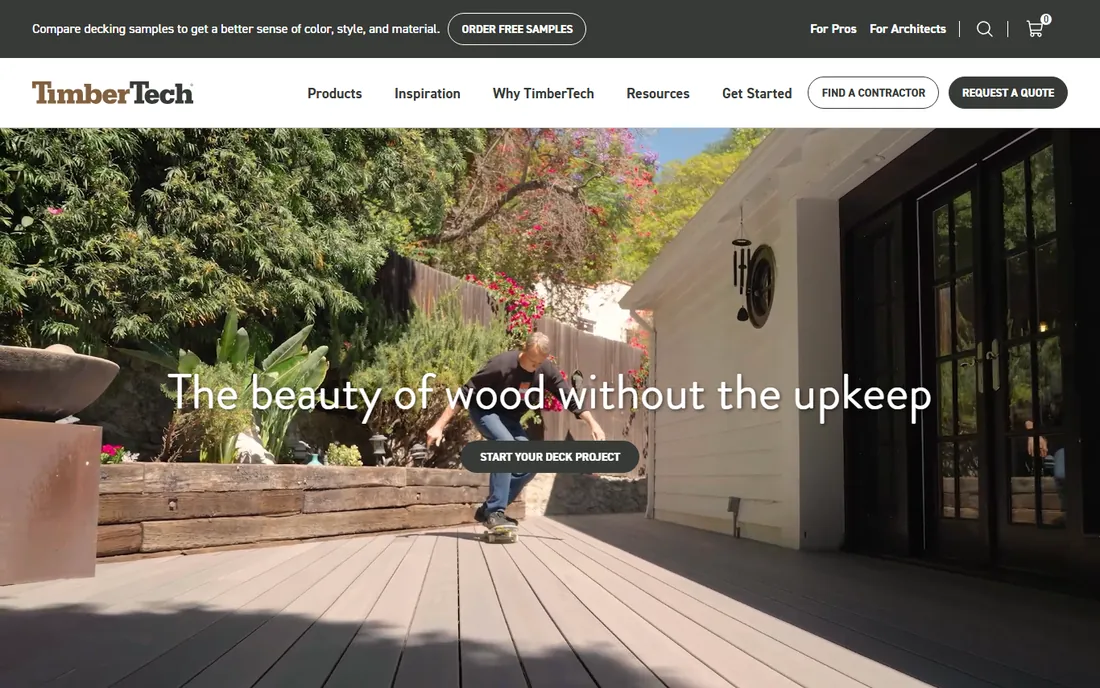
TimberTech's free deck designer covers custom deck shapes and sizes with options for colors, materials, stairs, railings, and lighting, plus 3D previews. The site around it adds something useful for contractors: real project cost data showing what homeowners near you actually paid, which helps set expectations early.
Samples can be ordered right from the tool. Like Trex's, it is a manufacturer tool, so it sells TimberTech. Contractors loyal to the brand get a polished, free design experience that feeds straight into quoting.
What we like- Free tool with real project cost references
- Wide range of deck shapes with stairs, railings, and lighting
- Sample ordering built in
Watch out for- Tied to the TimberTech product line
- Depth of contractor features is limited

#3
Decks.com Deck Designer
Best for: Free plans plus design tool
Visit decks.com
Starting priceFree
Free planYes
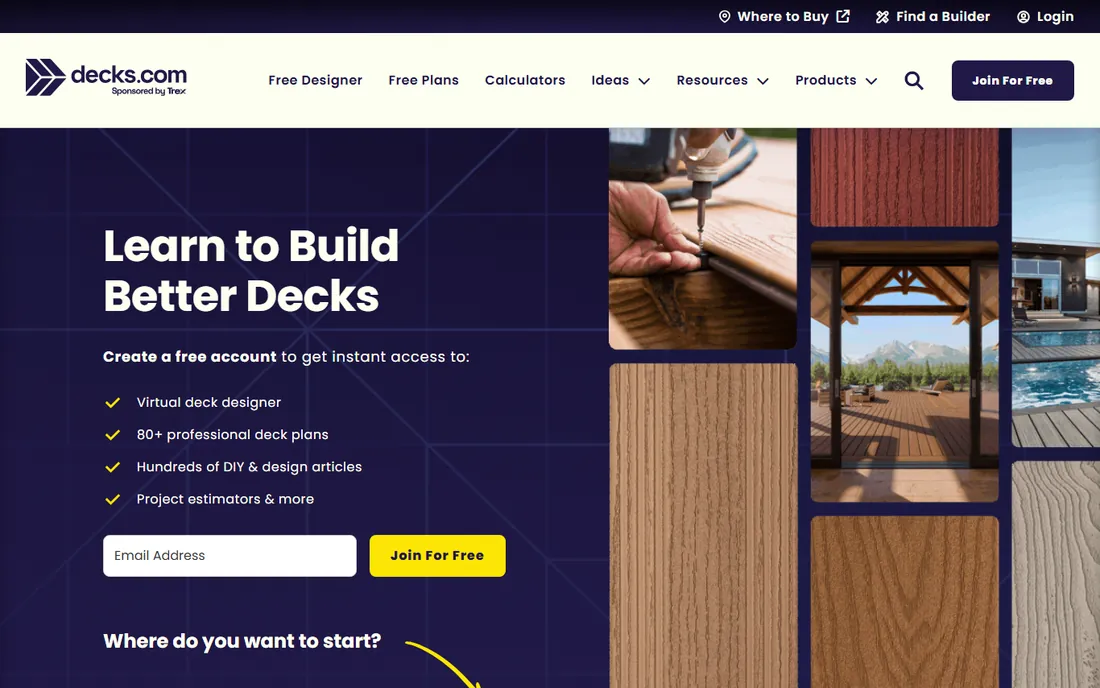
Decks.com pairs an easy online deck designer with a library of more than 80 professional deck plans, hundreds of articles, and project estimators, all behind a free account. The designer uses a drag-and-drop interface with 2D and 3D views, and the generated designs come with real build guidance.
For contractors, the plans library and estimator content are as valuable as the designer itself: ready-made plans for common jobs and educational content to share with clients. The trade-off is a consumer-grade experience with commercial partnerships woven in, rather than a pro sales tool.
What we like- Free virtual deck designer with a drag-and-drop interface
- 80-plus professional deck plans included
- Strong DIY and how-to library
Watch out for- Ad-supported ecosystem with brand partnerships
- Less polished than paid tools

#4
Simpson Strong-Tie Deck Planner
Best for: Structural planning and permits
Visit strongtie.com
Starting priceFree
Free planYes
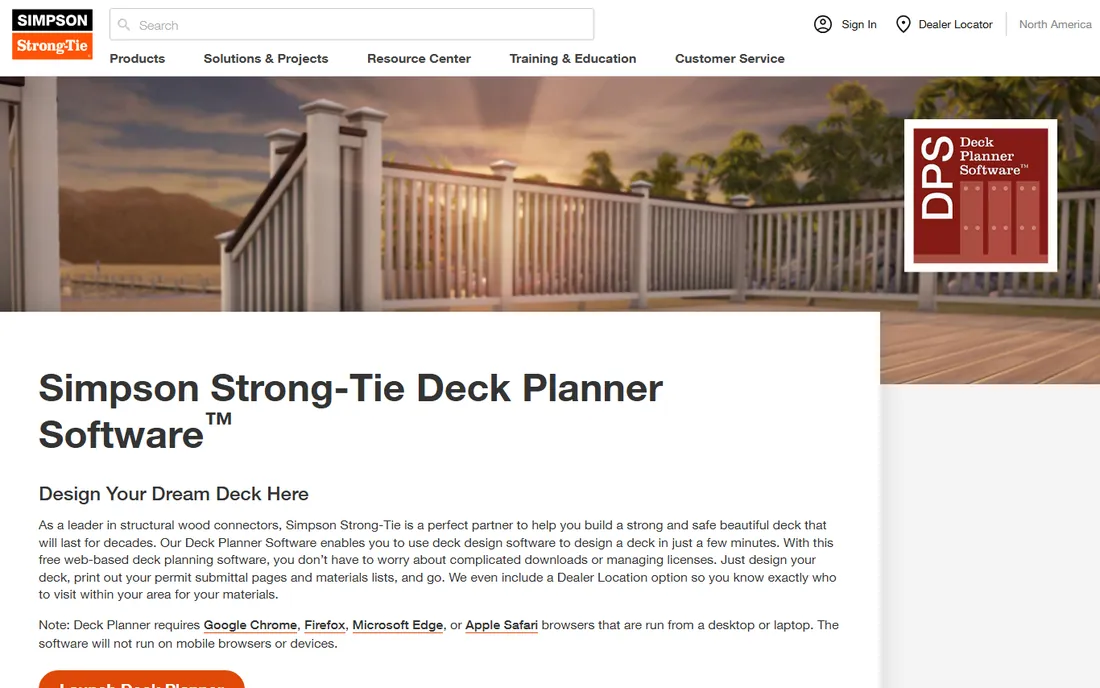
Simpson Strong-Tie's Deck Planner Software is a free, web-based tool built around what contractors actually need: structurally sound designs. It offers 2D and 3D environments, pre-built templates, and deck-shaping tools, then recommends the right connectors and hardware for the design and generates a bill of materials covering lumber, decking, railing, and hardware.
The standout feature is the permit submittal output: design the deck, print the submittal pages, and go. A dealer locator lists nearby pro lumberyards in the report. It runs on desktop browsers only. For contractors who care about passing inspection the first time, it is the most practical free tool here.
What we like- Completely free with no licenses to manage
- Generates permit submittal pages and a full bill of materials
- Highlights critical structural connections
Watch out for- Desktop browsers only, no mobile
- Focused on structure rather than pretty visuals
Starting priceSee website
Free planFree trial
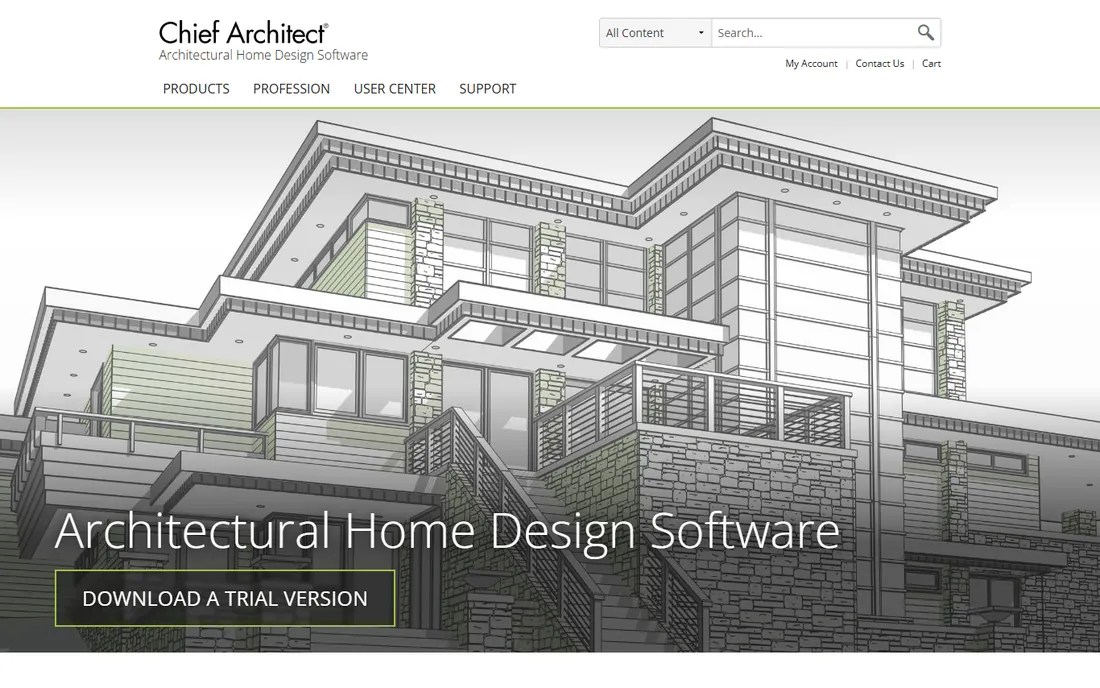
Chief Architect is professional home design software for builders, remodelers, and architects, and decks are a natural part of it. Smart building technology draws walls and generates the 3D model simultaneously, with automatic roofs, foundations, framing, dimensions, and materials lists that update as the design changes.
The 3D Viewer app lets clients explore the model, and the software produces construction drawings, elevations, and site plans. A trial is available. Pricing is not published. It is overkill if you only build decks, but for design-build contractors who do additions, remodels, and outdoor living, it is the professional standard.
What we like- Purpose-built for residential design with automatic roofs, framing, and materials lists
- 3D Viewer app shares models with clients
- Professional construction drawings
Watch out for- Paid with no published pricing on the page reviewed
- More software than a deck job needs
Starting priceSee website
Free planYes

SketchUp's accessible 3D modeling has made it a favorite among contractors who need custom designs no template can cover. The 3D Warehouse offers millions of pre-built models and materials to jumpstart a deck design, and the Extension Warehouse adds specialized tools for estimating, rendering, and documentation.
The free tier handles basic modeling; paid plans add desktop apps, LayOut for 2D documentation, and photoreal materials. For contractors comfortable with 3D, SketchUp offers unlimited design freedom at a low cost, though it will not generate a materials list the way manufacturer tools do.
What we like- Intuitive 3D modeling with a free tier
- 4M-plus pre-built models in 3D Warehouse
- 600-plus extensions for specialized workflows
Watch out for- General-purpose, not deck-specific
- Professional documentation needs LayOut and a paid plan
Starting priceSee website
Free planNo
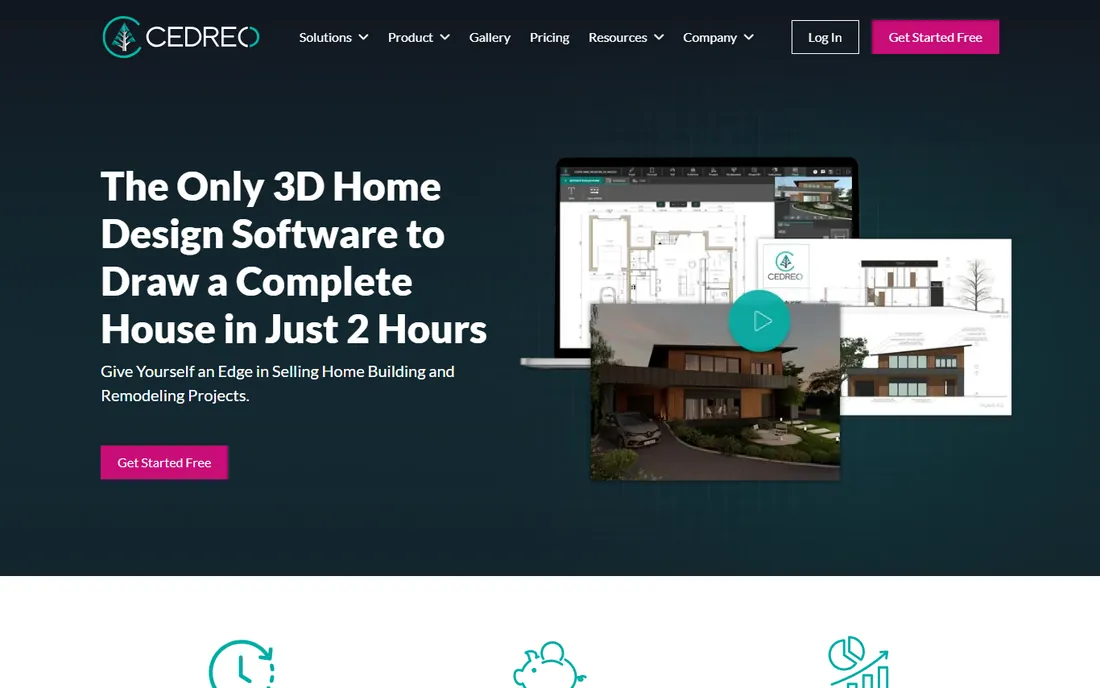
Cedreo is designed around the contractor's sales process: create conceptual 3D designs in under two hours, generate photorealistic renderings in minutes, and present floor plans, elevations, and site plans in one platform. The company claims a 50 percent reduction in sales cycle time, a 60 percent cut in pre-sale costs, and a 40 percent increase in new home sales.
For deck contractors, that means walking into a consultation, designing the deck live, and leaving with a signed contract. Pricing is quote-based with no free tier. It fits design-build firms where the rendering closes the deal and the design fee is built into the project.
What we like- Built for contractors, builders, and remodelers
- Claims users close sales in half the time
- Photorealistic 3D renderings in minutes
Watch out for- Paid with no published pricing
- Focused on sales visuals rather than construction detail
Starting priceSee website
Free planYes
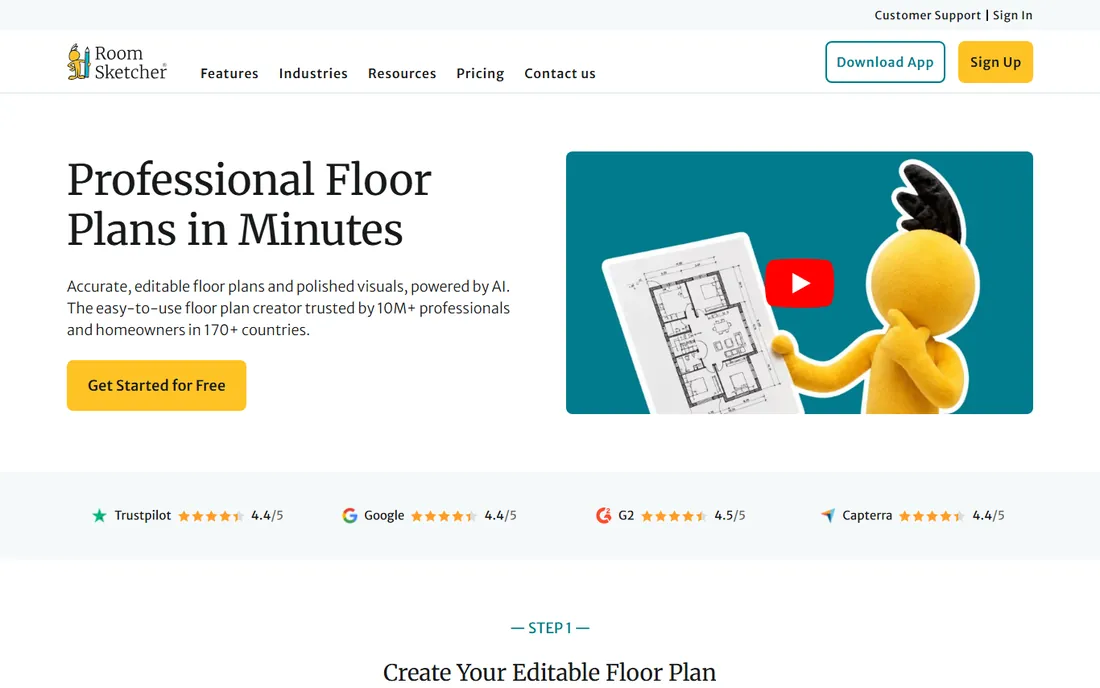
RoomSketcher is an easy floor plan and visualization tool with a free tier that needs no credit card. AI Convert turns blueprints into editable plans, and the app produces polished 2D and 3D visuals quickly. It claims more than 10 million users across 170 countries, with 10,000-plus companies on board.
It is built more for interiors and real estate than decks, so contractors will work around its focus. But for quick client visuals, site context, and presentation polish at low cost, it is a capable addition to a deck contractor's toolkit. Pro and Team plans add measurements, branding, and higher-volume work.
What we like- Free account with no credit card, trusted by 10M-plus users
- AI converts blueprints to editable plans
- Quick professional-looking 2D and 3D output
Watch out for- Interior-focused rather than deck-specific
- Advanced features need paid Pro or Team plans
How we chose
We compared deck design software using official vendor pages, documentation, and industry coverage, focusing on 3D design quality, materials lists and cost estimates, permit and construction documentation, contractor-specific features, pricing, and free or trial availability. We consulted reviews on G2, Capterra, and contractor communities. We did not claim hands-on testing; assessments reflect documented features and reported user experience.
What to consider before choosing deck design software
Decide what job the software does for you. If the goal is selling, prioritize photorealistic renderings and speed: Cedreo, Trex, and TimberTech shine. If the goal is building, prioritize materials lists, structural guidance, and permit output: Simpson Strong-Tie and Decks.com lead. If the goal is professional design documentation, look at Chief Architect and SketchUp.
Free manufacturer tools have a bias
Trex, TimberTech, and Decks.com cost nothing, but every design defaults to their products. That is fine if you install those brands. If you quote multiple brands or custom lumber, a brand-neutral tool like SketchUp or Cedreo keeps your options open, at a cost.
Check the output your clients and inspectors need
A pretty 3D rendering closes sales; a materials list controls costs; a permit submittal page gets the job approved. Make a list of the documents you produce for every deck job and confirm the software generates them. Simpson Strong-Tie's permit pages and bill of materials are a good benchmark.
Factor in the learning curve
Free manufacturer tools are designed for homeowners and take minutes to learn. Chief Architect and SketchUp are professional tools that reward training. Match the software's complexity to who will use it: your salespeople need speed, your designers can handle depth.
Why 3D renderings have become a sales necessity
Homeowners now expect to see their deck before they buy it, and contractors who provide renderings report faster closes and fewer change orders. The rendering sets expectations: materials, colors, sight lines, and scale are agreed before construction starts. Even a free tool like Trex's designer can produce the visual that wins the bid, which is why the bar has risen for everyone.
Frequently asked questions
What is the best free deck design software?
Trex Deck Designer, TimberTech Deck Designer, Decks.com, and Simpson Strong-Tie Deck Planner are all free. Trex and TimberTech are best for composite deck projects with their brands; Simpson Strong-Tie is best for structural planning and permits; Decks.com offers the best free plan library.
Can deck design software generate a materials list?
Yes. Trex, TimberTech, and Decks.com generate materials lists and cost estimates automatically. Simpson Strong-Tie goes further with a full bill of materials including lumber, decking, railing, and hardware. Chief Architect generates materials lists that update as the design changes.
Do I need permits to build a deck?
In most US jurisdictions, yes, especially for raised or attached decks. Requirements vary by locality. Simpson Strong-Tie's Deck Planner generates permit submittal pages, which can streamline the approval process. Always check with your local building department.
What software do professional deck builders use?
Many use manufacturer tools like Trex and TimberTech for quick client designs, SketchUp or Chief Architect for custom work, and sales-focused tools like Cedreo for presentations. The most common setup is a free manufacturer tool for speed plus a professional tool for complex jobs.
Can I design a deck on my phone?
Simpson Strong-Tie's planner requires a desktop browser. Most manufacturer tools work best on desktop too. Cedreo and RoomSketcher have broader device support. For site visits, take measurements on your phone and design back at the office.
How accurate are the cost estimates from deck design software?
They are good starting points based on materials, but labor, site conditions, permits, and local pricing vary widely. TimberTech shows real project costs from your area for calibration. Always produce your own quote from the materials list rather than relying on the software's estimate alone.
Sources we checked (8)
- https://www.trex.com/
- https://www.timbertech.com/
- https://decks.com/
- https://strongtie.com/deckplanner
- https://chiefarchitect.com/
- https://sketchup.com/
- https://www.cedreo.com/
- https://www.roomsketcher.com/
Is your product missing or out of date?
We review this list regularly. Vendors can request a listing, send updated pricing or ask about featured placement.

Shihab Mia · Founder, Rankite
Shihab has spent more than a decade helping SaaS and e-commerce brands grow through search. He writes Rankite's software buying guides from pricing pages, documentation and public user reviews. More about Shihab.
 TimberTech Deck Designer
 Chief Architect
 SketchUp
 Cedreo
 RoomSketcher