How we make this list: we compare pricing pages, product documentation and public user reviews. Ratings come from G2, Capterra or Trustpilot, with the date we checked them.
Key takeaways
- Speechify is the best all-in-one PDF reader, with natural voices, cross-device sync, and speeds up to 5x, at $139 per year.
- NaturalReader is the best budget replacement, with strong OCR for scanned PDFs and wide format support at around $99 per year.
- Voice Dream Reader is the best accessibility pick, with synchronized word highlighting and offline reading for a $14.99 one-time purchase.
- ElevenReader offers the most realistic voices with a generous free tier of 10 hours per month with premium voices.
- For scanned PDFs, OCR quality matters more than voice quality: NaturalReader and Speechify handle image-based PDFs best.
Quick comparison
Is your product missing or out of date?
We review this list regularly. Vendors can request a listing, send updated pricing or ask about featured placement.
The best text to speech apps for PDF
Starting price$139 per year
Free planYes
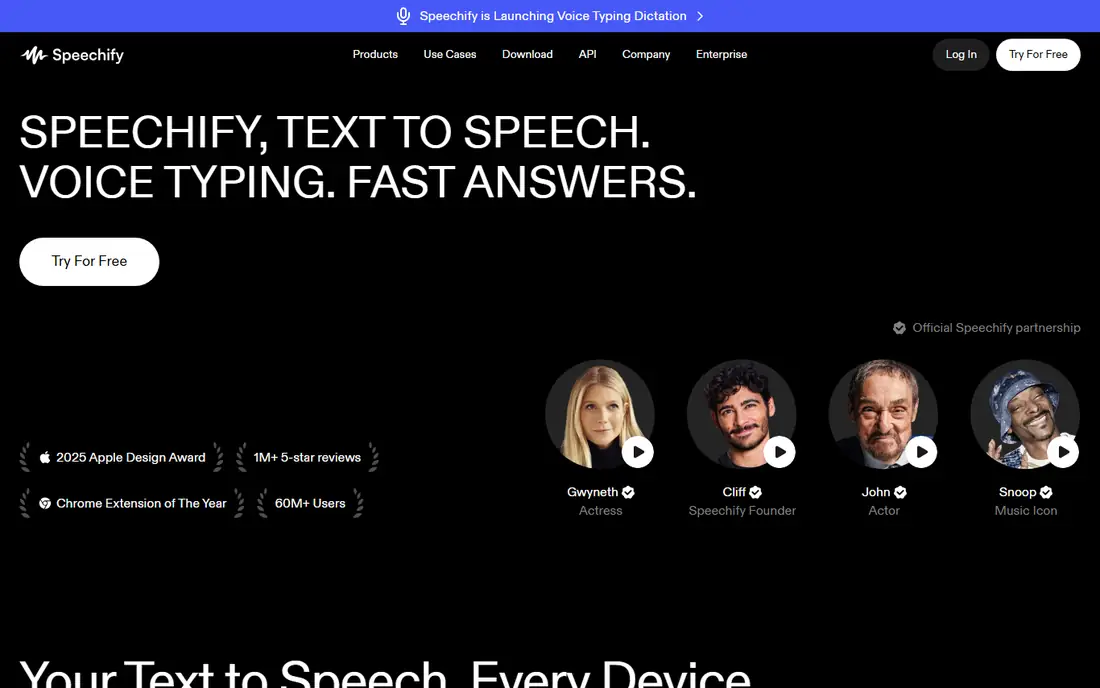
Speechify is the top-rated text to speech app for personal reading, turning PDFs, web pages, and documents into natural-sounding audio on iOS, Android, Mac, Windows, and Chrome. Premium plans open up over 200 high-quality voices in 60 plus languages, offline MP3 downloads, up to 5x playback speed, and AI summaries and chats. Mobile OCR scans printed pages and image-based PDFs into readable text.
Premium costs $29 month-to-month or $139 per year, which works out to $11.58 per month on annual billing. The free tier covers basic listening with 10 robotic voices at up to 1.5x speed. Speechify suits students, professionals, and speed-listeners who read PDFs across many devices and want the most polished experience.
What we like- Natural voices across devices
- OCR scan-to-audio on mobile
- Speeds up to 5x, 9x for power users
- 60 plus languages
Watch out for- Most expensive reader here
- Free tier limited to robotic voices at 1.5x
- Trial auto-charges after 3 days in some listings
Starting price$99 per year
Free planYes
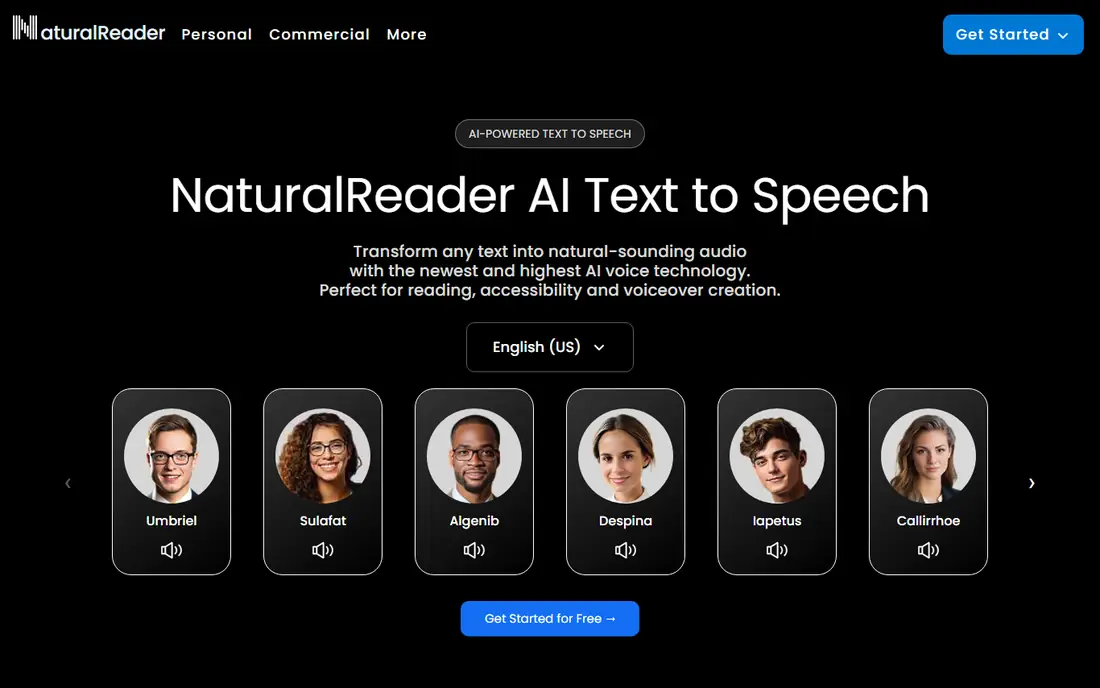
NaturalReader wins on languages and file format support, with over 100 languages and strong OCR that handles scanned PDFs and images well. Desktop apps for Windows and Mac suit users who work mainly at a computer, and the personal plan includes AI tools such as podcast generation, recaps, and screenshot reading. Commercial and education plans cover voiceover and classroom use separately.
Annual pricing is around $99 per year, or $9.92 per month billed annually in some listings, while monthly pricing reaches $49 in others, so confirm at checkout. The free version includes basic voices with 20 minutes per day of premium voices. For desktop users with scanned documents, NaturalReader is the best budget replacement for Speechify.
What we like- Strong OCR for scanned documents
- Wide file format support
- 100 plus languages
- Desktop apps for Windows and Mac
Watch out for- Voice quality slightly trails Speechify
- Free plan limits premium voices to 20 minutes per day
- Higher monthly price at $49 in some listings
Starting price$14.99 one-time
Free planFree trial
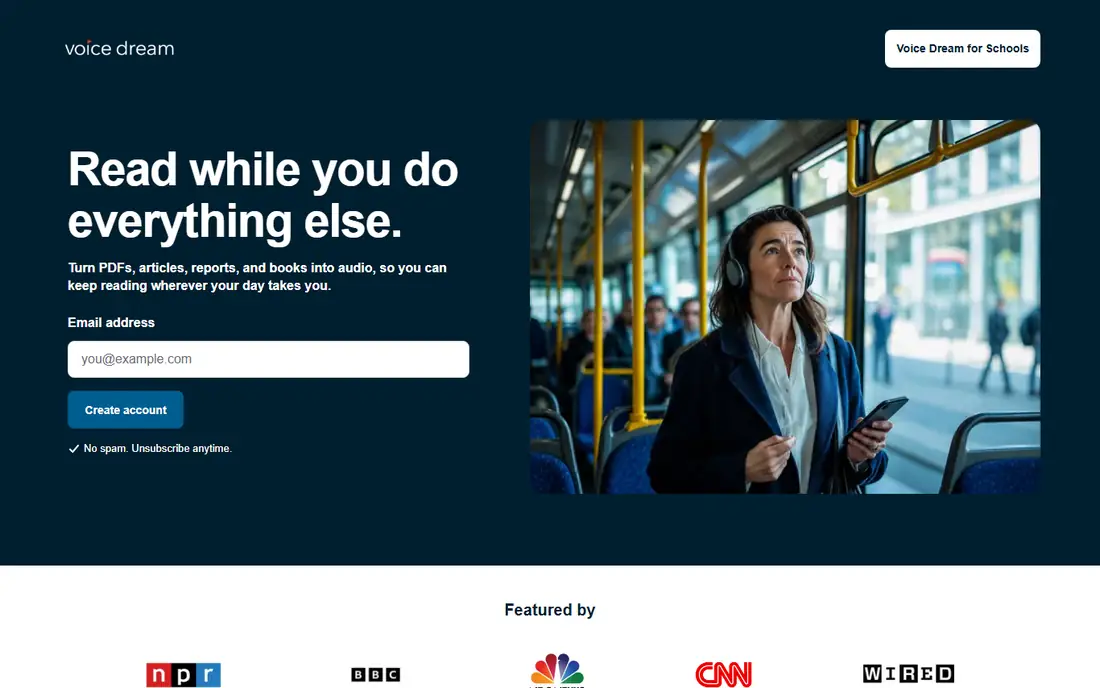
Voice Dream Reader is designed for people with dyslexia, visual impairments, or learning disabilities, with synchronized word highlighting, adjustable speed up to 3x, and offline reading. It handles PDFs, Word documents, ePub, web pages, and Bookshare and DAISY formats, and reading margins can skip headers and footnotes on the page.
The app costs $14.99 as a one-time purchase, with some listings showing around $30 with add-ons, versus Speechify's $139 per year, so it pays for itself in about 40 days. Voices are older and less natural than ElevenLabs or Speechify, and the app is iOS and macOS only. For accessibility use where highlighting and reading along matter more than voice quality, Voice Dream is the clear winner.
What we like- One-time purchase, no subscription
- Synchronized word highlighting
- Offline reading
- Handles PDF, Word, ePub, and Bookshare formats
Watch out for- IOS and macOS only
- Voices are older and less natural
- Add-ons raise the total cost
Starting price$8.25 per month
Free planYes
ElevenReader, from ElevenLabs, offers ultra-realistic AI voices that lead blind quality tests, with a generous free tier of 10 hours per month with premium voices. The reading app handles PDFs and documents with natural narration that sounds closer to a human audiobook than most rivals. Paid Ultra plans start at $8.25 per month billed annually for heavier listening.
There is no desktop app, and advanced controls may feel overwhelming for some users. For listeners who prioritize voice realism above all and read mainly on mobile or web, ElevenReader is the best overall experience in this list.
What we like- Ultra-realistic AI voices
- Generous free tier with 10 hours per month of premium voices
- Clean reading app
Watch out for- No desktop app
- Advanced controls may feel overwhelming
- Paid plans needed for heavy use
Starting price$0
Free planYes
Balabolka is a free text to speech program for Windows that reads PDFs, documents, and text files offline using installed system voices. It supports many file formats, batch conversion to audio files, and customizable speed, pitch, and pronunciation rules. There is no subscription and no account needed.
It runs on Windows only, and voice quality depends on the system voices installed, so it sounds less natural than Speechify or ElevenReader. The interface is dated. For Windows users who want free, offline PDF reading without subscriptions, Balabolka is the best no-cost option.
What we like- Completely free
- Offline Windows use
- Supports many file formats
- Customizable voices and speed
Watch out for- Windows only
- Uses system voices, so quality varies
- Interface is dated
Starting price$0
Free planYes
Read Aloud is a free browser extension that reads web pages and PDFs directly in the browser, with simple playback controls and a lightweight design. It suits casual listeners who want to hear an article or PDF without installing an app or paying a subscription.
It works in the browser only, with no dedicated mobile app, and voice quality is basic compared with paid tools. Controls are fewer than Speechify or NaturalReader. For free, casual PDF listening in a browser, Read Aloud is the simplest choice.
What we like- Free browser extension
- Reads web pages and PDFs in the browser
- Simple and lightweight
Watch out for- Browser only, no dedicated mobile app
- Voice quality is basic
- Fewer controls than paid readers
Starting price$19 per month
Free planYes
Murf AI is a voiceover platform that turns PDF scripts and documents into studio-quality narration for presentations, training videos, and e-learning. It offers voice customization, pronunciation controls, and team collaboration, with entry plans at $19 per month. For creators producing public-facing audio from documents, Murf's commercial licensing and editing tools matter.
The free plan is very limited at 10 minutes with no downloads, and voice quality trails ElevenLabs in recent comparisons. Murf suits creators, not casual readers. For document-to-voiceover production, it remains a solid corporate pick.
What we like- Studio-grade voice customization
- Voice cloning on higher tiers
- Good for turning documents into presentations
Watch out for- Very limited free plan at 10 minutes with no downloads
- Quality falling behind ElevenLabs
- Creator focus, not casual reading
Starting price$0
Free planYes
Adobe Acrobat Reader includes a built-in Read Out Loud feature that reads any PDF aloud at no extra cost, using system voices. Since most users already have Acrobat Reader installed, it requires no new app, account, or subscription to start listening to a PDF. It handles any PDF that contains selectable text.
Voice quality is basic, speed and voice controls are few, and mobile reading features such as synchronized highlighting are absent. For occasional PDF listening without new software, Acrobat Reader is the zero-friction option.
What we like- Free
- Already installed for most PDF users
- Read Out Loud feature needs no extra app
- Handles any PDF
Watch out for- Voice quality is basic
- Few speed and voice controls
- No mobile reading features like highlighting
How we chose
We compared recent text to speech guides that test voice quality, OCR, format support, and pricing against vendor pages. A tool made this list only if it reads PDFs aloud, either natively or through a browser, at a published price. Voice quality, OCR for scanned PDFs, offline support, and speed controls weighed most, since those decide daily usefulness. Prices vary by billing period and plan, so we flagged conflicts rather than repeating figures that differ across listings.
What to check before you switch
Start with your PDF type. Text-based PDFs work in every tool here, but scanned, image-based PDFs need OCR, which NaturalReader and Speechify handle best. Test a scanned page before paying, since OCR failures turn listening into gibberish. Next, check device coverage: Speechify and ElevenReader work across devices, Voice Dream is iOS and macOS only, and Balabolka is Windows only.
Also check speed and voice limits on free tiers. Speechify's free tier caps speed at 1.5x with robotic voices, NaturalReader limits premium voices to 20 minutes per day, and Murf's free plan allows only 10 minutes with no downloads. Those limits bite fast when you listen to long reports or textbooks daily, so test with a real document before committing to a free tier for serious study or work. Finally, trial the voices with your own documents, since voice preference is personal and review scores do not predict which voice you will enjoy for hours of daily listening at work or study.
Frequently asked questions
What is the best text to speech app for PDF?
Speechify is the best all-in-one PDF reader, with natural voices and cross-device sync. NaturalReader is the best budget option with strong OCR, and Voice Dream Reader is best for accessibility and offline reading.
Is there a free text to speech app for PDF?
Yes. Balabolka is free on Windows, Read Aloud is free in the browser, and Adobe Acrobat Reader reads PDFs aloud free. Speechify, NaturalReader, and ElevenReader all offer free tiers with limits.
Can text to speech apps read scanned PDFs?
Yes, with OCR. NaturalReader and Speechify offer OCR that converts scanned pages and images into readable text. Test a scanned page before subscribing, since OCR quality varies by document.
How much does Speechify cost?
Speechify Premium costs $29 month-to-month or $139 per year, which is $11.58 per month on annual billing. A free tier covers basic listening with robotic voices.
Which app is best for dyslexia or visual impairment?
Voice Dream Reader is best for accessibility, with synchronized word highlighting, adjustable speed, and offline reading for a one-time purchase. Speechify also suits neurodivergent readers with its highlighting and speed controls.
Can I listen to PDFs offline?
Yes, with Speechify Premium, Voice Dream Reader, and Balabolka, which all support offline reading or audio downloads. ElevenReader and Read Aloud need an internet connection for most features.
Sources we checked (8)
- https://speechify.com
- https://www.naturalreaders.com
- https://www.voicedream.com
- https://elevenreader.io
- https://www.cross-plus-a.com/balabolka.htm
- https://readaloud.app
- https://murf.ai
- https://www.adobe.com/acrobat/pdf-reader.html
Is your product missing or out of date?
We review this list regularly. Vendors can request a listing, send updated pricing or ask about featured placement.

Shihab Mia · Founder, Rankite
Shihab has 5+ years in B2B and SaaS SEO. He writes Rankite's software buying guides from pricing pages, documentation and public user reviews. More about Shihab.
 Speechify
 NaturalReader
 Voice Dream Reader
 ElevenReader
 Balabolka
 Read Aloud
 Murf AI
 Adobe Acrobat Reader