How we make this list: we compare pricing pages, product documentation and public user reviews. Ratings come from G2, Capterra or Trustpilot, with the date we checked them.
Key takeaways
- Speechify is the best all-around reading app, with mobile apps, web access, and a large voice library for books, articles, and documents.
- NaturalReader is the best budget reading alternative, with a generous free tier and straightforward document reading.
- ElevenLabs leads on voice quality and cloning, which makes it the pick for creators who need expressive voiceovers.
- Murf suits teams producing training and marketing voiceovers, thanks to studio tools and collaboration features.
- Voice quality varies more than marketing suggests, so use free trials to listen to your own documents before paying.
Quick comparison
| Tool | Best for | Starting price | Free plan |
|---|
 Speechify Speechify | Best overall reading | $11.58 per month | Yes |
 NaturalReader NaturalReader | Budget document reading | See website | Yes |
 ElevenLabs ElevenLabs | Voice quality and cloning | $5 per month | Yes |
 Murf Murf | Team voiceovers | $19 per month | Yes |
 LOVO LOVO | Video creator voices | See website | Yes |
 Narakeet Narakeet | Low-cost voiceovers | $6 per month | Yes |
 Voice Dream Reader Voice Dream Reader | Accessible offline reading | See website | No |
Is your product missing or out of date?
We review this list regularly. Vendors can request a listing, send updated pricing or ask about featured placement.
The best text to speech app
Starting price$11.58 per month
Free planYes
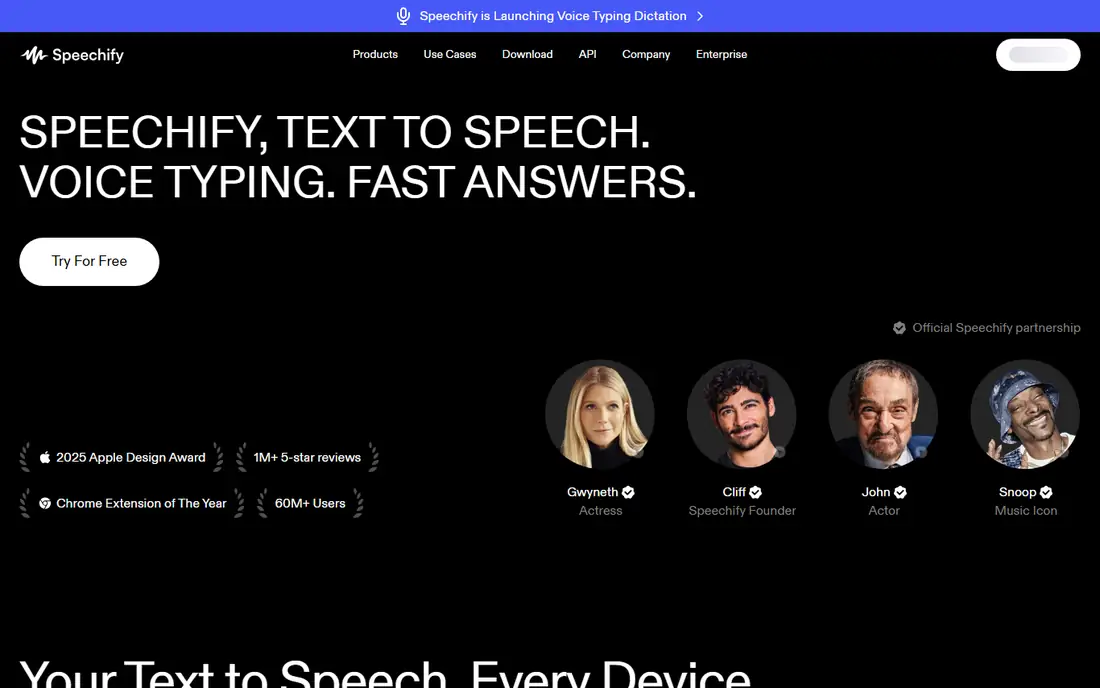
Speechify turns articles, PDFs, books, and web pages into audio you can listen to while walking, commuting, or doing chores. The app offers a wide voice library, adjustable speed, and syncing across phone, tablet, and browser, so a document started on a laptop can continue on a phone. Students, professionals, and readers with dyslexia or low vision use it to get through long reading lists faster and with less strain.
The paid tier is the main drawback. Annual billing brings the monthly equivalent to about $11.58, while monthly billing costs considerably more, and the most natural voices require a subscription. A free tier exists, but it is limited in voices and features. Speechify fits heavy readers who listen daily and want the broadest device support. Occasional readers should start with NaturalReader or a built-in reader before paying.
What we like- Strong mobile and web apps
- Large voice library
- Reads PDFs, web pages, and books aloud
Watch out for- Premium price is high on monthly billing
- Best voices sit behind the paid tier
- Auto-renewal needs attention
Starting priceSee website
Free planYes
NaturalReader is the practical budget pick for document reading. Users upload PDFs, Word files, and text, choose a voice, and listen with word highlighting that helps readers follow along. The free tier covers everyday reading for many users, with a daily listening allowance, and paid plans add more voices, higher quality audio, and commercial rights where needed.
Voice quality is good for reading but less expressive than ElevenLabs for character work or marketing voiceovers. Commercial use also requires the commercial plan, so creators who publish audio publicly must check plan terms before using generated audio in videos or courses. NaturalReader fits students, office workers, and accessibility users who need reliable reading at low cost. Voiceover creators should compare Murf and ElevenLabs instead.
What we like- Generous free tier for everyday reading
- Simple document upload
- Desktop, web, and mobile access
Watch out for- Voice quality trails ElevenLabs on expressive content
- Commercial use requires a higher plan
- Some voices are paid only
#3ElevenLabs
Best for: Voice quality and cloning4.5/5 on
G2 (1,239 reviews, checked Oct 2026)
Visit elevenlabs.io
Starting price$5 per month
Free planYes
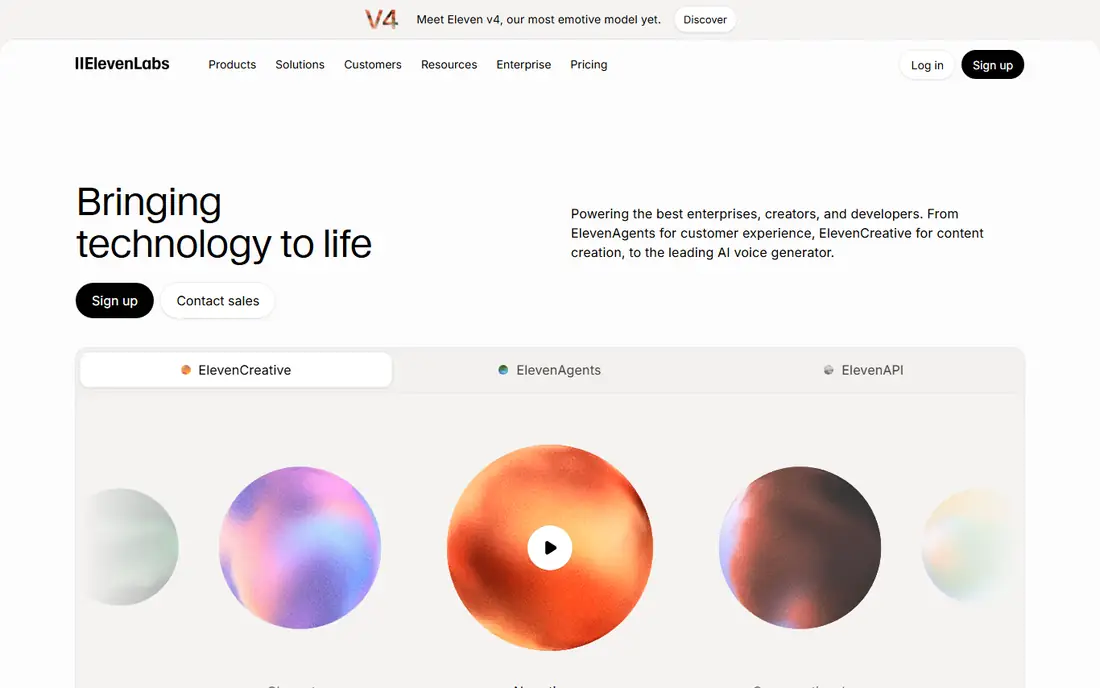
ElevenLabs sets the quality bar for synthetic speech. Its voices handle pacing, emphasis, and emotion better than most rivals, and its cloning tools let creators build a consistent voice for narration, provided they have the rights and consent to do so. The platform supports many languages, offers an API for developers, and includes a reader app for books and articles.
The trade-off is purpose. ElevenLabs is built first for voice generation, not for everyday document reading, so its reading workflow is simpler than Speechify or NaturalReader. Pricing is usage-based, so heavy users must watch character counts. ElevenLabs fits creators, audiobook producers, and developers who prioritize voice quality above all. Everyday readers who want highlighting and library tools should start with Speechify or NaturalReader.
What we like- Most natural-sounding voices in this guide
- Voice cloning and multilingual support
- Generous free character allowance
Watch out for- Reading app features are thinner than Speechify
- Costs scale with character usage
- Cloning needs consent and verification
#4Murf
Best for: Team voiceovers4.7/5 on
G2 (1,411 reviews, checked Oct 2026)
Visit murf.ai
Starting price$19 per month
Free planYes
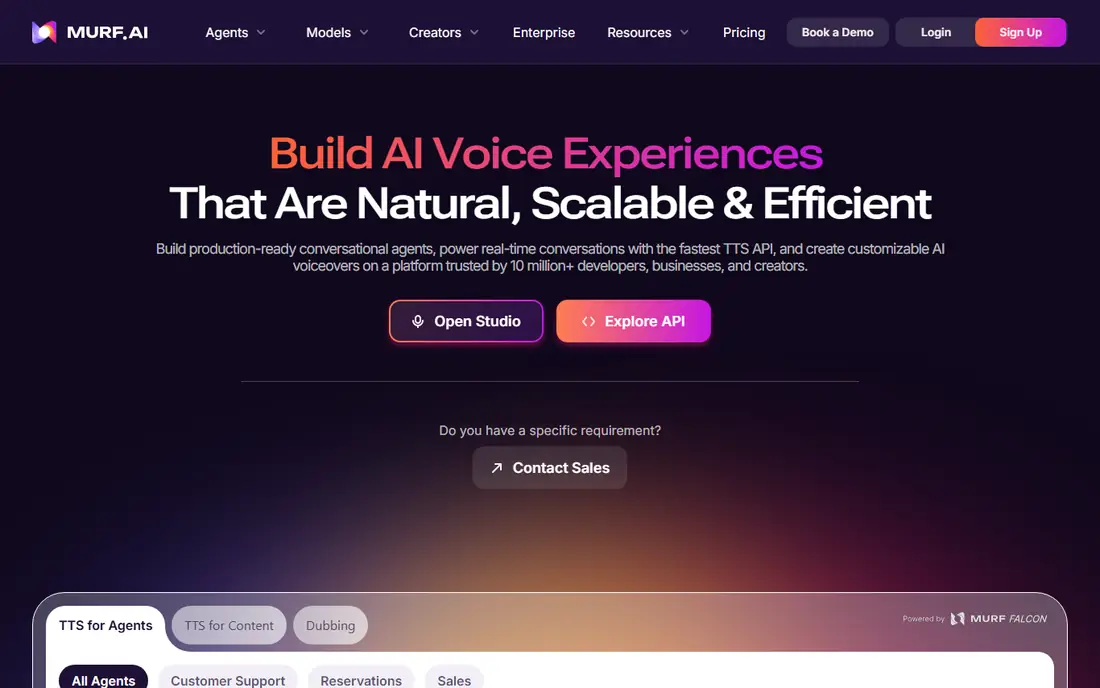
Murf is a voiceover studio in a browser. Users paste a script, pick a voice, adjust pitch, speed, and pauses, and align audio with video or slides. Teams can share workspaces, review drafts, and manage projects in one place, which suits training, e-learning, and marketing production. Paid plans include commercial use rights, an important detail for published content.
The price is the main barrier for individuals. Monthly billing costs more than the annual equivalent, and the free tier allows only a short trial of generation. Voice quality is clear and professional, though less expressive than ElevenLabs for dramatic narration. Murf fits teams and solo creators producing regular voiceovers for courses, ads, and explainers. Casual readers should not pay for studio tools they will not use.
What we like- Studio interface for editing voiceovers
- Collaboration and workspace tools
- Commercial use on paid plans
Watch out for- Monthly billing is higher than annual
- Voice quality trails ElevenLabs for expressive narration
- Free tier is limited
#5LOVO
Best for: Video creator voices4.4/5 on
G2 (182 reviews, checked Oct 2026)
Visit lovo.ai
Starting priceSee website
Free planYes
LOVO, also known as Genny, targets video creators and marketers who need voices that sound expressive rather than flat. Users can adjust emotion and emphasis, generate voices for ads and explainers, and pair audio with visuals in the same platform. The voice library covers many languages, which helps creators producing content for international audiences.
Quality varies more by individual voice than the marketing suggests, so creators should audition several voices with their own scripts before committing. Pricing depends on plan and generation limits, and the free tier is best treated as a trial. LOVO fits marketing teams and video creators who want expressive voices and visual tools together. Pure readers should choose Speechify or NaturalReader for a simpler workflow.
What we like- Expressive voices with emotion controls
- Video and image generation tools
- Good for marketing content
Watch out for- Pricing varies by plan and usage
- Voice quality varies by voice
- Free tier is limited
#6Narakeet
Best for: Low-cost voiceovers4.4/5 on
G2 (6 reviews, checked Oct 2026)
Visit narakeet.com
Starting price$6 per month
Free planYes
Narakeet is the low-cost voiceover option that surprises many buyers. For a modest monthly price, users get access to hundreds of voices across more than 100 languages, with a straightforward workflow: paste text, pick a voice, generate audio, and download it. That simplicity suits creators making narration for videos, presentations, and e-learning on a tight budget.
The limits are in polish. There is no full reading app with libraries and highlighting, and editing tools are basic compared with Murf. Voice quality is professional for narration, though not as expressive as ElevenLabs for character work. Narakeet fits budget creators, teachers, and small businesses that need reliable voiceovers without studio pricing. Readers who want a daily reading companion should look at Speechify or NaturalReader.
What we like- Low starting price
- Hundreds of voices in many languages
- Simple script-to-audio workflow
Watch out for- No dedicated reading app
- Interface is plain
- Advanced editing features are limited
Starting priceSee website
Free planNo
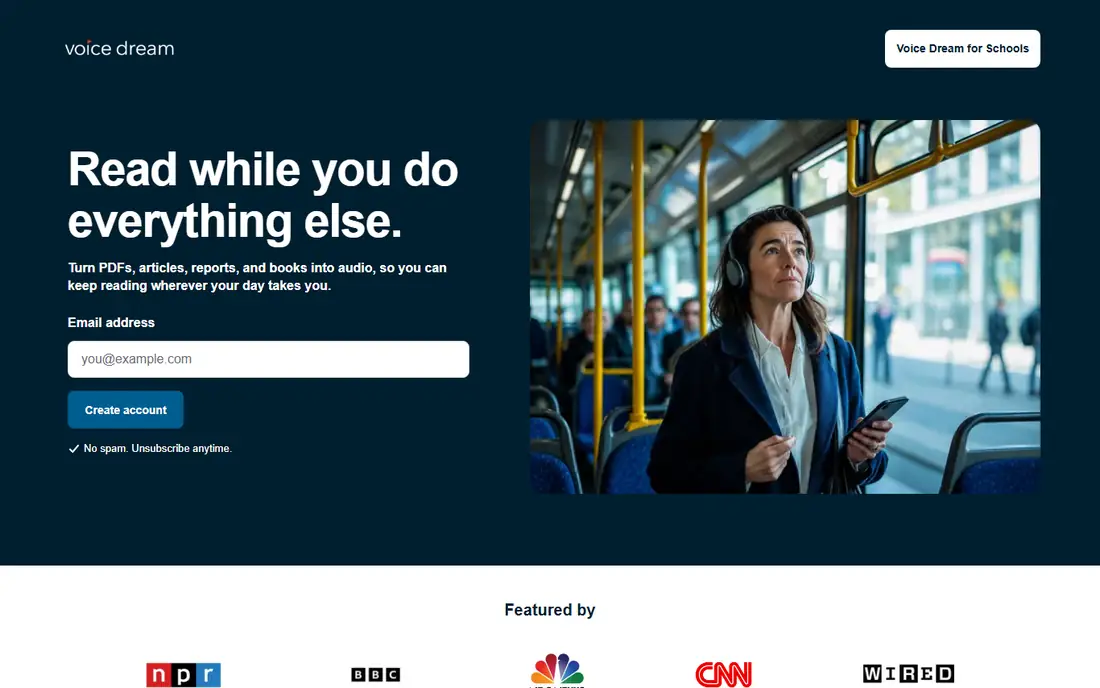
Voice Dream Reader is a long-standing accessibility app for iOS and Android, designed for readers with dyslexia, low vision, or other reading difficulties. It reads PDFs, ebooks, web pages, and documents aloud, highlights words as they are spoken, and works offline once books and voices are downloaded. The app supports many formats and integrates with libraries and cloud storage.
The voices feel older than the newest AI voices, and the app is sold as a one-time purchase with optional premium voices, rather than a subscription. There is no voiceover studio or cloning. Voice Dream Reader fits accessibility users who want a dependable offline reader and a one-time purchase model. Creators and listeners chasing the newest AI voices should choose ElevenLabs or Speechify instead.
What we like- Built for accessibility with word highlighting
- Works offline
- Supports many document formats
Watch out for- One-time purchase plus optional voice packs
- Voices feel older than AI rivals
- No voiceover studio
How we chose
We compared voice quality claims against documentation, pricing pages, and public reviews on G2, Capterra, and Reddit, with attention to what free tiers actually include and whether commercial use requires a higher plan. Reading apps were weighed on library tools, highlighting, and device support, while voiceover tools were weighed on editing, cloning, and commercial rights. We favored tools with a live free tier or trial, clear pricing, and a distinct audience, and we mixed reading-first apps with creator-first studios.
How to choose the right text to speech app
Start with the job: daily reading, study support, or published voiceovers. Each job favors a different tool, and buying a studio for reading wastes money.
For reading and study
Choose Speechify if you read daily across devices and want the largest voice library. Choose NaturalReader if budget matters and document reading is the main job. Choose Voice Dream Reader if offline access, highlighting, and a one-time purchase matter more than having the newest voices. Always listen to your own documents in a trial, since sample clips flatter every tool.
For voiceovers and content
Choose ElevenLabs for the most natural voices and cloning, Murf for team production and editing, and Narakeet for low-cost narration. Check commercial rights before publishing, since personal reading plans often exclude public or commercial use. Audition voices with your actual script, at your actual speed, and check pronunciation of names and technical terms early.
For speech to text as well
This guide focuses on text to speech, but many readers also need dictation. Built-in dictation on phones and computers, plus dedicated tools such as Dragon, cover speech to text for most users. If you need both directions in one workflow, pair a reading app from this guide with your device dictation, rather than expecting one app to do both jobs well.
Frequently asked questions
What is the best free text to speech app?
NaturalReader offers the best free tier for everyday document reading, with a daily allowance and straightforward uploads. Speechify and ElevenLabs also offer free tiers, but with tighter limits on voices and usage. Built-in readers on phones, browsers, and ebook apps remain a solid free option for casual listening.
Which text to speech app sounds most natural?
ElevenLabs currently leads on natural, expressive speech, especially for narration and character work. Speechify offers strong voices for reading, while Murf and LOVO suit professional voiceovers. Naturalness varies by voice and language, so test several voices with your own text before subscribing.
Can I use text to speech audio in YouTube videos or courses?
Only on plans that include commercial use rights, so check terms before publishing. NaturalReader requires a commercial plan for published audio, while Murf and ElevenLabs include commercial rights on paid plans, subject to their terms. Personal reading plans generally do not cover public distribution, and cloned voices require consent from the voice owner.
Is text to speech useful for dyslexia or low vision?
Yes, and it is one of the most practical accessibility tools available. Word highlighting, adjustable speed, and offline reading help many readers follow long documents with less fatigue. Voice Dream Reader and NaturalReader are strong accessibility picks, while Speechify adds broad device support. For formal accommodations, check with a school, employer, or clinician about the best setup for your needs.
What is the difference between text to speech and speech to text?
Text to speech converts written text into spoken audio, which is what this guide covers. Speech to text, also called dictation, converts spoken words into written text. Some apps bundle both, but most tools specialize in one direction, so choose based on whether you need to listen to documents or dictate them.
Sources we checked (7)
- https://www.speechify.com
- https://www.naturalreader.com
- https://www.elevenlabs.io
- https://www.murf.ai
- https://www.lovo.ai
- https://www.narakeet.com
- https://www.voicedream.com
Is your product missing or out of date?
We review this list regularly. Vendors can request a listing, send updated pricing or ask about featured placement.

Shihab Mia · Founder, Rankite
Shihab has 5+ years in B2B and SaaS SEO. He writes Rankite's software buying guides from pricing pages, documentation and public user reviews. More about Shihab.