How we make this list: we compare pricing pages, product documentation and public user reviews. Ratings come from G2, Capterra or Trustpilot, with the date we checked them.
Key takeaways
- NaturalReader and Speechify are the best starting points for reading PDFs, articles, and books aloud on a PC, with free tiers for light use.
- Murf AI, Narakeet, and WellSaid Labs suit voiceover work, where downloads, commercial rights, and voice control matter more than simple playback.
- TTSReader and Balabolka cost little or nothing, and they suit readers who want a browser tool or a free Windows program without a subscription.
- Pricing models differ sharply: some charge monthly, some charge by credits or minutes, and some charge per download minute, so compare the unit you will actually use.
Quick comparison
| Tool | Best for | Starting price | Free plan |
|---|
 NaturalReader NaturalReader | Reading PDFs and documents aloud | $9.99 per user/month | Yes |
 Speechify Speechify | Fast listening across devices | $11.58 per user/month | Yes |
 Murf AI Murf AI | Studio voiceovers for video and courses | $19.00 per user/month | Yes |
 TTSReader TTSReader | Free browser reading and MP3 export | $8.25 per user/month | Yes |
 Narakeet Narakeet | Narrated slides and short videos | See website | Free trial |
 WellSaid Labs WellSaid Labs | Consistent corporate narration | See website | Free trial |
 Balabolka Balabolka | Free Windows reading with no subscription | $0.00 per user/month | Yes |
 Amazon Polly Amazon Polly | Developer voice for apps and content | See website | Free trial |
Is your product missing or out of date?
We review this list regularly. Vendors can request a listing, send updated pricing or ask about featured placement.
The best text to speech apps for PC
Starting price$9.99 per user/month
Free planYes
NaturalReader fits students, researchers, and professionals who want to listen to long documents instead of reading them on screen. Paste text or upload a file, pick a voice, and listen while you take notes or walk. The immersive reader highlights text as it plays, which helps readers who follow along, and the camera scanner can read printed pages through a phone.
The price structure needs a careful read. Personal Premium costs $9.99 per month and covers unlimited personal reading with premium voices. Commercial plans start much higher, at $49 per month for a single user, and personal plans do not grant commercial rights. If you only need to listen, the personal plan is good value. If you plan to publish audio, budget for the commercial tier from the start.
What we like- Reads PDFs, Word files, ePub books, and web pages
- Voice cloning and MP3 download on paid plans
- Chrome extension and mobile apps for listening away from the desk
Watch out for- Commercial use needs a separate, pricier plan
- Personal audio cannot be used commercially even for internal training
Starting price$11.58 per user/month
Free planYes
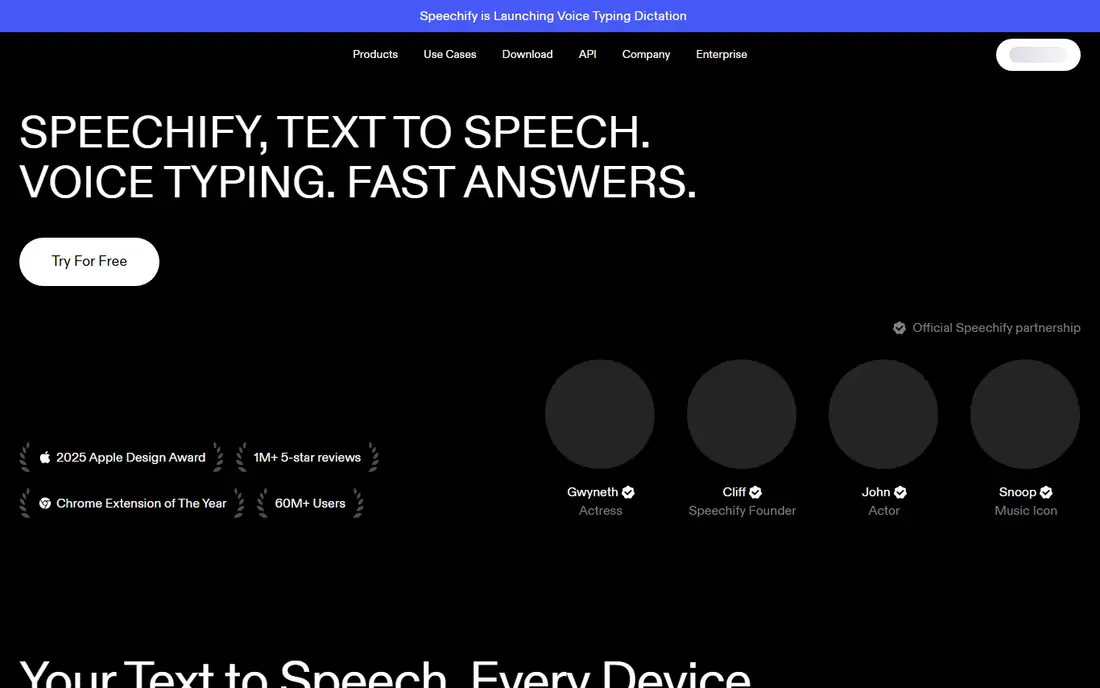
Speechify fits heavy readers who move between a PC, a phone, and a browser during the day. It reads PDFs, EPUB files, Word documents, web pages, and scanned pages, and it keeps your place when you switch devices. Premium voices sound far more natural than the free voices, and the higher speeds suit people who listen to research papers or long reports at a pace faster than normal speech.
The catch is the price gap between monthly and yearly billing. Premium costs $29 per month, or $139 per year, which works out to about $11.58 per month. That yearly saving is large, so try the free tier first and only commit yearly once daily listening is a habit. Do not confuse the reading app with Speechify Studio, which is a separate voiceover product with its own pricing.
What we like- Large voice library in more than 60 languages
- Listening speeds up to 5x on Premium
- Offline listening and sync across PC, phone, and browser
Watch out for- Premium costs $29 per month if paid monthly
- Studio voiceover tools are a separate subscription from the reading app
#3
Murf AI
Best for: Studio voiceovers for video and courses
Visit murf.ai
Starting price$19.00 per user/month
Free planYes
Murf AI fits creators and trainers who produce narrated lessons, product demos, and marketing videos from a PC. The studio lets you adjust pitch, speed, and emphasis block by block, and you can line up narration with visuals instead of editing audio in a separate program. That workflow saves time when a course has dozens of slides or a video needs several language versions.
The free plan is a trial in practice: you get about 10 minutes of generation, but you cannot download or use the audio commercially. Creator costs $19 per month billed yearly and includes 24 hours of voice generation per year. Check how many hours your projects need before paying, since a long course library can use that allowance faster than expected.
What we like- Visual studio for timing voiceover to slides and video
- More than 200 voices across 35 languages
- Integrations with Canva, PowerPoint, and Google Slides on higher plans
Watch out for- Free plan allows generation but no downloads or commercial use
- Voice generation is metered in hours per year on annual plans
Starting price$8.25 per user/month
Free planYes
TTSReader fits readers who want the simplest possible start: open the site, paste text or a link, and press play. It reads plain text, PDFs, e-books, and web pages, and it remembers the text and caret position when you return later. That persistence matters for long articles and books, where losing your place is a real annoyance.
The free tier covers listening well, using browser voices and some free voices without limits. Premium costs $12 per month, or $99 per year, which works out to about $8.25 per month, and it adds premium voices and MP3 export. For proofreading, study, or turning articles into audio for a commute, the free tier alone is often enough.
What we like- Works in any browser with no install
- Remembers your place in long texts
- Free voices with no usage limits alongside premium AI voices
Watch out for- MP3 export needs Premium
- Premium voices are paid by usage, so heavy export work adds cost
#5Narakeet
Best for: Narrated slides and short videos4.4/5 on
G2 (6 reviews, checked Oct 2026)
Visit narakeet.com
Starting priceSee website
Free planFree trial
Narakeet fits teachers, trainers, and small teams who turn slide decks into videos without recording their own voice. Upload slides, write or paste a script, pick a voice, and get a video with narration and subtitles. When a slide changes, edit the text and regenerate, rather than re-recording a whole lesson.
Pricing is the part to plan around. Narakeet sells minutes, starting at $6 for 30 minutes, with larger bundles at lower per-minute rates. That model suits occasional projects well, but a team producing videos every week should compare the bundle cost with a monthly subscription elsewhere. Check the current minute bundles on the vendor site before buying, since rendering time can add to usage.
What we like- Turns PowerPoint, Google Slides, and scripts into narrated video
- Supports 900 voices in 100 languages
- Editing is text based, so fixing a script regenerates only that part
Watch out for- Priced by minutes rather than a flat monthly fee
- Video rendering can consume more minutes than the spoken length alone
#6WellSaid Labs
Best for: Consistent corporate narration4.6/5 on
G2 (131 reviews, checked Oct 2026)
Visit wellsaidlabs.com
Starting priceSee website
Free planFree trial
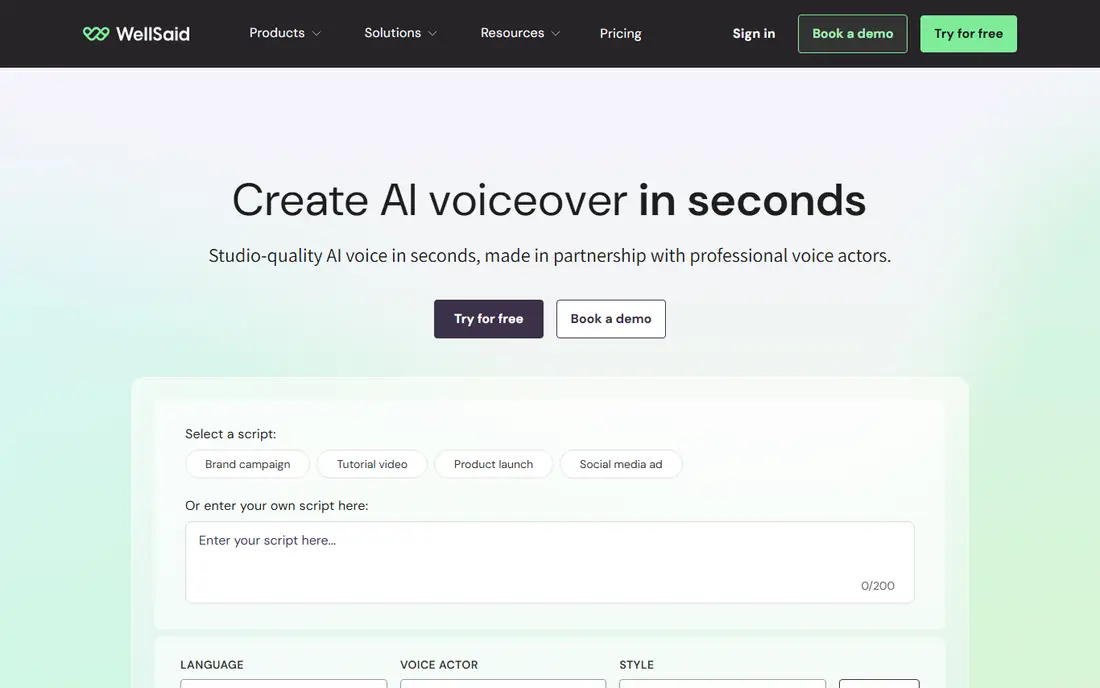
WellSaid Labs fits companies that need the same voice to sound the same across dozens of training modules. Instead of hundreds of voices, it offers a focused set of professional voices, which helps when a course series, product guide, or onboarding library must feel uniform. Team features and download-minute metering suit production work rather than casual listening.
The trade-off is cost and scope. WellSaid is priced for business use, with a limited trial rather than a generous free tier, so check the current plans on the vendor site before committing. It is not the best pick for a student who just wants to listen to PDFs. For a training team that values consistency and clear licensing, it is a strong specialist choice.
What we like- Small, curated voice library built for consistent long-form narration
- Pronunciation controls and team workspaces
- Voices recorded with actor consent
Watch out for- Pricier than consumer readers and aimed at teams
- Language range is narrower than larger rivals
Starting price$0.00 per user/month
Free planYes
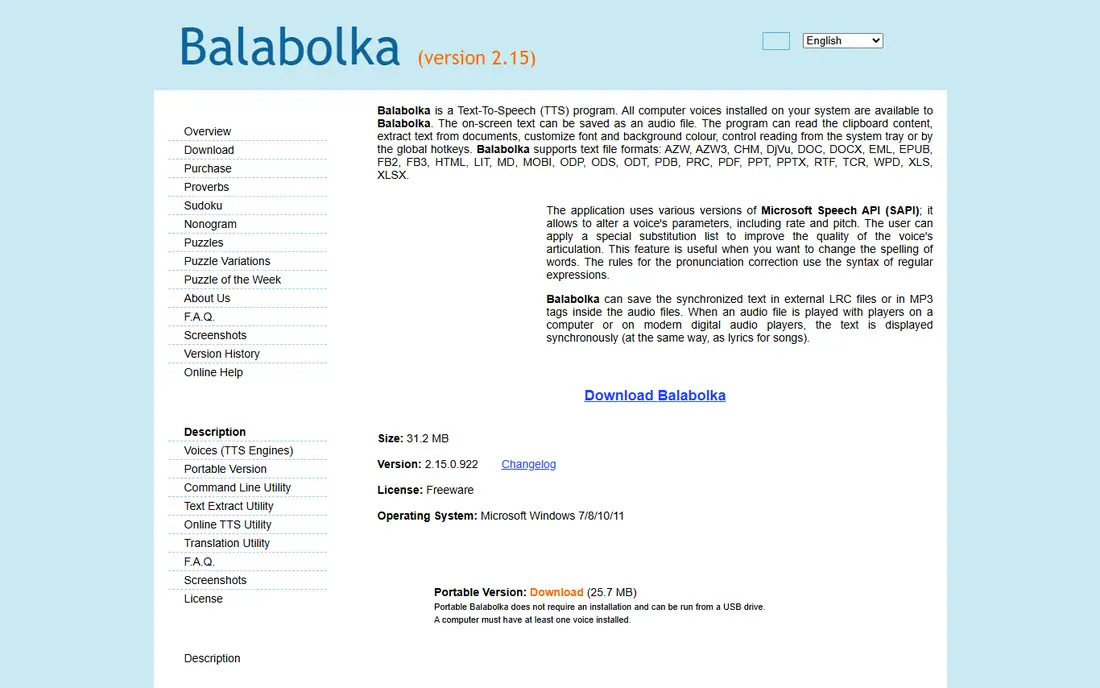
Balabolka fits Windows users who want a free, offline-capable reader and do not want another monthly bill. It reads clipboard text, documents, and e-books, and it can save speech as an audio file for listening later. Rate, pitch, and pronunciation can be adjusted, and a substitution list can fix words the voice reads badly, such as acronyms or names.
The main limit is voices. Balabolka itself does not include premium AI voices; it uses the voices installed on your PC, so results vary by Windows version and language packs. The interface is plain and older in style, but it is functional and portable versions can run from a USB drive. For a free PC-only reader, it remains the most capable no-cost option on this list.
What we like- Free Windows program with no subscription
- Reads many formats including PDF, EPUB, DOCX, and PPTX
- Saves audio as MP3, WAV, OGG, and WMA
Watch out for- Uses voices already installed on Windows, so quality depends on your system
- Interface looks dated and setup takes more care than a browser tool
#8Amazon Polly
Best for: Developer voice for apps and content4.4/5 on
G2 (80 reviews, checked Oct 2026)
Visit aws.amazon.com
Starting priceSee website
Free planFree trial
Amazon Polly fits developers and content teams who need speech inside an app, website, or production pipeline rather than a play button for documents. It converts text to audio on demand, supports custom lexicons for brand names and acronyms, and can dub or narrate at scale. A free tier covers up to a set character threshold for 12 months, which is enough to build and test a project.
The catch is that Polly is not a consumer reader. There is no simple document library or reading view; you call the service from code or a workflow. Pricing is pay as you go by characters and voice engine, so check the AWS pricing page for current rates. For a team already using AWS, it is a practical, low-cost way to add voice. For a solo reader, NaturalReader or TTSReader is a better fit.
What we like- More than 100 voices in over 40 languages
- SSML controls for emphasis, phrasing, and pronunciation
- Output in MP3 and OGG for reuse in apps and media
Watch out for- Built as a cloud API, not a simple reading app
- Setup needs an AWS account and some technical comfort
How we chose
We checked vendor homepages, pricing pages, documentation, and app store listings, and reviewed public discussion on G2, Capterra, and Reddit for recurring strengths and complaints. We kept only tools that work on a PC through a Windows program, a browser, or a cloud service reachable from a PC, and we mixed free readers with paid voiceover studios so different budgets are covered. Prices reflect vendor pages and recent pricing summaries checked for this guide, and any price we could not confirm on a vendor page is shown as See website.
Choosing between a reader and a voiceover studio
Start with the job, not the voice count. If the goal is to listen to articles, PDFs, or books, a reader such as NaturalReader, Speechify, or TTSReader is enough, and a free tier will tell you quickly if listening fits your routine. If the goal is to publish audio for a course, video, or ad, you need downloads and commercial rights, which points to Murf AI, Narakeet, WellSaid Labs, or Amazon Polly.
Reading, proofreading, and study
For study, look for text highlighting, place memory, and speed control. Speechify and NaturalReader highlight text as it plays, TTSReader remembers your position, and Balabolka lets you follow along in a document. For proofreading, listening at normal speed catches awkward sentences that silent reading misses, and a free tool is often enough for that job alone.
Voiceovers, rights, and metering
For published audio, check three things before paying: whether downloads are included, whether commercial use is allowed, and how usage is counted. Murf counts hours per year, Narakeet counts minutes, WellSaid counts download minutes, and Amazon Polly counts characters. A cheap monthly price can still cost more if your project uses a large allowance, so estimate a typical month of output first.
A note on speech to text
Text to speech turns written words into audio, while speech to text turns spoken words into writing. They are different jobs, and most tools on this list do the first, not the second. Speechify does include a voice typing feature for dictation, but if dictation is the main need, look for a dedicated speech recognition tool instead of a reader.
Frequently asked questions
What is the best text to speech app for PC for students?
NaturalReader and Speechify are the strongest student picks, since both read PDFs and books, highlight text, and sync across devices. TTSReader is a good free alternative for browser reading, and Balabolka is the best free Windows-only option.
Can I use these tools for free?
Yes, in most cases. NaturalReader, Speechify, TTSReader, and Balabolka all have free tiers, and Murf AI and Amazon Polly offer limited free use. Free tiers usually limit voices, speed, downloads, or usage, so check the limit that matters for your work.
Which tool is best for making voiceovers for videos?
Murf AI suits slide and video voiceovers with timing controls, Narakeet suits turning slide decks into narrated videos, and WellSaid Labs suits consistent corporate narration. All three need a paid plan for downloads and commercial use.
Do I need an internet connection to use text to speech on a PC?
It depends on the tool. Browser and cloud tools such as TTSReader, Narakeet, and Amazon Polly need a connection. Balabolka can read with voices installed on Windows without a connection, and Speechify Premium allows offline listening for downloaded audio.
What is the difference between text to speech and speech to text?
Text to speech reads written text aloud as audio. Speech to text listens to spoken words and writes them down as text. Some products bundle both, but most tools on this list focus on text to speech, so check the feature list if dictation is your main need.
Are AI voices good enough for published content?
For training, explainer videos, and narration, current AI voices are often good enough, especially from Murf AI, WellSaid Labs, and Amazon Polly. For emotional storytelling or advertising, many listeners still prefer a human voice, so listen to full samples in your exact use case before committing.
Sources we checked (8)
- https://www.naturalreaders.com
- https://speechify.com
- https://murf.ai
- https://ttsreader.com
- https://www.narakeet.com
- https://wellsaidlabs.com
- https://www.cross-plus-a.com/balabolka.htm
- https://aws.amazon.com/polly/
Is your product missing or out of date?
We review this list regularly. Vendors can request a listing, send updated pricing or ask about featured placement.

Shihab Mia · Founder, Rankite
Shihab has 5+ years in B2B and SaaS SEO. He writes Rankite's software buying guides from pricing pages, documentation and public user reviews. More about Shihab.