How we make this list: we compare pricing pages, product documentation and public user reviews. Rankite is independent; if a vendor ever pays for a featured spot, that listing is clearly labeled Partner.
Key takeaways
- Serato DJ Pro and rekordbox are the club standards: Serato for turntablist and open-format DJs, rekordbox for Pioneer/AlphaTheta hardware and USB-to-CDJ workflows.
- VirtualDJ is free for non-professional use and supports 300+ controllers, which makes it the best free starting point on PC.
- Mixxx is completely free and open source forever; DJUCED pairs a free tier with a cheap PRO upgrade (89.99 EUR one-time).
- Traktor Pro suits techno and house DJs who live for effects and remix decks; djay Pro is the pick for streaming-first DJs on Apple Music and Spotify.
Quick comparison
| Tool | Best for | Starting price | Free plan |
|---|
 Serato DJ Pro Serato DJ Pro | Turntablists, hip-hop and open-format DJs | See website (Serato DJ Lite is free) | Yes (DJ Lite) |
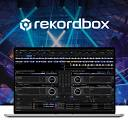 rekordbox rekordbox | DJs on Pioneer DJ and AlphaTheta hardware | See website (free plan plus paid plans) | Yes |
 Traktor Pro Traktor Pro | Electronic music DJs who perform with effects and remix decks | See website | Free trial |
 VirtualDJ VirtualDJ | Beginners and DJs wanting the widest hardware compatibility | Free (non-professional use); Pro license see website | Yes |
 djay Pro djay Pro | DJs who stream music instead of owning files | See website (free version plus Pro subscription) | Yes |
 Mixxx Mixxx | DJs who want powerful software that is free forever | Free | Yes (free and open source, always) |
 DJUCED DJUCED | Beginners learning on Hercules controllers | Free (Standard); PRO 89.99 EUR one-time or 5.99 EUR/month | Yes |
 Engine DJ Engine DJ | Denon DJ hardware owners | Free | Yes (free download) |
 UltraMixer UltraMixer | Mobile DJs and dance schools needing video and karaoke | See website (free download to try; paid editions) | Free trial |
Is your product missing or out of date?
We review this list regularly. Vendors can request a listing, send updated pricing or ask about featured placement.
The best dj software for pc
Here is the blunt truth about DJ software: the best one is the one your controller was designed for. Every major controller ships with software that activates its full features, and fighting that pairing costs you mappings, screens and headaches. Beyond that, the differences that matter are library management, stem separation quality, streaming integration and price. These nine cover every realistic PC setup, from free bedroom tools to club standards.
#1
Serato DJ Pro
Best for: Turntablists, hip-hop and open-format DJs
Visit serato.com
Starting priceSee website (Serato DJ Lite is free)
Free planYes (DJ Lite)
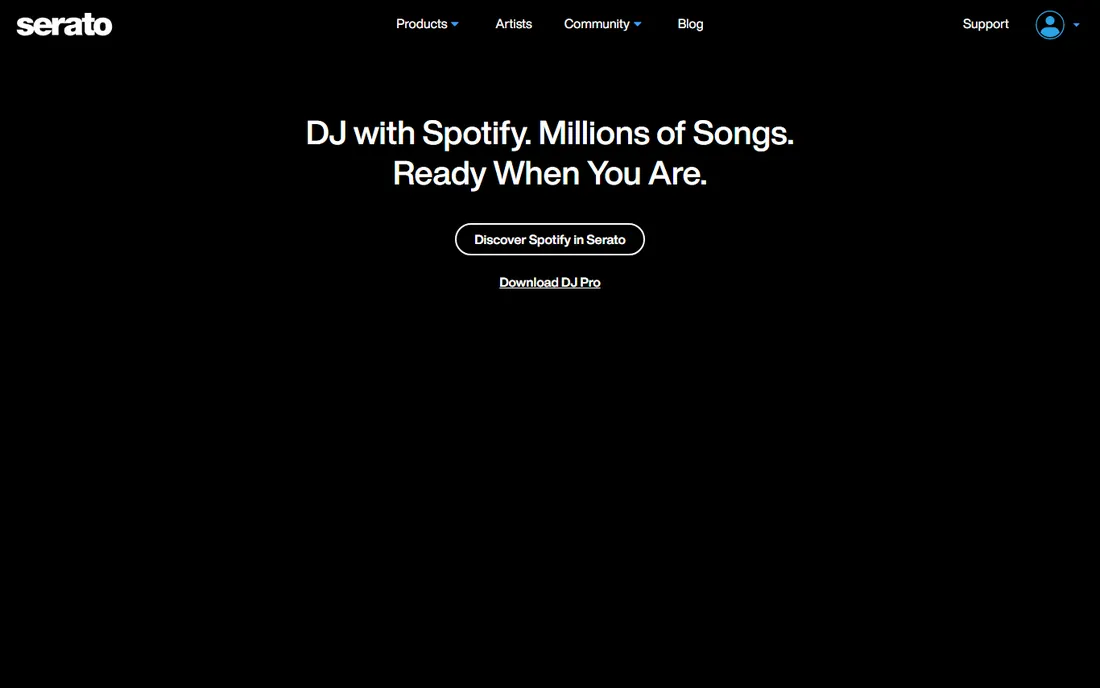
Serato DJ Pro is what you see in the booth when the DJ is cutting, juggling and blending across genres. Its reputation rests on reliability: it does not crash mid-set, the library management handles huge collections, and the DVS support for turntables and CDJs is the benchmark. DJ Lite gives beginners the core experience free.
The trade-off is the walled garden. Serato officially supports a curated hardware list, and controllers outside it get limited functionality. If your controller is Serato-enabled, this is the obvious choice. If not, check the hardware support list before assuming.
What we like- The industry standard for scratch and turntablist DJs
- Rock-solid stability honed over two decades
- Stems, sampler and effects mature and reliable
Watch out for- Hardware support is curated, so some controllers never get full integration
- DJ Pro pricing sits behind the website
- Fewer of the newest AI features than VirtualDJ
Starting priceSee website (free plan plus paid plans)
Free planYes
rekordbox is the other club standard, and its killer feature is the USB stick: prepare your library at home, plug into club CDJs, and your cues, loops and playlists travel with you. Many Pioneer and AlphaTheta controllers include the paid performance features at no extra cost, which softens the subscription price.
Outside Pioneer hardware the appeal fades; this is ecosystem software. Paid plans gate DVS, cloud storage tiers and video features. If you play on CDJs or own Pioneer gear, learn rekordbox. If you never touch Pioneer, the free plan still works but the magic is elsewhere.
What we like- Native workflow with CDJs and XDJs via USB export
- Many Pioneer controllers include the paid performance features free
- Cloud library sync across devices
Watch out for- Paid plans needed for DVS and advanced features
- The interface divides opinion
- Strongest only inside the Pioneer ecosystem
Starting priceSee website
Free planFree trial
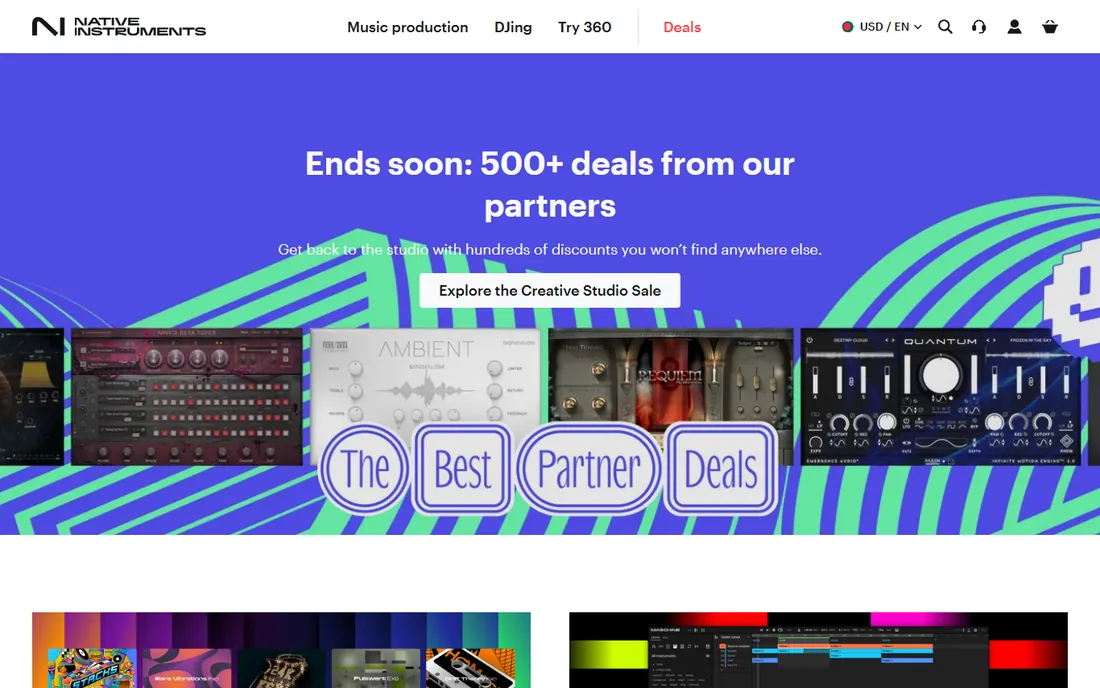
Traktor Pro is the thinking DJ's tool: four decks, Remix Decks that turn track parts into a live instrument, and an effects section nobody else matches. Techno, house and experimental DJs who build sets live rather than play tracks straight through have sworn by it for years. The STEMS implementation and flexible MIDI mapping reward tinkerers.
It has lost some cultural momentum to Serato and rekordbox, and controller support is narrower. But for the DJ whose set is a performance rather than a playlist, Traktor's depth remains unmatched. The streamlined Traktor Play now offers a cheaper entry point.
What we like- The deepest effects section and the unique Remix Decks for live re-editing
- Superb timecode and MIDI mapping flexibility
- Tight integration with Native Instruments hardware
Watch out for- Smaller hardware ecosystem than Serato or rekordbox
- The interface shows its age
- Native Instruments' focus has drifted toward production at times
#4
VirtualDJ
Best for: Beginners and DJs wanting the widest hardware compatibility
Visit virtualdj.com
Starting priceFree (non-professional use); Pro license see website
Free planYes
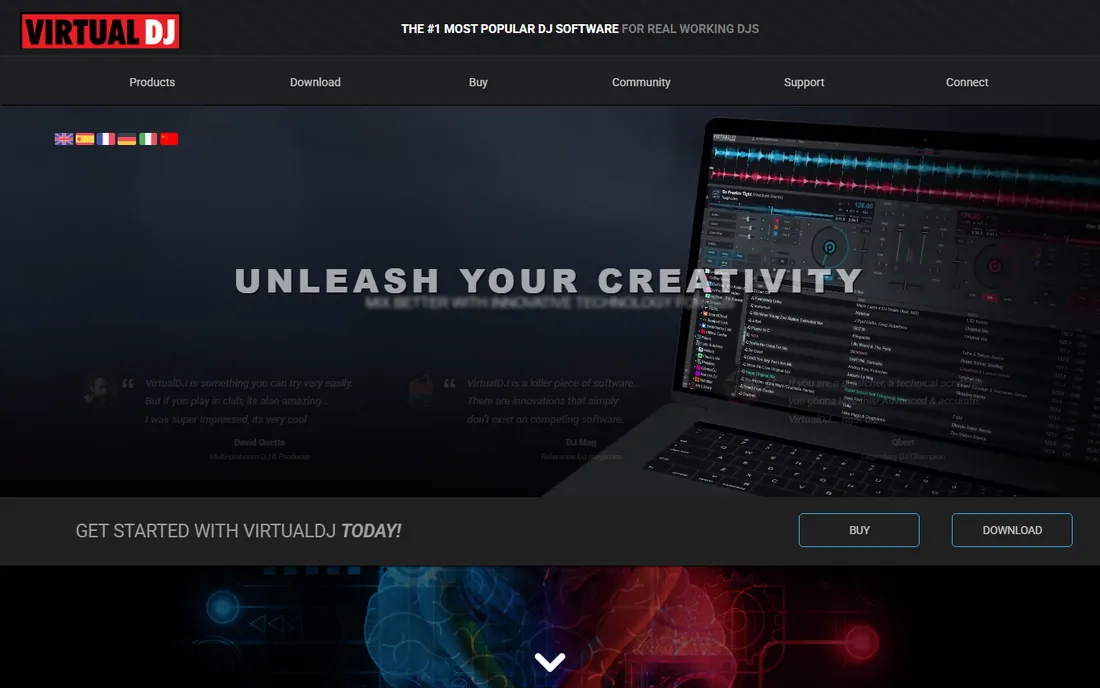
VirtualDJ is where most DJs start, and the numbers back it: hundreds of millions of downloads, free for non-professional use, and plug-and-play with nearly every controller ever made. It pioneered real-time stem separation, video mixing and karaoke features that competitors later copied, and it runs fine on modest PCs.
The catch arrives when you go pro: the license for professional use is a real purchase. And while the snobbery is outdated, it exists in some club scenes. For learning, mobile gigs, weddings and video DJing, it is the most capable free option on PC, full stop.
What we like- Free for home and non-professional use
- Supports 300+ controllers, more than anyone
- First to market with real-time stem separation and video/karaoke mixing
Watch out for- The pro license costs real money once you gig
- The interface packs in so much it can overwhelm
- Some club DJs still sniff at its bedroom-DJ image
Starting priceSee website (free version plus Pro subscription)
Free planYes
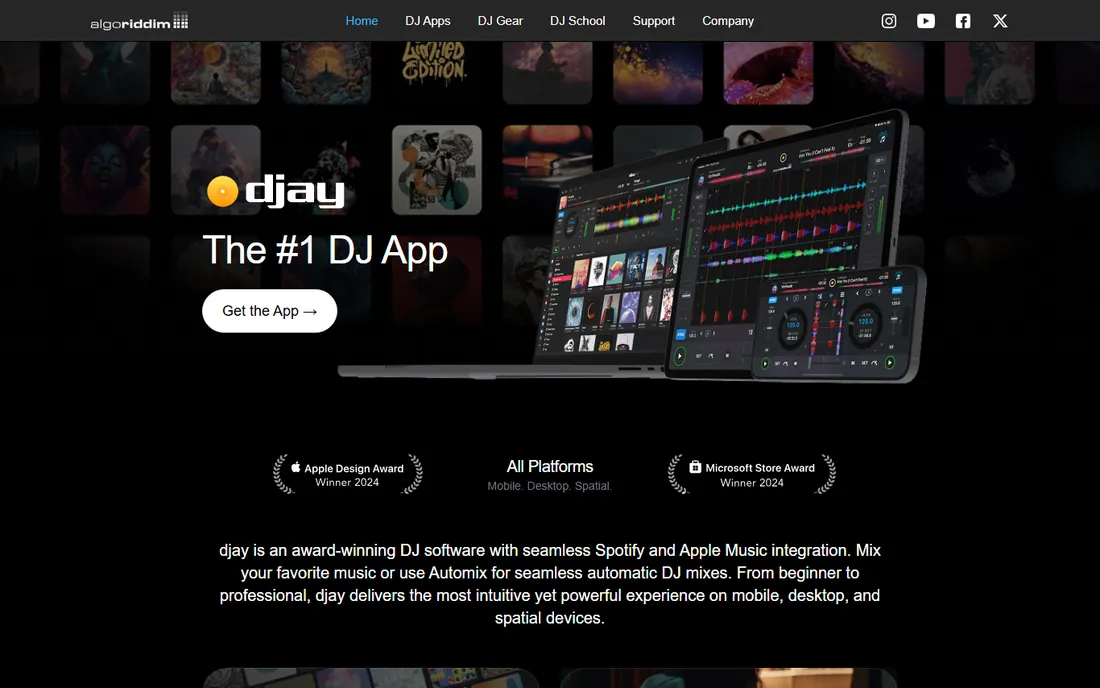
djay is the streaming-native DJ app: log into Apple Music or Spotify and mix 100 million tracks without owning a single file. The interface is the prettiest here, Neural Mix stem separation is genuinely best-in-class, and the Automix mode handles background sets on its own. The free version covers casual DJing; Pro adds the professional tools.
The subscription model annoys DJs who prefer owning software, and deep library management lags Serato. But if your music lives in streaming services and you DJ on modern controllers or even a touchscreen, djay is the future arriving early.
What we like- The best streaming integration: Apple Music, Spotify, TIDAL and SoundCloud inside the decks
- Beautiful, intuitive interface across PC, mobile and even Vision Pro
- Neural Mix stem separation sounds excellent
Watch out for- Pro features need the subscription
- Traditional DJs may find it light on library management depth
- Controller support narrower than VirtualDJ
#6
Mixxx
Best for: DJs who want powerful software that is free forever
Visit mixxx.org
Starting priceFree
Free planYes (free and open source, always)
Mixxx is the open-source conscience of DJ software: free forever, no company behind it, developed by DJs and programmers in their spare time. And it is genuinely capable: four decks, key detection, sync, effects chains, sampler, vinyl timecode control and MIDI mapping for most controllers. It just celebrated 25 years of development.
It will not dazzle you, and streaming integration does not exist. But for the DJ who wants honest software without subscriptions, upsells or accounts, Mixxx delivers a professional feature set at the only price everyone likes.
What we like- Completely free with no tiers, no ads and no catch
- BPM and key detection, four decks, effects and vinyl timecode control
- Broad controller mapping support
Watch out for- Community-developed, so new features arrive slowly
- The interface is functional rather than inspiring
- No streaming service integration
Starting priceFree (Standard); PRO 89.99 EUR one-time or 5.99 EUR/month
Free planYes
DJUCED is the teaching DJ software, built by Hercules for its controllers. The DJ Academy, beatmatch guides and intelligent track suggestions coach beginners through their first mixes, and the free Standard version includes four decks, hot cues, effects and real-time stems. PRO costs 89.99 EUR once or 5.99 EUR per month, among the cheapest upgrades here.
It is unapologetically a starter ecosystem: buy a Hercules controller, learn on DJUCED, and graduate to Serato or rekordbox later if you outgrow it. For the price of a controller, the learning path is the smoothest in DJing.
What we like- Built for learning: DJ Academy tutorials, beatmatch guides and an intelligent music assistant
- Free Standard version is genuinely usable
- PRO is cheap at 89.99 EUR one-time
Watch out for- Designed around Hercules controllers
- The ecosystem is smaller than the big three
- Advanced DJs will outgrow it
Starting priceFree
Free planYes (free download)
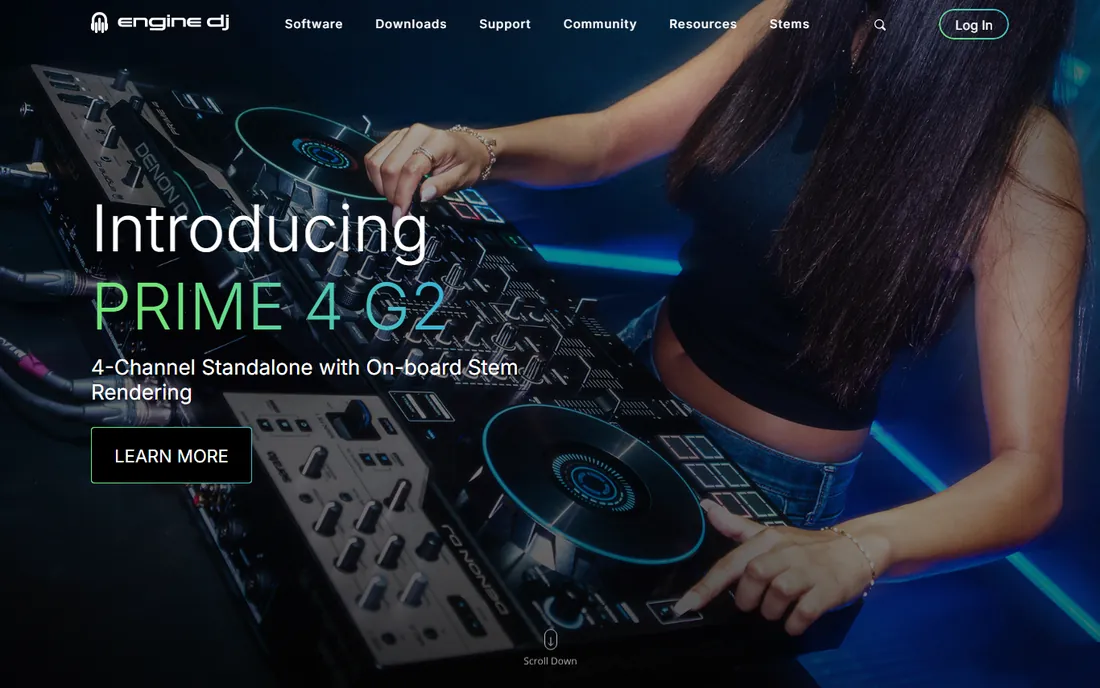
Engine DJ is Denon DJ's free ecosystem software: prepare your library on the desktop app, export to USB, and play standalone on Denon players with no laptop. Engine OS runs the hardware itself, and the new Stems feature adds vocal, melody, bass and drum separation to the Denon workflow.
Like rekordbox, it is ecosystem software: essential for Denon owners, irrelevant otherwise. The standalone philosophy (no laptop in the booth) divides DJs, but converts love it. If your gear says Denon DJ, this free download is mandatory.
What we like- Free desktop library management for Denon DJ gear
- Engine OS powers standalone players with no laptop needed
- New Engine DJ Stems bring 4-part separation to Denon hardware
Watch out for- Only meaningful with Denon DJ hardware
- The library tools trail rekordbox's maturity
- Standalone workflow suits some DJs and frustrates others
Starting priceSee website (free download to try; paid editions)
Free planFree trial
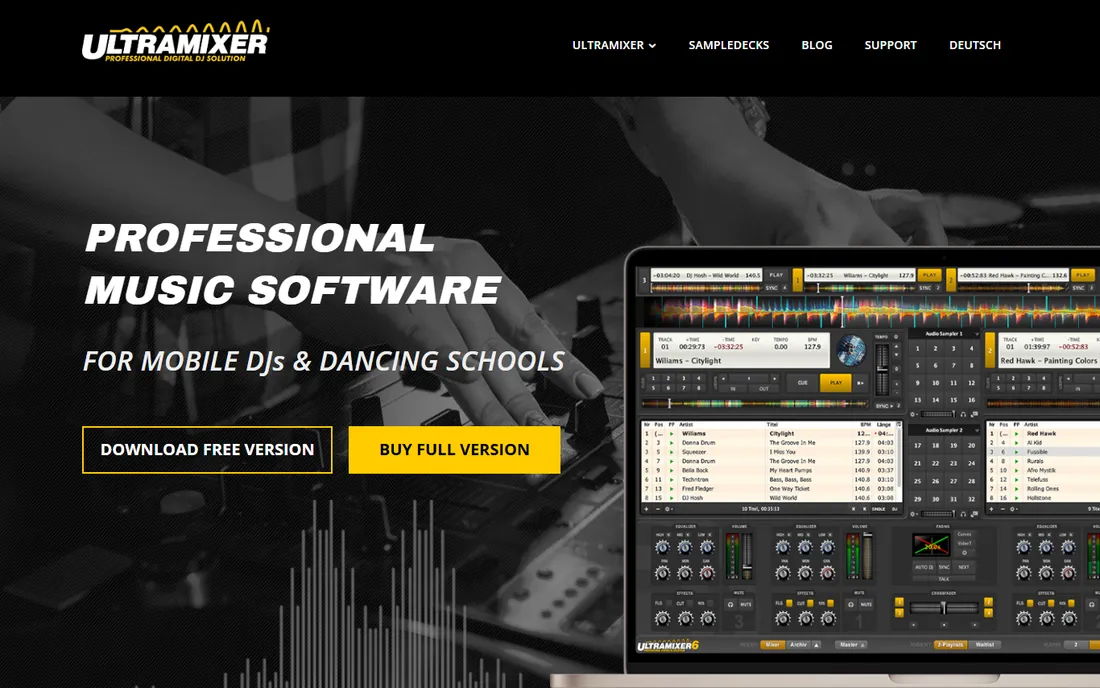
UltraMixer serves the DJs the club tools forget: wedding and mobile DJs who need video mixing, karaoke hosting, live text overlays and slideshows alongside the music. The 4-player mode lets you prep the next tracks while two play, and dance schools use its tempo tools for classes. The free download includes all features to try.
It will not win the cool factor contest, and turntablists should look elsewhere. But for the working DJ whose gig involves a projector and a microphone as often as decks, UltraMixer is purpose-built in a way the big names are not.
What we like- Built for working mobile DJs: video mixing, karaoke, live text and slideshow features
- Unique 4-player mode for preparing tracks
- Stable and long-established
Watch out for- Niche focus means less DJ-culture momentum
- The interface prioritizes function over style
- Pricing sits behind the trial
How we chose
We covered the DJ software PC users actually install: the club standards, the free giants, the open-source option, the learning-focused tools and the hardware-ecosystem apps. For each we opened the vendor's homepage, confirmed the product is current and checked pricing on the vendor's own pages. Where prices were not published we wrote "See website." Free means free: trials and feature-limited editions are labeled as such.
Match the software to your controller
Before comparing features, check the hardware support list. Controllers in the 200 to 500 dollar range usually bundle software that activates pro features: a Serato-enabled controller with Serato DJ Pro, a Pioneer controller with bundled rekordbox features, a Hercules controller with DJUCED. Buying different software than your controller was built for means remapping everything and losing screen integration.
If you have no controller yet, VirtualDJ's 300+ controller support keeps every option open, and Mixxx maps nearly anything via MIDI. Decide on the controller first when budget allows; the software decision often makes itself. And whatever you choose, learn it on the controller you will gig with, not just the keyboard.
Stems, streaming and video: the features that actually differ
Three features separate modern DJ software from the old guard. Stem separation (isolating vocals, drums, bass live) is now table stakes: VirtualDJ, djay (Neural Mix), Serato, rekordbox, DJUCED and Engine DJ all offer it, with sound quality varying. If live mashups matter to you, compare stem quality specifically.
Streaming integration matters if you do not own music: djay leads with Apple Music and Spotify, Serato and VirtualDJ cover the major services too. Note that streamed tracks usually cannot be recorded and sometimes cannot use certain features. Video and karaoke mixing belong to VirtualDJ and UltraMixer; the club tools treat video as an afterthought. Pick the software whose special strength matches your gigs.
Frequently asked questions
What is the best free DJ software for PC?
VirtualDJ (free for non-professional use) is the most capable free option, with 300+ controller support and stem separation. Mixxx is completely free and open source forever. Serato DJ Lite, rekordbox's free plan and djay's free version are excellent if you plan to stay in those ecosystems.
Do I need a controller to use DJ software?
No. All nine work with just a keyboard and mouse, which is fine for learning and preparing sets. But DJing without a controller is like typing with one finger: buy even a basic controller when you start playing for people. Software and controller bundles are the best value.
Which DJ software do clubs use?
Serato DJ Pro and rekordbox dominate club booths: Serato for turntablist and open-format DJs, rekordbox for CDJ-based setups via USB export. Traktor holds the techno underground. Learn the standard your local scene uses if you plan to play out.
Can I DJ with Spotify or Apple Music?
Yes, with caveats. djay integrates Apple Music and Spotify directly; Serato and VirtualDJ support major streaming services too. Streamed tracks generally cannot be recorded in your mixes, and you need an internet connection (or offline locker where supported). Professional DJs still buy key tracks as files.
What is stem separation in DJ software?
Real-time isolation of a track's parts (vocals, drums, bass, instruments) so you can mix them independently: acapellas over new beats, instrumental versions on demand. VirtualDJ pioneered it; djay's Neural Mix, Serato Stems, rekordbox and Engine DJ now offer their versions with varying quality.
Is VirtualDJ really free?
For non-professional, home use, yes. The moment you play paid gigs, the license requires the Pro version. It is an honest model: learn and practice free, pay when you earn.
Sources we checked (9)
- https://serato.com
- https://rekordbox.com
- https://native-instruments.com/
- https://virtualdj.com/
- https://www.algoriddim.com
- https://mixxx.org/
- https://djuced.com/
- https://enginedj.com/
- https://ultramixer.com/
Is your product missing or out of date?
We review this list regularly. Vendors can request a listing, send updated pricing or ask about featured placement.

Shihab Mia · Founder, Rankite
Shihab has spent more than a decade helping SaaS and e-commerce brands grow through search. He writes Rankite's software buying guides from pricing pages, documentation and public user reviews. More about Shihab.