How we make this list: we compare pricing pages, product documentation and public user reviews. Ratings come from G2, Capterra or Trustpilot, with the date we checked them.
Key takeaways
- Field teams need routing and mobile execution, while sales operations teams need balancing, scenario planning, and quota coverage, and few tools do both equally well.
- Badger Maps and Map My Customers fit smaller field teams that live on routes and visits, while Fullcast and Salesforce Maps fit larger organizations with complex planning needs.
- Prices range from about $1,250 per year for a single Maptive user to $75 per user per month for Salesforce Maps, before any required CRM license is counted.
- If your CRM is Salesforce, a native option removes sync work, but it also locks you into that ecosystem and its pricing.
- Clean account addresses and ownership rules matter more than map style, because every balancing result is only as good as the data behind it.
Quick comparison
| Tool | Best for | Starting price | Free plan |
|---|
 Badger Maps Badger Maps | Field reps who plan daily routes | $58 per user per month, billed annually | No |
 eSpatial eSpatial | Sales operations teams designing territories | $1,495 per year | No |
 SPOTIO SPOTIO | Field sales managers who need visit accountability | See website | No |
 Salesforce Maps Salesforce Maps | Teams already running Salesforce | $75 per user per month, billed annually | No |
 Geopointe Geopointe | Salesforce teams that need mapping inside the CRM | See website | No |
 Map My Customers Map My Customers | Small field teams focused on execution | See website | No |
 Fullcast Fullcast | Revenue operations teams planning territories, quotas, and pay | See website | No |
 Maptive Maptive | Teams that map spreadsheet data without GIS skills | $1,250 per year for one user | No |
Is your product missing or out of date?
We review this list regularly. Vendors can request a listing, send updated pricing or ask about featured placement.
The best territory management software
Territory management software turns a list of accounts into assigned, balanced areas that reps can actually work. The best choice depends on whether the daily job is driving to visits, designing fair territories once a quarter, or connecting territory changes to quotas and pay. The tools below cover all three jobs, with clear tradeoffs on price, CRM fit, and setup effort.
#1Badger Maps
Best for: Field reps who plan daily routes4.7/5 on
G2 (342 reviews, checked Oct 2026)
Visit badgermaps.com
Starting price$58 per user per month, billed annually
Free planNo
Badger Maps starts with the rep day, not the planning meeting. Reps import accounts, see them on a map, filter by last visit date or deal stage, and build an optimized route for the day. That focus explains why it suits outside sales teams that measure success in meetings held and miles driven, rather than in planning models alone.
The territory side comes through Badger Align, priced separately per territory, with lead routing, analytics, and leaderboard modules also sold as add-ons. Buyers should price the bundle they will actually use, not only the base seat. A team that needs only routing will spend far less than a team that adds every module.
What we like- Strong route optimization, mobile apps for field work, CRM integrations with Salesforce, HubSpot, and Dynamics
Watch out for- Territory features sit in add-on modules, so the full cost rises above the base plan
#2eSpatial
Best for: Sales operations teams designing territories4.3/5 on
G2 (38 reviews, checked Oct 2026)
Visit espatial.com
Starting price$1,495 per year
Free planNo
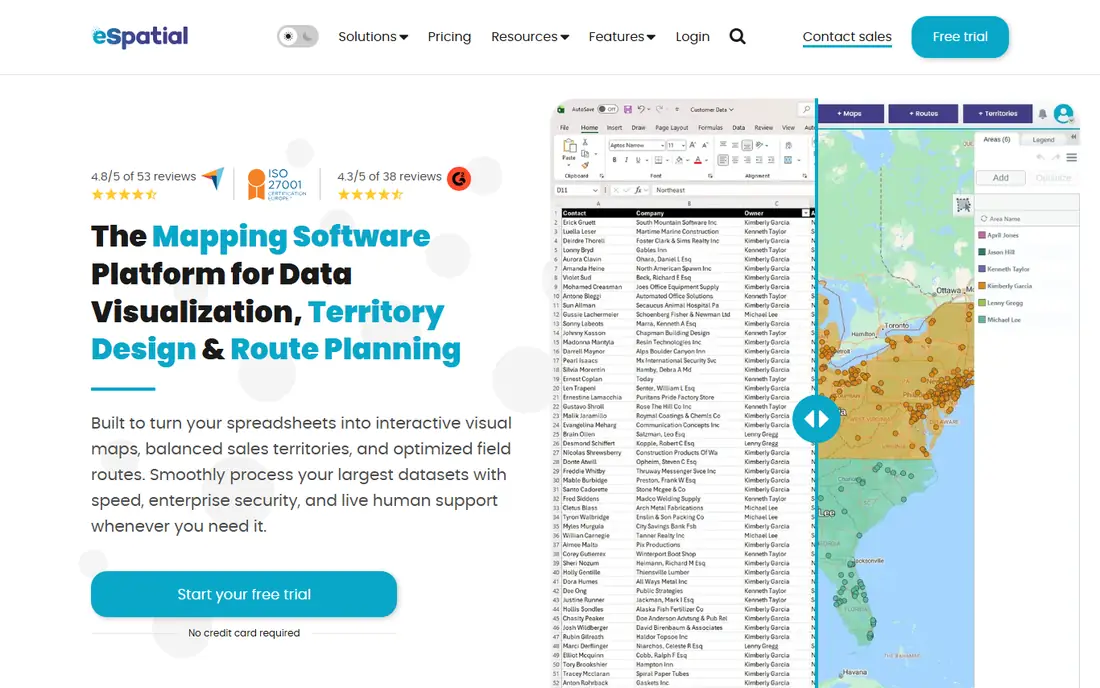
eSpatial suits a sales operations lead who needs to draw, balance, and share territories without hiring a mapping specialist. Data uploads from spreadsheets, and the map view makes coverage gaps and overloaded areas easy to spot. Filters and heat maps help explain why a boundary sits where it does, which matters when reps question a new assignment.
The tradeoff is scope. eSpatial is a planning and visualization tool first, not a daily field execution app with check-ins and coaching. Teams that also need route tracking and visit logging will pair it with another tool or choose a broader field platform instead.
What we like- Straightforward map building, heat maps, territory balancing, Salesforce connection
Watch out for- Less field execution depth than rep-focused apps, pricing is annual rather than per rep
#3SPOTIO
Best for: Field sales managers who need visit accountability4.5/5 on
G2 (400 reviews, checked Oct 2026)
Visit spotio.com
Starting priceSee website
Free planNo

SPOTIO covers the full field cycle, from territory design to the visit itself. Managers set territories, reps plan routes, and activity logs back into the system with location context. That closed loop helps leaders see coverage, not just assignments on a map.
The platform also includes an AI assistant for visit preparation and follow-up drafting, which can reduce admin time for reps who log many visits. Buyers should still confirm pricing and minimum team size early, since SPOTIO quotes by team rather than publishing a single starting price.
What we like- Territory management plus route planning, activity tracking, and CRM sync in one platform
Watch out for- Pricing is quoted rather than published, which makes quick budget comparison harder
Starting price$75 per user per month, billed annually
Free planNo
Salesforce Maps plots accounts, opportunities, and other Salesforce records directly on a map, so the map never drifts from the CRM. Reps can filter by score, revenue potential, or last contact, then build routes and schedules without exporting data. For a team that already lives in Salesforce, that native link is the main selling point.
The cost needs careful counting. Maps is an add-on, billed annually, and it sits on top of the Salesforce license itself. The Advanced plan, at $125 per user per month billed annually, adds thematic mapping and more advanced routing. Smaller teams without Salesforce should look elsewhere, since the product only makes sense inside that ecosystem.
What we like- Native Salesforce data, no sync delay, route planning and territory planning in the same CRM
Watch out for- Requires a Salesforce license, Advanced plan costs more, no free trial license is offered
Starting priceSee website
Free planNo
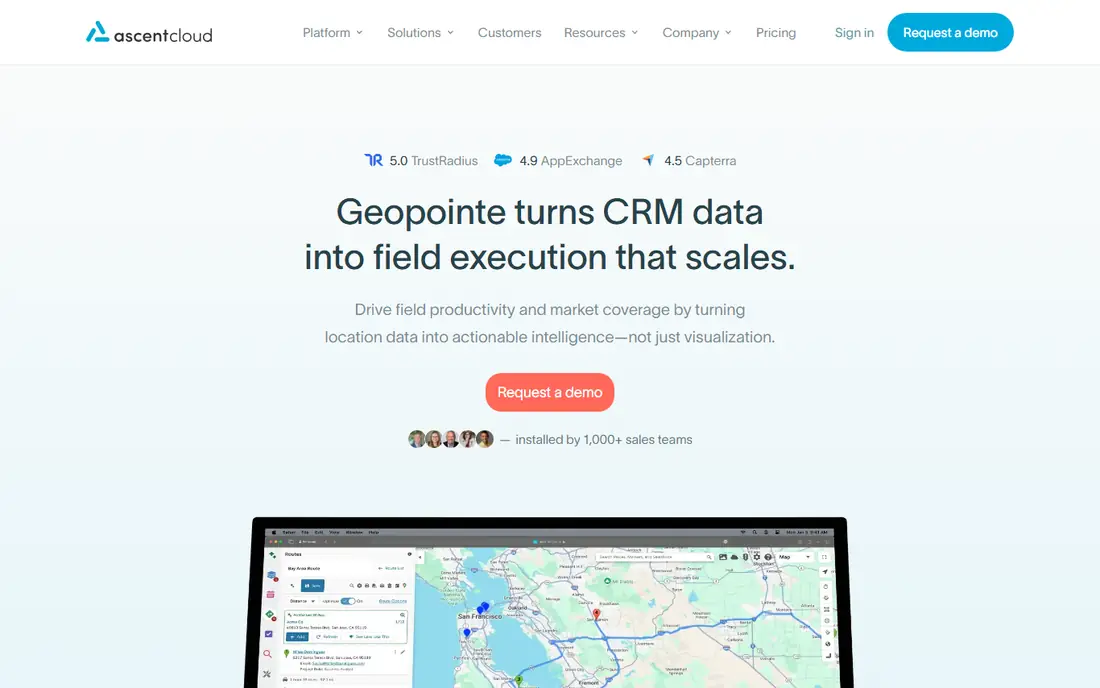
Geopointe is built for Salesforce users who want more mapping control than a basic map view gives. Assignment areas can be drawn from geographic shapes or criteria, leads and accounts can be assigned by rule, and routes can be built and optimized from the same records. Inline editing and check-ins keep field updates inside Salesforce.
That depth comes with a narrow fit. If your team does not use Salesforce, Geopointe is not an option. Salesforce teams should compare it directly with Salesforce Maps, since the two overlap on mapping and routing but differ on assignment rules, shape tools, and how each is licensed.
What we like- Deep Salesforce integration, shape editing, automated assignment, route optimization
Watch out for- Salesforce only, pricing is not published on the homepage
#6Map My Customers
Best for: Small field teams focused on execution4.5/5 on
G2 (159 reviews, checked Oct 2026)
Visit mapmycustomers.com
Starting priceSee website
Free planNo
Map My Customers positions itself around execution: territory planning, routing, and manager visibility in one place. The pitch is practical, since a territory plan only helps if reps actually follow it day to day. Activity tracking and coaching views give managers a way to see coverage without asking reps for manual reports.
The main caution is pricing transparency. Published third-party figures for this product vary, and the homepage does not state a single starting price, so the honest entry in this guide is to check the website. Teams should get a written quote for their exact team size before comparing it with per-user tools like Badger Maps.
What we like- Territory planning plus routing and activity tracking, emphasis on rep adoption
Watch out for- Pricing is not stated clearly on the homepage, so buyers must request a quote
#7Fullcast
Best for: Revenue operations teams planning territories, quotas, and pay4.3/5 on
G2 (41 reviews, checked Oct 2026)
Visit fullcast.com
Starting priceSee website
Free planNo
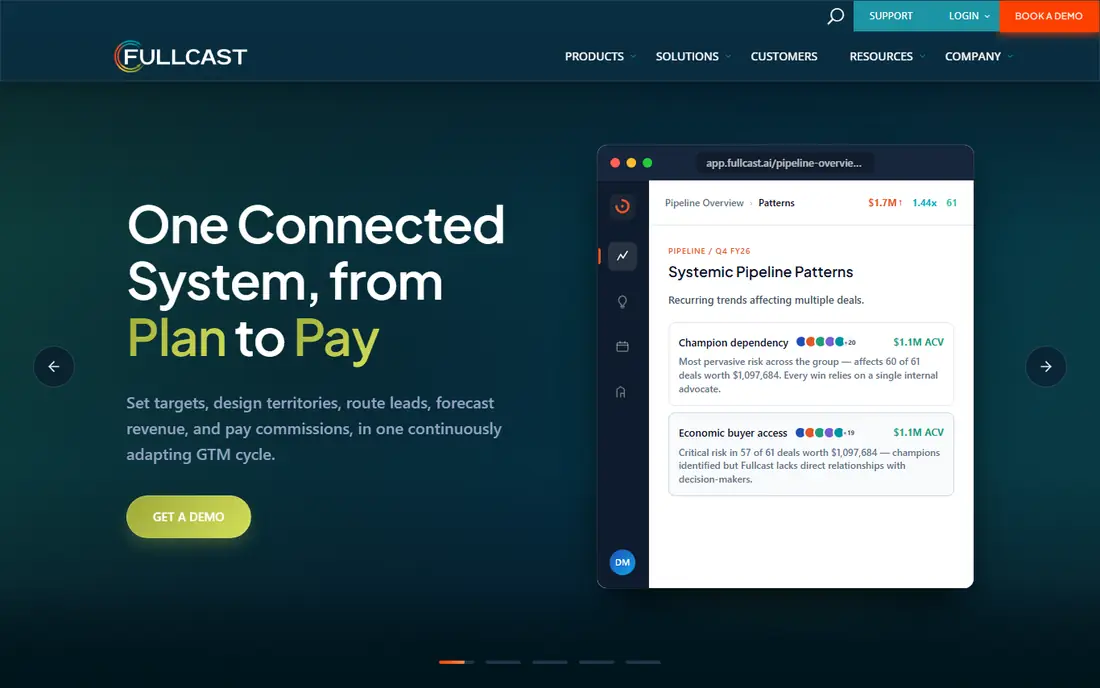
Fullcast takes a wider view than mapping alone. Territory changes flow into routing, forecast checks, and commission calculations, so a mid-year change does not need to be re-entered in three systems. That connected approach suits revenue operations teams that manage planning, pay, and forecasting together.
The tradeoff is complexity and cost. Fullcast is sold as a platform, often with services, and it fits organizations with dedicated operations staff better than a ten-person field team. Smaller teams will find faster value in a mapping or routing tool and can revisit Fullcast when quota and pay planning become the bottleneck.
What we like- Territories, quotas, routing, forecasting, and commissions on one platform
Watch out for- Enterprise scope and price, more setup than a single-purpose mapping tool
#8Maptive
Best for: Teams that map spreadsheet data without GIS skills4.7/5 on
G2 (35 reviews, checked Oct 2026)
Visit maptive.com
Starting price$1,250 per year for one user
Free planNo
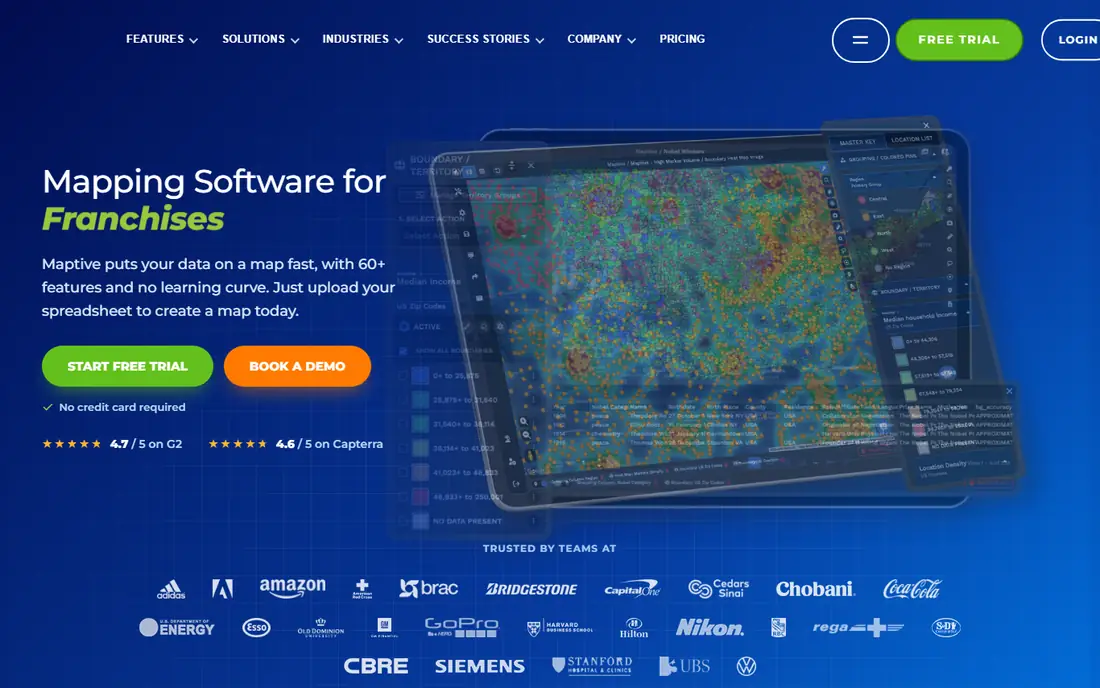
Maptive turns a spreadsheet into an interactive map in minutes, with no mapping background required. Territories can be built from states, counties, ZIP codes, or census tracts, then balanced across workload and market potential. Drive-time polygons and census demographics add context for site and coverage decisions.
Pricing is straightforward at the low end: a 45-day pass, a Pro plan for one user, and a Team plan for five users, with enterprise pricing on request. The 10-day trial gives enough time to test a real dataset, but teams that need live two-way CRM sync should check how Maptive fits their CRM before committing.
What we like- Spreadsheet upload, territory building, heat maps, demographic overlays, route optimization
Watch out for- No free plan, only a 10-day trial, and CRM links are lighter than native Salesforce tools
How we chose
We compared vendor pricing pages, product documentation, and public reviews on G2 and Capterra, and we checked each homepage to confirm the product still exists and matches the category. Tools were kept only if they cover territory design, assignment, or field execution in a current product, not only as a feature in a general CRM. Pricing shown here comes from vendor pages or, where a vendor does not publish a price, is marked as See website rather than estimated from a third party.
What to check before you buy
A good demo can hide a bad fit, so use the checklist below before signing a contract.
Start with the job, not the map
Write down the one outcome that matters most for the next two quarters. If it is more meetings per rep, prioritize routing and mobile usability. If it is fairer territories, prioritize balancing rules, scenario comparison, and change history. If it is cleaner pay and forecasting, prioritize quota and commission links.
Test with your own accounts
Load a real territory, including messy addresses, duplicate accounts, and accounts with no owner. Watch how the tool geocodes them, flags errors, and handles reassignments. A tool that looks clean on sample data can struggle on a real book of business.
Count the full cost
Add the CRM license, any required add-on, and the per-territory or per-module fees. Ask about minimum users, contract length, and what happens to your maps and history if you cancel. Annual billing can hide a large first invoice, so confirm the total for year one in writing.
Check who will maintain it
Territories change when reps join, leave, or move. Confirm who owns updates, how long a rebalance takes, and whether changes need an admin or can be made by a sales manager. A tool that only one person can operate becomes a bottleneck during planning season.
Frequently asked questions
What is territory management software?
It is software that divides accounts and geographic areas among sales reps, balances workload and opportunity, and tracks coverage over time. Some tools focus on drawing and balancing territories, while others add routing, visit tracking, and CRM updates for field teams.
Do I need territory management software if I already have a CRM?
A CRM stores accounts and owners, but it rarely balances territories or plans routes well on its own. Territory software adds map views, balancing rules, and change tracking that a standard CRM list view does not provide. Teams with simple, stable territories may manage inside a CRM, while growing or field-based teams usually outgrow that setup.
How much does territory management software cost?
Prices in this guide start at $1,250 per year for a single Maptive user and $75 per user per month for Salesforce Maps, with several tools priced by quote. Field tools often add modules for territory design, analytics, or lead routing, so buyers should price the full bundle and any required CRM license.
Which tool is best for a small field team?
Badger Maps and Map My Customers are strong starting points for small field teams, because both center on routes, visits, and manager visibility. Maptive is a good fit if the main need is mapping and balancing spreadsheet data without a large field app. The right pick depends on team size, CRM, and whether routing matters more than planning.
Can territory software work without Salesforce?
Yes. Badger Maps, eSpatial, SPOTIO, Map My Customers, and Maptive all work outside Salesforce, using spreadsheet uploads or other CRM integrations. Only Salesforce Maps and Geopointe require Salesforce, so non-Salesforce teams still have several strong options.
How often should territories be rebalanced?
Most teams review territories at least once a year, and many review them quarterly or when headcount changes. The key is to keep a record of each change, so reps and managers can see why a boundary moved and what it did to workload and opportunity.
Sources we checked (10)
- https://badgermaps.com
- https://www.espatial.com
- https://spotio.com
- https://www.salesforce.com/sales/mapping-software/
- https://geopointe.com
- https://mapmycustomers.com
- https://fullcast.com
- https://maptive.com
- https://prospeo.io/s/territory-management-software
- https://spotio.com/blog/sales-location-analytics-tools/
Is your product missing or out of date?
We review this list regularly. Vendors can request a listing, send updated pricing or ask about featured placement.

Shihab Mia · Founder, Rankite
Shihab has 5+ years in B2B and SaaS SEO. He writes Rankite's software buying guides from pricing pages, documentation and public user reviews. More about Shihab.