How we make this list: we compare pricing pages, product documentation and public user reviews. Ratings come from G2, Capterra or Trustpilot, with the date we checked them.
Key takeaways
- Monday.com and ClickUp are the most popular all-in-one platforms where CRM and projects share one workspace.
- HubSpot and Zoho give you genuine free CRM plans that small teams can start on without paying.
- Copper and Insightly are the CRM-first picks, one built for Google Workspace, the other with native project delivery.
- Teamwork and Bitrix24 fit client-services teams and budget buyers who care about projects and margins, not just pipelines.
- Every paid plan here is per user, except Bitrix24, which uses flat-fee pricing, so cost math depends on headcount.
Quick comparison
| Tool | Best for | Starting price | Free plan |
|---|
 Monday.com Monday.com | CRM and projects on one visual platform | See website | Yes |
 ClickUp ClickUp | Teams replacing several apps with one workspace | See website | Yes |
 HubSpot HubSpot | Growing teams starting with a free CRM | See website | Yes |
 Zoho Zoho | Affordable CRM with projects in the same ecosystem | $14/user/month (billed annually) | Yes |
 Insightly Insightly | SMBs running sales and delivery in one system | See website | Free trial |
 Copper Copper | Google Workspace teams that live in Gmail | See website | Free trial |
 Teamwork Teamwork | Client-services teams tracking projects to profit | See website | Free trial |
 Bitrix24 Bitrix24 | Budget teams wanting CRM and PM free or flat-fee | See website | Yes |
Is your product missing or out of date?
We review this list regularly. Vendors can request a listing, send updated pricing or ask about featured placement.
The best CRM and project management software
Your sales manager keeps deals in a spreadsheet. Your delivery team tracks tasks in a different tool. The handoff between "deal won" and "work started" happens in a hallway conversation, and clients feel every gap. That is the exact pain this category exists to fix: software where the CRM and the project management live together, so a won deal becomes a project automatically and everyone works from the same record.
The eight tools below take different paths to that goal. Some started as project platforms and added CRM. Others started as CRMs and added project delivery. A few were built as one workspace from the beginning. Your choice comes down to which side of the business your team lives in most.
Starting priceSee website
Free planYes
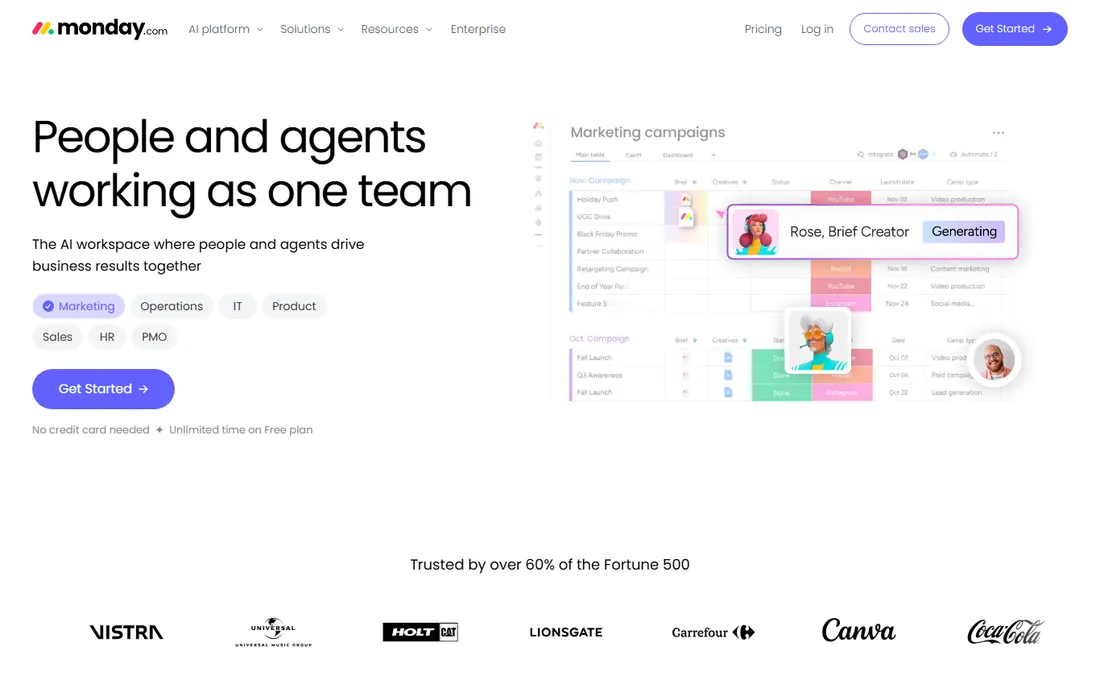
Monday.com has repositioned itself as an AI work platform where people and AI agents share one workspace, but the core appeal for a small or mid-size business is unchanged: one flexible platform where your sales pipeline, client projects, and internal work all live on visual boards. Monday CRM sits alongside work management, service, and dev products on the same foundation, with AI agents that can score deals, draft follow-ups, and track projects. Over 250,000 customers and adoption by most of the Fortune 500 give it real gravity.
The honest catch is pricing structure. The free plan is real and has no time limit, but as seats grow and you add CRM, automations, and integrations, the per-user bills stack up across products. Monday.com fits teams that want one polished, highly visual system for selling and delivering, and that will invest in setting up the boards and automations that make it sing.
What we like- Work management and monday CRM run on the same platform with one AI layer
- Very flexible boards and automations
- Genuinely useful free plan with unlimited time
Watch out for- Costs climb as you add seats and products
- Deep customization can turn into admin overhead
#2
ClickUp
Best for: Teams replacing several apps with one workspace
Visit clickup.com
Starting priceSee website
Free planYes
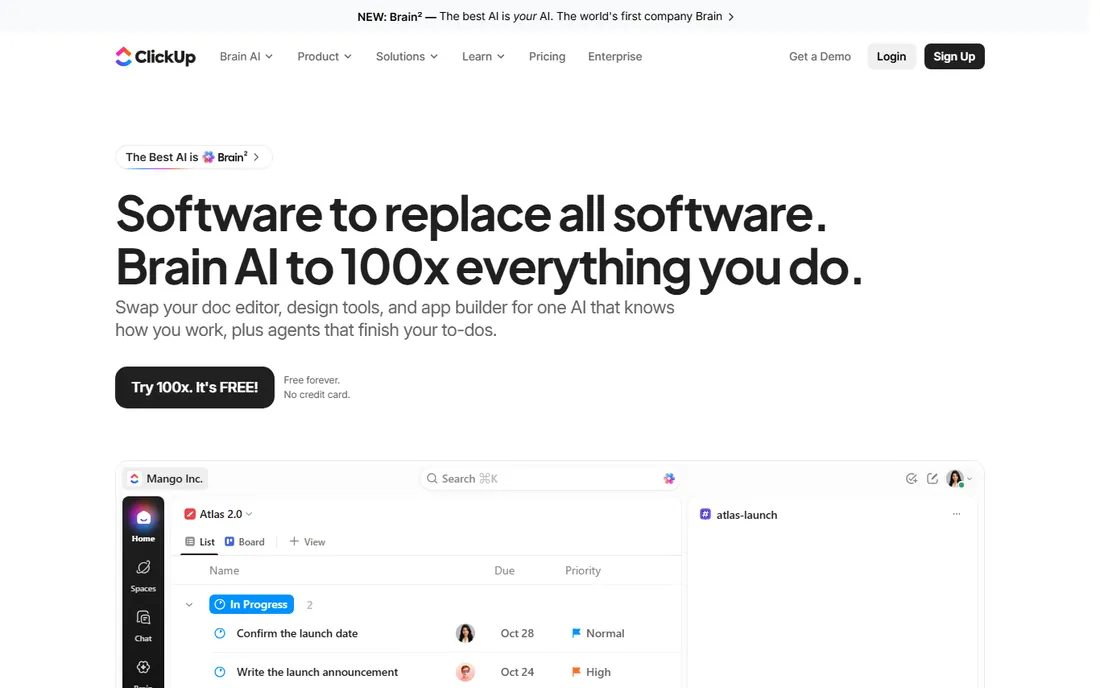
ClickUp's whole pitch is convergence: projects, docs, chat, whiteboards, and now AI through Brain, all in one place so teams stop paying for five tools. For a business that wants CRM and project management together, that means building pipelines as customizable lists with automations, while running the actual delivery work in the same workspace. The free-forever plan with no credit card required makes it genuinely low-risk to try, and the platform's 4.7-star G2 rating across tens of thousands of users suggests the sprawling feature set lands for many teams.
The catch is that sprawl itself. ClickUp's CRM capabilities come from customization of its task system rather than a purpose-built sales engine, so sales-heavy teams may find dedicated CRMs like HubSpot or Copper more natural. It fits teams that want everything in one workspace and are willing to configure it, with project work as the center of gravity.
What we like- One workspace for projects, docs, chat, and CRM-style pipelines
- Generous free-forever plan
- 100-plus products aimed at replacing fragmented software
Watch out for- Feature density can overwhelm new teams
- The CRM side is customizable rather than deeply sales-specific out of the box
Starting priceSee website
Free planYes
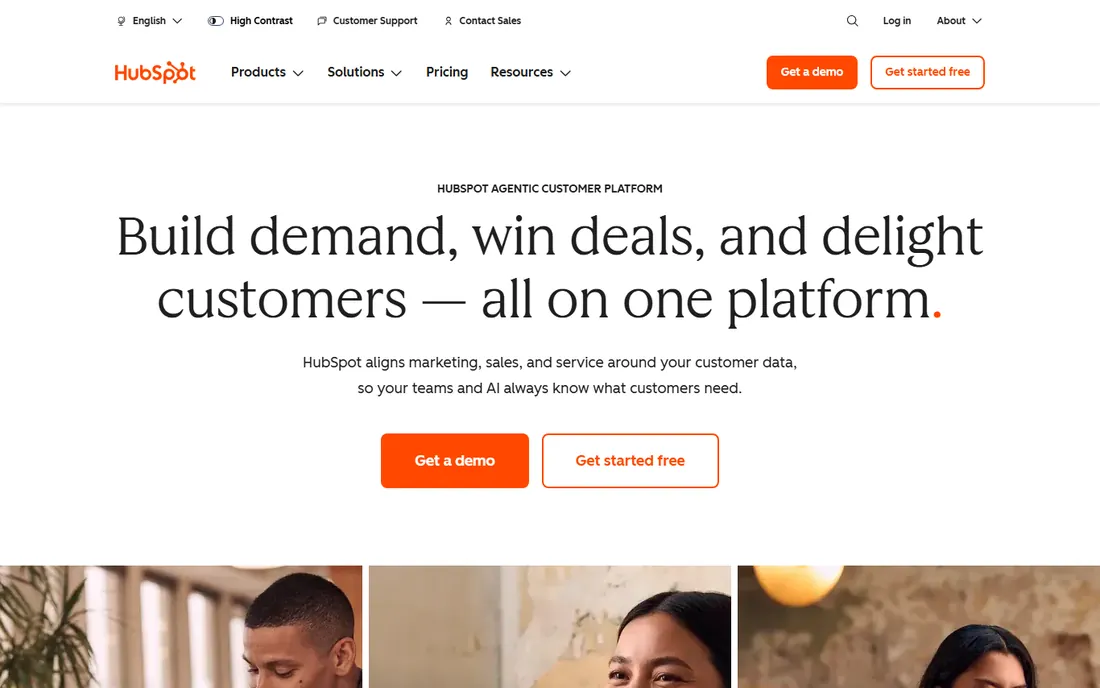
HubSpot built its empire on the free CRM, and for a small business that needs customer management plus project coordination, the entry point is unbeatable: real contact and pipeline management for free, with marketing, sales, service, and content hubs you can add as you grow. The platform has evolved into an agentic customer platform with AI agents for support and sales, but the fundamentals are what matter here: clean data model, easy adoption, and an enormous integration ecosystem that connects project tools to the customer record.
The honest catch is the price ladder. Free is genuinely useful, but the jump to paid tiers, especially for sales features like sequences and workflow automation, is steep, and the platform never set out to be project management software. HubSpot fits businesses where the customer record is the center of the universe and project delivery can be handled alongside it, usually through integrated PM tools.
What we like- Free Smart CRM is one of the best entry points in software
- Marketing, sales, service, and content hubs grow with you
- 306,000-plus customers
Watch out for- Paid tiers get expensive quickly, especially Sales Hub Professional
- Projects capability comes via integrations rather than native depth
#4
Zoho
Best for: Affordable CRM with projects in the same ecosystem
Visit zoho.com
Starting price$14/user/month (billed annually)
Free planYes
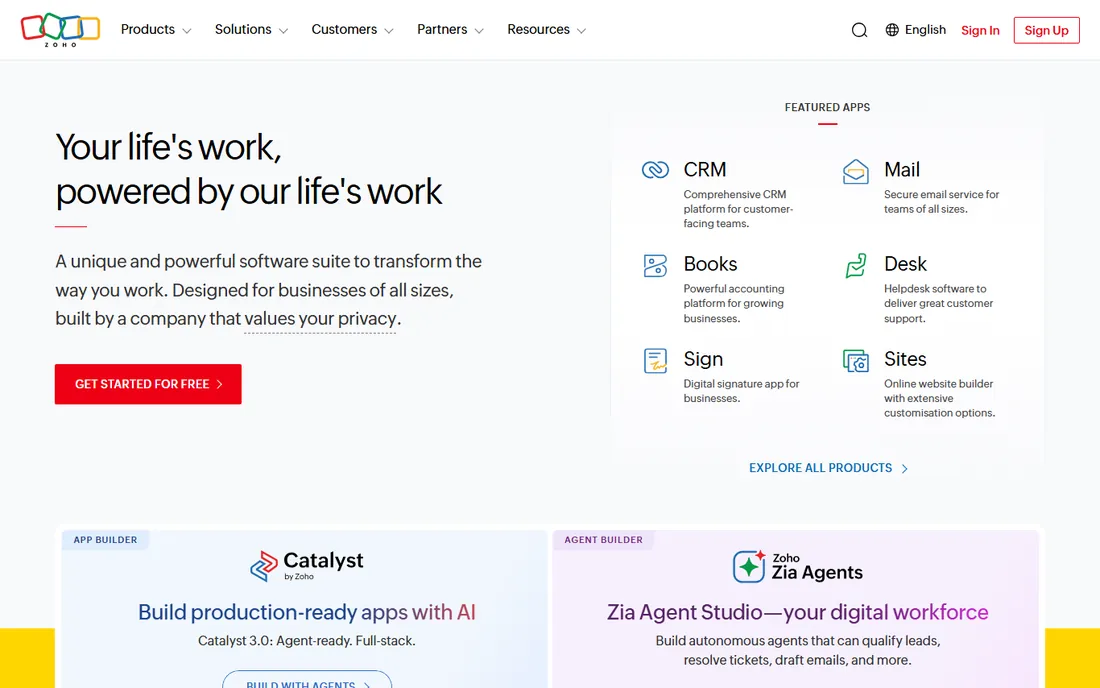
Zoho is the value answer in business software, and the CRM-plus-projects story is no exception. Zoho CRM has a genuine free plan for up to 3 users, and the Standard paid tier starts at $14 per user per month billed annually, a fraction of what most competitors charge. Zoho Projects handles the delivery side, and Zoho One bundles 50-plus applications, including both, into one subscription. With 150 million users globally, this is not a bargain compromise; it is one of the largest software ecosystems on the planet.
The catch is the ecosystem tax: the breadth means more setup decisions, a less polished interface than the design-first players, and features spread across products and tiers that take time to map. Zoho fits budget-conscious small and mid-size businesses that want CRM and project management from one vendor at a fraction of the usual cost, and that do not mind trading some polish for price.
What we like- Free CRM for up to 3 users and paid plans from $14 a seat
- 50-plus apps including Zoho Projects share one login
- Privately held with a customer-first pricing philosophy
Watch out for- Interface and setup complexity reflect the breadth of the suite
- Advanced features are fragmented across products and tiers
Starting priceSee website
Free planFree trial
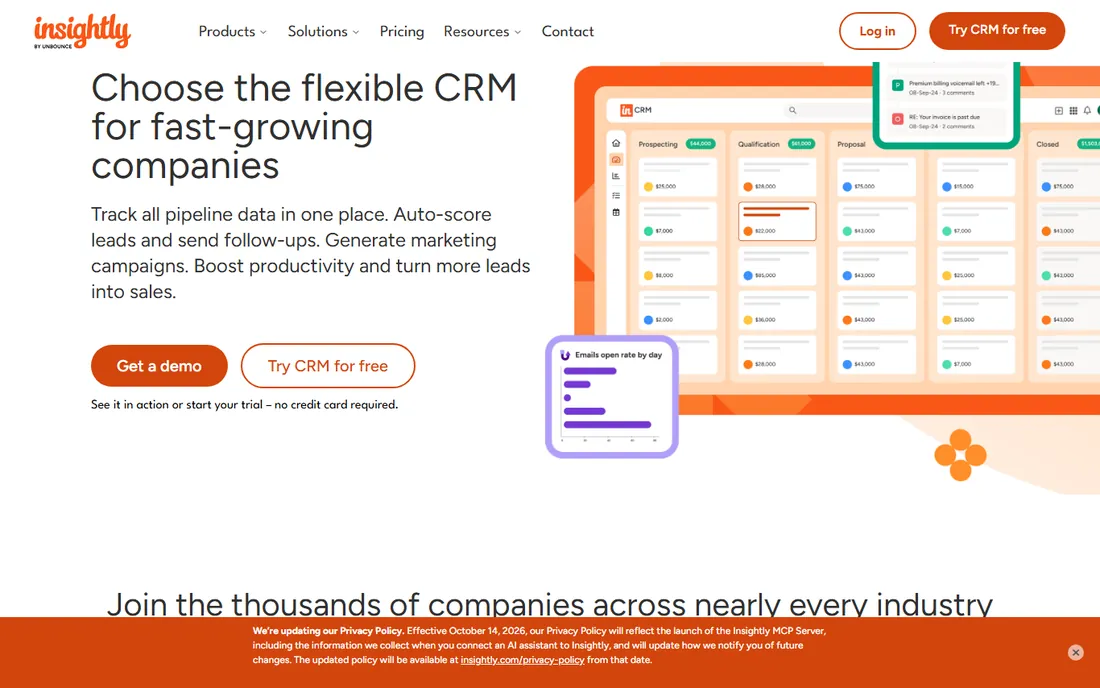
Insightly is the closest thing to a true CRM-and-project-management hybrid in this list: it was built for small and mid-size businesses that sell work and then deliver it, with pipeline management, project tracking, Gantt charts, marketing automation, and support ticketing in one platform. The CRM includes workflow automation and AppConnect integrations with 2,000-plus apps, and the 2025 launch of Copilot added AI assistance for adding records, summarizing contacts and deals, and drafting replies. It serves more than 1.5 million users and is consistently rated among the best CRMs for its size class.
The honest catch is the acquisition: Unbounce bought Insightly in 2024, and platform purchases always raise questions about long-term direction. There is also no permanent free plan, just a trial. Insightly fits SMBs that want sales and delivery in a single purpose-built system rather than a project tool with CRM bolted on or a CRM with projects bolted on.
What we like- CRM built with project delivery in mind, not as an afterthought
- Marketing automation and support ticketing included
- AI Copilot features for workflow speed
Watch out for- No permanent free plan, trial only
- Acquired by Unbounce in 2024, which adds roadmap uncertainty
Starting priceSee website
Free planFree trial
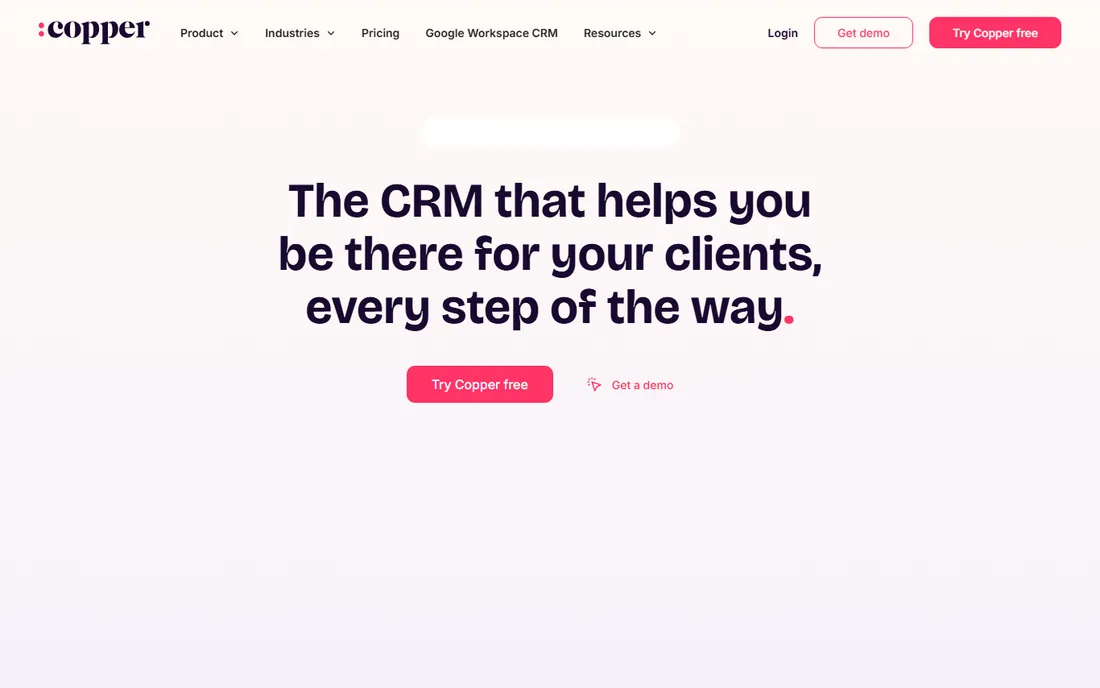
Copper takes the opposite approach from most CRMs: instead of making you live in the CRM, it lives where you already work. Built for Google Workspace, Copper embeds in Gmail so emails, calendar events, and files attach themselves to contacts and deals automatically. The project side is a natural extension: kick off a project directly from a closed opportunity, and the whole team works in the same tool without handoff documents. For service businesses that run on email, the "almost no setup time" claim is real.
The catch is the ecosystem bet. If your company runs on Microsoft 365, Copper's best feature is neutralized, and there is no permanent free plan, just a 14-day trial. Copper fits Google Workspace small businesses that want a CRM their team will actually use because it lives in Gmail, with enough project capability to carry delivery through.
What we like- Lives inside Gmail and Google Workspace, so adoption is nearly automatic
- Projects can start directly from won deals
- Trusted by 30,000-plus companies
Watch out for- 14-day trial, no permanent free plan
- Google-centric design is a weakness for Microsoft 365 shops
Starting priceSee website
Free planFree trial
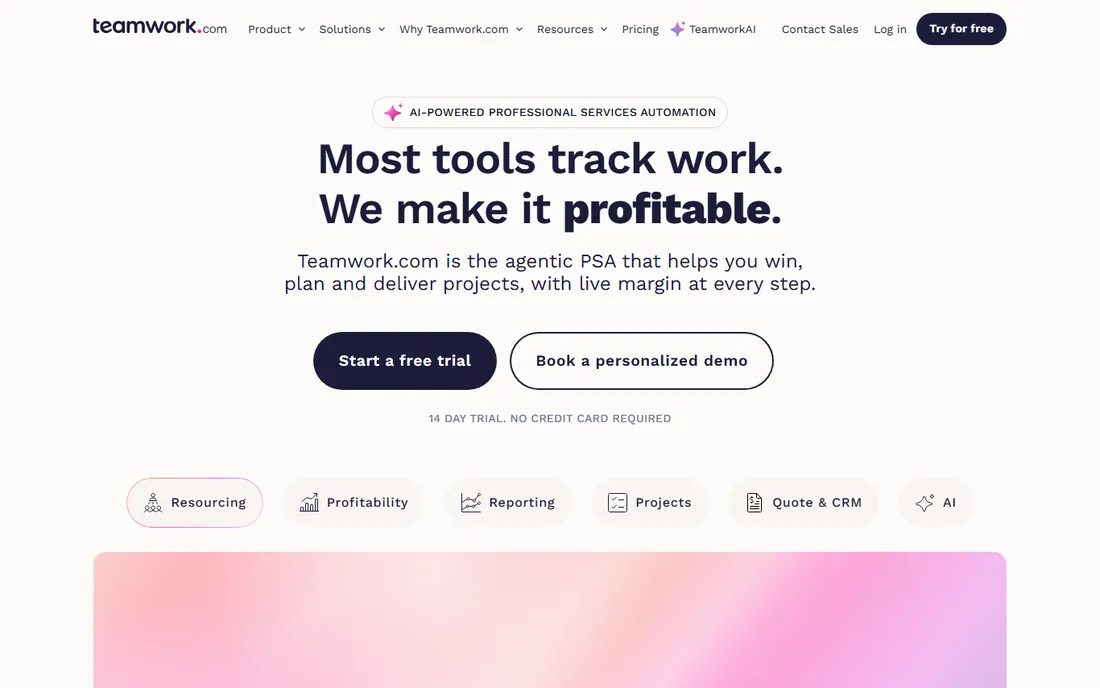
Teamwork.com has repositioned as an AI-powered professional services automation platform, and that framing tells you exactly who it serves: agencies, consultancies, and IT services firms that need projects to be profitable, not just completed. Resource scheduling, real cost rates per person, live margin on every project, quote-to-invoice workflows, and utilization tracking are native, while Teamwork CRM covers the sales pipeline. AI agents are even costed into project margin alongside human hours. It is trusted by more than 20,000 firms worldwide.
The catch is fit: this is a services-business platform, and product companies will find much of the profitability machinery irrelevant. The free trial runs 14 days with no credit card required, but there is no free-forever tier. Teamwork fits client-services teams that want CRM and projects unified around the thing they actually care about: margin per project.
What we like- Project management with native profitability, resourcing, and billing views
- Teamwork CRM covers the sales side
- 20,000-plus firms and strong agency adoption
Watch out for- 14-day trial, no permanent free plan
- Positioned toward agencies and professional services, less of a fit for product businesses
Starting priceSee website
Free planYes
Bitrix24 is the wildcard that keeps winning on price. The free plan covers unlimited users, which no other tool in this list does, and paid plans charge a flat fee instead of per-user pricing, so a 30-person team pays the same as a 10-person team. What you get is genuinely everything: CRM with pipelines, task and project management with Kanban and Gantt, chat and video calls, online docs, HR tools, email marketing, and even AI agents. More than 15 million organizations use it.
The catch is the experience. The interface is famously dense, the product reflects its Eastern European roots in both design and support expectations, and the sheer breadth means setup takes effort. Bitrix24 fits small businesses with big teams and small budgets that want CRM and project management in one place and are willing to climb the learning curve in exchange for free or flat-fee pricing.
What we like- Free forever for unlimited users
- Flat-fee paid plans with no per-user pricing
- CRM, tasks, chat, video calls, HR, and marketing in one workspace
Watch out for- Interface feels dense and less polished than Western competitors
- Support quality is a common user complaint
How we chose
We started with the platforms that appear most often in CRM-plus-project-management buyer discussions in 2026, across G2 and Capterra rankings, review roundups, and business software communities, then narrowed to eight that genuinely combine customer management and project delivery rather than just integrating two products. For each tool we opened the vendor's own homepage and current product documentation, checked pricing and free-plan claims against the vendor's own pages, and read public user feedback on G2, Capterra, and Reddit. We present per-user prices only where vendor pages confirm them, and mark everything else as See website. We did not run hands-on trials; our assessments come from vendor materials and verified public sources.
CRM-first or project-first? Pick your center of gravity
The tools in this list divide into two camps, and knowing which camp you belong to saves you a failed implementation.
If you live in the pipeline, buy CRM-first
HubSpot, Copper, Insightly, and Zoho CRM started with customer relationships and added delivery. Their data models revolve around contacts, companies, and deals, and projects exist to fulfill what sales promised. If your team thinks in terms of leads, pipeline stages, and follow-ups, these will feel natural, and the project features will cover delivery without winning any PM awards.
If you live in the work, buy project-first
Monday.com, ClickUp, and Teamwork started with work management and added CRM. Their data models revolve around tasks, boards, and timelines, and the CRM exists to feed the machine with deals to deliver. If your team thinks in terms of projects, sprints, and milestones, these will feel natural, and the CRM features will cover pipeline basics.
Bitrix24 is its own category
It is both and neither, a full business suite where CRM and projects are two modules among many. Buy it when budget and breadth matter more than elegance on either side.
The honest test: ask your team where they spend their day. Buy the tool that matches the answer, because the side they do not live in will always feel like the weaker half.
Companies usually arrive at this category after getting burned: they bought a CRM, then a project tool, paid for both, and now pay a third party to sync them. The trap repeats because teams evaluate CRM and PM separately, with different people running each evaluation, and each group picks its own best-in-class tool. Six months later they discover the integration syncs contacts but not deal stages, and the "single source of truth" is two sources arguing. If you are evaluating a combined platform, evaluate it as one decision with one budget and one owner, and make the sales-to-delivery handoff a scored demo criterion, not an assumption.
Frequently asked questions
Can one tool really replace both a CRM and a project management app?
For small and mid-size teams, yes. The tools here were built for exactly that: a won deal flows into project delivery without re-entry or sync tools. The trade-off is depth: a combined platform will not match Salesforce on the CRM side or a dedicated PSA on the project side. Teams with complex needs on one side should keep a best-in-class tool there and integrate.
Which of these are actually free?
Monday.com, ClickUp, HubSpot, Zoho (up to 3 users), and Bitrix24 (unlimited users) all have permanent free plans. Insightly, Copper, and Teamwork offer trials only. Free plans are real but limited: expect caps on users, records, or features, and plan on which paid tier you would grow into.
How much should a small business budget for CRM plus project management?
Per-user tools in this category typically run $14 to $30 per user per month at entry-level paid tiers, billed annually, so a 10-person team should expect roughly $1,700 to $3,600 per year. Bitrix24's flat-fee plans break that math in your favor as headcount grows. Always price the full team, not the sales team, since everyone needs access.
Is it better to integrate a CRM with a separate PM tool?
Integration makes sense when one side of your business is genuinely complex: a Salesforce-to-Asana setup serves sales teams that need real CRM depth. For most small businesses, the integration tax, syncing, duplicate data, two admin consoles, two bills, outweighs the feature gains. Buy combined unless you can name the specific feature your combined platform lacks.
What should we demo before buying?
Run your real sales-to-delivery handoff as the demo script: create a lead, move it through the pipeline, mark it won, and watch it become a project with tasks, owners, and deadlines. Test the mobile app, the reporting, and the permissions model. If the vendor demos with their data instead of yours, insist on a trial with your actual pipeline.
Do these tools work for agencies and client-services businesses?
Teamwork was built for exactly that, with profitability and resourcing as native concepts. Monday.com, ClickUp, and Bitrix24 also serve agencies well through flexible projects and client views. Pure CRMs like Copper fit agencies whose work is relationship-heavy. The key requirement is tracking work per client with time and margin, so make that part of your evaluation.
Sources we checked (11)
- https://monday.com/
- https://clickup.com/
- https://hubspot.com/
- https://zoho.com
- https://www.aeadsmarketing.com/blog/zoho-crm-pricing-in-dubai-subscription-setup-customization-costs
- https://ecommerceparadise.com/zohocrm-pricing/
- https://projectmanagers.net/the-pros-and-cons-of-using-zoho-crm-software/
- https://insightly.com/
- https://copper.com
- https://teamwork.com/
- https://bitrix24.com/
Is your product missing or out of date?
We review this list regularly. Vendors can request a listing, send updated pricing or ask about featured placement.

Shihab Mia · Founder, Rankite
Shihab has 5+ years in B2B and SaaS SEO. He writes Rankite's software buying guides from pricing pages, documentation and public user reviews. More about Shihab.