How we make this list: we compare pricing pages, product documentation and public user reviews. Rankite is independent; if a vendor ever pays for a featured spot, that listing is clearly labeled Partner.
Key takeaways
- HubSpot's free CRM is the best starting point, with paid Sales Hub plans from about $15 per seat per month.
- Pipedrive at $14 per user per month is the simplest pipeline for deal-focused teams.
- Zoho CRM and Freshsales both offer free plans for small teams, with paid tiers from $9 to $14 per user.
- Salesforce Starter at $25 per user suits businesses planning to scale; Keap at $249 per month suits businesses wanting CRM plus marketing automation.
- The expensive mistake is buying automation you never configure; start with the pipeline, add scoring and sequences later.
Quick comparison
| Tool | Best for | Starting price | Free plan |
|---|
 HubSpot HubSpot | teams wanting a free CRM that scales | Free | Yes |
 Salesforce Salesforce | companies planning to scale past 50 people | $25 per user/month | Free trial |
 Pipedrive Pipedrive | sales teams that live in the pipeline | $14 per user/month | Free trial (14 days) |
 Zoho CRM Zoho CRM | maximum CRM depth per dollar | $14 per user/month | Yes |
 Freshsales Freshsales | teams wanting calling and email built in | $9 per user/month | Yes |
 Keap Keap | small businesses wanting CRM plus marketing automation | $249 per month | Free trial (14 days) |
 Close Close | outbound teams living on the phone | See website | Free trial |
 Copper Copper | teams that live in Gmail | $9 per seat/month | Free trial |
Is your product missing or out of date?
We review this list regularly. Vendors can request a listing, send updated pricing or ask about featured placement.
The best CRM lead management software
Starting priceFree
Free planYes
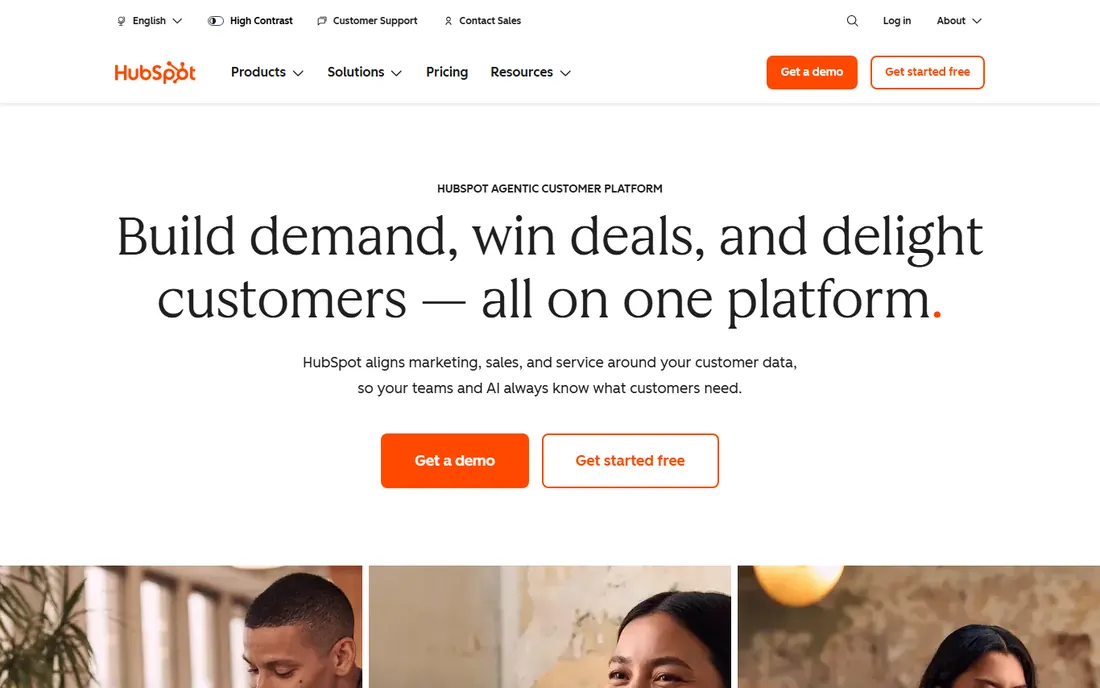
HubSpot is the default recommendation for lead management because the free tier is genuinely useful. Unlimited users, contact records, deal pipelines, forms, email tracking, and basic automation cost nothing, so a small team can run its entire lead process on HubSpot for a year or more before paying. Leads captured from the website flow into lifecycle stages that keep marketing and sales looking at the same record.
The paid path starts with Sales Hub Starter around $15 per seat per month, adding sequences and removing branding. The catch arrives at Professional: workflows, lead scoring, and custom reporting live there at roughly $90 per seat per month plus a $1,500 onboarding fee. That step is steep, so plan for it before building processes around features you cannot yet afford.
For lead management specifically, HubSpot's strength is the unified funnel: marketing captures, sales works, and the handoff happens in one system. If your lead process spans both teams, that integration is worth more than any single feature.
What we like- Generous free CRM with unlimited users
- Lead capture from forms, chat, and email built in
- Marketing and sales share one contact record
Watch out for- Real automation lives in expensive Professional tiers
- Costs climb fast with seats and marketing contacts
Starting price$25 per user/month
Free planFree trial
Salesforce's Starter Suite at $25 per user per month already includes lead routing, lead scoring, and duplicate blocking, which covers the core lead management job. Higher tiers add Flow Builder automation, approval processes, and territory management for complex sales organizations. For companies that will grow into Salesforce eventually, starting here avoids a painful migration later.
The tradeoff is the well-known one: Salesforce rewards configuration and punishes neglect. Without admin time and training, teams get an expensive database nobody updates. The total cost typically runs two to three times the license fee once implementation and administration are counted.
Buy Salesforce for lead management when your process has real complexity: multiple teams, lead assignment rules, approval chains, or integrations across the business. For a five-person team with a simple pipeline, it is more platform than you need.
What we like- Deepest lead routing, scoring, and assignment rules
- Massive AppExchange ecosystem
- Scales from startup to enterprise
Watch out for- Implementation needs real admin investment
- Overkill for simple pipelines
Starting price$14 per user/month
Free planFree trial (14 days)
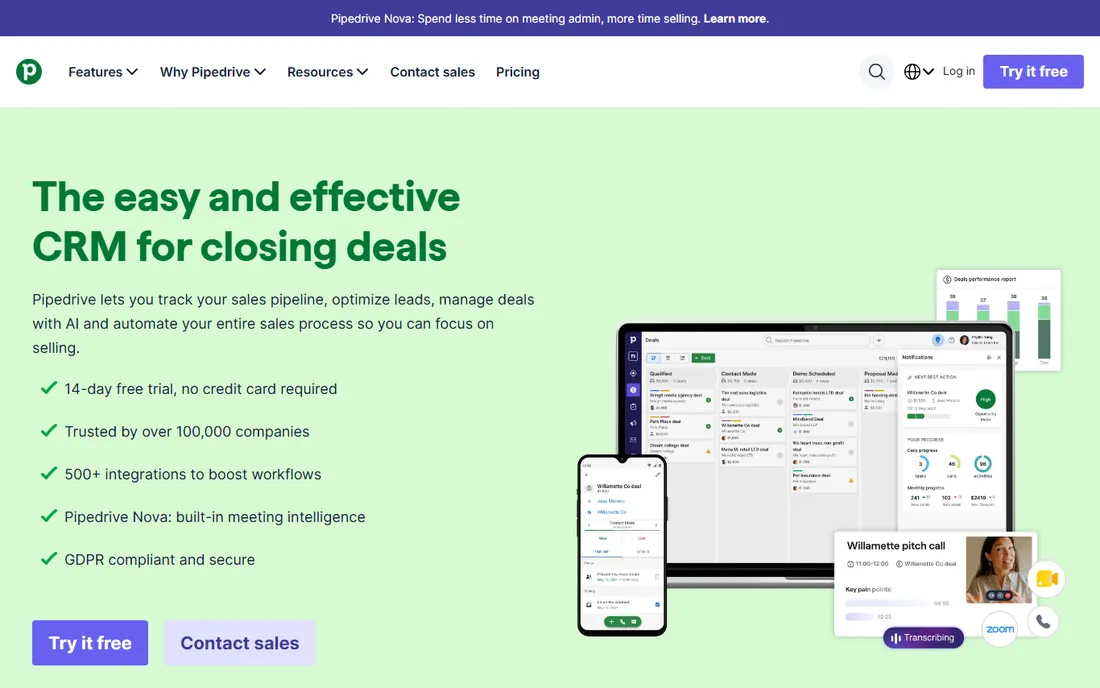
Pipedrive is the pipeline purist's CRM. Deals move through visual stages, activities and reminders keep follow-ups on track, and the interface is designed so reps see exactly what needs attention. For lead management, that focus is the point: leads enter, get worked, and convert or drop, all visible in one view.
The Essential plan at $14 per user per month billed annually covers the core, with higher tiers adding automation, email sync, and AI features. Setup takes hours, and the 14-day trial needs no credit card. Teams that hated their last CRM usually love Pipedrive because it asks so little of them.
The limitation is breadth. Pipedrive manages the sales motion well but leans on add-ons and integrations for marketing automation, so lead nurturing beyond the pipeline needs another tool. For deal-focused teams that want the simplest workable CRM, that focus is a feature.
What we like- Visual pipeline reps adopt without training
- AI-assisted productivity features
- Fast setup with minimal administration
Watch out for- No free plan
- Marketing automation is an add-on, not built in
Starting price$14 per user/month
Free planYes
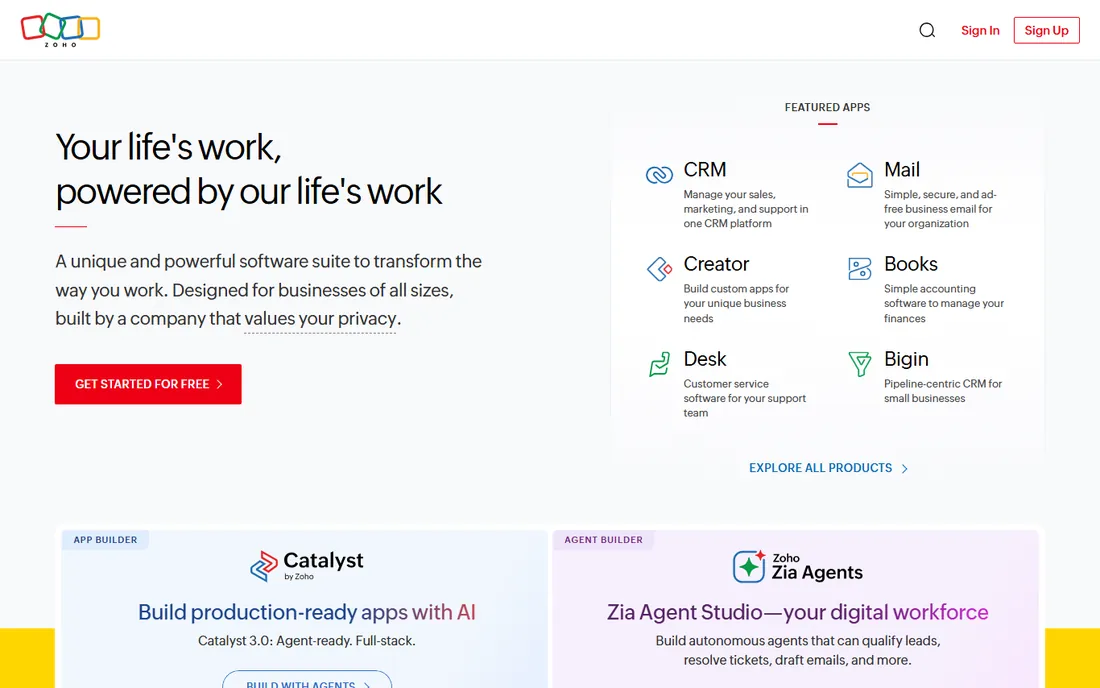
Zoho CRM is the value champion for lead management. The Standard plan at $14 per user per month billed annually includes workflow automation, lead scoring, multichannel communication, and customization that costs two to three times more elsewhere. A free plan covers up to three users, enough for a founder-led sales operation.
Lead management features are genuinely deep: web forms capture leads automatically, assignment rules route them, scoring prioritizes them, and automation nurtures them. The 800-plus integrations connect to most marketing tools, and Zoho One bundles the wider app suite cheaply for growing companies.
The interface carries the cost of that breadth: more modules, more settings, more learning curve than Pipedrive or HubSpot. Teams that invest the setup time get enterprise-grade lead management at SMB prices. Teams that want the simplest thing that works should look elsewhere.
What we like- Free plan for 3 users
- Standard at $14 includes automation competitors charge more for
- 800-plus integrations
Watch out for- Busier interface with a learning curve
- Best value requires annual billing
Starting price$9 per user/month
Free planYes
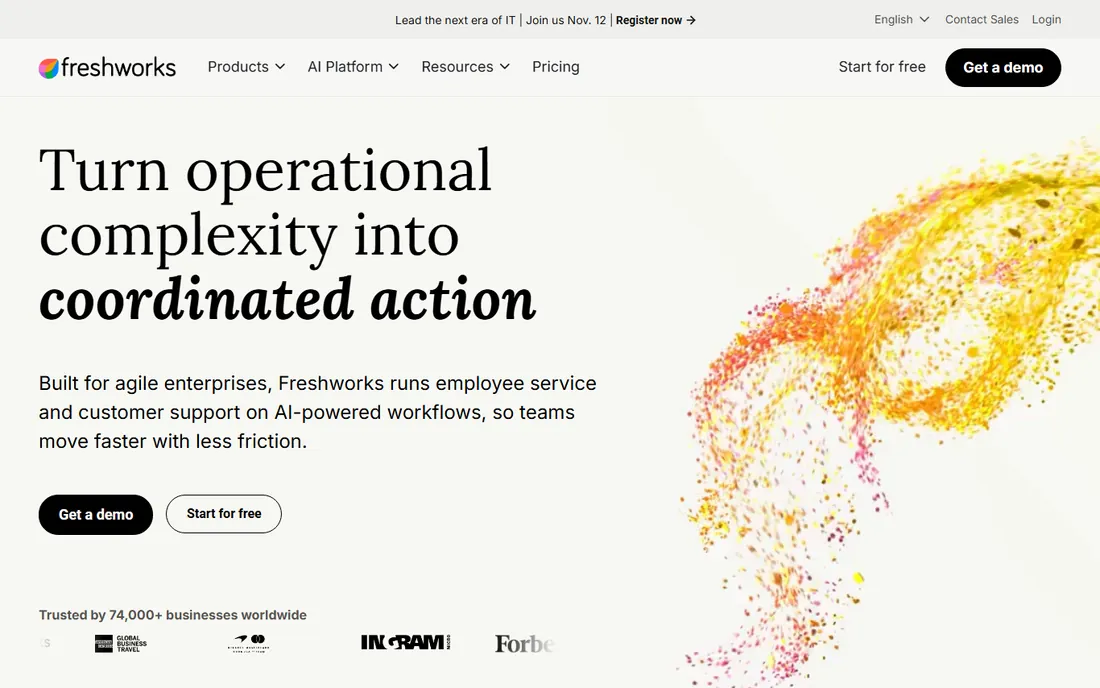
Freshsales, from Freshworks, bundles the communication tools sales teams otherwise bolt on: built-in calling, email, and chat live inside the CRM, so reps work leads without switching apps. The free plan covers small teams, and Growth starts at $9 per user per month billed annually, among the lowest paid entries here.
AI lead scoring helps prioritize who to call first, and the activity timeline keeps every touch visible. For inside sales teams doing high-volume outreach, having the phone in the CRM removes the integration tax that slows other setups.
The ceiling is lower than the enterprise platforms: advanced workflow automation and territory management sit on higher tiers, and the third-party ecosystem is smaller. For growing businesses that want an affordable, communicative CRM without enterprise complexity, Freshsales hits the sweet spot.
What we like- Free plan for up to 3 users
- Built-in phone, email, and chat
- AI lead scoring (Freddy AI) on paid tiers
Watch out for- Advanced automation needs higher tiers
- Smaller ecosystem than HubSpot or Salesforce
#6
Keap
Best for: small businesses wanting CRM plus marketing automation
Visit keap.com
Starting price$249 per month
Free planFree trial (14 days)
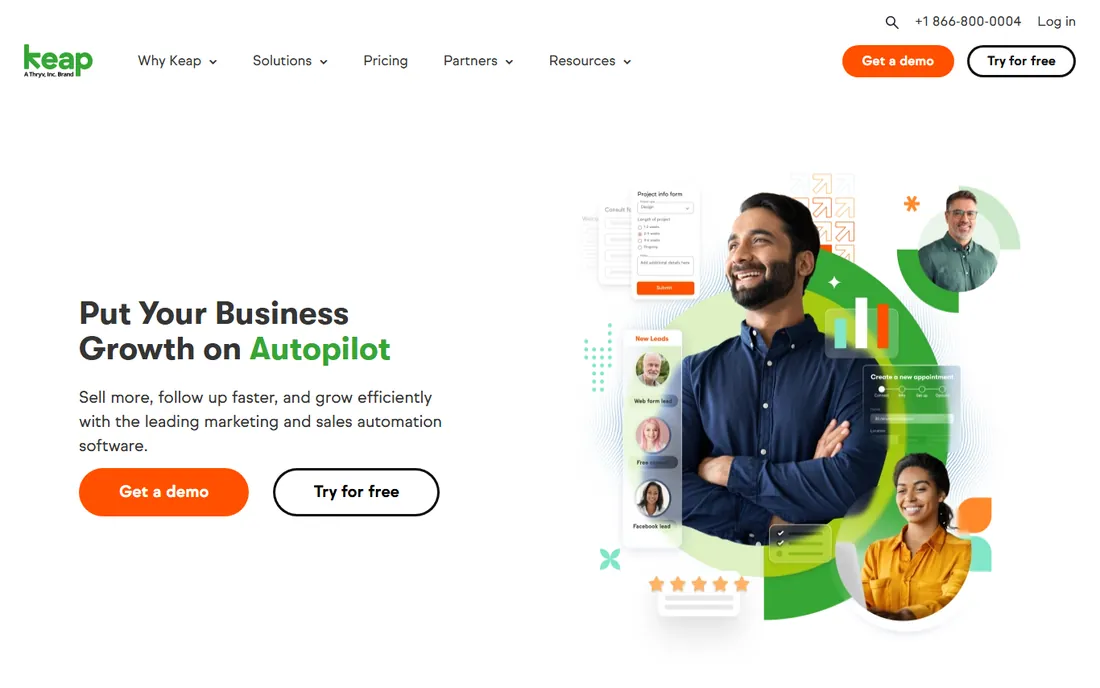
Keap, formerly Infusionsoft, is the all-in-one for small businesses that want marketing automation without stitching tools together. CRM, email marketing, a visual campaign builder, landing pages, invoicing, and payment collection come in one platform starting at $249 per month. For coaches, consultants, and service businesses running nurture campaigns, that consolidation has real value.
The automation builder is the standout: visual sequences with branching logic, tagging, and behavioral triggers that rival enterprise marketing platforms. Leads captured from forms enter campaigns automatically, get scored, and route to sales when ready.
The price is the filter. At $249 per month with no free plan, Keap costs more than HubSpot, Pipedrive, and Zoho combined for a small team. It earns that premium only if you actually use the marketing automation depth. If you need a pipeline and little else, the cheaper CRMs win easily.
What we like- All-in-one CRM, marketing automation, and payments
- Powerful visual automation builder
- Built-in invoicing and landing pages
Watch out for- Expensive at $249 per month starting
- Learning curve for the automation builder
- No free plan
Starting priceSee website
Free planFree trial
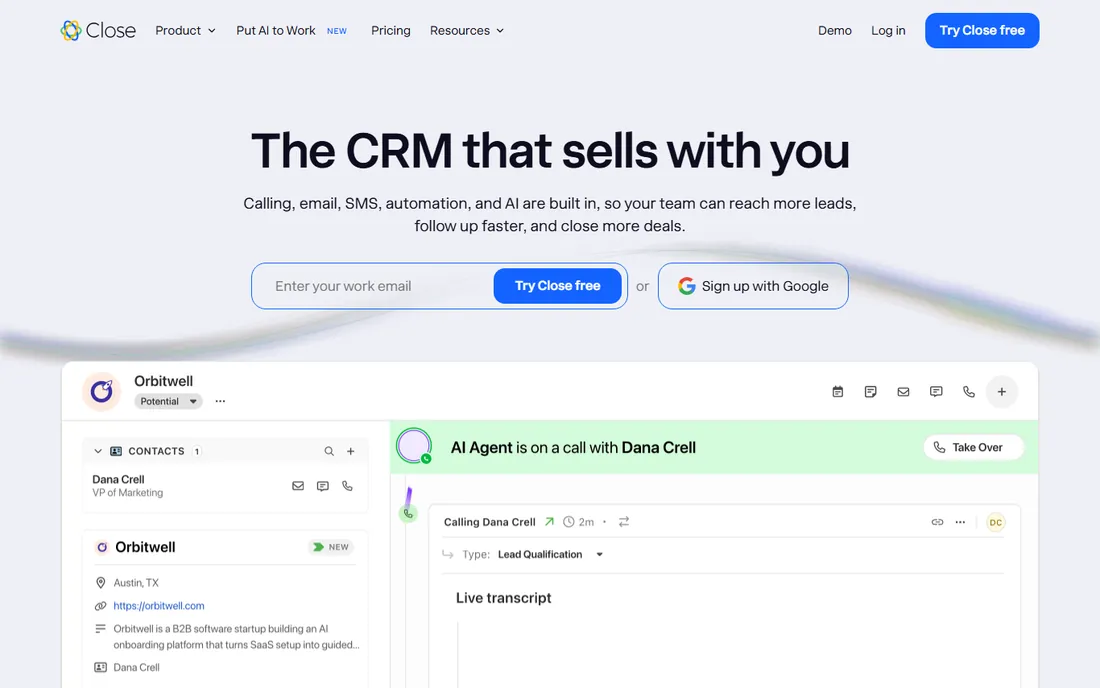
Close is built for one motion: high-velocity outbound sales. The built-in power dialer, call recording, email sequences, and SMS live in the CRM, so reps call, email, and text without leaving the pipeline. Follow-ups automate, notes attach to calls automatically, and the whole system is tuned for teams whose day is measured in dials.
That specialization is the entire pitch. If your reps spend most of their day on the phone, Close removes more friction than any general CRM. If they do not, the calling depth is wasted and the price premium over Pipedrive or Freshsales buys little.
Pricing is quote-adjacent with published tiers that have shifted over time, so confirm current rates directly. For outbound-led startups and inside sales teams, trial it against Freshsales and pick the dialer your reps prefer.
What we like- Built-in power dialer and calling
- Email sequences and SMS in one tool
- Minimal manual data entry
Watch out for- Pricing varies and sits above budget options
- Less depth for complex reporting
Starting price$9 per seat/month
Free planFree trial
Copper is the only CRM built specifically for Google Workspace, and for Gmail-centric teams that matters enormously. It captures contacts, emails, and meetings automatically from Google accounts, syncs with Calendar and Drive, and lets reps manage the pipeline without leaving the inbox. Setup for a Google team takes under half an hour.
The Starter plan at $9 per seat per month covers basic pipeline management, with higher tiers adding automation and reporting. For agencies, consultancies, and small businesses standardized on Google, the zero-data-entry experience is genuinely different from every other CRM here.
Outside Google Workspace, Copper loses its reason to exist. The automation and customization depth trail HubSpot and Zoho, and Microsoft-centric teams should look elsewhere. But for its audience, it is the lowest-friction CRM on this list.
What we like- Native Google Workspace integration
- Automatic contact and email capture
- Live in under 30 minutes for Gmail teams
Watch out for- Weak outside the Google ecosystem
- Automation depth trails the leaders
How we chose
We focused on CRMs that manage the lead lifecycle well: capture, qualification, scoring, routing, nurturing, and conversion, not just contact storage. We checked each vendor's pricing page and current 2026 pricing roundups, read sales team reviews on G2, Capterra, and Reddit, and weighed lead-specific features, automation depth, pricing fairness for small teams, ease of adoption, and integration breadth. We did not run hands-on trials; prices were verified against vendor pages or roundups current as of October 2026.
Lead scoring is where CRMs earn their keep
Every CRM stores leads; the good ones tell you which lead to call first. Lead scoring assigns points for fit (right title, right company size) and behavior (opened pricing page, downloaded case study), so reps spend their hours on prospects most likely to convert. Done well, it ends the argument between marketing and sales about lead quality.
The catch is that scoring only works with data. A scoring model fed by three form fields produces noise, not insight. Before paying for scoring features, make sure you capture meaningful behavioral signals: page visits, email engagement, content downloads. Then start simple: five to ten scoring rules, reviewed monthly. The teams that fail at scoring are the ones that built a fifty-rule model nobody understands and everyone ignores.
How to buy a lead management CRM without paying for shelfware
Start with your actual lead volume and process. Under fifty leads a month with a simple follow-up sequence, HubSpot free or Pipedrive handles it; anything more is shelfware. Over that, or with multiple reps needing assignment rules, the paid tiers earn their keep.
Price the automation you will actually use, not the automation in the demo. Map your real workflow, lead comes in, gets assigned, gets three touches, converts or recycles, and verify each step exists in the tier you can afford. Then trial with real leads for two weeks. Import a live list, run the actual follow-up sequence, and check whether reps update the pipeline or work around it. The CRM your team updates is the right one, regardless of the feature comparison.
Frequently asked questions
What is lead management software?
Lead management software captures prospects from forms, calls, emails, and other channels, then tracks them through qualification, nurturing, and conversion. It is usually part of a CRM, covering the top of the funnel: making sure every lead gets followed up, scored, and routed to the right rep instead of dying in a spreadsheet.
What is the best free CRM for lead management?
HubSpot's free CRM is the strongest free option with unlimited users, pipelines, and lead capture tools. Zoho CRM and Freshsales both offer free plans for up to three users with more traditional sales features. For very small teams, any of the three works; HubSpot scales further before requiring payment.
How much does lead management CRM cost?
Entry pricing runs $9 to $25 per user per month: Freshsales and Copper from $9, Pipedrive and Zoho from $14, Salesforce Starter at $25. HubSpot is free to start with paid tiers from about $15 per seat. All-in-one platforms like Keap start around $249 per month. Real automation features often live one tier above the entry price.
Should I choose HubSpot or Salesforce for lead management?
Choose HubSpot if you want marketing and sales in one system with a generous free tier and faster setup. Choose Salesforce if you need deep customization, complex routing rules, or enterprise scale, and you have admin resources. Most companies under 50 people are better served by HubSpot; most over 200 end up on Salesforce.
What is lead scoring and do I need it?
Lead scoring ranks prospects by fit and engagement so reps prioritize the best opportunities. You need it when lead volume exceeds what reps can work personally, typically above a hundred new leads a month. Below that, a simple pipeline with follow-up reminders works better than a scoring model nobody maintains.
Do I need a CRM if I already do email marketing?
Yes, if you have a sales process. Email marketing nurtures at scale; a CRM manages the human follow-up: calls, meetings, quotes, and pipeline stages. The two work together, with marketing automation feeding scored leads to sales. Businesses that only need newsletters can skip the CRM; businesses with reps closing deals cannot.
Sources we checked (6)
- https://nethunt.com/blog/crm-for-lead-management/
- https://tomba.io/blog/lead-management-software-for-small-business
- https://fitsmallbusiness.com/best-lead-management-software/
- https://www.gushwork.ai/feeds/blog/crm-lead-management
- https://www.saasworthy.com/blog/best-crm-software-for-small-business
- https://www.engagebay.com/blog/crm-pricing/
Is your product missing or out of date?
We review this list regularly. Vendors can request a listing, send updated pricing or ask about featured placement.

Shihab Mia · Founder, Rankite
Shihab has spent more than a decade helping SaaS and e-commerce brands grow through search. He writes Rankite's software buying guides from pricing pages, documentation and public user reviews. More about Shihab.