How we make this list: we compare pricing pages, product documentation and public user reviews. Rankite is independent; if a vendor ever pays for a featured spot, that listing is clearly labeled Partner.
Key takeaways
- Slack remains the safest default for most teams, with a free plan and Pro at $7.25 per user per month billed annually, but costs climb fast as headcount grows.
- Microsoft Teams is the value pick if your company already pays for Microsoft 365, and its free version covers small teams without a subscription.
- Twist is the only mainstream option built for async-first work, with a free plan and Unlimited at $6 per user per month.
- Mattermost and Rocket.Chat give security-conscious teams self-hosted control and free community editions, at the cost of more setup work.
- Zoho Cliq is the cheapest paid upgrade path at roughly $1 per user per month, and it is a natural fit inside the Zoho suite.
Quick comparison
| Tool | Best for | Starting price | Free plan |
|---|
 Slack Slack | Teams that want the biggest app ecosystem | $7.25/user/mo (Pro, billed annually) | Yes (free plan, 90-day history) |
 Microsoft Teams Microsoft Teams | Companies already on Microsoft 365 | Free (free version) | Yes |
 Google Chat Google Chat | Teams living in Google Workspace | See website | Free trial |
 Discord Discord | Communities and informal teams | Free | Yes |
 Mattermost Mattermost | Security-focused teams that self-host | See website | Yes (free open-source edition) |
 Rocket.Chat Rocket.Chat | Teams that want data control and federation | See website | Yes (free community edition) |
 Twist Twist | Async-first remote teams | $6/user/mo (Unlimited) | Yes (free plan, 1-month history) |
 Zoho Cliq Zoho Cliq | Zoho users who want chat on a budget | See website | Yes |
Is your product missing or out of date?
We review this list regularly. Vendors can request a listing, send updated pricing or ask about featured placement.
It is 4:47 PM on a Friday. A client question sits unanswered in an email thread nobody owns. A developer is blocked, waiting on feedback in a chat channel nobody checks. Your project update lives in a meeting recording that half the team will never watch. The tools were supposed to fix this, and yet here you are.
The problem is rarely the tool. It is the mismatch between how your team actually works and what the tool was built for. A real-time chat app will frustrate a distributed team that needs time to think. An async-first tool will annoy a support team that needs answers in seconds. This guide compares eight platforms on pricing, free tiers, and honest trade-offs, so you can match the tool to the team.
#1
Slack
Best for: Teams that want the biggest app ecosystem
Visit slack.com
Starting price$7.25/user/mo (Pro, billed annually)
Free planYes (free plan, 90-day history)
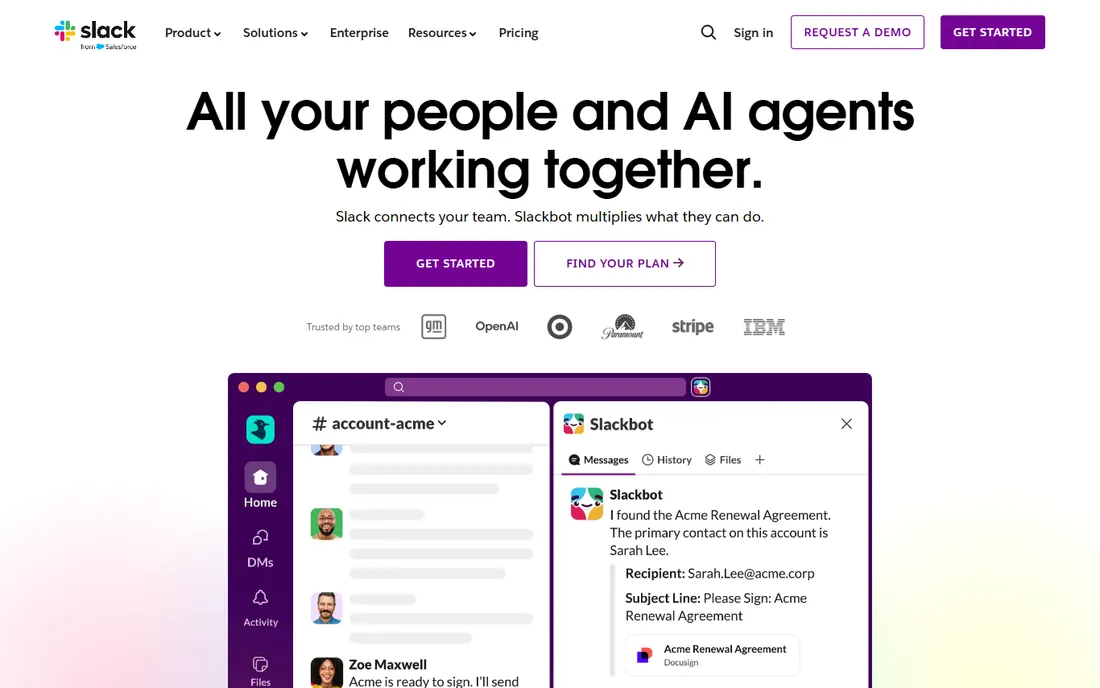
Slack is the default team chat app for a reason. Channels keep conversations organized by project or topic, threads keep side discussions from derailing the main feed, and huddles handle quick voice and video calls without scheduling a meeting. The app directory is the real moat: Salesforce, Google Drive, Jira, Asana, and thousands of others plug straight into channels, so work happens where the conversation already is.
The catch is the bill. Pro costs $7.25 per user per month billed annually ($8.75 monthly), and Business+ doubles that to $15 billed annually ($18 monthly). A 30-person team on Pro pays over $2,600 a year before any add-ons. The free plan works for tiny teams, but the 90-day message history limit means old decisions vanish from search, which hurts growing companies that need institutional memory.
What we like- Over 2,600 app integrations
- Unlimited message history on paid plans
- Slack Connect for working with outside partners
Watch out for- Per-seat pricing gets expensive as teams grow
- The free plan limits history to 90 days and 10 apps
Starting priceFree (free version)
Free planYes
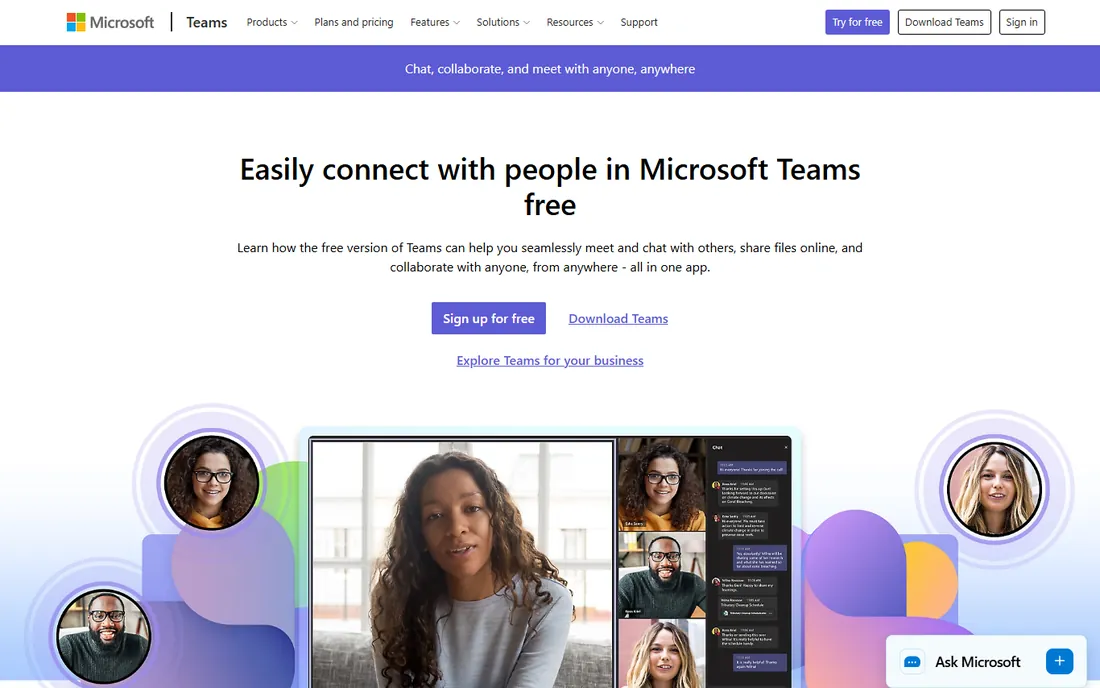
If your company already pays for Microsoft 365, Teams is essentially free, and that changes the math completely. Chat, channels, file sharing through SharePoint, and full video meetings with up to 300 participants on business plans come in the same subscription as Word and Excel. For Microsoft-centric shops, there is no extra contract to sign and no second admin console to learn.
Microsoft also offers a free version of Teams that anyone can use, including small businesses, with group calls up to 60 minutes and 5 GB of cloud storage per user. The honest downside is the experience. Teams packs chat, meetings, files, and apps into one dense interface, and it can feel sluggish next to lighter rivals. Admins get strong controls, but end users sometimes need training to find basic features.
What we like- Included with most Microsoft 365 business plans
- Strong meeting and calling features
- Deep integration with Word, Excel, and SharePoint
Watch out for- The interface feels heavy and can be slow
- Chat features lag behind Slack in polish
Starting priceSee website
Free planFree trial
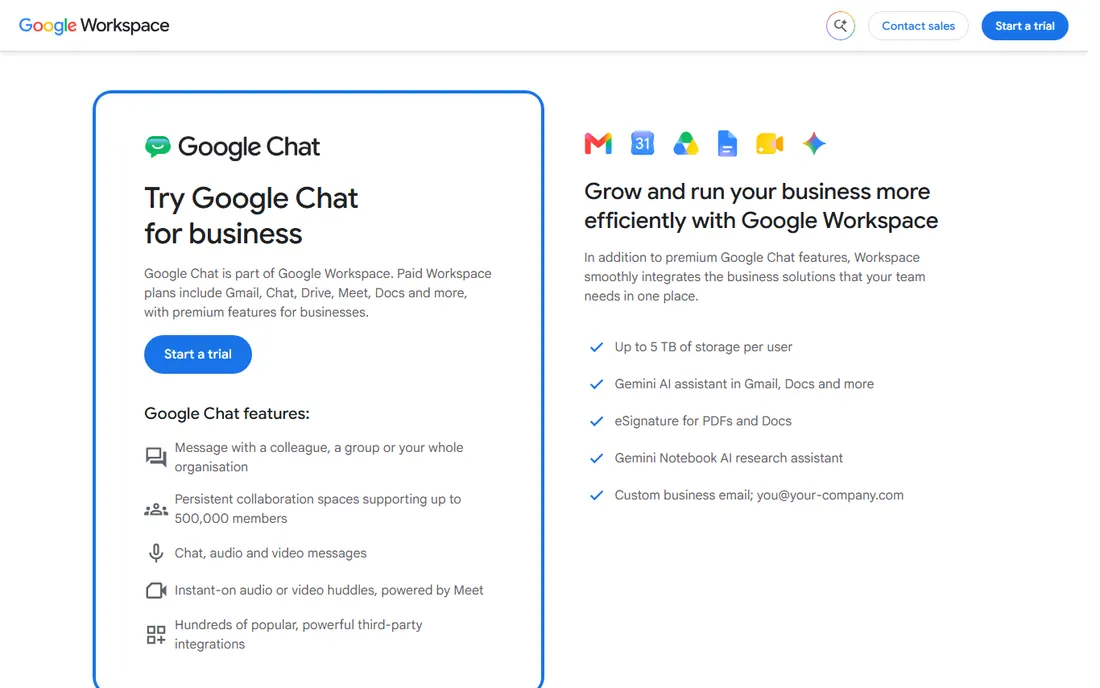
Google Chat is the quiet workhorse inside Google Workspace. If your team already lives in Gmail and Google Drive, Chat adds persistent spaces, direct messages, and Meet-powered huddles without a new vendor or a new login. Spaces can hold up to 500,000 members, which makes it a practical pick for large organizations and community-style groups as well as small teams.
What holds it back is the ecosystem. Slack's app directory is far deeper, and some compliance features that regulated industries need only appear on higher Workspace tiers. Pricing is bundled with Workspace rather than sold separately, so the value depends entirely on whether you already pay for Google's suite. For a team choosing a chat tool from scratch, Chat rarely wins on its own merits, but as part of Workspace it is hard to beat on convenience.
What we like- Bundled with Google Workspace alongside Gmail, Drive, and Meet
- Spaces support huge groups
- Gemini AI summaries catch you up fast
Watch out for- Fewer third-party integrations than Slack
- Admin and compliance controls are thinner on lower Workspace tiers
Starting priceFree
Free planYes
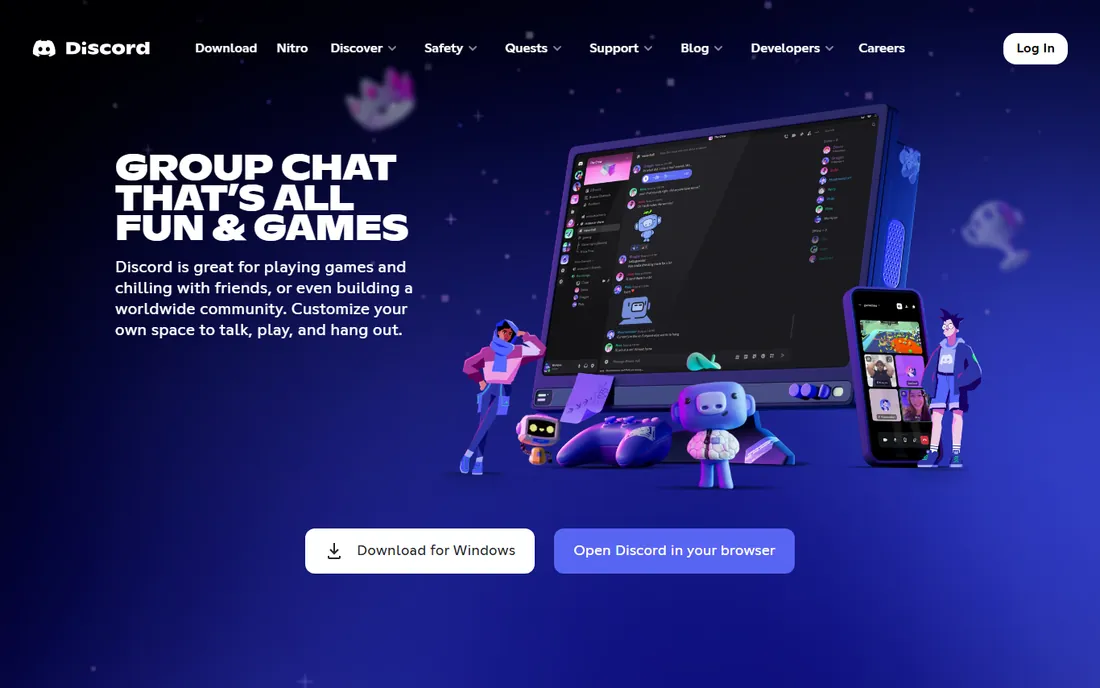
Discord started as a voice chat app for gamers and grew into one of the largest communication platforms in the world. For a team or community, the pitch is simple: unlimited message history, voice channels you can drop in and out of, screen sharing, and video, all free. Many startups, open-source projects, and creator communities run their entire operation on Discord servers without paying a cent.
The trade-off is professionalism. Threading, message organization, and search are weaker than business-focused rivals. Admin controls, audit logs, and data retention policies that IT departments require are thin or missing. Discord works best for informal teams, communities, and companies where culture matters more than compliance. If you need eDiscovery or granular permissions, look elsewhere.
What we like- Completely free core product with unlimited message history
- Excellent voice channels
- Huge community-building features
Watch out for- Built for gamers first, so the business polish is missing
- Limited admin and compliance controls for companies
Starting priceSee website
Free planYes (free open-source edition)
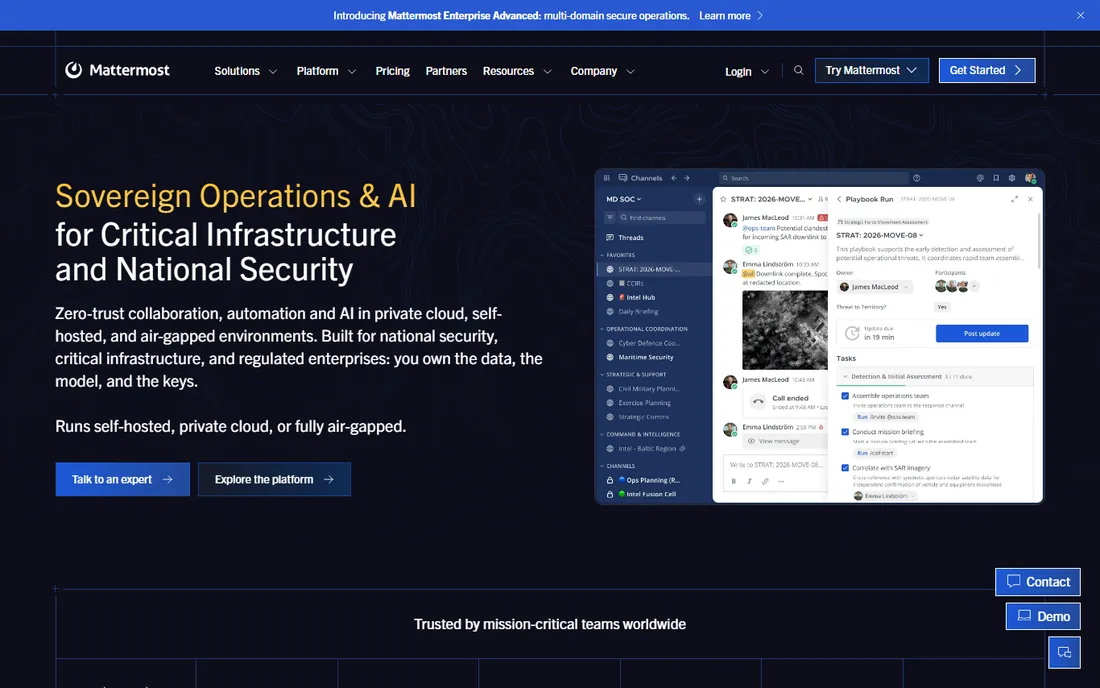
Mattermost is the answer for teams that cannot put their conversations on someone else's servers. The open-source Team Edition can be self-hosted free of charge, giving you unlimited users and full control over your data. Hospitals, banks, defense contractors, and government agencies choose it for compliance reasons, and its playbooks feature adds structured incident response on top of chat.
That control comes with a cost in effort. Somebody has to install, update, back up, and secure the server, which means you need technical staff or a managed hosting partner. The user experience is deliberately Slack-like, which eases migration, but the integration marketplace is smaller and the mobile apps have a reputation for occasional rough edges. Pick Mattermost when data sovereignty matters more than convenience.
What we like- Open-source with a free self-hosted edition
- Full data ownership
- Strong compliance features for regulated industries
Watch out for- Requires technical staff to deploy and maintain
- The interface closely copies Slack without matching its polish
#6
Rocket.Chat
Best for: Teams that want data control and federation
Visit rocket.chat
Starting priceSee website
Free planYes (free community edition)
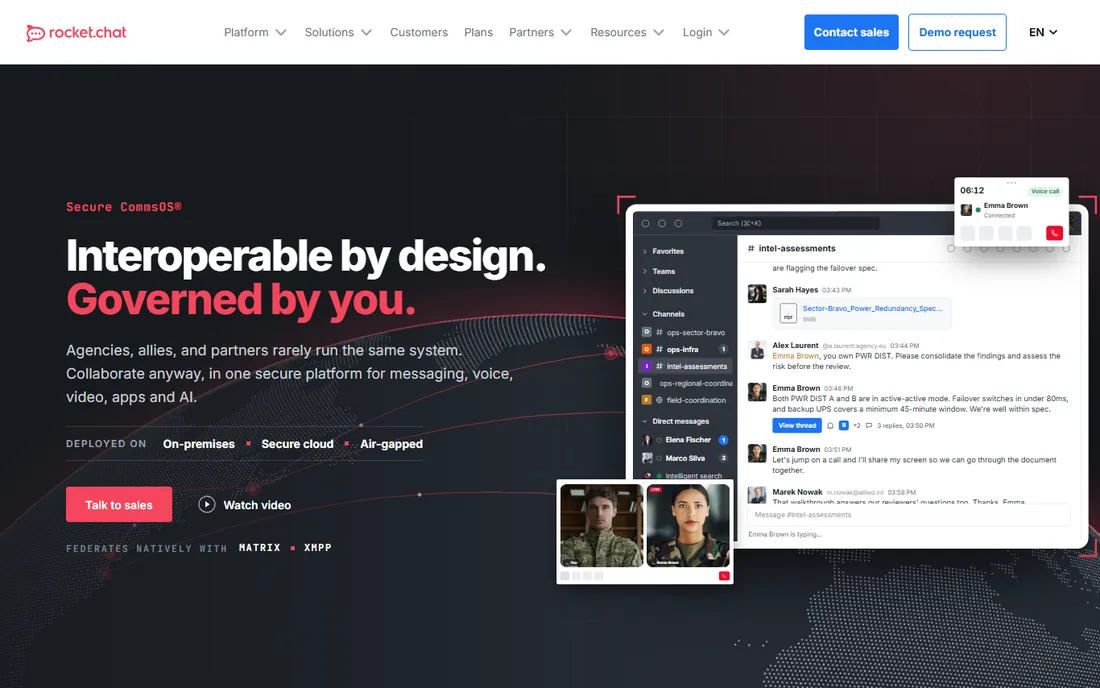
Rocket.Chat occupies similar territory to Mattermost: open-source team chat you can run on your own infrastructure. The free community edition includes unlimited 1:1 and group messaging with full message history, which is generous. Where it stands apart is federation. Native Matrix and XMPP support lets your server talk to partner organizations running different systems, a rare capability that matters for cross-agency and cross-company collaboration.
The rough edge is pricing clarity. Rocket.Chat has cycled through several pricing models, with community, pro, and enterprise tiers that are not always easy to compare. Paid plans add hosting, support, and advanced security, with enterprise pricing typically quoted per user with minimums. Like Mattermost, it demands technical effort to self-host. Choose it over Mattermost if federation or omnichannel customer messaging is on your roadmap.
What we like- Free community edition with unlimited history
- Self-hosting and air-gapped deployment
- Native Matrix and XMPP federation
Watch out for- Pricing structure is confusing across editions
- Smaller integration ecosystem than the big names
Starting price$6/user/mo (Unlimited)
Free planYes (free plan, 1-month history)
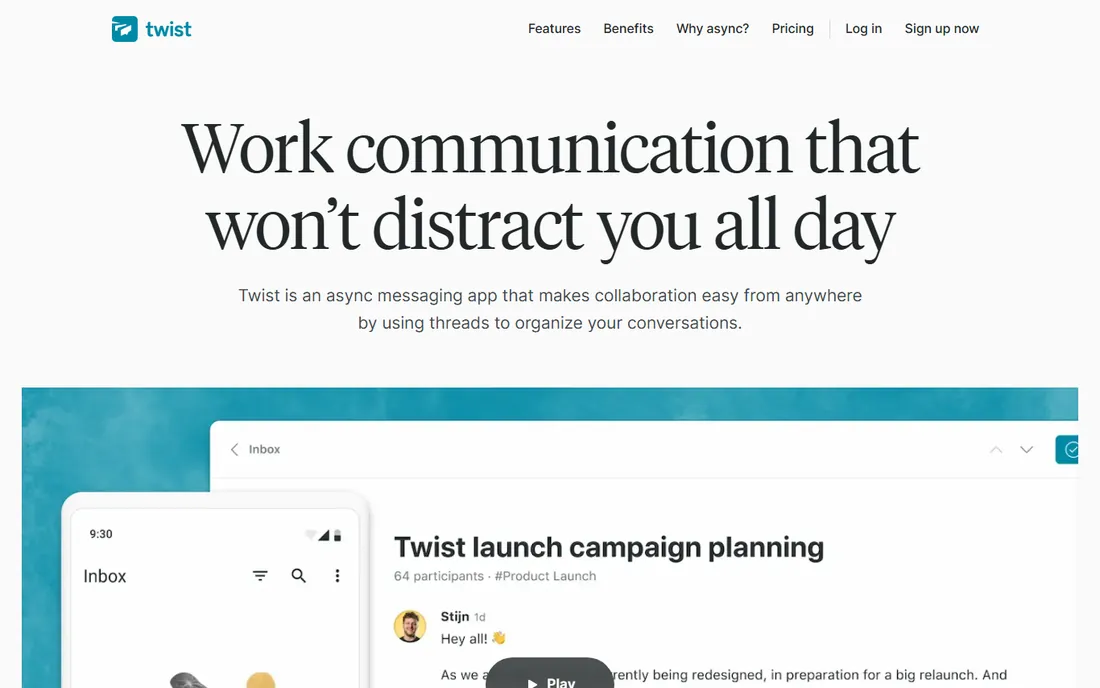
Twist, from the makers of Todoist, is the anti-Slack. Every conversation is a thread organized by topic, there is no green dot showing who is online, and the whole product is designed around the idea that nobody should have to respond immediately. For distributed teams across time zones, this is a genuine advantage. Discussions stay on topic, decisions are easy to find later, and deep work survives the workday.
The free plan costs nothing but only shows one month of message history, with up to 5 integrations and 5 GB of storage. Unlimited, at $6 per user per month, adds full history and unlimited everything. The honest catch is cultural fit. If your team runs on quick back-and-forth, Twist will feel slow and frustrating. It is a tool for teams that have decided async is a feature, not a compromise.
What we like- Thread-first design built for async work
- No online presence indicators to reduce pressure
- Calm, distraction-free interface
Watch out for- A poor fit for teams that need real-time answers
- Smaller user base means fewer integrations and community resources
#8
Zoho Cliq
Best for: Zoho users who want chat on a budget
Visit zoho.com
Starting priceSee website
Free planYes
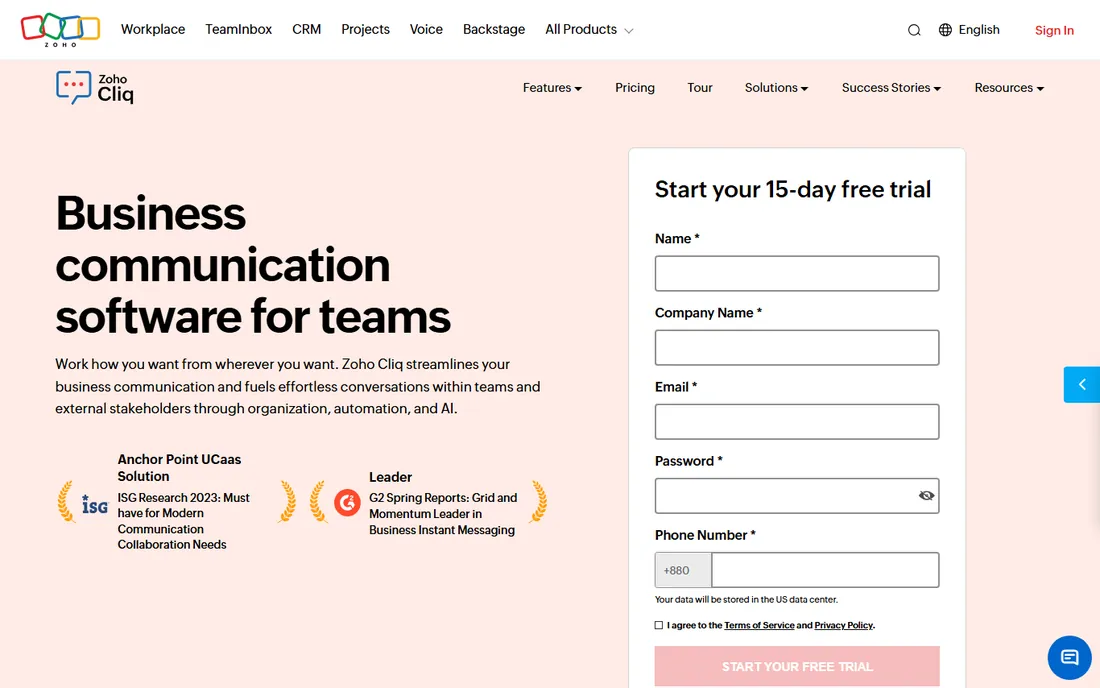
Zoho Cliq is the budget champion of this list. The free edition handles unlimited 1:1 and group chats with a generous feature set, and paid plans start at some of the lowest per-user prices in the industry, with pricing that drops as seat counts rise. It includes audio and video calls, screen sharing, file sharing, and even live event streaming, which is a lot of product for the money.
The natural audience is teams already using Zoho CRM, Zoho Projects, or Zoho Workplace, where Cliq slots in without extra integration work. Outside the Zoho world it is a harder sell, since the third-party integration catalog is thinner than Slack's or Teams'. Admin features like data loss prevention and eDiscovery require the higher tiers. For a cost-conscious small business, though, Cliq delivers serious value per dollar.
What we like- Very low paid pricing
- Deep integration with the Zoho suite
- Free edition covers core chat well
Watch out for- Smaller ecosystem outside Zoho
- Advanced features like DLP sit on higher tiers
When chat alone is not enough
Every tool on this list handles text chat well. The differences show up at the edges: meetings, phone calls, and async video. Slack's huddles are great for spontaneous calls but are not a full meeting platform. Teams and Google Chat, backed by full video suites, win when your team meets constantly.
Think about your real communication mix before you buy. A support team that lives on calls needs strong voice features more than clever threads. A distributed product team needs searchable history and async video more than a big meeting grid. Most teams end up pairing a chat platform with a dedicated meeting tool, so check how well your pick integrates with Zoom, Meet, or Teams meetings rather than assuming one app does everything.
Notification culture matters as much as features. The best chat tool in the world still fails if every message triggers an instant ping. Whatever you choose, set team norms: which channels are urgent, what can wait until morning, and when to use threads instead of @channel. Tools enable the culture; they do not create it.
How we chose
We started with the vendor's own pricing pages, opening each one to confirm starting prices, free tiers, and trial terms as of October 2026. Feature claims were checked against official product pages and documentation rather than marketing summaries. We then read public user reviews on G2, Capterra, and Reddit to find the complaints that vendors never mention, like sluggish interfaces and confusing pricing.
We weighted the list toward tools that fit small and mid-size businesses, which meant favoring clear pricing, usable free tiers, and reasonable admin effort. Self-hosted options made the cut because data control is a real buying criterion for regulated industries, even though they demand more technical work. Every price in this article comes from the vendor's own site; where the vendor did not publish a clear number, we wrote "See website" instead of guessing.
What to check before you buy
Start with message history, because it is the most common regret. Free tiers from Slack, Twist, and others limit how far back you can search, and once old decisions disappear, your team starts repeating conversations. If institutional memory matters to you, price the paid tier from day one rather than discovering the limit six months in.
Integrations with your existing stack
A chat app is only as useful as its connections. List the five tools your team opens daily, then check each candidate's integration catalog for them. Slack leads here by a wide margin. Teams and Google Chat are strong inside their own ecosystems and thinner outside them. Self-hosted tools rely more on webhooks and APIs, which work fine if you have developers and poorly if you do not.
Admin controls and compliance
Ask what happens when an employee leaves, when legal needs a message export, or when you must prove who saw what. Business+ tiers of Slack, enterprise tiers of Teams, and paid plans of Mattermost and Rocket.Chat cover eDiscovery, retention policies, and audit logs. Free plans and consumer-grade tools generally do not. Regulated industries should shortlist from the compliance-capable options first and compare features second.
Real cost at your headcount
Multiply the per-user price by your actual team size, including part-timers and contractors who need accounts. A $7.25 per user tool costs $2,175 a year for 25 people before taxes and add-ons. Check minimum seat counts, whether guests are billed, and how annual versus monthly billing changes the price. The cheapest sticker price is not always the cheapest at your headcount.
Calling and meeting needs
If your team meets for hours a day, the quality of built-in video matters more than chat polish. Teams and Google Chat bundle full meeting platforms. Slack and Discord handle quick calls well but pair better with a dedicated meeting tool. Twist deliberately de-emphasizes real-time communication, which is a feature for async teams and a dealbreaker for everyone else.
Frequently asked questions
What is the best team communication platform for a small business?
Slack is the safest default because of its free plan, huge integration library, and gentle learning curve. If your team already uses Microsoft 365 or Google Workspace, Teams or Google Chat will be cheaper since they are bundled. Budget-focused teams should look at Zoho Cliq or Twist.
Is Slack or Microsoft Teams better for a small team?
It depends on your existing software. Teams wins on value if you already pay for Microsoft 365, since chat, meetings, and Office apps come in one subscription. Slack wins on ease of use, integrations, and the experience for non-technical users. Both offer free tiers, so you can trial each with your real team before committing.
Is there a free team chat app with unlimited message history?
Discord offers unlimited message history free, though it lacks business admin controls. Rocket.Chat's free community edition and Mattermost's free self-hosted edition also keep full history without a per-user fee. Among mainstream SaaS tools, free tiers from Slack and Twist both cap searchable history.
Can I self-host a team communication platform?
Yes. Mattermost and Rocket.Chat both offer open-source editions you can run on your own servers, which keeps all data inside your infrastructure. This suits regulated industries and privacy-focused companies. Expect to dedicate technical staff to installation, updates, and backups, since you become your own hosting provider.
Does Google Chat work for business teams?
Yes, as part of Google Workspace it covers chat, spaces, file sharing, and Meet-powered calls for business use. It shines for teams already invested in Gmail and Google Drive. Its integration ecosystem is smaller than Slack's, and advanced compliance features require higher Workspace tiers, so evaluate it as part of the full Workspace bundle.
How much does a team chat app cost per user?
Verified prices range from free (Discord, Teams free version) to $6 per user per month for Twist Unlimited and $7.25 for Slack Pro billed annually. Zoho Cliq's paid plans are among the cheapest in the industry. Always multiply by your headcount and check annual versus monthly billing, since the gap is often 20 percent or more.
Sources we checked (12)
- https://slack.com/
- https://slack.com/pricing
- https://www.microsoft.com/en-us/microsoft-teams/free
- https://discord.com
- https://workspace.google.com/intl/en_uk/products/chat/for-work/
- https://mattermost.com/
- https://mattermost.com/pricing/
- https://rocket.chat
- https://twist.com/
- https://twist.com/pricing
- https://www.zoho.com/cliq/
- https://www.zoho.com/cliq/pricing.html
Is your product missing or out of date?
We review this list regularly. Vendors can request a listing, send updated pricing or ask about featured placement.

Shihab Mia · Founder, Rankite
Shihab has spent more than a decade helping SaaS and e-commerce brands grow through search. He writes Rankite's software buying guides from pricing pages, documentation and public user reviews. More about Shihab.