How we make this list: we compare pricing pages, product documentation and public user reviews. Ratings come from G2, Capterra or Trustpilot, with the date we checked them.
Key takeaways
- Slack and Microsoft Teams lead for team chat, with Slack suiting mixed-app teams and Teams suiting Microsoft 365 organizations.
- Google Chat suits Workspace teams that want simple chat inside Gmail and Drive, while Discord suits community-led and creative teams.
- ClickUp, Asana, Monday and Notion blend tasks with collaboration, so a team that mainly needs project tracking should start there rather than with chat alone.
- Too many collaboration tools create noise, so pick one chat home and one task home, and retire the rest where possible.
Quick comparison
Is your product missing or out of date?
We review this list regularly. Vendors can request a listing, send updated pricing or ask about featured placement.
The best team collaboration software

#1Slack
Best for: Team chat4.5/5 on
G2 (39,944 reviews, checked Oct 2026)
Visit slack.com
Starting priceFree
Free planYes
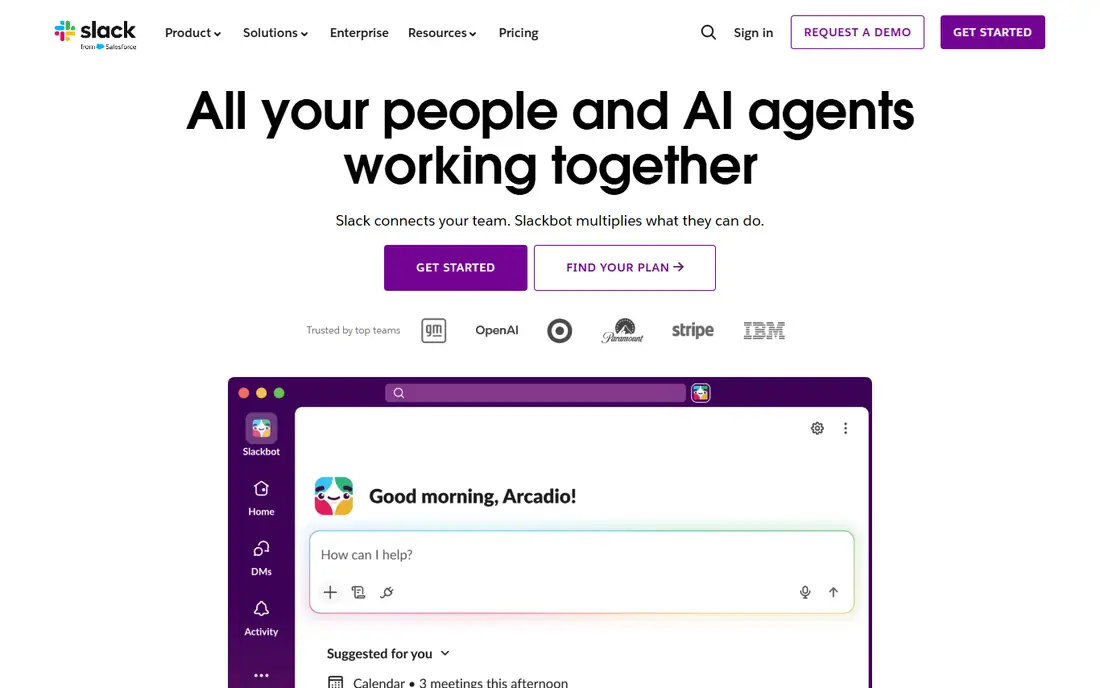
Slack suits a team that lives in chat and uses many other apps. Channels group conversations by project, team or topic, threads keep replies tidy, and integrations pull alerts from code, sales, support and marketing tools into relevant channels. Huddles offer quick voice chats without scheduling a meeting, and search finds past decisions fast. For a distributed team that needs a central chat home, Slack remains the standard.
The free tier limits searchable message history, which frustrates teams that rely on old decisions, and notification overload is real without channel rules. A team should agree on which channels demand attention and which are optional reading. For chat-first collaboration with broad integrations, Slack is a top pick.
What we like- Channels organize conversations by topic
- Huge integration library
- Huddles for quick voice chats
Watch out for- Free tier limits message history
- Notification overload is common without channel discipline
#2Microsoft Teams
Best for: Microsoft 365 teams4.4/5 on
G2 (19,330 reviews, checked Oct 2026)
Visit microsoft.com
Starting priceFree
Free planYes
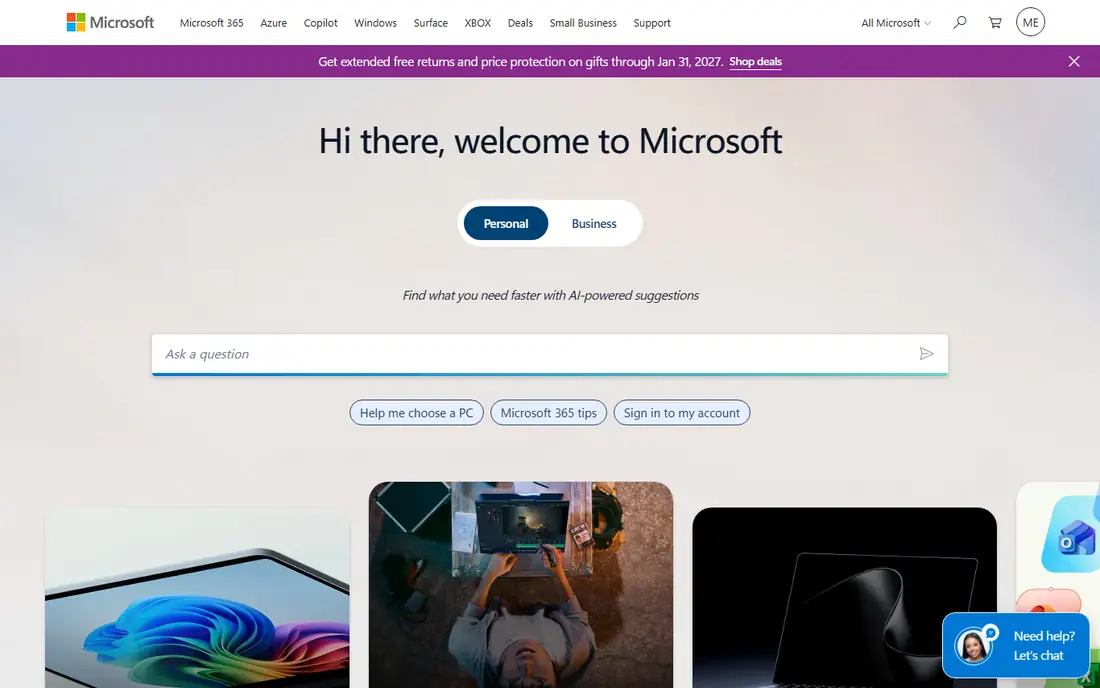
Microsoft Teams suits an organization already running Microsoft 365. Chat, video meetings, file sharing and Office apps sit in one place, so a team can co-edit a document, meet and chat without switching tools. Enterprise controls cover compliance, retention and guest access, which matters for larger organizations. For a Microsoft shop, Teams removes the need for a separate chat vendor.
The interface feels busy, packing chat, teams, calendar and apps into dense navigation, and the best experience needs a paid Microsoft 365 plan. A team that does not use Office apps may prefer Slack simplicity. For Microsoft 365 organizations, Teams is the natural collaboration home.
What we like- Deep Microsoft 365 integration
- Meetings, chat and files in one app
- Strong enterprise controls
Watch out for- Interface feels busy
- Best value needs a Microsoft 365 subscription
Starting priceFree
Free planYes
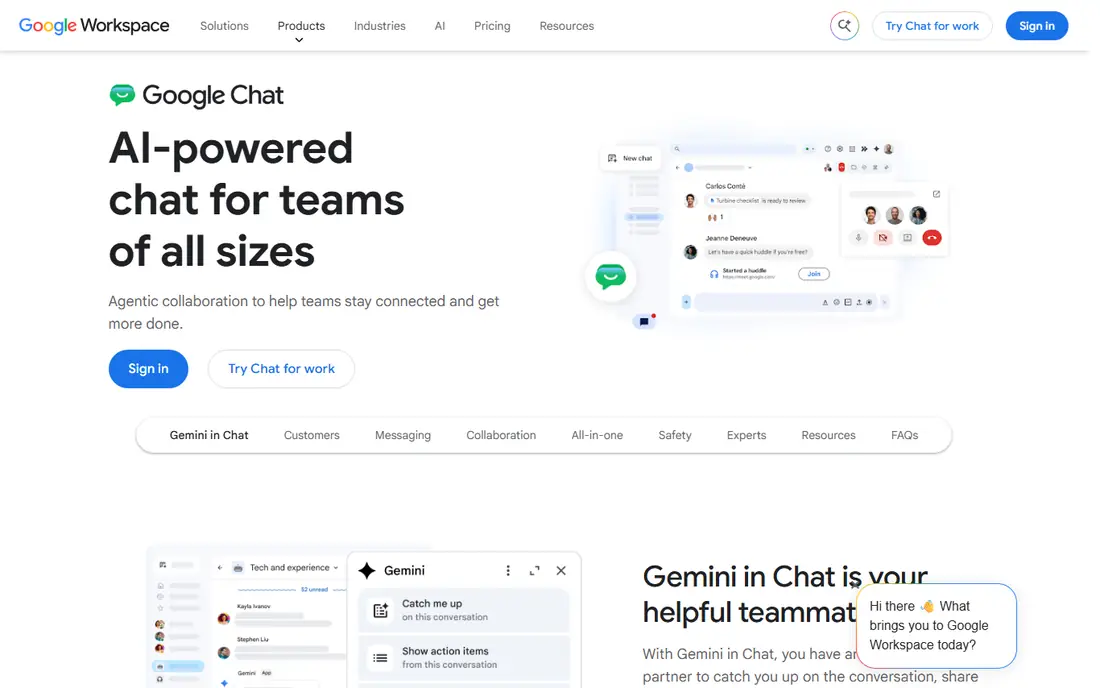
Google Chat suits a small team already using Gmail, Drive and Calendar. Chat lives inside Gmail, Spaces create rooms for projects with shared files and tasks, and the interface stays simple. There is no separate app to learn for basic use, and Workspace inclusion means no extra bill for most teams. For a small business that runs on Google, Chat covers daily collaboration without complexity.
Integrations trail Slack, and project management features are thin, so a team that needs task tracking should pair Chat with Asana or Notion. A large organization may also want stronger admin controls. For simple Workspace team chat, Google Chat is a clean and cost-effective choice.
What we like- Simple chat inside Gmail and Drive
- Spaces for project rooms
- Included with Workspace
Watch out for- Fewer integrations than Slack
- Advanced project features are thin

#4ClickUp
Best for: Tasks plus chat4.6/5 on
G2 (14,878 reviews, checked Oct 2026)
Visit clickup.com
Starting priceFree
Free planYes
ClickUp suits a team that wants tasks, docs, chat and goals in a single platform. Views cover lists, boards, calendars, timelines and mind maps, so different teams can work in the view they prefer while sharing the same data. The free tier is generous, and customization lets a team shape ClickUp to its exact workflow. For a team tired of juggling chat, docs and task apps, ClickUp offers a genuine all-in-one.
Customization is also the risk. A team that turns on every feature can create a confusing workspace, so start with one project and a few views, then expand. A chat-first team may still prefer Slack for messaging. For task-led collaboration with chat included, ClickUp is a powerful option.
What we like- Tasks, docs, chat and goals in one platform
- Highly customizable views
- Generous free tier
Watch out for- Customization can overwhelm new teams
- Interface packs many features into one app

#5Asana
Best for: Project tracking4.4/5 on
G2 (13,930 reviews, checked Oct 2026)
Visit asana.com
Starting priceFree
Free planYes
Asana suits a team whose main collaboration job is tracking projects and tasks. Projects, sections, timelines and portfolios show who owns what and when it is due, while comments on tasks keep discussion attached to work rather than lost in chat. Integrations cover Slack, Google, Microsoft and many other tools, so Asana fits into an existing stack. For a manager who needs a clear view of progress, Asana is easy to read.
Chat is thinner than Slack, so a chat-heavy team should pair Asana with a chat app rather than forcing all conversation into task comments. Advanced portfolios and reporting need paid tiers. For project-led collaboration, Asana remains one of the clearest tools available.
What we like- Clear project and task tracking
- Timelines and portfolios for managers
- Strong integrations
Watch out for- Chat features are thinner than Slack
- Advanced features need paid tiers

#6Monday
Best for: Visual project work4.7/5 on
G2 (17,221 reviews, checked Oct 2026)
Visit monday.com
Starting priceSee website
Free planFree trial
Monday suits a team that thinks in visual boards and automations. Boards show tasks as colored rows with owners, dates and status, while automations move work, send reminders and update stakeholders without manual effort. Templates cover marketing, sales, product, HR and operations, so a new team can start from a proven structure. Dashboards give managers a live view across projects.
Pricing is per user and climbs with team size, and there is no permanent free tier beyond a trial. A small team on a tight budget may prefer ClickUp or Asana free tiers. For visual, automation-led project collaboration, Monday is a polished and popular choice.
What we like- Visual boards and automations
- Templates for many team types
- Dashboards for managers
Watch out for- Pricing is per user and rises with team size
- Free tier is limited to a trial
#7Notion
Best for: Docs plus tasks4.6/5 on
G2 (13,834 reviews, checked Oct 2026)
Visit notion.com
Starting priceFree
Free planYes
Notion suits a team that collaborates mainly through documents, wikis and databases. Pages combine text, tables, boards and calendars, so a team can build a handbook, a project tracker and a content calendar in one workspace. Templates cover almost every team need, and the free tier is generous for small teams. For a knowledge-led team, Notion replaces docs, wikis and simple task tools at once.
Real-time chat is thinner than Slack or Teams, so a chat-heavy team should pair Notion with a chat app. Large workspaces also need clear structure, or pages become hard to find. For document-led collaboration with tasks included, Notion is a flexible and popular choice.
What we like- Docs, wikis, databases and tasks in one flexible workspace
- Strong templates
- Good free tier
Watch out for- Real-time chat is thinner than Slack
- Large workspaces need structure to stay usable

#8Discord
Best for: Community teams4.6/5 on
G2 (43 reviews, checked Oct 2026)
Visit discord.com
Starting priceFree
Free planYes
Discord suits a community-led, creative or gaming team that wants free voice, video and text in one place. Servers organize channels by topic, voice channels allow drop-in conversation, and screen sharing plus streaming support creative reviews and playtests. The free tier covers most team needs, and the community culture suits open, informal collaboration. For a creator team, a mod team or a gaming studio, Discord feels natural.
Formal corporate compliance, retention and guest controls trail Teams and Slack, so a regulated enterprise should look elsewhere. Channel sprawl also needs moderation as a server grows. For community and creative teams that want free, flexible collaboration, Discord is an excellent pick.
What we like- Free voice, video and text channels
- Strong community features
- Good for creative and gaming teams
Watch out for- Less suited to formal corporate compliance
- Channel sprawl needs moderation
How we chose
We compared vendor pricing pages, feature lists and public reviews for collaboration tools serving US teams. We looked for chat quality, task tracking, file sharing, integrations, free tiers and admin controls. We did not claim hands-on testing, and we used "See website" where pricing varies by plan, since collaboration pricing depends on users and tiers.
How to pick the right collaboration stack
Start by separating chat from tasks. Pick one chat home, such as Slack, Teams or Google Chat, and one task home, such as Asana, ClickUp, Monday or Notion, then connect them with integrations. A team that tries to run chat in three apps and tasks in two will lose decisions in the gaps between tools. Write down which tool owns which job, and share that list with every new hire.
Next, set channel and notification rules early. Agree on urgent versus optional channels, thread replies for side discussions, and a daily check-in rhythm that replaces some meetings. Finally, review the stack every six months and retire tools nobody uses. Collaboration software should reduce meetings and messages, not add a new inbox for every project.
Meetings deserve the same discipline as chat. Replace status meetings with a short written update in the task tool, and keep live meetings for decisions, debates and creative work that need real-time discussion. Record decisions from meetings back into the task or doc where the work lives, so a teammate who missed the call can still find the outcome. A team that writes decisions down spends less time rehashing them in the next meeting, and new hires can learn how choices were made without asking the whole team. Set a short weekly review where each owner updates task status without a meeting, so the board stays truthful.
Frequently asked questions
Which collaboration tool is best for a small team?
Slack or Google Chat for chat, paired with Asana, ClickUp or Notion free tiers for tasks, covers most small teams at low cost. A Microsoft 365 small business should start with Teams, since it is already included.
Do I need both chat and project software?
Most teams do, since chat suits quick discussion while project software suits tracking ownership and deadlines. A single tool such as ClickUp or Notion can cover both for a small team, but larger teams usually separate chat from tasks for clarity.
Is Discord suitable for business teams?
It suits community, creative and gaming teams well, with free voice, video and text. Regulated or formal corporate teams should prefer Slack or Teams for compliance, retention and guest controls.
How do I reduce notification overload?
Mute optional channels, use threads for side discussions, set working hours in the app, and agree on which channels require a same-day reply. Fewer channels with clear purposes beat many channels that everyone ignores.
Can I use Notion instead of Slack?
Notion can replace docs and simple task tracking, but its real-time chat is thinner than Slack. A team that chats heavily should pair Notion with Slack, Teams or Google Chat rather than forcing all conversation into Notion comments.
Sources we checked (8)
- https://slack.com
- https://www.microsoft.com
- https://chat.google.com
- https://clickup.com
- https://asana.com
- https://monday.com
- https://www.notion.com
- https://discord.com
Is your product missing or out of date?
We review this list regularly. Vendors can request a listing, send updated pricing or ask about featured placement.

Shihab Mia · Founder, Rankite
Shihab has 5+ years in B2B and SaaS SEO. He writes Rankite's software buying guides from pricing pages, documentation and public user reviews. More about Shihab.
 Google Chat