How we make this list: we compare pricing pages, product documentation and public user reviews. Ratings come from G2, Capterra or Trustpilot, with the date we checked them.
Key takeaways
- Notion Business at $20 per member per month is the best AI workspace for docs and knowledge, with an agent that completes multi-step tasks.
- Slack AI at $15 per user on Business Plus is the best async catch-up tool, summarizing channels and threads you missed.
- Zoom AI Companion is bundled into paid Workplace plans, which makes it the best value for teams already meeting on Zoom.
- Miro at $20 per user and FigJam at $3 per collaboration seat cover visual collaboration, while Asana and ClickUp bring AI into task work.
- Fathom is the best free meeting tool, with unlimited recording and transcription on its free tier.
Quick comparison
| Tool | Best for | Starting price | Free plan |
|---|
 Notion Notion | AI docs and knowledge | $20 per member per month | Trial |
 Slack AI Slack AI | Async chat catch-up | $15 per user per month | Trial |
 Zoom AI Companion Zoom AI Companion | Meeting recaps | See website | Trial |
 Miro Miro | Visual collaboration | $20 per user per month | Yes |
 FigJam FigJam | Design-team boards | $3 per seat per month | Yes |
 Asana AI Asana AI | AI project automation | $10.99 per user per month | Yes |
 ClickUp Brain ClickUp Brain | All-in-one AI workspace | $21 per user per month | Yes |
 Fathom Fathom | Free meeting notes | Free | Yes |
Is your product missing or out of date?
We review this list regularly. Vendors can request a listing, send updated pricing or ask about featured placement.
#1Notion
Best for: AI docs and knowledge4.6/5 on
G2 (13,834 reviews, checked Oct 2026)
Visit notion.so
Starting price$20 per member per month
Free planTrial
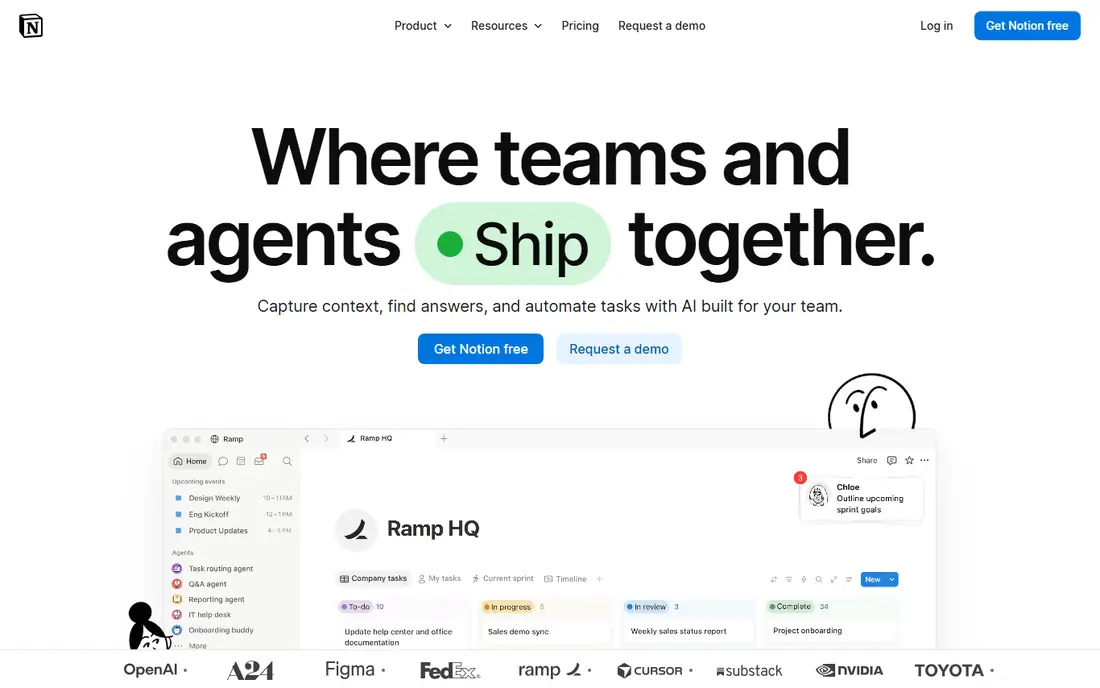
Notion Business is where the AI actually lives. The Business plan at $20 per member per month includes Notion Agent, which completes complex multi-step tasks using context from Notion, connected apps, and the web, plus AI Meeting Notes and Enterprise Search in beta. For teams whose knowledge already lives in Notion, that agent turns the workspace into a working assistant rather than a filing cabinet.
The common mispricing is to shortlist Notion at $10 per member for Plus, but Plus and Free only get a trial of the AI, a shared pool of complimentary responses, not the full suite. New customers cannot buy the old $10 AI add-on. For docs and knowledge teams willing to pay Business prices, Notion is the best AI workspace.
What we like- Notion Agent completes multi-step tasks using workspace context
- Enterprise Search and AI Meeting Notes on Business
- Strong docs and databases
Watch out for- Full AI lives on Business at $20 per member per month, double the Plus price
- Free and Plus get only a trial
- Per-member cost scales with headcount
Starting price$15 per user per month
Free planTrial
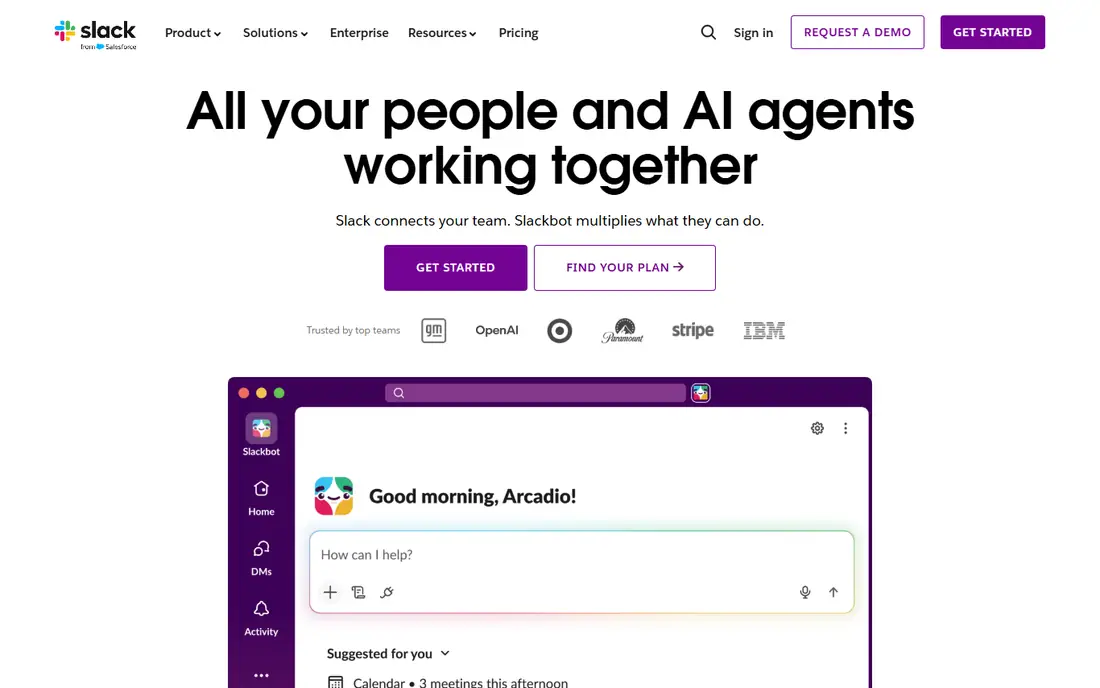
Slack AI solves the most common remote-work pain: returning to hundreds of unread messages. It summarizes channels and threads, surfaces decisions, and lets you search conversations in plain language, so catch-up takes minutes instead of an hour of scrolling. Because it lives inside the chat teams already use, adoption is nearly automatic.
Guides place the AI on Business Plus at $15 per user per month, and the free tier keeps only 90 days of history, so history and AI both push teams toward paid plans. For async teams drowning in channels, Slack AI is the best catch-up tool.
What we like- Channel and thread summaries for fast catch-up
- Search across conversations
- Built into the chat teams already use
Watch out for- AI sits on Business Plus at $15 per user per month in guides
- Free tier keeps only 90 days of history
- Value drops if your team chats elsewhere
Starting priceSee website
Free planTrial
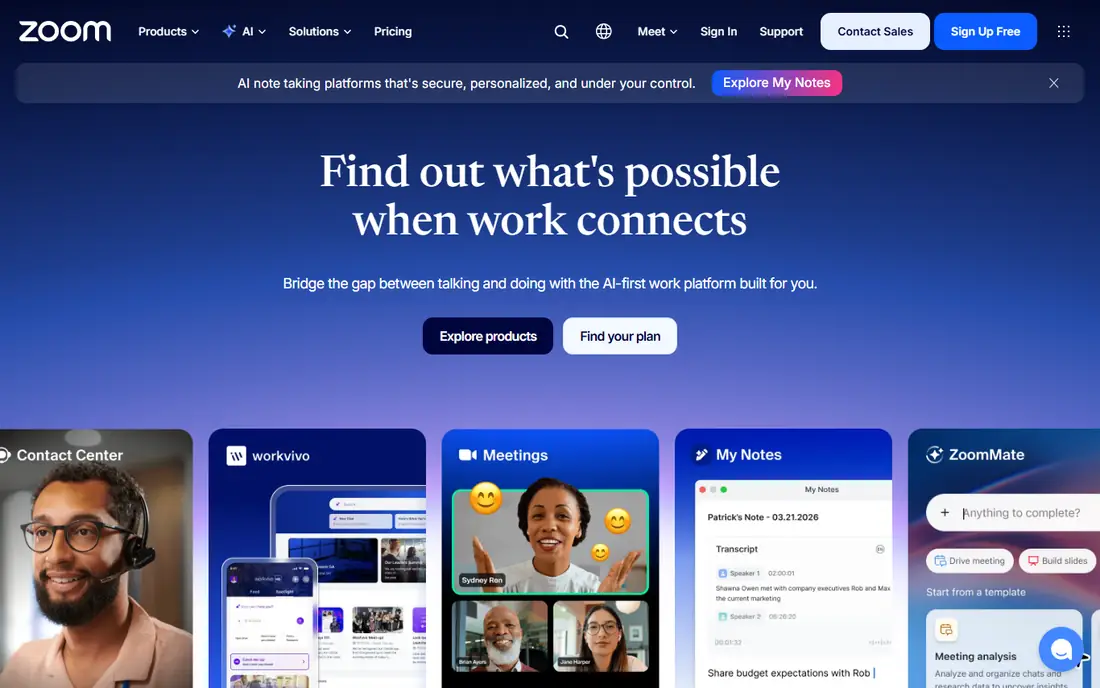
Zoom AI Companion turns meetings into usable output: recaps, action items, and summaries that land after the call, without anyone taking notes. Because it is bundled into paid Workplace plans rather than sold as a separate AI seat, teams already paying for Zoom get AI meeting help at no extra per-user charge.
The free tier caps meetings at 40 minutes, and bundled pricing means the AI cost is hidden inside the Workplace plan, so compare total plan prices. For teams that already meet on Zoom, AI Companion is the best-value meeting AI in this list.
What we like- Meeting recaps and action items bundled into paid Workplace plans
- No separate AI seat to buy
- Works across large meetings
Watch out for- Bundled means pricing is opaque
- Basic free tier caps meetings at 40 minutes
- Best value only for Zoom-first teams
#4Miro
Best for: Visual collaboration4.6/5 on
G2 (13,631 reviews, checked Oct 2026)
Visit miro.com
Starting price$20 per user per month
Free planYes
Miro is the all-around visual collaboration platform, and its AI Sidekicks and Flows help teams cluster sticky notes, generate mind maps, and turn workshop output into next steps. For brainstorming sessions, design sprints, and workshops, the combination of a broad whiteboard and assistive AI keeps sessions moving and output usable.
Guides list Business at $20 per user per month, while the free tier covers 3 boards, which suits small teams testing the tool. Per-member pricing grows with headcount, so large workshops get expensive. For visual collaboration with AI help, Miro is the best all-rounder.
What we like- AI Sidekicks and Flows for brainstorming and sprints
- Broad whiteboard with templates
- Free tier with 3 boards
Watch out for- Business at $20 per user per month in guides
- Per-member pricing grows with teams
- AI features need paid plans
#5FigJam
Best for: Design-team boards4.5/5 on
G2 (465 reviews, checked Oct 2026)
Visit figma.com
Starting price$3 per seat per month
Free planYes
FigJam is the design-team whiteboard, and FigJam AI generates and summarizes board content, turning rough notes into structured diagrams. Collaboration seats cost $3 per month billed annually in guides, which makes it far cheaper than Miro for large groups of occasional contributors.
It shines for design teams and is thinner for general workshops, where Miro timers and voting go further, and full Figma seats cost more than collaboration seats. For design teams already in Figma, FigJam is the cheapest and best-fitting AI board.
What we like- FigJam AI generates and summarizes board content
- Cheap collaboration seats at $3 per month billed annually
- Tight fit with Figma design files
Watch out for- Best for design teams, thinner for general workshops
- AI depth trails Miro
- Full Figma seats cost more
Starting price$10.99 per user per month
Free planYes
Asana AI brings automation to project work through AI Studio, which lets process-heavy teams build automations that triage requests, draft updates, and move work forward without manual steps. Starter costs $10.99 per user per month in guides, with a free Personal tier for individuals.
AI credits add cost on top of the seat price, and good automations need careful setup, so teams should pilot one workflow before scaling. For process-heavy teams that live in Asana, its AI is the best workflow automation in this list.
What we like- AI Studio automations for process-heavy teams
- Starter at $10.99 per user per month plus credits
- Free Personal tier
Watch out for- AI credits add cost on top of the seat price
- Process setup needs thought
- Free tier caps at 2 users in guides
Starting price$21 per user per month
Free planYes
ClickUp Brain packs Deep Search and AI Agents into the all-in-one workspace, letting teams search across docs, tasks, and projects and automate work from one place. Guides price it as Business at $12 plus Brain at $9 per user per month, or $21 combined, with a Free Forever tier for basic use.
That combined price is the honest figure to budget, and the breadth can overwhelm small teams that only need docs or chat. Setup also takes time, since ClickUp covers so much ground. For teams that want one tool instead of five, ClickUp Brain offers the best one-tool value.
What we like- Deep Search plus AI Agents in one workspace
- Business $12 plus Brain $9 per user per month
- Free Forever tier
Watch out for- Combined price of $21 per user per month for full AI
- Breadth can overwhelm small teams
- Setup takes time
#8Fathom
Best for: Free meeting notes5.0/5 on
G2 (7,076 reviews, checked Oct 2026)
Visit fathom.video
Starting priceFree
Free planYes
Fathom is the best free meeting tool in this list. Its free tier offers unlimited recording and transcription, with summaries and action items that turn calls into usable notes, and guides report very high user ratings. For any team that meets regularly, Fathom removes note-taking without a subscription.
Premium costs $20 per user per month in guides for advanced features, and it is meeting-focused rather than a full workspace, so it complements rather than replaces Notion or Asana. For free meeting notes that actually work, Fathom is the pick.
What we like- Unlimited recording and transcription on the free tier
- Meeting summaries and action items
- High user ratings in guides
Watch out for- Premium at $20 per user per month for advanced features
- Meeting-focused, not a full workspace
- Value depends on meeting volume
How we chose
We started from what AI collaboration tools must do well: reduce the work of catching up, finding knowledge, and turning meetings and workshops into action. We compared vendor pricing pages and current 2026 guides, and we favored tools with clear AI pricing, real free tiers, and features that save measurable time. We left out tools whose AI is only a chatbot skin, tools with no published pricing, and tools whose AI features could not be traced. Prices here come from 2026 guides and vendor pages, and they change with promotions, so check the pricing page before you pay. No tool in this list was tested hands-on for this article.
Start with your biggest collaboration pain, not the flashiest AI demo. Chat pain, knowledge pain, and meeting pain each point to a different tool, and buying all three at once usually fails.
Sequence the layers
Adopt chat first, since coordination pain arrives earliest, then knowledge, before the wiki-shaped hole fills with lost decisions, then execution, when cross-team handoffs start dropping. Each layer demands habit-forming effort, and teams absorb one new system well and three badly. The free tiers make the sequence cheap: Slack free or Teams inside existing plans, Notion free to cheap, Asana free for small teams.
Budget the AI tier, not the base tier
Many tools mention AI on cheap tiers but deliver only a trial. Notion full AI needs Business at $20 per member, Slack AI needs Business Plus, and ClickUp Brain adds $9 to the seat price. Budget the tier that actually includes the AI you want, and pilot it with one team before rolling it out company-wide.
Measure time saved, not features used
Track catch-up time, meeting recap time, and search time before and after adoption. If an AI tool does not cut those hours within a month, it is shelfware, however impressive the demo looked. Cut the tool that fails the test and keep the one that earns its seat price.
Frequently asked questions
What is the best AI collaboration tool overall?
Notion Business for docs and knowledge, Slack AI for chat catch-up, and Zoom AI Companion for meeting recaps. No single tool wins every layer, so most teams run two or three together.
How much do AI collaboration tools cost?
Free tiers exist for Fathom, Miro, FigJam, Asana, and ClickUp. Paid AI tiers typically run $15 to $21 per user per month, with Notion Business at $20 per member and Slack AI on Business Plus at $15 per user.
Is Notion AI really $10 per month?
No, not for new customers. The old $10 AI add-on was retired in May 2025, and full Notion AI now requires Business at $20 per member per month. Free and Plus plans get only a trial pool of AI responses.
Do AI meeting tools replace note-taking?
For routine meetings, yes. Fathom and Zoom AI Companion record, transcribe, summarize, and list action items without a note-taker. For sensitive or complex decisions, a human still reviews the summary before it becomes the record.
Which AI collaboration tool is best for small teams?
Fathom for free meeting notes, FigJam for cheap design boards, and Notion Plus with its AI trial for docs. Upgrade to Business tiers only when the trial limits or seat caps start blocking real work.
Sources we checked (8)
- https://www.notion.so
- https://slack.com
- https://www.zoom.com
- https://miro.com
- https://www.figma.com/figjam
- https://asana.com
- https://clickup.com
- https://fathom.video
Is your product missing or out of date?
We review this list regularly. Vendors can request a listing, send updated pricing or ask about featured placement.

Shihab Mia · Founder, Rankite
Shihab has 5+ years in B2B and SaaS SEO. He writes Rankite's software buying guides from pricing pages, documentation and public user reviews. More about Shihab.