How we make this list: we compare pricing pages, product documentation and public user reviews. Ratings come from G2, Capterra or Trustpilot, with the date we checked them.
Key takeaways
- Todoist is the safest default for most people, with fast capture and a genuinely useful free plan.
- TickTick gives you more built-in extras (habits, Pomodoro, calendar) for less money than Todoist Pro.
- Things 3 is the best-looking option, but only if you live entirely on Apple devices.
- Microsoft To Do and Google Tasks cost nothing and cover simple lists well, with clear limits.
- OmniFocus is the deepest system here, and also the hardest to learn and the most expensive.
Quick comparison
| Tool | Best for | Starting price | Free plan |
|---|
 Todoist Todoist | Fast capture on every device | $5 per month (billed annually) | Yes |
 TickTick TickTick | Habits, calendar, and focus in one app | $49.99 per year | Yes |
 Things 3 Things 3 | Apple-only personal planning | $9.99 one-time (iPhone) | No |
 Any.do Any.do | Shared lists and reminders | $4.99 per month (billed annually) | Yes |
 Remember The Milk Remember The Milk | Long-running lists with smart lists | See website | Yes |
 OmniFocus OmniFocus | Deep GTD-style systems | $9.99 per month | Free trial |
 Microsoft To Do Microsoft To Do | Free lists inside Microsoft 365 | Free | Yes |
 Google Tasks Google Tasks | Simple lists inside Google apps | Free | Yes |
Is your product missing or out of date?
We review this list regularly. Vendors can request a listing, send updated pricing or ask about featured placement.
The best task app
#1Todoist
Best for: Fast capture on every device4.5/5 on
G2 (832 reviews, checked Oct 2026)
Visit todoist.com
Starting price$5 per month (billed annually)
Free planYes
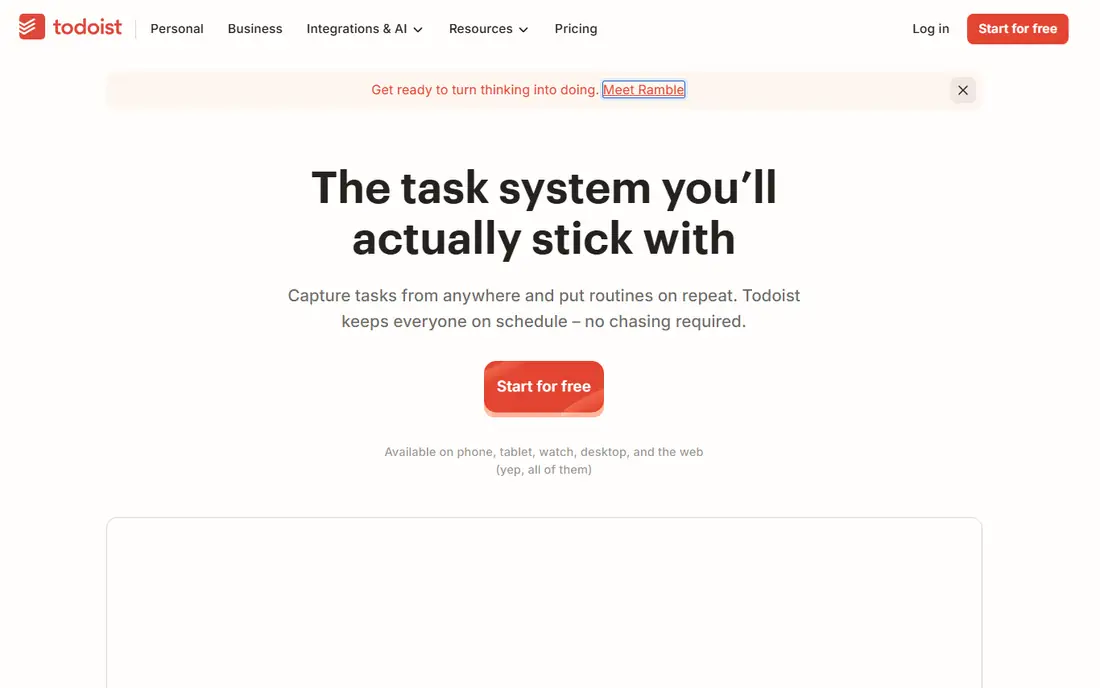
Todoist wins on speed. You type "call the dentist every six months" and it becomes a dated, repeating task without extra clicks. That quick-add box is the reason many people stay with Todoist for years, even when other apps look fancier.
The free Beginner plan covers 5 projects and 3 filter views, which is enough for a personal list. Pro lifts you to 300 projects, custom reminders, a calendar layout, and full AI Assist features for $5 per month billed annually ($60 per year) or $7 month to month. Teams that share many projects need the Business plan at $8 per user per month billed annually, since Pro keeps team projects at 5.
What we like- Natural-language quick add
- Runs on nearly every platform
- Strong recurring tasks and filters
Watch out for- Calendar layout needs Pro
- Free plan caps at 5 projects
- Team sharing is limited on Pro
#2TickTick
Best for: Habits, calendar, and focus in one app4.5/5 on
G2 (113 reviews, checked Oct 2026)
Visit ticktick.com
Starting price$49.99 per year
Free planYes
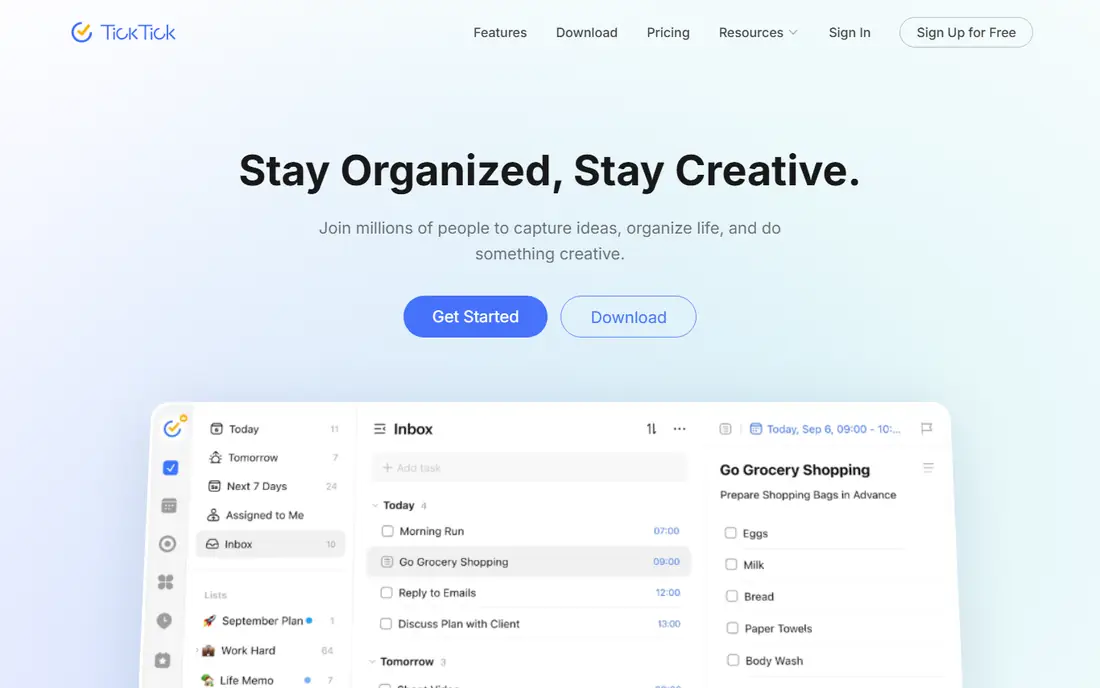
TickTick is the value pick in this list. Premium costs $49.99 per year on the web (or $4.99 per month through app stores), which undercuts Todoist Pro while adding a habit tracker, a Pomodoro timer, and an Eisenhower Matrix view that Todoist does not offer at all.
The free plan is also stronger than most: 9 lists, 99 tasks per list, and basic calendar views. Premium adds 5 reminders per task, a persistent reminder that keeps alerting you until you act, and richer calendar and statistics views. The trade-off is a busier interface, and sharing is basic compared with a true team tool.
What we like- Built-in habit tracker and Pomodoro timer
- Generous free plan
- Calendar views included
Watch out for- Denser interface than Todoist
- Fewer integrations
- No real team plan
Starting price$9.99 one-time (iPhone)
Free planNo
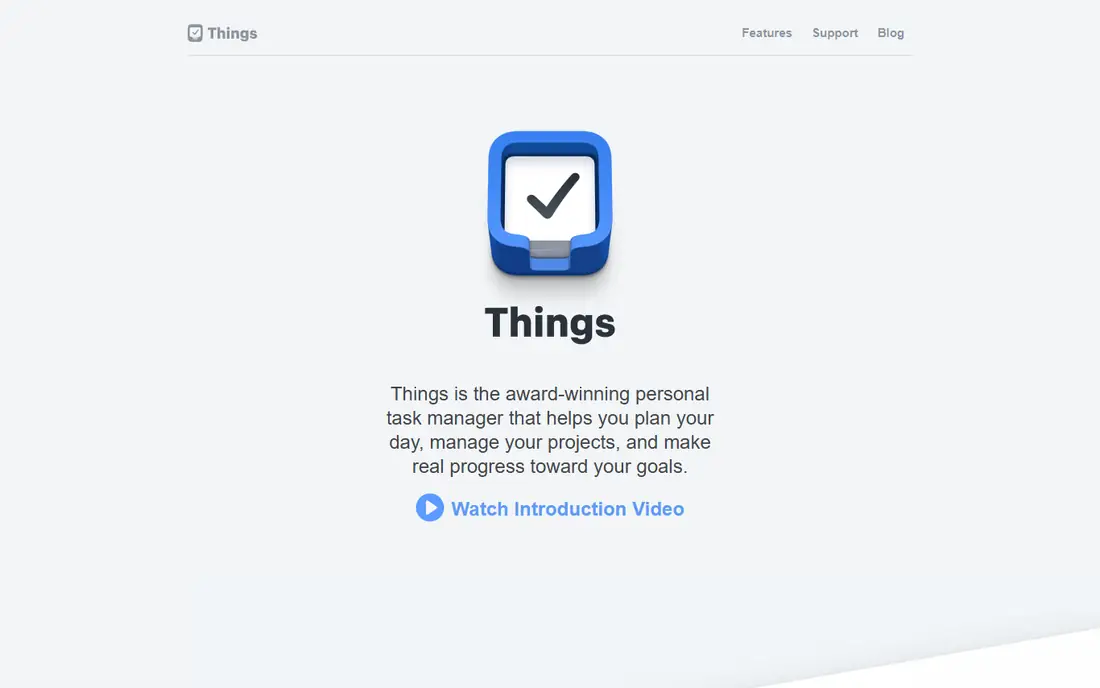
Things 3 is the prettiest task manager you can buy, and its calm layout genuinely helps some people open the app more often. Areas, projects, headings, checklists, and tags cover personal planning well, and the Today and Upcoming views make daily planning simple.
The catch is the platform lock-in and the per-device pricing. Things costs $49.99 on Mac, $9.99 on iPhone (including Apple Watch), and $19.99 on iPad, each a one-time purchase, so a full set runs about $80. There is no Windows, Android, or web version, and no way to share a list in real time with someone else. Only the Mac app offers a trial (15 days).
What we like- Beautiful, calm design
- One-time purchase, no subscription
- Fast sync across Apple devices
Watch out for- Apple devices only
- No real-time sharing
- Sold separately per device
#4Any.do
Best for: Shared lists and reminders4.2/5 on
G2 (197 reviews, checked Oct 2026)
Visit any.do
Starting price$4.99 per month (billed annually)
Free planYes
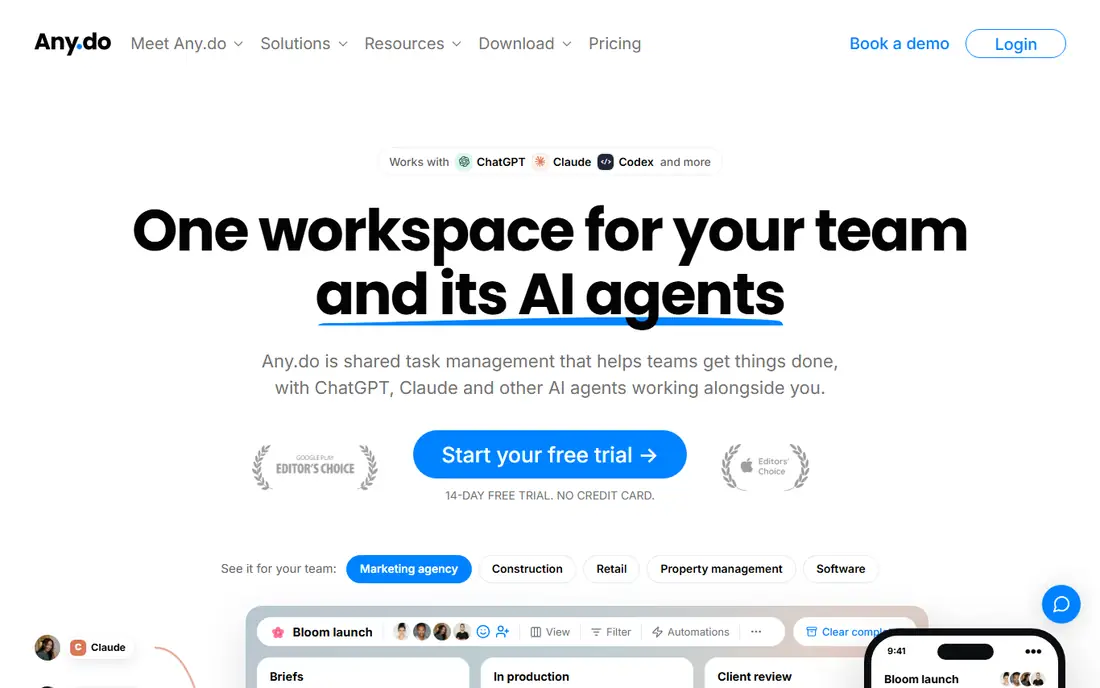
Any.do is a good middle ground between a bare list and a full project tool. The personal to-do list, planner, calendar, and reminders are free, and the app runs on iPhone, Android, Mac, Windows, and the web. Families can share lists and a grocery list that updates in real time.
Premium costs $4.99 per month billed annually and adds location reminders, WhatsApp reminders, and other extras. Teams get shared boards with calendar and table views from $4.99 per member per month billed annually, plus an AI connector for ChatGPT and Claude. It will not replace a dedicated project manager for a larger team, but for a household or a small team it is plenty.
What we like- Free personal lists
- Shared family lists
- WhatsApp reminders on paid plans
Watch out for- Team boards are basic next to Asana or Trello
- Advanced reminders need Premium
Starting priceSee website
Free planYes
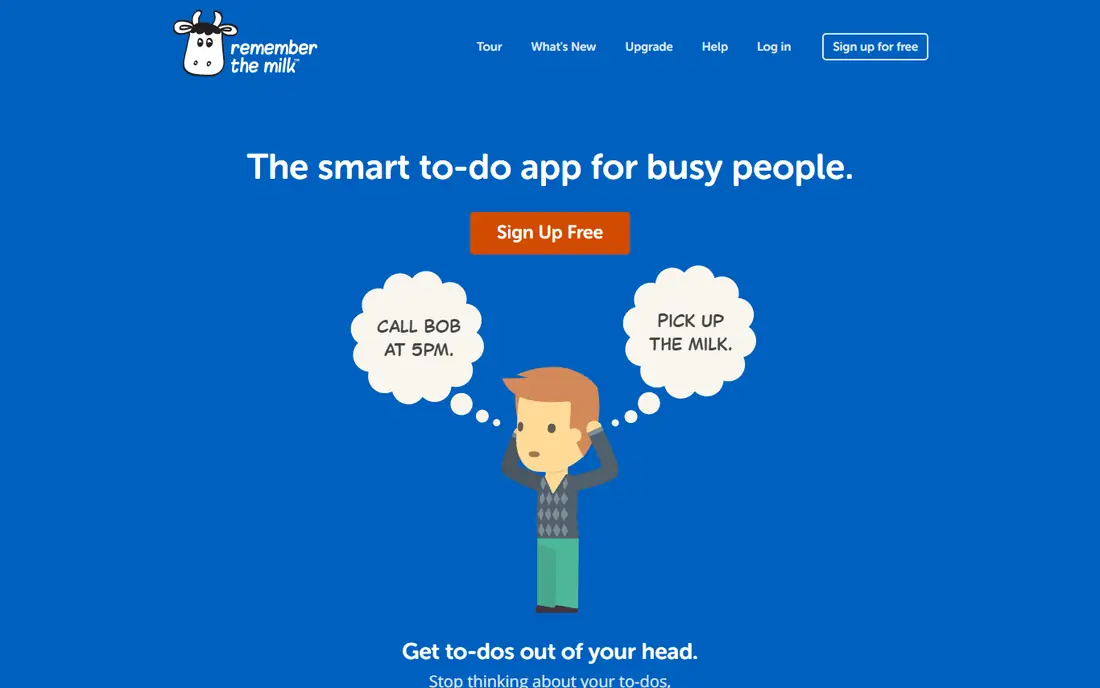
Remember The Milk has been around longer than most apps here, and its smart lists remain a strong feature: you build a saved search (for example, all tasks due this week tagged "errands") and it updates itself. It works on phones, the web, and inside Google apps, and it recently added AI assistant connections for Claude and ChatGPT.
The downside is presentation. The interface looks older than Todoist or TickTick, and the homepage does not make Pro pricing obvious, so check the upgrade page before you buy. For someone with hundreds of recurring tasks who likes saved searches more than boards, it still earns its place.
What we like- Smart lists that filter tasks automatically
- Runs almost everywhere
- Long track record
Watch out for- Interface feels dated
- Pro pricing is not shown clearly on the homepage
#6OmniFocus
Best for: Deep GTD-style systems4.6/5 on
G2 (55 reviews, checked Oct 2026)
Visit omnigroup.com
Starting price$9.99 per month
Free planFree trial
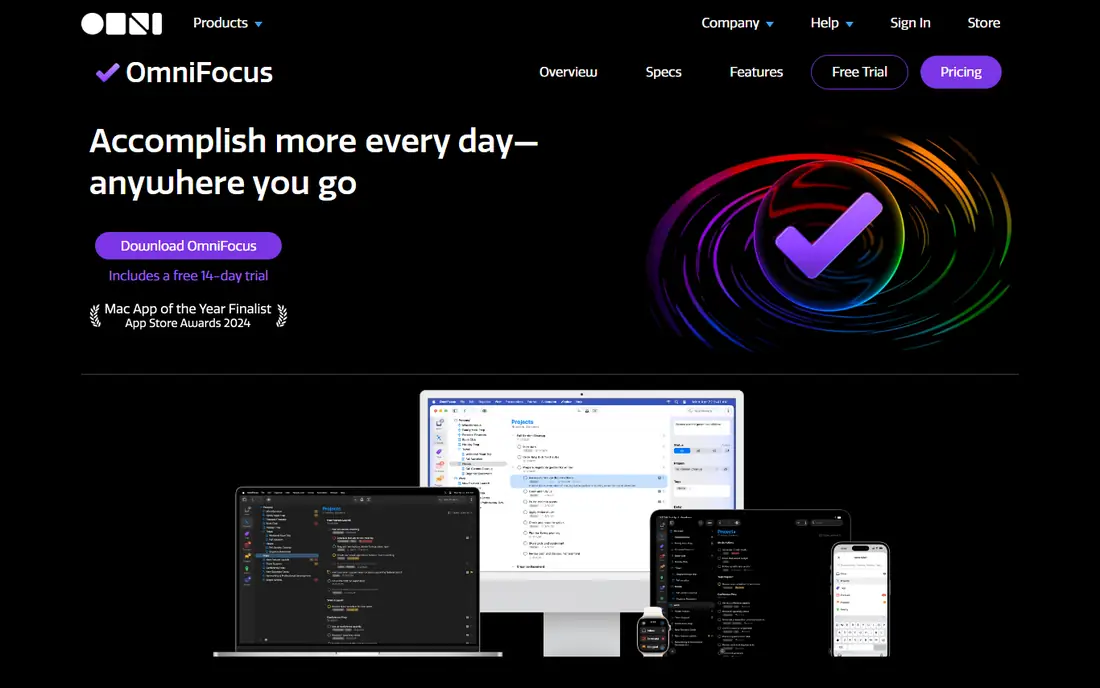
OmniFocus is the most powerful personal task manager in this list, built around the Getting Things Done method. Custom perspectives let you slice your work by context, project, or energy level, and the weekly review flow keeps long projects from going stale. The Forecast view shows calendar events beside due tasks, which helps daily planning.
That depth has a price beyond money. OmniFocus assumes you will spend time configuring it, and it offers no way to share a task with a colleague. It runs on Mac, iPhone, iPad, and Apple Watch, with web access through the subscription ($9.99 per month or $99.99 per year). A one-time Standard license costs $74.99, and Pro is $149.99, but licenses do not include web access. Try the 14-day trial before committing.
What we like- Custom perspectives and review cycles
- Forecast view with calendar events
- Deep Apple integration
Watch out for- Apple devices only
- Steep learning curve
- No real collaboration features
Starting priceFree
Free planYes
Microsoft To Do is the sensible free choice if you already live in Outlook or Microsoft 365. Tasks sync with Outlook, and the My Day view gives you a clean daily shortlist. Lists, steps (subtasks), and file attachments cover everyday personal use.
What it lacks is depth. There are no projects with sections, no saved filters, and no smart lists of the Remember The Milk kind. If your list is mostly errands, appointments, and simple work tasks, that may not matter. If you manage many projects, you will outgrow it quickly.
What we like- Completely free
- Syncs with Outlook tasks and Planner
- My Day view for daily focus
Watch out for- No projects or tags of real depth
- No natural-language date parsing like Todoist
Starting priceFree
Free planYes
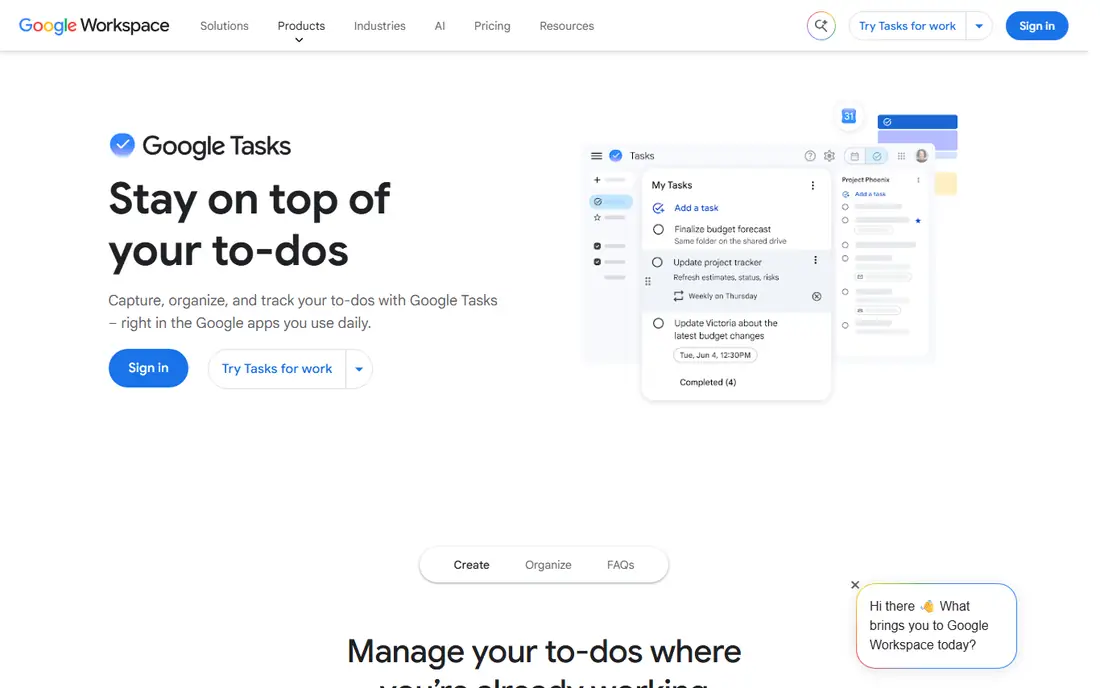
Google Tasks is the lightest option here, and that is both its appeal and its limit. It lives inside Gmail and Google Calendar, so tasks sit next to the messages and events that create them, and you can share a list with someone else through a link. It costs nothing beyond a Google account.
There is no priority system, no tags, and no filtering beyond search, and the web version asks you to sign in before you see anything. Google caps accounts at 100,000 tasks, which few people will hit. Pick Google Tasks if you want a list that is always one click away, not a system to manage your life.
What we like- Free with any Google account
- Sits inside Gmail and Calendar
- Shared lists via link
Watch out for- No priorities, tags, or filters
- No dedicated desktop app
- Login required on the web
How we chose
We compared pricing pages, documentation, and public reviews for the most widely used task apps, and opened each official homepage to confirm it loads and belongs to the named product. We favored apps that still receive updates, run on current devices, and fit a clear use case, from a free single list to a full GTD system. Prices were checked against vendor pages and recent pricing coverage in October 2026; where a price could not be confirmed cleanly, the field says "See website".
Pick by how you actually work
Start with the shape of your day, not the feature list. If you capture tasks constantly from email, meetings, and voice notes, capture speed matters more than boards: Todoist or TickTick will serve you better than a heavier system. If you plan your week on Sunday and mostly work alone on Apple devices, Things 3 or OmniFocus may fit, with Things for simplicity and OmniFocus for depth.
Check the free plan limits before you commit to a paid tier. Todoist's free plan caps projects at 5, TickTick's at 9 lists, and both are fine for one person but tight for a household. Export matters too: make sure you can get your tasks out as a file or through an integration before you build years of lists inside one app. Finally, try the app on your phone first. A task app you do not open is worthless, however good its feature table looks.
Frequently asked questions
Which task app is best for most people?
Todoist, because its quick add is fast, it runs on every major platform, and the free plan covers basic personal use. TickTick is the better value if you also want habits and a Pomodoro timer built in.
Is there a good completely free task app?
Yes. Microsoft To Do and Google Tasks are both free and cover simple lists well. TickTick and Todoist also have free plans, with limits on projects and lists.
What is the best task app for Apple users only?
Things 3 if you want a calm, beautiful app and a one-time purchase. OmniFocus if you want a deep GTD system with custom perspectives and review cycles, and you accept the learning curve.
Do any of these apps work for teams?
Todoist Business and Any.do Teams both support shared projects, but neither replaces a full project tool like Asana for larger teams. OmniFocus and Things 3 are personal tools with no real-time sharing.
Can I move my tasks from one app to another?
Most of these apps support import from common formats or from each other through their import tools or integrations. Check the import options before you switch, and export a backup copy first.
Does a task app need a subscription to be useful?
No. Things 3 is a one-time purchase, and the free plans from Todoist, TickTick, Any.do, Microsoft To Do, and Google Tasks cover many people fully. Pay only when you hit a limit you actually feel.
Sources we checked (8)
- https://todoist.com/pricing
- https://ticktick.com
- https://culturedcode.com/things/
- https://www.any.do
- https://www.rememberthemilk.com
- https://www.omnigroup.com/omnifocus
- https://todo.microsoft.com
- https://tasks.google.com
Is your product missing or out of date?
We review this list regularly. Vendors can request a listing, send updated pricing or ask about featured placement.

Shihab Mia · Founder, Rankite
Shihab has 5+ years in B2B and SaaS SEO. He writes Rankite's software buying guides from pricing pages, documentation and public user reviews. More about Shihab.