How we make this list: we compare pricing pages, product documentation and public user reviews. Ratings come from G2, Capterra or Trustpilot, with the date we checked them.
Key takeaways
- The best t-shirt design software in 2026 splits into professional vector editors for original artwork and template tools for fast print-on-demand designs.
- Adobe Illustrator and CorelDRAW lead for print-ready vector art that screen printers accept, while Inkscape matches them free for vector work.
- Canva, Placeit, and VistaCreate lead for beginners selling shirts without design skills, and Printful Design Maker suits sellers fulfilling through Printful.
- Snappa suits simple text-and-graphic tees fast, but it is not a vector editor.
- Whatever you pick, export print files at 300 DPI in the color mode your printer asks for, usually CMYK or sRGB PNG, and never sell trademarked artwork you do not own.
Quick comparison
| Tool | Best for | Starting price | Free plan |
|---|
 Adobe Illustrator Adobe Illustrator | Professional vector artwork | $22.99 per month | Free trial |
 CorelDRAW CorelDRAW | Print shops that want ownership | $269 per year | Free trial |
 Canva Canva | Beginners from templates | Free | Yes |
 Placeit Placeit | Designs plus mockups together | $14.95 per month | Yes |
 Inkscape Inkscape | Free professional vector work | Free | Yes |
 VistaCreate VistaCreate | Quick template graphics | $10 per month | Yes |
 Printful Design Maker Printful Design Maker | Design and fulfill via Printful | Free | Yes |
 Snappa Snappa | Simple graphics fast | $15 per month | Yes |
Is your product missing or out of date?
We review this list regularly. Vendors can request a listing, send updated pricing or ask about featured placement.
The best t-shirt design software
#1Adobe Illustrator
Best for: Professional vector artwork4.6/5 on
G2 (6,200 reviews, checked Oct 2026)
Visit adobe.com
Starting price$22.99 per month
Free planFree trial
Adobe Illustrator is the standard print shops speak. When a screen printer asks for art as a vector file with spot colors, they mean an AI or EPS file built in Illustrator or something that exports one cleanly, and that compatibility is the real reason it stays at the top. The pen tool, pathfinder, and type engine give control over every anchor point, which matters when a design must separate into clean screens.
The trade is learning time and cost. The curve genuinely takes months, the annual plan costs 22.99 dollars per month billed monthly, or 34.49 dollars month to month, and there is no perpetual license. For a small shop doing a few designs a month, that math is hard against free tools, but for a print business or a designer selling client work, Illustrator is the cost of doing business.
What we like- True vector output print shops accept
- Pantone and spot-color libraries
- Precise control over separations
Watch out for- Steep learning curve
- Subscription only
- 7-day trial is short
#2CorelDRAW
Best for: Print shops that want ownership4.3/5 on
G2 (556 reviews, checked Oct 2026)
Visit coreldraw.com
Starting price$269 per year
Free planFree trial
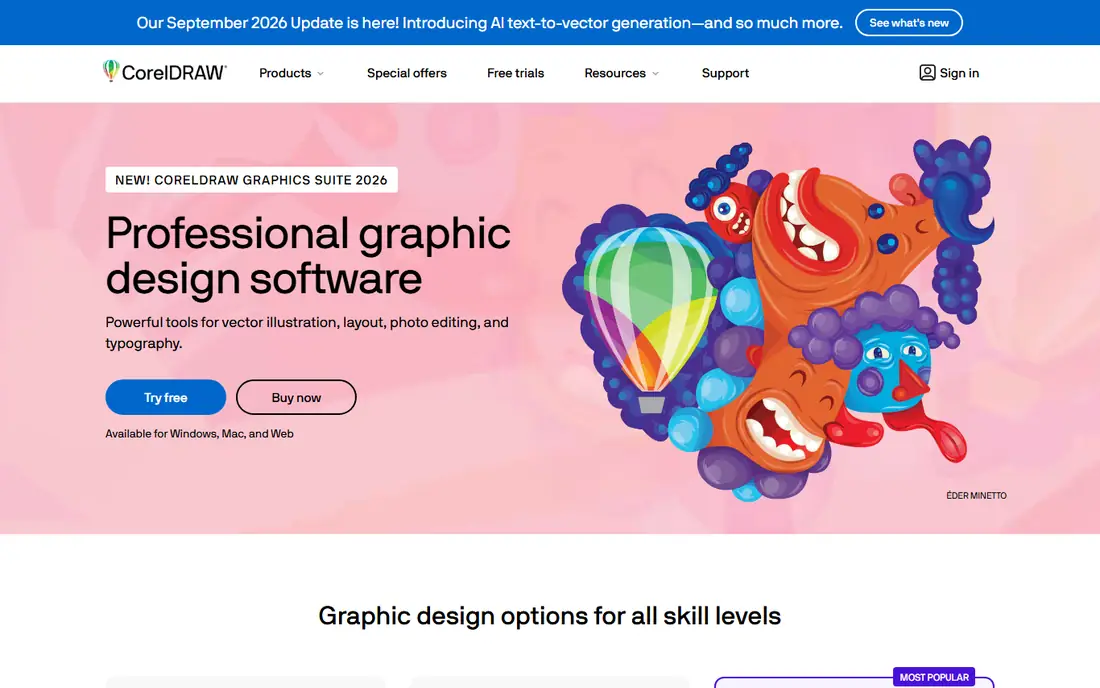
CorelDRAW suits print shops and illustrators who want to own their software. The Graphics Suite costs 269 dollars per year on subscription or 549 dollars one-time, which appeals to buyers who dislike endless subscriptions. Print, layout, and vector tools cover the full shop workflow, from original art to multi-page layouts.
The limits are platform and push. The audience leans Windows, the subscription is still pushed over perpetual, and beginners face a real learning curve. For a print shop that wants professional vector tools with an ownership option, CorelDRAW is the strongest Illustrator alternative.
What we like- Perpetual license option
- Strong print and layout tools
- Popular in print shops
Watch out for- Windows-first audience
- Subscription still pushed
- Learning curve for beginners
#3Canva
Best for: Beginners from templates4.7/5 on
G2 (7,678 reviews, checked Oct 2026)
Visit canva.com
Starting priceFree
Free planYes
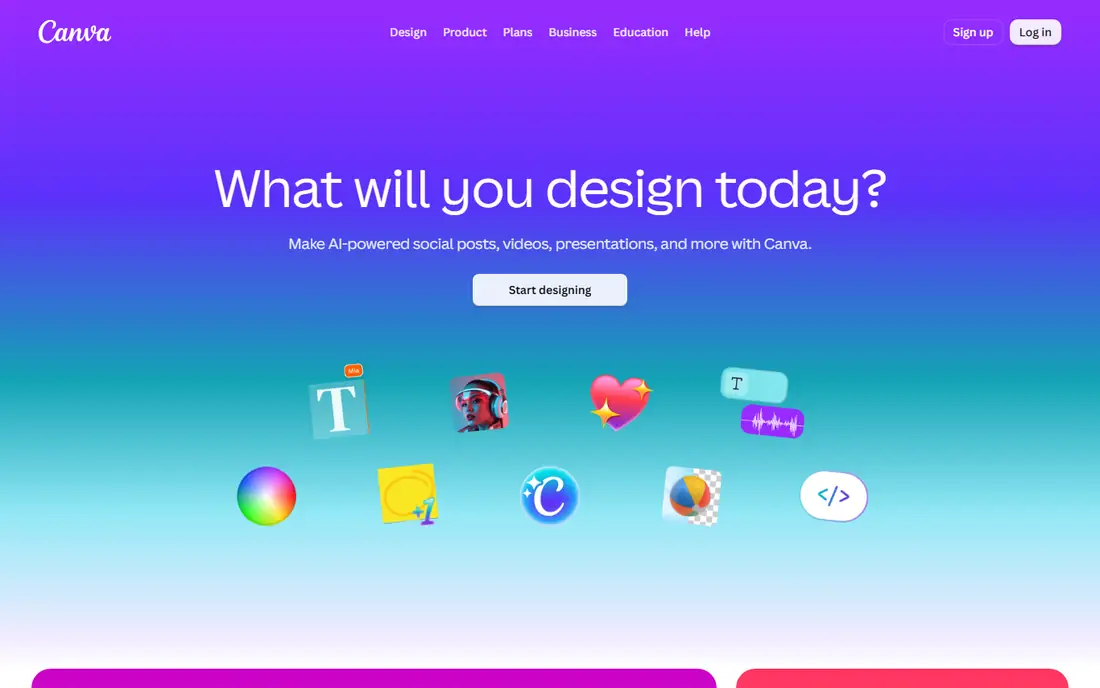
Canva dominates the beginner POD space because it removes technical barriers between an idea and a sellable design. Thousands of t-shirt layouts, easy text tools, and transparent PNG export at custom dimensions cover most template-based shirts, and the free tier is very capable for text designs and simple graphics. Direct connections to Printful, Printify, and other POD platforms speed up listing.
The trade is depth. Premium photos, fonts, and background removal sit behind Pro, Canva is not a true vector editor, and print color control is basic next to Illustrator. For a beginner selling template-based shirts fast, Canva is the easiest starting point.
What we like- Huge template library
- Drag and drop editor
- Transparent PNG export on Pro
Watch out for- Paid assets sit behind Pro
- Not a true vector editor
- Print color control is basic
Starting price$14.95 per month
Free planYes
Placeit suits POD sellers who need t-shirt designs and product mockups together. One Unlimited subscription, at 14.95 dollars per month or 89.69 dollars per year, covers design templates plus a very large mockup library with many scenes and models, plus video templates. Every download carries a commercial license, which suits store listings and ads.
The limits are value shape and depth. Monthly billing costs far more than annual over a year, free templates are limited, and Placeit is not a full vector editor for original artwork. For a seller who lists daily and needs fresh mockups constantly, Placeit pays for itself in presentation quality.
What we like- Huge mockup and template library
- Designs and mockups in one subscription
- Commercial license on downloads
Watch out for- Monthly price beats annual value
- Limited free templates
- Not a full vector editor
#5Inkscape
Best for: Free professional vector work4.4/5 on
G2 (417 reviews, checked Oct 2026)
Visit inkscape.org
Starting priceFree
Free planYes
Inkscape suits anyone who needs professional vector tools at zero cost. It handles paths, text, layers, and color management well enough for print-ready artwork, runs on Windows, Mac, and Linux, and costs nothing as open source software. For a designer on a zero budget, it is the only free tool here that matches Illustrator on vector capability.
The trade is polish and workflow. The interface feels less refined, print shop compatibility needs care with file formats and color modes, and there are no cloud features or template libraries. For a skilled designer who wants free vector power and accepts a rougher interface, Inkscape is unmatched.
What we like- Full vector editing free
- Open source
- Runs on any desktop OS
Watch out for- Interface feels less polished
- Print shop compatibility needs care
- No cloud features
Starting price$10 per month
Free planYes
VistaCreate suits sellers who want quick template-based shirt graphics on a small budget. The free Starter plan handles simple designs, while Pro at 10 dollars per month covers full assets and exports. The editor stays simple, so a beginner can finish a design in minutes rather than hours.
The limits are depth. Template depth trails Canva, Pro is needed for the best assets, and VistaCreate is not a vector editor for original artwork. For a seller who wants a cheaper Canva-style tool for straightforward graphics, VistaCreate fits well.
What we like- Free Starter plan
- Quick template designs
- Simple editor
Watch out for- Template depth trails Canva
- Pro needed for full assets
- Not a vector editor
Starting priceFree
Free planYes
Printful Design Maker suits sellers who design and fulfill through Printful. It is free with a Printful account, maps designs onto real catalog products with accurate colors, and feeds directly into listings, so there is no file handoff to get wrong. For a Printful seller, it removes the gap between design and product.
The trade is lock-in. The tool is only useful inside Printful, template depth is limited next to Canva or Placeit, and there is no standalone export workflow for other printers. For a seller committed to Printful, it is the most accurate free option, but multi-platform sellers should design elsewhere.
What we like- Free with a Printful account
- Designs map to real products
- Color accuracy on Printful catalog
Watch out for- Only useful inside Printful
- Template depth is limited
- No standalone export workflow
#8Snappa
Best for: Simple graphics fast4.6/5 on
G2 (40 reviews, checked Oct 2026)
Visit snappa.com
Starting price$15 per month
Free planYes
Snappa suits non-designers who need simple shirt graphics fast. The editor is among the fastest here for text-and-graphic tees, the free Starter plan covers 3 downloads per month, and Pro at 15 dollars per month, or 10 dollars on annual billing, lifts the caps. For a busy marketer making simple graphics between other jobs, Snappa saves the most time.
The limits are capability. Snappa is not a vector editor, so original artwork and print separations are out of reach, and Starter downloads cap quickly for active sellers. For simple graphics at speed, it is the fastest pick, but serious artwork needs a vector tool above.
What we like- Fastest option for simple graphics
- Free Starter with 3 downloads per month
- Easy editor
Watch out for- Not a vector editor
- Starter downloads are capped
- Template depth is limited
How we chose
We ranked tools by vector quality, template libraries, mockup options, print export, ease of learning, and value at entry level pricing. We favored tools whose exports print shops accept, since a design that looks good on screen but fails at print is worthless, and we gave extra weight to free tiers that cover real work. We also weighed licensing honestly, since selling trademarked characters, logos, or slogans you do not own risks takedowns no matter how good the tool is.
We also weighed entry cost honestly. Where published prices conflicted across sources, such as Placeit monthly versus annual value and Canva Pro pricing by country, we used the most commonly listed figures and noted that country pricing varies. Where pricing is subscription-only versus perpetual, we stated both so buyers can compare lifetime cost.
Buying guide
Start by naming your print method. Screen printing needs vector files with spot colors, so Illustrator, CorelDRAW, or Inkscape fit. Print-on-demand needs high-resolution transparent PNGs, so Canva, Placeit, VistaCreate, or Printful Design Maker fit. Direct-to-garment sits between, accepting PNGs but rewarding clean high-resolution art.
Next, check exports before committing. Export a test design at 300 DPI with a transparent background, send it to your printer or POD platform, and confirm colors, sizing, and placement on a real product sample. A tool that cannot produce the file your printer asks for is out no matter how easy it feels.
Finally, respect licensing. Use your own artwork or properly licensed assets, and avoid trademarked characters, team logos, and slogans you do not own. Template tools include licensed assets for commercial use, but that license rarely covers reselling the template itself unchanged. Build original variations on templates rather than copying them outright.
Frequently asked questions
What is the best t-shirt design software overall?
Adobe Illustrator suits professional vector artwork, Inkscape suits free vector work, and Canva suits beginners selling template shirts. The best pick follows skill level and print method.
Do I need vector software for print-on-demand?
No. POD platforms accept high-resolution transparent PNGs, so Canva, Placeit, or VistaCreate cover most POD sellers. Vector software matters mainly for screen printing and client work.
What resolution should shirt designs be?
Export at 300 DPI at full print size with a transparent background. Low-resolution art prints blurry, and no tool can add detail that was never there.
Can I sell designs made with free templates?
Usually yes for finished designs using licensed template assets, but check the license, since most template licenses bar reselling the template itself unchanged. Build original variations rather than copying templates outright.
Is Inkscape really good enough for professional work?
Yes, for vector capability. Inkscape handles professional vector tasks free, though its interface is rougher and print shop compatibility needs care with formats and color modes.
Sources we checked (0)
Is your product missing or out of date?
We review this list regularly. Vendors can request a listing, send updated pricing or ask about featured placement.

Shihab Mia · Founder, Rankite
Shihab has 5+ years in B2B and SaaS SEO. He writes Rankite's software buying guides from pricing pages, documentation and public user reviews. More about Shihab.