How we make this list: we compare pricing pages, product documentation and public user reviews. Rankite is independent; if a vendor ever pays for a featured spot, that listing is clearly labeled Partner.
Key takeaways
- Subsplash is the best all-in-one platform, combining streaming with apps, giving, and church management, though pricing is quote-based.
- BoxCast and Resi are the most trusted dedicated streaming platforms, with BoxCast starting at $109 per month and Resi at $99 per month.
- Church Online Platform is completely free and pairs with any streaming provider, making it the best budget option for engagement features.
- StreamingChurch.tv has served churches since 2001 with unlimited bandwidth and seven-day support starting at $79 per month.
- Dacast and Vimeo are professional video platforms that work well for churches wanting full control over their video, while Switcher Studio turns iPhones into a multicamera rig.
Quick comparison
| Tool | Best for | Starting price | Free plan |
|---|
 Subsplash Subsplash | All-in-one church platform with streaming | See website (custom bundles) | No |
 BoxCast BoxCast | Reliable streaming with volunteer-friendly setup | $109 per month (Standard) | Free trial |
 Resi Resi | Bulletproof reliability for multisite churches | $99 per month (Social Only) | No |
 StreamingChurch.tv StreamingChurch.tv | Simple unlimited streaming with great support | $79 per month (Basic) | Free trial (30 days) |
 Church Online Platform Church Online Platform | Free online service experience layer | Free | Yes |
 Dacast Dacast | Professional video platform with full control | $39 per month, billed annually (Starter) | Free trial (14 days) |
 Vimeo Livestream Vimeo Livestream | Ad-free streaming on a trusted video platform | $65 per month, billed annually (Advanced) | Free trial |
 Switcher Studio Switcher Studio | Multicamera streaming from iPhones | $65 per month (Studio) | Free trial (14 days) |
Is your product missing or out of date?
We review this list regularly. Vendors can request a listing, send updated pricing or ask about featured placement.
The best streaming software for churches
Starting priceSee website (custom bundles)
Free planNo
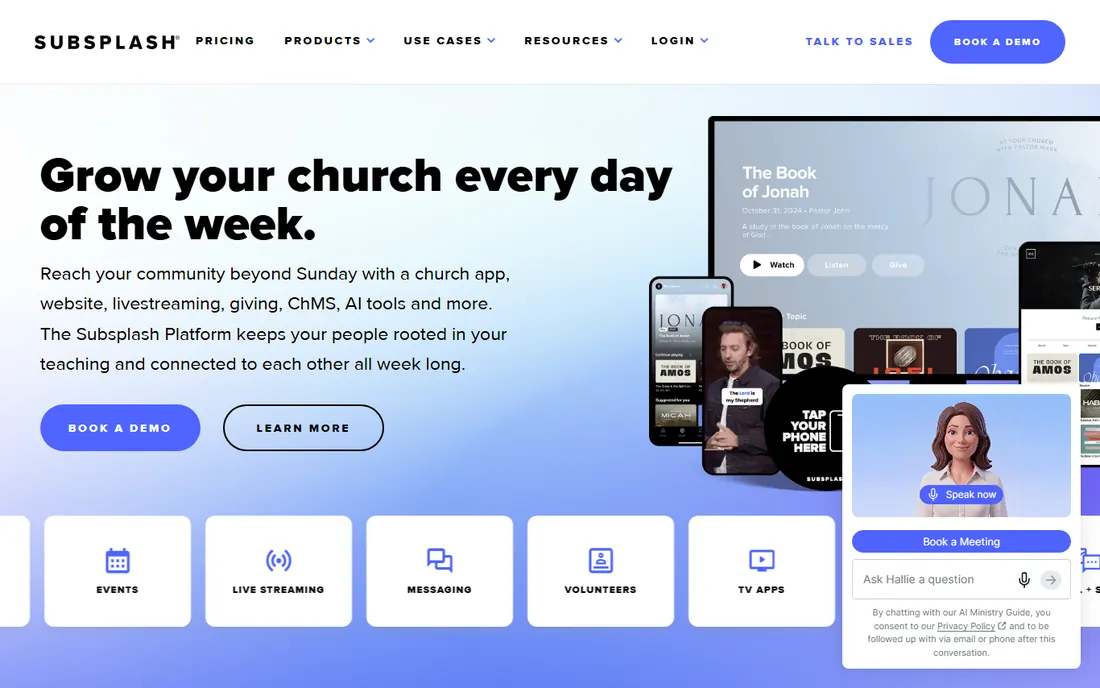
Subsplash is not just a streaming tool. It is a full church engagement platform where live streaming sits alongside custom mobile and TV apps, online giving, websites, media hosting, and people management. Your live stream, trimming, and distribution happen in one dashboard, and Pulpit AI can turn each sermon into clips, graphics, and discussion questions automatically.
That integration is the real selling point. Instead of paying separately for giving, a website, an app, media hosting, and messaging, one vendor handles the whole stack. Subsplash says it is trusted by 20,000 churches and ministries, including names like Harvest and Saddleback.
The downside is opacity. Pricing is quote-based and bundled into Subsplash One packages, so you will not know the cost until you talk to sales. Users also note that add-ons like messaging and streaming push the price up. If you want one platform for everything digital, start here. If you only need streaming, the dedicated tools below are cheaper.
What we like- Streaming plus apps, giving, websites, and ChMS in one platform
- Trusted by 20,000 churches
- AI sermon clipping with Pulpit AI
Watch out for- Quote-based pricing with no public rates
- Can be expensive with add-ons
#2
BoxCast
Best for: Reliable streaming with volunteer-friendly setup
Visit boxcast.com
Starting price$109 per month (Standard)
Free planFree trial
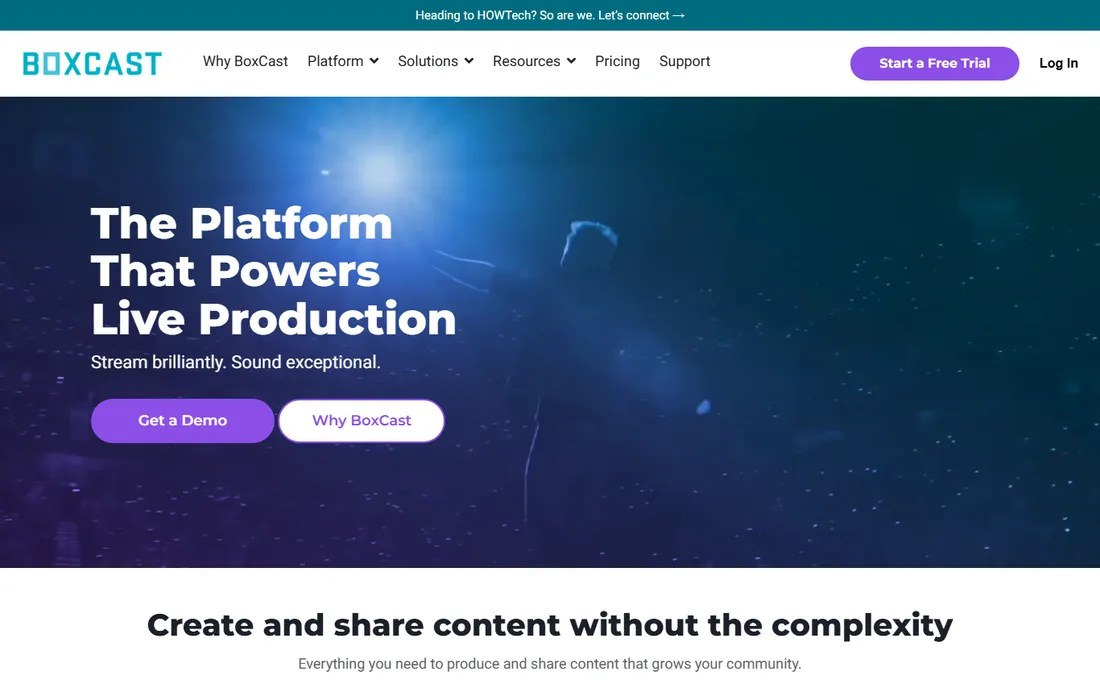
BoxCast built its reputation on one promise: your stream will not fail on Sunday morning. Its patented BoxCast Flow protocol keeps video smooth even when the church internet wobbles, and the company says it powers more than 10,000 live broadcasts every week. Hardware encoders like the BoxCaster and Spark make setup nearly foolproof for volunteers.
Plans start at $109 per month for Standard, which covers multi-destination streaming, private streams, automatic captioning of recordings, and 90-day storage. The $169 Deluxe tier adds simulated live, graphic overlays, and branding removal, while $249 Advanced adds 1080p60, three simultaneous streams, and API access. Support runs seven days a week, with Sunday hours specifically for churches.
BoxCast is less suited to churches that want deep customization or advanced analytics, and there is no free tier. But for a congregation that wants dependable streaming with minimal technical babysitting, it remains the benchmark.
What we like- Patented BoxCast Flow protocol for unstable internet
- Powers 10,000+ broadcasts weekly
- US-based support seven days a week including Sundays
Watch out for- No free tier
- Higher tiers needed for 1080p60 and API access
#3
Resi
Best for: Bulletproof reliability for multisite churches
Visit resi.io
Starting price$99 per month (Social Only)
Free planNo
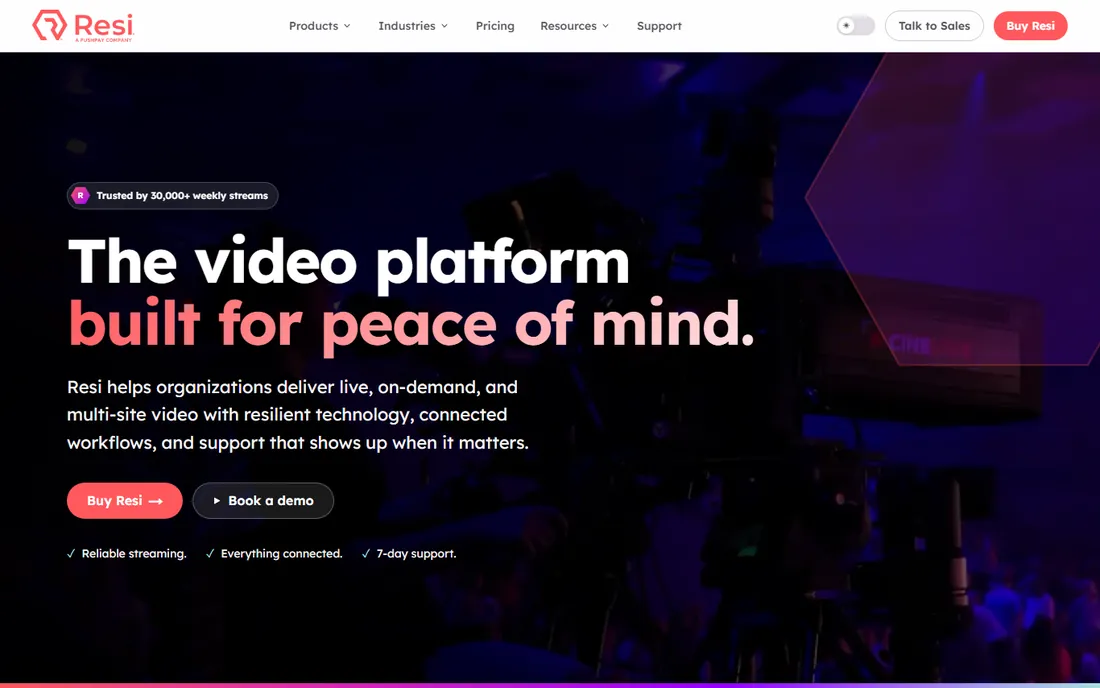
Resi's pitch is simple: your internet fails, your stream does not. Its patented Resilient Streaming Protocol buffers up to 30 minutes locally and verifies every frame before it reaches the cloud, so even a complete network outage does not kill the broadcast. The company reports 30,000 weekly streams with 99.99% uptime, and it is trusted by 80 of the 100 largest churches in the US, including Life.Church and Elevation.
Automation is the other half of the story. Schedule your broadcast, pick destinations, and walk away. Resi handles the start, stop, transcoding, and archive. Plans start at $99 per month for Social Only (Facebook and YouTube), $159 for Starter Lite with website streaming, and $299 for Pro with app and OTT delivery.
The trade-off is latency: the frame verification creates a delay of around 90 seconds to two minutes, which matters if your online audience chats in real time. And it is a Pushpay subsidiary with premium pricing. For multisite churches where failure is not an option, Resi is worth it.
What we like- Resilient Streaming Protocol survives total internet outages
- Fully automated scheduling and archiving
- Trusted by 80 of the 100 largest US churches
Watch out for- Noticeable stream delay of 90 seconds to 2 minutes
- Premium pricing for website streaming
Starting price$79 per month (Basic)
Free planFree trial (30 days)
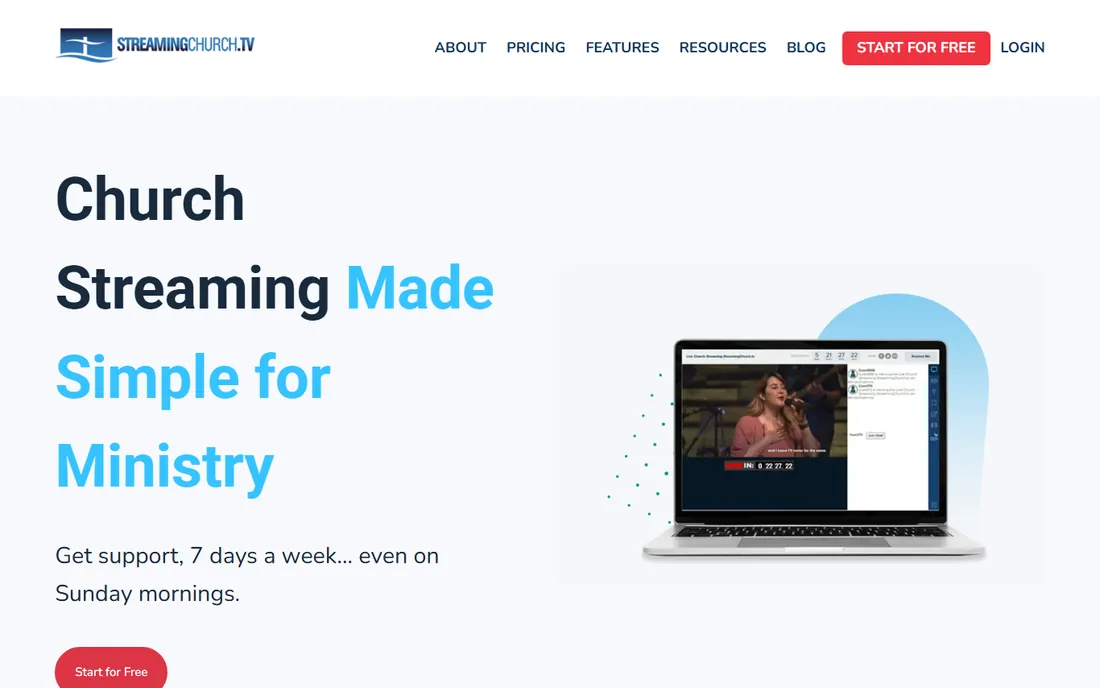
StreamingChurch.tv has been doing church streaming since 2001, longer than almost anyone. Every plan includes unlimited audience, unlimited bandwidth, and unlimited support, with help available seven days a week, including Sunday mornings. Features built for ministry include moderated chat, sermon notes, an attendee map, and automated follow-up tools for online guests.
Pricing is straightforward: Basic at $79 per month, Premium at $127 with on-demand video and an online editor, and Platinum at $179 with social integration and a branded channel. A 30-day free trial needs no credit card, and the company claims over 1.5 million viewer hours delivered without outages in recent years.
The honest caveats: there is no free tier, and because it does not run on a traditional CDN, video quality can soften as viewer counts climb very high. For a typical congregation that wants simple, unlimited streaming from people who know church, it delivers.
What we like- Unlimited audience and bandwidth on every plan
- Seven-day phone support including Sundays
- In ministry since 2001
Watch out for- No free tier
- Video quality can dip with very large audiences
Starting priceFree
Free planYes
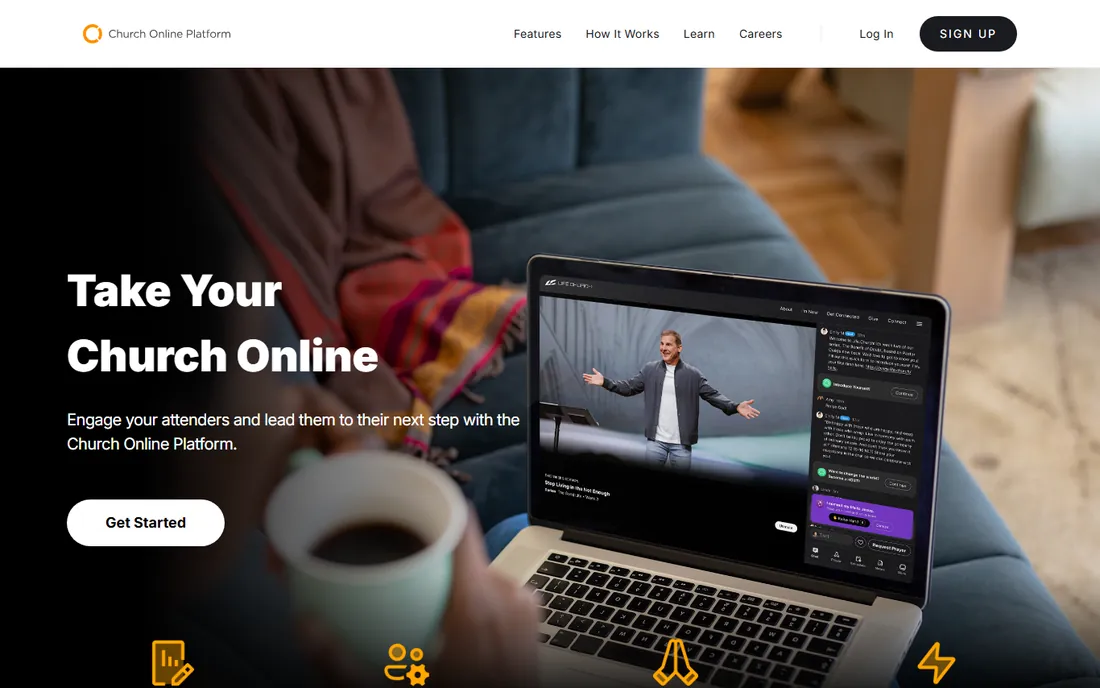
The Church Online Platform is the best deal in church tech: a full online service experience, completely free. Built by Life.Church, it gives you a customizable service page with live chat, private chat, live prayer requests, volunteer hosting tools, calls to action, and analytics. Setup takes under five minutes, and 38,428 churches have joined since 2011.
The key thing to understand is that it is not a streaming provider. You bring your own stream from YouTube, Facebook, Vimeo, or any RTMP source, and the platform wraps it in a church-specific experience. That makes it the perfect companion to a cheap or free streaming setup.
There is genuinely no catch on price: unlimited services, attenders, admins, hosts, and chats, all free, with ongoing upgrades. If your church streams anywhere already, adding this costs nothing and immediately makes the online experience feel like church instead of a video page.
What we like- Completely free with unlimited services and attenders
- Live prayer, volunteer hosting, and chat built in
- Works with any streaming provider
Watch out for- Not a streaming provider itself
- You still need a separate stream source
#6
Dacast
Best for: Professional video platform with full control
Visit dacast.com
Starting price$39 per month, billed annually (Starter)
Free planFree trial (14 days)
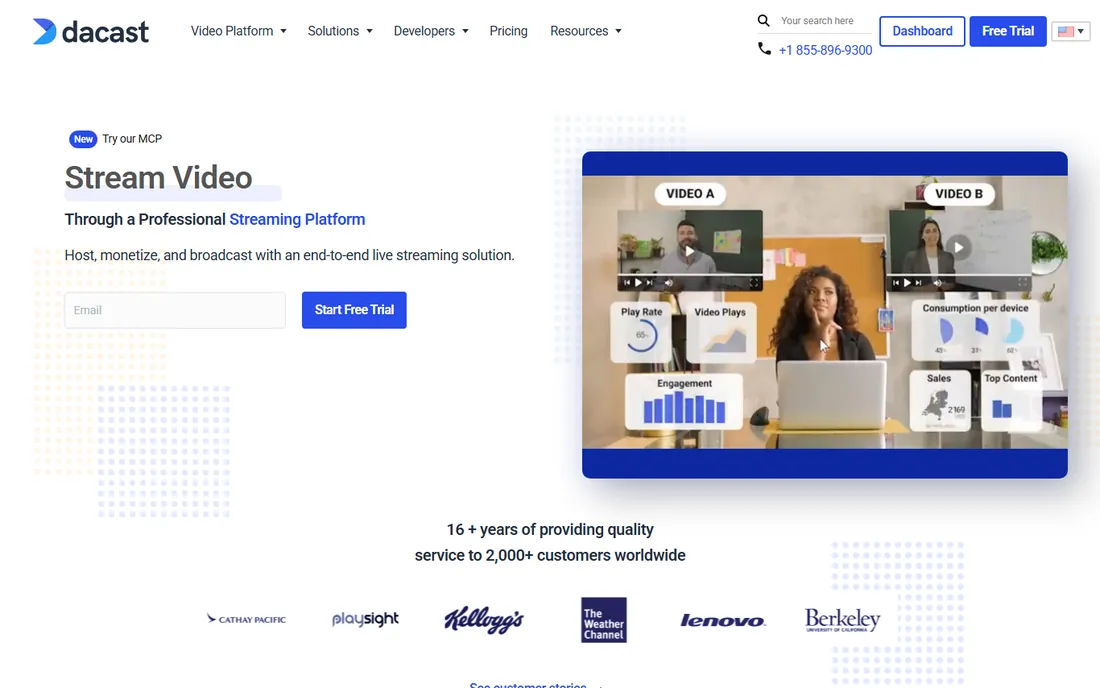
Dacast is a professional online video platform that many churches use when they want full control over their video. You get an ad-free white-label player, live streaming and video-on-demand hosting, real-time analytics, privacy controls, and multi-bitrate delivery through top-tier CDNs. Monetization tools and a video API come on higher tiers.
The Starter plan at $39 per month billed annually includes 2.4 TB of bandwidth and 500 GB of storage, which covers a typical church's weekly services comfortably. A 14-day free trial needs no credit card, and 24/7 support is available.
Dacast is not built for church specifically, so you will not find sermon notes, prayer features, or church support hours. Pair it with the free Church Online Platform and you get both professional delivery and a ministry-focused experience. For churches with technical volunteers, it is excellent value.
What we like- White-label player with no ads or distractions
- Strong privacy and security controls
- 24/7 support and top-tier CDNs
Watch out for- General video platform, not church-specific
- Learning curve for non-technical teams
#7
Vimeo Livestream
Best for: Ad-free streaming on a trusted video platform
Visit vimeo.com
Starting price$65 per month, billed annually (Advanced)
Free planFree trial
Vimeo brings its polished, ad-free video experience to live streaming. The Advanced plan at $65 per month billed annually includes full HD 1080p streaming, live Q&A and polls, audience chat, automated captions, and simulcasting to Facebook Live and YouTube. Your player carries your branding with no competitor suggestions or random ads.
The platform's scale is reassuring: Vimeo says it is trusted by more than 287 million creatives, marketers, and businesses, and its enterprise security credentials include SOC 2 and GDPR compliance. Review sites rate its live streaming features highly.
The catch for churches is that live streaming lives on the pricier tiers, and there are no ministry-specific features like prayer requests or sermon notes. It is a general video platform that happens to stream well. Churches that already use Vimeo for sermon archives will find it a natural extension.
What we like- Beautiful ad-free player with full brand control
- Stream to social destinations simultaneously
- Trusted by 287+ million creatives and businesses
Watch out for- Live features sit on pricier tiers
- No church-specific engagement tools
Starting price$65 per month (Studio)
Free planFree trial (14 days)
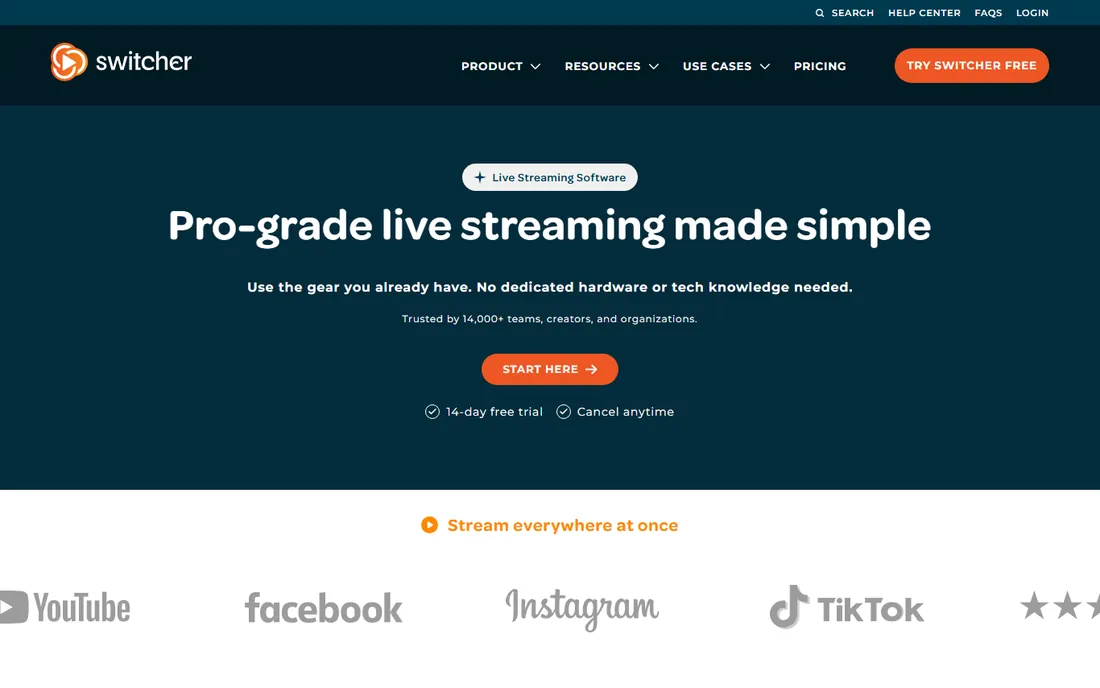
Switcher Studio solves the equipment problem differently: instead of buying cameras and switchers, you use the iPhones your volunteers already own. Connect up to nine iOS devices wirelessly, switch between camera angles live, add graphics and lower thirds, and stream to Facebook, YouTube, Twitch, or any RTMP destination. It is a favorite among houses of worship for good reason.
The Studio plan at $65 per month (or $45 per month billed annually) covers the core production toolkit. The Suite plan at $99 per month adds video hosting, paid tickets, and monetization. A 14-day free trial lets you test it with your actual volunteers.
The limitation is the ecosystem: Apple only, no Android. And it is a production tool, not a streaming host, so you still need somewhere to send the stream. For churches that want a professional-looking multicamera service without a five-figure equipment budget, it is unmatched.
What we like- Turns iPhones and iPads into a multicamera rig
- Live switching, graphics, and overlays built in
- Multistreams to Facebook, YouTube, and Twitch
Watch out for- Apple hardware only
- No Android support
How we chose
We looked at the tools churches actually use and discuss: church tech publications, pastor forums, G2 and Capterra reviews, and vendor documentation. We checked each vendor's own website in October 2026 for current pricing and features, and we favored tools with a real track record in ministry. We never claim hands-on testing; our comparisons come from documented features, pricing transparency, and how each tool fits different church sizes and budgets.
What to look for when choosing church streaming software
Price is only part of the decision. These are the factors that matter on Sunday morning.
Reliability beats features
A dropped stream during the sermon is worse than a missing graphic overlay. Ask providers how they handle unstable internet, and look for purpose-built protocols like BoxCast Flow or Resi's RSP. Check that support is actually available on Sunday mornings, not just weekdays.
Know where your stream lives
Streaming only to Facebook or YouTube is free but puts your service next to ads and distractions. A dedicated platform or embedded player keeps the experience focused. Many churches do both: social for reach, their own site for the real experience.
Count the total cost
Monthly fees are just the start. Factor in encoders, cameras, and any per-viewer or bandwidth charges. Unlimited bandwidth plans like StreamingChurch.tv simplify budgeting, while bandwidth-metered plans like Dacast reward efficient streaming.
Plan for volunteers
The best system is the one your volunteers can run. Hardware encoders and automated scheduling reduce Sunday-morning stress. If your team is small or non-technical, prioritize simplicity over advanced features.
The free path: streaming for nothing
A church with zero budget can still stream well. Use a phone or free software encoder like OBS, stream to YouTube Live for free, and wrap it in the free Church Online Platform for chat, prayer, and a branded experience. That combination costs nothing and covers the essentials. When the ministry grows, upgrade the delivery side first, since reliability is what viewers notice.
Frequently asked questions
What is the best church streaming software?
For most churches, BoxCast or Resi offer the best balance of reliability and ease of use. Subsplash is best if you want streaming bundled with apps, giving, and church management. Church Online Platform is the best free option for the online service experience.
How much does church streaming software cost?
Dedicated church streaming platforms typically run $79 to $169 per month. Professional video platforms like Dacast start around $39 per month. All-in-one platforms like Subsplash use custom quote-based pricing. Free options exist: the Church Online Platform is free, and streaming to YouTube costs nothing.
Can I stream my church service for free?
Yes. Stream to YouTube Live or Facebook Live for free using a phone or free encoder software, and use the free Church Online Platform to add chat, prayer requests, and a branded page. The trade-offs are ads, less control, and no dedicated support.
Do I need special equipment to stream a church service?
Not necessarily. A smartphone on a tripod can work for a small church. For better quality, churches typically add a camera, a hardware encoder like the BoxCaster, and a direct audio feed from the sound board. Switcher Studio lets you build a multicamera setup from iPhones instead of buying cameras.
What is the difference between streaming to Facebook and using a church streaming platform?
Facebook and YouTube are free and good for reach, but your service sits next to ads and distractions, and you have little control over the experience. Dedicated platforms give you an ad-free branded player, better analytics, reliable support, and ministry features like moderated chat and prayer requests.
Which is better for churches: BoxCast or Resi?
Both are excellent. BoxCast is simpler to set up and slightly cheaper to start, with great volunteer-friendly hardware. Resi offers stronger reliability guarantees through its Resilient Streaming Protocol and is the choice of most large multisite churches. Pick BoxCast for simplicity, Resi for maximum reliability.
Sources we checked (10)
- https://www.subsplash.com/
- https://www.boxcast.com/
- https://resi.io/
- https://streamingchurch.tv/
- https://churchonlineplatform.com/
- https://www.dacast.com/
- https://vimeo.com
- https://www.switcherstudio.com/
- https://www.g2.com/products/boxcast/pricing
- https://www.capterra.com/p/196797/BoxCast/
Is your product missing or out of date?
We review this list regularly. Vendors can request a listing, send updated pricing or ask about featured placement.

Shihab Mia · Founder, Rankite
Shihab has spent more than a decade helping SaaS and e-commerce brands grow through search. He writes Rankite's software buying guides from pricing pages, documentation and public user reviews. More about Shihab.