How we make this list: we compare pricing pages, product documentation and public user reviews. Ratings come from G2, Capterra or Trustpilot, with the date we checked them.
Key takeaways
- Disney+ is the best streaming service for families overall, with Disney, Pixar, Marvel, and Star Wars, plus kid profiles and strong parental controls.
- Netflix is the best general family service, with the broadest mix of kids, teen, and adult content, plus a dedicated Kids profile.
- The Disney+ and Hulu bundle, from $12.99 per month with ads, is the best value for households that want family content plus current TV.
- Paramount+ is the best budget family pick for Nickelodeon fans, starting at $8.99 per month, with PAW Patrol, SpongeBob, and live CBS sports.
- Prices change often, so confirm the current plan and ad terms on the signup page before subscribing, especially for ad-free tiers.
Quick comparison
| Tool | Best for | Starting price | Free plan |
|---|
 Disney+ Disney+ | Families with young children and franchise fans | $11.99/mo | No |
 Netflix Netflix | Families that want one service for kids, teens, and adults | $8.99/mo | No |
 Hulu Hulu | Families that also want current-season TV and FX originals | $11.99/mo | No |
 Prime Video Prime Video | Amazon Prime members who want streaming included with shipping | $8.99/mo | No |
 Max Max | Families with older children who want HBO series and Warner films | $10.99/mo | No |
 Paramount+ Paramount+ | Nickelodeon families and CBS sports fans | $8.99/mo | No |
 Peacock Peacock | NBC and Bravo families who want kids content plus live sports | $8.99/mo | No |
 Apple TV Apple TV | Families that want ad-free, high-quality originals and easy sharing | $14.99/mo | No |
Is your product missing or out of date?
We review this list regularly. Vendors can request a listing, send updated pricing or ask about featured placement.
The best streaming services for families
Starting price$11.99/mo
Free planNo
Disney+ is the clear family leader, because its core catalog was built for all ages. Disney and Pixar animation, Marvel, Star Wars, and National Geographic give children and parents shared viewing, and kid profiles keep recommendations age-appropriate. Parental controls, including content ratings and profile PINs, help parents limit what younger children can open.
The main weakness is adult breadth. Disney+ alone offers less general drama and comedy than Netflix, which is why the Disney+ and Hulu bundle matters: from $12.99 per month with ads, it adds current TV and general entertainment to the family catalog. Choose Disney+ first when your household centers on kids and franchises, and add Hulu through the bundle when adults want more variety.
What we like- Disney, Pixar, Marvel, and Star Wars in one place
- Kid profiles and parental controls
- Bundle with Hulu from $12.99 per month with ads
Watch out for- Less general adult programming than Netflix
- Standalone price has risen over time
- Some Hulu content sits behind bundle tiers
#2
Netflix
Best for: Families that want one service for kids, teens, and adults
Visit netflix.com
Starting price$8.99/mo
Free planNo
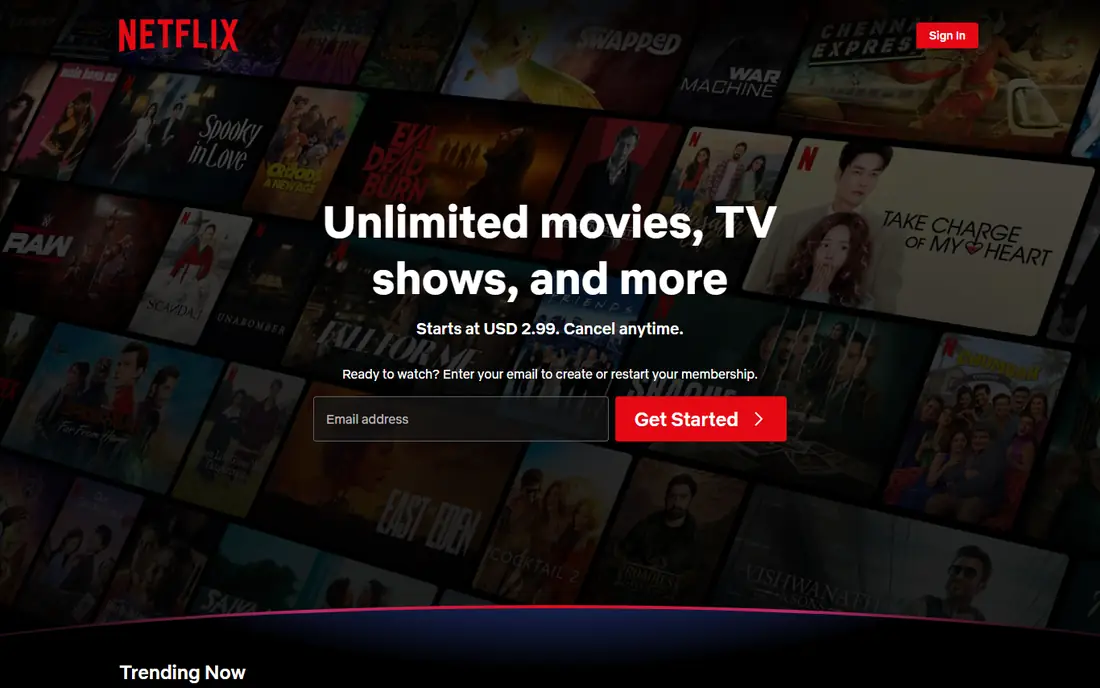
Netflix works best as the family anchor when tastes differ widely. One subscription covers kids animation, teen series, adult drama, documentaries, and family films, and the Kids profile curates age-appropriate titles separately from adult profiles. That breadth means fewer arguments about what to watch, and fewer subscriptions overall.
Cost is the trade-off. The lowest plan, at $8.99 per month in recent comparisons, includes ads, while ad-free Standard costs $19.99 per month, and Premium costs more for 4K and extra streams. Set up maturity ratings and profile locks before handing a child the remote, since the main Netflix catalog includes adult content. Netflix suits a household that wants one broad service rather than several niche ones.
What we like- Broadest library across ages
- Dedicated Kids profile with curated content
- Strong originals and family films
Watch out for- Ad-free tiers cost more, at $19.99 per month for Standard in recent comparisons
- Catalog rotates as licenses expire
- Parental controls need setup per profile
#3
Hulu
Best for: Families that also want current-season TV and FX originals
Visit hulu.com
Starting price$11.99/mo
Free planNo
Hulu earns its place for families that watch current TV as well as kids content. Next-day episodes from major networks, FX originals, and a kids hub give parents and older children plenty to watch, while the Disney+ bundle from $12.99 per month with ads makes Hulu a low-cost add-on for Disney+ households. That bundle is often cheaper than buying both services separately.
Hulu is not a kids-first service. Adult programming sits alongside family titles, so parents should set up kid profiles and maturity controls, and keep adult profiles PIN-protected. Choose Hulu when your family watches current TV and wants the Disney+ bundle value, and choose Disney+ alone when young children are the main audience.
What we like- Next-day network TV and FX originals
- Strong bundle value with Disney+
- Kids hub with family titles
Watch out for- Ad-supported plan costs $11.99 per month in recent comparisons, with ad-free at $18.99
- Adult content requires profile controls
- Live TV is a separate, pricier product
#4Prime Video
Best for: Amazon Prime members who want streaming included with shipping1.2/5 on
Trustpilot (3,416 reviews, checked Oct 2026)
Visit primevideo.com
Starting price$8.99/mo
Free planNo
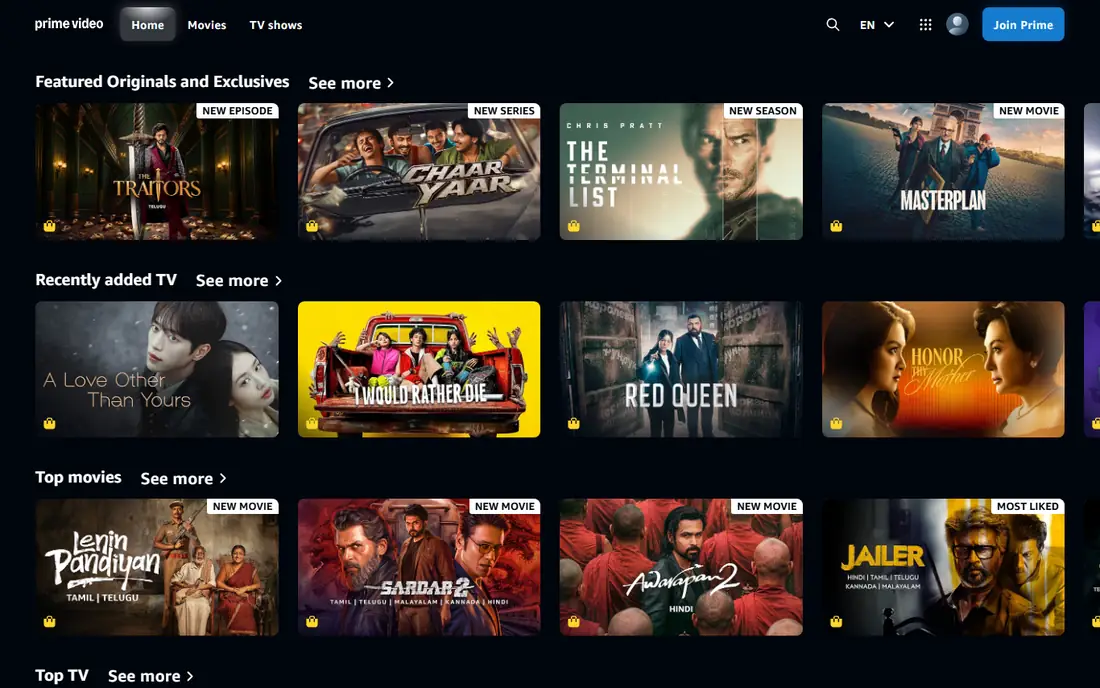
Prime Video is the best value for households that already pay for Amazon Prime, since streaming comes with shipping, music, and other Prime benefits. The standalone price is $8.99 per month in recent comparisons, and the library covers family films, kids series, and licensed movies, with profiles for children. For a Prime household, it costs nothing extra to add as a family option.
The experience needs care. Base Prime Video includes ads, and removing them requires the Ultra add-on at $4.99 per month, which also adds 4K and extra streams. Rentals and purchases sit beside included titles, which can confuse children, so use kid profiles and purchase PINs. Choose Prime Video when you already pay for Prime, and compare it with Disney+ when family content is the priority.
What we like- Included with Prime membership
- Large licensed film library
- Kids profiles and family titles
- Standalone option at $8.99 per month
Watch out for- Base Prime Video now includes ads, with ad-free Ultra at $4.99 per month extra
- Rentals and included titles are mixed together
- Interface can be cluttered
#5
Max
Best for: Families with older children who want HBO series and Warner films
Visit max.com
Starting price$10.99/mo
Free planNo
Max, formerly HBO Max, suits families with older children and teens who watch prestige series alongside family films. HBO originals, Warner Bros. movies, and a family section give parents and teens shared options, while kids profiles and parental controls help limit younger children to age-appropriate titles. The catalog is strong, though smaller than Netflix for general family viewing.
Pricing tiers matter here. The ad-supported plan starts at $10.99 per month, Standard ad-free costs $18.49, and only the Premium tier includes 4K and Dolby Atmos in recent comparisons. Adult HBO content also means parents must set profile restrictions carefully. Choose Max as a second service for older families, and Disney+ or Netflix as the first service for younger children.
What we like- HBO series, Warner Bros. films, and family movies
- Strong originals
- Kids profiles and parental controls
Watch out for- Ad-supported plan starts at $10.99 per month, with ad-free Standard at $18.49
- 4K requires the Premium tier
- Adult content needs careful profile setup
Starting price$8.99/mo
Free planNo

Paramount+ is the budget family pick for Nickelodeon households. Kids get PAW Patrol, SpongeBob SquarePants, The Loud House, and Avatar: The Last Airbender, while parents get CBS shows, Paramount films, and live sports including NFL on CBS. Essential starts at $8.99 per month with ads, and Premium costs $13.99 per month with fewer ads, downloads, and live CBS access.
The library is more targeted than Netflix or Disney+, so it works best as a family add-on or a first service for Nickelodeon fans, rather than a sole general service. Check which tier includes the shows your children actually watch, since some series vary by plan. Choose Paramount+ when Nickelodeon and CBS matter most to your household.
What we like- Nickelodeon kids content including PAW Patrol and SpongeBob
- CBS live TV and sports on Premium
- Plans from $8.99 per month
Watch out for- Smaller general library than Netflix or Disney+
- Premium costs $13.99 per month for ad-free and downloads
- Live TV ads remain on Premium
#7Peacock
Best for: NBC and Bravo families who want kids content plus live sports1.2/5 on
Trustpilot (1,330 reviews, checked Oct 2026)
Visit peacocktv.com
Starting price$8.99/mo
Free planNo
Peacock suits families that watch NBC and Bravo programming and want kids content and live sports in the same app. The service includes kids movies and shows, current NBC and Bravo hits, and live sports, with a student discount on Premium at $6.99 per month for eligible students. A bundle with Apple TV starts at $17.99 per month, which can save money for households that want both.
Tier choice matters more here than on other services. The cheapest Select tier excludes sports, movies, and Peacock Originals, so families should choose Premium, at $12.99 per month in recent pricing, for the full catalog. Ads also remain on Premium, with Premium Plus needed for fewer ads and downloads. Choose Peacock when NBC, sports, and kids content overlap in your household.
What we like- Kids movies and shows, NBC and Bravo hits, and live sports
- Student discount at $6.99 per month for Premium
- Bundle with Apple TV from $17.99 per month
Watch out for- Cheapest Select tier excludes sports, movies, and Peacock Originals
- Premium costs $12.99 per month in recent pricing
- Ads remain on most tiers
#8
Apple TV
Best for: Families that want ad-free, high-quality originals and easy sharing
Visit tv.apple.com
Starting price$14.99/mo
Free planNo

Apple TV is the quality-first family option. Every show and film is an Apple Original, with no ads, and family sharing lets up to five family members use one subscription. Titles such as Ted Lasso and family-friendly films offer shared viewing, and the 7-day free trial lets a family test the catalog before paying $14.99 per month.
The library is smaller than Netflix or Disney+, with fewer licensed kids classics, so it works best as a second service or for families that prefer originals over back catalogs. The Apple TV and Peacock bundle from $17.99 per month adds Peacock breadth at a lower combined cost. Choose Apple TV when ad-free quality and simple sharing matter most, and Disney+ when catalog size matters more.
What we like- Ad-free originals with no ads
- Family sharing for up to five members
- 7-day free trial
- Bundle with Peacock from $17.99 per month
Watch out for- Smaller library than Netflix or Disney+
- Fewer licensed kids classics
- $14.99 per month after a 7-day trial
How we chose
We compared pricing pages, service catalogs, parental control features, and public reviews, and we checked vendor homepages where the fetch tool allowed it. We favored services with kid profiles, maturity ratings, profile PINs, and a real family catalog, rather than services that simply include a few kids titles. Where pricing sources disagreed, we used the most recent comparison figures and noted that streaming prices change often.
We also weighed total household cost over headline price. Ad-free tiers, 4K access, simultaneous streams, and bundle options change the real monthly bill, so we compared plans at the tier a family would actually use. A cheap ad-supported plan is a poor family choice if ads interrupt kids shows or the tier excludes the titles children want.
Setting up streaming for a family
Start with one service and set up profiles before children watch. Create a kid profile for each child, set maturity ratings by age, add a PIN to adult profiles, and turn on purchase restrictions so children cannot rent or buy titles by accident. Test the setup yourself: open the kid profile and check what appears on the home screen, since recommendations differ by profile.
Next, decide on ads and downloads. Ad-free tiers cost more but remove interruptions during kids shows, while downloads matter for car trips and flights. If your household watches on several TVs at once, check simultaneous stream limits, since lower tiers may limit streams to one or two devices.
Finally, rotate services rather than stacking them. Keep one or two services year-round, subscribe to a third for a month when a new season arrives, then cancel. Set a calendar reminder before each renewal, and review what your family actually watched in the past month. A service nobody opened is the easiest bill to cut.
Frequently asked questions
What streaming service is best for families?
Disney+ is the best overall family service, with Disney, Pixar, Marvel, and Star Wars, plus kid profiles and parental controls. Netflix is the best general option when kids, teens, and adults share one subscription, while Paramount+ is the best budget pick for Nickelodeon fans. The right choice depends on your children's ages and which franchises your family watches most.
Do streaming services have parental controls?
Yes, all services in this list offer kid profiles, maturity ratings, or profile PINs, though setup varies. Disney+, Netflix, and Paramount+ offer dedicated kid profiles, while Apple TV relies on family sharing and device-level restrictions. Set up controls before children watch, and check the kid profile home screen yourself to confirm adult titles are hidden.
Is ad-free streaming worth it for families?
Ad-free tiers cost more, but they remove interruptions during kids shows and avoid ads for products aimed at adults. Netflix ad-free Standard costs $19.99 per month in recent comparisons, while Disney+ and Hulu ad-free bundles cost $19.99 per month. Try the ad-supported plan first if budget matters, and upgrade only if ads bother your family during regular viewing.
Can several family members watch at the same time?
Yes, but stream limits vary by plan. Lower tiers may allow one or two simultaneous streams, while higher tiers allow four or more. Check the plan details before subscribing, especially for households with several TVs and tablets. Family sharing on Apple TV covers up to five members, but simultaneous streams still depend on the plan.
Should families bundle Disney+ and Hulu?
Yes, for most households that want both. The Disney+ and Hulu bundle costs $12.99 per month with ads or $19.99 per month ad-free in recent comparisons, which is usually cheaper than buying both separately. The bundle adds current TV and general entertainment to Disney+ family content, making it the best value for mixed-age households.
How can families save money on streaming?
Rotate services, use bundles, and check student or annual discounts where available. Keep one or two services year-round, add a third for a month when a new season arrives, then cancel. Review viewing every few months, and cancel any service nobody opened in the past month, since libraries rotate and titles return later.
Sources we checked (10)
- https://www.disneyplus.com
- https://www.netflix.com
- https://www.hulu.com
- https://www.primevideo.com
- https://www.max.com
- https://www.paramountplus.com
- https://www.peacocktv.com
- https://tv.apple.com
- https://pickflix.tv/blog/compare-streaming-services
- https://www.documentarytube.com/blog/streaming-services-ranked-which-platforms-are-truly-worth-the-price-in-2026/
Is your product missing or out of date?
We review this list regularly. Vendors can request a listing, send updated pricing or ask about featured placement.

Shihab Mia · Founder, Rankite
Shihab has 5+ years in B2B and SaaS SEO. He writes Rankite's software buying guides from pricing pages, documentation and public user reviews. More about Shihab.