How we make this list: we compare pricing pages, product documentation and public user reviews. Rankite is independent; if a vendor ever pays for a featured spot, that listing is clearly labeled Partner.
Key takeaways
- Already own an iPhone, Galaxy or Fitbit? Apple Health, Samsung Health and the Fitbit app count your steps for free with no extra download.
- StepsApp (free, Pro from $2.50/month) and Pacer (free with Premium tier) are the two strongest dedicated step counters, with streaks, challenges and wearable sync.
- Sweatcoin is the odd one out: it converts steps into rewards, which motivates people who ignore every other tracker.
- Accuracy differences between apps are small; the real choice is motivation style (streaks, social challenges, rewards) and whether you want a subscription.
Quick comparison
| Tool | Best for | Starting price | Free plan |
|---|
 Apple Health Apple Health | iPhone owners who want step tracking with no new app | Free (built into iOS) | Yes |
 Fitbit Fitbit | Anyone with a Fitbit tracker or Pixel Watch, plus phone-only users | Free app (Fitbit Premium subscription, see website for current price) | Yes |
 Samsung Health Samsung Health | Galaxy phone and watch owners tracking steps and overall wellness | Free | Yes |
 Pedometer++ Pedometer++ | Apple Watch owners who want a beautifully focused step app | See website | See website |
 StepsApp StepsApp | Streaks, challenges and syncing every wearable you own | Free (Pro $2.50/month billed yearly at $29.99/year) | Yes |
 Pacer Pacer | Walkers who stay motivated through community and group challenges | Free (Premium subscription available, see website for current price) | Yes |
 Accupedo Accupedo | A straightforward, accurate pedometer with home-screen widgets | See website | See website |
 Sweatcoin Sweatcoin | People who need a tangible reward to keep walking | Free | Yes |
Is your product missing or out of date?
We review this list regularly. Vendors can request a listing, send updated pricing or ask about featured placement.
The best step tracker app
Sweatcoin publishes a striking claim on its homepage: users walk 20% more, backed by a study in the British Journal of Sports Medicine. Whether or not rewards are your thing, the underlying point is right. Step trackers work when they change behavior, not when they count most precisely. Every app here counts steps well enough. What differs is how each one keeps you moving: streaks, friends, coaching, or cold hard rewards.
#1
Apple Health
Best for: iPhone owners who want step tracking with no new app
Visit apple.com
Starting priceFree (built into iOS)
Free planYes
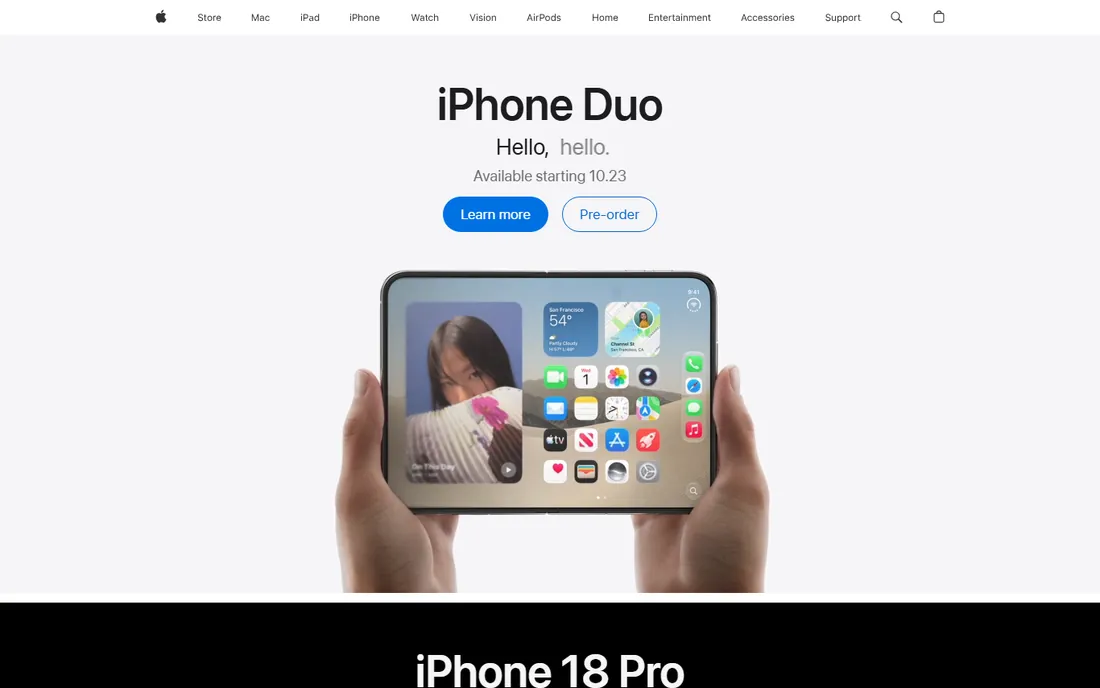
Apple Health is the step tracker most iPhone owners already have and never open. It runs in the background, counts steps from the phone's motion sensors, and merges data from an Apple Watch if you wear one. There is nothing to configure, no subscription, and no ads. For the "I just want to know my daily count" user, it is complete.
What it lacks is a reason to walk more. There are no streaks to protect, no friends to compete with, and no coaching. That is why apps like StepsApp and Pacer exist: they read Apple Health's data and add the motivation layer on top. Start here to see your baseline; add a dedicated app when the number alone stops moving you.
What we like- Already on every iPhone with no download or account needed
- Counts steps passively all day
- Centralizes data from Apple Watch and third-party apps
Watch out for- Bare-bones motivation features: no streaks, challenges or social layer
- IPhone only
- Deeper insights need a companion app
#2
Fitbit
Best for: Anyone with a Fitbit tracker or Pixel Watch, plus phone-only users
Visit fitbit.com
Starting priceFree app (Fitbit Premium subscription, see website for current price)
Free planYes
Fitbit's app counts steps on your phone for free, and becomes a full health dashboard when paired with a Fitbit tracker or Pixel Watch. Step counting is just the entry point: activity minutes, sleep stages, heart-rate zones and workout detection all flow into one timeline. For someone buying their first tracker, the hardware-plus-app combination remains the most complete package in this list.
The subscription question is real. Fitbit Premium gates the more interesting analysis, and the free tier, while solid for steps, is deliberately a teaser for the paid insights. If you only care about steps, the free app suffices. If you want the coaching layer, compare Premium's price against just using StepsApp or Pacer on top of the free Fitbit data.
What we like- The free app tracks steps, distance and calories with no wearable required
- Deep sleep, heart-rate and exercise data if you own a device
- Long-established platform with reliable syncing
Watch out for- The best insights (readiness scores, advanced sleep analysis) sit behind Fitbit Premium
- Google's ecosystem shifts mean the app keeps changing
- Phone-only step counting is basic next to dedicated apps
#3
Samsung Health
Best for: Galaxy phone and watch owners tracking steps and overall wellness
Visit samsung.com
Starting priceFree
Free planYes

Samsung Health is the Galaxy equivalent of Apple Health, except more ambitious: it wants to be your whole wellness hub, not just a step counter. Steps, running, cycling, sleep, food logging and even mindfulness sessions live in one free app, and Galaxy Watch owners get continuous tracking without carrying the phone.
For step tracking specifically, it is accurate and free, which is all most people need. The extras are genuinely useful if you use them and pure clutter if you do not. Non-Samsung Android users can install it, but the experience is tuned for Galaxy hardware. If you own the phone, use the app; if you do not, pick a dedicated tracker instead.
What we like- Preinstalled on Galaxy devices with no extra cost
- Tracks steps, workouts, sleep and nutrition in one place
- Integrates tightly with Galaxy Watch
Watch out for- Best experience requires Samsung hardware
- The feature sprawl can overwhelm pure step-counters
- IPhone users need not apply
Starting priceSee website
Free planSee website
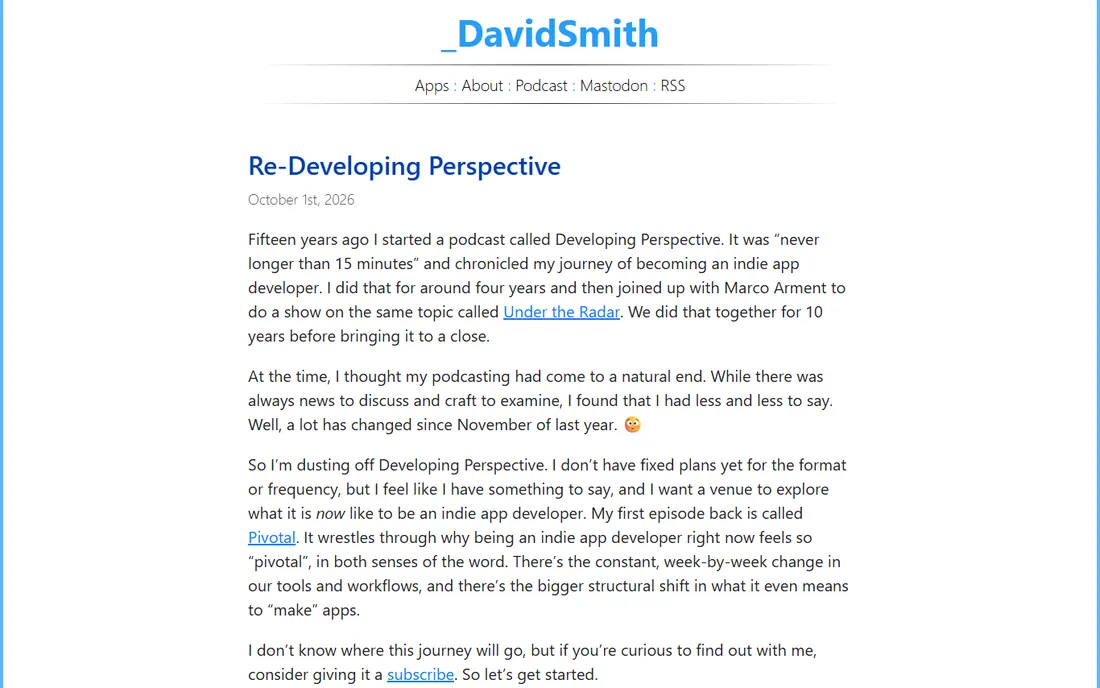
Pedometer++ is the connoisseur's pick in this list. Developer David Smith has spent years refining the Apple Watch experience, including a custom map engine for workouts, and the app shows that care in every screen. It reads your step data, presents it clearly, and adds workout tracking with maps that Apple Health does not attempt.
This is an iPhone-and-Apple-Watch-only affair, so Android users should stop here. Everyone else gets a focused, well-crafted alternative to Apple's own app. Check the App Store listing for the current price and any premium tier before committing, since the developer's site focuses on design notes rather than pricing.
What we like- Purpose-built for Apple Watch with an acclaimed watchOS interface
- Maps, workouts and complications done thoughtfully
- From a respected independent developer with a long update history
Watch out for- Apple-only, with no Android version
- Step counting beyond the watch relies on Apple Health data
- Pricing and tier details need checking on the App Store
#5
StepsApp
Best for: Streaks, challenges and syncing every wearable you own
Visit stepsapp.io
Starting priceFree (Pro $2.50/month billed yearly at $29.99/year)
Free planYes
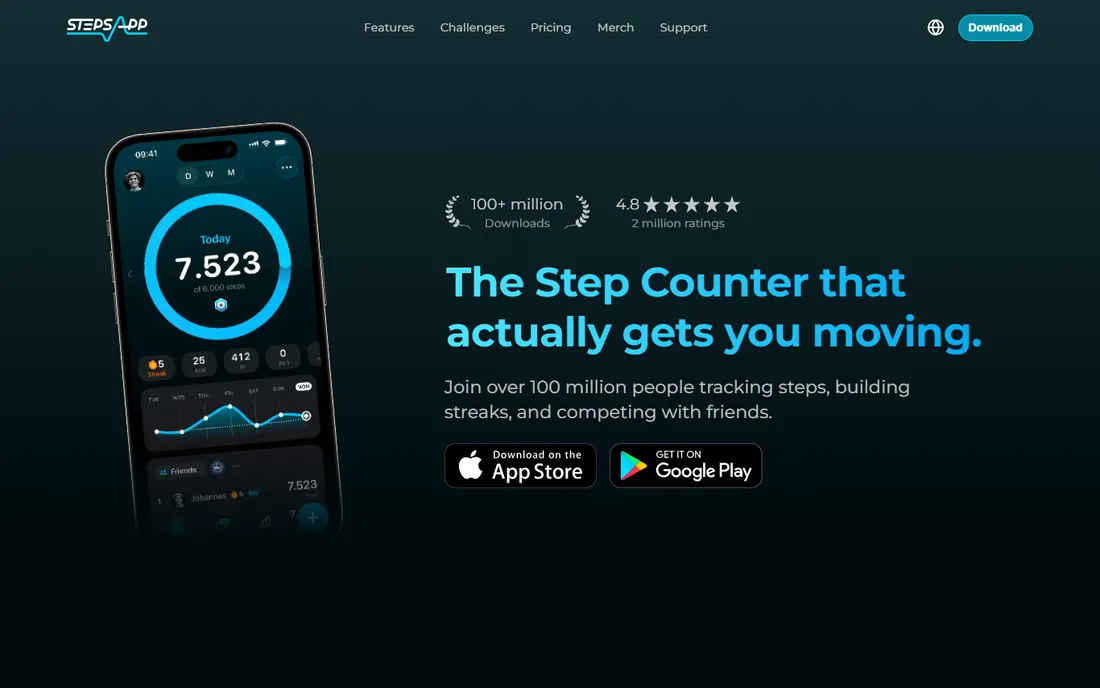
StepsApp states its case plainly on its homepage: free forever for daily tracking, goals and streaks, with Pro at $2.50 per month (billed yearly at $29.99) adding advanced trends, analytics and premium customization. That transparency is refreshing in a category full of vague "premium" labels. The free tier covers what most people need: automatic step counting, goals, streaks and basic progress views.
Where StepsApp pulls ahead is breadth of sync. Apple Watch, Fitbit, Garmin, Oura, Whoop, Polar, Amazfit and Xiaomi devices all feed into it, so it works as the one dashboard for mixed-device households. Team challenges add a social layer for families and workplaces. If you want one step app that plays nicely with everything, start here.
What we like- Clear published pricing with a genuinely useful free tier
- Syncs Apple Watch, Fitbit, Garmin, Oura, Whoop and more
- Streaks, personal and team challenges, color themes
Watch out for- The best analytics and customization need Pro
- Family plan ($5/month) is the only multi-user option
- Some users will find the challenge notifications noisy
#6
Pacer
Best for: Walkers who stay motivated through community and group challenges
Visit mypacer.com
Starting priceFree (Premium subscription available, see website for current price)
Free planYes
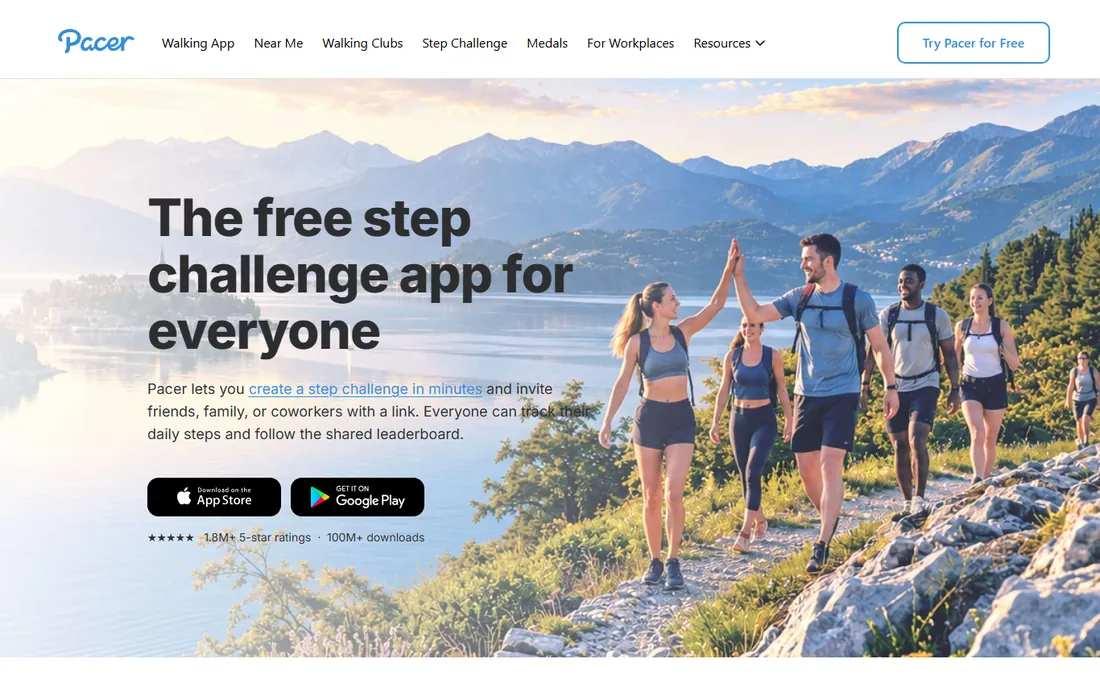
Pacer calls itself the walking app rather than a step counter, and the distinction fits. Beyond counting steps it maps your walks with GPS, finds nearby parks and trails, hosts walking clubs, and runs virtual challenges with medals. The community angle is the product: office step challenges, friend leaderboards and streak bonuses do the motivating that a bare counter cannot.
The core pedometer is free, and the vendor's FAQ confirms it. Pacer Premium adds advanced challenges, deeper insights and coaching content, with pricing on the vendor's site. If you walk for fitness and like company, even virtual company, Pacer's community features justify it over a solitary counter. Solo walkers who dislike social features may prefer StepsApp's cleaner focus.
What we like- Free pedometer with GPS walk mapping and 100M+ downloads
- Walking clubs, virtual challenges and medals
- Integrates Apple Health, Fitbit, Garmin and Samsung Health
Watch out for- Premium pricing is not published on the homepage
- The app pushes its social and challenge features hard
- Weight-loss coaching content is Premium-gated
#7
Accupedo
Best for: A straightforward, accurate pedometer with home-screen widgets
Visit accupedo.com
Starting priceSee website
Free planSee website
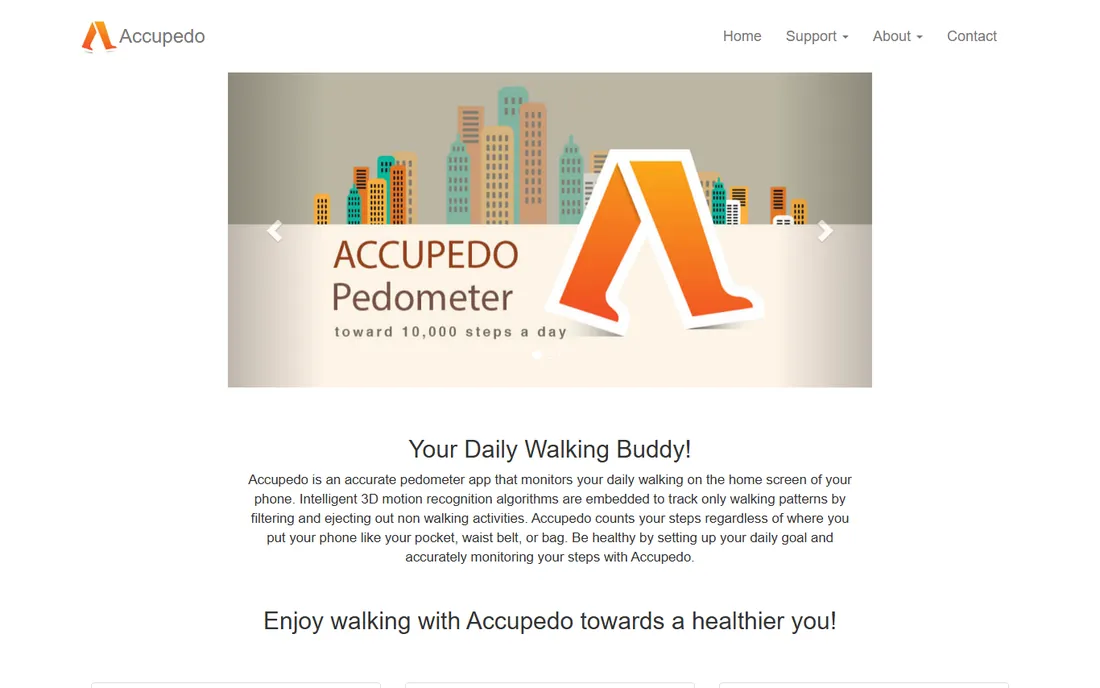
Accupedo is a pedometer in the classic sense: it counts your steps accurately and shows you the number. Its 3D motion recognition aims to count only real walking, filtering out the jitter that inflates counts in simpler apps, and it works whether the phone is in your pocket, bag or belt. Widgets put the count on your home screen, and the history charts cover daily through yearly views.
There is no grand ecosystem here, and that is the appeal for a certain user. If you find the gamified apps exhausting and just want a reliable number with a goal line, Accupedo delivers. Verify the current pricing and free-tier terms on the App Store or Play Store listing before downloading, since the vendor's site does not publish them.
What we like- Intelligent motion algorithms filter out non-walking movement
- Home-screen widgets show steps at a glance
- GPS tracking for walks, runs and rides with daily, weekly and yearly charts
Watch out for- The design feels dated next to newer rivals
- Advanced features are split across versions
- Check the app store listing for current pricing and ads
Starting priceFree
Free planYes
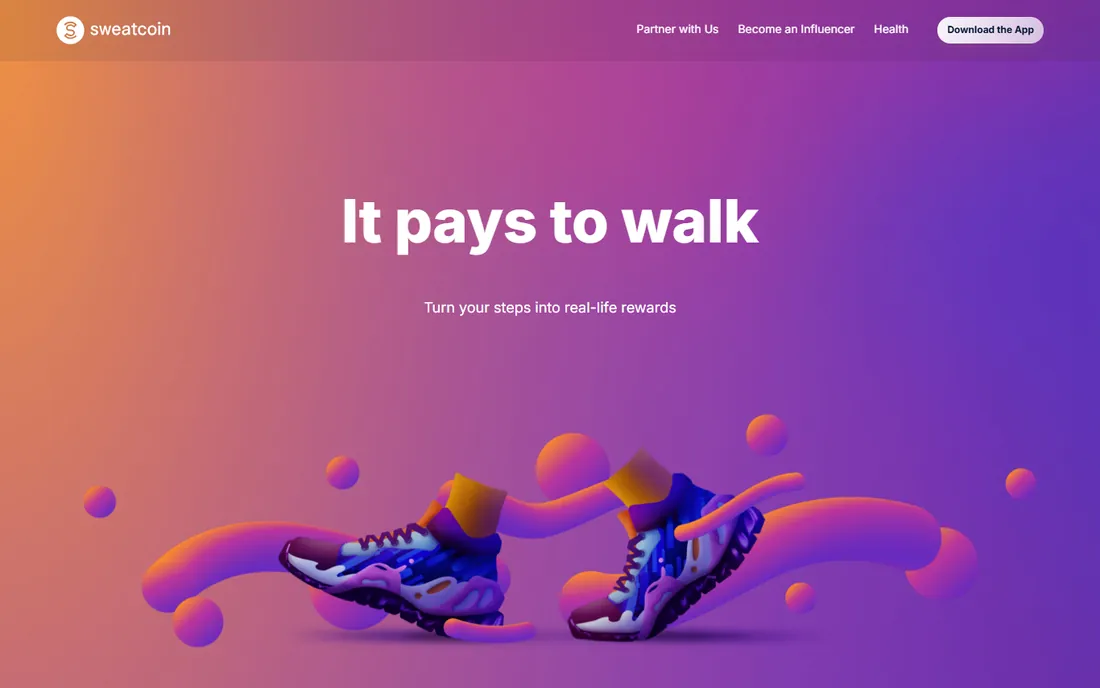
Sweatcoin answers the motivation question with money, or the closest thing: walk, earn sweatcoins, spend them on gadgets, subscriptions, travel vouchers or charity donations. The homepage claims users walk 20% more, citing the British Journal of Sports Medicine, and the app has topped overall app charts in dozens of countries. For people unmoved by streaks and badges, a tangible payoff changes the calculus.
Be realistic about the economics: earning enough for meaningful rewards takes serious daily mileage, and the premium tiers accelerate earning for a fee. Think of it as a step tracker with a lottery ticket attached rather than an income source. If the reward loop gets you out the door, it is the most effective app here regardless of payout size.
What we like- Converts steps into sweatcoins redeemable for products, services and charity donations
- Free to download and use
- Cites peer-reviewed research on activity increases
Watch out for- Rewards require consistent high step counts to earn anything meaningful
- The crypto-adjacent elements confuse some users
- Step validation can feel strict
How we chose
We started with the searches buyers actually use: best step tracker app, best pedometer app, step counter app. For each candidate we opened the vendor's own homepage, confirmed the app is current and genuinely tracks steps, and recorded the pricing and free-tier terms the vendor publishes. Where a vendor did not publish pricing on its page we wrote "See website" instead of guessing. We mixed built-in phone apps, wearable platforms and dedicated trackers so the list covers every way people count steps.
What actually matters in a step tracker
Accuracy first, but relax: phone sensors and wearables all count steps within a few percent of each other in normal walking. What varies is filtering. Apps like Accupedo invest in algorithms that reject non-walking motion, while basic counters can inflate totals when you are fidgeting at a desk. If your counts look suspiciously high, the app is probably the problem.
Battery and convenience come next. A tracker that drains 20% of your battery will get deleted, however accurate it is. Built-in apps (Apple Health, Samsung Health) and mature trackers are optimized for all-day background counting; newer or sloppier apps may not be. Wearable users get the best of both: the watch counts, the phone displays, and neither works hard.
Finally, motivation mechanics decide whether the app survives past February. Streaks work for competitive people, social challenges work for social people, and rewards work for pragmatic people. Pick the mechanic that matches your personality, because the most accurate tracker in the world is useless sitting unopened.
Free vs. paid step trackers
Every app here has a usable free tier, and for pure step counting, free is enough. Paid tiers buy three things: deeper analytics (trends, readiness scores, advanced sleep data), coaching content (training plans, AI coaches, guided programs), and removal of ads or limits. None of these makes you walk more by itself.
The honest upsell test: pay only when a specific paid feature solves a specific problem. StepsApp Pro's advanced trends matter if you analyze training data; they do not matter if you just want 10,000 steps a day. Fitbit Premium's readiness scores matter for athletes managing load; they are decoration for casual walkers. Start free everywhere, and let a month of actual use tell you what is missing.
Frequently asked questions
Do step tracker apps drain my phone battery?
Well-built ones barely do. Apple Health, Samsung Health, StepsApp and Pacer are designed for all-day background counting using the phone's low-power motion coprocessor. If an app noticeably drains your battery, check that it is not running GPS continuously: GPS walk tracking is the battery hog, not step counting itself.
How accurate are phone step counters?
Within a few percent for normal walking, which is accurate enough for health goals. Accuracy drops with unusual gaits, very slow shuffling, or activities like pushing a stroller (the phone does not swing). Wearables on the wrist have their own quirks, like counting hand movements. For consistency, carry the phone the same way each day rather than chasing perfect counts.
Do I need a smartwatch to track steps well?
No. Your phone counts steps accurately on its own, and every app here works phone-only. A watch adds convenience (glanceable counts, workout detection, heart rate) and continuous tracking when the phone is not on you. Buy a watch for the overall health picture, not for step accuracy alone.
Can I use two step tracking apps at the same time?
Yes, and many people do: Apple Health or Samsung Health collects the raw data while StepsApp or Pacer provides the motivation layer. Most dedicated apps sync from the built-in health platforms rather than counting independently, so there is no double-counting problem. Just avoid running two apps with aggressive GPS tracking simultaneously.
Which step tracker is best for losing weight?
The one you will actually open daily, paired with honest food tracking. Pacer leans into this with walking-based weight-loss challenges and coaching content. StepsApp's streaks keep daily movement consistent. But steps alone rarely drive weight loss without diet changes, so consider pairing any tracker here with a nutrition app like MyFitnessPal.
Sources we checked (8)
- https://www.apple.com
- https://fitbit.com/
- https://www.samsung.com
- https://david-smith.org/
- https://stepsapp.io
- https://www.mypacer.com
- https://accupedo.com/
- https://sweatcoin.com/
Is your product missing or out of date?
We review this list regularly. Vendors can request a listing, send updated pricing or ask about featured placement.

Shihab Mia · Founder, Rankite
Shihab has spent more than a decade helping SaaS and e-commerce brands grow through search. He writes Rankite's software buying guides from pricing pages, documentation and public user reviews. More about Shihab.