How we make this list: we compare pricing pages, product documentation and public user reviews. Rankite is independent; if a vendor ever pays for a featured spot, that listing is clearly labeled Partner.
Key takeaways
- Hourly teams live and die by scheduling: Deputy, When I Work, Homebase and 7shifts all center on shift scheduling with time tracking and messaging built in.
- The cheapest way to start is Homebase or Connecteam: Homebase has a genuine free plan, Connecteam is free under 10 employees.
- Restaurants should look at 7shifts first; its POS integrations and tip management are built for food service, not adapted to it.
- Multi-location operators needing HR, payroll and compliance depth should evaluate Deputy and Workforce.com beyond scheduling alone.
Quick comparison
| Tool | Best for | Starting price | Free plan |
|---|
 Deputy Deputy | Businesses needing scheduling plus HR, payroll and compliance in one system | See website | Not advertised |
 When I Work When I Work | Hourly teams wanting fast scheduling with time tracking and messaging | $2.50/user/month | Free trial (14 days) |
 Homebase Homebase | Small businesses that want scheduling, time clocks, HR and payroll free | Free | Yes |
 7shifts 7shifts | Restaurants needing scheduling built for food service operations | See website | Yes |
 Connecteam Connecteam | Small teams wanting scheduling, time tracking, comms and training in one app | Free (under 10 employees) | Yes |
 Workforce.com Workforce.com | Multi-location operators needing workforce management with HR and payroll depth | See website | Not advertised |
 Planday Planday | Shift-based businesses wanting predictable scheduling with rule automation | See website | Not advertised |
Is your product missing or out of date?
We review this list regularly. Vendors can request a listing, send updated pricing or ask about featured placement.
The best staff management software
If you manage hourly workers, your real job is the schedule: who works when, who swapped with whom, who is approaching overtime and whether labor cost is eating the week's margin. Staff management software turns that chaos into a system: scheduling, time clocks, team messaging, and increasingly payroll and HR. These seven are the strongest options for shift-based teams.
#1
Deputy
Best for: Businesses needing scheduling plus HR, payroll and compliance in one system
Visit deputy.com
Starting priceSee website
Free planNot advertised
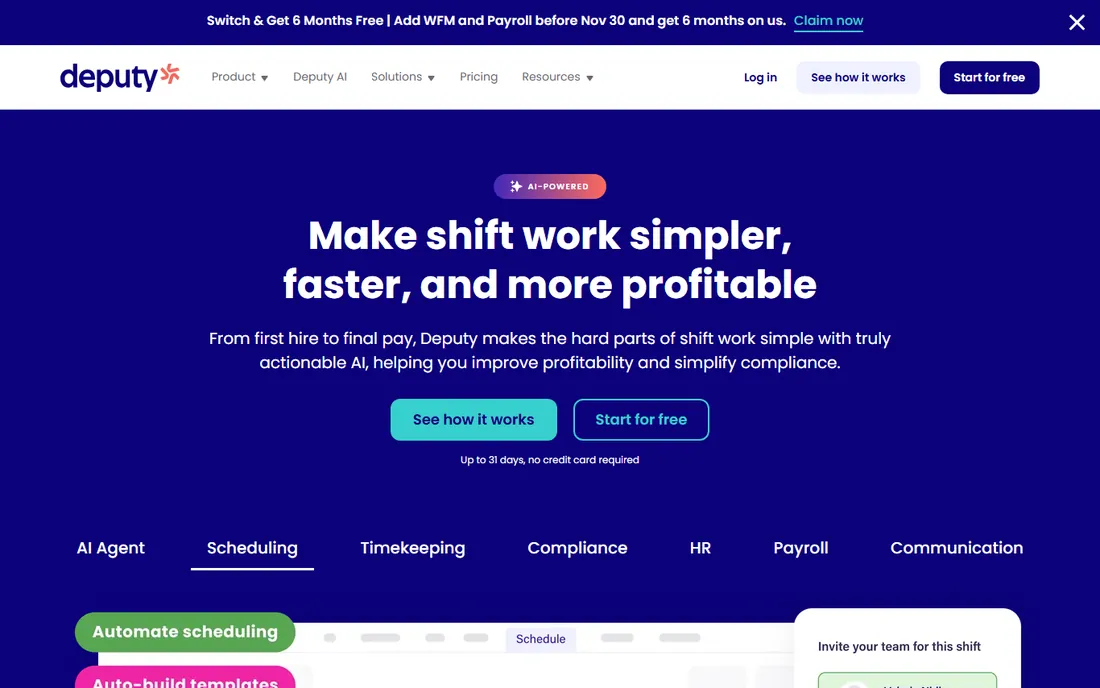
Deputy is the most complete platform on this list: employee scheduling with AI optimization, time and attendance, HR management and payroll, wrapped in compliance automation for breaks, overtime and fair workweek regulations. For multi-location operators, the roll-up and drill-down visibility across sites is the feature that simpler tools cannot match.
The honest catch is scope and sales process. Deputy sells like an enterprise HR platform, with pricing available on request, and a five-person cafe will not use half of it. It earns its place for businesses where compliance risk is real and payroll needs to connect to scheduling without manual exports. If you only need schedules, start simpler.
What we like- Covers the full stack: AI-assisted scheduling, time tracking, HR and payroll
- Strong compliance tooling for breaks, overtime and fair workweek rules
- Multi-location visibility
Watch out for- Pricing not published
- Broader than pure scheduling tools, so smaller teams may underuse it
#2
When I Work
Best for: Hourly teams wanting fast scheduling with time tracking and messaging
Visit wheniwork.com
Starting price$2.50/user/month
Free planFree trial (14 days)
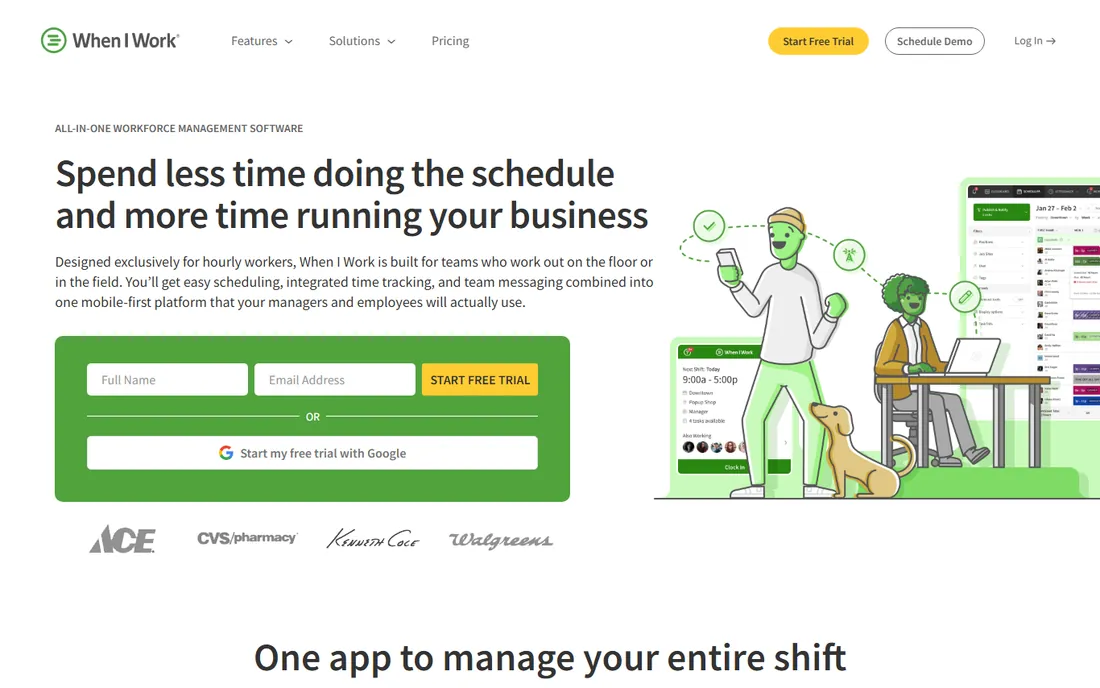
When I Work is built exclusively for hourly workers, and the focus shows: schedules build in minutes, OpenShifts fill gaps, employees swap shifts in the app, and GPS-verified clock-ins feed payroll through integrations with Gusto, ADP, QuickBooks and others. Labor forecasting compares scheduled hours against expected demand so you staff to the budget, not to habit.
Pricing is refreshingly public at $2.50 per user per month to start, with a 14-day free trial. The limitation is payroll depth: if you want scheduling and payroll from one vendor, Homebase or Deputy fit better. For pure workforce scheduling done well at a fair price, When I Work is hard to beat.
What we like- Transparent pricing from $2.50/user/month
- Mobile-first with GPS clock-ins and geofencing
- Auto-scheduler and labor forecasting included
Watch out for- Payroll is via integrations rather than native
- 14-day trial is standard but short for large rollouts
#3
Homebase
Best for: Small businesses that want scheduling, time clocks, HR and payroll free
Visit joinhomebase.com
Starting priceFree
Free planYes
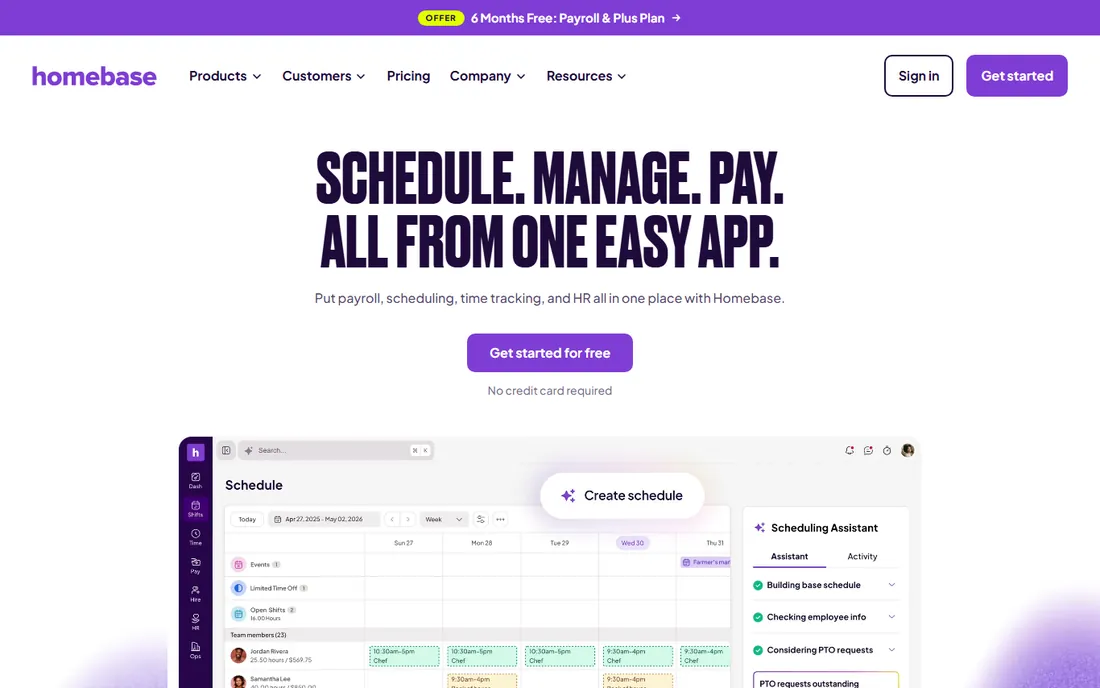
Homebase is the small-business default for a reason: the free plan covers the essentials (scheduling, time clocks, messaging, HR basics) for real, not as a trial, and payroll runs in the same app when you are ready. With over 150,000 businesses on the platform and a 4.8-star App Store rating across 94,000 reviews, it is the most proven free option here.
The business model is the standard freemium ladder: free core, paid Plus and payroll tiers as you grow. New customers have even been offered months of Plus and payroll free as promotions. The honest limitation is depth at scale: multi-location enterprises with complex compliance needs will outgrow it. For independent restaurants, retailers and service businesses, start here and pay only when growth demands it.
What we like- Genuine free plan covering scheduling, time tracking and HR basics
- Payroll available in the same app
- 150,000+ small business customers
Watch out for- Advanced features and higher employee counts move to paid tiers
- Support response times vary by plan
#4
7shifts
Best for: Restaurants needing scheduling built for food service operations
Visit 7shifts.com
Starting priceSee website
Free planYes
7shifts is the restaurant industry's staff platform: scheduling, time tracking, team communication, HR, payroll and retention tools designed around how restaurants actually operate. POS integrations tie sales data to labor, tip management handles the complexity other tools ignore, and 55,000+ restaurants use it. The free plan covers basic scheduling and communication, with a 14-day Pro trial to test the full platform.
The trade-off is specialization. A retail store or cleaning company can use 7shifts, but the product's heart is food service. Pricing is not published, so expect a sales conversation for paid tiers. If you run restaurants, the industry-specific depth (and the no-contract terms) make it the first demo to book.
What we like- Purpose-built for restaurants with POS integrations, tip management and payroll
- Free plan covers basic scheduling
- No contracts
Watch out for- Restaurant focus means less fit for non-food industries
- Pricing not published on the homepage
#5
Connecteam
Best for: Small teams wanting scheduling, time tracking, comms and training in one app
Visit connecteam.com
Starting priceFree (under 10 employees)
Free planYes
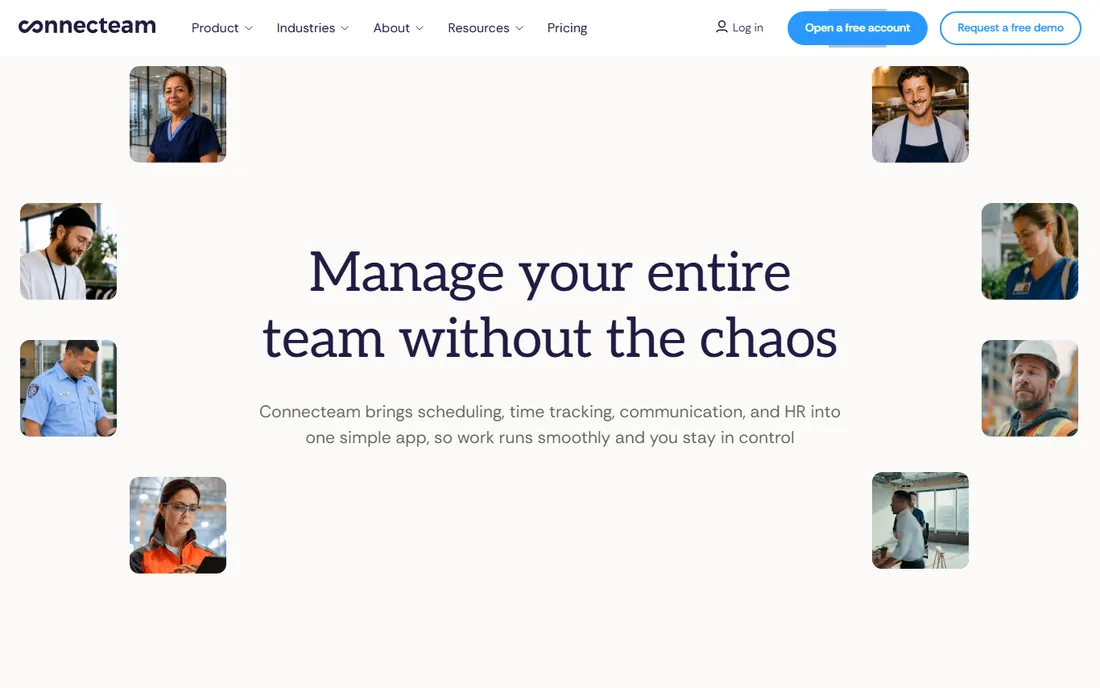
Connecteam's headline is simple: under 10 employees, the full platform is free. Beyond scheduling and time tracking, it bundles team communication, training, quizzes, checklists and forms, which makes it the broadest free option for very small teams. Setup takes a day, and the interface feels like consumer apps, so adoption is rarely the problem.
The honest math: the free tier is generous, but growth means per-user pricing, and at 30-50 employees the cost conversation changes. Scheduling depth is also a step below the specialists. It is the best pick for small service businesses, franchises and field teams that need one app for everything and have fewer than ten people today.
What we like- Free for teams under 10 employees with full access
- Covers scheduling, time clock, communication, training and checklists
- Fast setup with 24/7 support
Watch out for- Per-employee pricing above 10 users adds up
- Less scheduling depth than Deputy or When I Work
#6
Workforce.com
Best for: Multi-location operators needing workforce management with HR and payroll depth
Visit workforce.com
Starting priceSee website
Free planNot advertised
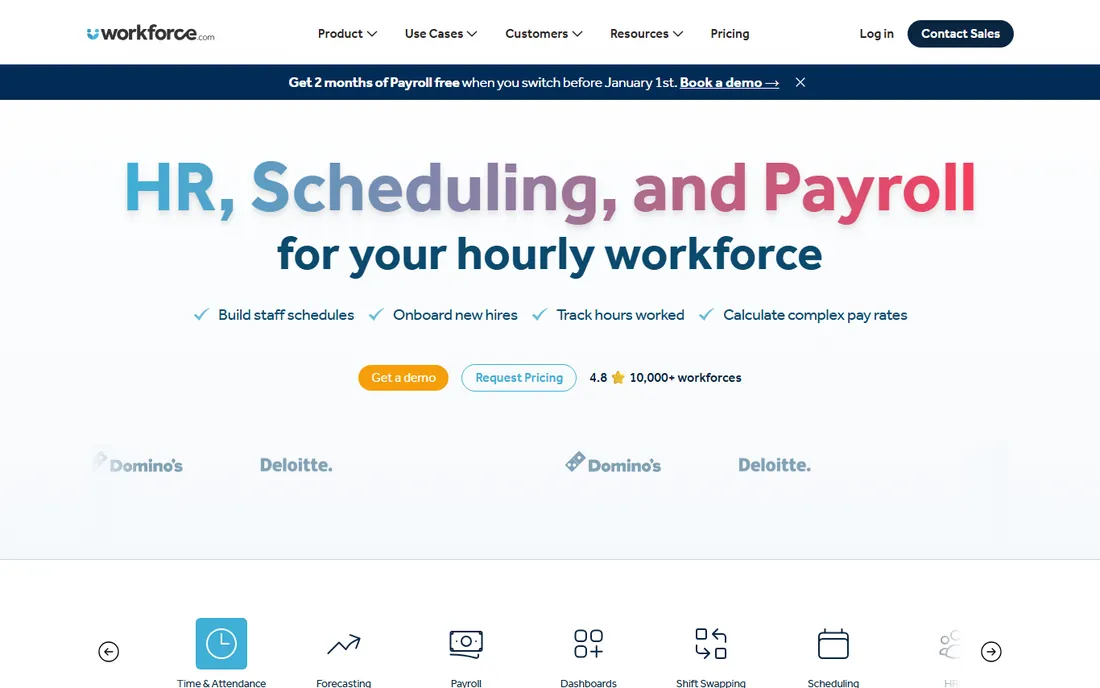
Workforce.com (formerly Tanda in some markets) is the enterprise-grade option: workforce management spanning scheduling, time and attendance, HR, payroll and labor analytics, designed for multi-location operators who need one system across operations, HR and finance. The platform's alerting and native dashboards give managers real-time visibility into coverage gaps and labor cost.
This is not a signup-and-go product: pricing is custom and the sale is consultative. It competes with Deputy at the upper end of the market, with arguably deeper workforce management analytics. Choose it when you have outgrown scheduling apps and need labor cost intelligence across dozens of locations, not when you need to schedule next week's shifts.
What we like- Full human capital management: scheduling, time tracking, HR, payroll and analytics
- Strong multi-location and compliance tooling
- Serves operations, HR, finance and IT stakeholders
Watch out for- Pricing not published
- Enterprise positioning means a sales-led buying process
#7
Planday
Best for: Shift-based businesses wanting predictable scheduling with rule automation
Visit planday.com
Starting priceSee website
Free planNot advertised
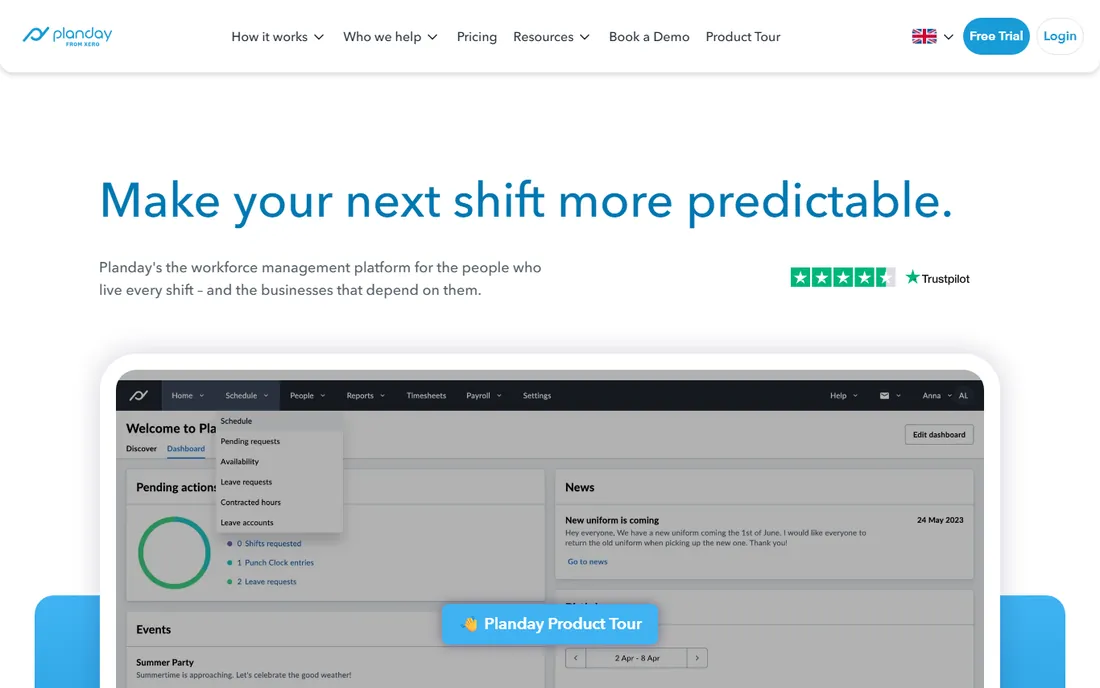
Planday's pitch is predictability: set your working-time rules, leave policies and holiday calendars once, and the platform enforces them in every schedule with alerts when a shift breaks a rule. For businesses in regulated labor markets (hospitality, retail, care), that automation prevents the compliance mistakes that manual scheduling invites. Time tracking, shift swaps, messaging and team management round out the platform.
Pricing is not published, and buyers should verify payroll and POS integrations for their market, since Planday's roots are European. It is the most compliance-forward scheduler on this list, which matters enormously in jurisdictions with strict working-time rules and less where labor law is looser.
What we like- Strong working-time rule engine with automatic compliance alerts
- Leave, TOIL and overtime policy management
- ISO 27001 certified
Watch out for- Pricing not published
- European heritage means US payroll integrations need verification
How we chose
We started with the searches managers run: staff management software, employee scheduling software and hourly workforce management. For each candidate we opened the vendor's homepage to confirm the product serves shift-based teams, checked pricing pages and public reviews, and compared scheduling depth, time tracking, communication, payroll and compliance features. Prices above come from vendor pages checked this week; where pricing is not public we wrote "See website."
What to verify before you buy
Scheduling software touches every employee's daily life, so the buying criteria go beyond features. First, check the payroll connection: does timesheet data flow into your payroll automatically, through a native module or an integration, and who supports it when numbers do not match? Manual timesheet exports defeat half the purpose.
Second, test the employee experience, not just the manager dashboard. Your staff will use the mobile app daily for schedules, swaps and time-off requests; if it is confusing, adoption fails and you are back to group texts. Run the trial with actual employees, not just managers.
Third, verify compliance coverage for your jurisdiction: break rules, overtime calculations, fair workweek and predictive scheduling laws vary by city and state. Ask the vendor specifically which regulations their rules engine covers where you operate. Fourth, check the pricing at your headcount including part-timers: per-user pricing that looks cheap at 10 employees can surprise at 60. Finally, confirm contract terms: 7shifts' no-contract model is the exception, so know what you are committing to elsewhere.
The category splits between scheduling specialists and all-in-one workforce platforms, and buying the wrong shape wastes money. If your problem is purely "build the schedule faster and stop the text-message chaos," When I Work or the free tier of Homebase solves it for a few dollars per user or nothing. Do not buy Deputy or Workforce.com for that problem.
The all-in-one earns its keep when scheduling data needs to flow somewhere: into payroll without re-entry, into HR records without duplicate profiles, into compliance reports without spreadsheet gymnastics. That is the Deputy, Homebase (with payroll), 7shifts and Workforce.com pitch. The honest middle path many businesses take: start with free scheduling, add payroll from the same vendor when manual payroll becomes painful, and only consider the enterprise platforms when multiple locations and compliance risk demand them. Match the platform to the pain you have today, with one eye on the pain you will have at twice the headcount.
Frequently asked questions
What is staff management software?
Software for managing hourly and shift-based workers: employee scheduling, time clocks and attendance, team messaging, and often HR, payroll and compliance. It replaces spreadsheets, group texts and paper schedules.
How much does staff management software cost?
From free (Homebase, Connecteam under 10 employees) to a few dollars per user per month (When I Work from $2.50/user/month) up to custom enterprise pricing (Deputy, Workforce.com). Most small businesses pay $0-5 per employee per month.
What is the best free staff management software?
Homebase offers the most complete free plan for small businesses, and Connecteam is free for teams under 10 employees. 7shifts has a free scheduling tier for restaurants. All three are production-ready, not just trials.
Which is best for restaurants?
7shifts, built specifically for restaurants with POS integrations, tip management and payroll. Homebase is the strong free alternative for independent restaurants that also want payroll in one app.
Do I need payroll in my scheduling software?
Not necessarily, but the integration matters more than the vendor: timesheet data should reach payroll without manual re-entry, whether through a native module or an integration with Gusto, ADP or QuickBooks. Ask how the handoff works before buying.
Can staff management software handle multi-location businesses?
Yes: Deputy, Workforce.com, When I Work and 7shifts all support multi-location scheduling with role-based permissions and consolidated reporting. Verify how labor cost reporting rolls up across locations before committing.
Sources we checked (7)
- https://www.deputy.com
- https://wheniwork.com/
- https://joinhomebase.com/
- https://7shifts.com/
- https://connecteam.com/
- https://workforce.com/
- https://www.planday.com
Is your product missing or out of date?
We review this list regularly. Vendors can request a listing, send updated pricing or ask about featured placement.

Shihab Mia · Founder, Rankite
Shihab has spent more than a decade helping SaaS and e-commerce brands grow through search. He writes Rankite's software buying guides from pricing pages, documentation and public user reviews. More about Shihab.