How we make this list: we compare pricing pages, product documentation and public user reviews. Rankite is independent; if a vendor ever pays for a featured spot, that listing is clearly labeled Partner.
Key takeaways
- Most people assume sports broadcasting software means expensive TV trucks and broadcast engineers. In practice, a Windows PC with vMix or a phone with Switcher Studio can cover a local game with scoreboards and replays.
- Free tools can carry real productions: OBS Studio costs nothing and handles multi-camera switching, while Restream's free tier multistreams to two destinations.
- Instant replay is the feature most buyers overpay for. Only some editions include it, so check which tier of vMix or Wirecast you are buying before assuming replay is there.
- Field coverage is a connectivity problem more than a camera problem. Bonded cellular tools like LiveU exist because stadium Wi-Fi and crowded-venue networks regularly fail at kickoff.
The common belief is that broadcasting a game requires a production truck, a crew of five, and a five-figure equipment budget. Local leagues, schools, and small media companies now stream full multi-camera games with scoreboards and instant replay using software on a single computer or even phones. The real question is not whether you can afford to broadcast sports, but which kind of production you are building: studio control from a desk, field coverage from the sideline, or simple browser-based streams with guests.
Quick comparison
| Tool | Best for | Starting price | Free plan |
|---|
 vMix vMix | professional multi-camera productions on Windows | $60 one-time (Basic HD) | Free trial |
 OBS Studio OBS Studio | free open-source streaming with full control | Free | Yes |
 Wirecast Wirecast | Mac and Windows all-in-one live production | $35/month (Studio) | Free trial |
 StreamYard StreamYard | browser-based live shows and guest interviews | $44.99/month (Core) | Yes |
 Restream Restream | multistreaming to 30+ destinations | $19/month (Standard) | Yes |
 XSplit XSplit | easy event streaming on Windows | $14.99/month (Premium) | Yes |
 Switcher Studio Switcher Studio | iPhone-based multi-camera field coverage | $65/month (Studio) | Free trial (14 days) |
 LiveU LiveU | bonded cellular transmission from anywhere | See website | No |
Is your product missing or out of date?
We review this list regularly. Vendors can request a listing, send updated pricing or ask about featured placement.
The best sports broadcasting software
#1
vMix
Best for: professional multi-camera productions on Windows
Visit vmix.com
Starting price$60 one-time (Basic HD)
Free planFree trial
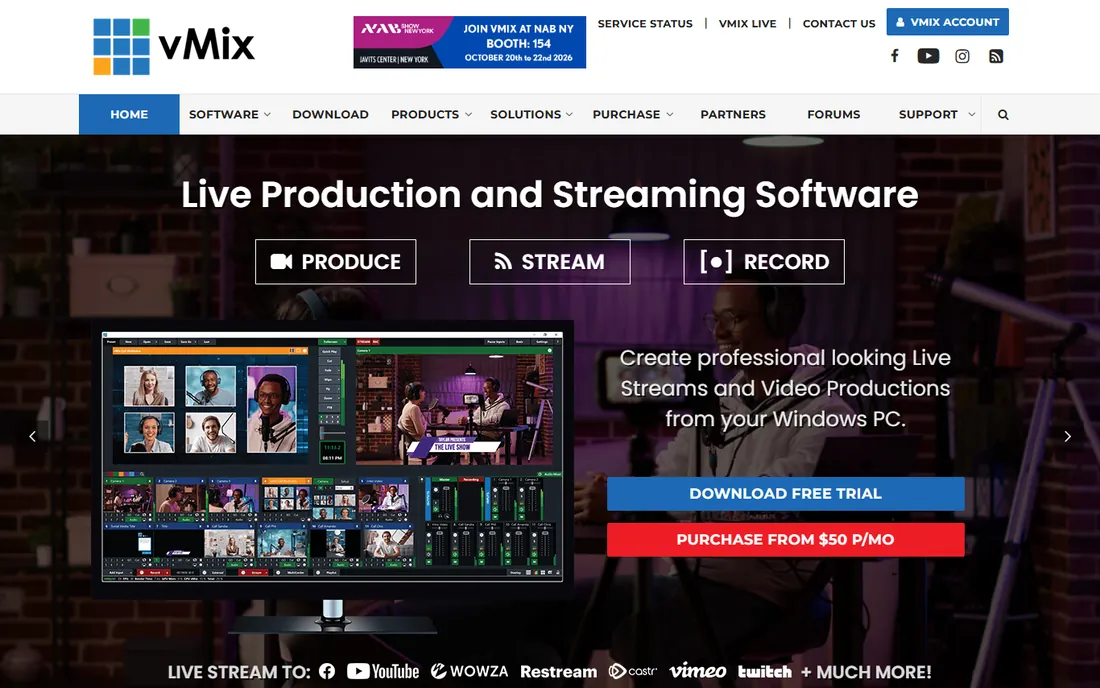
vMix is the workhorse of small-broadcast sports production. Running on a single Windows PC, it mixes cameras, NDI feeds, video files, graphics, and audio, then streams and records at the same time. Its instant replay, available on the 4K edition with one camera and expanded to eight cameras on Pro, is the feature that makes it the default choice for high school and college sports departments that want a broadcast feel.
The pricing model is unusual in this market and worth understanding. Most editions are one-time purchases: Basic HD costs $60, HD $350, 4K $700, and Pro $1,200, with free updates for the first 12 months. The MAX edition, $50 per month, is a subscription with the full Pro feature set and continuous updates. If you broadcast a season rather than year-round, do the math on MAX versus a one-time license, because 24 months of MAX equals the price of Pro.
The honest catch is that vMix assumes you bring the machine. It rewards a properly specced Windows PC and punishes a weak one, and it runs only on Windows, which rules out Mac-based teams. But for a school or league willing to invest in one good computer, it replaces gear that used to cost ten times as much.
What we like- One-time licenses instead of subscriptions
- Up to 1,000 inputs on higher editions
- Instant replay and vMix Call remote guests built in
Watch out for- Windows only
- Higher editions get expensive
- Serious hardware recommended
Starting priceFree
Free planYes
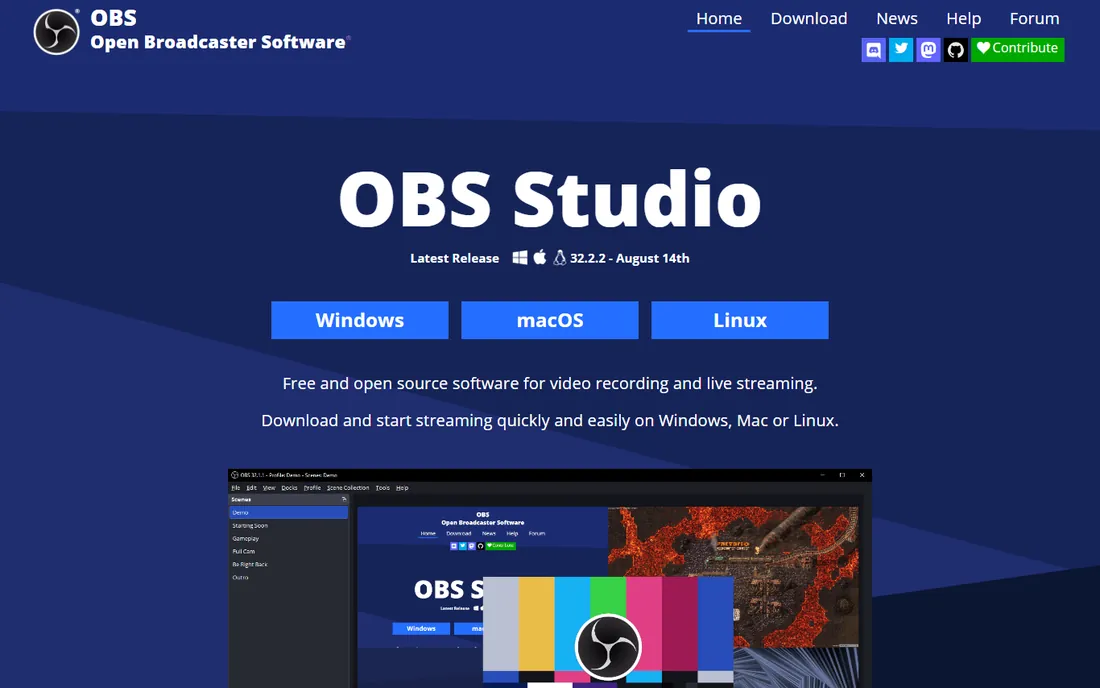
OBS Studio is the free tool that quietly powers a huge share of local sports streams. It captures cameras, capture cards, and window sources, mixes them through unlimited scenes, and streams to any platform. Its multiview, studio mode with preview, and hotkey control cover the switching fundamentals without charging a cent, and a plugin ecosystem adds scoreboards and automation that the core app does not ship with.
What it does not include is what separates it from the paid tools. There is no native instant replay, no remote-guest conferencing without plugins, and no built-in multistreaming to multiple platforms at once. Teams pair it with a multistreaming service or a second tool for those jobs, which works fine but adds moving parts to game-day setup.
For a league on a zero software budget, OBS is the right starting point, and many stay on it permanently. Just budget volunteer hours instead of dollars: the setup and troubleshooting will be done by your own people, with community forums as the support line.
What we like- Completely free with no watermark or limits
- Unlimited scenes and sources
- Huge plugin and community ecosystem
Watch out for- No built-in instant replay or scoreboards
- Steeper setup for beginners
- No official support team
Starting price$35/month (Studio)
Free planFree trial
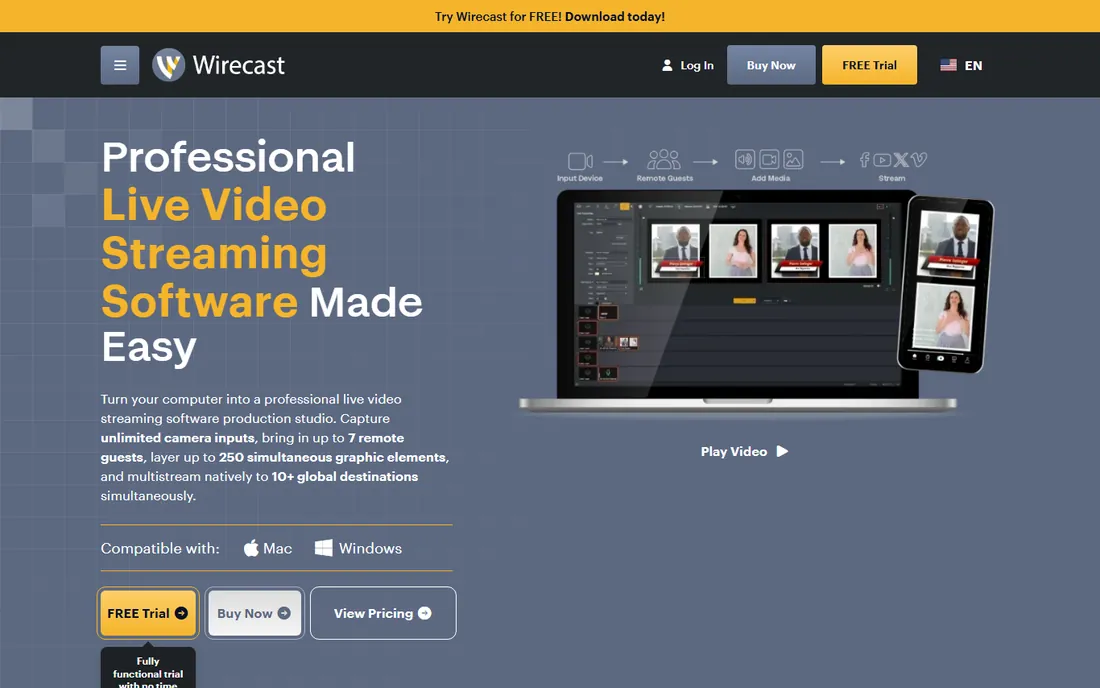
Wirecast has been around since 2004, and it shows in the depth of its production features. It turns a computer into a live production studio with unlimited camera inputs, up to 250 simultaneous graphic layers, remote guests through the built-in Rendezvous conferencing, and native multistreaming to YouTube, Twitch, Facebook, and more. Pro adds ISO recording, PTZ camera control, virtual sets, and the sports production tools like instant replay and live scoreboards.
One thing to know before you buy: Wirecast moved from perpetual licenses to subscriptions with version 16. Studio runs $35 per month or $299 per year, and Pro is $46 per month or $399 per year. Old perpetual licenses still work on older versions, but there are no updates without a subscription. That is a real shift for teams that bought Wirecast precisely because it was a one-time purchase.
The advantage it keeps over vMix is platform flexibility: it runs on Mac and Windows, while vMix is Windows only. For teams already standardized on Mac hardware, Wirecast is the closest equivalent, and its sports-specific features, scoreboards, game clocks, and instant replay, are genuinely built for this use case.
What we like- Works on both Mac and Windows
- Built-in remote guests via Rendezvous
- Native multistreaming to 10+ destinations
Watch out for- Now subscription only, no perpetual license
- Pro tier costs significantly more
- Resource heavy on older machines
Starting price$44.99/month (Core)
Free planYes
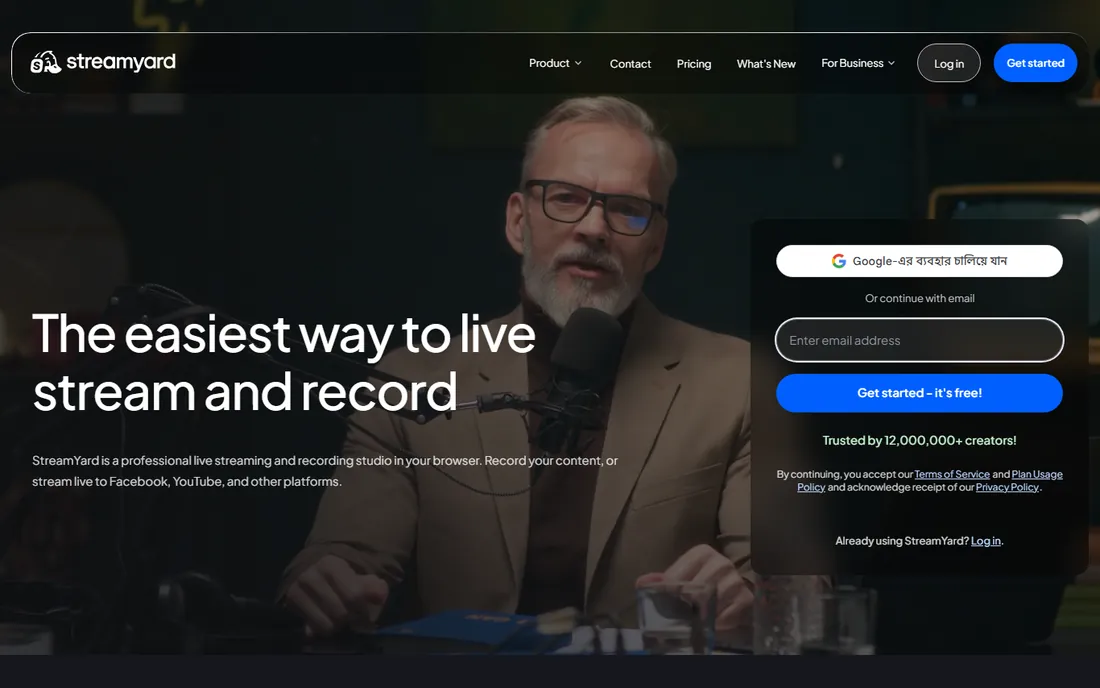
StreamYard is not really a broadcast production switcher, and that is exactly why many sports teams use it. It is the simplest way to put a pre-game show, halftime interview, or post-game panel on the air with remote guests. Hosts and guests join from a browser, the producer switches layouts, and the stream goes to multiple platforms. No software to install, no capture cards, no training weekend.
Pricing is straightforward: a free tier for basic use, Core at $44.99 per month ($35.99 per month billed annually), and Advanced at $88.99 per month ($68.99 per month billed annually), with a 7-day trial. For a team that broadcasts talk content around games rather than the games themselves, Core is usually enough.
The catch is honest: you would not call a game on StreamYard. There is no instant replay, no camera switching hardware integration, and no scoreboard graphics. Think of it as the studio desk for your sports content, not the control room, and pair it with a real production tool on game day.
What we like- Nothing to install, runs entirely in the browser
- Remote guests join with a link
- Very easy for non-technical hosts
Watch out for- Not a true multi-camera production tool
- Monthly cost adds up
- Limited graphics and replay capability
Starting price$19/month (Standard)
Free planYes
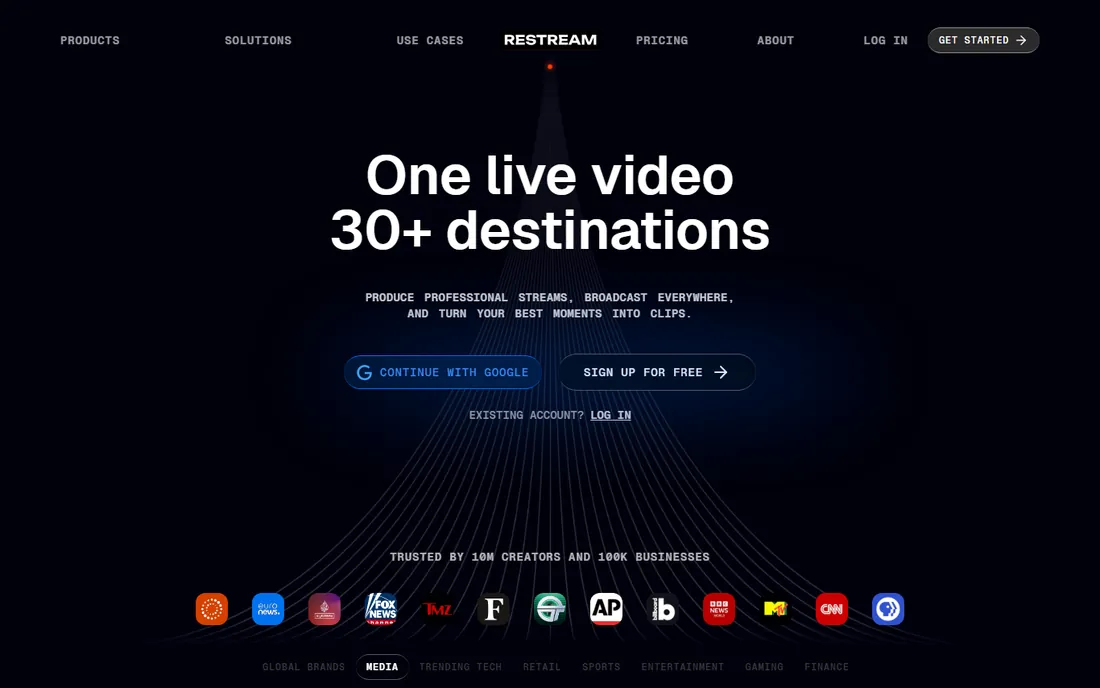
Restream solves a different problem from the production tools: getting one stream to many places at once. Connect OBS, vMix, or Zoom as your encoder, and Restream publishes to YouTube, Twitch, Facebook, LinkedIn, and dozens more simultaneously, with a unified chat that aggregates comments from every platform into one view.
Plans scale by simultaneous channels: Free allows 2, Standard ($19 per month, $16 billed annually) allows 3 with no watermark, Professional ($49 per month, $39 annual) allows 5 with 1080p Studio output, and Business ($239 per month, $199 annual) allows 8 with team seats and backup feeds. The free tier is genuinely usable for testing multi-platform reach before spending anything.
For sports teams, the typical setup is OBS or vMix doing the production and Restream handling distribution. That combination is cheaper and more flexible than most all-in-one alternatives. Just remember that Restream's own browser studio caps output at 720p on Free and Standard, so keep your encoder doing the heavy lifting if quality matters.
What we like- Stream to 30+ platforms simultaneously
- Works with OBS or vMix as the production engine
- Browser studio for simple broadcasts
Watch out for- Studio output limited to 720p on lower plans
- It is a distribution tool, not a production switcher
- Costs scale with destinations
Starting price$14.99/month (Premium)
Free planYes
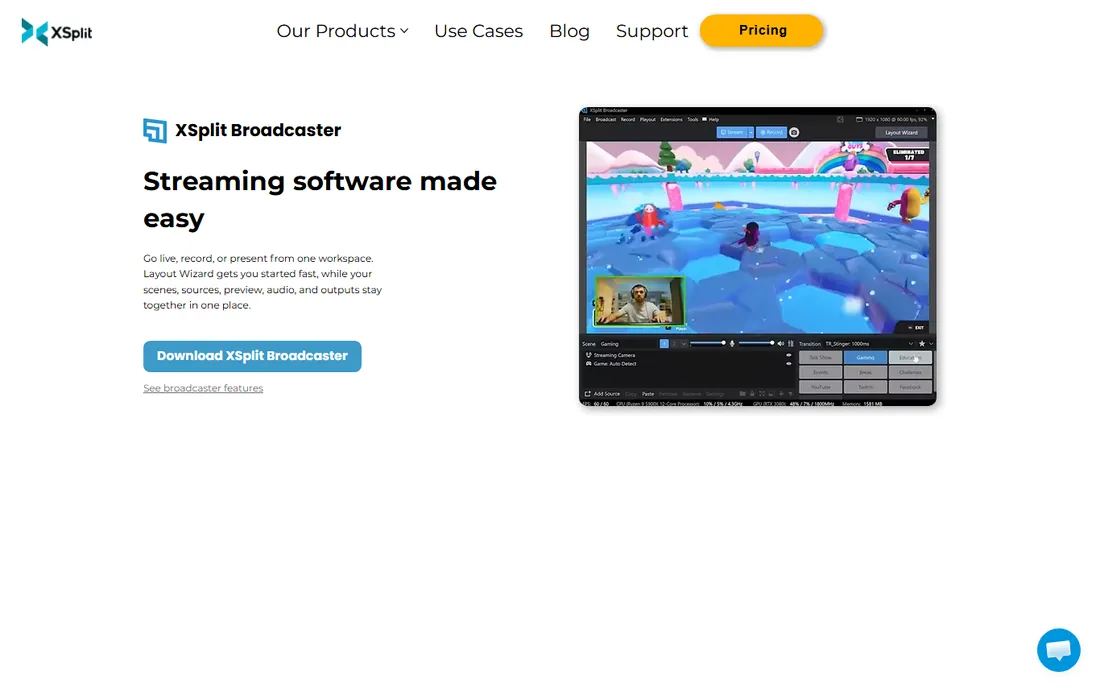
XSplit positions itself as the streaming software that gets you live fast, and the layout wizard genuinely does. It bundles Broadcaster for the live production and Media Manager, a free tool for trimming recordings and publishing to YouTube and social platforms, in one ecosystem. More than 15 million people have signed up, which tells you how far approachability carries.
Pricing is refreshingly cheap: the free tier streams up to 720p without a watermark, Premium is $14.99 per month, $59.99 per year (about $5 per month), or a $119.99 lifetime license. Premium opens up unlimited scenes and resolution, multistreaming to multiple services, virtual camera, and commercial use.
For sports, XSplit fits the simpler end: single-camera game streams, commentary overlays, and quick highlight publishing after the event. It is not a replacement for vMix or Wirecast on a multi-camera production with replay. But for a rec league that wants to go live this weekend with minimal fuss, the free tier or the cheap yearly plan is hard to argue with.
What we like- Beginner-friendly with a guided layout wizard
- Free tier handles 720p without a watermark
- Built-in multi-platform streaming on Premium
Watch out for- Windows only
- Free tier limits scenes and adds watermarks at higher resolutions
- Commercial use requires Premium
Starting price$65/month (Studio)
Free planFree trial (14 days)
Switcher Studio takes the most unusual approach on this list: it turns the iPhones and iPads you already own into a coordinated multi-camera production system. Up to nine devices connect over local Wi-Fi as camera angles, and one device runs the switcher with scoreboards, graphics, and overlays. For sideline coverage of youth and school sports, it eliminates the hardware bill entirely.
Pricing reflects the all-in-one positioning: Studio is $65 per month ($45 per month billed annually) with multistreaming to two platforms, and Suite is $99 per month ($71 annual) with multistreaming to 20 platforms, video hosting, ticketed events, and live-selling features. Every plan includes a 14-day free trial, and there is a nonprofit discount for qualifying organizations.
The limitation is the Apple-only requirement. The switching happens on iOS, iPadOS, or Mac, and while Android devices can join as cameras, there is no Android or Windows production app. If your crew is already an iPhone household, Switcher is the fastest path from zero to a credible multi-angle broadcast.
What we like- Turns iPhones and iPads into a multi-camera rig with no extra hardware
- Works over Wi-Fi from the sideline
- Built-in scoreboards and monetization
Watch out for- IOS and Mac only, no Windows or Android production
- Subscription only
- Higher tiers needed for more destinations
#8
LiveU
Best for: bonded cellular transmission from anywhere
Visit liveu.tv
Starting priceSee website
Free planNo
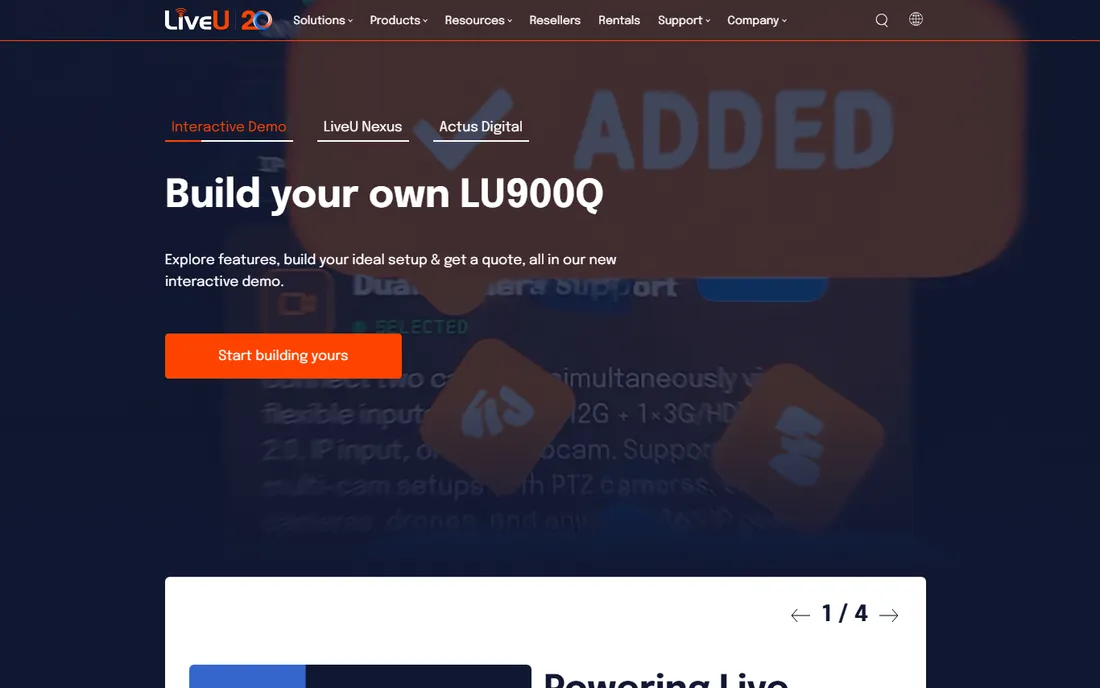
LiveU is the odd one out because it is not really software you install. It is a hardware and cloud ecosystem built around bonded cellular transmission: devices like LiveU Solo bond multiple cellular modems, Wi-Fi, and ethernet into one reliable connection, so a stream from a crowded stadium or a remote field survives network conditions that would kill a single-connection stream. The LRT protocol behind it is the same technology major broadcasters use for live news and sports.
For a sports organization, LiveU fits when the venue is the problem. If you broadcast from fields with no wired internet, packed stadiums where thousands of phones saturate the cell network, or remote locations entirely, bonded cellular is the difference between a stream and a buffering screen. The cloud side of the ecosystem then lets remote producers switch and distribute the feed.
Pricing is quote-based, with hardware costs and LRT cloud service sold separately, so "See website" is the honest answer. This is enterprise-grade gear with enterprise-grade pricing. But if unreliable connectivity has ever ended your broadcast early, LiveU is the category designed to fix exactly that.
What we like- Bonded cellular keeps streams alive where venue Wi-Fi fails
- Purpose-built for live sports and news
- Cloud production workflow for remote teams
Watch out for- Hardware plus service pricing is not public and not cheap
- Overkill for studio or fixed-venue streaming
- Requires cellular data plans
How we chose
We started from the actual jobs in sports broadcasting: multi-camera production with replay, free or cheap streaming for small leagues, browser-based shows, multistreaming distribution, sideline coverage, and field transmission. We picked tools that serve those jobs, verified each homepage directly, and took pricing from each vendor's own pricing or purchase page. We did not run hands-on tests; instead we compared documented features, edition differences, and the sports-specific capabilities each vendor publishes.
What to match to your production before you buy
Start with where the game happens. Fixed venue with power and internet points toward a PC-based switcher like vMix, Wirecast, or XSplit, plus Restream if you stream to several platforms. Sideline coverage with no infrastructure points toward Switcher Studio on iPhones or LiveU for bonded cellular backhaul. Talk content around the games, previews, interviews, post-game shows, belongs in a browser tool like StreamYard, which costs less than staffing a control room for it.
Then check the feature that decides most purchases: instant replay. It is not standard across these tools. In vMix it starts at the 4K edition, in Wirecast it is a Pro feature, and OBS, StreamYard, Restream, and XSplit do not include it natively. If replay is on your requirements list, confirm the exact edition before paying, because it is the most common reason teams end up upgrading after purchase.
Finally, budget for the part nobody puts in the software quote. A production PC, cameras or phones, capture devices, microphones, tripods, and data plans for field units usually cost more than the software. Pick the software that fits the hardware and people you already have, not the other way around, and use the free tiers and trials to run a full rehearsal game before committing to anything paid.
Sports features worth comparing side by side
Scoreboards and graphics separate sports tools from generic streamers. vMix ships animated scoreboards, tickers, and title templates through its GT designer. Wirecast bundles live scoreboards and game clocks in its sports production features. Switcher Studio includes scoreboard overlays designed for youth sports. OBS and XSplit rely on plugins and community templates, which work but need setup time. If polished on-screen graphics matter to your sponsors, weigh the built-in options first.
Remote guests are the second divider. Wirecast's Rendezvous, vMix Call, StreamYard's browser links, and Restream Studio all bring commentators or interviewees in without them installing software. The guest limits differ, two on Wirecast Studio, up to eight on vMix Pro and Wirecast Pro, so count your regular panel before choosing a tier.
Audio is the quiet failure point of amateur sports broadcasts. Crowd noise, wind, and a single camera microphone produce streams people click away from. Whatever software you choose, budget for at least one dedicated microphone near the action or the commentators. Viewers forgive average video far more readily than bad audio, and no software feature fixes a stream they cannot hear.
Frequently asked questions
Do I need expensive hardware to broadcast sports?
No. A mid-range Windows PC with vMix or OBS, one or two cameras, and a decent microphone can produce a credible multi-camera stream. Switcher Studio goes further and uses iPhones as the cameras, removing the hardware bill almost entirely. The software on this list exists precisely because the hardware barrier collapsed.
Which tool has the best instant replay?
Among these, vMix Pro and Wirecast Pro have the most capable built-in replay, with vMix supporting up to eight cameras. vMix 4K includes single-camera replay at a lower price. If replay is essential and the budget is tight, check the exact edition, since base tiers of both tools exclude it.
Can I stream one game to YouTube, Facebook, and Twitch at the same time?
Yes, that is multistreaming. Wirecast and XSplit Premium do it natively. If your production tool does not, add Restream, which takes your encoder's feed and publishes to 30+ destinations, with a free tier for two channels.
Is OBS Studio really enough for sports?
For many local leagues, yes. It handles camera switching, overlays, and streaming for free. What it lacks natively, instant replay, remote guests, multistreaming, can be added with plugins or paired tools like Restream. The tradeoff is setup time and community-based support instead of a vendor help desk.
What is bonded cellular, and do I need it?
Bonded cellular combines several network connections, multiple cellular modems plus Wi-Fi, into one reliable stream. You need it when broadcasting from places with bad or congested internet: remote fields, packed stadiums, moving vehicles. LiveU is the specialist here. For a fixed venue with solid wired internet, it is unnecessary.
How much should a small league budget for broadcasting software?
Anywhere from zero to a few hundred dollars a year. OBS and Restream's free tier cost nothing. XSplit Premium is $59.99 per year. vMix Basic HD is a $60 one-time purchase. The bigger costs are usually hardware and data, so price the full setup, not just the software license.
Sources we checked (13)
- https://www.vmix.com/
- http://m.vmix.com/purchase/
- https://obsproject.com/
- https://wirecast.io/
- https://support.telestream.net/s/article/Wirecast-FAQs-on-Wirecast-Studio-Pro-Subscriptions-16-0
- https://streamyard.com/
- https://restream.io/
- https://restream.io/pricing
- https://www.xsplit.com/buy/index
- https://xsplit.com/
- https://www.switcherstudio.com/
- https://www.switcherstudio.com/blog/live-streaming-setup
- https://liveu.tv/
Is your product missing or out of date?
We review this list regularly. Vendors can request a listing, send updated pricing or ask about featured placement.

Shihab Mia · Founder, Rankite
Shihab has spent more than a decade helping SaaS and e-commerce brands grow through search. He writes Rankite's software buying guides from pricing pages, documentation and public user reviews. More about Shihab.