How we make this list: we compare pricing pages, product documentation and public user reviews. Ratings come from G2, Capterra or Trustpilot, with the date we checked them.
Key takeaways
- Otter.ai and Fireflies suit meeting-heavy companies, with bots that join calls and produce summaries and action items.
- Rev suits companies that need human-level accuracy or a developer API, with pay-as-you-go and enterprise pricing.
- AssemblyAI and Deepgram suit product teams building transcription into applications, with pay-per-hour APIs and enterprise deployment.
- Azure AI Speech and AWS Transcribe suit companies already on Microsoft or Amazon cloud, with enterprise identity and data controls.
- Trint suits media and research teams that edit transcripts in text, though its per-seat price is the highest here.
Quick comparison
| Tool | Best for | Starting price | Free plan |
|---|
 Otter.ai Otter.ai | Meeting notes at scale | $8.33 per user/month | Yes |
 Rev Rev | Human accuracy and API | Usage-based | Yes |
 AssemblyAI AssemblyAI | Speech understanding API | $0.15 per hour | Yes |
 Deepgram Deepgram | Real-time transcription API | See website | Yes |
 Fireflies.ai Fireflies.ai | Meeting assistant with CRM sync | $10 per seat/month | Yes |
 Trint Trint | Transcript editing for teams | $52 per seat/month | Trial |
 Microsoft Azure AI Speech Microsoft Azure AI Speech | Microsoft cloud transcription | Usage-based | Yes |
 Amazon Transcribe Amazon Transcribe | Amazon cloud transcription | Usage-based | Yes |
Is your product missing or out of date?
We review this list regularly. Vendors can request a listing, send updated pricing or ask about featured placement.
The best speech to text apps for large corporate use
#1Otter.ai
Best for: Meeting notes at scale4.4/5 on
G2 (505 reviews, checked Oct 2026)
Visit otter.ai
Starting price$8.33 per user/month
Free planYes
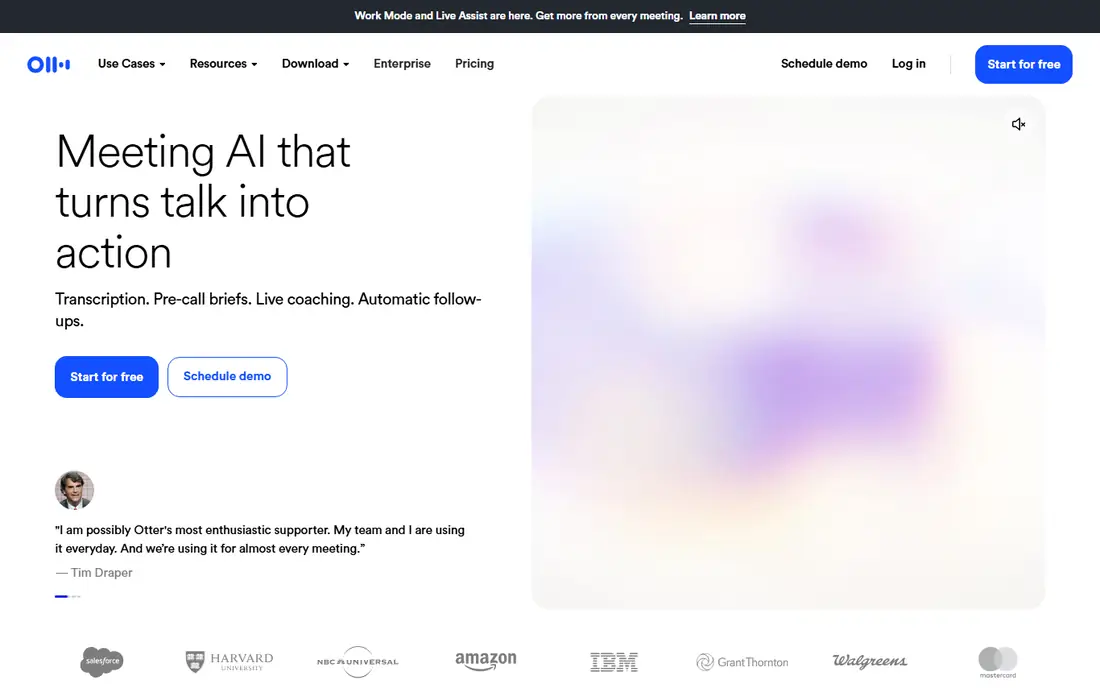
Otter.ai is the meeting notetaker most large teams adopt first. Its bot joins Zoom, Microsoft Teams and Google Meet, produces a transcript, summary and chat over the transcript, and shares notes with the team. Basic is free at 300 minutes a month with 30 minutes per conversation, Pro costs $8.33 per user per month billed annually, and Business costs $19.99, with Enterprise priced on a demo.
For large corporate use, the Enterprise plan matters, since it adds single sign-on and SCIM provisioning, though those need a 100-user licence at minimum, and Business caps a workspace at 25 members. Watch the workspace trial behaviour, since colleagues added to a workspace can convert to paid seats. For meeting-heavy companies, Otter is the default shortlist pick.
What we like- Bot joins Zoom, Teams and Google Meet
- Summaries and action items
- Enterprise plan with SSO and SCIM
Watch out for- Basic plan caps at 300 minutes a month
- Enterprise needs a 100-user licence for SSO and SCIM
- Workspace trial conversion needs care
#2Rev
Best for: Human accuracy and API4.7/5 on
G2 (621 reviews, checked Oct 2026)
Visit rev.com
Starting priceUsage-based
Free planYes
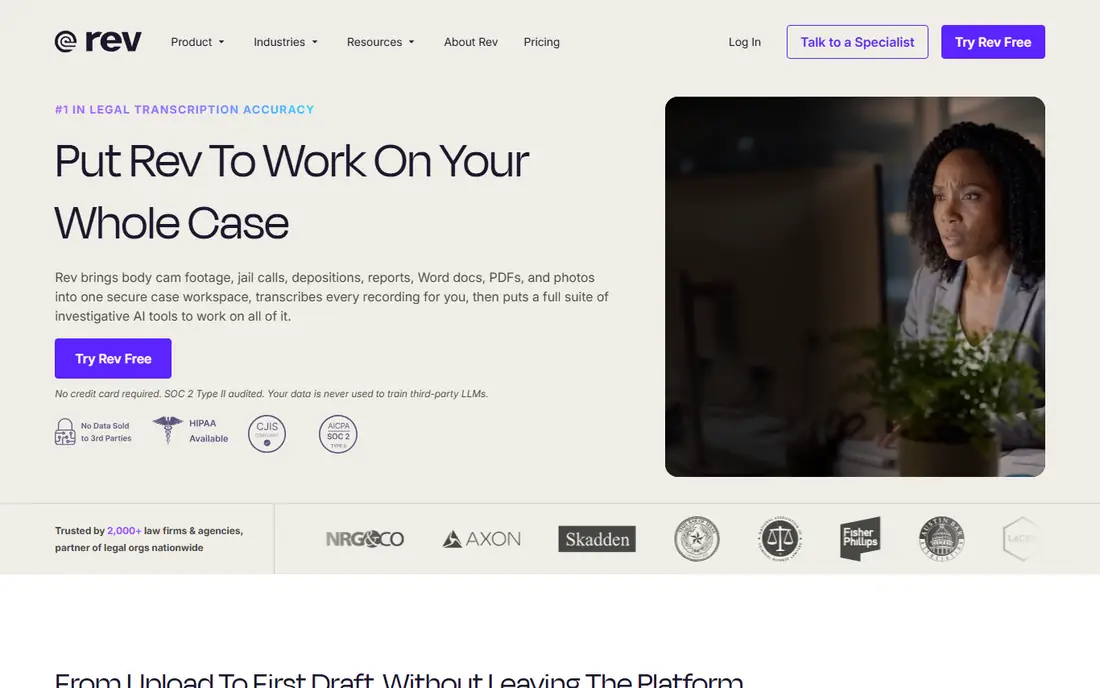
Rev suits companies where accuracy is the priority, such as legal, medical and research work. Human transcription costs $1.99 per minute, while AI options start at $0.10 per hour for Turbo transcription and $0.20 per hour for standard Reverb transcription, with foreign language transcription at $0.30 per hour. Free credits cover about five hours of AI transcription.
Compliance is a strength, with SOC 2, HIPAA, GDPR and PCI compliance and 99.99 percent uptime claims, and the API deploys in cloud or on-prem. For large corporate use, Rev fits when transcripts feed compliance records or products, rather than when the main need is a meeting assistant.
What we like- Human transcription at $1.99 per minute
- AI API from $0.10 per hour
- SOC 2, HIPAA, GDPR and PCI compliance
Watch out for- Human transcription is expensive at scale
- API pricing needs volume modelling
- Meeting workflow is thinner than Otter
#3AssemblyAI
Best for: Speech understanding API4.3/5 on
G2 (38 reviews, checked Oct 2026)
Visit assemblyai.com
Starting price$0.15 per hour
Free planYes
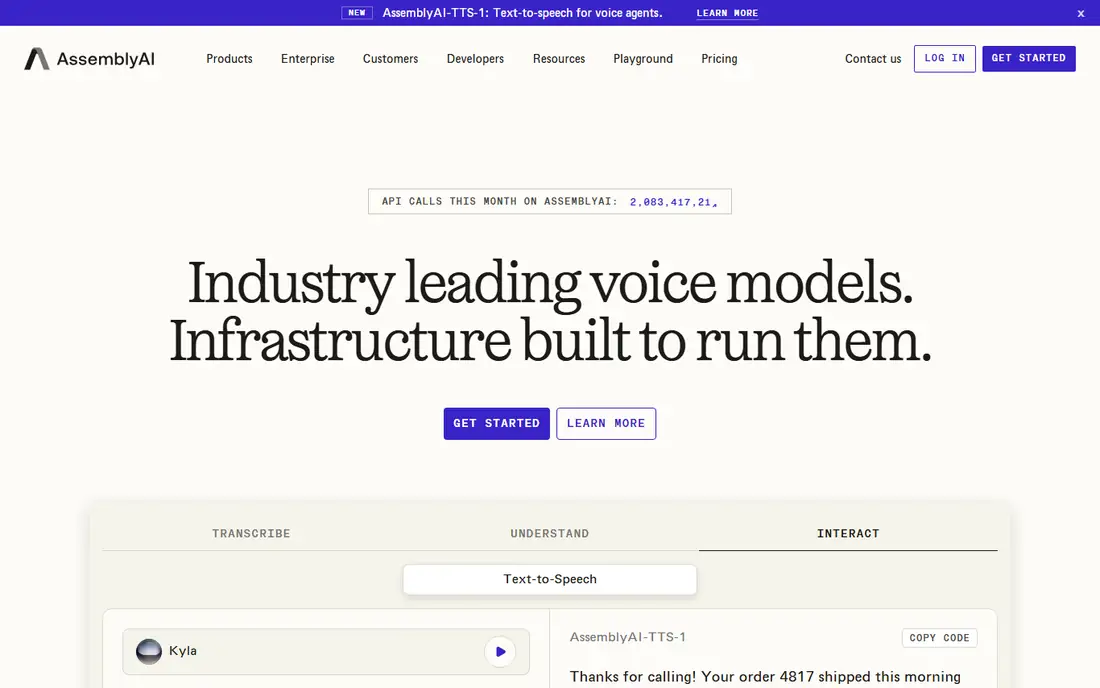
AssemblyAI is a speech understanding platform that unifies transcription with audio intelligence, including sentiment, topics, entities and summaries, plus LLM integration through its LeMUR framework for long-form audio. Pre-recorded transcription starts at $0.15 per hour on Universal-2, with $50 in free credits covering about 185 hours, while newer models cost more, such as Universal-3.5 Pro at $0.21 per hour and real-time streaming at $0.45 per hour.
Add-ons include diarisation at $0.02 per hour, sentiment at $0.02, summarisation at $0.03 and PII redaction at $0.08 per hour of text. Enterprise pricing is custom, with self-hosted deployment options. For product teams that need more than basic transcription, AssemblyAI is the most cohesive platform here.
What we like- $50 in free credits
- 99 languages on Universal-2
- Summarisation, sentiment and PII redaction add-ons
Watch out for- API-first, so it needs developers
- Add-ons raise per-hour cost
- Enterprise pricing is custom
#4Deepgram
Best for: Real-time transcription API4.6/5 on
G2 (482 reviews, checked Oct 2026)
Visit deepgram.com
Starting priceSee website
Free planYes
Deepgram is a developer-first speech-to-text API known for fast real-time streaming, with regular streaming rates around $0.46 per hour cited in comparisons. It suits contact centres, live captioning and voice products where latency matters, and it offers enterprise support and ecosystem integration.
Pricing varies by model and volume, which is why we wrote See website, and a free tier covers evaluation. For large corporate use, Deepgram fits when real-time performance is the deciding factor, while AssemblyAI fits when audio intelligence features matter more.
What we like- Fast real-time streaming
- Strong enterprise support
- Flexible deployment
Watch out for- Pricing is not published as simply as rivals
- Needs developers
- Free tier limits need checking
#5Fireflies.ai
Best for: Meeting assistant with CRM sync4.7/5 on
G2 (754 reviews, checked Oct 2026)
Visit fireflies.ai
Starting price$10 per seat/month
Free planYes
Fireflies.ai is an AI meeting assistant that joins calls, transcribes them, extracts action items and syncs notes to CRMs such as Salesforce and HubSpot. Entry pricing starts at $10 per seat per month billed annually, with a free plan for evaluation, making it cheaper than Otter Business for comparable meeting use.
Accuracy varies with accents, background noise and audio quality, as with all AI transcription, and enterprise controls sit on higher tiers. For sales and customer-facing teams that need CRM-synced meeting notes, Fireflies is a strong, affordable corporate choice.
What we like- Joins meetings and syncs to CRMs
- Searchable meeting knowledge
- Affordable entry price
Watch out for- Accuracy varies with accents and audio quality
- Enterprise features need higher tiers
- Privacy review needed
#6Trint
Best for: Transcript editing for teams4.4/5 on
G2 (66 reviews, checked Oct 2026)
Visit trint.com
Starting price$52 per seat/month
Free planTrial
Trint lets teams edit audio and video by editing the transcript text, with collaboration, search and export features that suit media, research and legal teams. Starting price is $52 per seat per month billed annually, with a free trial rather than a permanent free plan.
That price is the highest in this list, so Trint suits teams that edit transcripts daily, not companies that only need meeting summaries. For media and research workflows where the transcript is the work product, Trint earns its price.
What we like- Edit audio and video through text
- Collaboration and search
- Strong for media and research
Watch out for- Highest per-seat price here
- No permanent free plan
- Overkill for simple meeting notes
Starting priceUsage-based
Free planYes
Azure AI Speech suits companies already on Microsoft cloud, with speech-to-text that integrates with Teams, Office and Azure services, plus enterprise identity, data residency and compliance controls. Pricing is usage-based, with a free tier for evaluation, and costs vary by model and feature.
It needs Azure setup and developer effort, so it is not a meeting assistant out of the box. For large Microsoft shops that want transcription inside their existing cloud and security model, Azure AI Speech is the natural pick.
What we like- Enterprise identity and data controls
- Integrates with Teams and Office
- Pay-as-you-go pricing
Watch out for- Needs Azure setup and developers
- Pricing varies by feature
- Meeting workflow is thinner than Otter
Starting priceUsage-based
Free planYes
Amazon Transcribe suits companies already on AWS, with speech-to-text that integrates with Connect contact centres, analytics and storage services, plus enterprise identity and data controls. Pricing is usage-based, with a free tier for evaluation, and costs vary by model, language and feature.
Like Azure, it needs cloud setup and developer effort, and it is not a meeting assistant out of the box. For large AWS shops that want transcription inside their existing cloud, Amazon Transcribe is the natural pick.
What we like- Enterprise controls on AWS
- Integrates with contact centre and analytics services
- Pay-as-you-go
Watch out for- Needs AWS setup and developers
- Pricing varies by feature
- No meeting assistant workflow
How we chose
We compared tools on accuracy options, enterprise controls, API flexibility, meeting workflow and price, using vendor pages and current comparisons. Meeting assistants lead for internal use, APIs lead for product use, and cloud services lead for companies standardised on one cloud. Where prices conflicted or varied by volume, we wrote See website or usage-based rather than inventing a figure. We did not claim hands-on testing, and we weighted enterprise needs, such as SSO, SCIM, compliance and data residency, above consumer features.
Rolling out transcription in a large company
Start with a pilot team, not a company-wide rollout. Pick one use case, such as sales meetings or support calls, and measure accuracy on real audio, since accents, jargon and background noise affect results more than vendor demos suggest. Review privacy and consent rules before recording, since some regions require all-party consent, and decide retention and deletion policies early.
Budget by volume, not seats, for API tools, since per-hour costs scale with audio hours, while meeting assistants scale by seats. For APIs, model add-on costs, such as diarisation and redaction, since they raise the headline rate. Finally, assign an owner for the transcript library, since searchable meeting knowledge only helps when notes are organised, tagged and accessible. Security review should cover where audio is stored, how long it is kept, and who can access transcripts, since meeting recordings often contain sensitive commercial and personal information.
Frequently asked questions
What is the best speech to text app for a large company?
Otter.ai is best for meeting notes at scale, Rev is best for human accuracy and API use, and AssemblyAI or Deepgram are best for building transcription into products. Azure AI Speech and AWS Transcribe suit companies standardised on those clouds.
How much does Otter.ai cost for business?
Pro costs $8.33 per user per month billed annually, Business costs $19.99, and Enterprise is priced on a demo. Single sign-on and SCIM provisioning on Enterprise need a 100-user licence at minimum, so confirm seat requirements before committing.
Is AI transcription accurate enough for corporate use?
For meeting notes and search, yes, with review. For legal, medical or compliance records, human transcription or human review is safer, since AI errors on names, numbers and jargon can change meaning. Always review transcripts that feed decisions or records, and keep the original audio for checking.
Should we use an API or a meeting assistant?
Use a meeting assistant when the need is internal notes and summaries, and an API when transcription feeds a product, contact centre or analytics pipeline. APIs need developers, while meeting assistants work out of the box for end users. Some companies use both, with assistants for meetings and APIs for call analytics.
What compliance features should large companies check?
Check SOC 2, HIPAA, GDPR and PCI compliance where relevant, plus single sign-on, SCIM provisioning, data residency, retention controls and audit logs. Confirm recording consent rules for your regions before deploying meeting bots, and document consent handling for audits.
How do I budget for API transcription?
Multiply expected audio hours by the per-hour rate, then add add-on costs such as diarisation, sentiment and redaction. Start with free credits to measure real volume, since estimates often understate meeting and call hours. Track usage monthly, since a growing team or a new contact centre queue can raise audio hours quickly.
Sources we checked (10)
- https://otter.ai
- https://www.rev.com
- https://www.assemblyai.com
- https://deepgram.com
- https://fireflies.ai
- https://trint.com
- https://azure.microsoft.com
- https://aws.amazon.com
- https://castan.ai/blog/otter-ai-pricing
- https://www.gladia.io/blog/deepgram-alternatives
Is your product missing or out of date?
We review this list regularly. Vendors can request a listing, send updated pricing or ask about featured placement.

Shihab Mia · Founder, Rankite
Shihab has 5+ years in B2B and SaaS SEO. He writes Rankite's software buying guides from pricing pages, documentation and public user reviews. More about Shihab.