How we make this list: we compare pricing pages, product documentation and public user reviews. Ratings come from G2, Capterra or Trustpilot, with the date we checked them.
Key takeaways
- Google Live Transcribe is the best free starting point on Android: instant captions for conversations and sounds around you, free, with no account or minutes to run out.
- InnoCaption and CaptionCall caption phone calls free for eligible users in the US, funded through a federal programme for people with hearing loss.
- Ava is the strongest for group conversations and meetings, with speaker labels, while its free tier limits minutes, so read the current allowance before relying on it.
- Captions help enormously and are not a substitute for hearing care: accuracy drops with noise, distance and accents, and anyone with hearing loss deserves an audiologist alongside any app.
Quick comparison
| Tool | Best for | Starting price | Free plan |
|---|
 Google Live Transcribe Google Live Transcribe | Everyday conversation captions on Android | Free | Yes |
 InnoCaption InnoCaption | Free captioned phone calls for eligible US users | Free | Yes |
 Ava Ava | Group conversations with speaker labels | Free | Yes |
 CaptionCall CaptionCall | Captioned home phone service for eligible users | Free | Yes |
 Rogervoice Rogervoice | Captioned and transcribed phone calls | Free | Yes |
 Otter.ai Otter.ai | Meeting transcripts you can search later | Free | Yes |
 Web Captioner Web Captioner | Free captions on a computer browser | Free | Yes |
Is your product missing or out of date?
We review this list regularly. Vendors can request a listing, send updated pricing or ask about featured placement.
The best speech to text apps for the hearing impaired
#1
Google Live Transcribe
Best for: Everyday conversation captions on Android
Visit google.com
Starting priceFree
Free planYes
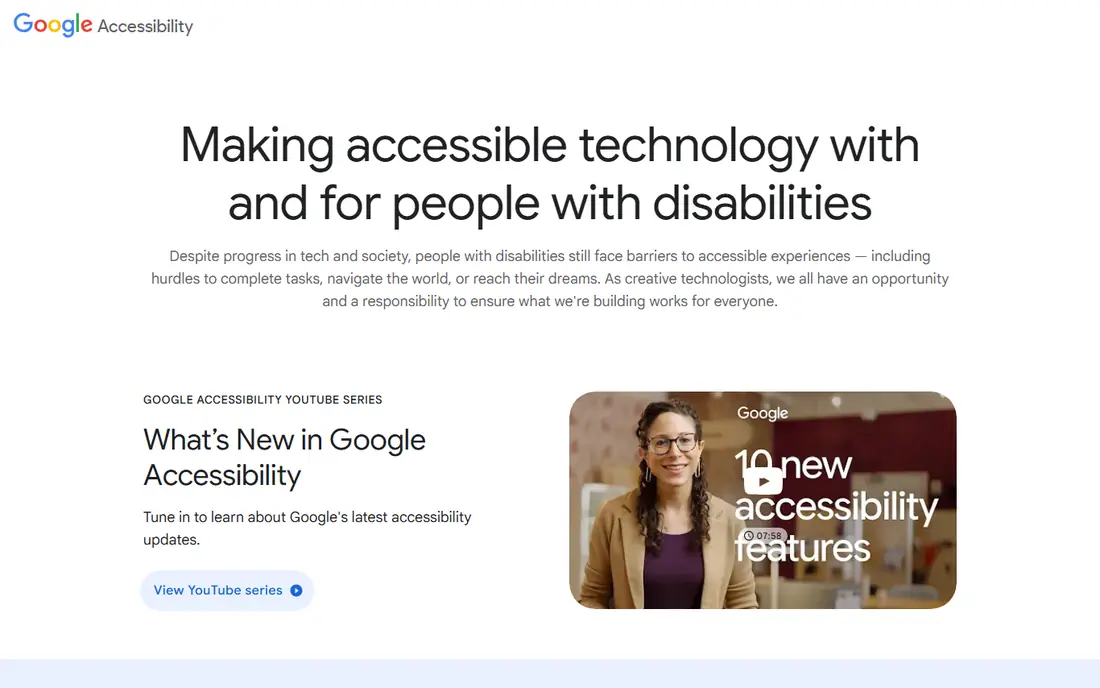
What we like- Live Transcribe is built into or freely available on Android phones and does the core job superbly: open it and speech around the phone appears as large, readable text almost instantly, in dozens of languages, with sound notifications that flag doorbells, alarms and a baby crying for deaf users. There is no account, no minutes and no cost, transcripts can be saved for a few days, and text size and vibration alerts are adjustable. For face to face conversation, a shop counter, a family dinner, it is the first app to install and the benchmark the others must beat, and it works with the phone's microphone or an external one for better reach.
Watch out for- Android only
- IPhone users need the alternatives below. Accuracy depends entirely on the phone's microphone and the room: it has no way to separate speakers in a group beyond basic cues, and noisy environments defeat it like every rival. Saved transcripts are temporary rather than an archive. There is no phone call captioning built in on most devices, though Android's separate Live Caption feature covers media and calls on supported phones, worth switching on in accessibility settings if yours offers it.
Starting priceFree
Free planYes
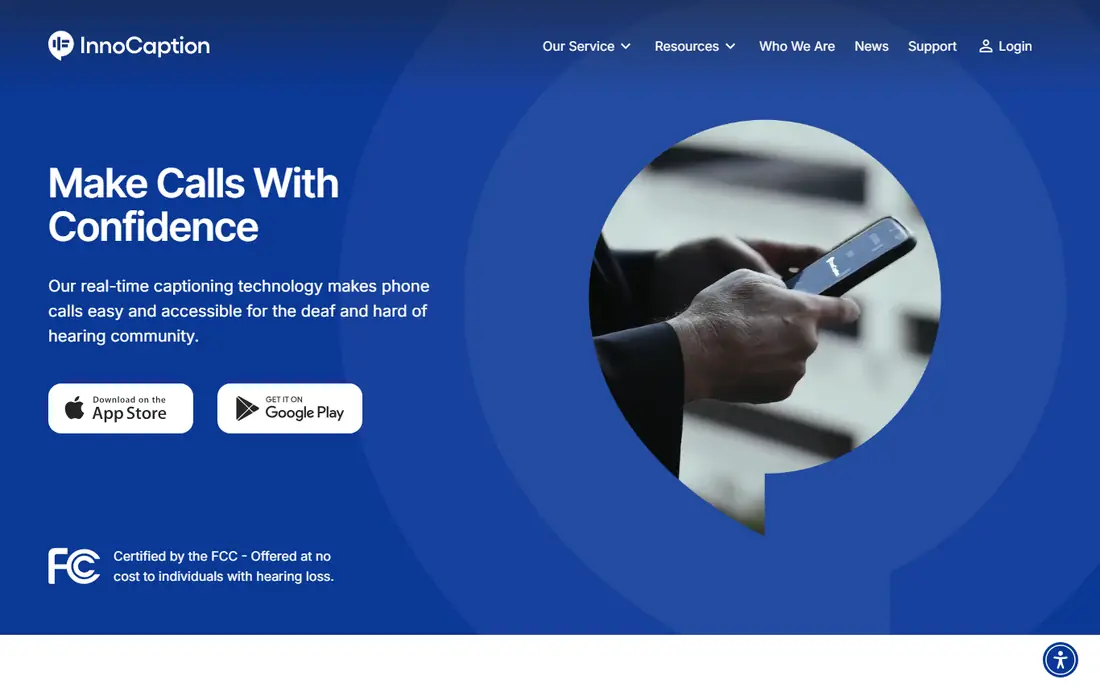
What we like- InnoCaption captions phone calls in real time, with a choice of automated captions or, distinctively, live stenographers for users who select that mode, and it is free for eligible deaf and hard of hearing users in the United States because it is funded through the Federal Communications Commission's telecommunications relay fund rather than by subscription. Calls work through the app on your mobile phone with your own number, captions are fast enough to hold a natural conversation, and the service handles the call situations where conversation apps cannot help: the bank, the doctor's office, a grandchild's news.
Watch out for- Eligibility is the gate: you must certify hearing loss that makes phone use difficult, and the service is US only. Registration takes longer than an app store download, reasonably, given the funding rules. Caption quality in automated mode varies with the caller's voice and line quality as all ASR does. It captions calls only, not the room around you, so it pairs with Live Transcribe or Ava rather than replacing them. Emergency call handling follows specific rules explained at signup, which every user should read before they need them.
#3
Ava
Best for: Group conversations with speaker labels
Visit ava.me
Starting priceFree
Free planYes
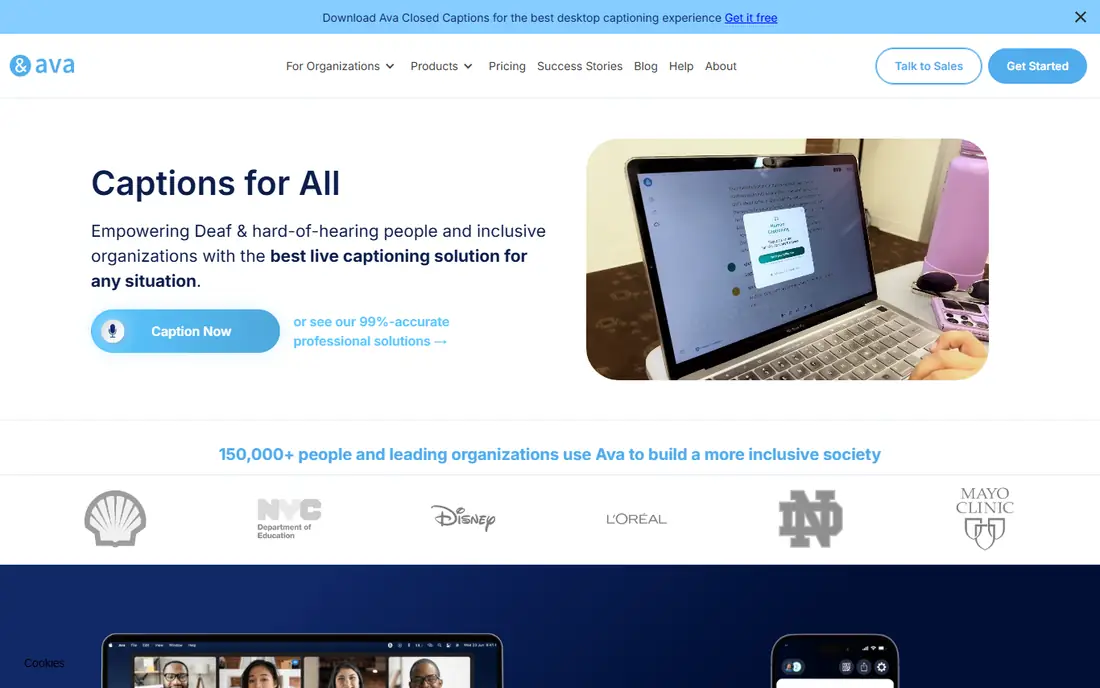
What we like- Ava was designed for group conversation: several people join a session on their phones, each phone becomes a microphone, and the captions arrive labelled by speaker in near real time, which transforms meetings, classes and family gatherings where Live Transcribe's single microphone struggles. It runs on phones and computers, supports many languages, and offers a scribe service with human captioners for professional settings at the paid end. For a deaf or hard of hearing person whose hardest setting is a table of eight people, Ava's multi phone model is the cleverest idea in this list.
Watch out for- The free tier is limited: Ava's free plan has historically allowed a set amount of captioning time and basic features, with unlimited use behind subscription plans for individuals, schools and workplaces, so check the current allowance in the app before planning a week's meetings on it. Everyone in the conversation needs to join the session and speak toward a phone, which takes social coordination. Accuracy still depends on each phone's microphone and the room. Group captioning at work may also be an employer's accessibility duty to fund, a conversation worth having before paying personally.
Starting priceFree
Free planYes
What we like- CaptionCall provides a captioning telephone service for people with hearing loss: a dedicated home phone with a large caption screen, and a mobile app, displaying the other party's words in real time through a combination of technology and captioning agents. Like InnoCaption it is funded through the federal relay programme, so the service and the phone are provided at no cost to eligible users who certify their hearing loss. For an older user who wants captions on a real telephone with big text and no smartphone learning curve, it remains the kindest design in this category, with amplified sound alongside the captions.
Watch out for- US eligibility rules apply as with InnoCaption, and certification is required. The home phone model suits a landline centred life
- Mobile users may prefer InnoCaption's app first shape. Captions produced with captioning agents carry a slight delay compared with the fastest automated apps. The equipment and service are tied to the provider. Availability and the exact offer have changed over the years as the programme's rules evolved, so confirm the current terms on its site before planning around it.
Starting priceFree
Free planYes
What we like- Rogervoice captions phone calls on your smartphone and adds a feature none of the others here match for some users: speech synthesis for the return direction, letting a deaf user type replies that the app speaks down the line, alongside standard real time captions of the caller. It operates in several countries beyond the US, works with regular phone numbers through its app, and offers subtitle style call reading in multiple languages. A free allowance lets new users test call quality on their own network and with their own callers before subscribing to a plan.
Watch out for- The free tier is a taster, with ongoing call captioning behind subscription plans priced in the app, unlike the federally funded US services above. Call quality and caption speed depend on your data connection, since calls route through the app. The synthetic voice replies are functional rather than natural, and some callers find the arrangement unusual at first. In the US, an eligible user will usually take InnoCaption's funded service first and keep Rogervoice for its two way features or travel.
#6Otter.ai
Best for: Meeting transcripts you can search later4.4/5 on
G2 (505 reviews, checked Oct 2026)
Visit otter.ai
Starting priceFree
Free planYes
What we like- Otter transcribes meetings and conversations into searchable text with speaker identification and summaries, on phone and computer, integrating with Zoom, Meet and Teams for work calls. For a hard of hearing professional, its value is the record: the meeting you half heard becomes a document you can read, search and share, which no live caption app here provides as well. The free plan includes a monthly allowance of transcription minutes and per conversation length limits, enough for a student or a few meetings a week, with paid plans raising the caps. Its live captions during a call are serviceable as a bonus beside the transcript.
Watch out for- Otter is a meeting tool, not a conversation aid: it is not designed for a chat in a cafe, and its live caption latency and large text options trail the dedicated apps. Free minutes run out in a meeting heavy job, and accuracy with strong accents and technical vocabulary needs a checking eye, especially on names and figures in the record. Work meetings also raise a consent point: recording and transcribing colleagues is governed by workplace policy and sometimes by law, so switch it on openly rather than quietly.
Starting priceFree
Free planYes
What we like- Web Captioner is a free service that runs in a web browser: give it microphone access and it captions speech on screen in large adjustable text, designed originally so presenters, teachers and churches could caption for an audience, and equally useful one to one at a computer. There is nothing to install, no account and no minutes, it supports many languages, and the display customisation, text size, colours, high contrast, is the most flexible here for low vision as well as hearing needs. For a laptop based life, video calls at a desk, a class on a computer, it is the simplest tool in this list.
Watch out for- It lives in the browser: phone use is awkward, background noise handling is basic, and there is no speaker labelling or saved transcript system beyond copying the text. It captions what the computer's microphone hears, so callers on the same machine need routing tricks or a second device. Donation supported free software carries the sustainability question mark all such tools do. Within its desk shaped niche it is excellent
- Outside it, the phone apps take over.
How we chose
We compared speech to text apps genuinely usable free by deaf and hard of hearing people in October 2026, and required real time performance rather than after the fact transcription alone, with Otter included for its transcript record and labelled as a meeting tool. Funded US call captioning services, InnoCaption and CaptionCall, are included because for eligible users they are simply free, the strongest offer in the category, and their eligibility gates are stated rather than hidden. Free tier limits are described as the providers publish them; where allowances change often, the entry says to check in app. Accuracy claims are deliberately avoided in this guide, because no honest universal figure exists: every tool here varies with room, microphone, accent and distance, and any app advertising a fixed accuracy percentage for your life is selling.
How to choose the right captioning app
Start with the situation that fails you most. One to one conversation and daily life on Android: Live Transcribe, free and instant. Phone calls in the US: InnoCaption or CaptionCall if you are eligible, since funded beats subscribed. Groups and meetings with several speakers: Ava, with its multi phone sessions, after checking the free allowance against your week. Work meetings where the record matters: Otter, openly used. A computer based day: Web Captioner at the desk and Live Transcribe away from it. Many users end with two of these installed, which is normal and costs nothing.
Then fix the physics before blaming the software. Sit closer, choose the quieter corner, ask speakers to face you and speak one at a time, and consider an external or lapel microphone for the settings that matter most, a lecture, a medical appointment. An inexpensive microphone upgrade improves every app in this list more than switching between them does. Finally, if hearing loss is new or worsening, book the hearing test: captions plus properly fitted hearing aids or other treatment outperform captions alone, and some causes of hearing loss need timely medical attention that no app can provide.
Frequently asked questions
Are these apps accurate enough for important conversations?
For the shape of a conversation, yes; for the critical details, verify. Captions in a quiet room with one clear speaker are good enough to follow comfortably, and they transform group settings from exclusion to participation. But names, numbers, medication names, prices and legal or financial terms are the words recognition handles worst, and a misread digit in a bank detail or a dose is not a small error. Ask for important details in writing, by text, email or a note, as a standing habit, and treat any caption app as an aid alongside that habit, never instead of it.
Is InnoCaption really free? What is the catch?
The catch is eligibility, not price. InnoCaption is a certified provider under the FCC's Internet Protocol Captioned Telephone Service, funded by the federal telecommunications relay fund, so eligible users, people in the US whose hearing loss makes phone calls difficult, who complete the certification, pay nothing. The funding model exists because captioned telephone access is treated as a civil right under US disability law. If you qualify, it is the best value in this guide; if you are outside the US or ineligible, Ava and Rogervoice subscriptions are the comparable route.
Can I caption calls on an iPhone?
Yes. InnoCaption and Rogervoice both run on iPhone, and CaptionCall offers a mobile app beside its home phone. iOS also offers accessibility features worth enabling: Live Captions, available in supported regions on newer iPhones, captions calls and media system wide in beta form, and RTT support exists for text based calls. Android counters with Live Transcribe and Live Caption. The platform gap that once defined this category has narrowed; the funded services and Ava work across both, which matters more than the phone in your pocket.
Do caption apps work in noisy places and groups?
They degrade, honestly. Noise, distance and overlapping speech are the three enemies of every recogniser here, in roughly that order. Ava's multi phone design is the strongest answer for groups, since each speaker is close to a microphone. In a loud restaurant, moving to a quieter table improves captions more than any setting in any app. Manage expectations for parties and open plan offices, position yourself well, and use the apps hardest where they work best: smaller groups, closer speakers, calmer rooms.
When should I see a doctor or audiologist instead of downloading apps?
Now, if you have not. Sudden hearing loss, loss in one ear, pain, discharge, dizziness or rapidly worsening hearing are medical symptoms needing prompt care, sometimes urgently, because some causes respond only to timely treatment. Gradual loss deserves a hearing test too: an audiologist can find treatable causes, fit hearing aids that outperform any phone microphone, and connect you with funded services and workplace adjustments you may not know exist. These apps are excellent tools. They are also, every one of them, a bridge to proper care rather than a destination.
Sources we checked (0)
Is your product missing or out of date?
We review this list regularly. Vendors can request a listing, send updated pricing or ask about featured placement.

Shihab Mia · Founder, Rankite
Shihab has 5+ years in B2B and SaaS SEO. He writes Rankite's software buying guides from pricing pages, documentation and public user reviews. More about Shihab.