How we make this list: we compare pricing pages, product documentation and public user reviews. Ratings come from G2, Capterra or Trustpilot, with the date we checked them.
Key takeaways
- GitBook suits product and developer docs that need Git sync plus a friendly editor, while ReadMe leads for interactive API documentation.
- Mintlify fits API-first startups that want polished docs generated from code with minimal setup.
- Docusaurus and MkDocs are free, open source options for teams that want full control and docs-as-code workflows.
- Confluence and Notion suit internal documentation, while Document360 suits customer-facing help centers at scale.
Quick comparison
| Tool | Best for | Starting price | Free plan |
|---|
 GitBook GitBook | Modern product and developer docs with Git sync | See website | Yes |
 ReadMe ReadMe | Interactive API documentation and developer hubs | From $99/month | Free trial |
 Mintlify Mintlify | API-first startups that want beautiful docs fast | From $150/month | Free trial |
 Docusaurus Docusaurus | Open source docs-as-code sites with full control | Free, open source | Yes |
 MkDocs MkDocs | Lightweight Markdown docs sites for small teams | Free, open source | Yes |
 Confluence Confluence | Internal wikis for teams already using Jira | See website | Yes (up to 10 users) |
 Notion Notion | Internal docs and team wikis for non-technical teams | From $10/user/month | Yes |
 Document360 Document360 | Customer-facing knowledge bases and help centers | See website | Free trial |
 Redocly Redocly | Enterprise API docs with governance and scale | See website | Free trial |
Is your product missing or out of date?
We review this list regularly. Vendors can request a listing, send updated pricing or ask about featured placement.
The best solutions for software documentation
#1GitBook
Best for: Modern product and developer docs with Git sync4.7/5 on
G2 (207 reviews, checked Oct 2026)
Visit gitbook.com
Starting priceSee website
Free planYes

GitBook bridges two worlds that usually stay apart. Technical writers get a friendly visual editor, while developers get Git sync, Markdown, and version control, so docs live beside code without forcing either side to change tools. AI features help draft, update, and search docs, and granular access control suits teams with public and internal content side by side.
Pricing takes care to parse, since team and enterprise tiers gate features such as advanced permissions and analytics. For startups and product teams that want polished docs without hiring a docs platform engineer, GitBook is the most balanced hosted option.
What we like- Git sync plus a visual editor
- AI-assisted writing and search
- Custom domains and access control
Watch out for- Pricing is tiered and can confuse small teams
- Advanced governance needs higher plans
#2ReadMe
Best for: Interactive API documentation and developer hubs4.5/5 on
G2 (46 reviews, checked Oct 2026)
Visit readme.com
Starting priceFrom $99/month
Free planFree trial
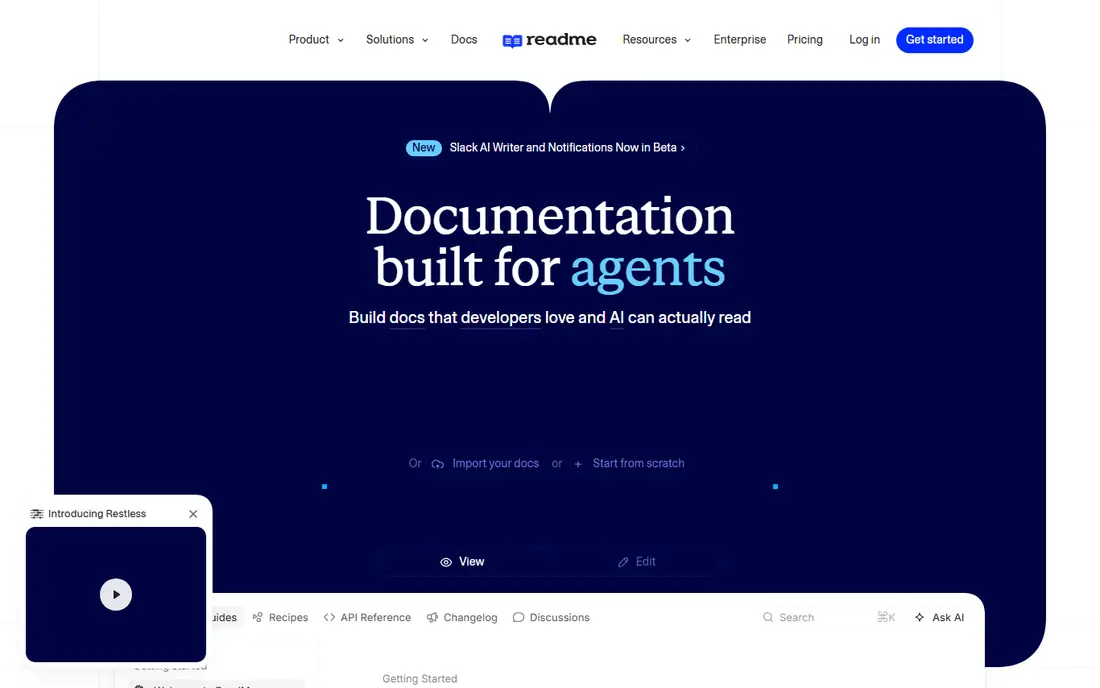
ReadMe is built for the moment a developer lands on your docs and wants to try the API. Interactive endpoints, code samples in multiple languages, and OpenAPI sync mean the reference stays current as the API changes, and analytics show which endpoints confuse users. Guided recipes walk developers through common integrations step by step.
The $99 monthly starting price puts it out of reach for hobby projects, and it is a poor fit for internal wikis or non-API content. For a company whose API is the product, ReadMe's developer experience justifies the cost.
What we like- Interactive API playground
- OpenAPI sync
- Usage analytics and guided onboarding
Watch out for- Entry price is high for small projects
- Less suited to general internal wikis
#3Mintlify
Best for: API-first startups that want beautiful docs fast4.6/5 on
G2 (19 reviews, checked Oct 2026)
Visit mintlify.com
Starting priceFrom $150/month
Free planFree trial
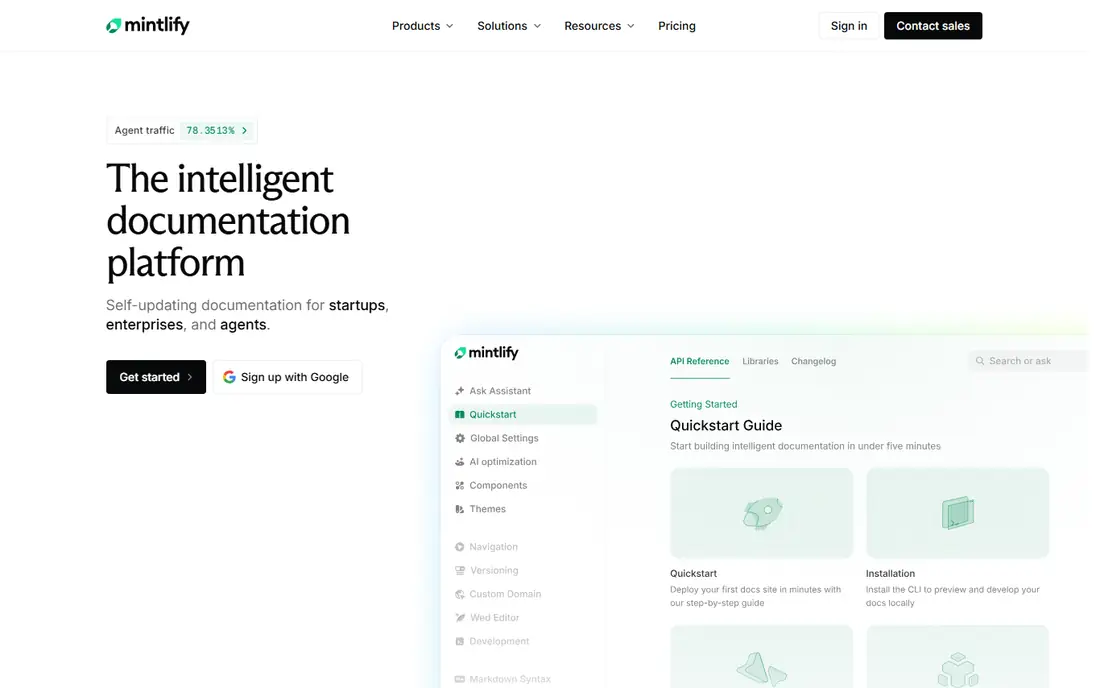
Mintlify appeals to developer-tools startups because setup is minimal. Point it at a repository or an OpenAPI spec and it produces a polished, fast docs site with search, API playgrounds, and AI-assisted answers, all in a design that looks intentional rather than templated. Agent-ready outputs, such as files that help AI assistants read your docs, reflect where documentation is heading.
The $150 monthly starting price is the catch for pre-revenue teams, who may prefer Docusaurus free. For a funded startup that needs docs to look world-class in a week, Mintlify earns its fee.
What we like- Docs generated from code and OpenAPI
- Polished design out of the box
- AI search and chat features
Watch out for- Starting price is steep for early startups
- Customization beyond themes takes effort
Starting priceFree, open source
Free planYes
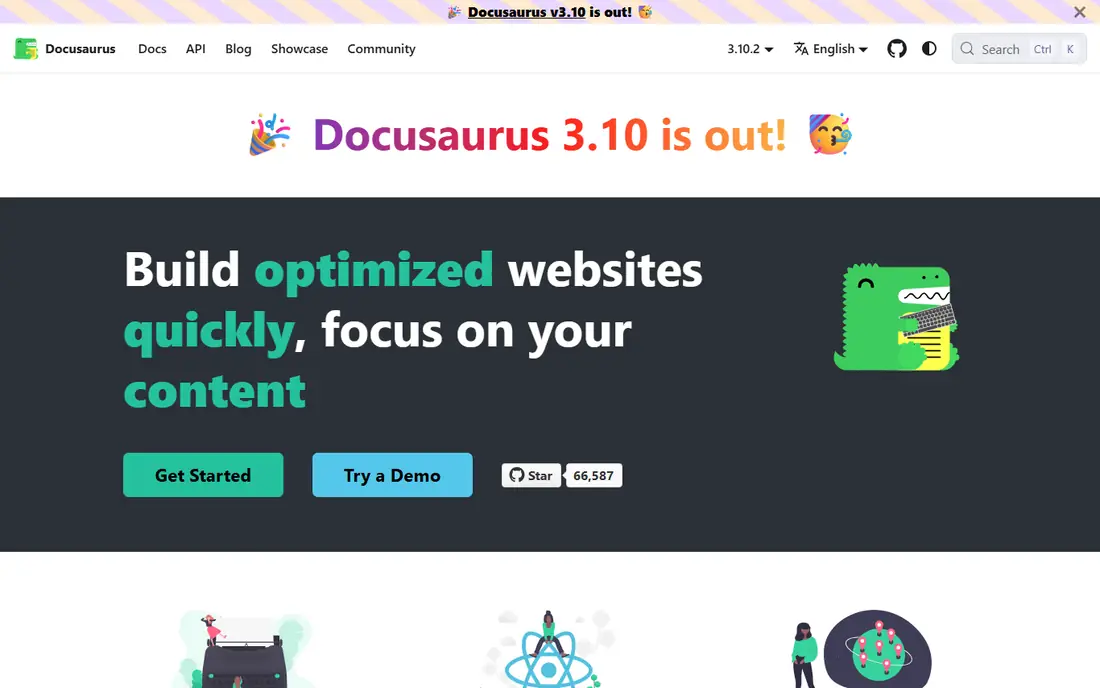
Docusaurus, from Meta, is the default open source docs site generator for teams that want control. Markdown and MDX content, versioned docs, built-in search, and multi-language support come free, and the React base allows deep customization. Hosting on any static host keeps running costs near zero.
The cost is engineering time. Someone must set it up, theme it, and maintain it, and non-technical writers face a Git workflow rather than a friendly editor. For engineering-led teams and open source projects, that trade is usually worth it.
What we like- Free and open source
- React and MDX support
- Versioning, search, and i18n built in
Watch out for- Needs developer time to set up and host
- No hosted editor for non-technical writers
#5
MkDocs
Best for: Lightweight Markdown docs sites for small teams
Visit mkdocs.org
Starting priceFree, open source
Free planYes
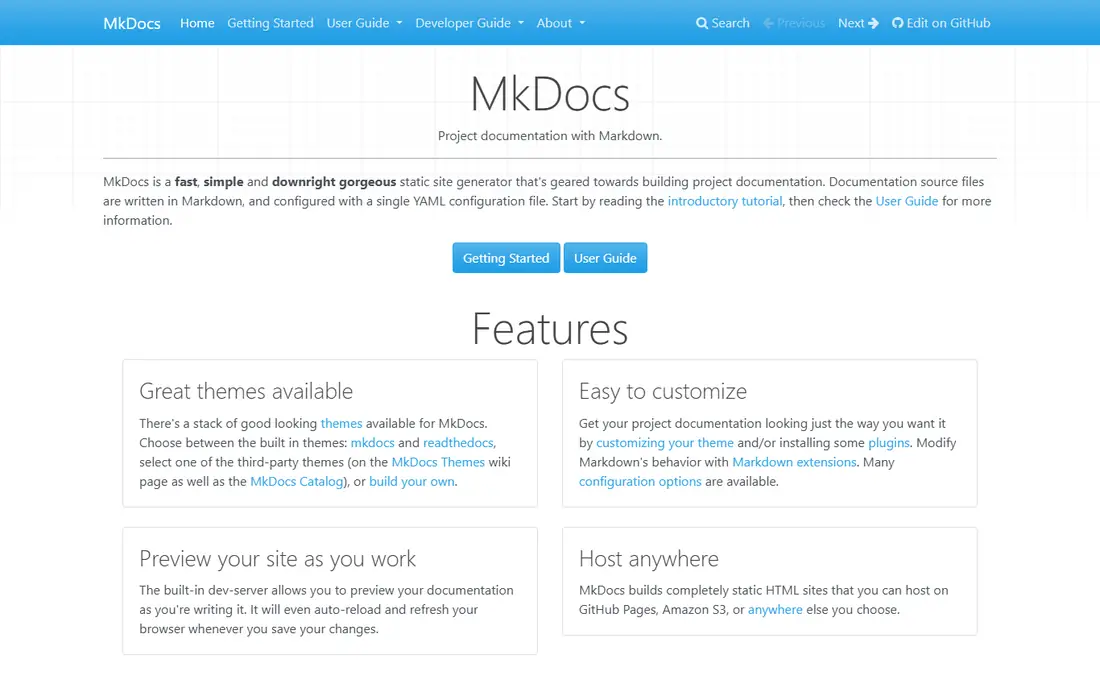
MkDocs is the simplest path from a folder of Markdown files to a readable docs site. Configuration is a single file, builds are fast, and the Material theme adds search, navigation, and a polished look with little effort. Python teams in particular find it a natural fit.
Scale is the limit. Very large docs portals with complex versioning and access control will outgrow it, and there is no hosted editor for non-technical contributors. For small projects, internal runbooks, and open source libraries, MkDocs is refreshingly direct.
What we like- Very fast to set up
- Markdown-first
- Large plugin and theme ecosystem
Watch out for- Less suited to large, complex docs portals
- No hosted collaboration features
#6Confluence
Best for: Internal wikis for teams already using Jira4.1/5 on
G2 (4,368 reviews, checked Oct 2026)
Visit atlassian.com
Starting priceSee website
Free planYes (up to 10 users)
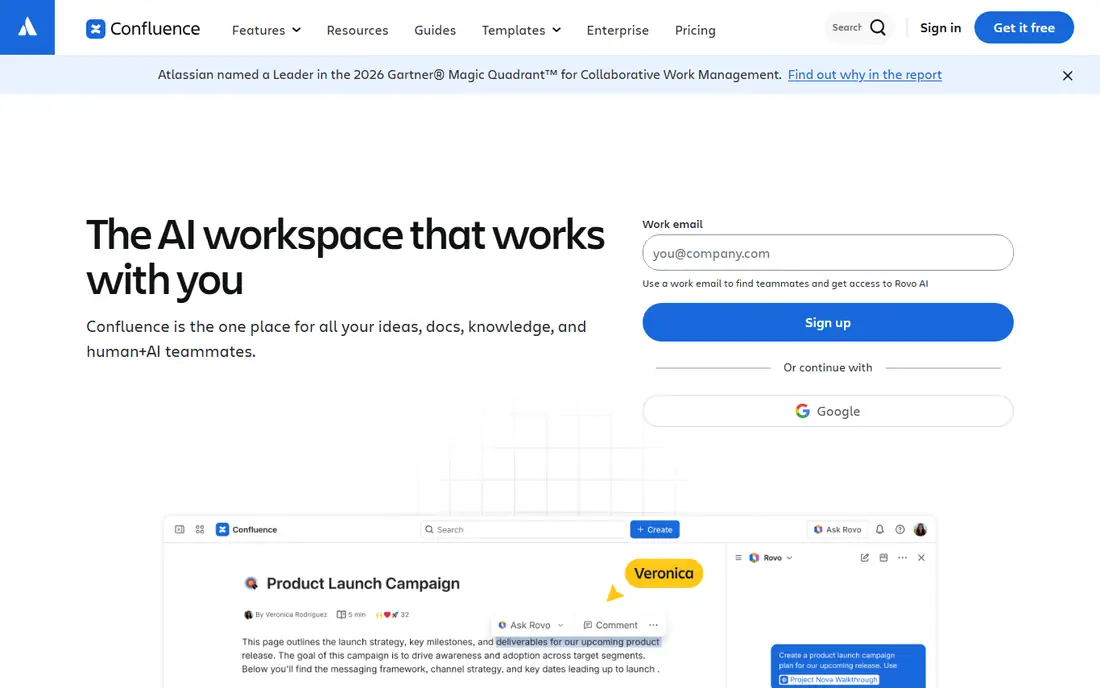
Confluence is the internal wiki of choice for organizations already running Jira. Pages link to issues, templates standardize runbooks and specs, and permissions control who sees what across a large company. The free plan covers up to ten users, which suits a small team getting started.
It is not a public docs platform by nature. Turning Confluence into a polished customer-facing site takes plugins and effort, and long-time users complain about search and sprawl. For internal knowledge in a Jira shop, it remains the natural pick.
What we like- Deep Jira integration
- Templates and page trees
- Strong permissions and governance
Watch out for- Search and organization frustrate some teams
- Public-facing docs need extra work
#7Notion
Best for: Internal docs and team wikis for non-technical teams4.6/5 on
G2 (13,834 reviews, checked Oct 2026)
Visit notion.so
Starting priceFrom $10/user/month
Free planYes
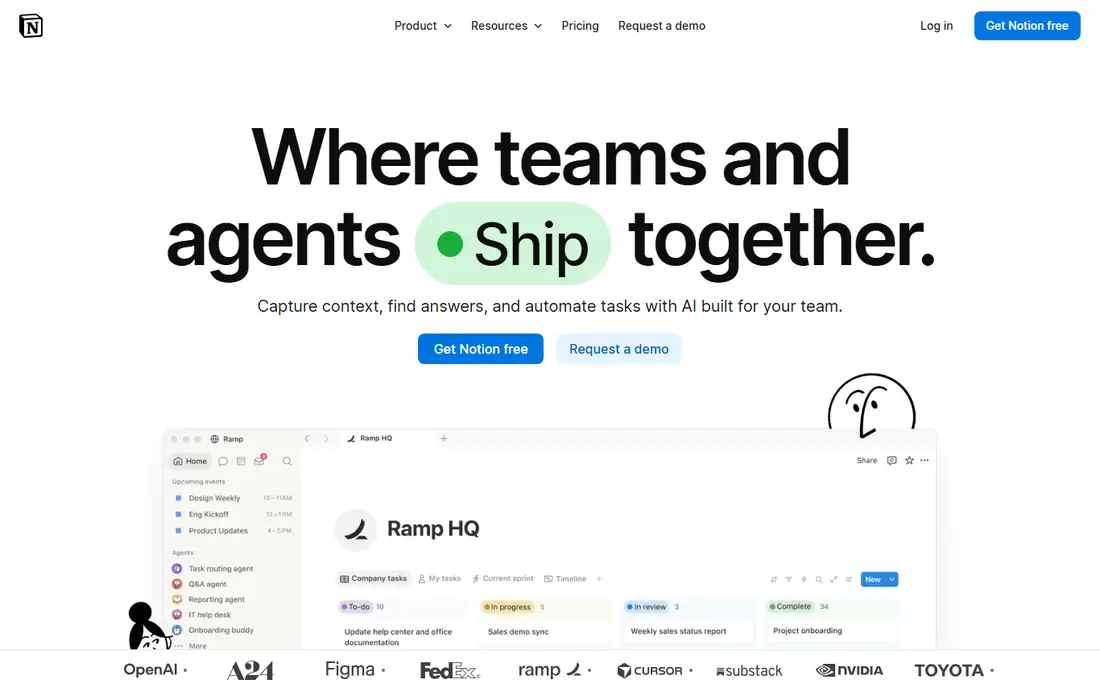
Notion wins on adoption. Almost anyone can write, organize, and search docs within an hour, and databases turn a wiki into a tracker for specs, decisions, and runbooks. The free plan covers individuals and small teams, with Plus at $10 per user a month adding collaboration features.
Dedicated API features are missing. There is no built-in interactive API console, and public documentation sites look plain without a front-end layer. For internal docs at a startup or a non-technical team, Notion's ease beats its limits.
What we like- Easiest editor to adopt
- Databases and wikis in one workspace
- Fast to publish pages
Watch out for- Not a dedicated API docs tool
- Public site theming is basic
#8Document360
Best for: Customer-facing knowledge bases and help centers4.7/5 on
G2 (543 reviews, checked Oct 2026)
Visit document360.com
Starting priceSee website
Free planFree trial
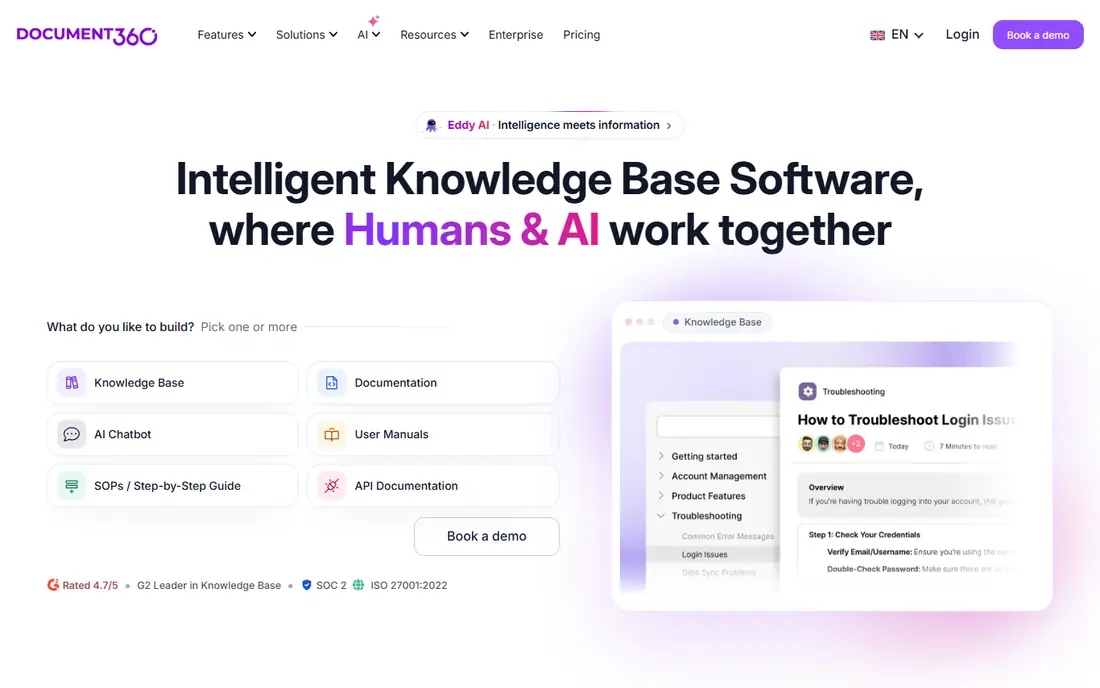
Document360 is built for support teams running a help center at scale. Categories, versioning, multilingual content, and an AI search assistant help customers find answers without contacting support, and migration tools ease moving from older help systems. Enterprise features cover security and compliance needs.
Developer docs are not its strength, and pricing beyond entry tiers requires a quote. For SaaS companies whose docs exist mainly to deflect support tickets, Document360 is a strong, support-first choice.
What we like- Strong knowledge base features
- AI search assistant
- Multilingual support and versioning
Watch out for- Pricing is quote-based on higher tiers
- Less developer-focused than GitBook or ReadMe
Starting priceSee website
Free planFree trial
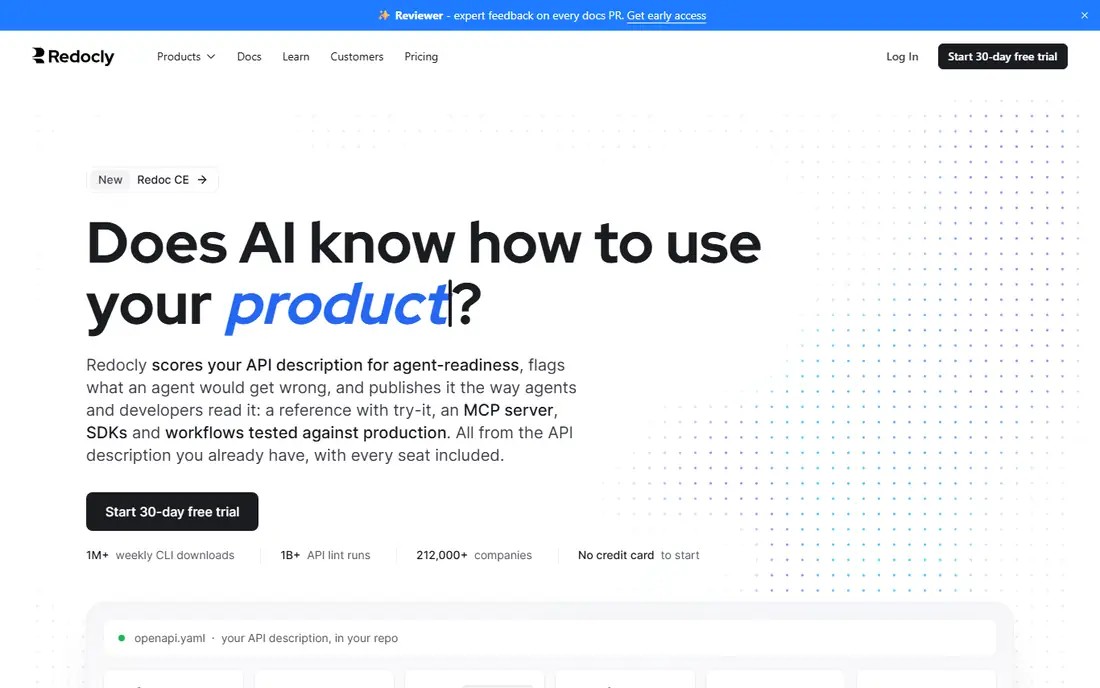
Redocly serves API-heavy enterprises that need docs to be governed like code. OpenAPI rendering, an interactive console, and a global content delivery setup handle large API portfolios, while governance features control who publishes what. Teams with dozens of APIs and strict standards benefit most.
Small teams will find it more tool than they need, at a price to match. When API documentation must scale across business units with consistent quality, Redocly is the enterprise-grade answer.
What we like- Powerful OpenAPI rendering
- Try-it console
- Enterprise governance and hosting
Watch out for- Enterprise focus means higher cost
- Overkill for small docs sites
How we chose
We compared documentation platforms that teams actually buy in 2026, using vendor pricing pages, documentation, and public reviews to check plan limits and real strengths. Tools were judged on docs type fit: API reference, product docs, internal wiki, or help center, since no single tool leads all four. Discontinued products and single-purpose diagram tools were excluded.
The wrong docs tool fails quietly, through stale pages and low adoption, rather than through a dramatic outage. Three decisions prevent that.
Start from the reader, not the writer
API consumers need interactive references and code samples, customers need searchable help articles, and employees need a wiki they will actually open. Pick the tool that serves the primary reader first, then check whether it also serves the writers.
Decide how close docs live to code
Docs-as-code tools such as Docusaurus and MkDocs keep docs in the repository with version control and review, which suits engineering teams. Hosted editors such as GitBook and Notion suit mixed teams where non-developers write often. The workflow matters more than the feature list.
Plan for stale docs from day one
Assign an owner to every section, set review dates, and use analytics to find pages nobody reads. A platform with search analytics and verification reminders, such as GitBook or Document360, helps, but ownership is a process, not a feature.
Treat search as the homepage
Most readers arrive at docs through search, not through the table of contents, so the search experience decides whether docs get used. Test search with the exact phrases new users type, check that API references and guides both surface, and fix the pages that rank for the wrong queries. A docs site with weak search will push readers back to support tickets no matter how good the writing is.
Frequently asked questions
What is the best software documentation tool overall?
GitBook is the most balanced choice for product and developer docs, ReadMe leads for interactive API docs, and Docusaurus leads for free, self-hosted docs. The best pick depends on whether your readers are developers, customers, or employees.
Is there a free documentation tool?
Yes. Docusaurus and MkDocs are free and open source, GitBook and Notion offer free plans, and Confluence is free for up to ten users. Free plans suit small teams and open source projects, while larger teams usually need a paid tier.
What is the difference between GitBook and ReadMe?
GitBook covers product docs, guides, and wikis with Git sync and a visual editor. ReadMe specializes in API documentation with interactive endpoints, OpenAPI sync, and developer analytics. API-first companies often use ReadMe, while broader docs teams prefer GitBook.
Should documentation live in the code repository?
For engineering teams, yes. Docs-as-code keeps docs versioned, reviewed, and updated beside the code they describe, which reduces drift. For non-technical writers, a hosted editor with Git sync, such as GitBook, offers a middle ground.
How much does documentation software cost?
Open source tools cost nothing but engineering time, entry hosted plans start around $99 to $150 a month for API-focused tools, and per-user tools such as Notion start at $10 per user a month. Enterprise governance and scale push costs higher.
Sources we checked (9)
- https://www.gitbook.com/pricing
- https://readme.com/pricing
- https://mintlify.com/pricing
- https://docusaurus.io
- https://www.mkdocs.org
- https://www.atlassian.com/software/confluence/pricing
- https://www.notion.so/pricing
- https://document360.com/pricing/
- https://redocly.com/pricing/
Is your product missing or out of date?
We review this list regularly. Vendors can request a listing, send updated pricing or ask about featured placement.

Shihab Mia · Founder, Rankite
Shihab has 5+ years in B2B and SaaS SEO. He writes Rankite's software buying guides from pricing pages, documentation and public user reviews. More about Shihab.