How we make this list: we compare pricing pages, product documentation and public user reviews. Ratings come from G2, Capterra or Trustpilot, with the date we checked them.
Key takeaways
- The right flowchart tool depends on whether you need formal process documentation, a workshop whiteboard, or a quick diagram for a document.
- diagrams.net is the strongest free option, while Lucidchart and Microsoft Visio suit formal, standards-heavy work.
- Miro and FigJam work best when a flowchart emerges from a group discussion rather than from a single author.
- Check export formats, shape libraries, and collaboration limits before paying, since free tiers often limit editors or file types.
- A tidy flowchart uses standard shapes, short labels, and one direction of flow, and most tools in this list make that easier with auto-layout.
Quick comparison
| Tool | Best for | Starting price | Free plan |
|---|
 Lucidchart Lucidchart | Teams and formal diagrams | $9 per user/month | Yes |
 Miro Miro | Workshops and whiteboards | $8 per user/month | Yes |
 diagrams.net diagrams.net | Free diagramming | $0 per month | Yes |
 Microsoft Visio Microsoft Visio | Office and standards work | $5 per user/month | No |
 Whimsical Whimsical | Fast, tidy product diagrams | $10 per user/month | Yes |
 Creately Creately | Templates and project diagrams | $8 per user/month | Yes |
 SmartDraw SmartDraw | Template-driven technical drawing | $9.95 per user/month (billed annually) | No |
 FigJam FigJam | Figma product teams | $5 per editor/month | Yes |
 Excalidraw Excalidraw | Sketch-style diagrams | $0 per month | Yes |
Is your product missing or out of date?
We review this list regularly. Vendors can request a listing, send updated pricing or ask about featured placement.
The best software to create flowcharts
Starting price$9 per user/month
Free planYes
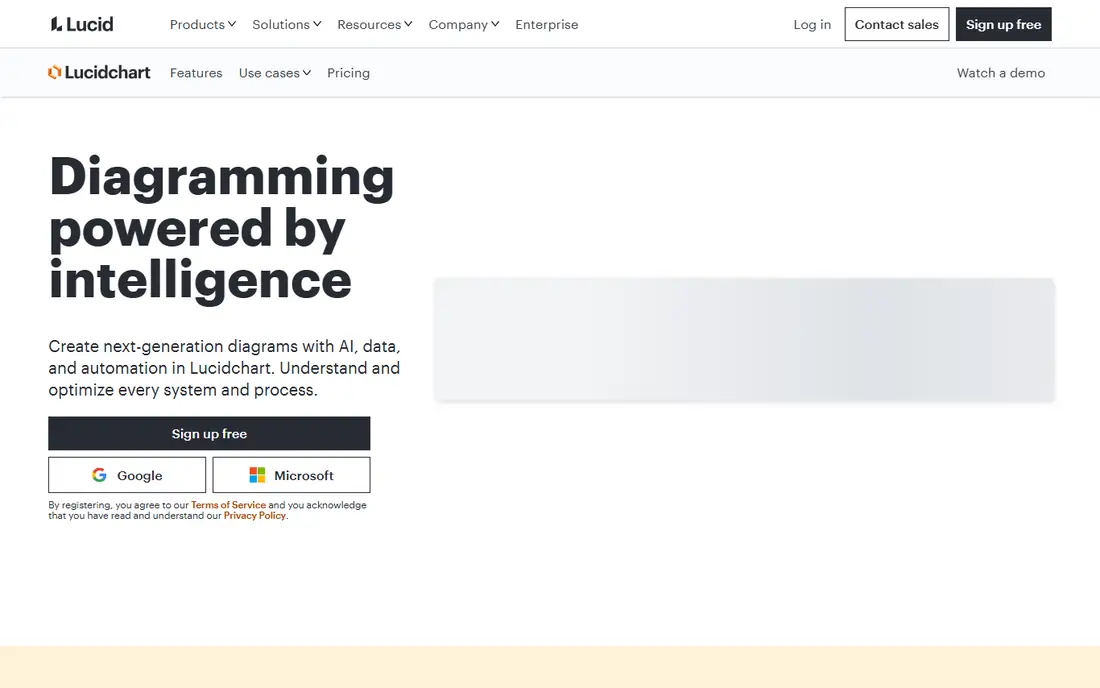
Lucidchart is the safest pick for teams that create flowcharts as formal documentation. Shape libraries cover standard flowchart symbols, BPMN, UML, and org charts, and templates give new diagrams a clean starting point. Real-time collaboration lets several people edit, comment, and review without passing files back and forth.
Data linking sets Lucidchart apart for process work. Shapes can connect to spreadsheet data, and diagrams can update when source data changes, which helps teams that maintain living process maps. Paid plans start around $9 per user per month, and viewers are often free, so only editors need paid seats. The free tier is useful for trying the tool, but document limits push regular users toward paid plans.
What we like- Large shape libraries and templates
- Real-time collaboration
- Strong data linking and integrations
Watch out for- Free tier limits documents and features
- Full team features need a paid plan
#2Miro
Best for: Workshops and whiteboards4.6/5 on
G2 (13,631 reviews, checked Oct 2026)
Visit miro.com
Starting price$8 per user/month
Free planYes

Miro works best when a flowchart is the outcome of a discussion, not a document written alone. Teams can drop sticky notes on an infinite canvas, group them, draw connectors, and turn a workshop wall into a process map in the same session. Comments, voting, and task assignment keep the next steps visible after the meeting ends.
That freedom is also the risk. Without agreed shapes and layout rules, a Miro board can grow sprawling and hard to read. Paid plans start around $8 per user per month, with a free tier for basic boards. Miro fits product, operations, and design teams that map processes together, while formal documentation teams may prefer Lucidchart or Visio.
What we like- Infinite canvas for workshops
- Sticky notes, swimlanes, and connectors
- Strong commenting and task features
Watch out for- Canvas freedom can lead to messy diagrams without discipline
- Advanced diagram controls are lighter than Lucidchart
#3diagrams.net
Best for: Free diagramming4.4/5 on
G2 (450 reviews, checked Oct 2026)
Visit diagrams.net
Starting price$0 per month
Free planYes
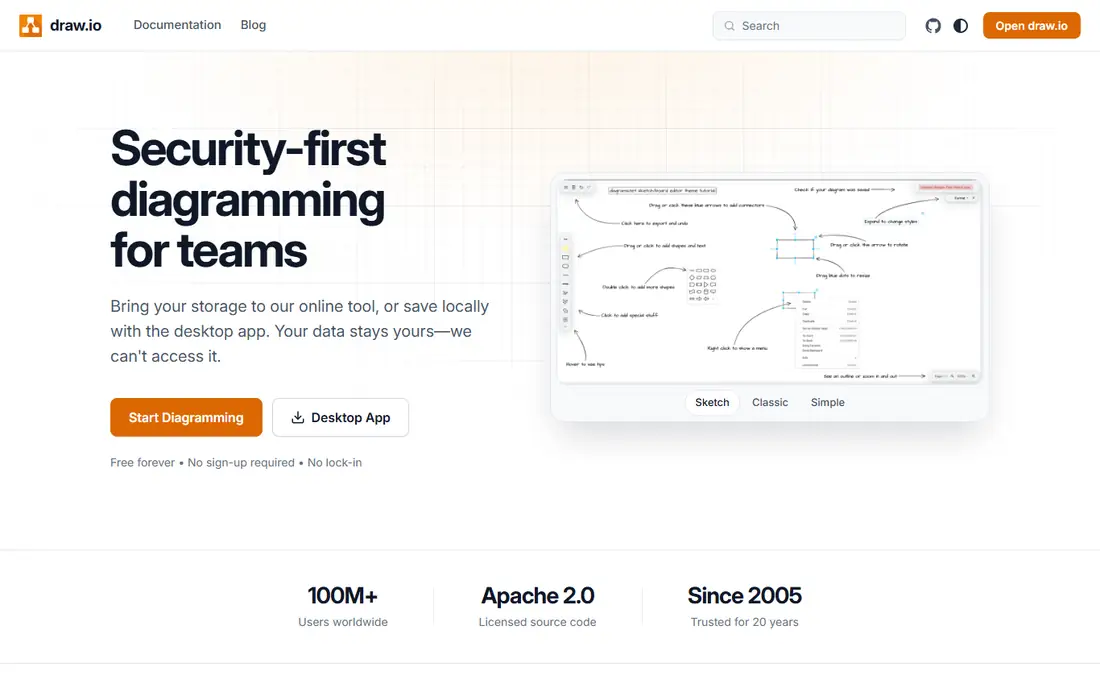
Formerly known as draw.io, diagrams.net is the best free flowchart tool for most users. It offers standard shapes, templates, and export to PNG, SVG, and PDF, and it stores files in Google Drive, OneDrive, or locally. The desktop app works offline, which helps in secure environments or while traveling.
Collaboration is functional rather than elegant, and the interface will not win design awards. For students, developers, and small teams, those limits rarely matter, since the core diagramming is capable and the price is zero. If you need only occasional flowcharts, start here before paying for anything else.
What we like- Fully free, including desktop app
- Large shape libraries
- Works with Google Drive, OneDrive, and GitHub
Watch out for- Interface feels utilitarian
- Collaboration is less polished than paid rivals
#4Microsoft Visio
Best for: Office and standards work4.2/5 on
G2 (694 reviews, checked Oct 2026)
Visit microsoft.com
Starting price$5 per user/month
Free planNo
Microsoft Visio remains the default for organizations with existing Visio files and documentation standards. Stencil libraries are deep, shape control is precise, and integration with Excel, SharePoint, and Teams fits Office-centered workflows. For engineering, facilities, and compliance documentation, that consistency matters.
The web plan, starting around $5 per user per month, covers basic diagramming, while fuller desktop features cost more. Real-time collaboration is not as fluid as in Lucidchart or Miro, so Visio suits single-author or review-based workflows better than live workshops. Choose Visio when standards, existing files, or Microsoft 365 integration drive the decision.
What we like- Deep stencil libraries and standards support
- Strong Microsoft 365 integration
- Familiar for enterprise documentation
Watch out for- Web plan is lighter than desktop Visio
- Collaboration is weaker than Lucidchart and Miro
#5Whimsical
Best for: Fast, tidy product diagrams4.6/5 on
G2 (189 reviews, checked Oct 2026)
Visit whimsical.com
Starting price$10 per user/month
Free planYes

Whimsical is built for speed. Drag a shape, connect it, and the layout stays tidy without manual alignment work, which makes it ideal for product teams sketching user flows, decision trees, and system maps during active work. The interface is minimal, so new users can produce a readable flowchart in minutes.
That simplicity limits depth. Teams that need BPMN, data linking, or large template libraries will outgrow Whimsical sooner than Lucidchart. Paid plans start around $10 per user per month, with a free tier for basic use. Whimsical fits teams that value clean, fast diagrams over formal modeling features.
What we like- Fast drag-and-drop diagramming
- Automatic alignment keeps diagrams tidy
- Simple sharing and commenting
Watch out for- Shape and template libraries are narrower than Lucidchart
- Paid plans start higher than some rivals
#6Creately
Best for: Templates and project diagrams4.4/5 on
G2 (1,394 reviews, checked Oct 2026)
Visit creately.com
Starting price$8 per user/month
Free planYes
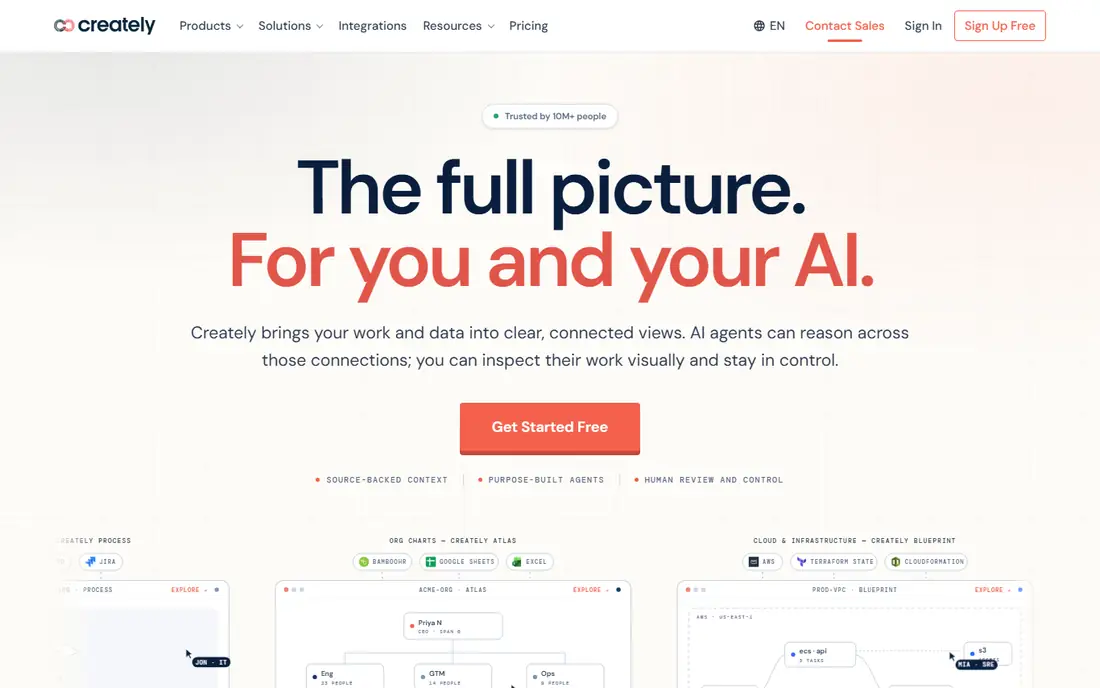
Creately combines diagramming with project context. Templates cover business processes, software flows, and org structures, and diagrams can connect to task and project views so a process map stays linked to the work it describes. Collaboration, comments, and version history support team review.
New users may find the workspace busy until they learn where templates, data, and project panels live. Paid plans start around $8 per user per month, with a free tier for basic diagrams. Creately suits teams that want diagrams tied to projects, not just standalone images pasted into documents.
What we like- Many flowchart templates
- Diagram data tied to project views
- Collaboration and commenting included
Watch out for- Interface can feel busy at first
- Some advanced features sit on higher tiers
#7SmartDraw
Best for: Template-driven technical drawing4.5/5 on
G2 (394 reviews, checked Oct 2026)
Visit smartdraw.com
Starting price$9.95 per user/month (billed annually)
Free planNo
SmartDraw appeals to users who want to start from a template and finish quickly. Pick a flowchart type, enter steps, and the tool applies formatting and alignment automatically. Templates extend beyond flowcharts to floor plans, org charts, and network diagrams, which helps facilities, engineering, and operations teams that draw many diagram types.
There is no permanent free tier, though trials are available, and paid plans start around $9.95 per user per month when billed annually. Collaboration features exist but feel less fluid than newer whiteboard tools. SmartDraw fits technical users who want templates and automatic formatting more than live co-editing.
What we like- Large template library across many diagram types
- Automatic formatting and alignment
- Strong for engineering and facilities
Watch out for- No permanent free tier
- Collaboration is less modern than Miro and Lucidchart
#8FigJam
Best for: Figma product teams4.5/5 on
G2 (465 reviews, checked Oct 2026)
Visit figma.com
Starting price$5 per editor/month
Free planYes
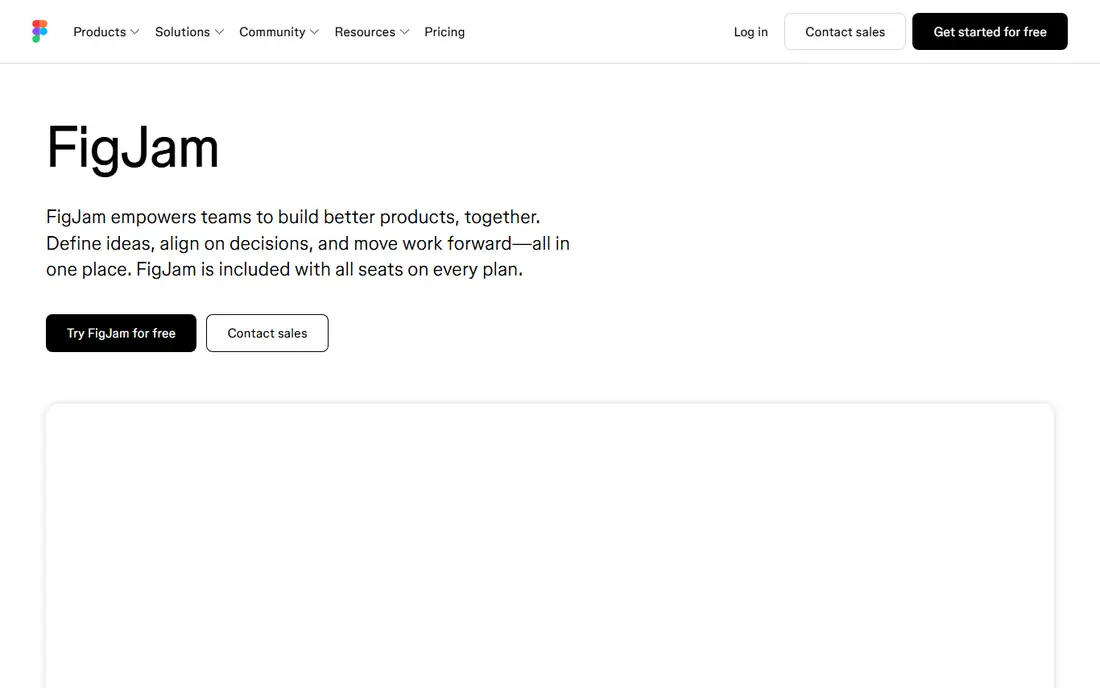
FigJam is Figma whiteboard tool, and it shines for product teams already working in Figma. User flows, journey maps, and decision diagrams can be sketched on a FigJam board, then linked to design files for handoff. Sticky notes, connectors, and templates keep early-stage mapping quick and visual.
Outside Figma, the case weakens. Formal process documentation, BPMN, and data-linked diagrams are better served elsewhere. Paid editor plans start around $5 per editor per month, with a free tier for basic boards and free viewers. FigJam is the natural pick when your team already designs in Figma and wants flowcharts in the same place.
What we like- Built for Figma users
- Fast whiteboard flowcharts
- Easy handoff to Figma design files
Watch out for- Less useful outside the Figma ecosystem
- Formal shape libraries are thinner than Lucidchart
Starting price$0 per month
Free planYes
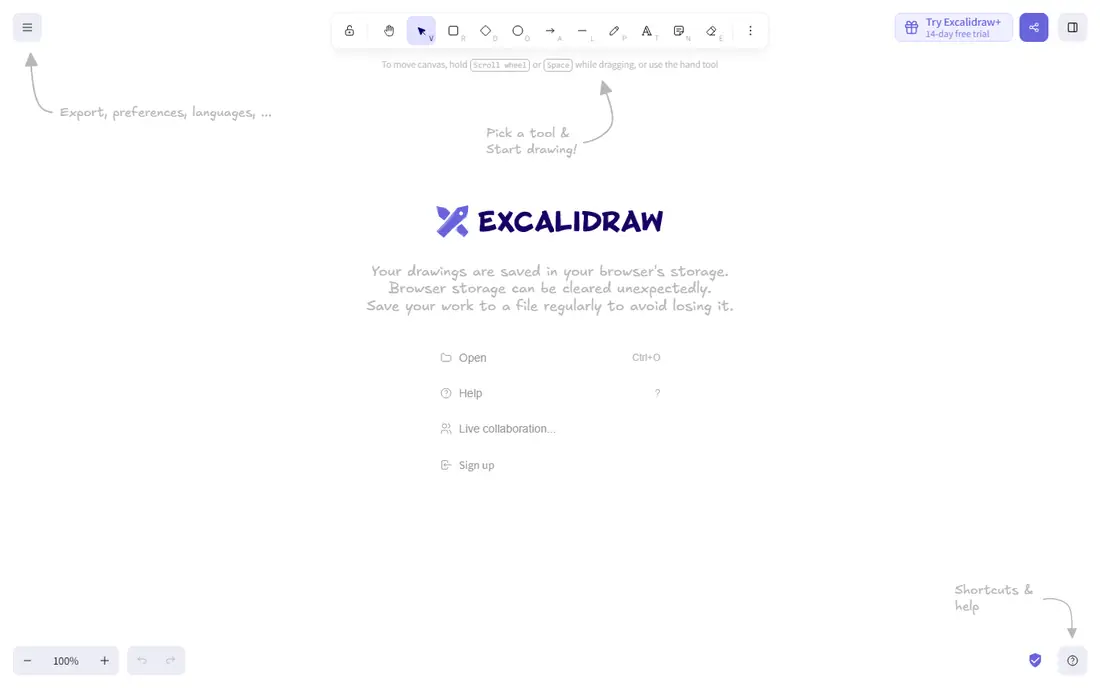
Excalidraw produces sketch-style diagrams that look like whiteboard drawings, which makes them ideal for early ideas, teaching, and feedback sessions. People comment more freely on a sketch than on a polished diagram, and that informality helps when a process is still changing. The core tool is free and runs in the browser.
Formal documentation is not its strength. Shape libraries, templates, and data features are thin compared with Lucidchart or SmartDraw, and team storage and collaboration features sit in the paid Plus tier. Use Excalidraw for rough, fast diagrams, then rebuild the final version in a formal tool if the flowchart becomes official documentation.
What we like- Free and open source for core use
- Hand-drawn style invites feedback
- Simple sharing by link
Watch out for- No formal shape libraries or templates depth
- Collaboration and storage need the paid Plus tier for teams
How we chose
We reviewed vendor pricing pages, product documentation, and public reviews on G2, Capterra, and Reddit, and we compared shape libraries, templates, collaboration, export formats, and free-tier limits. We favored tools with current flowchart features, clear pricing, and a distinct use case, from free diagramming to formal enterprise documentation. Where a price could not be confirmed on the vendor pricing page, we listed See website.
Drawing a flowchart people can follow
Good flowchart tools help, but layout decisions matter more. Start with a single start point, use diamonds only for decisions, and keep labels short enough to read at a glance. One direction of flow, usually top to bottom or left to right, prevents readers from hunting for the next step.
Shapes, labels, and exports
Standard shapes carry meaning: ovals for start and end, rectangles for steps, diamonds for decisions, and parallelograms for inputs and outputs. Keep text inside shapes brief, and put detail in notes or linked documents rather than cramming paragraphs into a box. Before paying, check that your tool exports clean PNG, SVG, or PDF files at a size that stays readable in slides and documents.
Collaboration and review
Decide who edits and who only views, since most tools charge per editor and allow free viewers. A review step catches missing branches, such as what happens when a form is rejected or a payment fails. For processes that change often, store the source diagram file, not just an exported image, so updates do not require redrawing from scratch.
Frequently asked questions
What is the best free flowchart software?
diagrams.net is the best free option for most users, since it is fully free, includes a desktop app, and offers standard shapes and exports. Excalidraw is a good free choice for sketch-style diagrams and early ideas. Paid tools add collaboration, templates, and data features that free tools lack.
Which flowchart tool is best for teams?
Lucidchart suits formal team documentation with governance and data linking, while Miro suits workshops and collaborative mapping. FigJam suits product teams already using Figma. Choose by workflow: formal documentation favors Lucidchart, live discussion favors Miro or FigJam.
Do I need Visio to make a professional flowchart?
No. Lucidchart, SmartDraw, and diagrams.net all produce professional flowcharts with standard shapes and clean exports. Visio makes sense when your organization already uses Visio files, requires specific stencils, or works mainly in Microsoft 365.
Can I use a flowchart tool for BPMN or UML?
Yes, with the right tool. Lucidchart and Visio offer BPMN and UML shape libraries and templates, while simpler tools may only cover basic flowchart symbols. Check the shape library for your notation before buying, since basic flowchart support does not guarantee BPMN compliance.
What export formats should I check?
PNG works for slides and documents, SVG stays sharp at any size and suits web use, and PDF works for printing and sharing. Some free tiers limit export formats or add watermarks, so test an export before committing. Keep the editable source file for future changes.
How many editors do I need to pay for?
Most tools charge per editor and allow viewers free, so count only people who create or edit diagrams. A team of ten with two diagram authors often needs two paid seats, not ten. Confirm viewer and guest rules on the pricing page, since they differ by vendor.
Sources we checked (9)
- https://www.lucidchart.com
- https://www.miro.com
- https://www.diagrams.net
- https://www.microsoft.com/microsoft-365/visio
- https://www.whimsical.com
- https://www.creately.com
- https://www.smartdraw.com
- https://www.figma.com/figjam
- https://www.excalidraw.com
Is your product missing or out of date?
We review this list regularly. Vendors can request a listing, send updated pricing or ask about featured placement.

Shihab Mia · Founder, Rankite
Shihab has 5+ years in B2B and SaaS SEO. He writes Rankite's software buying guides from pricing pages, documentation and public user reviews. More about Shihab.