How we make this list: we compare pricing pages, product documentation and public user reviews. Ratings come from G2, Capterra or Trustpilot, with the date we checked them.
Key takeaways
- An all-in-one suite saves app juggling, but a focused project tool often wins when team work is the main job.
- Zoho One and Bitrix24 give the broadest coverage for the price, while monday and ClickUp give the clearest project view.
- Per-user pricing multiplies fast: a $10 seat costs $1,200 a year for a team of ten, before add-ons.
- Check accounting, CRM, and support coverage before you commit, because gaps force a second subscription later.
- The best management software is the one your team opens daily, not the one with the longest feature list.
Quick comparison
| Tool | Best for | Starting price | Free plan |
|---|
 Zoho One Zoho One | All-in-one business suite | See website | Free trial |
 monday.com monday.com | Visual project and work management | $9 per user/month | Free trial |
 ClickUp ClickUp | All-in-one project and docs | $7 per user/month | Yes |
 Asana Asana | Structured project planning | $10.99 per user/month | Yes |
 HubSpot HubSpot | CRM plus marketing and service | $0 | Yes |
 Bitrix24 Bitrix24 | Flat rate all-in-one for larger teams | $49 per organization/month | Yes |
 Notion Notion | Projects and documentation together | $10 per user/month | Yes |
 Odoo Odoo | Modular business apps | See website | Yes |
 Trello Trello | Simple visual task boards | $5 per user/month | Yes |
Is your product missing or out of date?
We review this list regularly. Vendors can request a listing, send updated pricing or ask about featured placement.
The best software for small business management
#1Zoho One
Best for: All-in-one business suite4.1/5 on
Capterra (134 reviews, checked Oct 2026)
Visit zoho.com
Starting priceSee website
Free planFree trial
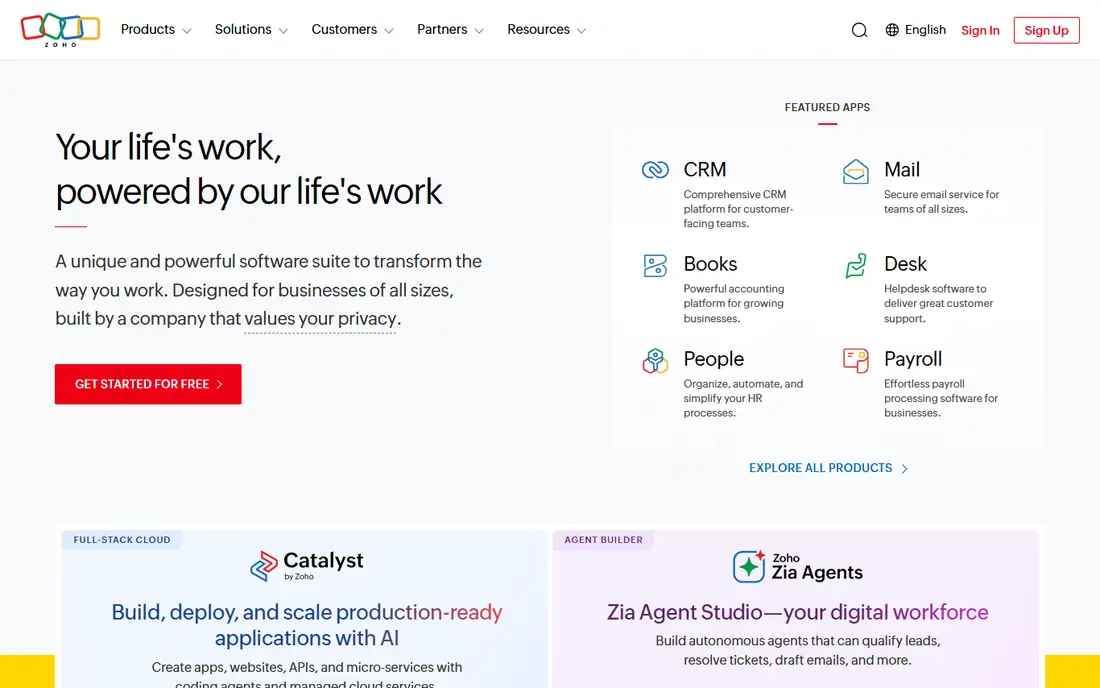
Zoho One bundles dozens of Zoho apps, including CRM, Books for accounting, Projects, Desk for support, and Mail, under one per-user price. That breadth is why many small businesses choose it: instead of paying separately for CRM, accounting, projects, and support, you get a suite that shares contacts and data. For a team moving from spreadsheets and separate tools, that single login and shared data can simplify daily work and reduce duplicate entry.
The suite feel is uneven. Apps share a design language, but depth and polish vary, and some specialist tools do deeper work in one area than the Zoho equivalent. Setup also takes planning, because you must decide which apps to turn on and how data flows between them. Zoho One fits small businesses that want one vendor for most operations and are willing to invest setup time. Teams that only need project work should choose a focused tool instead.
What we like- Huge app range in one price
- CRM, books, projects, and support included
- Good value for growing teams
Watch out for- Interface varies across apps
- Setup takes time
- Some apps feel lighter than specialist rivals
#2monday.com
Best for: Visual project and work management4.7/5 on
G2 (17,182 reviews, checked Oct 2026)
Visit monday.com
Starting price$9 per user/month
Free planFree trial
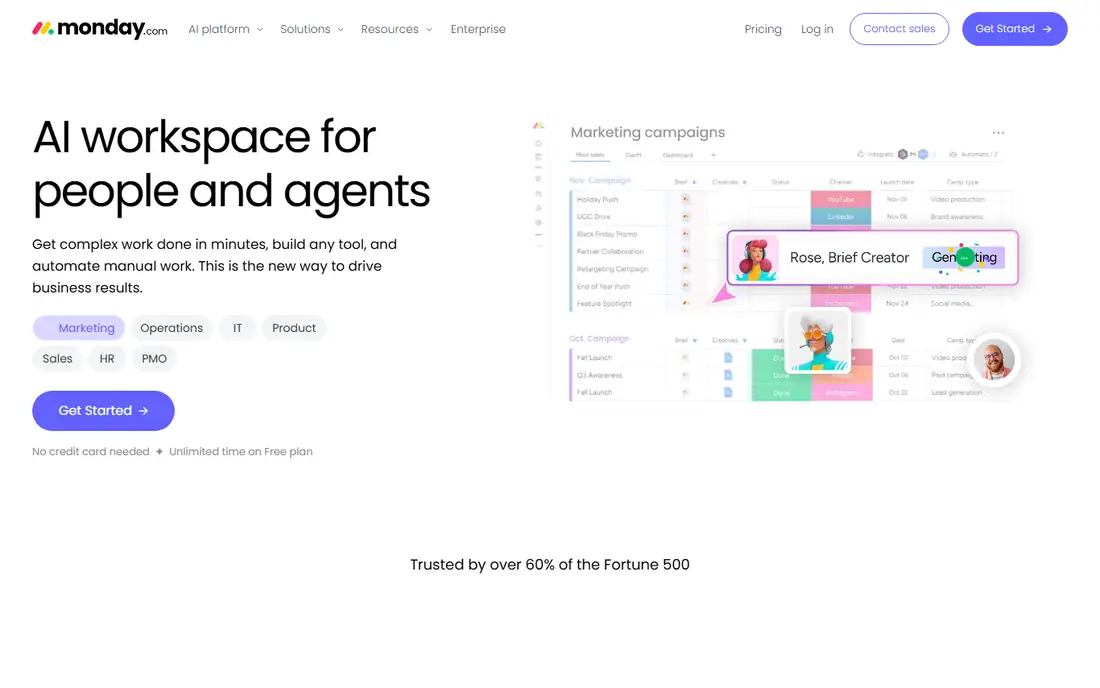
monday.com, now called monday AI Work Platform, turns work into colorful boards, timelines, and dashboards that a whole team can read at a glance. It suits project tracking, client work, marketing calendars, and operations checklists, with templates that shorten setup for common workflows. Automations can move items, notify owners, and update statuses without manual chasing, which helps small teams stay on top of many moving parts.
Pricing starts at the price shown above, with a minimum seat count on paid plans, so very small teams should check the real monthly total. The CRM add-on is useful but lighter than a specialist CRM, and accounting and support still need other tools. monday fits teams whose main need is visible, shared project and operations work. It fits less well as a complete replacement for accounting or deep CRM.
What we like- Very visual boards
- Easy automations
- Strong templates for many teams
Watch out for- Minimum seat counts on paid plans
- Costs rise with seats and add-ons
- CRM is lighter than specialist CRM
#3ClickUp
Best for: All-in-one project and docs4.6/5 on
G2 (14,878 reviews, checked Oct 2026)
Visit clickup.com
Starting price$7 per user/month
Free planYes
ClickUp tries to replace several tools at once: tasks, docs, goals, whiteboards, time tracking, and dashboards live in one workspace. The free plan is generous for small teams, and the paid entry price is low, which makes it an attractive all-in-one for startups and agencies. Custom views, from lists and boards to calendars and Gantt charts, let different team members see the same work in the way that suits them best.
That breadth can overwhelm a new team. Without clear rules for spaces, statuses, and views, a ClickUp workspace can become messy fast, and very large workspaces can feel slow. ClickUp also does not replace accounting or a full CRM, so businesses still need those tools separately. ClickUp fits teams that want projects and docs together at a low price and are willing to set up the workspace carefully.
What we like- Low entry price
- Docs, goals, and tasks in one place
- Generous free plan
Watch out for- Feature depth can overwhelm new users
- Performance can lag on very large workspaces
- Setup needs discipline
#4Asana
Best for: Structured project planning4.4/5 on
G2 (13,930 reviews, checked Oct 2026)
Visit asana.com
Starting price$10.99 per user/month
Free planYes

Asana is a structured project tool that helps teams plan, assign, and track work with clarity. Projects, tasks, subtasks, timelines, and portfolios give managers a clear view of who owns what and when it is due, and integrations with common apps keep work connected to email, files, and chat. Teams that run many projects at once, with dependencies and deadlines, often prefer Asana structure over a looser board tool.
Asana is not a business suite: it does not include CRM, accounting, or support ticketing, so those jobs need other tools. Advanced reporting and portfolios sit on higher tiers, which raises the price for managers who need them. Asana fits teams whose core problem is project delivery and coordination. It fits less well for a business looking for one app to run everything.
What we like- Clear project structure
- Timelines and portfolios
- Strong integrations
Watch out for- No built-in CRM or accounting
- Higher tiers needed for portfolios and advanced reporting
- Learning curve for custom workflows
Starting price$0
Free planYes
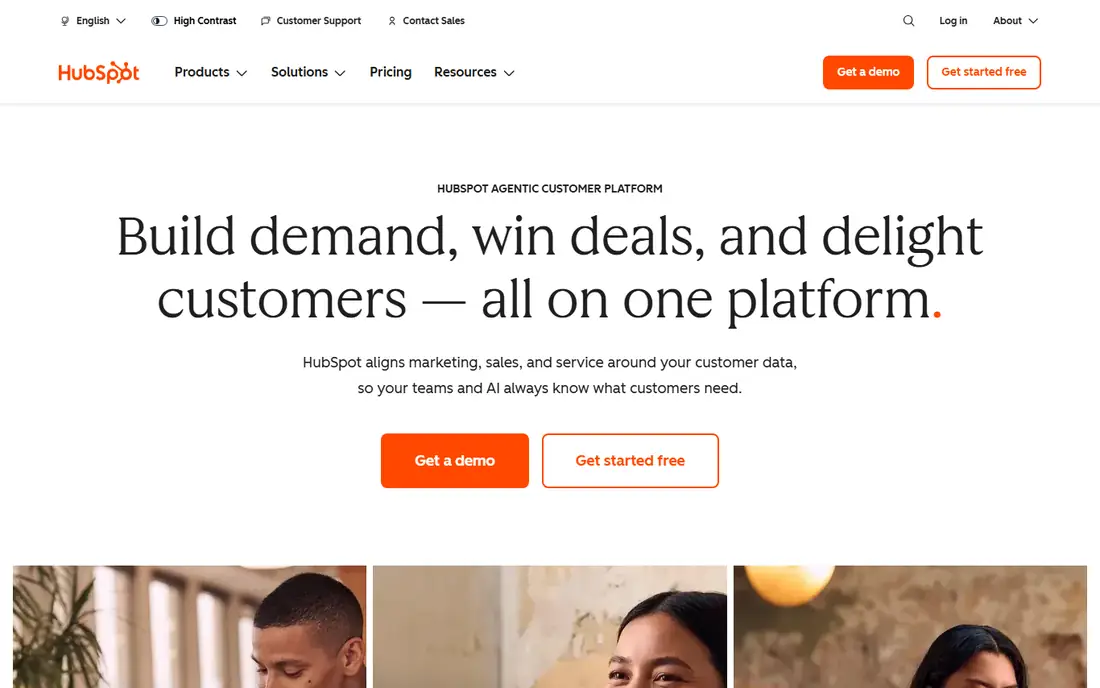
HubSpot starts with a free CRM that covers contacts, deals, tasks, and pipeline tracking, then adds paid hubs for marketing, sales, service, and content. That shared data model is the appeal: a contact who downloads a guide, opens an email, and raises a support ticket appears in one record, which helps a small business follow a customer journey without stitching tools together. The free tier is genuinely useful, not just a demo, and the interface is friendly for non-technical teams.
Costs rise as contacts, seats, and hub features grow, and the full HubSpot stack can become expensive for a small business that needs every hub. Project management inside HubSpot is also lighter than Asana or monday. HubSpot fits businesses where customer relationships, marketing, and service drive growth, and where a CRM is the center of operations. It fits less well for teams whose main job is internal project delivery.
What we like- Generous free CRM
- Marketing, sales, and service hubs share data
- Easy to start
Watch out for- Paid hubs get expensive as contacts grow
- Advanced features need higher tiers
- Project tools are lighter
#6Bitrix24
Best for: Flat rate all-in-one for larger teams4.1/5 on
G2 (612 reviews, checked Oct 2026)
Visit bitrix24.com
Starting price$49 per organization/month
Free planYes
Bitrix24 stands out for flat rate pricing: paid plans charge per organization, not per user, which makes it unusually cheap for larger small teams. It bundles CRM, project management, HR tools, chat, video, and document collaboration in one platform, with a free plan that supports many users. For a team of twenty or thirty that would pay hundreds per month on per-user tools, that flat price changes the math completely.
The interface packs many features into one screen, which can feel crowded, and setup takes time to configure CRM pipelines, projects, and permissions well. Some modules also feel less polished than specialist rivals. Bitrix24 fits larger small teams that want one platform for many jobs at a predictable price and can invest time in setup. Smaller teams may prefer a simpler, per-user tool with a cleaner interface.
What we like- Flat rate, not per user, on paid plans
- CRM, projects, HR, and chat included
- Free plan for many users
Watch out for- Interface can feel crowded
- Setup and learning curve
- Some features feel dated
#7Notion
Best for: Projects and documentation together4.6/5 on
G2 (13,834 reviews, checked Oct 2026)
Visit notion.so
Starting price$10 per user/month
Free planYes
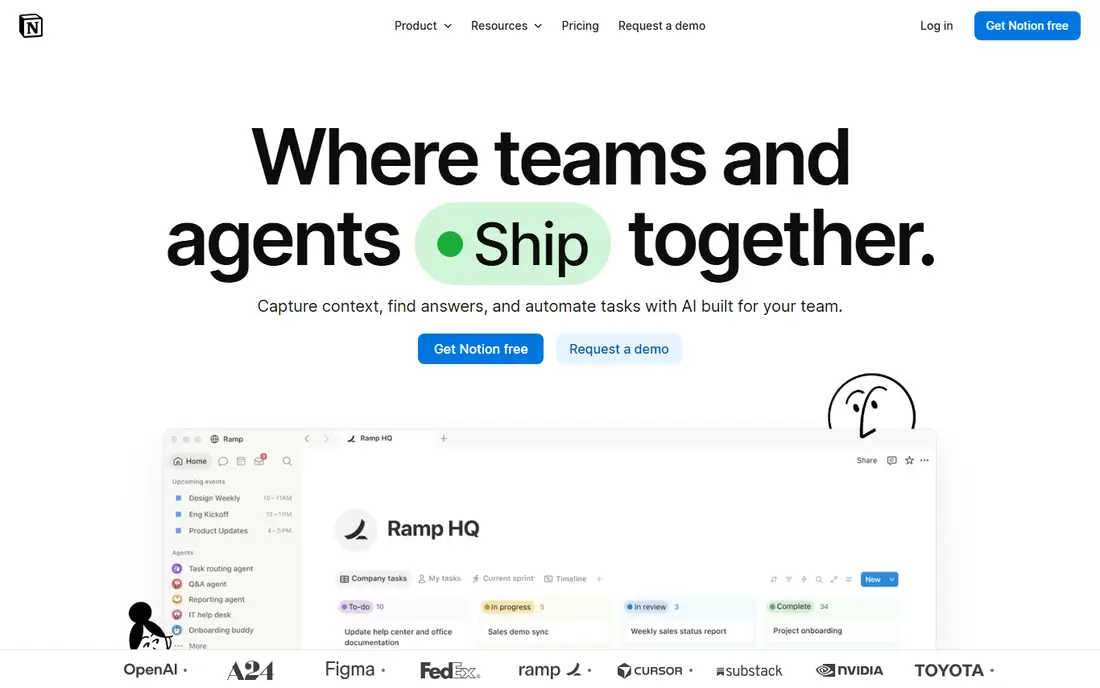
Notion combines documents, wikis, databases, and project boards in a flexible workspace that teams shape to their own needs. It excels at standard operating procedures, meeting notes, client portals, and lightweight project tracking, all linked together so knowledge does not scatter across apps. The free plan suits individuals and small teams, and the paid plan adds collaboration, permissions, and history features that growing teams need.
Notion is not a CRM, accounting system, or support desk, and building a good database system takes skill and discipline. Offline access is also limited compared with desktop tools. Notion fits teams that need shared knowledge and light project work in one place, especially remote teams that live in docs. It fits less well as the sole system for sales, finance, and support.
What we like- Flexible docs and databases
- Great for wikis and SOPs
- Easy sharing
Watch out for- Not a full CRM or accounting tool
- Database setup takes skill
- Offline use is limited
#8Odoo
Best for: Modular business apps4.2/5 on
G2 (354 reviews, checked Oct 2026)
Visit odoo.com
Starting priceSee website
Free planYes
Odoo is a modular business platform: you start with one app, such as CRM or invoicing, and add modules for sales, inventory, manufacturing, HR, and more as the business grows. That modularity suits businesses with operational needs beyond office work, such as stock, orders, and production, where a project tool alone is not enough. An open source Community edition exists for self-hosting, while the hosted Enterprise edition adds more features and support.
Implementation is the main challenge. Choosing modules, configuring workflows, and training staff takes time, and pricing depends on the number of apps and users, so get a clear quote. Partner quality also varies by region. Odoo fits growing businesses with inventory, sales, and accounting needs that want one integrated system. Simpler service businesses will usually do better with Zoho One or HubSpot plus a project tool.
What we like- Modular apps for CRM, sales, inventory, and accounting
- Open source option
- Scales with modules
Watch out for- Implementation can be complex
- Pricing depends on apps and users
- Support varies by partner
#9Trello
Best for: Simple visual task boards4.4/5 on
G2 (14,064 reviews, checked Oct 2026)
Visit trello.com
Starting price$5 per user/month
Free planYes
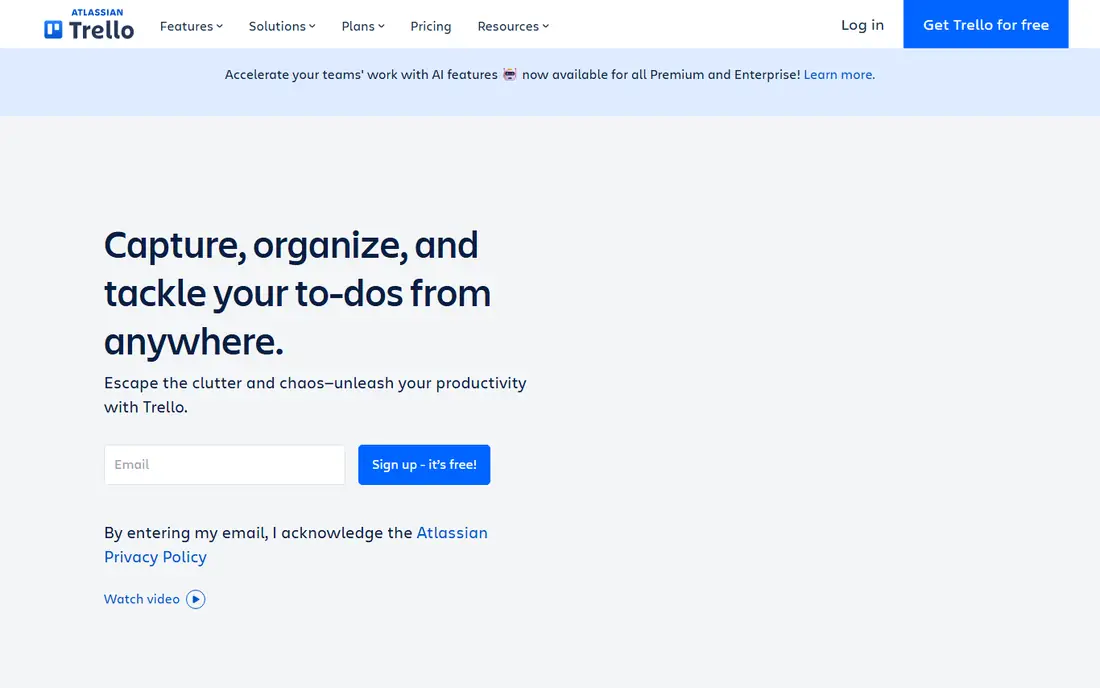
Trello, from Atlassian, is the simplest tool on this list, and that simplicity is its strength. Boards, lists, and cards make task tracking visual and obvious, even for team members who dislike software. The free plan covers basic boards well, and the paid entry price is low. Small teams, freelancers, and households use Trello for content calendars, client onboarding checklists, and simple project tracking without training.
Complex projects with dependencies, portfolios, and advanced reporting quickly outgrow Trello, and it offers no CRM, accounting, or support features on its own. Power-Ups and integrations extend it, but they add cost and complexity. Trello fits teams that need simple, visual task tracking and nothing more. Teams that need structured project management should choose Asana, monday, or ClickUp instead.
What we like- Very easy to learn
- Clean Kanban boards
- Low price
Watch out for- Limited for complex projects
- No built-in CRM or accounting
- Advanced features need Power-Ups and higher tiers
How we chose
We compared coverage across projects, CRM, accounting, support, and docs, plus pricing model, ease of adoption, and integration depth, using vendor pricing pages, documentation, and public reviews. Prices were checked in October 2026, and any price we could not confirm is shown as See website. We did not claim hands-on testing. The list favors tools a small team can actually adopt without a large implementation project, with a clear note where a suite still leaves gaps.
How to pick one system without buying three
List the jobs you must cover in the next year: projects, sales, accounting, support, and docs. If one suite covers four of them well, it usually beats three specialist tools that do not share data. If only one job dominates, such as project delivery, pick the best tool for that job and accept a second tool for the rest. Count total cost for your real team size, including minimum seats and add-ons, not just the headline per-user price.
Next, trial with real work, not sample data. Move one real project, five real customers, and one real month of invoices into the trial, and see how the team actually uses it for two weeks. Check export options before you commit, so a future move does not trap your history. The system your team still uses happily after the trial, with data you can export, is the right system, even if another tool has a longer feature list.
Frequently asked questions
What is the best all-in-one software for a small business?
Zoho One and Bitrix24 offer the broadest all-in-one coverage for the price. Zoho One charges per user and feels more modern across apps, while Bitrix24 charges a flat organization rate that suits larger teams. Choose based on team size, app needs, and setup time you can invest.
Is free business management software enough?
For very small teams, yes, at least to start. HubSpot free CRM, ClickUp free, Trello free, and Notion free cover many basics. Pay when you hit seat, storage, automation, or reporting limits, or when you need accounting, advanced CRM, or support features that free plans lack.
How much should a small business budget for management software?
Budget per user per month, times team size, plus add-ons. A $10 seat costs $100 a month for ten users, or $1,200 a year. Flat rate tools like Bitrix24 can be cheaper for larger teams, while suites with several hubs can cost far more as contacts grow. Always model the total for your team, not just one seat.
Can one tool replace CRM, projects, and accounting?
Rarely fully. Suites like Zoho One and Odoo come closest, but many businesses still pair a project tool with a specialist accounting app. The goal is fewer tools that share data well, not necessarily one tool for everything, at the cost of depth in each area.
Should I choose per-user or flat rate pricing?
Per-user pricing suits small teams with a few users and clear needs. Flat rate pricing suits larger teams where per-user costs would balloon. Compare the total for your current team and for the team you expect in a year, because growth changes which model is cheaper.
Sources we checked (9)
- https://www.zoho.com/one/pricing
- https://monday.com/pricing
- https://clickup.com/pricing
- https://asana.com/pricing
- https://www.hubspot.com/pricing
- https://www.bitrix24.com/pricing
- https://www.notion.so/pricing
- https://www.odoo.com/pricing
- https://trello.com/pricing
Is your product missing or out of date?
We review this list regularly. Vendors can request a listing, send updated pricing or ask about featured placement.

Shihab Mia · Founder, Rankite
Shihab has 5+ years in B2B and SaaS SEO. He writes Rankite's software buying guides from pricing pages, documentation and public user reviews. More about Shihab.