How we make this list: we compare pricing pages, product documentation and public user reviews. Rankite is independent; if a vendor ever pays for a featured spot, that listing is clearly labeled Partner.
Key takeaways
- Splashtop is the best value for most small businesses: full remote access from $6/month (billed annually) with performance that rivals tools costing far more.
- TeamViewer remains the most recognized name and is free for personal use, but its business plans are priced per licensed user with annual-only billing, so read the plan limits before you buy.
- If you support other people's computers, pick a support-first tool (ConnectWise ScreenConnect or LogMeIn Resolve). If you only need your own machines, an access-first tool (RemotePC or AnyDesk) costs far less.
- Zoho Assist is the cheapest serious option for teams already using Zoho, and it ships a usable free edition.
- RealVNC is the pick when machines must stay off the public internet, thanks to direct LAN connections and offline licensing.
Quick comparison
| Tool | Best for | Starting price | Free plan |
|---|
 TeamViewer TeamViewer | Cross-platform support sessions | See website | Yes (free for personal use) |
 AnyDesk AnyDesk | Low-latency access on slow connections | $23.12/month (billed annually) | Yes (free for personal use) |
 Splashtop Splashtop | Small teams that want premium quality cheap | $6/month (billed annually) | Free trial |
 RemotePC RemotePC | Budget unattended access to many computers | $1.84/month (first year) | Free trial |
 Zoho Assist Zoho Assist | Support desks inside the Zoho ecosystem | See website | Yes (free edition) |
 ConnectWise ScreenConnect ConnectWise ScreenConnect | MSPs managing hundreds of endpoints | $30/month (billed annually) | Free trial |
 LogMeIn Resolve LogMeIn Resolve | IT departments consolidating tools | See website | Free trial |
 Parallels Access Parallels Access | Reaching a desktop from a phone or tablet | See website | Free trial |
 RealVNC RealVNC | High-security and offline environments | See website | Free trial |
Is your product missing or out of date?
We review this list regularly. Vendors can request a listing, send updated pricing or ask about featured placement.
The best software for remote pc access
Starting priceSee website
Free planYes (free for personal use)
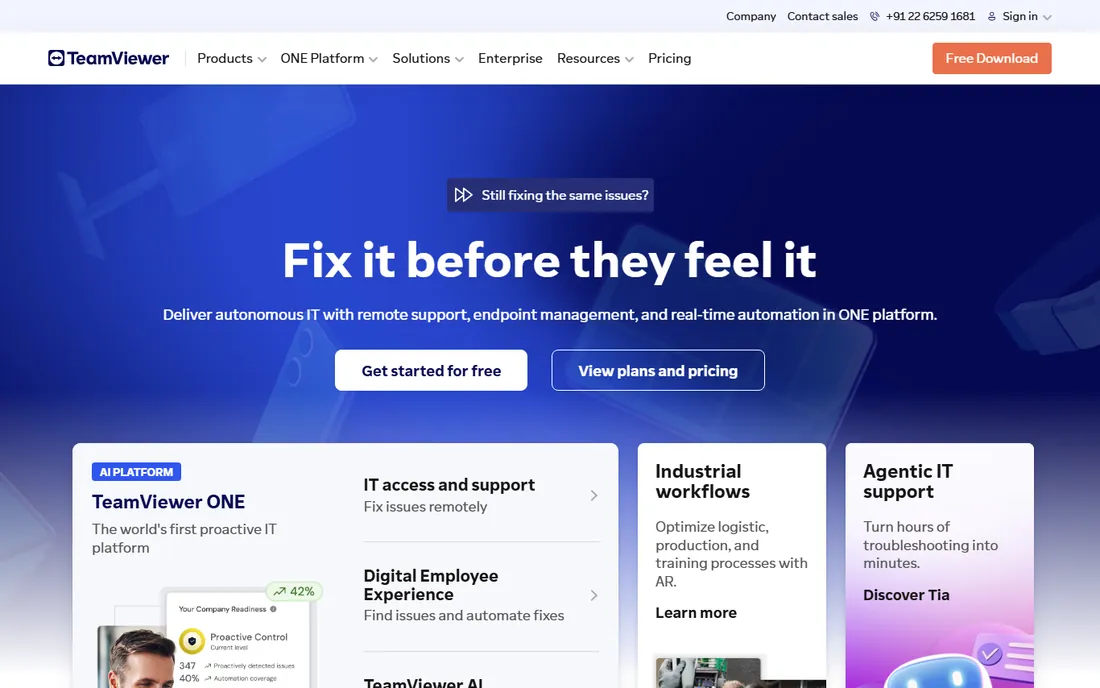
TeamViewer is the name most buyers already know, and that familiarity is part of the value. The client apps run on Windows, Mac, Linux, iOS, Android and ChromeOS, and the web app lets a technician start a session from any browser without installing anything.
The honest catch is the pricing model. TeamViewer sells annual subscriptions built around licensed users, concurrent connections (channels) and managed devices, and only one person can hold an active outgoing connection per channel on the entry plans. If two technicians need to work at once, you need more channels, and the add-ons stack up. Buy the Remote Access plan if one person needs unattended access to a few machines, and skip it entirely if you just need your own computers, because cheaper tools do that job.
What we like- Runs on nearly every OS, including a browser-based web app
- Strong compliance posture with ISO 27001, SOC 2 and HIPAA
- Trusted by large enterprises
Watch out for- Business pricing is annual-only and climbs fast with add-ons
- Commercial-use detection sometimes flags legitimate personal users
- Only one concurrent connection per channel on lower plans
Starting price$23.12/month (billed annually)
Free planYes (free for personal use)
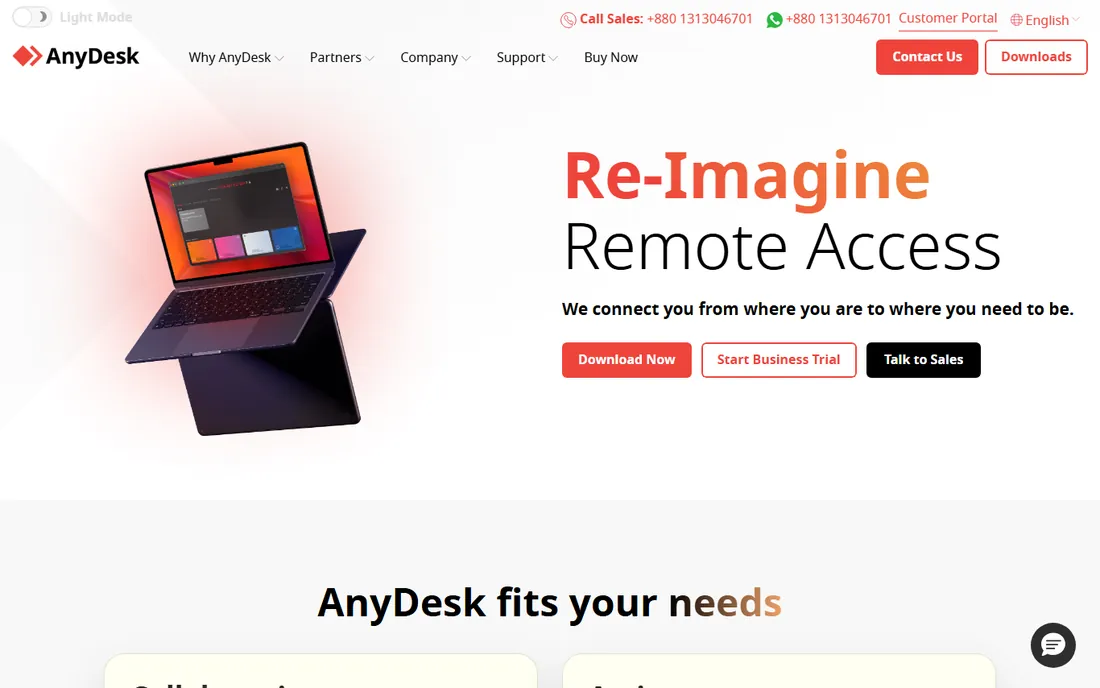
AnyDesk built its reputation on speed. Its DeskRT codec compresses screen data aggressively, which is why it stays usable over hotel Wi-Fi and rural broadband where heavier tools stutter. The client is a few megabytes, runs portably without a full install, and the 9-digit AnyDesk ID system means a first-time user can be connected in under a minute. Solo covers a single user with up to 100 managed devices for unattended access, and Standard expands to 20 licensed users.
The tradeoff is that AnyDesk is narrower than TeamViewer. There is no built-in ticketing and the management console is functional rather than polished. The free version is fine for helping a relative, but the moment you need unattended access or team features, you are on a paid plan. For IT freelancers and small shops where connection quality matters more than extras, it is hard to beat.
What we like- Proprietary DeskRT codec keeps sessions smooth on weak networks
- Tiny client that can run without installation
- On-premises deployment option for regulated industries
Watch out for- Free tier has no unattended access
- The plan names and user limits changed recently, so confirm what Solo and Standard include before you pay
- Support is email-first
Starting price$6/month (billed annually)
Free planFree trial
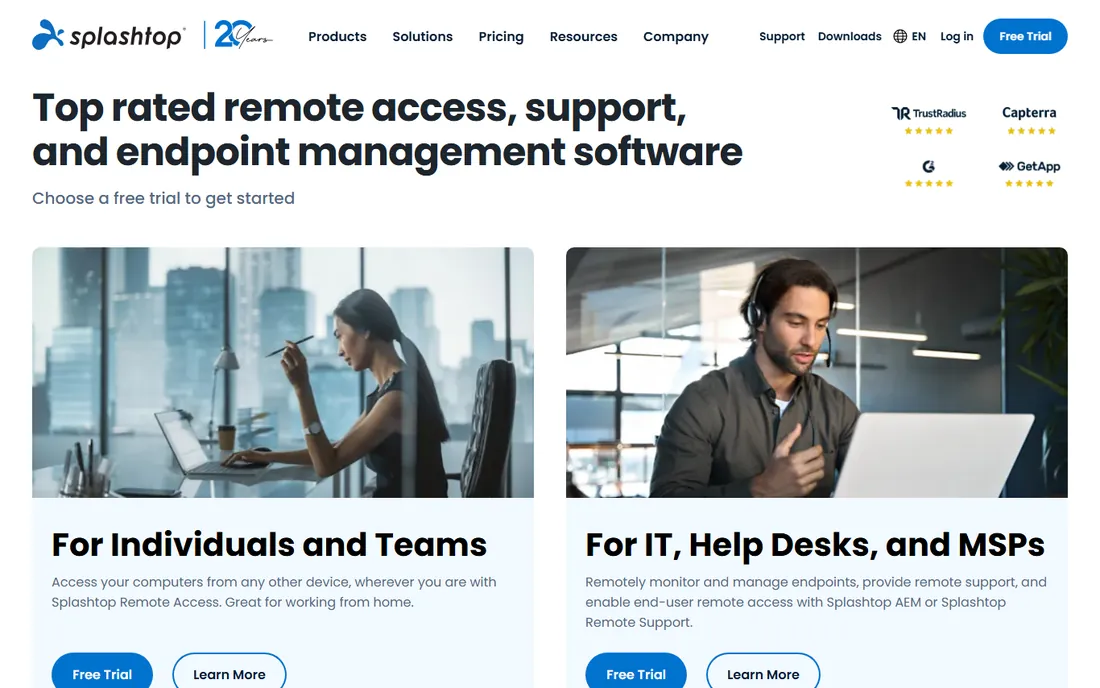
Splashtop is the value play that does not feel like a compromise. The Solo plan starts at $6/month billed annually and covers unattended access to your own computers from any device, with file transfer and remote print included. Pro at $8.25 per user per month adds multi-monitor support and session recording, while Performance adds 4:4:4 color accuracy and 240 fps capability, which matters for design, video or CAD work done remotely.
For supporting other people's machines, Splashtop SOS starts at $22/month per concurrent technician and includes hundreds of managed computers per license, a structure that undercuts most competitors for small support desks. The catch is mostly in the packaging: Remote Access and Remote Support are separate lines with separate billing, and features like SSO live in Enterprise. If you can live with that, this is the best price-to-quality ratio on the list.
What we like- Among the lowest prices in the category with genuinely good performance
- 4:4:4 color and high frame rates on Performance
- Separate products for access (Solo, Pro) and support (SOS)
Watch out for- Two product lines can confuse first-time buyers
- Advanced security features are gated behind higher tiers
- Per-user pricing adds up once the team grows past a handful
Starting price$1.84/month (first year)
Free planFree trial
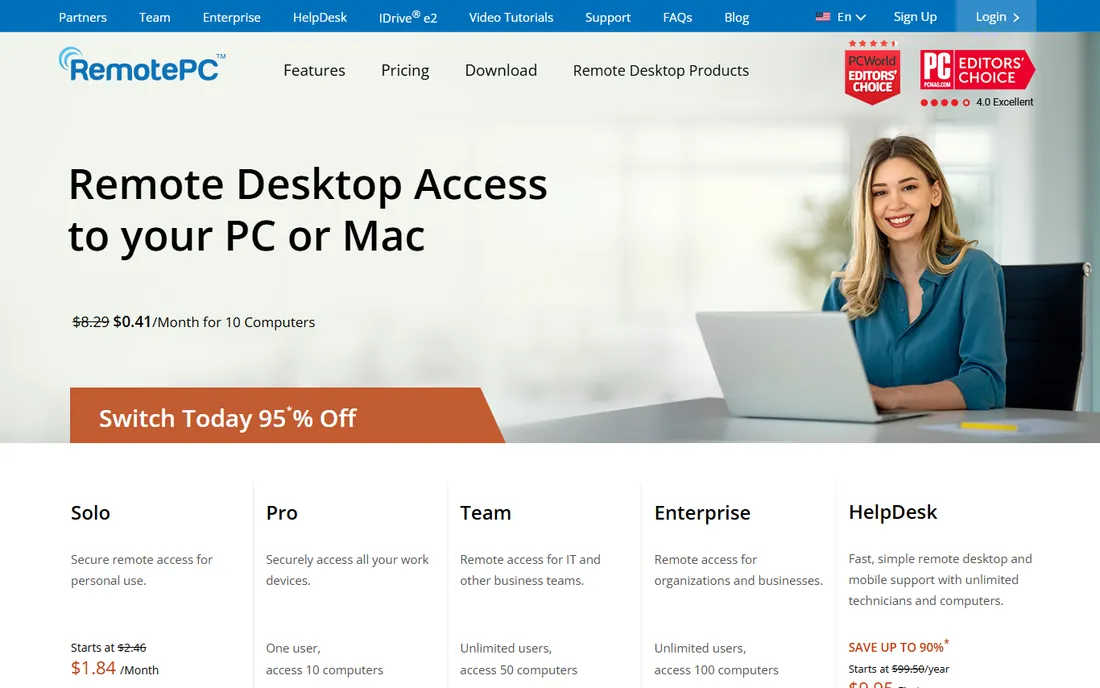
RemotePC, from the IDrive team, wins on raw price. The Solo plan starts at $1.84/month in the first year for one computer, and the team plans price by computer count with unlimited users, which suits households and tiny offices where several people share the same machines. You get TLS 1.2 and AES-256 encryption, file transfer, remote printing, session recording and a browser-based Viewer Lite for quick access.
The honest tradeoff is polish. Session quality is good but not class-leading, and the apps feel a generation behind the slickest competitors. RemotePC also splits its lineup: standard plans cover unattended access to your own computers, while attended customer support lives in the separate HelpDesk product starting at $99.50/year. If your need is "reach my office PC from home, cheaply," little else touches it.
What we like- Flat pricing by computer count, not by user
- Session recording, whiteboard and remote printing included
- A separate HelpDesk product for attended support
Watch out for- The desktop interface looks dated next to Splashtop and AnyDesk
- Mac and mobile sessions feel less polished than Windows-to-Windows
- The low first-year price renews higher
#5
Zoho Assist
Best for: Support desks inside the Zoho ecosystem
Visit zoho.com
Starting priceSee website
Free planYes (free edition)
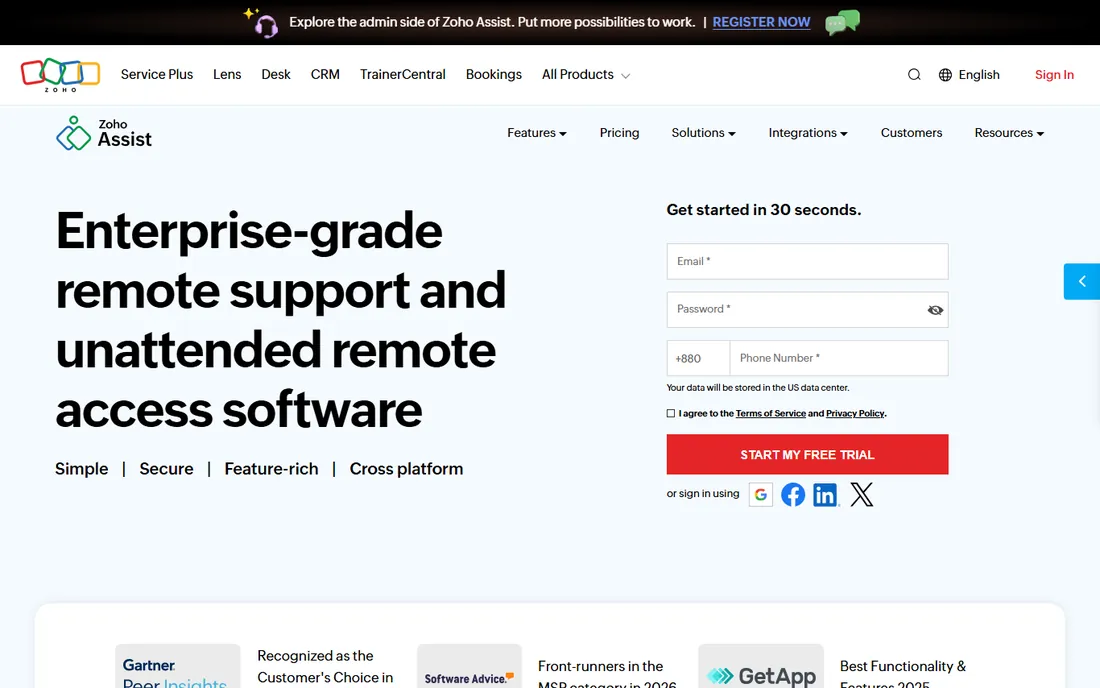
Zoho Assist is the quiet bargain of the category. The free edition handles real work, and paid plans are priced per technician rather than per device, so one tech can run unlimited ad-hoc sessions. Unattended access plans let you add unlimited technicians to reach configured devices, with bulk deployment, Wake-on-LAN, file transfer, session recording and diagnostic tools like remote command prompt and registry access.
Where it stumbles is breadth. Concurrent sessions are capped on lower plans, the mobile apps are adequate rather than great, and the product clearly assumes you live in Zoho's world. If you do, the pricing is almost unfair to competitors. If you do not, compare it against Splashtop SOS before committing, because per-tech pricing is only cheap when your tech count stays low.
What we like- Genuinely usable free edition
- Per-technician pricing with unlimited ad-hoc sessions
- Deep integrations with Zoho Desk, ServiceDesk Plus and other Zoho apps
Watch out for- Concurrent session caps on lower tiers
- The interface lags behind TeamViewer and Splashtop
- The value fades if you do not use other Zoho products
Starting price$30/month (billed annually)
Free planFree trial
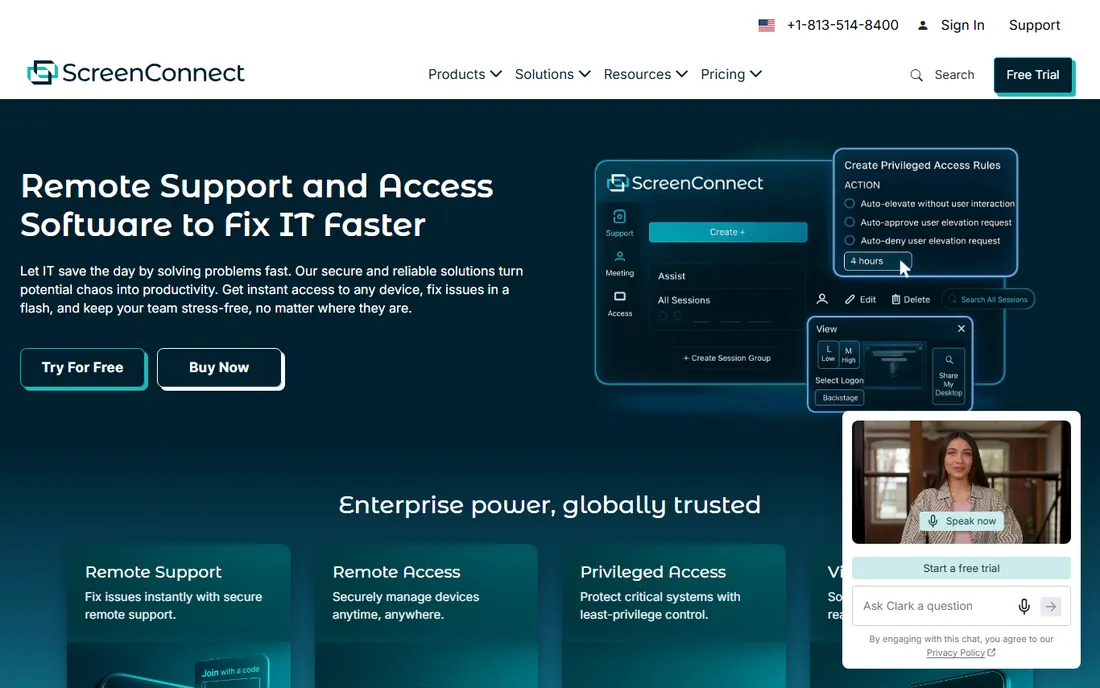
ScreenConnect is built for people who support computers for a living. Instead of charging per device, it charges per concurrent technician: the One plan is $30/month billed annually for a single license with 10 unattended agents, Standard is $47/month per concurrent tech with unlimited agents, and Premium is $57/month per concurrent tech with video auditing and remote diagnostics. That model is a bargain when one tech supports hundreds of machines, which is exactly the MSP math it was designed for.
The feature set matches the audience. Backstage lets techs work without disrupting the user, the remote toolbox deploys scripts without installation, and event-driven automations can alert a tech the moment a machine drops offline. You can also host it on-premises if client data cannot touch a third-party cloud. The downside is complexity and cost at small scale: a two-person internal IT team will pay more here than with Splashtop or RemotePC.
What we like- Concurrent-tech licensing covers unlimited endpoints
- On-premises hosting option
- Deep automation, scripting and a 100+ extension library
Watch out for- Per-tech pricing gets expensive as the team grows
- Overkill for simple unattended access
- ConnectWise billing and account management has a learning curve
#7
LogMeIn Resolve
Best for: IT departments consolidating tools
Visit goto.com
Starting priceSee website
Free planFree trial
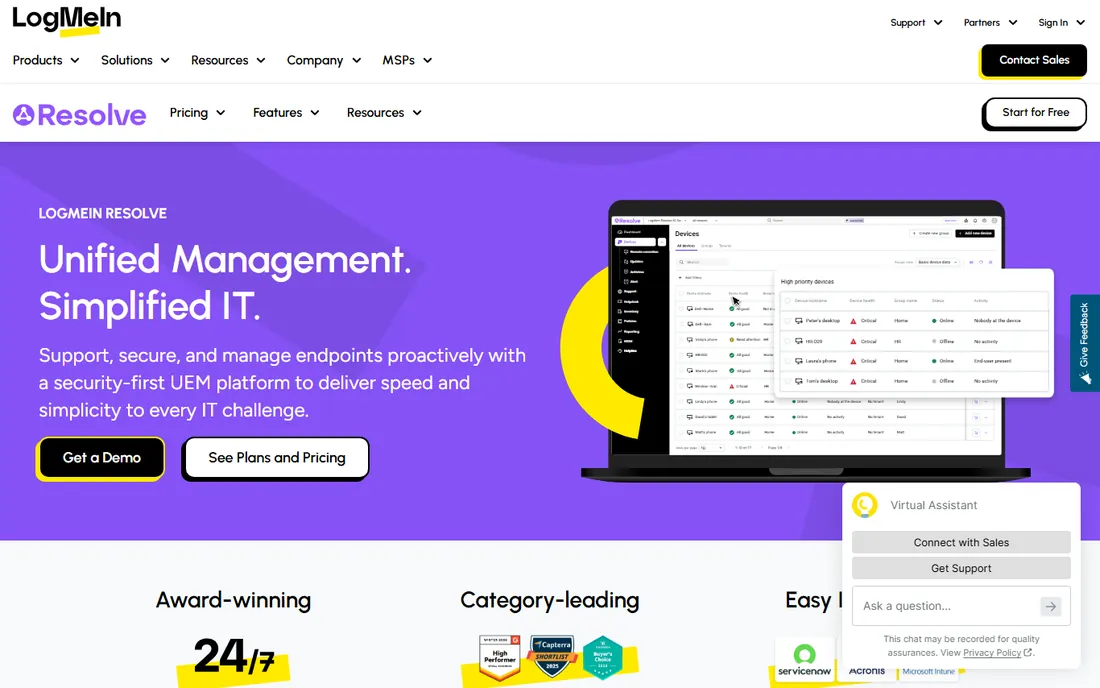
LogMeIn Resolve is the successor to GoToAssist, now positioned as a unified endpoint management platform rather than a simple remote desktop. One console covers unattended remote access, remote monitoring and management with patching and antivirus, IT asset management, a built-in helpdesk with ticketing and knowledge base, and AI-assisted scripting and insights. For an IT department running four separate tools, consolidating here can cut both cost and context-switching.
That breadth is also the warning label. If you only need to reach a few PCs, this is far more product than necessary, and GoTo does not publish prices, so budgeting requires a quote. The rapid rebranding has left dated documentation floating around under old names. Evaluate it against ScreenConnect if you are an MSP, or against a plain access tool plus a separate RMM if you are not sure you want one vendor for everything.
What we like- Combines remote access, RMM, ticketing and automation in one console
- Zero-trust security architecture
- The evolution of GoToAssist, so migration paths exist
Watch out for- No public pricing, expect a sales conversation
- Heavier than a pure remote-access tool
- The GoToAssist to GoTo Resolve to LogMeIn Resolve rebrands confuse buyers
Starting priceSee website
Free planFree trial
Parallels Access takes a different angle from everything else here: instead of mirroring your desktop, it turns your PC and Mac applications into touch-friendly mobile apps. For an owner who wants to check the office computer from an iPad on the couch, that design is friendlier than pinching and zooming a raw desktop stream. Setup is straightforward and aimed at consumers rather than IT staff.
The caveat is real, though. The Access product page currently loads generic Parallels homepage content rather than a dedicated product page, which raises questions about how actively it is being sold and supported. It is also a personal-access tool, not a support desk or fleet manager. Verify availability and get current pricing from Parallels directly before you plan around it.
What we like- Designed mobile-first, with touch-friendly app-style access to desktop programs
- Simple setup aimed at non-technical users
- From the established Parallels team
Watch out for- The product page currently resolves to generic Parallels homepage content, so confirm availability before buying
- Not a full IT support or unattended-access platform
- Pricing is not published on the product page
Starting priceSee website
Free planFree trial
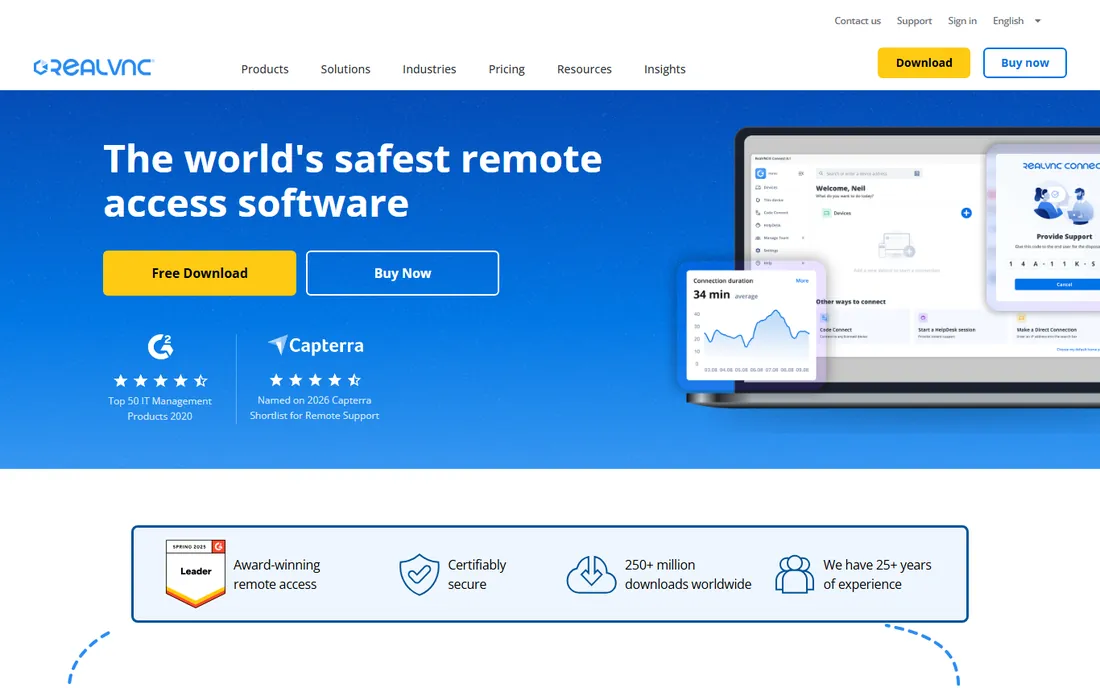
RealVNC Connect is the choice when the network itself is the constraint. Because VNC is an open protocol the company created, RealVNC can connect devices directly over a LAN with no internet at all, and offline licensing covers air-gapped environments where cloud tools simply cannot operate. Plans (Essentials, Plus, Premium, Enterprise) are priced per active connection rather than per device, which fits shift-based support teams where many people share a few concurrent sessions.
Security is the headline: up to 256-bit AES-GCM end-to-end encryption, granular permissions, multi-factor authentication options and detailed audit logs. The tradeoff is commercial friction. Prices are not listed plainly, everything is an annual commitment, and the product is narrower than the MSP-oriented suites. If your machines can reach the internet, you will likely get more features per dollar elsewhere. If they cannot, RealVNC is one of the few serious options.## How we chose
We started from the vendor's own pages: homepages for the final URLs, pricing pages where they render, and documentation for the plan limits that decide whether a tool fits. Then we checked those claims against public reviews on G2 and Capterra and practitioner discussions on Reddit, focusing on renewal pricing, connection quality and support responsiveness. We excluded products whose websites no longer resolve to a real product page. No vendor paid for placement, and we did not claim hands-on testing.
What we like- Direct LAN connections with no cloud dependency
- Offline licensing for air-gapped networks
- Per-active-connection pricing suits shift teams
- Built by the inventors of VNC
Watch out for- Exact prices sit behind a quote calculator
- Subscriptions are 12-month commitments with no monthly billing
- Fewer MSP workflow features than ScreenConnect
What to look for before you buy
Start by separating two jobs that vendors love to blur: accessing your own computers (unattended access) and supporting other people's computers (attended support). Access tools like RemotePC, Splashtop Solo and AnyDesk are priced for the first job and are dramatically cheaper. Support tools like ScreenConnect, LogMeIn Resolve and Splashtop SOS are priced per technician and built for the second.
Next, decode the pricing unit. Per-user, per-technician, per-computer, per-concurrent-connection and per-active-connection all sound similar and behave very differently as you grow. A per-computer plan is cheap when five people share ten machines and punishing when one person manages five hundred. Map your actual headcount and device count against the unit before you compare headline prices, and remember that many vendors only bill annually.
Check the limits that bite later. Concurrent session caps, managed-device caps and unattended-agent caps are where cheap plans turn expensive. Ask whether mobile support costs extra, whether recording and audit logs are included, and whether you can export your device list if you leave. Test connection quality from your real network during the trial, not from the vendor's demo environment.
The pricing traps most buyers miss
The first-year discount is the oldest trap in this category. RemotePC and several competitors advertise a low first-year monthly equivalent, then renew at the standard rate. Budget for the renewal price, because that is the real price.
The second trap is the concurrent-connection model. TeamViewer's channels and ScreenConnect's concurrent techs both mean that adding a second simultaneous worker can double the cost even when nothing else changes. Price that scenario on day one if your team will ever need two live sessions at once.
The third trap is add-ons. Mobile device support, extra managed devices, SSO and integrations are frequently carved out of the base plan. Add the options you actually need to the quote before you compare vendors, or the "cheaper" tool wins a contest it would lose at equal features.
Frequently asked questions
Is TeamViewer really free?
For personal, non-commercial use, yes. You can help family or reach your own home PC without paying. The moment you use it for business, you need a paid license, and TeamViewer actively detects commercial use. Businesses should budget for a paid plan rather than hoping the free tier goes unnoticed.
What is the cheapest good remote desktop software?
RemotePC has the lowest entry price among full-featured tools, starting at $1.84/month in the first year. Splashtop Solo at $6/month billed annually is the better value once you weigh performance and polish. AnyDesk's free personal tier costs nothing if you do not need unattended access.
Do I need a different tool to support customers versus accessing my own PC?
Usually, yes. Unattended-access plans assume you own both ends. Customer support needs attended sessions, session codes and audit trails, which is what ScreenConnect, LogMeIn Resolve, Splashtop SOS and Zoho Assist's support plans are built for. Using an access-only plan for client work usually violates the license terms.
Can I use remote desktop software without the internet?
RealVNC can, using direct LAN connections and offline licensing, which is why it shows up in factories and hospitals. Most cloud tools, including TeamViewer, AnyDesk and Splashtop, need an internet connection to broker the session even when both computers sit on the same network.
How many devices can I manage on a cheap plan?
It varies more than buyers expect. AnyDesk Solo allows up to 100 managed devices, TeamViewer's entry business plans allow 200, and Splashtop SOS gives hundreds per technician license. Read the managed-device and agent caps on the plan page; the headline price means little without them.
Is remote access software safe for business use?
The established tools use TLS and AES-256 encryption, two-factor authentication and granular permissions, and carry certifications like ISO 27001 and SOC 2. The bigger risks are operational: weak passwords on unattended machines and former employees who keep access. Pick a vendor with audit logs and enforce MFA.
Sources we checked (14)
- https://www.teamviewer.com
- https://www.teamviewer.com/en/pricing/
- https://www.anydesk.com
- https://www.splashtop.com
- https://www.splashtop.com/pricing
- https://remotepc.com/
- https://www.zoho.com/assist
- https://www.zoho.com/assist/pricing/
- https://screenconnect.com/
- https://screenconnect.com/pricing/
- https://www.goto.com/it-management/resolve
- https://www.parallels.com/products/access/
- https://realvnc.com/
- https://www.realvnc.com/en/pricing/
Is your product missing or out of date?
We review this list regularly. Vendors can request a listing, send updated pricing or ask about featured placement.

Shihab Mia · Founder, Rankite
Shihab has spent more than a decade helping SaaS and e-commerce brands grow through search. He writes Rankite's software buying guides from pricing pages, documentation and public user reviews. More about Shihab.