How we make this list: we compare pricing pages, product documentation and public user reviews. Rankite is independent; if a vendor ever pays for a featured spot, that listing is clearly labeled Partner.
Key takeaways
- MadCap says its software is trusted by more than 20,000 documentation professionals, a measure of how established this category is.
- Prices span the whole range: ProProfs starts at $49 per author per month, Dr.Explain costs $290 a year, and MadCap Flare lists at $3,150 a year.
- HelpNDoc, ProProfs, and GitBook all offer free editions, so small teams can start without spending.
- Desktop tools (HelpNDoc, Dr.Explain, MadCap Flare) suit Windows-centric teams; cloud tools (Document360, ClickHelp, GitBook) suit distributed teams and web help.
- Single-source publishing is the feature that matters most: write once, output to PDF, web, CHM, and eBooks without reformatting.
Quick comparison
| Tool | Best for | Starting price | Free plan |
|---|
 HelpNDoc HelpNDoc | Affordable Windows help authoring | See website | Yes (free Personal edition) |
 MadCap Flare MadCap Flare | Enterprise single-source documentation | $3,150/year | Free trial (30 days) |
 Document360 Document360 | AI-ready hosted knowledge bases | See website | No |
 ClickHelp ClickHelp | Hosted manuals with strong security | See website | Free trial (14 days) |
 Paligo Paligo | Structured CCMS content at scale | See website | No |
 ProProfs Knowledge Base ProProfs Knowledge Base | Simple online manuals on a budget | $49 per author/month | Yes |
 GitBook GitBook | Developer-friendly docs with Git sync | $65 per site/month (plus $12/user/month) | Yes |
 Dr.Explain Dr.Explain | Desktop manuals with auto-annotated screenshots | $290/year | Free trial |
Is your product missing or out of date?
We review this list regularly. Vendors can request a listing, send updated pricing or ask about featured placement.
The best software for creating manuals
MadCap says its software is trusted by more than 20,000 documentation professionals. User manuals, help files, and knowledge bases remain one of the least glamorous and most business-critical kinds of content: good documentation cuts support tickets and speeds up onboarding.
Manuals creation software, sometimes called help authoring tools, lets you write once and publish to many formats: PDF, web help, CHM help files, Word documents, and eBooks. The category splits between desktop tools favored by traditional technical writers and cloud platforms built for teams. Some also function as knowledge bases or component content management systems.
Here are eight tools worth comparing.
Starting priceSee website
Free planYes (free Personal edition)
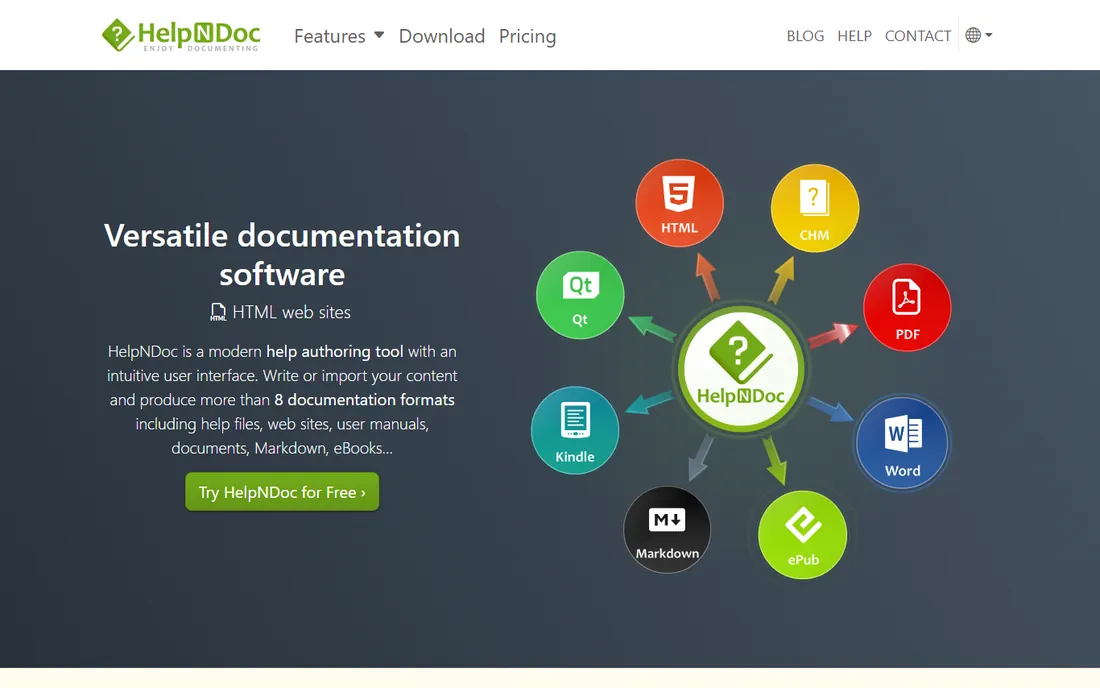
HelpNDoc is a Windows help authoring tool that turns one project into many outputs: responsive HTML5 websites, printer-ready PDFs with encryption, ePub and Kindle eBooks, Word documents, Qt Help files, and classic CHM help files. It wraps the aging Microsoft HTML Help compiler in a straightforward interface, sparing you from its bugs and Unicode problems.
The free Personal edition makes it the cheapest real help authoring tool on this list for non-commercial use. For software teams that need traditional help files and printed manuals from a desktop workflow, it delivers serious value. It is less suited to distributed teams or browser-based review.
What we like- Free Personal edition for non-commercial use
- Exports to CHM, PDF, HTML5, Word, ePub, Kindle, and Qt Help
- Encapsulates the outdated CHM compiler in a modern UI
Watch out for- Windows-only desktop app
- Interface feels dated next to cloud competitors
Starting price$3,150/year
Free planFree trial (30 days)
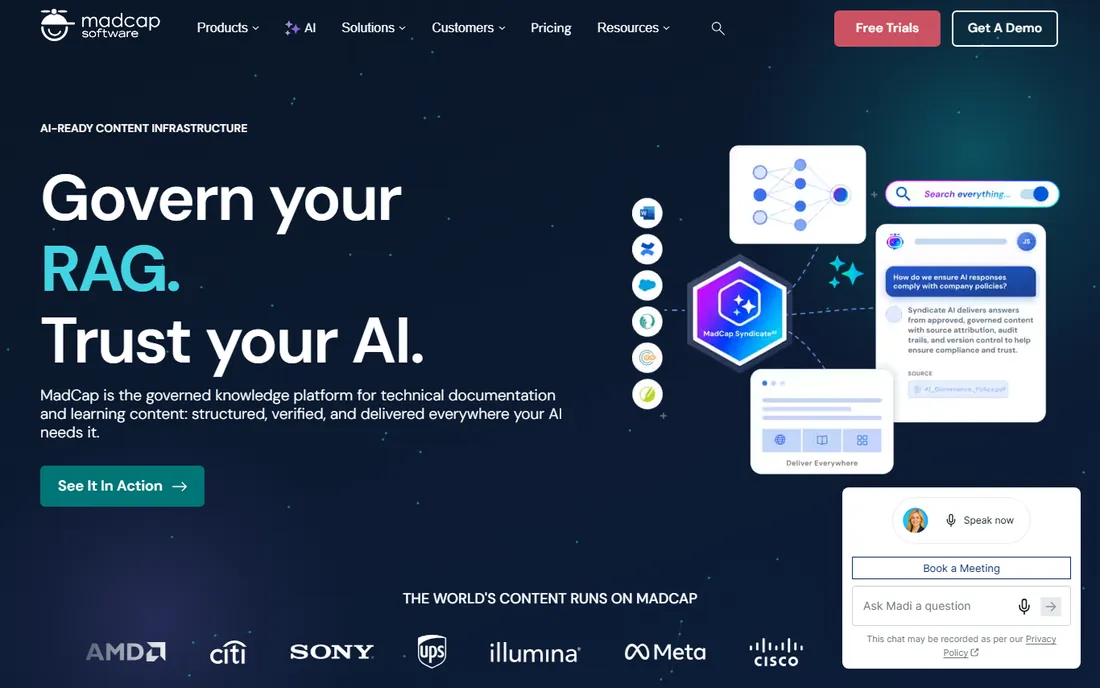
MadCap Flare is the industry standard for serious technical documentation teams. It uses topic-based authoring with conditional reuse, so content can be written once and published across web, PDF, mobile, and AI assistants, with variants for audiences, products, and languages. The MadCap platform adds governance, analytics, and AI delivery hubs around it.
The vendor lists Flare at $3,150 per year, and a free 30-day trial needs no credit card. Bullhorn grew Flare-based documentation page visits from about 5,000 to nearly 285,000 a year in eight months, according to a vendor case study. If your documentation program is complex and multilingual, Flare is the benchmark.
What we like- Deepest single-sourcing and conditional content in the category
- Publishes to web, PDF, mobile, and AI surfaces
- 30-day trial needs no credit card
Watch out for- Premium pricing
- Learning curve for casual authors
Starting priceSee website
Free planNo
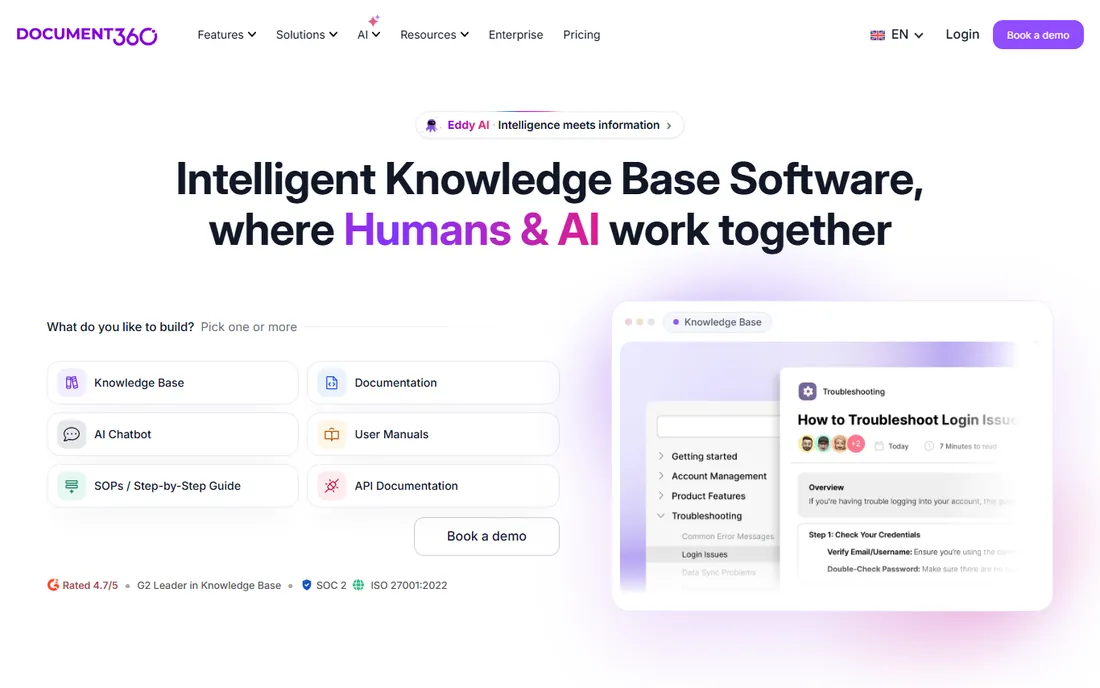
Document360 is a hosted knowledge base platform that has repositioned itself around AI: it describes its docs as ready for AI agents, MCP connections, and connected workflows, with features for authoring, search, security, and self-service. It suits teams whose documentation must feed support chatbots and AI assistants as well as humans.
Customers report measurable results: Panaya sees around 4,000 customers use its documentation monthly, and SafeBreach reports a 30 percent traffic increase. The G2 rating of 4.7 from over 1,400 reviews is among the strongest here. Pricing is quote-based with no free tier, so it fits teams with real documentation budgets.
What we like- 100+ features built around AI agents and MCP workflows
- 4.7 out of 5 on G2 with 1,400+ verified reviews
- 60+ integrations including Slack, Zendesk, and GitHub
Watch out for- No free tier
- AI-first positioning may exceed what simple manual projects need
Starting priceSee website
Free planFree trial (14 days)
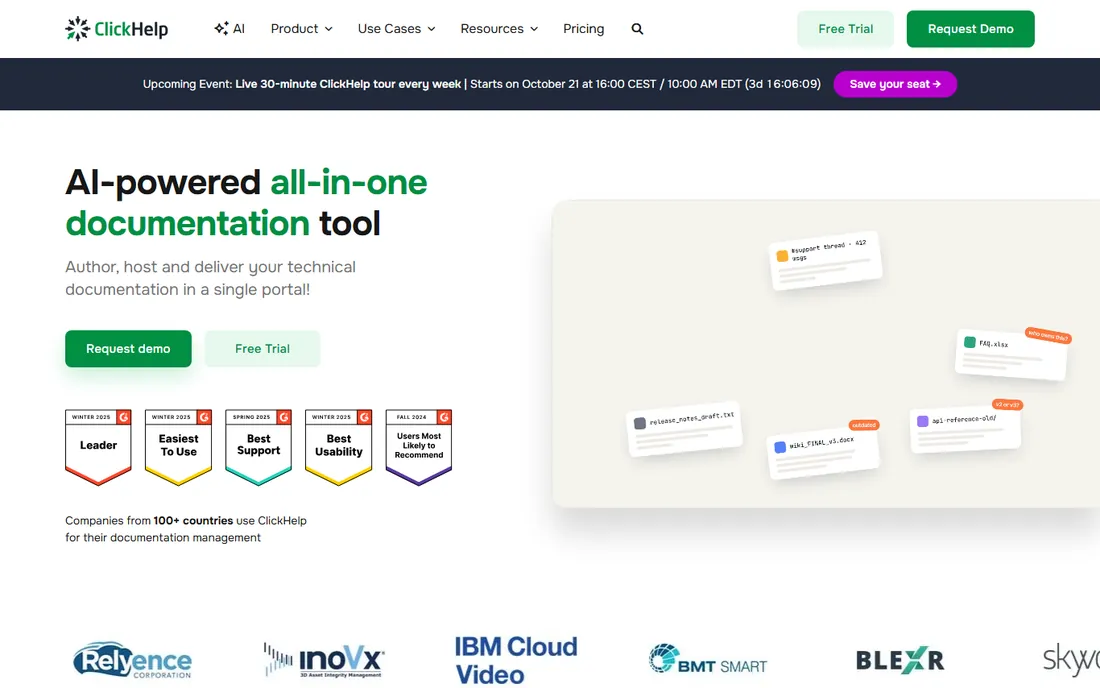
ClickHelp is a cloud documentation platform for creating, hosting, and maintaining software guides, knowledge bases, context-sensitive help, and API docs. Its security posture stands out: SOC 2 Type II certification, GDPR and CCPA compliance, WCAG 2.2 AA accessibility, and a choice of data storage in the USA, Europe, or Australia.
The ClickHelp AI Suite adds AI-assisted writing, review, and grounded answers. Migration from Word, HTML, CHM, and Confluence is supported, and roles and permissions control author and reviewer access. A 14-day full-featured trial needs no credit card. It fits regulated industries and teams that need hosted manuals without infrastructure headaches.
What we like- SOC 2 Type II certified with SSO and data-location choice
- AI Suite for writing, review, and answers
- Easy migration from Word, CHM, and Confluence
Watch out for- Pricing not published
- Smaller ecosystem than the biggest rivals
Starting priceSee website
Free planNo
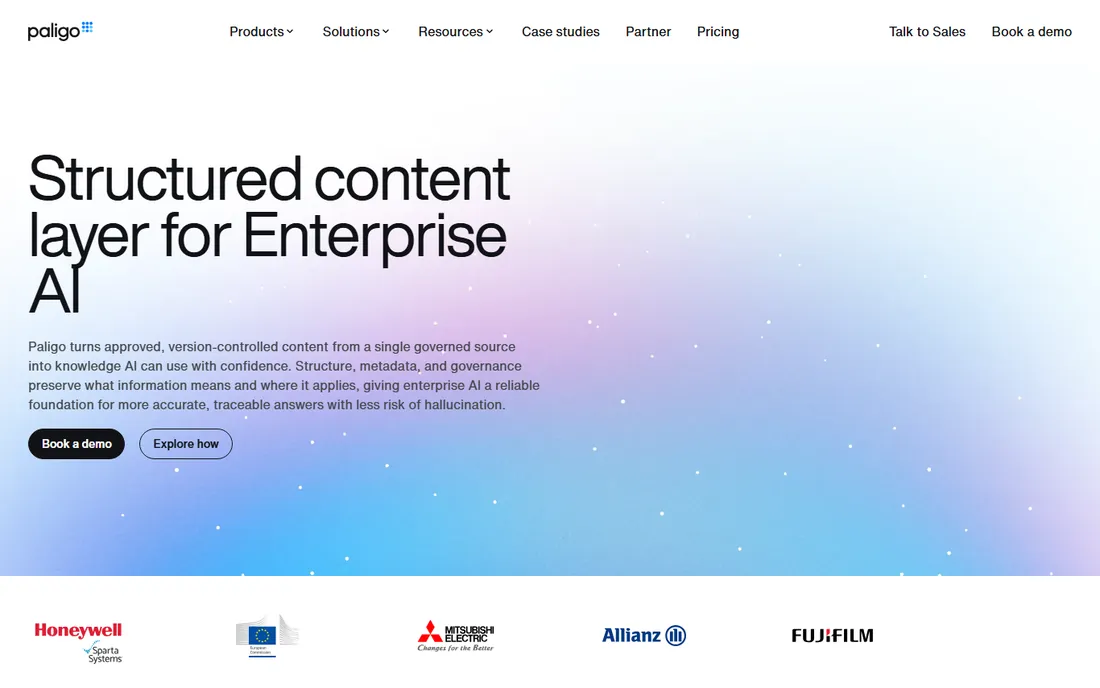
Paligo is a component content management system built around structured, reusable content. Procedures, warnings, and specifications are written once as components, versioned, translated, reviewed, and tagged by product, version, and audience, then published to branded portals or used to ground AI answers with citations.
The platform's pitch for the AI era is governance: content never trains models, every AI answer cites its published source, and fixing content at the source updates every surface. Customers include Honeywell, Mitsubishi Electric, and the European Commission. Pricing is enterprise and quote-based. It is the right class of tool for large organizations treating documentation as governed infrastructure.
What we like- True component content management with reuse and governance
- Content grounds AI answers with citations
- ISO 27001:2022 certified
Watch out for- Quote-based enterprise pricing
- Overkill for small teams
Starting price$49 per author/month
Free planYes
ProProfs Knowledge Base targets teams that need online manuals and help sites fast. It offers 100-plus templates, branding controls, over 90 languages, SEO-friendly public pages, and integrations with the vendor's live chat, help desk, and survey tools. The vendor claims it reduces tickets by 80 percent in 60 days.
The free plan is generous: up to 25 articles with all premium features, free forever. Paid plans start at $49 per author per month for unlimited articles, sites, and users. Setup needs no coding skills. It fits small businesses and support teams that want a polished hosted manual without a technical writing team.
What we like- Forever-free plan with up to 25 articles and all features
- Simple setup with 100+ templates
- Integrates with chat, help desk, and survey tools
Watch out for- Per-author pricing climbs with team size
- Less depth for complex single-sourcing
Starting price$65 per site/month (plus $12/user/month)
Free planYes
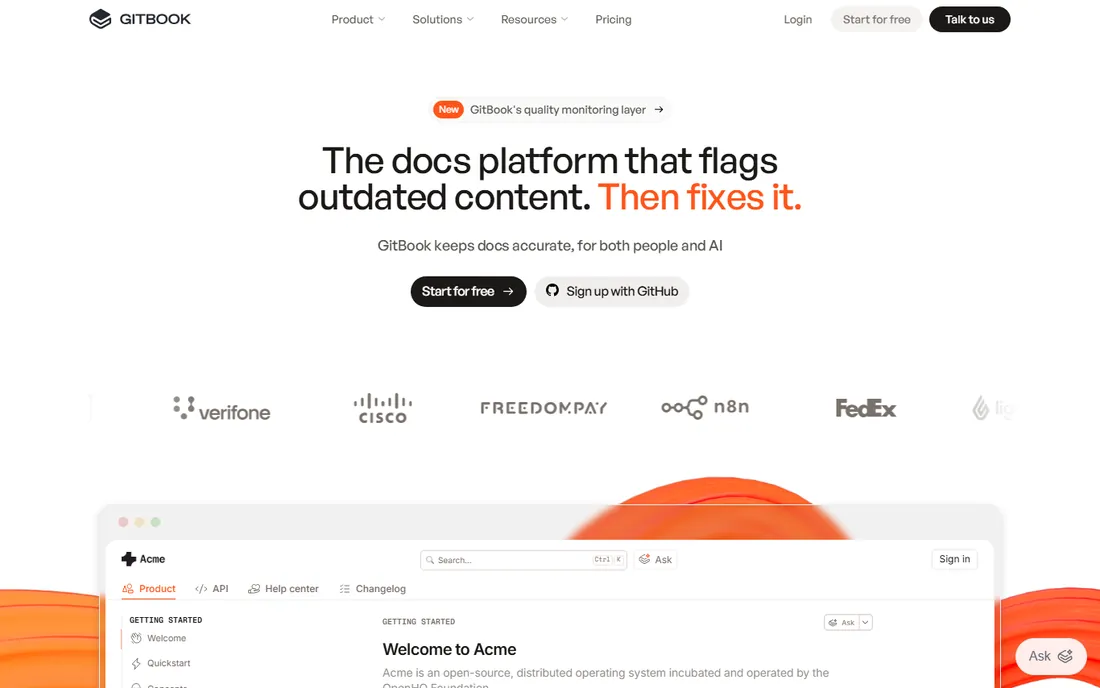
GitBook has become the knowledge layer for product documentation and AI agents. Teams write in a block-based editor with two-way Git sync, so docs version alongside code, while GitBook Agent scans for content that drifted from the product and queues it for review. An AI assistant answers reader questions from the docs.
The free plan covers one site and one user, making it popular for open-source docs. Paid plans start at $65 per site per month plus $12 per user per month on annual billing, with a 14-day trial on paid tiers. The pricing model punishes teams with many editors, so model your costs before committing. It fits developer-led companies.
What we like- Free plan for one site and one user
- Two-way Git sync with GitHub and GitLab
- GitBook Agent flags outdated content automatically
Watch out for- Per-site plus per-user pricing gets expensive for teams
- Custom domain needs a paid plan
Starting price$290/year
Free planFree trial
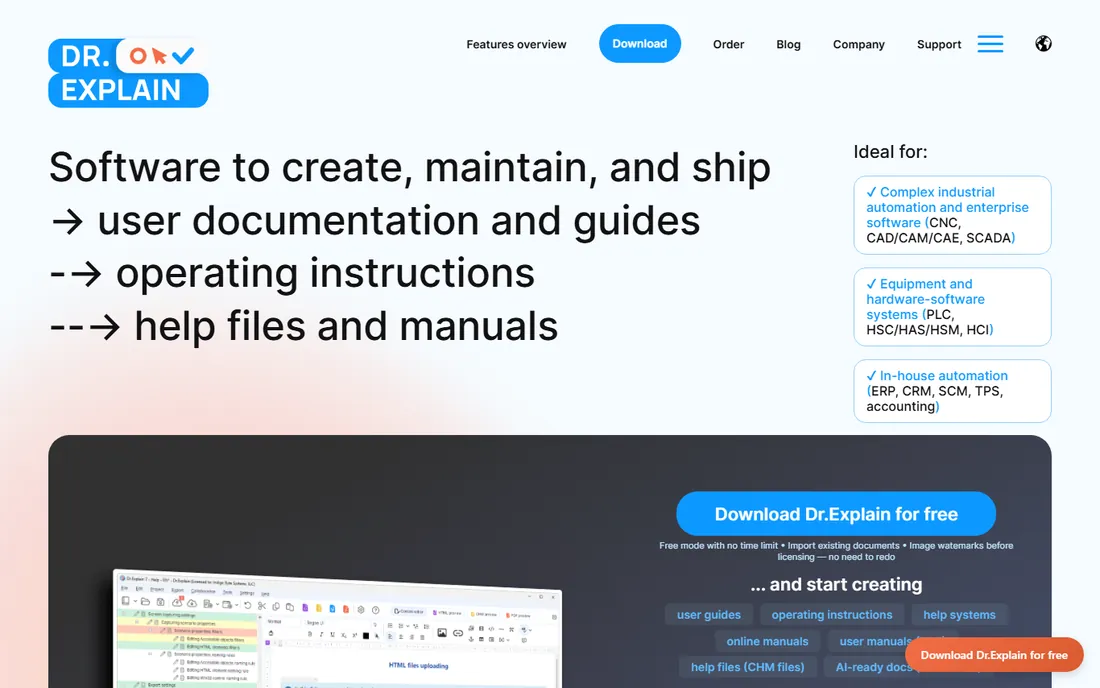
Dr.Explain is a Windows help authoring tool aimed at software vendors and industrial automation teams that need annotated, screenshot-heavy manuals. It captures application windows, auto-analyzes the UI controls, and annotates screenshots automatically, which saves hours when dozens of screens need documenting.
One project exports to web help, CHM, PDF, and Word documents, and the trial has no time limit, only watermarks and section caps. The annual license costs $290, and a perpetual license costs $870 and never expires. No SaaS tax, no data leaving your machine. It fits small vendors and technical writers who prefer owning their tools.
What we like- Perpetual licenses available ($870, never expires)
- Automatic screenshot annotation
- One project exports to web, CHM, PDF, and Word
Watch out for- Windows desktop focus
- Collaboration features lag cloud-native tools
How we chose
We compared manuals creation tools using official vendor pages, pricing pages, and documentation, focusing on output formats, single-source capabilities, collaboration, publishing options, pricing transparency, and free or trial availability. We checked third-party reviews on G2 and Capterra and technical writing community discussions. We did not claim hands-on testing; assessments reflect documented features, pricing, and reported user experience.
Decide first where your manuals will live. If you ship printed PDFs and Windows help files, a desktop authoring tool like HelpNDoc, Dr.Explain, or MadCap Flare fits. If you run a web help center or need browser-based review from subject-matter experts, a cloud platform like Document360, ClickHelp, or Paligo fits better. Developer teams usually prefer GitBook.
Single-source publishing matters more than the editor
The editor is where you spend time, but single-sourcing is where you save it. Ask whether you can write content once and publish it to PDF, web, CHM, and eBooks without reformatting, and whether content can be conditionally included or excluded for different audiences and product versions. This is where MadCap Flare, HelpNDoc, and Paligo earn their keep.
Test the screenshot workflow
Software manuals live and die by screenshots. Check how each tool captures application windows, whether it auto-detects and annotates UI controls, and how painful it is to update screenshots after a product release. Dr.Explain's auto-annotation is a standout; cloud tools vary widely.
Plan for translations early
If you will ever translate manuals, ask about translation memory, multilingual output, and content reuse before you buy. MadCap claims typical translation cost savings of 30 to 60 percent through reuse. Picking a tool without translation support and adding languages later is expensive.
Desktop versus cloud: which fits your team
Desktop tools keep everything local: no subscriptions feeding data to someone else's server, perpetual licenses, and full control. Cloud tools bring collaboration, instant publishing, AI features, and no installation. Small vendors with stable products often prefer desktop; distributed teams and SaaS companies usually prefer cloud. MadCap Flare straddles both with desktop authoring and cloud publishing.
Frequently asked questions
What is the difference between a help authoring tool and a knowledge base?
Help authoring tools focus on creating manuals in multiple formats (PDF, CHM, web, eBooks) from a single project, while knowledge bases focus on hosting searchable help content online. Many tools do both now: Document360 and ClickHelp are knowledge bases with authoring, while HelpNDoc and MadCap Flare are authoring tools that also publish web help.
Can I create a user manual for free?
Yes. HelpNDoc offers a free Personal edition, ProProfs has a forever-free plan with up to 25 articles, and GitBook is free for one site and one user. Dr.Explain's trial has no time limit but watermarks output. For commercial projects, budget for a paid plan eventually.
Which format should I publish my manual in?
Most teams publish web help as the primary format and PDF for printing or compliance. CHM files matter if your help ships embedded in Windows software. ePub and Kindle formats suit e-readers. Tools like HelpNDoc and Dr.Explain generate all of these from one project.
Is MadCap Flare worth the price?
For teams with complex, multilingual documentation, yes: its conditional content, translation workflow, and multi-channel publishing are the deepest in the category. For a small team writing one product manual, it is overkill; HelpNDoc, ClickHelp, or ProProfs will cost far less and get you published faster.
How do I migrate existing Word docs into a manuals tool?
Most tools here import Word documents: ClickHelp and ProProfs import DOCX directly, GitBook syncs Markdown through Git, and MadCap Flare imports Word with style mapping. Expect cleanup work after import, especially for screenshots and cross-references, so budget time for it.
Can documentation tools feed AI chatbots?
Yes, and it is becoming a headline feature. Paligo grounds AI answers in governed content with citations, GitBook's agent answers reader questions from your docs, and Document360 positions its knowledge bases as ready for AI agents and MCP workflows. Structured, well-tagged content produces better AI answers.
Sources we checked (11)
- https://www.helpndoc.com/
- https://madcapsoftware.com/
- https://www.madcapsoftware.com/technical-writing/madcap-flare/
- https://www.madcapsoftware.com/free-trials/
- https://document360.com/
- https://clickhelp.com/
- https://paligo.net/
- https://proprofs.com/knowledgebase/
- https://gitbook.com/
- https://drexplain.com/
- https://ferndesk.com/blog/gitbook-pricing
Is your product missing or out of date?
We review this list regularly. Vendors can request a listing, send updated pricing or ask about featured placement.

Shihab Mia · Founder, Rankite
Shihab has spent more than a decade helping SaaS and e-commerce brands grow through search. He writes Rankite's software buying guides from pricing pages, documentation and public user reviews. More about Shihab.