How we make this list: we compare pricing pages, product documentation and public user reviews. Ratings come from G2, Capterra or Trustpilot, with the date we checked them.
Key takeaways
- Premiere Pro and DaVinci Resolve suit editing finished anime footage into polished videos, while Final Cut Pro suits Mac editors who want speed and smooth playback.
- Toon Boom Harmony and TVPaint suit hand-drawn animation production, with tools built for frame-by-frame drawing and timing.
- OpenToonz and Blender suit budget-conscious animators, with professional animation tools available free.
- Clip Studio Paint suits artists who draw anime frames and want animation timelines in the same app they already use for illustration.
Quick comparison
Is your product missing or out of date?
We review this list regularly. Vendors can request a listing, send updated pricing or ask about featured placement.
The best software for anime video editing

#1Premiere Pro
Best for: Professional video editing4.5/5 on
G2 (1,676 reviews, checked Oct 2026)
Visit adobe.com
Starting priceSee website
Free planNo
Premiere Pro suits editors cutting finished anime footage into episodes, AMVs, trailers, and social clips. Its timeline handles multi-track video, audio mixing, captions, and effects with precision, and integration with After Effects and Photoshop helps with titles, composites, and thumbnails. That breadth makes it the default choice for professional anime video work.
Subscription cost adds up, and smooth playback needs a strong computer, especially for 4K footage. Premiere works best for editors who already use Adobe tools or need industry-standard workflows. For professional anime video editing, it remains the safest choice.
What we like- Industry-standard timeline
- Strong effects and audio
- Adobe integration
Watch out for- Subscription cost
- Needs a strong computer
Starting priceFree
Free planYes
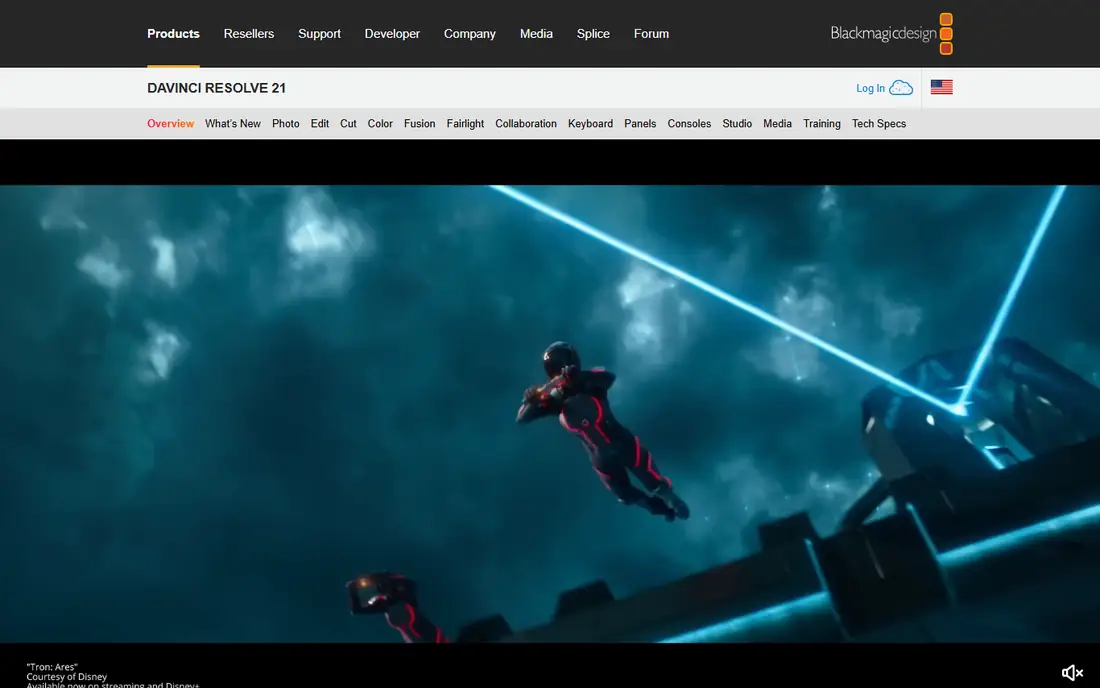
DaVinci Resolve suits anime editors who want professional editing and color grading without a subscription. Its free version covers cutting, effects, audio, and color tools that rival paid rivals, while the Studio version adds advanced features for high-end work. Color grading strength matters for anime, where mood and palette shape the look.
The learning curve is steep, since Resolve packs editing, color, effects, and audio into separate pages. Beginners should expect time learning the interface before editing quickly. For free, professional anime editing with top color tools, Resolve is unmatched.
What we like- Free version is very capable
- Best-in-class color tools
- All-in-one editing
Watch out for- Steep learning curve
- Studio version costs extra

#3Final Cut Pro
Best for: Fast Mac editing4.4/5 on
G2 (87 reviews, checked Oct 2026)
Visit apple.com
Starting priceSee website
Free planNo
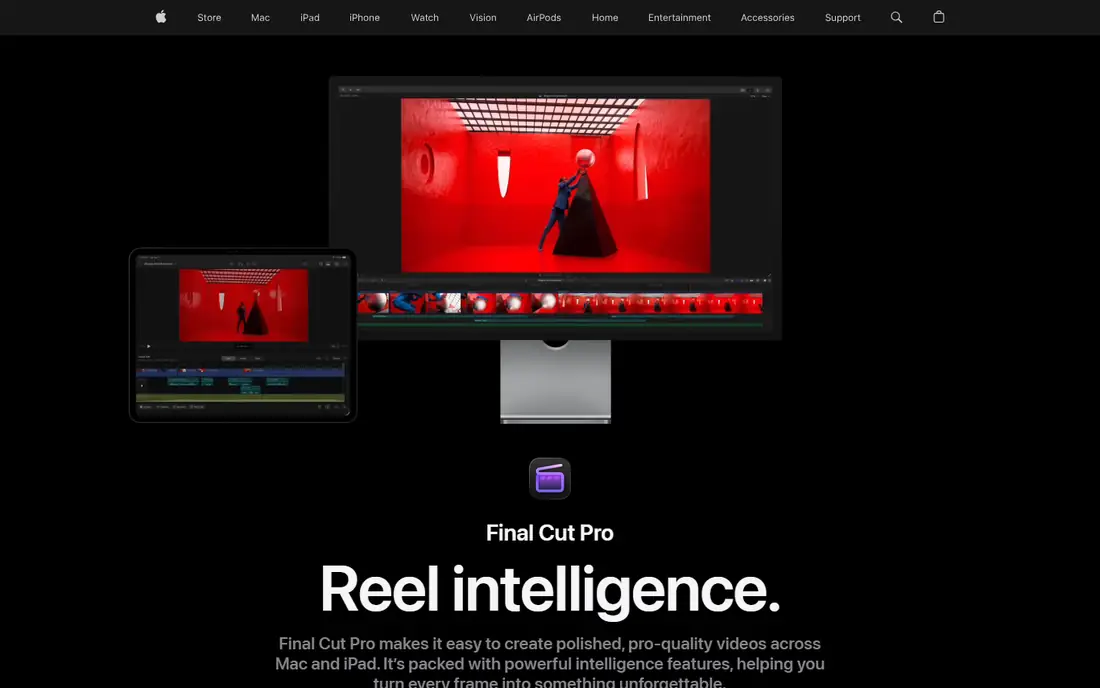
Final Cut Pro suits Mac editors who want speed and smooth playback for anime video projects. Its magnetic timeline keeps clips organized automatically, and Apple silicon optimization delivers fast rendering and playback even on laptops. One-time purchase pricing avoids ongoing subscription costs, which appeals to independent creators.
It runs only on Mac, and third-party plugin support lags Premiere, so editors tied to specific Adobe workflows may miss tools. Final Cut works best for Mac-based anime editors who value speed and simplicity. For Mac anime editing, it is the fastest option.
What we like- Very fast on Apple silicon
- Magnetic timeline
- One-time purchase
Watch out for- Mac only
- Fewer third-party plugins than Premiere
Starting priceSee website
Free planNo
Toon Boom Harmony suits professional anime production, with tools for drawing, rigging, compositing, and effects built for studio pipelines. Major animation studios use Harmony for series and films, and its rigging system lets animators reuse characters efficiently across episodes. That studio pedigree makes it the standard for professional 2D anime work.
Cost is high, and the learning curve is steep for beginners, so Harmony suits serious animators and studios more than casual creators. Independent animators should trial it before committing. For professional 2D anime production, Harmony leads this list.
What we like- Industry-standard 2D animation
- Rigging and compositing
- Studio workflows
Watch out for- Expensive
- Steep learning curve
Starting priceSee website
Free planNo
TVPaint Animation suits animators who want a natural, hand-drawn feel for anime frames. Its brush engine mimics traditional drawing tools, and its frame-by-frame workflow suits artists who draw every frame by hand rather than rigging characters. That traditional approach appeals to anime artists who value organic line work and texture.
Cost is high, and it lacks the vector rigging system that makes Harmony efficient for long series. TVPaint works best for short films, commercials, and artists who prioritize hand-drawn quality over reuse efficiency. For traditional anime animation, it is a top choice.
What we like- Natural hand-drawn feel
- Strong brush engine
- Frame-by-frame focus
Watch out for- Expensive
- No vector rigging like Harmony
Starting priceFree
Free planYes
OpenToonz suits animators who want professional 2D animation tools free, since it is open source and was used by Studio Ghibli for production work. Its tools cover scanning, drawing, effects, and compositing for traditional animation pipelines, which gives independent animators studio-grade capability without cost.
The interface feels dated, and the community is smaller than Blender, so tutorials and support take more searching. OpenToonz works best for traditional animators comfortable with older interfaces who want free professional tools. For free anime production, it is a remarkable option.
What we like- Free and open source
- Used by Studio Ghibli
- Scanning and effects tools
Watch out for- Interface feels dated
- Smaller community than Blender

#7Clip Studio Paint
Best for: Drawing plus animation4.4/5 on
G2 (55 reviews, checked Oct 2026)
Visit clipstudio.net
Starting priceSee website
Free planNo
Clip Studio Paint suits anime artists who already draw in it and want animation timelines without switching apps. Its drawing tools are beloved by manga and anime artists, and its timeline supports frame-by-frame animation, onion skinning, and export for further editing. That combination suits short anime clips, loops, and social animations.
Video editing features are limited, so finished clips often move to Premiere or Resolve for cutting, sound, and titles. Clip Studio works best as the drawing and animation stage, not the final edit stage. For anime artists who draw first, it is the natural starting point.
What we like- Excellent drawing tools
- Animation timeline
- Huge anime artist community
Watch out for- Video editing is limited
- Animation features vary by version

#8Blender
Best for: 3D and 2D Grease Pencil animation4.6/5 on
G2 (319 reviews, checked Oct 2026)
Visit blender.org
Starting priceFree
Free planYes
Blender suits animators who want 3D animation, 2D Grease Pencil animation, and video editing in one free app. Grease Pencil lets artists draw 2D anime-style animation inside a 3D space, with camera moves and lighting that 2D tools cannot match. Its video editor handles cutting and sequencing for finished anime videos as well.
The learning curve is very steep, since Blender packs modeling, animation, and editing into one complex interface. Beginners should follow tutorials for months before working quickly. For free, all-in-one anime animation and editing, Blender offers unmatched depth.
What we like- Free and open source
- Grease Pencil 2D animation
- Full video editor
Watch out for- Very steep learning curve
- Interface overwhelms beginners
How we chose
We compared anime video software on editing capability, animation tools, drawing quality, price, and learning curve, using vendor pages, studio usage, and public user experience. The reference buyer was an anime creator editing or animating video, so both editing and animation stages mattered, and tools were judged on their stage, not as all-in-one solutions. Studio usage claims were treated as vendor-reported where independent confirmation was unavailable, so verify pipeline fit with trials. That caution applies to professional claims across all tools on this list, since studio workflows vary widely. Hardware needs were noted, since rendering demands differ sharply between tools. Export format support was compared for delivery needs. Plugin availability was checked for effects work. Collaboration features were noted for team projects. Audio tools were compared for final mixes. Learning resources were compared for beginners. Trial availability was checked, since hands-on testing beats feature lists for animation tools.
How to pick the right software
Separate animation from editing
Draw and animate in Harmony, TVPaint, OpenToonz, Clip Studio, or Blender, then cut and finish in Premiere, Resolve, or Final Cut. Trying to do both stages in one app usually compromises one of them. Keep project files organized by stage, since animation exports and edit timelines diverge quickly. Name exports clearly, so the edit team can trace each clip back to its animation source. Back up animation source files separately from edit projects. Version exports clearly to avoid editing outdated frames. Archive finished exports with project files. Share file naming rules with all collaborators. Document pipeline steps for new team members. Review pipeline steps after major software updates. A clear pipeline saves more time than any single software feature.
Start free before paying
Resolve, OpenToonz, and Blender cover editing and animation free, so learn your workflow there before paying for Premiere, Harmony, or TVPaint. Free tools reveal whether you need paid features at all. Spend at least a month on free tools before buying, since early enthusiasm often fades before paid features matter. Track which paid features you actually miss during that month. Compare trial versions before committing to annual plans. Check student discounts before paying full price. Ask about bundle pricing if you need several Adobe apps. Check upgrade pricing before buying perpetual licenses. Compare educational pricing across vendors. Check nonprofit discounts where applicable. A month of free practice also builds the skills that make paid tools worthwhile.
Match the tool to your animation style
Hand-drawn anime suits TVPaint and OpenToonz, rigged series suit Harmony, and mixed 2D and 3D suits Blender Grease Pencil. Style fit matters more than feature count for daily animation work. Test your actual character designs in each candidate tool, since brush feel and rigging behavior differ sharply. Choose the tool that handles your most common shot type best, not the one with the longest feature list. Revisit the choice when your style evolves. Test background painting separately from character animation. Compare lip-sync tools if dialogue drives your scenes. Test effects workflows for action sequences. Compare camera tools for dynamic shots. Test color tools for consistent palettes. The right style fit makes daily animation enjoyable instead of frustrating.
Frequently asked questions
What is the best software for anime video editing overall?
Premiere Pro is best for professional editing of finished anime footage, while DaVinci Resolve offers similar power free. Animators should pair an animation tool like Harmony or OpenToonz with an editor like Resolve.
Can I make anime with free software?
Yes, OpenToonz and Blender cover professional 2D animation free, and DaVinci Resolve covers editing free. Free tools require more learning time, but they can produce professional-quality anime.
Is Toon Boom Harmony worth the cost?
Yes, for professional 2D animation studios and serious animators, since its rigging and pipeline tools save time across long series. Casual animators should start with OpenToonz or Clip Studio first.
Do I need a powerful computer for anime editing?
Yes, for 4K footage, effects-heavy edits, and 3D animation, a strong CPU, GPU, and RAM matter greatly. Proxy editing in Premiere or Resolve helps weaker computers handle large projects.
Which software is best for anime AMVs?
Premiere Pro and DaVinci Resolve suit AMVs best, since AMVs cut existing anime footage to music with effects and timing. Resolve is free, while Premiere offers deeper Adobe integration for effects work.
Sources we checked (8)
- https://www.adobe.com/products/premiere.html
- https://www.blackmagicdesign.com/products/davinciresolve
- https://www.apple.com/final-cut-pro/
- https://www.toonboom.com/products/harmony
- https://www.tvpaint.com
- https://opentoonz.github.io
- https://www.clipstudio.net
- https://www.blender.org
Is your product missing or out of date?
We review this list regularly. Vendors can request a listing, send updated pricing or ask about featured placement.

Shihab Mia · Founder, Rankite
Shihab has 5+ years in B2B and SaaS SEO. He writes Rankite's software buying guides from pricing pages, documentation and public user reviews. More about Shihab.
 DaVinci Resolve
 Toon Boom Harmony
 TVPaint Animation
 OpenToonz