How we make this list: we compare pricing pages, product documentation and public user reviews. Ratings come from G2, Capterra or Trustpilot, with the date we checked them.
Key takeaways
- SNMP monitoring polls network devices for health, traffic, and status, and the right tool depends on your network size, budget, and in-house skill.
- PRTG is the easiest commercial starting point, with auto-discovery and a free tier for small environments.
- Zabbix and LibreNMS are free and open source, and they suit teams with Linux skills and time to configure them.
- SolarWinds, LogicMonitor, and Datadog lead at enterprise and cloud scale, but their pricing models differ sharply, so compare per-device, per-sensor, and per-host costs carefully.
- Auvik stands out for MSPs and mid-sized networks thanks to automated mapping and fast cloud deployment.
Quick comparison
Is your product missing or out of date?
We review this list regularly. Vendors can request a listing, send updated pricing or ask about featured placement.

#1SolarWinds Network Performance Monitor
Best for: Enterprise network monitoring4.5/5 on
Capterra (76 reviews, checked Oct 2026)
Visit solarwinds.com
Starting priceSee website
Free planFree trial
SolarWinds Network Performance Monitor, or NPM, is the long-standing enterprise choice for SNMP monitoring. It discovers network devices, polls interface traffic, CPU, memory, and availability, and presents the results in customizable maps, dashboards, and reports. Its vendor support is broad, covering switches, routers, firewalls, and load balancers from the major manufacturers, and its alerting engine can trigger on complex conditions rather than simple up-or-down checks.
The trade-offs are cost and architecture. Pricing is quote-based and typically licensed per monitored element, so large networks need careful scoping, and deployment is on-premises on Windows infrastructure. For enterprises that already run SolarWinds products and want deep network visibility with a mature feature set, NPM remains a top-tier pick. Smaller teams may find PRTG or an open source tool a better fit for budget and simplicity.
What we like- Deep network monitoring with broad vendor support
- Mature alerting and reporting
- Large user community
Watch out for- Quote-based pricing
- On-premises deployment needs Windows infrastructure

#2Paessler PRTG
Best for: Easy all-in-one monitoring4.7/5 on
G2 (213 reviews, checked Oct 2026)
Visit paessler.com
Starting priceSee website
Free planYes
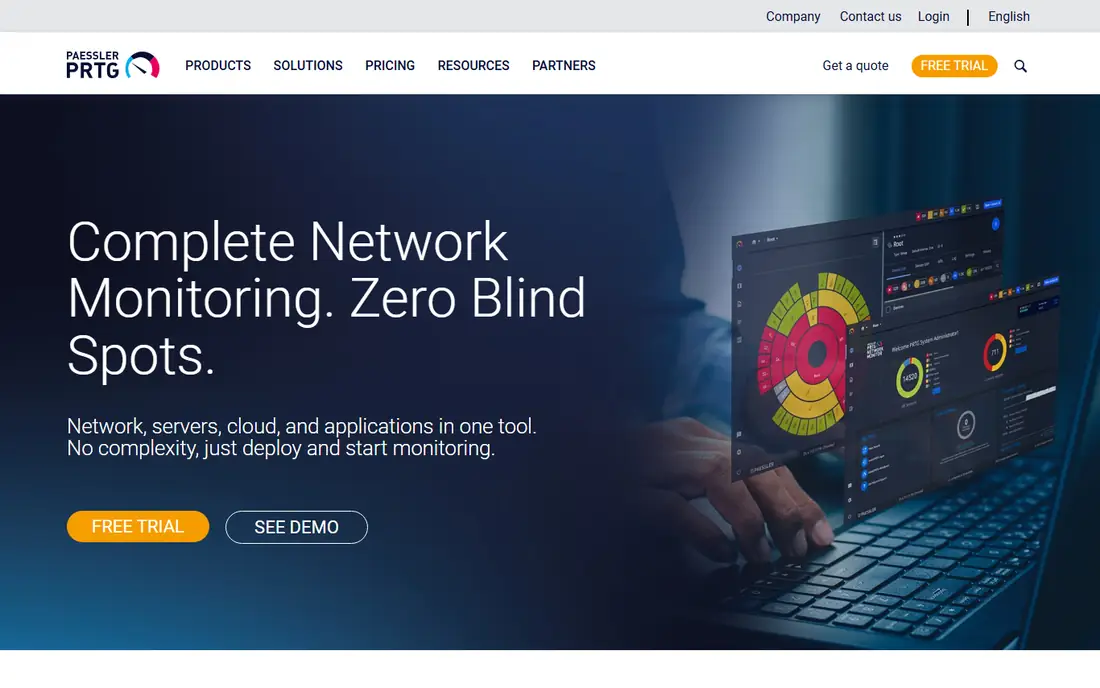
PRTG is built around a simple idea: monitoring should start working within hours, not after a consulting engagement. Auto-discovery finds your devices, pre-configured sensors start polling immediately, and one dashboard covers network, servers, cloud services, and applications. Paessler reports more than 100,000 customers worldwide, and the product scales from a one-person IT team to global MSPs with multi-tenant setups.
Licensing is sensor-based, which is easy to understand at small scale but can become costly as sensor counts grow, since a single device often needs many sensors. The core server runs on Windows. PRTG also offers a free tier for small environments, making it easy to evaluate on a real network. For lean IT teams that want a commercial tool up and running fast, PRTG is the easiest recommendation on this list.
What we like- Auto-discovery with pre-configured sensors
- Monitors network, servers, cloud, and applications in one tool
- Free tier for small networks
Watch out for- Sensor-based licensing can grow expensive
- Windows-based core server
Starting priceSee website
Free planFree trial
ManageEngine OpManager monitors networks, servers, and applications from a single console, with SNMP polling for routers, switches, and firewalls alongside server and virtualization monitoring. Its strength is context: ManageEngine sells a wide IT management portfolio, from endpoint management to service desk software, so teams already using ManageEngine products get a coherent ecosystem with shared data and familiar administration.
The honest weakness is polish. The interface packs in a great deal of functionality and can feel busy next to PRTG or Auvik, and pricing varies by edition and monitored device count, so a quote is needed for accurate budgeting. A free 30-day trial with premium features lets you test it properly. For mid-sized IT teams that want network monitoring plus a path into broader IT management from one vendor, OpManager is a practical choice.
What we like- Broad IT management ecosystem from one vendor
- Network, server, and application monitoring
- Free 30-day trial of premium features
Watch out for- Interface can feel busy
- Pricing varies by edition and device count

#4Zabbix
Best for: Free enterprise monitoring4.3/5 on
G2 (209 reviews, checked Oct 2026)
Visit zabbix.com
Starting priceFree
Free planYes
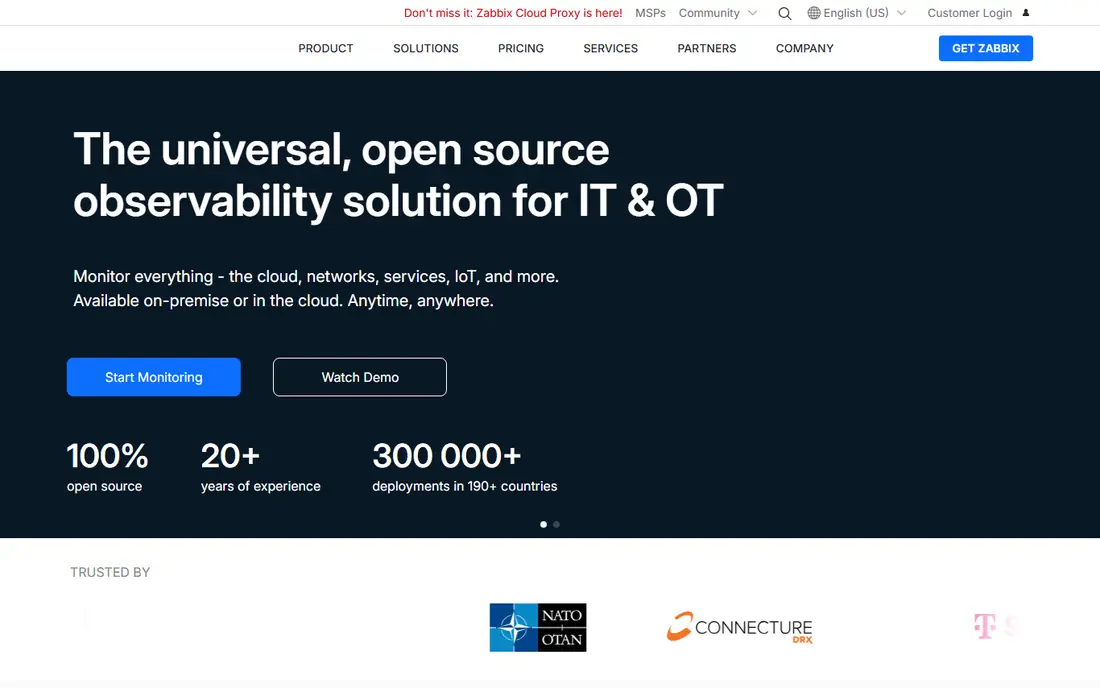
Zabbix is an enterprise-class open source observability platform with no license fees and no per-device charges, no matter how large your environment grows. It monitors networks via SNMP alongside servers, cloud services, and applications, with automated discovery, flexible alerting, and a template library for common devices. It is trusted by large organizations, including banks and the European Space Agency, which uses it to monitor the Columbus lab aboard the International Space Station.
The catch is effort. Zabbix rewards teams with Linux and monitoring skills and punishes teams that expect a plug-and-play experience: initial setup, template tuning, and database care all take time. Commercial support is available at fixed pricing, and a fully managed Zabbix Cloud option removes the hosting burden. For organizations that want enterprise monitoring without license costs and have the skills to run it, Zabbix is the best free option available.
What we like- Completely free and open source with no per-device charges
- Enterprise-grade scalability
- Managed cloud option available
Watch out for- Setup and tuning require real expertise
- Interface has a learning curve

#5LibreNMS
Best for: Free network graphing4.6/5 on
G2 (16 reviews, checked Oct 2026)
Visit librenms.org
Starting priceFree
Free planYes
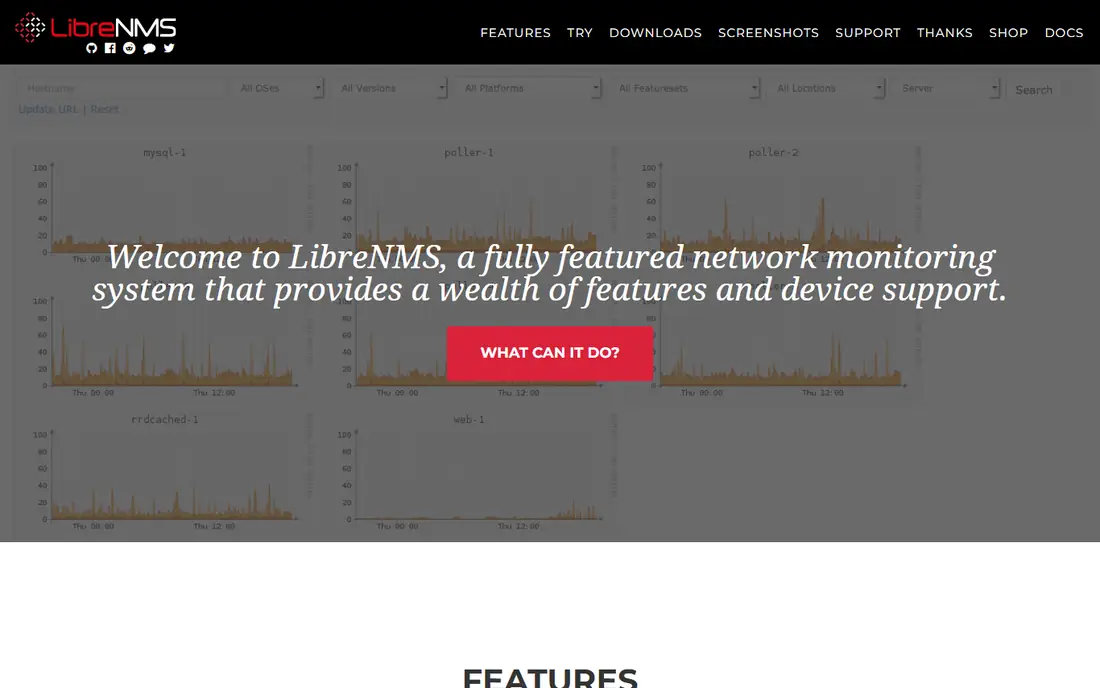
LibreNMS is a community-driven, open source network monitoring system focused on doing one job well: discovering your network and graphing its health. It auto-discovers devices using CDP, LLDP, OSPF, BGP, SNMP, and ARP, supports a huge range of devices, and offers flexible alerting by email, Slack, IRC, and more, plus a full API and distributed polling for larger networks. Mobile apps for iOS and Android provide core functionality on the go.
The limitations are those of any community project. Support comes mainly from Discord and forums, with SLA-backed commercial support available only through partners, and the interface is functional rather than refined. For network engineers who want free, accurate SNMP graphing and alerting and are comfortable running open source software, LibreNMS is an excellent tool. Teams that need vendor support contracts should look at Zabbix or a commercial product.
What we like- Completely free and open source
- Automatic discovery via SNMP and routing protocols
- Excellent graphing and alerting
Watch out for- Community support only, with commercial support through partners
- Less polished than commercial tools

#6Nagios XI
Best for: Customizable infrastructure monitoring4.5/5 on
G2 (58 reviews, checked Oct 2026)
Visit nagios.com
Starting priceSee website
Free planFree trial
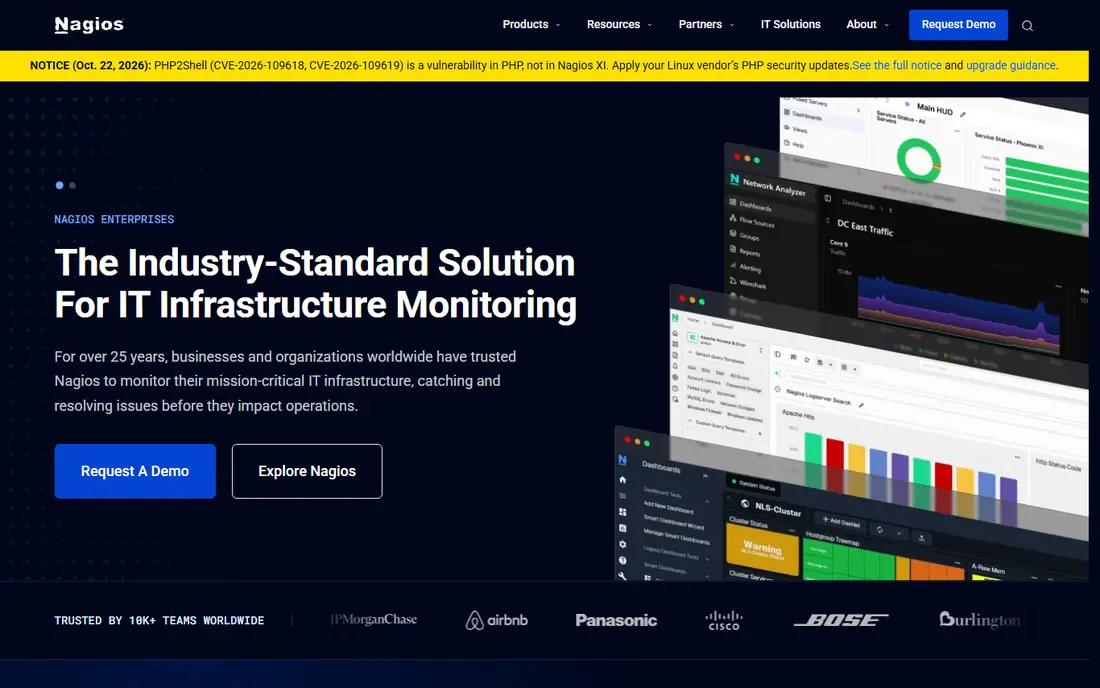
Nagios XI is the commercial edition of the monitoring system that has been a staple of IT infrastructure for 25 years. Its pitch is control: your data never leaves your infrastructure, it runs on hardware you control including air-gapped and regulated environments, and licensing is by node count on terms fixed at purchase rather than by metric or ingested data volume. Any executable that returns an exit code and a status line can become a check, which makes Nagios almost infinitely extensible.
The trade-off is effort and aesthetics. Configuration is more hands-on than with PRTG or Auvik, and the interface shows its age. Nagios Core remains free and open source for teams that want the engine without the commercial interface. For regulated, air-gapped, or cost-predictability-sensitive environments, and for teams with deep Nagios knowledge, XI is a proven choice. For teams that want fast, visual setup, look elsewhere.
What we like- Licensing by node count with costs fixed at purchase
- Runs on your own hardware including air-gapped sites
- Anything can become a check
Watch out for- Configuration is more hands-on than modern SaaS tools
- Interface feels dated

#7Datadog
Best for: Cloud and hybrid observability4.4/5 on
G2 (726 reviews, checked Oct 2026)
Visit datadoghq.com
Starting priceSee website
Free planYes
Datadog is a cloud monitoring platform that covers infrastructure, application performance, logs, security, and network monitoring in one place. Its network monitoring analyzes traffic patterns across cloud environments, and its SNMP capabilities let it pull in traditional network devices alongside cloud-native infrastructure. A free tier covers small setups, which makes evaluation easy.
The honest weakness for pure SNMP buyers is scope and cost. Datadog is priced by hosts, metrics, and data volume, and costs can climb quickly in metric-heavy environments. If your main need is SNMP polling of switches and routers, a focused tool will be cheaper and simpler. If your environment spans cloud, containers, and traditional network gear and you want one observability platform for all of it, Datadog is a leading choice.
What we like- Full-stack observability from infrastructure to APM and logs
- Network monitoring for cloud environments
- Free tier for small setups
Watch out for- Pricing by host and metric volume can escalate
- SNMP monitoring is one piece of a much larger platform

#8LogicMonitor
Best for: AI-driven enterprise monitoring4.5/5 on
G2 (643 reviews, checked Oct 2026)
Visit logicmonitor.com
Starting priceSee website
Free planFree trial
LogicMonitor positions itself as an AI platform for autonomous IT, bringing together detection, context, intelligence, and governed action in one system. It monitors networks via SNMP alongside servers, cloud, and applications, tracks more than 2 trillion metrics daily according to the company, and uses AI agents to cut alert noise and guide response. It reports 95 percent customer retention and strong ratings on G2 and Gartner Peer Insights.
The catch is that LogicMonitor is an enterprise purchase: pricing is quote-based, buying is sales-led, and adopting the full platform takes longer than deploying a point SNMP tool. A free trial is available for evaluation. For large organizations that want monitoring plus AI-driven incident response across hybrid infrastructure, LogicMonitor is a strong contender. For small networks, it is more platform than needed.
What we like- Unified monitoring across infrastructure, network, and digital experience
- AI agents for alert reduction and guided action
- Strong enterprise ratings
Watch out for- Enterprise pricing and sales-led buying
- Platform breadth takes time to adopt

#9Auvik
Best for: MSPs and automated mapping4.5/5 on
G2 (381 reviews, checked Oct 2026)
Visit auvik.com
Starting priceSee website
Free planFree trial
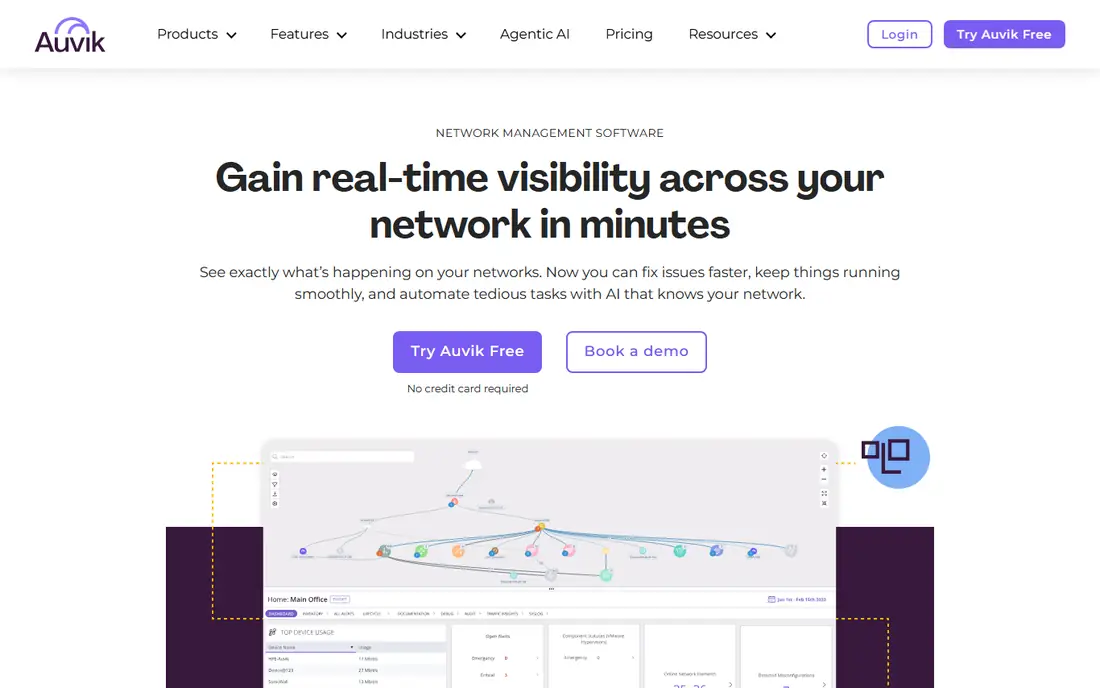
Auvik is a cloud-based network management platform used by more than 80,000 IT professionals and MSPs. It discovers your network automatically, builds a live topology map that updates as the network changes, and layers on SNMP monitoring, traffic analysis, automated configuration backup, and AI-guided troubleshooting. Deployment takes minutes rather than days, with 64-plus pre-configured alerts working from day one and support for more than 700 device vendors out of the box.
The pricing model is subscription-based per managed device, which can add up for large networks, and Auvik's sweet spot is MSPs and mid-sized internal networks rather than the largest enterprises. A trial is available without a credit card. For MSPs managing many client networks, and for internal teams that want mapping, monitoring, and config management in one cloud tool, Auvik is the fastest path to full visibility.
What we like- Automated live network mapping
- Cloud deployment in under an hour for most networks
- Config backup and traffic analysis included
Watch out for- Subscription pricing per device can add up
- Less suited to very large single-enterprise networks than MSP use
How we chose
We compared tools on SNMP support breadth, discovery and polling quality, alerting flexibility, scaling model, and total cost, since SNMP tools differ sharply in how they charge. We checked each vendor's homepage to confirm it loads and belongs to that company, and we drew on vendor documentation, public reviews on G2, Capterra, and Reddit, and community reputation for the open source tools.
Where a price could not be verified on the vendor's own site we wrote "See website" rather than repeating a possibly outdated figure. Zabbix and LibreNMS are free and open source, which we verified on their own sites, and free tiers and trials are noted where the vendor offers them.
SNMP looks simple on the surface, but a few decisions determine whether the tool actually helps when something breaks.
Use SNMPv3 and secure your credentials
SNMPv1 and v2c send community strings in plain text, which is a security risk on any network an attacker can reach. Use SNMPv3 with authentication and encryption wherever devices support it, and treat community strings and credentials as secrets. Every tool on this list supports SNMPv3, but your devices must be configured for it too.
Plan your polling and licensing model
Sensor-based, device-based, node-based, and host-based pricing all behave differently as networks grow. A switch with 48 ports can consume many sensors in PRTG but one node in Nagios, so model your actual device and port counts against each pricing scheme before buying. Also set polling intervals deliberately: aggressive polling gives fresher data but loads devices and the monitoring server.
Mind traps, polling, and alert fatigue
Polling catches gradual problems such as rising interface errors and bandwidth saturation, while SNMP traps deliver immediate alerts for sudden events such as link failures. Use both, and tune alert thresholds before going live, since a monitoring tool that pages your team for every minor flap will quickly be ignored. Start with alerts for device down, interface down on critical links, and high CPU or memory, then expand.
Test discovery on your real network
Vendor demos use clean lab networks. Run a trial on your actual environment, including older switches, unusual vendors, and remote sites, and check that discovery, mapping, and alerting work for the devices you actually own. This single step prevents most post-purchase disappointment.
Frequently asked questions
What is SNMP monitoring?
SNMP, or Simple Network Management Protocol, lets monitoring tools poll network devices such as switches, routers, and firewalls for status data like interface traffic, CPU load, memory use, and uptime. Devices can also send traps, which are immediate alerts when something changes. An SNMP monitoring tool collects, graphs, and alerts on this data.
Is SNMP still relevant with cloud monitoring?
Yes. Cloud platforms monitor cloud resources well, but physical switches, routers, firewalls, and on-premises servers still expose SNMP, and most enterprises run hybrid networks. Tools like Datadog and LogicMonitor combine SNMP with cloud monitoring, while focused tools like PRTG and Zabbix cover the on-premises side thoroughly.
What is the best free SNMP monitoring tool?
Zabbix is the best free option for enterprise-scale monitoring, with no license or per-device fees and a managed cloud option. LibreNMS is the best free option for focused network graphing and alerting. Both require Linux skills and setup time that commercial tools reduce.
How is SNMP monitoring priced?
It varies by vendor. PRTG charges per sensor, Nagios XI per node, Datadog per host and metric volume, and Auvik per managed device, while Zabbix and LibreNMS are free. Model your device, port, and sensor counts against each scheme before buying, since the cheapest headline price is not always the cheapest total.
Do I need SNMPv3?
Yes, wherever your devices support it. SNMPv1 and v2c transmit credentials in plain text, while SNMPv3 adds authentication and encryption. Every tool on this list supports SNMPv3, so the limiting factor is usually device configuration, not the monitoring tool.
Can SNMP monitoring handle large networks?
Yes, with the right architecture. Zabbix, SolarWinds, LogicMonitor, and Datadog all scale to thousands of devices, and LibreNMS supports distributed polling. For very large networks, plan for distributed pollers, database sizing, and alert tuning, and test with your actual device counts during evaluation.
Sources we checked (9)
- https://www.solarwinds.com
- https://www.paessler.com
- https://www.manageengine.com
- https://www.zabbix.com
- https://www.librenms.org
- https://www.nagios.com
- https://www.datadoghq.com
- https://www.logicmonitor.com
- https://www.auvik.com
Is your product missing or out of date?
We review this list regularly. Vendors can request a listing, send updated pricing or ask about featured placement.

Shihab Mia · Founder, Rankite
Shihab has 5+ years in B2B and SaaS SEO. He writes Rankite's software buying guides from pricing pages, documentation and public user reviews. More about Shihab.
 ManageEngine OpManager