How we make this list: we compare pricing pages, product documentation and public user reviews. Rankite is independent; if a vendor ever pays for a featured spot, that listing is clearly labeled Partner.
Key takeaways
- SolarWinds Serv-U and Cerberus FTP are the established Windows-friendly SFTP servers with enterprise features.
- JSCAPE, MOVEit and GoAnywhere are full MFT platforms for automation, compliance and high-volume transfers.
- FileZilla Server and Core FTP Server cover the free and low-cost end for straightforward SFTP needs.
- CrushFTP is the cross-platform option that runs on Windows, Mac and Linux with a web interface.
- If you transfer regulated data, prioritize audit trails, access controls and compliance certifications over raw speed.
Quick comparison
| Tool | Best for | Starting price | Free plan |
|---|
 SolarWinds Serv-U SolarWinds Serv-U | Windows-based enterprise SFTP | See website | Free trial |
 Cerberus FTP Cerberus FTP | security-focused SFTP server | See website | Free trial |
 JSCAPE JSCAPE | managed file transfer platform | See website | Free trial |
 FileZilla Server FileZilla Server | free open-source SFTP | Free | Yes |
 MOVEit MOVEit | enterprise MFT with compliance | See website | Free trial |
 GoAnywhere GoAnywhere | MFT automation | See website | Free trial |
 Core FTP Server Core FTP Server | low-cost Windows SFTP | See website | Yes |
 CrushFTP CrushFTP | cross-platform SFTP with web UI | See website | Free trial |
Is your product missing or out of date?
We review this list regularly. Vendors can request a listing, send updated pricing or ask about featured placement.
The best SFTP server software
Starting priceSee website
Free planFree trial
Serv-U is the long-standing Windows SFTP server for IT teams. It supports SFTP, FTPS and HTTPS transfers with a web client for business users who should not need an FTP client installed. Centralized management covers multiple servers from one console.
It fits organizations standardized on Windows infrastructure with compliance requirements. Smaller teams with simple needs will find lighter options cheaper and easier to run.
Serv-U's web client changes the user equation: trial it with the non-technical staff who will actually transfer files. The best server is the one business users adopt without calling IT for every upload.
What we like- Mature Windows SFTP server with web and mobile clients
- Ad hoc transfer features for business users
- Centralized management
Watch out for- SolarWinds licensing can be complex
- Overkill for simple transfer needs
Starting priceSee website
Free planFree trial
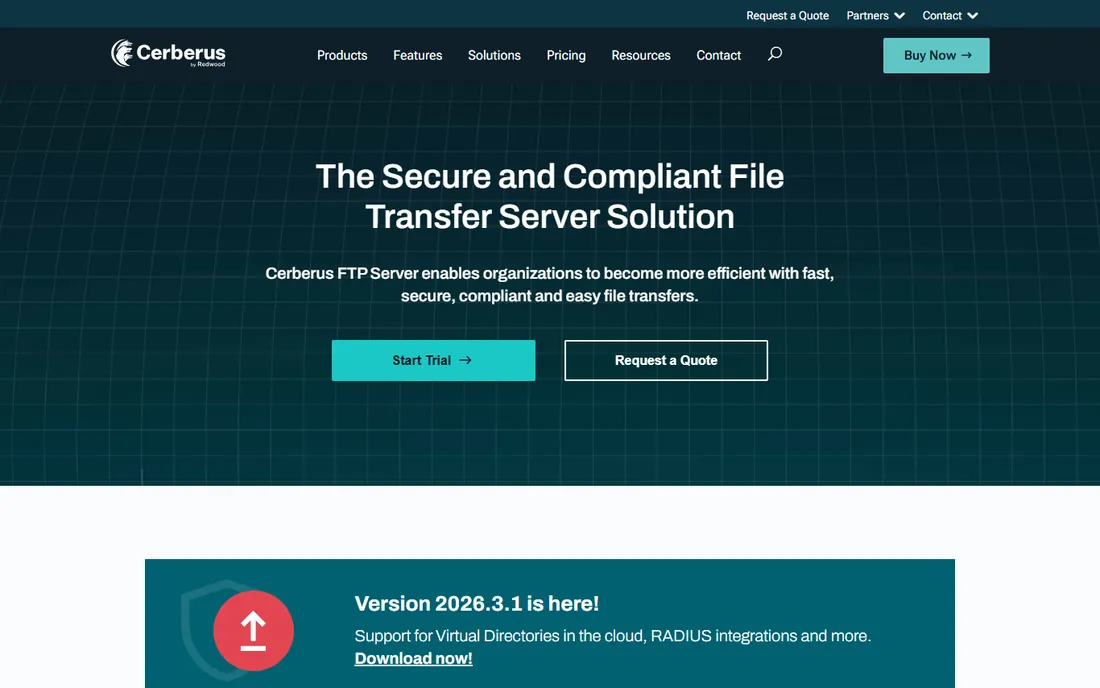
Cerberus FTP Server is built for teams that prioritize security posture: detailed auditing, IP-based access controls, and encrypted transfers across SFTP, FTPS and HTTPS. Administration is Windows-native and approachable.
It sits between free servers and full MFT suites in both capability and price. Teams that need a hardened transfer server without buying a complete automation platform land here.
Cerberus FTP's security features deserve a hardening review during the trial: configure IP restrictions, test the auditing output, and confirm the logs meet your compliance requirements. The security posture is the product's core promise.
What we like- Strong security focus with IP allowlisting and auditing
- SFTP, FTPS and HTTPS in one server
- Straightforward Windows administration
Watch out for- Windows-centric
- Advanced automation is lighter than full MFT platforms
Starting priceSee website
Free planFree trial
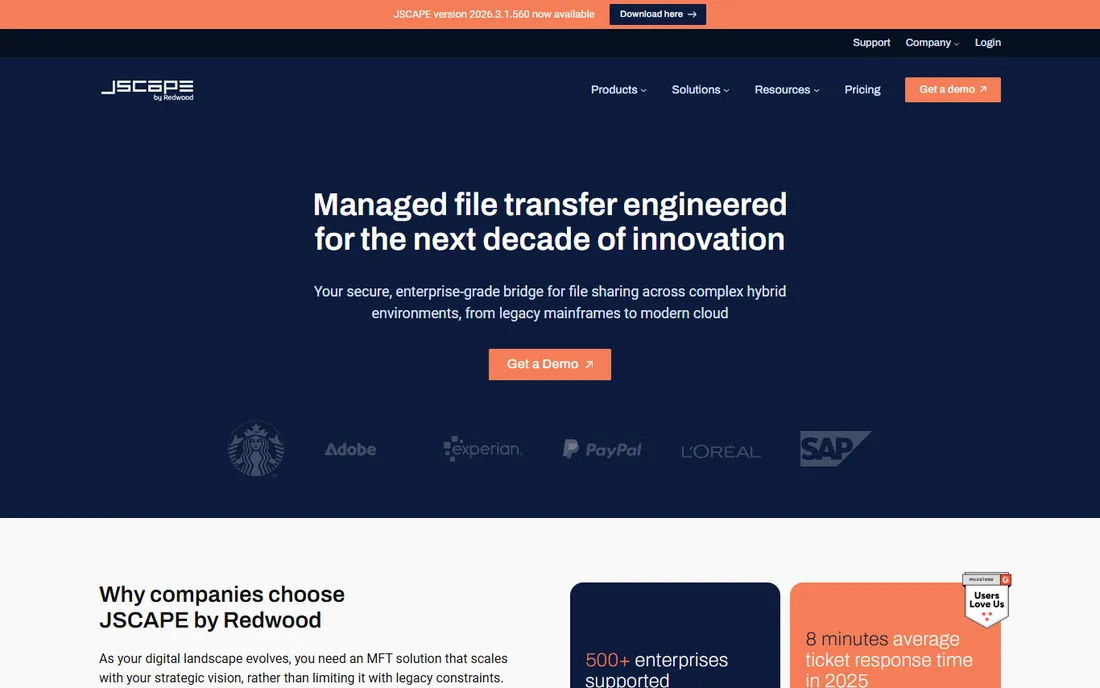
JSCAPE is a managed file transfer platform, not just an SFTP server. Automated workflows trigger on file arrival, cluster for high availability, and connect to trading partners across SFTP, FTPS, AS2 and more. It is built for organizations moving large volumes on schedules.
The capability comes with enterprise complexity and pricing. If your transfers are scheduled, monitored and audited at scale, JSCAPE earns its place. For ad hoc transfers, it is more than you need.
JSCAPE's automation is best evaluated with your most complex transfer workflow: build the triggers, alerts and error handling for one real partner feed. The implementation effort for that one workflow predicts the whole project.
What we like- Full MFT with triggers, automation and clustering
- Supports a wide range of protocols
- Good for high-volume partner transfers
Watch out for- Enterprise pricing
- Implementation takes planning
Starting priceFree
Free planYes
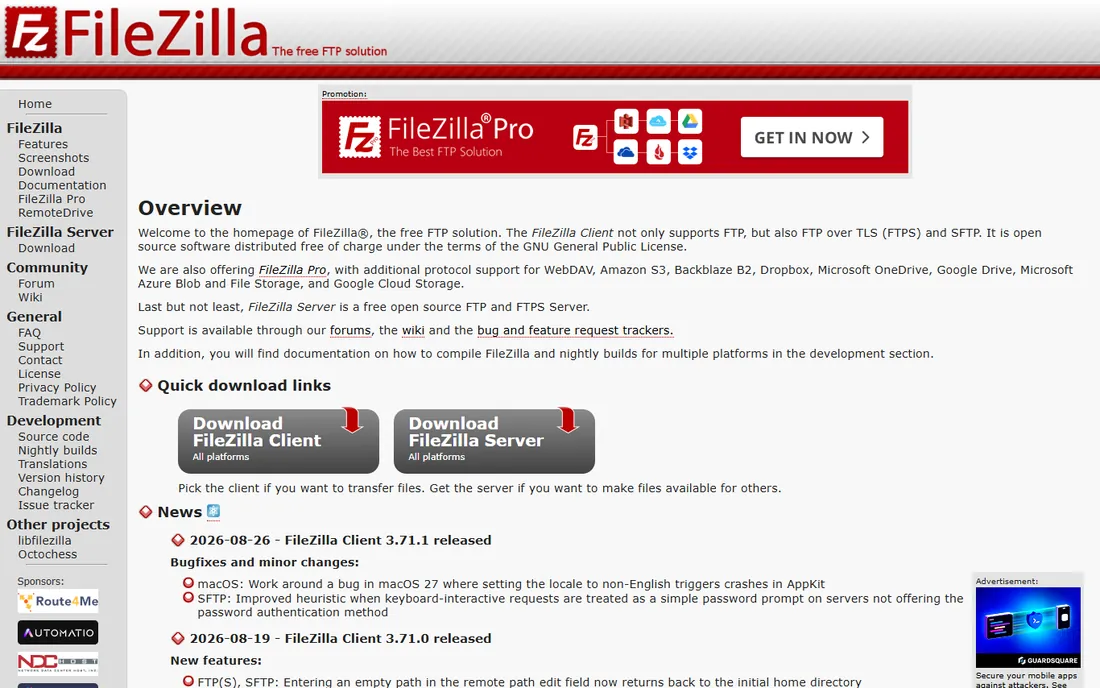
FileZilla Server is the free answer to "I just need an SFTP server." Install it, create users, and accept secure transfers. The open-source project has decades of history and documentation for every common setup.
It does not do automation, clustering or compliance reporting. For a departmental server, a dev environment, or a small business with straightforward transfer needs, free is the right price.
FileZilla Server's simplicity is the evaluation: install it, create users, and run your actual transfer patterns for a week. If it handles the load without surprises, the price cannot be beaten.
What we like- Free and open source
- Simple setup for basic SFTP and FTPS
- Huge community and documentation
Watch out for- No built-in automation or compliance reporting
- Administration is manual
Starting priceSee website
Free planFree trial
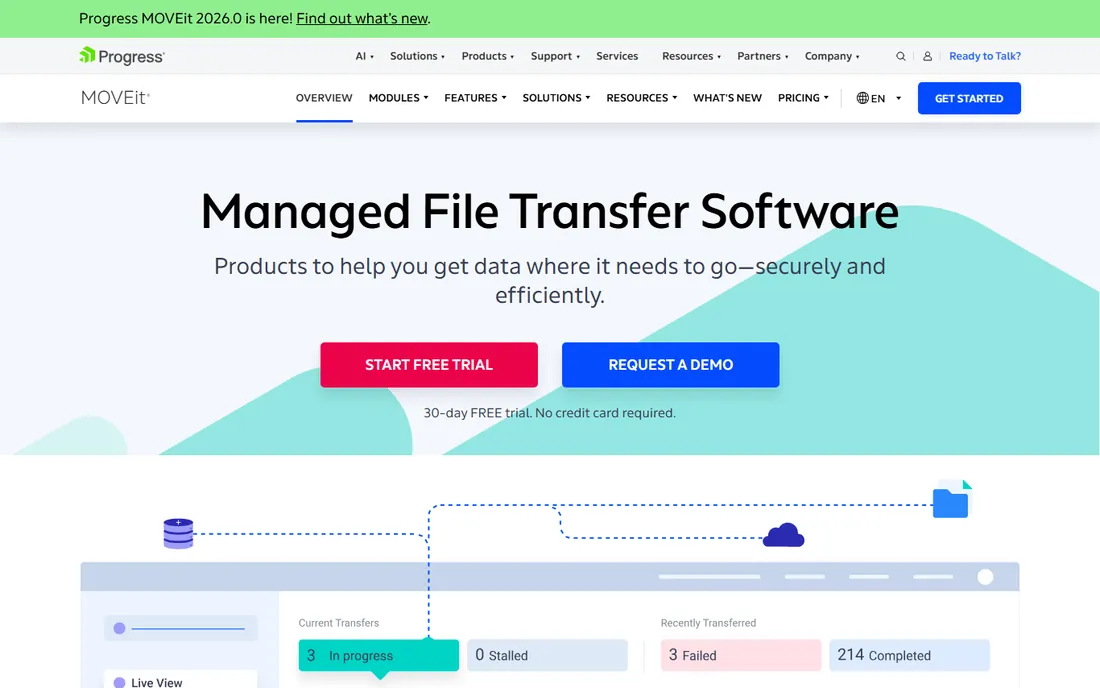
MOVEit, now under Progress, is the enterprise managed file transfer standard for regulated industries. Automated transfers, high-availability clustering, and detailed audit trails serve compliance-heavy environments in healthcare, finance and government.
Buyers should know about the widely reported 2023 MOVEit vulnerability and factor extra security diligence into the evaluation. For enterprises that need MFT with vendor accountability, it remains a leading option.
MOVEit's enterprise positioning means the evaluation should include your security team from day one: review the architecture, patching process and audit capabilities against your requirements. The 2023 history makes this diligence non-optional.
What we like- Enterprise MFT with automation and failover
- Compliance-oriented audit and reporting
- Progress backing and support
Watch out for- Premium pricing
- The 2023 breach means security reviews take longer
Starting priceSee website
Free planFree trial
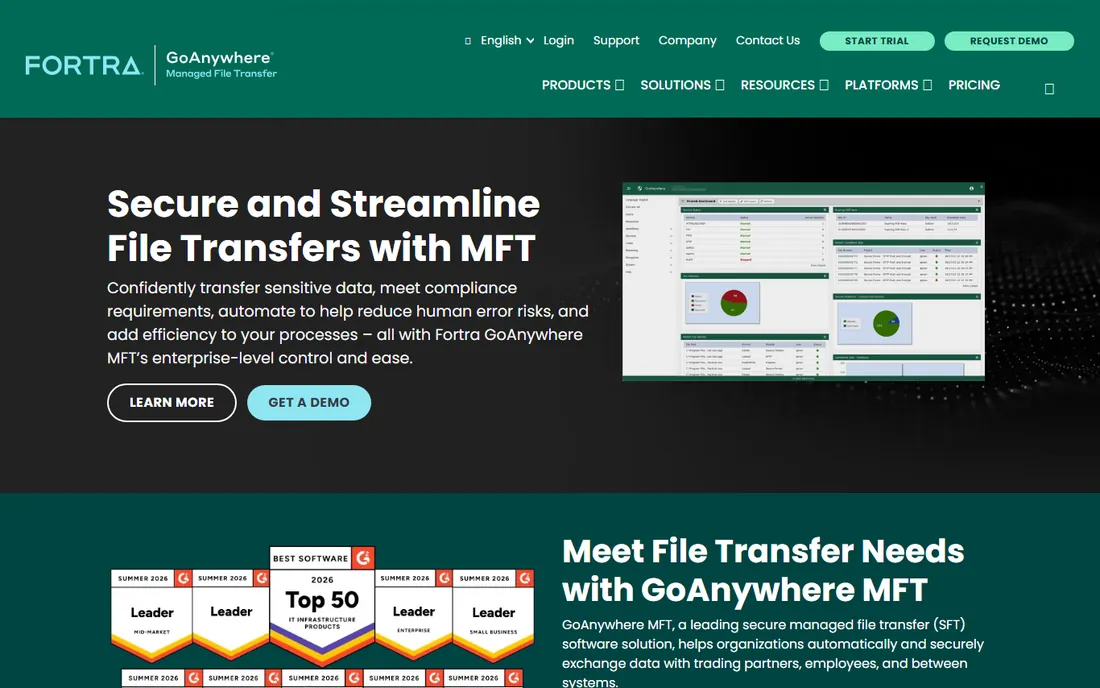
GoAnywhere MFT, from Fortra, centers on automation: visual workflows move files between systems with encryption, alerting and audit trails built in. It handles SFTP, FTPS and partner connections alongside internal system integrations.
It competes directly with JSCAPE and MOVEit for the enterprise automation buyer. Teams standardizing on Fortra's security portfolio get additional integration value.
GoAnywhere's visual workflows suit teams that think in processes: trial it by automating one multi-step transfer with approvals and alerts. The drag-and-drop approach either clicks with your team or it does not.
What we like- Drag-and-drop workflow automation
- Strong audit and compliance features
- Active Fortra development
Watch out for- Pricing is quote-based
- Learning curve for complex workflows
Starting priceSee website
Free planYes
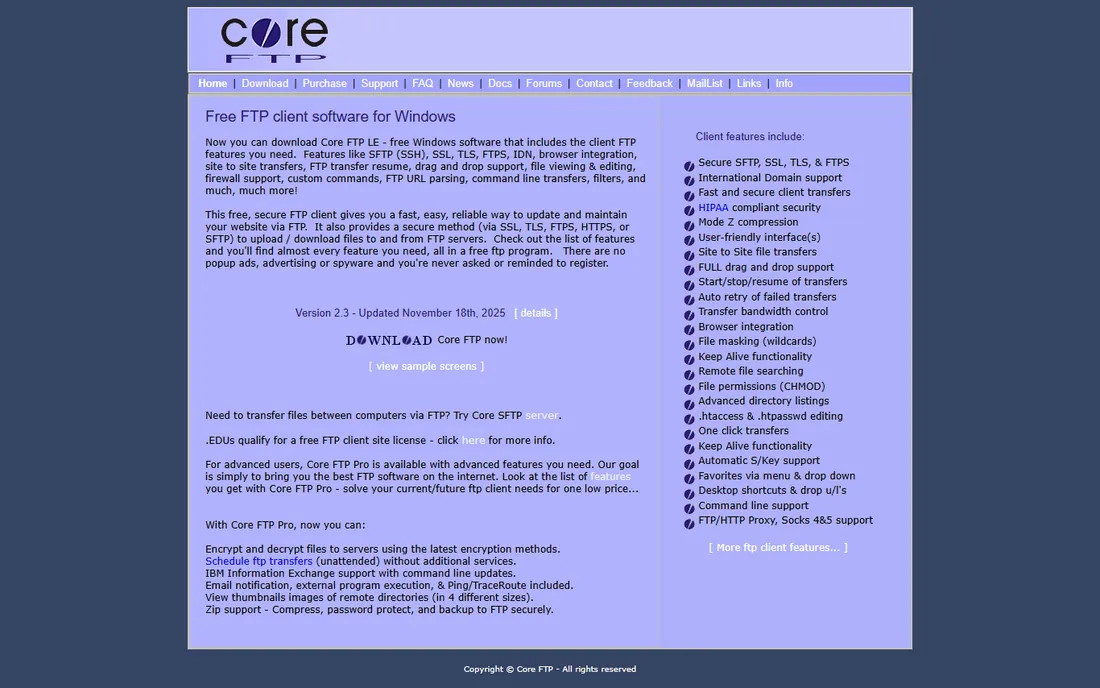
Core FTP Server is the budget Windows option: a free version covers basic SFTP needs, and paid licenses stay cheap. Setup takes minutes, and it handles the standard secure protocols.
Expectations should match the price. This is a transfer server, not an automation platform. For small businesses and departments that need secure transfers without enterprise budgets, it delivers.
Core FTP Server's free version handles honest evaluation: run it for a month on real transfers before deciding whether the paid features matter. Many small businesses never need to upgrade.
What we like- Inexpensive with a free version
- Quick Windows setup
- Supports SFTP, FTPS and HTTPS
Watch out for- Dated interface
- Limited automation and reporting
Starting priceSee website
Free planFree trial
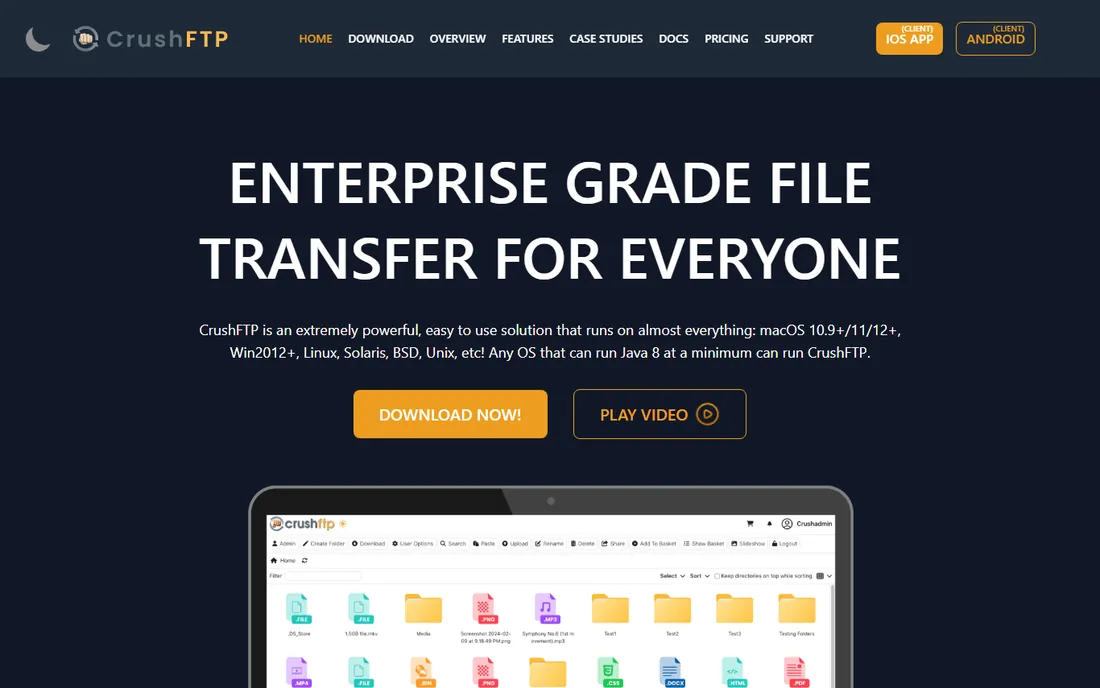
CrushFTP is the cross-platform pick, running the same server on Windows, macOS and Linux with a web-based interface for both users and administrators. It supports SFTP, FTPS, HTTPS and WebDAV with granular user permissions.
Teams with mixed operating systems or Mac-based infrastructure appreciate the flexibility. The vendor is smaller than Progress or Fortra, so evaluate support responsiveness during the trial.
CrushFTP's cross-platform support is the detail to verify in mixed environments: test the same configuration on each OS you run. The web interface consistency across platforms is the practical benefit.
What we like- Runs on Windows, Mac and Linux
- Modern web interface for users and admins
- Flexible user management
Watch out for- Smaller vendor than the enterprise names
- Interface has a learning curve
Choose a managed file transfer platform when transfers are automated, scheduled and audited: partner data feeds, payroll files, healthcare claims. JSCAPE, MOVEit and GoAnywhere exist for exactly this, with workflows, alerting and compliance reporting.
Choose an SFTP server when the job is accepting secure connections and moving files: departmental transfers, vendor uploads, ad hoc exchanges. Serv-U, Cerberus, FileZilla and Core FTP cover this at every budget. Buying MFT for a simple transfer job wastes money; running a bare SFTP server for regulated partner feeds creates risk.
What to check before you buy
Protocol support is table stakes: confirm SFTP plus whatever your partners require, often FTPS or AS2. Then check the security model: encryption at rest and in transit, authentication options including key-based and multi-factor, and IP restrictions.
For regulated data, audit trails and reporting decide the purchase. Ask to see the actual audit log format and retention options. Test failover and automation on your real transfer patterns during the trial. And confirm the licensing model against your user and server count, since per-user and per-server pricing diverge sharply.
Finally, plan the migration, not just the purchase: moving partner credentials, firewall rules and scheduled jobs from an old server takes longer than the installation. Run the new server in parallel for at least one full transfer cycle before cutover, and keep the old system's logs until the retention period expires.
One more check: confirm the vendor's support responsiveness during the trial by filing a real ticket. Transfer infrastructure fails at the worst moments, and the quality of emergency support matters more than any feature comparison.
How we chose
We selected dedicated SFTP servers and managed file transfer platforms that are live products in 2026, spanning free, mid-market and enterprise tiers. Vendor URLs were corroborated through sibling research files during a browser service outage; CrushFTP's URL could not be individually verified and is flagged for re-verification. No vendor pricing pages were individually verified, so all prices list see website except FileZilla Server, which is free and open source.
Frequently asked questions
What is the difference between SFTP and FTPS?
SFTP runs file transfers over SSH; FTPS adds TLS encryption to classic FTP. Both encrypt transfers. SFTP needs only one port, which simplifies firewalls, and is the more common choice for new deployments.
What is managed file transfer (MFT)?
MFT software automates, secures and audits file transfers at enterprise scale, with workflows, alerting, high availability and compliance reporting. SFTP servers handle the transfers; MFT platforms manage the whole process around them.
What is the best free SFTP server?
FileZilla Server is the best-known free, open-source SFTP server. Core FTP Server also offers a free version for Windows.
Do I need an SFTP server or just a client?
You need a server when others send files to you or you host transfers for partners. A client like FileZilla or WinSCP is enough when you only connect to other people's servers.
How do I make SFTP transfers compliant?
Use key-based authentication, enforce encryption, maintain detailed audit logs with retention, restrict access by IP where possible, and choose software with compliance reporting for your regime.
Can SFTP servers automate transfers?
Full MFT platforms like JSCAPE, MOVEit and GoAnywhere automate transfers with workflows and scheduling. Basic SFTP servers typically need external scripting for automation.
Sources we checked (8)
- https://www.solarwinds.com/
- https://www.cerberusftp.com
- https://www.jscape.com
- https://filezilla-project.org
- https://www.progress.com/moveit
- https://www.goanywhere.com
- https://www.coreftp.com
- https://www.crushftp.com
Is your product missing or out of date?
We review this list regularly. Vendors can request a listing, send updated pricing or ask about featured placement.

Shihab Mia · Founder, Rankite
Shihab has spent more than a decade helping SaaS and e-commerce brands grow through search. He writes Rankite's software buying guides from pricing pages, documentation and public user reviews. More about Shihab.