How we make this list: we compare pricing pages, product documentation and public user reviews. Rankite is independent; if a vendor ever pays for a featured spot, that listing is clearly labeled Partner.
Key takeaways
- IT Glue is the MSP standard for client IT documentation with deep PSA integrations.
- Hudu is the modern alternative: similar documentation with friendlier pricing.
- NetBox is the open-source network source of truth for IPAM, DCIM and automation.
- Device42 does auto-discovery plus dependency mapping for complex environments.
- Auvik combines network monitoring with automatically generated documentation.
Quick comparison
| Tool | Best for | Starting price | Free plan |
|---|
 IT Glue IT Glue | MSP documentation | See website | Free trial |
 Hudu Hudu | modern IT documentation | See website | Free trial |
 NetBox NetBox | open-source network source of truth | See website | Yes |
 Device42 Device42 | discovery and dependency mapping | See website | Free trial |
 Auvik Auvik | monitoring plus auto-documentation | See website | Free trial |
 Docusnap Docusnap | automated IT documentation | See website | Free trial |
 Lansweeper Lansweeper | asset discovery and inventory | See website | Free trial |
Is your product missing or out of date?
We review this list regularly. Vendors can request a listing, send updated pricing or ask about featured placement.
The best network documentation software
Starting priceSee website
Free planFree trial
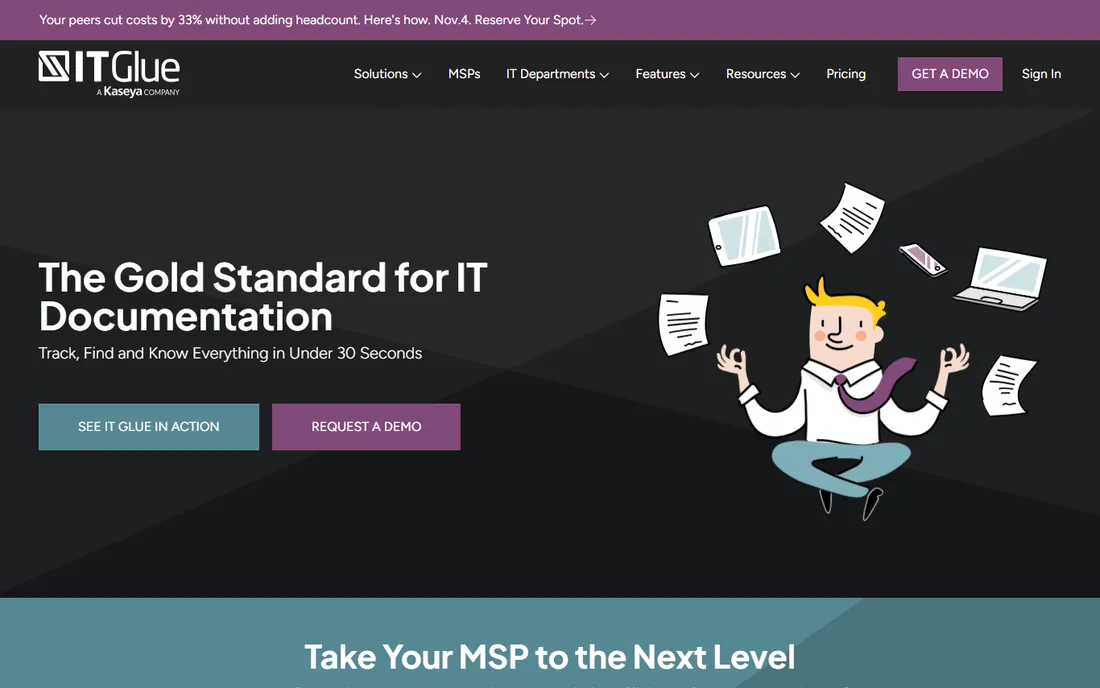
IT Glue is where MSPs document everything about client environments: passwords, devices, domains, licenses and procedures, structured and searchable. Integrations with PSAs and RMMs keep the documentation connected to tickets and monitoring.
Kaseya's ownership gives some MSPs pause, but the product remains the category reference. For MSPs, standardized documentation in IT Glue is practically an industry norm.
IT Glue's value depends entirely on documentation discipline: trial it by documenting one complete client environment, from network diagrams to passwords to SOPs. The platform's structure only helps if technicians actually fill it in, so the trial should test your team's willingness as much as the software. MSPs that commit to the workflow find it becomes the operational backbone.
Test the API with your actual automation needs: IT Glue's integrations with PSA and RMM tools determine whether documentation stays current or goes stale within months.
What we like- Purpose-built for MSP client documentation
- Deep ConnectWise and Autotask integrations
- Structured, searchable records
Watch out for- Pricing per user adds up
- Kaseya ownership concerns some MSPs
Starting priceSee website
Free planFree trial
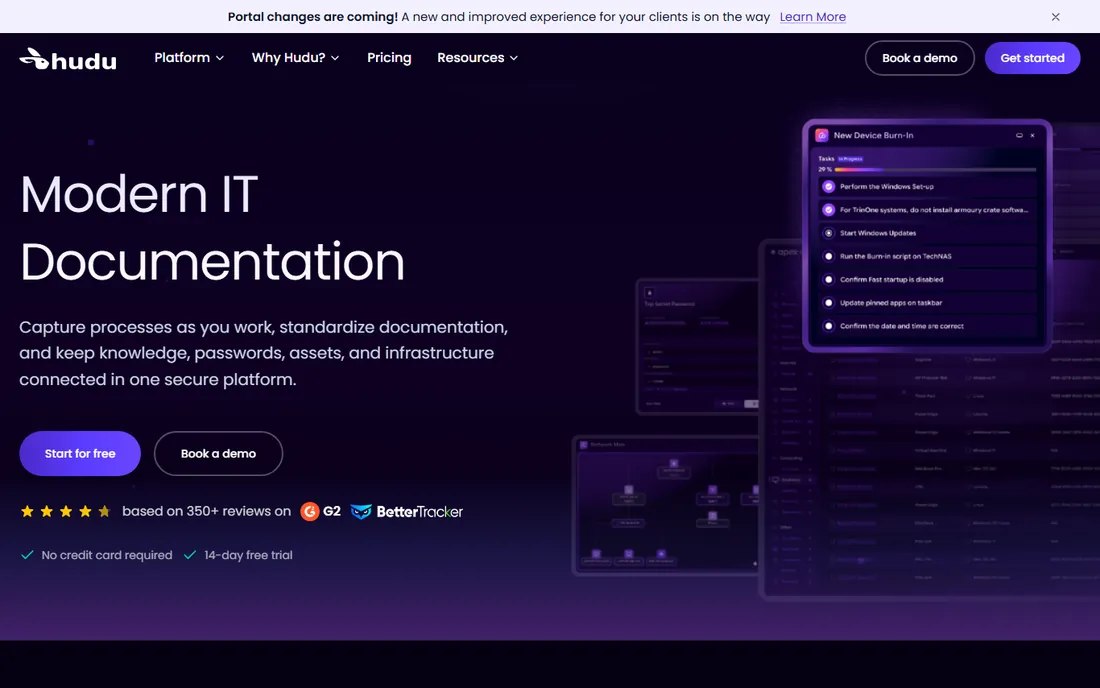
Hudu is the modern challenger: IT documentation with a cleaner interface, a self-hosted option for data control, and pricing that undercuts IT Glue. Feature-wise it covers the same ground: assets, passwords, procedures and client portals.
MSPs choosing between the two usually decide on price, self-hosting and integrations. Hudu has earned a loyal following among IT Glue skeptics.
Hudu's self-hosting option is the detail to evaluate first: decide whether your security posture requires data on your own infrastructure before comparing features. The trial should run on your intended deployment model, since the hosted and self-hosted experiences differ. For MSPs with strict client requirements, self-hosting is often the deciding factor.
Verify the backup and export story before committing: Hudu's self-hosted option appeals to MSPs, but confirm you can actually get your data out cleanly.
What we like- Modern interface
- Self-hosting option
- Friendlier pricing than IT Glue
Watch out for- Smaller integration ecosystem
- Newer vendor
Starting priceSee website
Free planYes
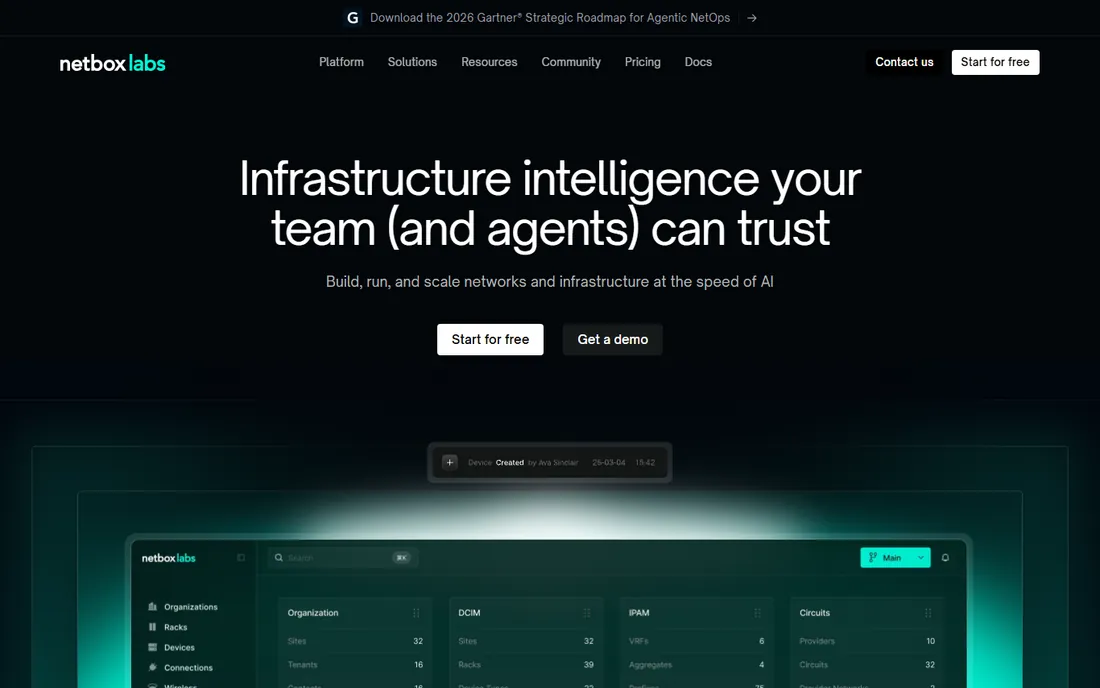
NetBox is the network engineer's source of truth: IP address management, data center infrastructure, circuits and cables modeled in one system with a proper API. The open-source project is free; NetBox Labs offers commercial cloud and support.
It assumes networking and automation skills. For teams practicing infrastructure as code, NetBox is the database everything else reads from.
NetBox's open-source model means the evaluation is about fit, not sales: deploy it, model your actual network, and test the IPAM and DCIM workflows with real data. The community plugins extend it considerably, but confirm the specific integrations you need exist and are maintained before building processes around them.
Check the plugin ecosystem for your specific devices: NetBox's value multiplies with the right community plugins, but niche hardware may lack coverage.
What we like- Free and open source
- IPAM, DCIM and circuits in one model
- API-first for automation
Watch out for- You host and maintain it
- Needs technical staff to run well
Starting priceSee website
Free planFree trial
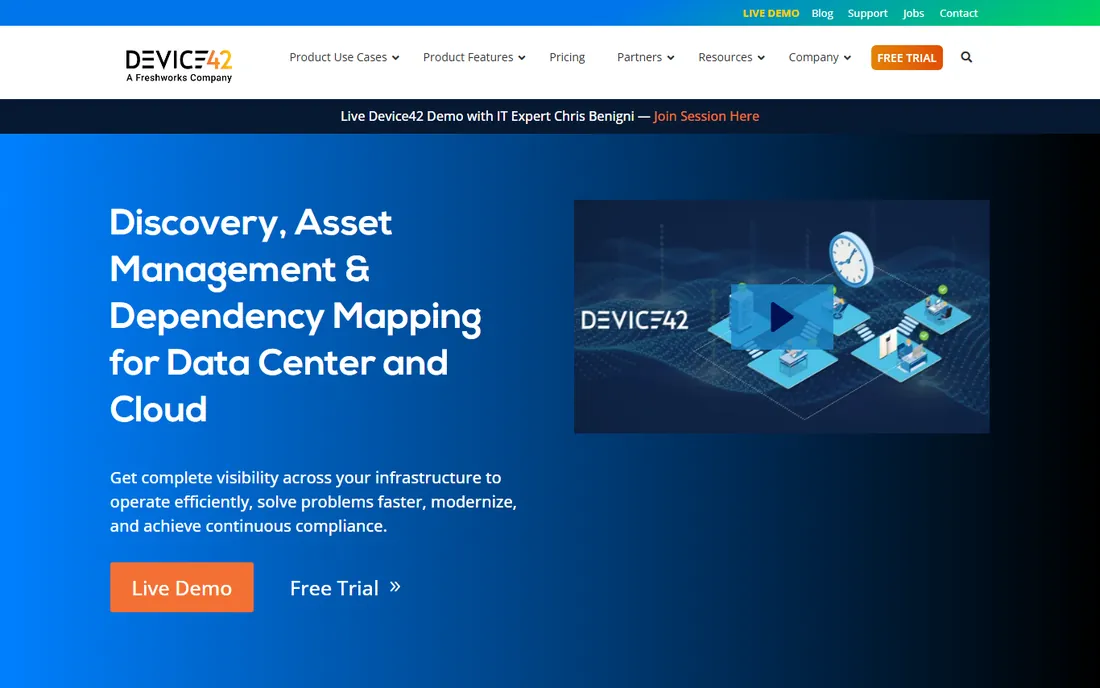
Device42 discovers your infrastructure automatically: servers, network devices, applications and their dependencies mapped without manual entry. For complex environments where nobody fully knows what connects to what, the dependency maps are revelatory.
It is priced for the enterprise. Organizations with sprawling infrastructure get the value; small networks can document manually.
Device42's auto-discovery is the feature to stress-test: run it against a representative slice of your infrastructure and verify the accuracy of what it finds. The value proposition collapses if discovery misses assets or misidentifies them, so measure the results against your known inventory before committing.
Run discovery on your messiest subnet first: Device42's accuracy on undocumented infrastructure is the real test, not the clean demo environment.
What we like- Auto-discovery builds the inventory for you
- Application dependency mapping
- Strong datacenter visualization
Watch out for- Enterprise pricing
- Discovery needs network access to work fully
Starting priceSee website
Free planFree trial
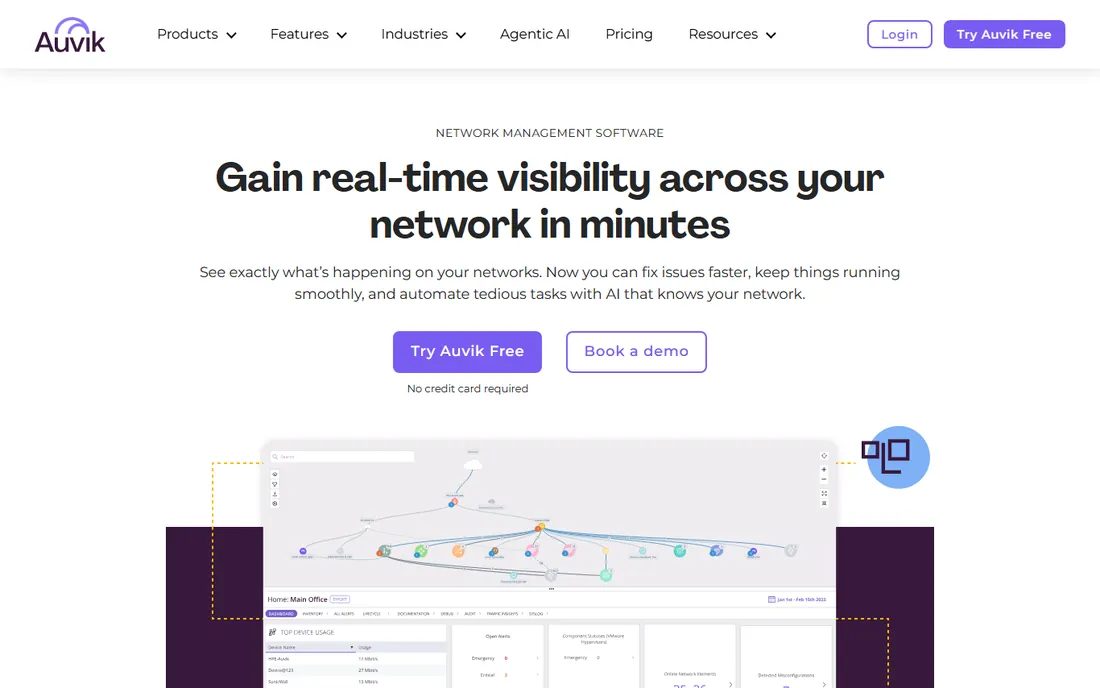
Auvik monitors the network and documents it as a side effect: discovery builds topology maps, inventories devices and tracks configurations automatically. MSPs manage multiple client networks from one dashboard.
Buyers wanting documentation depth beyond what monitoring generates should pair it with IT Glue or Hudu. For the network layer itself, Auvik's automation is excellent.
Auvik's monitoring-plus-documentation combination suits MSPs that want both in one platform: trial the network monitoring alongside the documentation features. The automated mapping updates are the practical benefit; verify they stay accurate in your environment over several weeks of changes.
Confirm the monitoring depth matches your SLA promises: Auvik's alerting needs to catch the outages your clients actually experience.
What we like- Network monitoring that documents as it discovers
- Automated topology maps
- Easy MSP multi-client management
Watch out for- Monitoring-first, documentation-second
- Pricing per device
Starting priceSee website
Free planFree trial
Docusnap automates IT documentation: discovery scans the environment and generates documentation on systems, licenses, permissions and topology. It has a strong following in German-speaking markets.
International buyers have trendier options. For automated documentation with European support sensibilities, Docusnap delivers.
Docusnap's Windows-centric approach fits shops that are primarily Microsoft-based: trial the inventory and documentation generation on your actual domain. The automated documentation output should be reviewed for completeness against your compliance needs before you rely on it.
Verify the generated documentation satisfies your auditors: Docusnap's reports must map to the compliance frameworks your clients require.
What we like- Automated documentation from discovery
- Strong in DACH markets
- License and permission reporting
Watch out for- Less known outside Europe
- Interface reflects its age
Starting priceSee website
Free planFree trial
Lansweeper discovers everything with an IP address: IT assets, operational technology, IoT devices, all inventoried with detailed data. The free tier covers small networks.
It is discovery and inventory first; pair it with a documentation platform for procedures and passwords. For knowing what you own, it is thorough.
Lansweeper's asset discovery breadth is the evaluation focus: scan your full environment and check the coverage of hardware, software and network devices. The documentation features build on the inventory data, so the discovery accuracy determines everything downstream.
Test the scanning performance on large networks: Lansweeper's discovery speed determines whether inventories stay fresh or lag behind changes.
What we like- Deep asset discovery across IT, OT and IoT
- Comprehensive inventory data
- Good value
Watch out for- Documentation features trail purpose-built tools
- Interface is dense
Choose a documentation platform when the need is organizational knowledge: passwords, procedures, client environments. IT Glue and Hudu serve MSPs and IT teams; Docusnap automates the gathering.
Choose a network source of truth when the need is the network itself: IPAM, topology, dependencies. NetBox for the automation-minded, Device42 for discovery depth, Auvik when monitoring and documentation should be one thing, Lansweeper for asset inventory.
What to check before you buy
Discovery coverage comes first: what the tool finds automatically versus what you enter by hand. Run discovery on your real network during the trial and check the gaps.
Then check the data model: does it represent your reality, VLANs, circuits, dependencies, credentials, procedures? Confirm integrations with your PSA, RMM or monitoring stack. And check access control: documentation holds passwords, so granular permissions and audit logs are non-negotiable.
One more check: verify the documentation stays current without heroic effort. The best network documentation tool is the one technicians actually update, which usually means the one integrated with the systems they already use. Test the PSA and RMM integrations during the trial and measure whether documentation updates happen automatically or require manual discipline. A beautiful documentation platform full of stale data is worse than a simple one that stays accurate.
Also confirm the change tracking shows who changed what and when: documentation without an audit trail creates arguments instead of resolving them. Test the version history during the trial by making deliberate changes and reviewing the log. And verify the offline or mobile access story for technicians working in server rooms with poor connectivity, since the documentation is needed most exactly where the network is worst.
How we chose
We selected network documentation tools covering MSP documentation, network sources of truth, discovery and monitoring, all live products in 2026. All seven vendor URLs were corroborated through sibling research files during a browser service outage. NetBox is listed via NetBox Labs, the commercial entity behind the open-source project. No vendor pricing pages were individually verified, so all prices list see website.
Frequently asked questions
What is the best network documentation tool for MSPs?
IT Glue is the industry standard; Hudu is the modern alternative with friendlier pricing and self-hosting. Most MSPs choose between these two.
Is NetBox free?
Yes, NetBox is free and open source to self-host. NetBox Labs offers paid cloud hosting and support for teams that do not want to run it themselves.
How do I document my network automatically?
Device42, Auvik, Docusnap and Lansweeper all discover your network and generate documentation automatically. The depth and accuracy vary, so trial on your real environment.
What is the difference between IT Glue and Hudu?
Both are IT documentation platforms for MSPs. IT Glue has the larger ecosystem and longer history; Hudu offers a modern interface, self-hosting and lower pricing.
Do I need network documentation software if I have monitoring?
Monitoring tells you what is happening now. Documentation tells you what exists, how it connects, and how to fix it. Auvik does both; otherwise pair monitoring with IT Glue, Hudu or NetBox.
What should network documentation include?
Devices and topology, IP address assignments, credentials, configurations, circuits, warranties, procedures and contacts. If the on-call engineer needs it at 2 AM, document it.
Still deciding? Document one complete client environment in your top choice during the trial. The discipline required tells you as much as the software does.
Sources we checked (7)
- https://itglue.com/
- https://hudu.com/
- https://netboxlabs.com/
- https://device42.com/
- https://auvik.com
- https://docusnap.com/
- https://lansweeper.com
Is your product missing or out of date?
We review this list regularly. Vendors can request a listing, send updated pricing or ask about featured placement.

Shihab Mia · Founder, Rankite
Shihab has spent more than a decade helping SaaS and e-commerce brands grow through search. He writes Rankite's software buying guides from pricing pages, documentation and public user reviews. More about Shihab.