How we make this list: we compare pricing pages, product documentation and public user reviews. Ratings come from G2, Capterra or Trustpilot, with the date we checked them.
Key takeaways
- Google Search Console and Google Analytics cover the basics every site owner needs, and both are free with no usage cap for typical sites.
- Ahrefs Free (formerly Webmaster Tools) adds the backlink and audit depth that Google's own tools leave out, but only for sites you verify.
- Screaming Frog's free tier is the strongest desktop crawler at no cost, capped at 500 URLs per crawl.
- Keyword Planner gives the most reliable search volume data because it comes straight from Google, though exact volumes need an active ad account.
Quick comparison
Is your product missing or out of date?
We review this list regularly. Vendors can request a listing, send updated pricing or ask about featured placement.

#1Google Search Console
Best for: Search performance and indexing4.7/5 on
G2 (513 reviews, checked Oct 2026)
Visit search.google.com
Starting priceFree
Free planYes
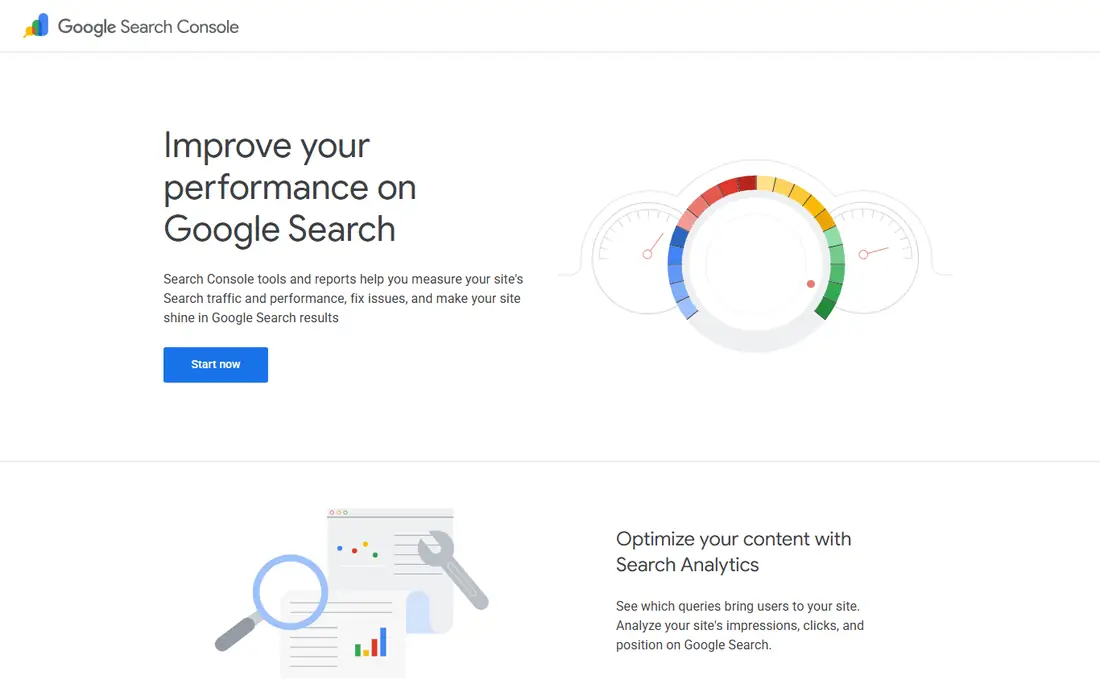
Search Console is the first tool any site owner should set up. It shows which queries bring people to your site, how many impressions and clicks each page earns, and where your pages sit in Google results. Because the data comes straight from Google, there is no sampling guesswork about whether your pages are indexed.
The tool also flags real problems. Coverage reports show pages Google could not index, the URL Inspection tool explains why a single page is not appearing, and Core Web Vitals reports track loading, interactivity and layout stability on mobile and desktop. Email alerts mean you hear about a sudden drop or a new error without checking every day. Its main limit is scope: you only see your own verified sites, never a competitor's rankings or backlinks. Pair it with Ahrefs Free below for that side of the picture.
What we like- Direct data from Google
- Index coverage and Core Web Vitals reports
- Email alerts for site issues
Watch out for- No competitor data
- Keyword data is limited to your own site
Starting priceFree
Free planYes
Google Analytics answers a different question from Search Console: what do visitors do once they arrive. It tracks sessions, traffic sources, top pages, conversions and the full journey across devices and platforms. For a small business, the standard free version covers everything from campaign measurement to content performance without a bill.
Setup takes a short snippet of code or a tag manager container, and the built-in reports now lean on machine learning to surface trends and anomalies. The honest catch is the learning curve. GA4 reorganized reports around events rather than sessions, so longtime Universal Analytics users need time to relearn where things live. It also tells you nothing about search rankings or backlinks, which is why it works best beside Search Console rather than instead of it.
What we like- Free with no cost for standard use
- Cross-platform reporting for web and app
- Built-in automation and flexible reports
Watch out for- Learning curve for beginners
- The interface changed a lot with GA4
Starting priceFree
Free planYes
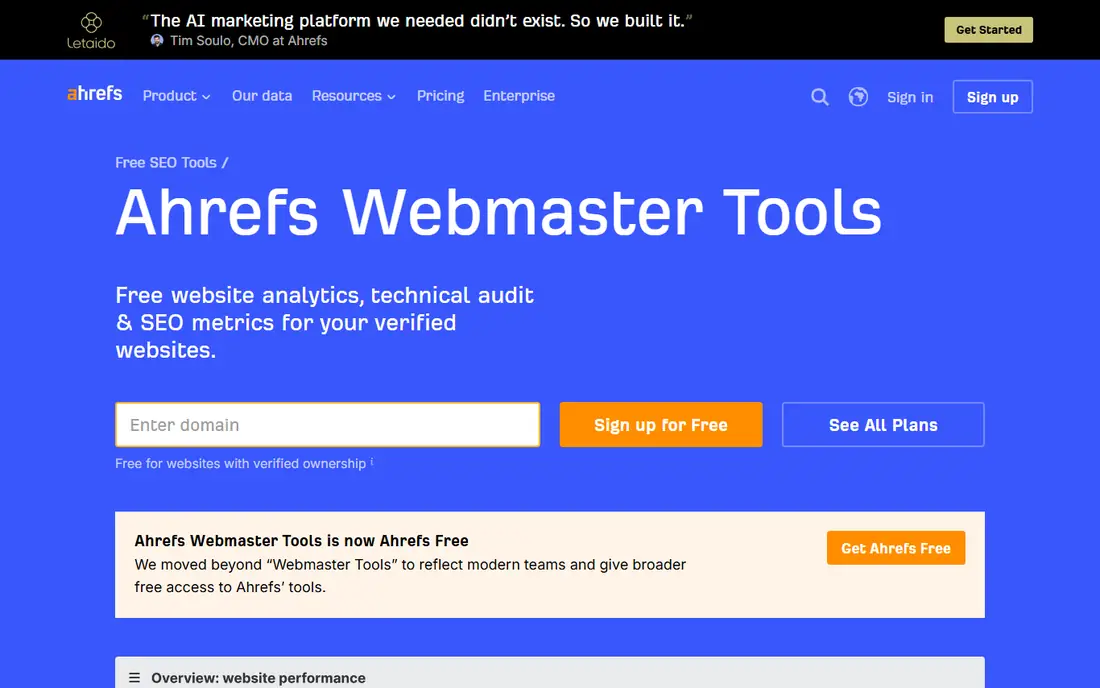
Ahrefs renamed its Webmaster Tools product to Ahrefs Free, and it remains the most generous free SEO suite for site owners. Sign up, verify ownership of a site, and you get three tools: Web Analytics for traffic, Site Audit for technical issues, and Site Explorer for keywords and backlinks. Site Audit scans for more than 170 common problems and tracks a health score over time, which goes well beyond what Search Console reports.
The free tier has clear limits. Site Audit gives 5,000 crawl credits per project per month, and Site Explorer shows up to 1,000 backlinks and keywords at once. You also cannot analyze competing domains, since verification is required. For a site owner auditing their own property, though, those limits rarely bite, and the backlink data alone makes it worth the setup time.
What we like- Site Audit checks 170+ issues
- Shows backlinks and keywords for verified sites
- Unlimited verified websites
Watch out for- Only works on sites you verify
- Competitor analysis needs a paid plan

#4Ubersuggest
Best for: Keyword ideas on a budget4.2/5 on
G2 (160 reviews, checked Oct 2026)
Visit neilpatel.com
Starting priceFree
Free planYes
Ubersuggest packs keyword research, site audits, rank tracking, competitor analysis and backlink data into one dashboard. Its keyword tool returns volume, difficulty, CPC and content ideas from a database of more than 2.2 billion terms, and the competitor view shows which keywords actually drive traffic to rival sites. Newer additions track how brands appear inside AI answers from ChatGPT and Gemini.
The free plan is genuinely usable for light research, but heavy users will hit its limits quickly. A 7-day free trial opens full access, though it asks for a card upfront. Ubersuggest suits freelancers and small teams who want one tool for research and tracking without paying for an enterprise suite, and its plain-English recommendations help beginners decide what to fix first.
What we like- Keyword database of 2.2 billion terms
- Competitor keyword gaps
- Site audit and rank tracking included
Watch out for- Free plan limits are tight
- Full access needs a paid plan or 7-day trial
Starting priceFree
Free planYes
Screaming Frog is a desktop crawler that audits a site for more than 300 issues: broken links, redirect chains, duplicate titles and descriptions, missing metadata, hreflang errors and more. It renders JavaScript pages with an integrated Chromium engine, so modern React or Angular sites get a fair audit. It also generates XML sitemaps and pulls in data from Google Analytics, Search Console and PageSpeed Insights during a crawl.
The free version crawls up to 500 URLs, which covers most small business sites and blogs in full. Larger sites need the paid licence at 245 euros per year for unlimited crawling and saved crawls. Because it runs on your computer, large crawls use your own memory and storage, but for a one-off technical audit there is no faster free option.
What we like- Audits 300+ SEO issues
- Crawls JavaScript sites
- Generates XML sitemaps
Watch out for- Desktop software, not a web app
- Free version capped at 500 URLs
Starting priceFree
Free planYes
AnswerThePublic visualizes the questions, prepositions and comparisons people actually type around a keyword. Type in a seed term and you get a branching map of "how", "why", "what" and "versus" queries, which is exactly the raw material for blog posts, FAQ pages and video scripts. It now draws on search data from Google and AI assistants, so the ideas reflect how people ask questions today, not just how they did five years ago.
It is a brainstorming tool, not a research database. You will not get reliable search volumes or difficulty scores here, and free searches are limited per day without a paid plan. Use it at the start of content planning to find angles your competitors missed, then check the best ideas in Keyword Planner or Ubersuggest before committing writing time.
What we like- Turns search suggestions into question maps
- Great for blog topics
- Covers Google and AI search data
Watch out for- Free searches are limited each day
- Depth is lower than a full keyword tool
Starting priceFree
Free planYes
Keyword Planner is Google's own keyword research tool, built into Google Ads. It suggests new keywords from a seed term or a website, shows search trends over time, and gives bid estimates that help with budgeting. Because the data comes from Google itself, its volume ranges are the reference point other tools are judged against.
Access requires a Google Ads account and a created campaign, and accounts without active spend see broad volume ranges rather than exact figures. That is still useful for comparing relative demand between topics, and it costs nothing. If you run ads, the forecast tools that estimate clicks and conversions for a keyword plan are a bonus no free third-party tool matches.
What we like- Volume data straight from Google
- Bid estimates for paid campaigns
- Forecast tools for planning
Watch out for- Needs a Google Ads account
- Exact volumes are limited without active ad spend
Starting priceFree
Free planYes
PageSpeed Insights tests any public URL and reports Core Web Vitals, the loading and interactivity metrics Google uses in ranking. It combines field data from real Chrome users with a lab audit that lists concrete fixes, ordered by impact. There is no account, no install and no cost, so it is the fastest way to check whether a slow page is hurting a site.
Its limits are narrow but real. You test one page at a time, and lab scores can vary between runs as network conditions change. For a whole-site speed audit, pair it with Screaming Frog's PageSpeed integration or Search Console's Core Web Vitals report. For diagnosing a single slow landing page, nothing free beats it.
What we like- Real user field data plus lab tests
- Specific fix recommendations
- No account needed
Watch out for- Only tests one URL at a time
- Scores can swing between runs
How we chose
We picked tools that are free to use in a meaningful way, not just free trials, and that cover the four jobs a beginner SEO workflow needs: measuring search performance, researching keywords, auditing a site, and checking speed. Each tool's homepage and pricing page was checked to confirm the free tier still exists and what it limits. Tools that only offer a short trial, or that charge for the core feature, were left out. Where a free tier has a hard cap, we state it plainly so you can judge whether it fits your site.
Free tiers change, and the change usually shows up as a lower limit rather than a removed feature. Before building a workflow around a free plan, check three things. First, the cap: Screaming Frog's 500 URLs, Ahrefs Free's 5,000 monthly crawl credits, and AnswerThePublic's daily search limit all matter more than the feature list. Second, the data source: Google's own tools give first-party data for your site, while third-party tools estimate competitor data from their own indexes. Third, the export options: a free tool that will not let you export a report is less useful the moment you need to share findings with a client or a developer.
Start with Search Console and Analytics, add Ahrefs Free for audits and backlinks, and pick one keyword tool for content planning. That stack costs nothing and covers most small sites. Upgrade only when a specific limit blocks real work, such as crawling a site over 500 pages or tracking hundreds of keywords daily.
Frequently asked questions
Can I do SEO with only free tools?
Yes, for most small sites. Search Console, Analytics, Ahrefs Free, Screaming Frog and Keyword Planner together cover measurement, research, audits and speed. Paid tools become worth it when you need competitor tracking at scale, large crawls, or daily rank data for hundreds of keywords.
Which free SEO tool should I set up first?
Google Search Console. It is the only tool that shows how Google itself sees your site, including indexing problems and the exact queries that bring traffic. Set it up on day one, even before you start optimizing, so it can collect history.
Is Google Analytics really free?
Yes. The standard version of Google Analytics is free of charge for typical business use, with no monthly fee. There is a paid Analytics 360 tier for very large enterprises, but small and mid-size sites do not need it.
Do free keyword tools give accurate search volumes?
Google Keyword Planner gives the most authoritative volumes because the data comes from Google. Third-party tools estimate volumes from their own databases and clickstream data, so their numbers differ. Use Planner for relative demand and a third-party tool for ideas and difficulty.
Why does Screaming Frog's free version stop at 500 URLs?
The 500 URL cap keeps the free version useful for small sites while reserving unlimited crawling for the paid licence. If your site has more than 500 pages, crawl it in sections by directory, or upgrade to the 245 euro per year licence.
How often should I run a site audit?
Run a full crawl after any major change, such as a redesign, migration or template update, and at least once a quarter otherwise. Search Console's alerts cover day-to-day issues between audits, so you do not need to crawl weekly on a stable site.
Sources we checked (8)
- https://search.google.com/search-console/about
- https://marketingplatform.google.com/about/analytics/
- https://ahrefs.com/webmaster-tools
- https://neilpatel.com/ubersuggest/
- https://www.screamingfrog.co.uk/seo-spider/
- https://answerthepublic.com
- https://ads.google.com/home/tools/keyword-planner/
- https://pagespeed.web.dev
Is your product missing or out of date?
We review this list regularly. Vendors can request a listing, send updated pricing or ask about featured placement.

Shihab Mia · Founder, Rankite
Shihab has 5+ years in B2B and SaaS SEO. He writes Rankite's software buying guides from pricing pages, documentation and public user reviews. More about Shihab.
 Google Analytics
 Ahrefs Free
 Screaming Frog SEO Spider
 AnswerThePublic
 Google Keyword Planner
 PageSpeed Insights