How we make this list: we compare pricing pages, product documentation and public user reviews. Ratings come from G2, Capterra or Trustpilot, with the date we checked them.
What is self-hosted git server software
Self-hosted git server software runs on your own server instead of on a vendor cloud. It stores your Git repositories, serves the web interface for pull requests and code review, and keeps the code inside your network. Teams choose it for data residency, for compliance rules that forbid code on third party clouds, and for control over upgrades, backups and access rules. The trade off is maintenance: patching, backups, scaling and uptime are your job, not the vendor's.
Direct answer: Gitea is the top pick for most teams because it is free under the MIT licence, runs in a single binary on modest hardware, and adds pull requests, issue tracking, CI and a package registry without a licence fee. GitLab Self-Managed is the best full DevOps platform for teams that want CI, security scanning and planning in one install. Forgejo is the best community governed option for teams that want Gitea style simplicity without a commercial owner.
Key takeaways
- Gitea is free under the MIT licence with unlimited users and repositories, and its paid Enterprise edition starts at $9.50 per user per month.
- GitLab Self-Managed is the only option here that ships a full DevOps platform, but it needs far more server resources than the lightweight forges.
- Forgejo, Gogs and GitBucket are free open source with no paid tier, so the licence cost stays at zero at any team size.
- RhodeCode is the pick for teams that must keep Git, Mercurial and Subversion side by side on their own servers.
- Bitbucket Data Center suits Atlassian shops at enterprise scale, and its entry price is quote based.
How we picked
We compared eight tools on five points: self-hosting requirements, Git hosting and code review depth, built in CI and extras, access control and audit, and pricing transparency. A tool scored well when it ran entirely on the team's own infrastructure without a mandatory cloud component. Prices come from vendor pricing pages and vendor published comparisons, checked 21 November 2026. Where sources disagree on a price, both figures are printed and the conflict is flagged. Prices are search verified; vendor homepages were not individually opened in the browser for this guide. This guide is scoped to software you install on your own server, which is distinct from the live best version control software page, which covers mostly cloud hosted version control.
Comparison table
| Tool | Best for | Starting price | Free plan |
| Gitea | Most teams | Free; Enterprise $9.50 per user per month | Free, MIT licence |
| GitLab Self-Managed | Full DevOps platform | Free; Premium $29 per user per month | Free tier |
| Forgejo | Community governed self-hosting | Free | Free, no paid tier |
| RhodeCode | Git, Mercurial and SVN together | Quote only | Community Edition free |
| Bitbucket Data Center | Atlassian shops at scale | Quote only | No free tier |
| Gogs | Smallest footprint | Free | Free, MIT licence |
| SourceHut | Email based workflows | Free to self-host; hosted from $4 per month | Free to self-host |
| GitBucket | Simple GitHub style hosting | Free | Free, Apache 2.0 |
Which self-hosted git server is best for a small team
A small team should start with Gitea or Forgejo. Both run as a single binary, install in minutes, and need only about 2 CPU cores and 1 GB of RAM for a small team. Gitea adds Gitea Actions for CI, a package registry, issue tracking and project boards, so a team of five developers gets a complete forge for nothing. Forgejo is a community governed fork of Gitea with the same light footprint and GitHub Actions compatible CI, and it has no commercial tier at all. GitLab Self-Managed is too heavy for a small team: its baseline is 8 GB of RAM minimum and 16 GB recommended, with 8 vCPU.
Do you need a paid self-hosted git server
A paid edition earns its price when compliance or support becomes a real need. The paid features that matter are SAML single sign on, audit logs, branch protection inheritance, dependency scanning, priority security notices and a support SLA. Gitea Enterprise adds those at $9.50 per user per month on a one year commitment, with $19 per user per month shown struck through. GitLab Premium adds them at $29 per user per month, with Ultimate around $99 per user per month for regulated industries. If the team is five developers with no compliance audit, the free editions cover the work. If the organisation must prove who changed what and when, the audit log alone justifies the paid tier.
How to choose self-hosted git server software for your stack
Choose by hardware first. Gitea, Forgejo and Gogs run on a small virtual private server or even a Raspberry Pi for light use, while GitLab Self-Managed needs a proper server and Bitbucket Data Center expects enterprise infrastructure. Next, check the version control systems you must support: most teams need Git only, but teams with legacy repositories need RhodeCode, which runs Git, Mercurial and Subversion side by side. Finally, decide who owns the project. Forgejo is community governed with no paid tier, Gitea is open source with a commercial owner that sells Enterprise, and GitLab is a public company with a paid platform. A forge nobody patches becomes a security problem, so pick one the team will actually keep updated.
Quick comparison
| Tool | Best for | Starting price | Free plan |
|---|
 Gitea | Most teams that want a light, free self-hosted git forge | Free under the MIT licence; Enterprise $9.50 per user per month on a one year commitment, with $19 shown struck through | Open Source edition free, unlimited users and repositories |
 GitLab Self-Managed | Teams that want a full DevOps platform on their own servers | Free tier; Premium $29 per user per month billed annually, Ultimate around $99 per user per month | Free tier with unlimited public and private repositories, 2,000 CI/CD minutes per month and 500 MB of package storage |
 Forgejo | Teams that want Gitea style self-hosting with community governance | Free | Free and open source, no paid tier and no hosted product to buy |
 RhodeCode | Enterprises that need self-hosted Git, Mercurial and SVN together | Quote only; Community Edition free | Yes, Community Edition free |
 Bitbucket Data Center | Atlassian shops that need self-hosted Git at enterprise scale | Quote only; third-party listings report from $44,000 per year for 1 to 500 users, unconfirmed | No free tier for Data Center |
 Gogs | Teams that want the smallest possible self-hosted git server | Free | Free under the MIT licence, no paid tier |
 SourceHut | Developers who like email based patch workflows and fast, minimal tools | Free to self-host; hosted sr.ht plans from $4 per month | Free to self-host, 100 percent open source |
 GitBucket | Teams that want simple GitHub style hosting on their own server | Free | Free under Apache 2.0, no paid tier |
Is your product missing or out of date?
We review this list regularly. Vendors can request a listing, send updated pricing or ask about featured placement.
These eight tools cover the main ways teams host Git on their own servers in 2026.
#1Gitea
Best for: Most teams that want a light, free self-hosted git forge4.7/5 on
G2 (17 reviews, checked Oct 2026)
Visit about.gitea.com
Starting priceFree under the MIT licence; Enterprise $9.50 per user per month on a one year commitment, with $19 shown struck through
Free planOpen Source edition free, unlimited users and repositories
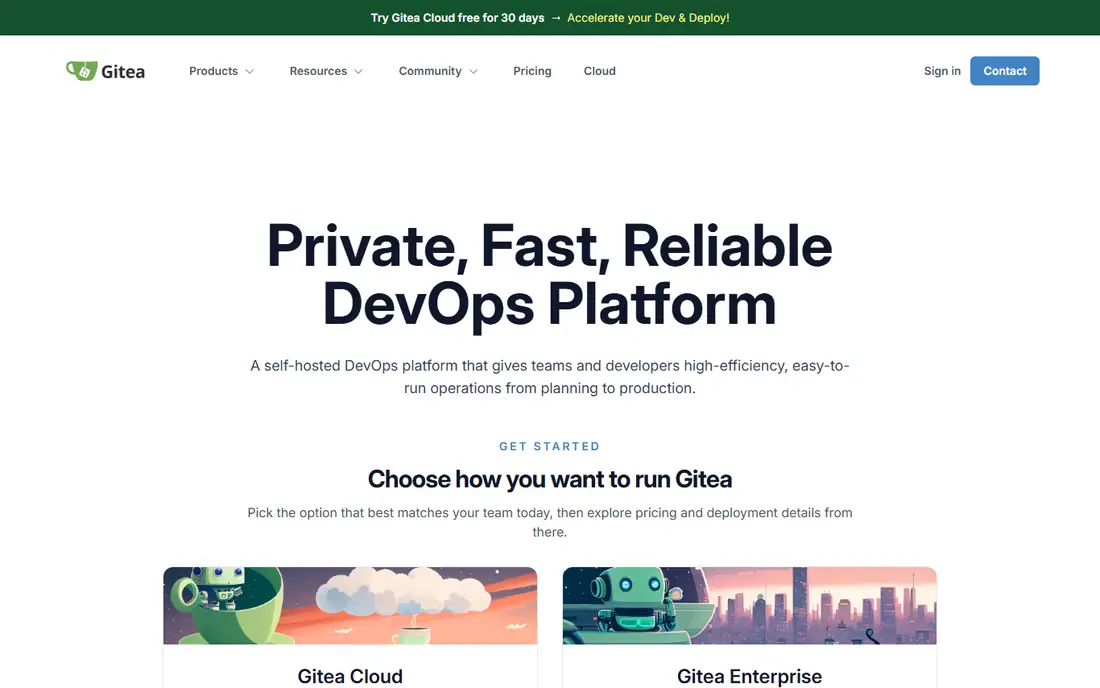
Gitea is a lightweight self-hosted Git forge written in Go, and it is the default answer for teams that want to run their own git server without a heavy platform. The open source edition is free under the MIT licence with unlimited users and repositories, and it includes code hosting, pull requests, issue tracking, project boards, a package registry and Gitea Actions for CI, which aims to be compatible with GitHub Actions. It runs in a single binary and needs only 2 CPU cores and 1 GB of RAM for a small team. The Enterprise edition, sold by CommitGo, costs $9.50 per user per month on a one year commitment and adds SAML single sign on, audit logs, autoscaling Kubernetes runners, priority security notices and SLA support, with a 30 day trial.
What we like- Free with unlimited users and repositories, single binary install, built in CI with Gitea Actions, package registry and issue tracking included
Watch out for- SAML single sign on, audit logs and dependency scanning are paid Enterprise features, commercial governance by one company, support SLA only on paid tiers
#2
GitLab Self-Managed
Best for: Teams that want a full DevOps platform on their own servers
Visit about.gitlab.com
Starting priceFree tier; Premium $29 per user per month billed annually, Ultimate around $99 per user per month
Free planFree tier with unlimited public and private repositories, 2,000 CI/CD minutes per month and 500 MB of package storage

GitLab Self-Managed is the self-hosted edition of the GitLab DevOps platform. It puts code hosting, continuous integration, security scanning, deployment tracking and planning in one interface, so a team without a dedicated DevOps person saves real time by not stitching five tools together. The Free tier is genuinely useful, with unlimited public and private repositories, 2,000 CI/CD minutes a month and 500 MB of package storage. Premium costs $29 per user per month billed annually and adds the compliance and planning features growing companies need, while Ultimate at around $99 per user per month is aimed at regulated industries. The catch is the server: GitLab wants 16 GB of RAM and 8 vCPU as a baseline, which is far more than the lightweight forges in this guide.
What we like- Whole DevOps pipeline in one install, code hosting, CI, security scanning and planning together, strong free tier, self-hosting option built in
Watch out for- Heavy resource needs with 8 GB RAM minimum and 16 GB recommended, interface can feel busy, Premium pricing jumps steeply from Free
#3
Forgejo
Best for: Teams that want Gitea style self-hosting with community governance
Visit forgejo.org
Starting priceFree
Free planFree and open source, no paid tier and no hosted product to buy
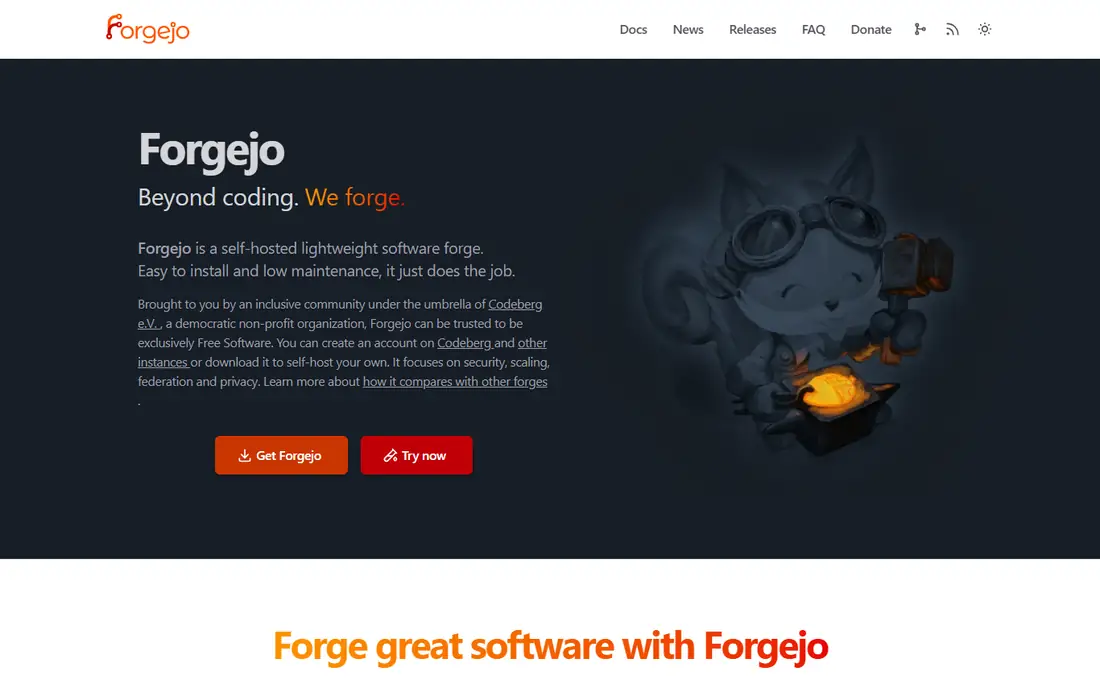
Forgejo is a community governed fork of Gitea, and it is the self-hosted git server to run for most new self-hosters who care about independence. It is free and open source with no commercial tier and no hosted product to buy, so the licence cost is zero at any team size and the project cannot be redirected by one firm. It runs happily on a Raspberry Pi or a low cost virtual private server, and it ships Forgejo Actions, which is compatible with GitHub Actions, plus pull requests, issues and a package registry. The trade off is support: there is no vendor to call, and the ecosystem is smaller than Gitea's.
What we like- Free at any team size, very light footprint that runs on a Raspberry Pi, GitHub Actions compatible CI, community governed with no commercial owner
Watch out for- No commercial support contract, smaller ecosystem than Gitea, no paid tier to grow into when support becomes a requirement
#4RhodeCode
Best for: Enterprises that need self-hosted Git, Mercurial and SVN together4.1/5 on
G2 (4 reviews, checked Oct 2026)
Visit rhodecode.com
Starting priceQuote only; Community Edition free
Free planYes, Community Edition free
RhodeCode is for organisations that must keep code on their own servers and cannot migrate every legacy repository to Git. It supports Git, Mercurial and Subversion side by side in one install, which matters for companies with legacy repositories they cannot easily move. The Community Edition is free and covers the core features, including code review, permissions and repository management. Enterprise pricing is not published, so budget planning requires a conversation with sales, and third parties report roughly $75 per user per year for on-premise enterprise use, but that figure is unconfirmed and should not be budgeted on.
What we like- Supports Git, Mercurial and SVN in one install, full data control, free community edition, built for compliance driven organisations
Watch out for- Pricing is not published, smaller ecosystem than the cloud hosts, interface is functional rather than modern
#5
Bitbucket Data Center
Best for: Atlassian shops that need self-hosted Git at enterprise scale
Visit atlassian.com
Starting priceQuote only; third-party listings report from $44,000 per year for 1 to 500 users, unconfirmed
Free planNo free tier for Data Center
Bitbucket Data Center is Atlassian's self-hosted Git platform for large organisations. It brings the Bitbucket Cloud experience, pull requests, branching workflows and code review, onto the team's own infrastructure with high availability, clustering and enterprise grade permissions. The decisive feature is the Atlassian integration: commits link to Jira tickets automatically, and pull requests show up where project managers already work. Pricing is quote based, and third-party listings report a starting figure of $44,000 per year for 1 to 500 users, which is unverified and should be confirmed with Atlassian before budgeting. There is no free tier for Data Center.
What we like- Deep Jira and Confluence integration, built for high availability and scale, enterprise grade permissions and audit, familiar to Atlassian teams
Watch out for- No published entry price, enterprise scale pricing, heavy infrastructure needs, no free tier
#6
Gogs
Best for: Teams that want the smallest possible self-hosted git server
Visit gogs.io
Starting priceFree
Free planFree under the MIT licence, no paid tier
Gogs is the original lightweight self-hosted Git service, written in Go, and it is still the smallest option in this guide. It is free under the MIT licence with no paid tier, and it runs as a single binary with minimal memory and CPU, which makes it the pick for a personal server, a home lab, or a team that wants Git hosting and nothing else. It covers repositories, pull requests, issues and wikis, but it has no built in CI, so teams that want pipelines must add a separate tool. Development is slower than Gitea's, and the community is smaller, which means fewer plugins and slower security fixes.
What we like- Extremely light footprint, single binary, simple to install and run, free at any team size
Watch out for- No built in CI, fewer features than Gitea or Forgejo, smaller community and slower development, no commercial support
#7
SourceHut
Best for: Developers who like email based patch workflows and fast, minimal tools
Visit sourcehut.org
Starting priceFree to self-host; hosted sr.ht plans from $4 per month
Free planFree to self-host, 100 percent open source
SourceHut is a software development platform built around email: lists hold the discussion, git and Mercurial hold the code, and todo holds the tracker. The code is 100 percent free and open source, so you can run it on your own servers free of charge, which is what matters for this guide. The hosted instance at sr.ht charges $4, $8 or $12 a month, with every tier getting the same services, and the amount is effectively your choice of what you can afford. The workflow is the dividing line: patches arrive by email rather than through pull requests, and the interface is deliberately minimal with no JavaScript heavy pages. It is still in public alpha, and the build service and chat already need a paid hosted account.
What we like- Free to run on your own servers, email based workflows with no JavaScript heavy interface, Git and Mercurial support, all services included in every paid hosted tier
Watch out for- Unusual email based workflow takes learning, still in public alpha, hosted CI and chat need a paid account, minimal web interface
Starting priceFree
Free planFree under Apache 2.0, no paid tier
GitBucket is a free open source Git platform licensed under Apache 2.0, with a GitHub style interface that developers already know. It covers repositories, pull requests, issues, wikis and a plugin system for extras, and it runs on the Java virtual machine, which suits teams that already run Java infrastructure. There is no paid tier, so the licence cost is zero at any team size, and there is no vendor to call when something breaks. The limits are the usual ones for a smaller open source project: no built in CI, fewer updates than Gitea or GitLab, and a smaller community for support.
What we like- GitHub style interface that developers already know, free at any team size, plugin system for extras, runs on the Java virtual machine
Watch out for- No built in CI, smaller community than Gitea, fewer updates than the leading forges, no commercial support
Frequently asked questions
Is a self-hosted git server cheaper than GitHub or GitLab cloud
The licence is usually cheaper, because five of the eight tools here are free, but the total cost is not zero. You pay for the server, storage, backups and the engineering time to patch and monitor the forge. GitHub Team costs $4 per user per month and GitLab Premium costs $29 per user per month, which buys hosting, backups, uptime and support. A self-hosted forge wins on cost when the team is large or the data must stay on site.
How much server do I need to self-host a git server
Gitea, Forgejo and Gogs need about 2 CPU cores and 1 GB of RAM for a small team, and they run on a Raspberry Pi for light use. GitBucket needs a Java virtual machine with similar modest resources. GitLab Self-Managed is the outlier: it needs 8 GB of RAM minimum and 16 GB recommended, with 8 vCPU, before it performs well. Bitbucket Data Center expects enterprise infrastructure with clustering.
Can I migrate repositories from GitHub to a self-hosted server
Yes. Git repositories are portable by design, so you can clone from GitHub and push to your new server with the full history intact. The work is in the extras: pull requests, issues, wikis and CI configuration do not move with a plain Git push. Gitea, GitLab and RhodeCode all ship migration tools that import repositories, issues and pull requests from GitHub, GitLab or Bitbucket.
Which self-hosted git server has the best code review
GitLab Self-Managed has the deepest code review, with merge request approvals, code quality reports, security scanning and review rules built into the platform. Gitea and Forgejo cover the essentials well: pull requests, inline comments, review approvals and branch protection. RhodeCode adds enterprise review workflows for teams that must approve changes across Git, Mercurial and SVN.
Is self-hosting git secure
Self-hosting can be more secure than a cloud service, because the code never leaves your network, but only when the server is maintained. A forge that is patched, backed up, behind a firewall and protected by single sign on is secure. A forge that nobody patches becomes a vulnerability, because public CVEs for popular forges are published and scanned for. Whatever you choose, assign an owner for patching and backups before the first repository is pushed.
Sources we checked (9)
- https://about.gitea.com
- https://about.gitlab.com
- https://forgejo.org
- https://rhodecode.com
- https://www.atlassian.com/software/bitbucket/data-center
- https://gogs.io
- https://sourcehut.org
- https://gitbucket.github.io
- https://rankite.com/blog/best-version-control-software
Is your product missing or out of date?
We review this list regularly. Vendors can request a listing, send updated pricing or ask about featured placement.

Shihab Mia · Founder, Rankite
Shihab has 5+ years in B2B and SaaS SEO. He writes Rankite's software buying guides from pricing pages, documentation and public user reviews. More about Shihab.