How we make this list: we compare pricing pages, product documentation and public user reviews. Ratings come from G2, Capterra or Trustpilot, with the date we checked them.
Key takeaways
- Postmark and Mailgun are the strongest general picks for transactional email, with clear SMTP and API options and dedicated IP upgrades.
- Amazon SES is the cheapest at high volume, but it needs more setup and AWS knowledge than a managed relay.
- SMTP2GO is the easiest drop-in relay for apps, WordPress sites and office systems that already speak SMTP.
- SendGrid suits large senders that want marketing and transactional email behind one login, now through Twilio.
- A dedicated IP only helps once volume is steady and warm-up is handled: at low volume, a shared IP from a reputable provider is usually safer.
Quick comparison
| Tool | Best for | Starting price | Free plan |
|---|
 SendGrid SendGrid | high-volume sending at scale | See website | Free trial |
 Mailgun Mailgun | developers building custom email | $15 per month for 10,000 emails | Yes, 100 emails a day |
 Postmark Postmark | fast transactional delivery | $15 per month for 10,000 emails | Yes, 100 emails a month |
 Amazon SES Amazon SES | lowest cost at scale | See website | Free trial |
 SMTP2GO SMTP2GO | simple SMTP relay | See website | Yes, up to 1,000 emails a month |
 Mailjet Mailjet | teams sending together | See website | Yes |
 Mailtrap Mailtrap | testing plus sending | $15 per month for 10,000 emails | Yes, 4,000 emails a month |
 Resend Resend | modern developer API | $20 per month | Yes, 3,000 emails a month |
Is your product missing or out of date?
We review this list regularly. Vendors can request a listing, send updated pricing or ask about featured placement.
The best dedicated SMTP server services
Starting priceSee website
Free planFree trial

SendGrid, now part of Twilio, is the established enterprise option for teams that send a lot of email and want one platform for both campaigns and app messages. The Email API and SMTP service handle password resets, receipts, notifications and newsletters, with analytics, suppression handling and domain authentication built in. Large senders also get team seats, subaccounts and deliverability support on higher tiers.
The main change buyers should note is that SendGrid pricing moved to Twilio, and older SendGrid price pages may no longer match current plans. Check the Twilio SendGrid pricing page for your volume before budgeting, and confirm whether a dedicated IP is included or an add-on on your tier. For a small site sending a few hundred emails a month, a simpler relay may be cheaper and easier, but for a growing SaaS product, SendGrid scale is hard to match.
What we like- Proven scale and deliverability tooling
- API plus SMTP
- Marketing campaigns and transactional email in one account
Watch out for- Pricing now lives on Twilio, so budgeting needs a fresh check
- No simple free tier as before
- Dedicated IP sits on higher plans
#2Mailgun
Best for: developers building custom email4.2/5 on
G2 (322 reviews, checked Oct 2026)
Visit mailgun.com
Starting price$15 per month for 10,000 emails
Free planYes, 100 emails a day
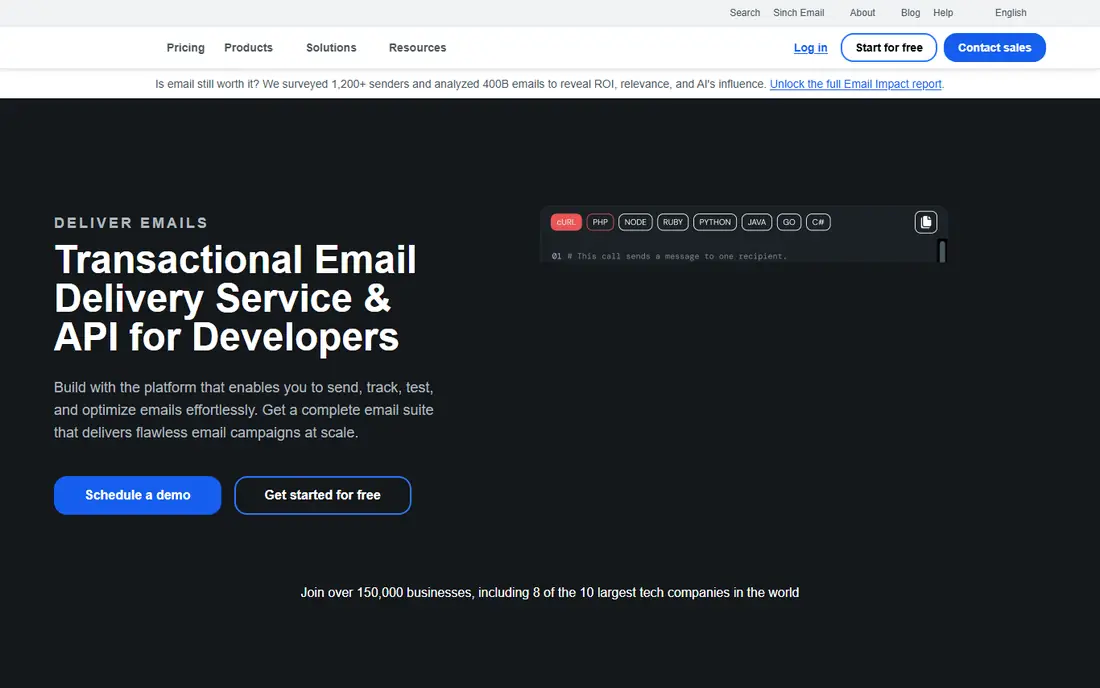
Mailgun is built for developers who want control over sending, validation and deliverability. The core Send product covers API and SMTP delivery, while Optimise adds deliverability monitoring, Validate checks addresses before sending, and Inspect previews rendering and accessibility. That modular approach lets a team buy only what it needs, though it can feel complex at first.
For dedicated SMTP use, Mailgun offers a dedicated IP as an add-on, typically from higher tiers, so factor that cost in if your reputation needs isolation from other senders. The $15 entry plan for 10,000 emails is a fair starting point for a small app, and volume pricing scales from there. Teams that value API documentation, webhooks and routing rules will feel at home here.
What we like- Strong API and SMTP options
- Email validation and optimisation tools
- US or EU sending regions
Watch out for- Dedicated IP is a paid add-on
- Interface has many products to learn
- Support depth varies by plan
Starting price$15 per month for 10,000 emails
Free planYes, 100 emails a month
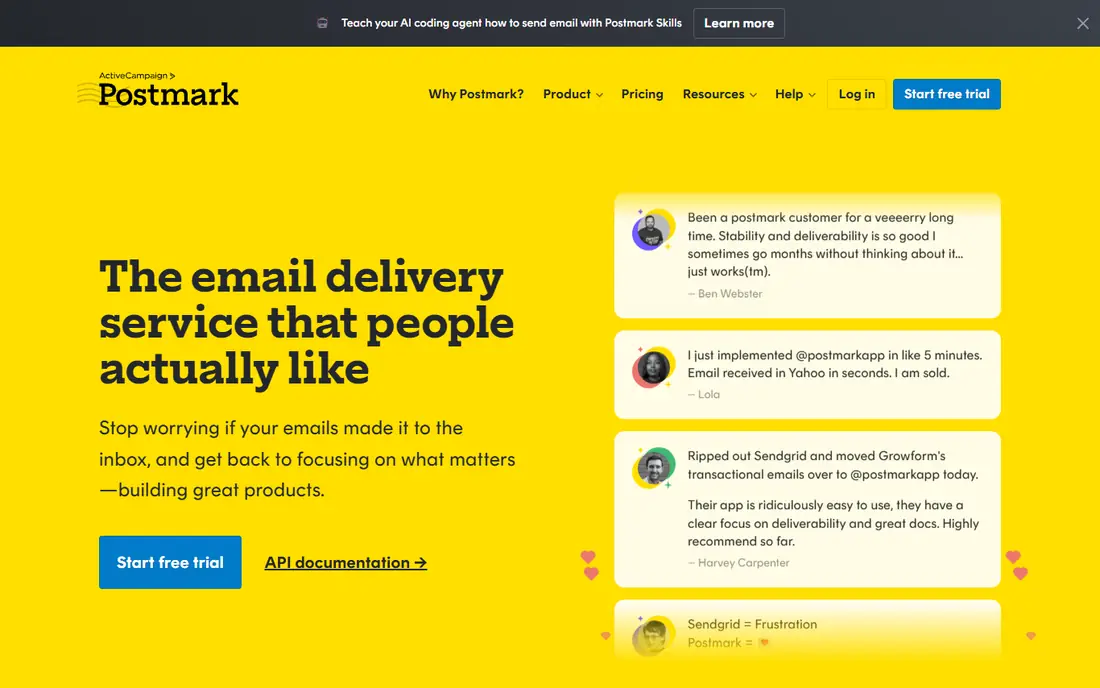
Postmark focuses on one job: getting transactional email to the inbox fast. It keeps transactional and promotional messages on separate sending infrastructure, so a newsletter cannot drag down password resets or order confirmations. Message streams, detailed activity logs and inbound parsing make it easy to trace a single email from send to delivery, bounce or complaint.
The $15 plan for 10,000 emails fits many SaaS products and stores, and a dedicated IP is available for $50 a month for high-volume senders. Postmark is strict about sender quality, which protects its shared IPs but means new accounts must set up authentication properly and follow its sending rules. If your main need is receipts, invites and alerts rather than bulk campaigns, Postmark is a strong default.
What we like- Separate streams for transactional and promotional mail
- Fast delivery reputation
- Clear logs and support
Watch out for- No large free tier
- Dedicated IP costs $50 a month extra
- Less suited to bulk marketing lists
Starting priceSee website
Free planFree trial
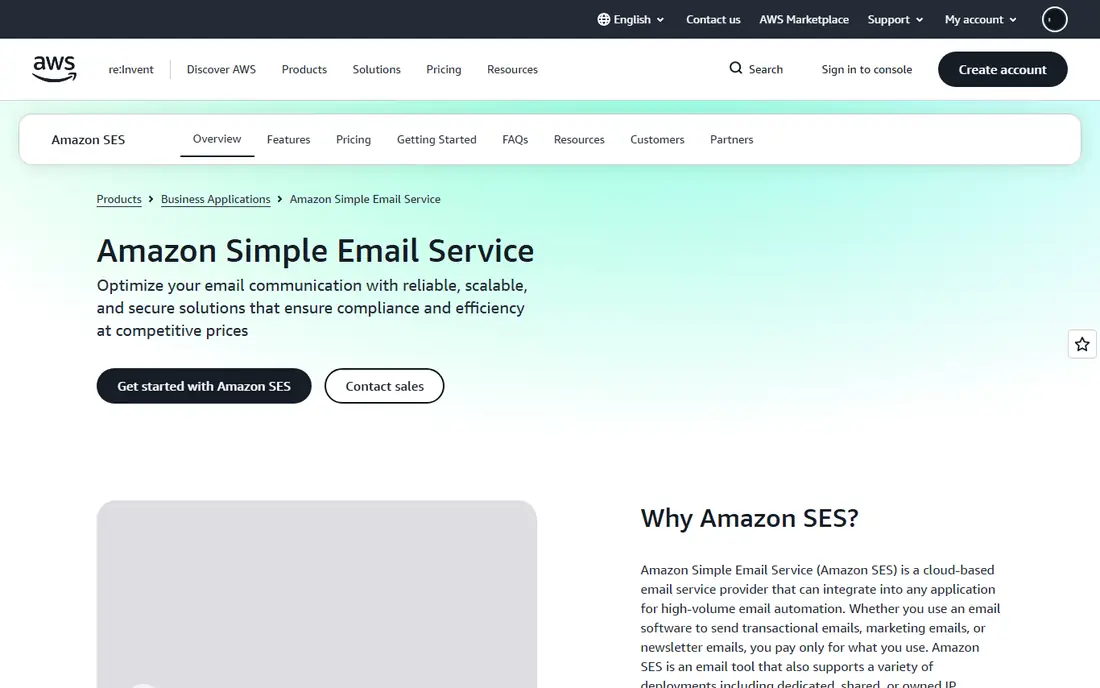
Amazon SES is the cost leader for high-volume senders, with per-email pricing rather than a monthly bundle. It supports API and SMTP sending, inbound mail handling, dedicated IP options and deliverability tools such as Virtual Deliverability Manager. Teams already running on AWS can wire SES into Lambda, SNS and CloudWatch without adding a new vendor contract.
The trade-off is effort. SES expects you to handle domain verification, bounce and complaint handling, suppression lists and reputation monitoring, with less hand-holding than a managed relay. New accounts start in a sandbox with sending limits, and production access requires a request. For a developer team comfortable with AWS, SES is excellent value. For a non-technical site owner, a managed provider will save time.
What we like- Pay-as-you-go pricing with no monthly minimum on core sending
- Flexible shared, dedicated or owned IPs
- Deep AWS integration
Watch out for- Setup and reputation management are hands-on
- Support is tied to a separate AWS Support plan
- No built-in template editor for marketers
#5SMTP2GO
Best for: simple SMTP relay4.7/5 on
G2 (226 reviews, checked Oct 2026)
Visit smtp2go.com
Starting priceSee website
Free planYes, up to 1,000 emails a month
SMTP2GO does one thing well: it replaces a weak host or ISP SMTP server with a reliable relay. You point your app, WordPress site, CRM or printer at SMTP2GO credentials, and it handles delivery, SPF and DKIM setup guidance, reporting and alerts for bounces or complaints. That simplicity makes it popular with small businesses, agencies and database developers who do not want to rebuild email infrastructure.
The free tier covers up to 1,000 emails a month, which is enough to test real sending, and paid plans scale by volume with a dedicated IP available from higher tiers. SMTP2GO lacks the deep marketing automation of larger suites, but that is not its job. If your problem is simply that app emails land in spam or hit host limits, SMTP2GO is the fastest fix in this list.
What we like- Drop-in SMTP setup for almost any app
- Clear reports and bounce handling
- Helpful support
Watch out for- Pricing varies by volume tier, so check the current page
- Dedicated IP needs a higher plan
- Fewer marketing automation features
#6Mailjet
Best for: teams sending together3.9/5 on
G2 (176 reviews, checked Oct 2026)
Visit mailjet.com
Starting priceSee website
Free planYes
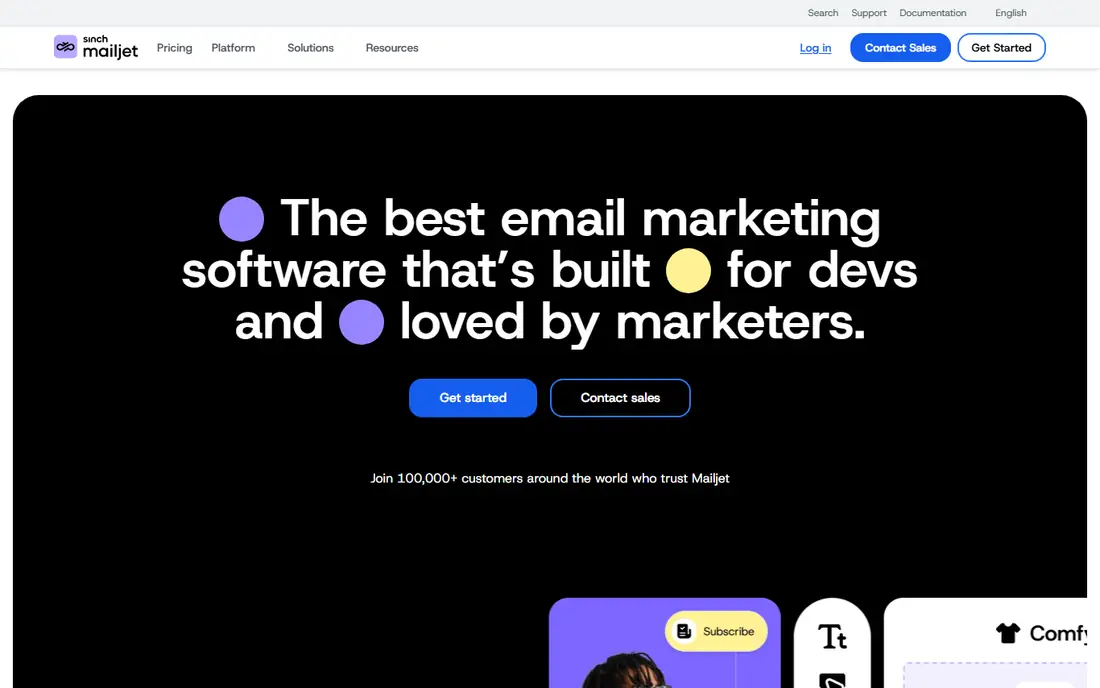
Mailjet suits a team where marketers and developers share one email account. Marketers can build campaigns in a drag-and-drop editor, developers can send transactional mail through the API or SMTP relay, and managers can control roles, approvals and subaccounts for different brands. Real-time collaboration and template sharing reduce the back-and-forth that slows many teams down.
Deliverability tools include domain authentication, dedicated IP options on higher plans, preview and validation, and analytics for both marketing and transactional sends. The free tier lets a small team start, though daily sending limits apply. Mailjet is a good middle ground when you need both campaign tools and reliable app email, without running two separate providers.
What we like- Shared workspaces and approval flows
- Drag-and-drop editor plus SMTP and API
- EU data centres and GDPR focus
Watch out for- Dedicated IP only on higher plans
- Pricing page needs checking for current tiers
- Transactional focus is less narrow than Postmark
#7Mailtrap
Best for: testing plus sending4.8/5 on
G2 (77 reviews, checked Oct 2026)
Visit mailtrap.io
Starting price$15 per month for 10,000 emails
Free planYes, 4,000 emails a month
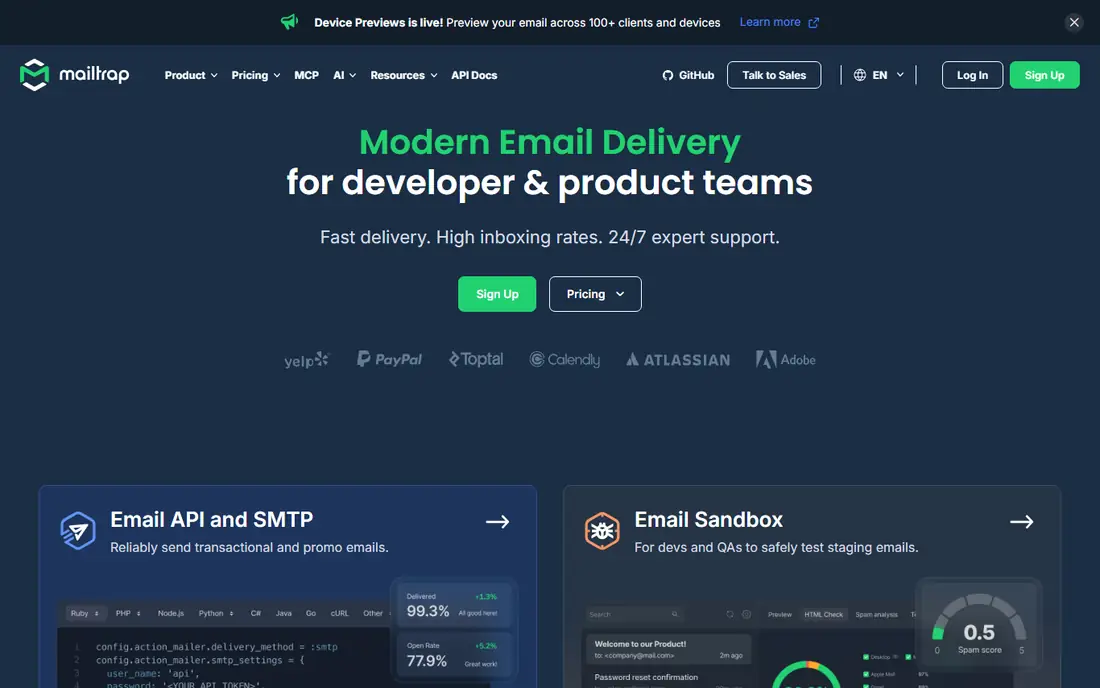
Mailtrap started as an email testing tool for developers, letting staging environments capture mail without sending to real inboxes, and it now offers production sending as well. That combination helps product teams that want one vendor for both test and live mail, with dashboards for deliverability, open and click tracking, and up to 30 days of email logs on sending plans.
The free tier is generous for testing and small sends, and the $15 plan for 10,000 emails is competitive. A dedicated IP sits on the Business tier, so small senders should use the shared IP and focus on authentication and list hygiene first. If your team already tests with Mailtrap, adding production sending through the same account can simplify credentials and reporting.
What we like- Email testing in staging plus production sending
- Clear analytics and logs
- 24/7 expert support
Watch out for- Dedicated IP only on higher Business plans
- Testing features may be unused by simple senders
- Pricing tiers need care at scale
#8Resend
Best for: modern developer API4.8/5 on
G2 (10 reviews, checked Oct 2026)
Visit resend.com
Starting price$20 per month
Free planYes, 3,000 emails a month

Resend is the modern developer choice, built around a simple API, React-based email templates and clear documentation. It handles transactional and marketing email, with webhooks for delivery, opens, bounces and clicks, contact management and broadcast analytics. Managed dedicated IPs warm up automatically, which removes a common pain point for growing senders.
The free tier covers 3,000 emails a month, and paid plans start at $20 a month. Resend fits teams building with Next.js, React or similar stacks, where email templates live in code rather than a drag-and-drop editor. Non-developers may prefer Mailjet or SMTP2GO for a visual workflow, but for a product team that treats email as code, Resend is fast to integrate and pleasant to operate.
What we like- Clean developer experience with React email templates
- Managed dedicated IPs
- Regional sending and blocklist monitoring
Watch out for- SMTP is available but API-first design favours developers
- Newer vendor than SendGrid or Mailgun
- Marketing features are lighter
How we chose
We compared pricing pages, product documentation and public reviews on G2, Capterra and Reddit, and checked each homepage to confirm the product still exists and matches its category. We favoured providers with a real SMTP relay or API, domain authentication, bounce and complaint handling, and a clear dedicated IP path. Where a vendor does not publish a simple price, we wrote See website rather than guessing a number, since email pricing changes by volume, region and plan.
Dedicated IP or shared IP
A dedicated IP gives you full control over your sending reputation, which helps at steady high volume with consistent list quality. It also needs warm-up: sending too much too fast from a new IP can hurt delivery more than a shared IP would. Shared IPs from reputable providers are warmed already and suit most small and mid-size senders, provided you authenticate your domain and keep bounces and complaints low.
Before paying for a dedicated IP, check your monthly volume, your bounce and complaint rates, and whether your provider manages warm-up for you. Resend and Postmark both offer managed or paid dedicated IP options, while Mailgun, SMTP2GO and Mailtrap gate dedicated IPs behind higher tiers. If your volume is under 50,000 emails a month and your lists are clean, a shared IP is usually the better value.
Setup checklist
Verify your domain with SPF, DKIM and DMARC before sending to real users, and set up a custom tracking domain if your provider offers one. Import suppression lists, set up bounce and complaint webhooks, and send a small test batch to major inbox providers first. Monitor delivery, bounce and complaint rates weekly in the first month, and pause any list that spikes.
Cost at scale
Compare cost at your real volume, not just the entry price. A $15 plan for 10,000 emails looks cheap until you send 100,000, where per-email pricing from Amazon SES or volume tiers from Mailgun and SendGrid may win. Model three volumes: today, six months from now, and a peak month, and check overage rates for each provider.
Frequently asked questions
What is a dedicated SMTP server service?
It is a managed email sending service that provides SMTP credentials or an API so your app, website or system can send email through its infrastructure, instead of running your own mail server. Many providers also offer a dedicated IP address, so your reputation is not shared with other senders.
Do I need a dedicated IP?
Not always. A dedicated IP helps at steady high volume with good list hygiene, but it needs warm-up and monitoring. At low volume, a shared IP from a reputable provider is often safer and cheaper, since the provider already maintains its reputation.
What is the cheapest SMTP service for high volume?
Amazon SES is usually cheapest at high volume because it charges per email with no monthly bundle, but it needs more setup. At 10,000 emails a month, Mailgun, Postmark and Mailtrap all start at $15, which is simpler to budget for a small product.
Can I use SMTP with WordPress or a CRM?
Yes. Most apps and CRMs have an SMTP settings screen where you enter host, port, username and password from your provider. SMTP2GO is designed for this drop-in use, and Mailgun, Postmark, Mailjet and Resend all publish SMTP settings alongside their APIs.
How do I avoid the spam folder?
Authenticate your domain with SPF, DKIM and DMARC, send only to people who opted in, remove hard bounces promptly, and keep complaint rates low. Warm up a new dedicated IP gradually, avoid sudden volume spikes, and test with real inboxes before a large send.
Is SMTP or API better?
SMTP is easier for off-the-shelf software that already supports it, while an API gives richer event data, templating and batch options for custom apps. Most providers here support both, so you can use SMTP for one system and the API for another on the same account.
Sources we checked (8)
- https://sendgrid.com
- https://www.mailgun.com
- https://postmarkapp.com
- https://aws.amazon.com/ses/
- https://www.smtp2go.com
- https://www.mailjet.com
- https://mailtrap.io
- https://resend.com
Is your product missing or out of date?
We review this list regularly. Vendors can request a listing, send updated pricing or ask about featured placement.

Shihab Mia · Founder, Rankite
Shihab has 5+ years in B2B and SaaS SEO. He writes Rankite's software buying guides from pricing pages, documentation and public user reviews. More about Shihab.