How we make this list: we compare pricing pages, product documentation and public user reviews. Ratings come from G2, Capterra or Trustpilot, with the date we checked them.
Key takeaways
- Snagit is the professional standard for documentation, with a subscription price reported at 39 dollars per year for individuals in recent comparison reporting, though older sources list 49.95 to 62.99 dollars.
- ShareX is free and open source with a feature set rivaling paid tools, though it is Windows only and its interface feels dated.
- CleanShot X is the best-built Mac capture tool, with one-time pricing reported at 29 dollars in some 2026 sources and 35 dollars in others.
- Privacy note: check what is captured and stored, where cloud captures are hosted, and get consent before recording other people, since screen captures can include private messages, passwords, and personal data.
- Several tools now include on-device OCR, making text from screenshots instantly searchable without a separate step.
Quick comparison
| Tool | Best for | Starting price | Free plan |
|---|
 Snagit Snagit | Professional documentation | $39 per year | No |
 ShareX ShareX | Advanced Windows users | Free | Yes |
 Greenshot Greenshot | Basic professional use on Windows | Free | Yes |
 Lightshot Lightshot | Quick screenshots and sharing | Free | Yes |
 CleanShot X CleanShot X | Mac users wanting quality visuals | $29 one-time | No |
 Monosnap Monosnap | Everyday capture with cloud needs | Free | Yes |
 Gyazo Gyazo | Instant link sharing | Free | Yes |
 ScreenRec ScreenRec | Secure cloud sharing | Free | Yes |
Is your product missing or out of date?
We review this list regularly. Vendors can request a listing, send updated pricing or ask about featured placement.
The best screen capture app
#1Snagit
Best for: Professional documentation4.7/5 on
G2 (6,022 reviews, checked Oct 2026)
Visit techsmith.com
Starting price$39 per year
Free planNo
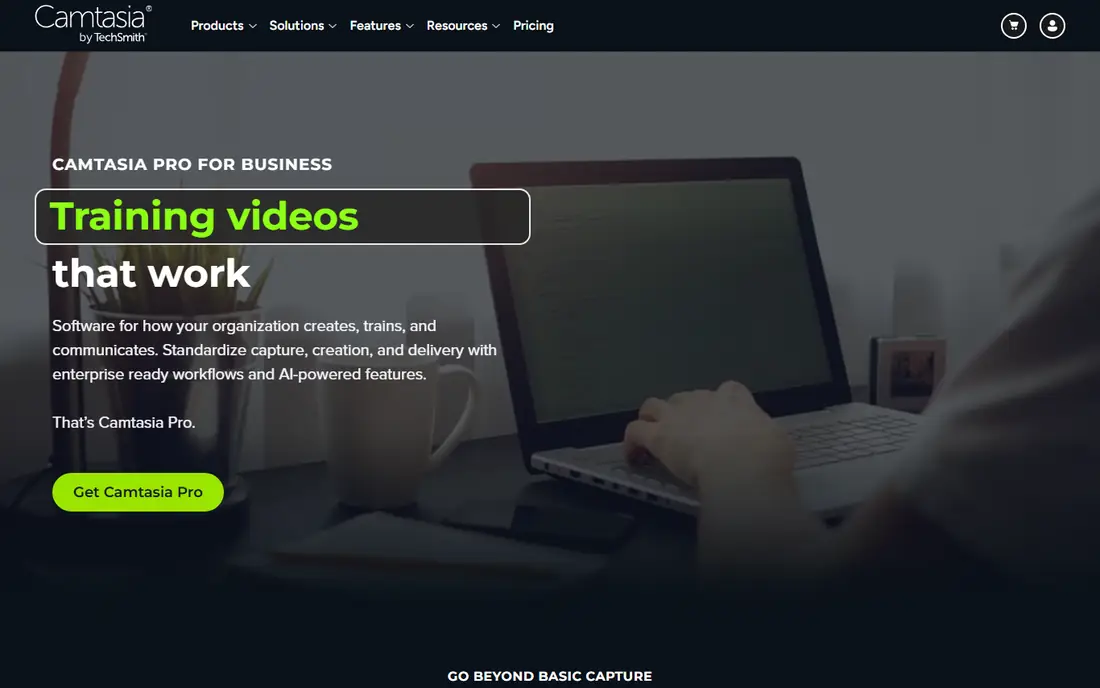
What we like- Snagit is the professional standard for creating software documentation, training materials, and tutorials, with advanced capture, scrolling screenshots, annotations, a template library, a step-numbering tool, and a Simplify feature converting screenshots to clean vector-style illustrations. It offers screen recording with webcam overlay, text extraction from images via OCR, video trimming, and a cloud library. TechSmith moved Snagit to subscription-only pricing in 2025, now 39 dollars a year for individuals in recent comparison reporting.
Watch out for- There is no free plan, only a 15 day trial, and older sources list 49.95 to 62.99 dollars, so pricing history is confusing and current terms should be confirmed. It is cheaper and faster than a video editor for annotated captures, but full video editing needs Camtasia. The subscription model costs more over time than one-time tools.
Starting priceFree
Free planYes
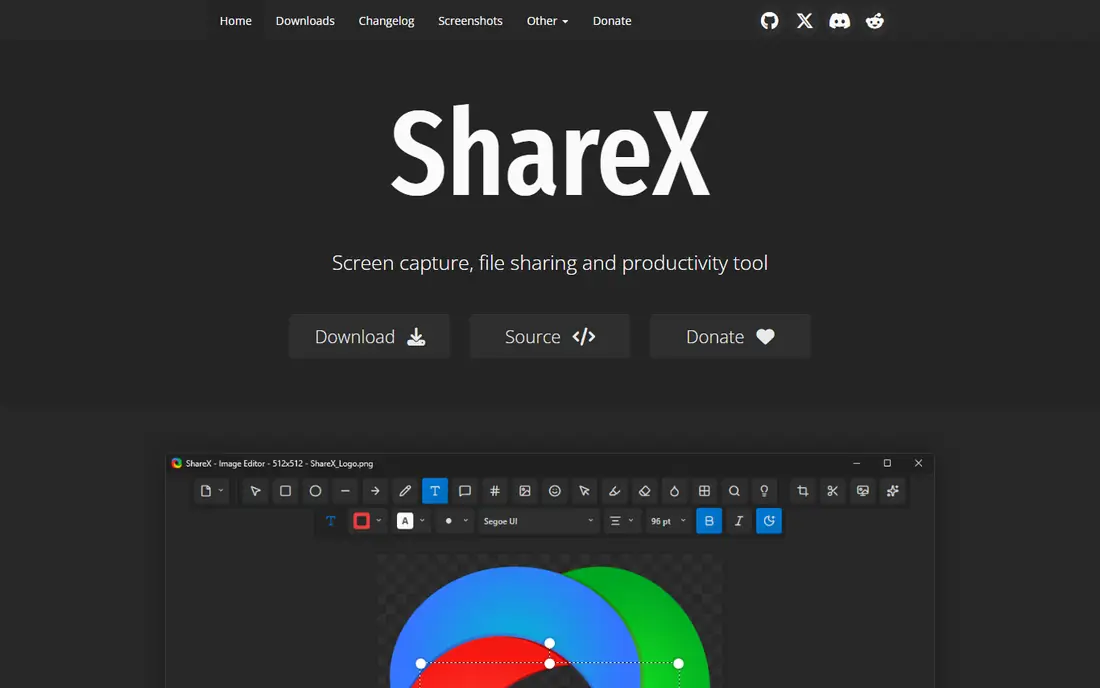
What we like- ShareX is open source and free with a feature set rivaling paid tools, capturing screens, windows, regions, and scrolling pages, with a full annotation editor, image editor, OCR, GIF export, and uploads to more than 80 destinations including Imgur, Google Drive, and custom servers. It suits power users and developers on Windows, with extensive customization, automated workflows such as upload after capture, and customizable hotkeys for every action.
Watch out for- It is Windows only, the interface feels dated, and the depth can overwhelm beginners. There is no official support, only community help. Mac users should pick CleanShot X or another cross platform tool instead.
#3Greenshot
Best for: Basic professional use on Windows4.8/5 on
G2 (167 reviews, checked Oct 2026)
Visit getgreenshot.org
Starting priceFree
Free planYes
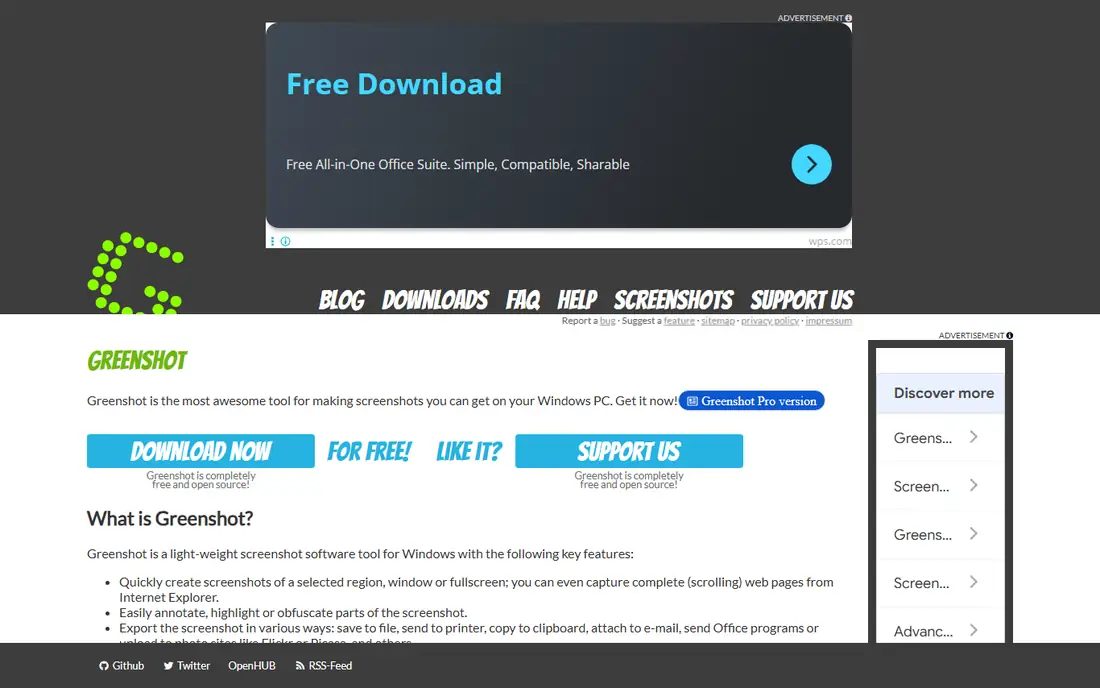
What we like- Greenshot is a free, open source screenshot tool for Windows, simpler than ShareX but more feature rich than Lightshot, with good annotation tools and flexible export options. It suits small teams and personal use wanting basic professional capture without cost or complexity. The tool covers region, window, and full screen capture with editing.
Watch out for- It is Windows focused, with a paid version on macOS, so Mac users face a different deal. Feature depth lags ShareX and Snagit, with less automation and no scrolling capture depth. The interface is functional rather than polished.
#4Lightshot
Best for: Quick screenshots and sharing4.7/5 on
G2 (131 reviews, checked Oct 2026)
Visit app.prntscr.com
Starting priceFree
Free planYes
What we like- Lightshot is a simple, lightweight screenshot tool for Windows, macOS, and Chrome, offering fast screen capture, simple annotations, and instant share links. It suits casual users wanting a quick capture with basic annotation, with no cost and minimal setup. The Chrome extension suits browser-based workers who capture web pages all day, and keyboard shortcuts make capture instant once muscle memory forms. Sharing links expire based on plan, so check retention before relying on them for long-lived docs. The tool is ideal for quick captures and fast sharing in chat or tickets.
Watch out for- Annotation depth is basic compared with Snagit or ShareX, and there is no scrolling capture or OCR depth. Cloud sharing means captures leave the machine, so check privacy settings before sharing sensitive screens. Business and documentation users need a deeper tool.
#5CleanShot X
Best for: Mac users wanting quality visuals4.9/5 on
G2 (8 reviews, checked Oct 2026)
Visit cleanshot.com
Starting price$29 one-time
Free planNo
What we like- CleanShot X is the best-built Mac screenshot tool, capturing screenshots, recording screen video, annotating with arrows, text, and highlights, blurring sensitive data, and storing a scrollable history of captures. Scrolling capture grabs entire web pages in one shot, and built-in OCR saves time daily. Pricing is reported at 29 dollars one-time or 8 dollars per month in one 2026 source, and 35 dollars one-time including a year of updates in another, so confirm current terms.
Watch out for- It is Mac only, so Windows teams need a different tool. There is no free plan, only a paid app, and cloud storage is limited to 1 GB on some plans. The one-time versus subscription pricing reports conflict, so check the vendor site before buying.
#6Monosnap
Best for: Everyday capture with cloud needs4.3/5 on
G2 (6 reviews, checked Oct 2026)
Visit monosnap.com
Starting priceFree
Free planYes
What we like- Monosnap offers flexible capture, annotations, video and GIF recording, and cloud sharing for teams and individuals, with a freemium model starting free and paid plans from 5.99 dollars per month. It suits everyday capture with cloud needs, combining screenshots with broader workflows. The tool runs on Windows and macOS with cloud integration.
Watch out for- Paid plans start at 5.99 dollars per month, adding up over time versus one-time tools. Free version limits apply, and annotation depth lags Snagit for documentation work. Cloud sharing needs privacy review for sensitive captures.
#7Gyazo
Best for: Instant link sharing4.5/5 on
G2 (12 reviews, checked Oct 2026)
Visit gyazo.com
Starting priceFree
Free planYes
What we like- Gyazo offers instant link sharing with GIF and video capture, suiting quick sharing and asynchronous communication. The free tier covers basic captures, with Pro at 4.99 dollars per month adding more storage and features. It suits teams wanting the fastest path from capture to shared link, with minimal setup.
Watch out for- Annotation depth is thin compared with Snagit or ShareX, and free storage limits apply. The tool suits quick sharing better than documentation, and cloud hosting means captures leave the machine, so teams with strict data rules should prefer local-only tools.
Starting priceFree
Free planYes
What we like- ScreenRec offers secure cloud sharing for small teams and business users, with free capture, screen recording with audio, and instant share links. It suits casual users and small teams wanting an affordable, user friendly option with cloud sharing built in. The tool runs on Windows and macOS.
Watch out for- Annotation and editing depth lag Snagit and ShareX, and free version limits apply to storage and features. Cloud sharing needs privacy review, since captures are hosted remotely. Documentation teams needing templates and step tools should pick Snagit.
How we chose
We ranked tools on capture quality and speed, annotation and editing depth, sharing and collaboration workflow, pricing fairness, and platform support. Tools earned credit for scrolling capture, OCR, annotation depth, cloud sharing, and free tiers. We excluded pure video editors, since screenshot capture defines this category, though recording features add value. Figures come from published pricing and 2026 comparison reporting, and readers should confirm current terms directly, since Snagit and CleanShot X pricing reports conflict across sources. Ratings from review platforms reflect user sentiment at check time, not controlled testing, so treat them as a secondary signal behind capture modes, annotation depth, and platform fit.
How to choose the right screen capture app
Start with platform: Windows power users should install ShareX free, Mac users should buy CleanShot X, and cross platform teams should pick Snagit, Lightshot, or Monosnap. Next, check capture needs: scrolling pages need Snagit, ShareX, or CleanShot X, while quick region captures suit Lightshot or Gyazo. Then check annotation depth: documentation teams need Snagit templates and step tools, while casual users need only arrows and text. Then check sharing: instant link sharing suits Gyazo and ScreenRec, while local-only workflows suit ShareX and Greenshot. Then check OCR and history workflows, since searchable capture history saves repeated recaptures. CleanShot X stores a scrollable history of everything captured, while Snagit offers a cloud library for organizing captures, and ShareX offers OCR plus automated upload workflows. If you reuse captures across docs and tickets, history and search matter more than raw capture speed. Finally, check privacy before capturing: know what is captured and stored, where cloud captures are hosted, blur sensitive data before sharing, and get consent before recording other people, since captures can include private messages, passwords, and personal data.
Frequently asked questions
What is the best free screen capture app?
ShareX is the best free option for Windows power users, with capture, annotation, OCR, and uploads rivaling paid tools. Greenshot suits basic Windows use, Lightshot suits quick captures, and ScreenRec suits free cloud sharing.
Is Snagit worth the price?
Snagit suits professionals creating documentation, training, and tutorials regularly, with templates, step tools, and Simplify illustrations justifying the subscription. Casual users get better value from ShareX or Lightshot free.
What is the best screen capture app for Mac?
CleanShot X is the best-built Mac tool, with scrolling capture, OCR, annotation, blur tools, and capture history. Snagit and Monosnap also run on Mac for cross platform teams.
Can screen capture apps record video?
Yes. Snagit, ShareX, CleanShot X, Monosnap, Gyazo, and ScreenRec all offer screen recording or GIF capture alongside screenshots. For polished tutorials with real editing, Camtasia suits better than any capture app.
Are cloud-shared screenshots private?
Cloud captures are hosted remotely, so check retention policies, link privacy, and password options before sharing sensitive screens. For private material, prefer local-only tools such as ShareX or Greenshot, and blur sensitive data first.
Do I need consent to record someone else on screen?
Yes, in many cases. Get consent before recording other people, since captures can include private messages, faces, and personal data. Check local recording and privacy rules, and blur or crop sensitive content before sharing, since a shared screenshot can reveal far more than the intended area.
Sources we checked (0)
Is your product missing or out of date?
We review this list regularly. Vendors can request a listing, send updated pricing or ask about featured placement.

Shihab Mia · Founder, Rankite
Shihab has 5+ years in B2B and SaaS SEO. He writes Rankite's software buying guides from pricing pages, documentation and public user reviews. More about Shihab.