How we make this list: we compare pricing pages, product documentation and public user reviews. Rankite is independent; if a vendor ever pays for a featured spot, that listing is clearly labeled Partner.
Key takeaways
- Start with your card maker's free utility: Elgato 4K Capture Utility and AVerMedia RECentral cost nothing and handle recording perfectly.
- OBS Studio (free, open source) is the best no-cost production tool for streaming capture card footage with overlays and scenes.
- XSplit Broadcaster's free tier works for testing; Premium starts at $59.95 per year for watermark-free multi-streaming.
- vMix ($60 one-time) and Wirecast are the pro picks for multi-camera live production beyond gaming.
Quick comparison
| Tool | Best for | Starting price | Free plan |
|---|
 Elgato 4K Capture Utility Elgato 4K Capture Utility | Elgato capture card owners who want simple, reliable recording | Free | Yes |
 OBS Studio OBS Studio | Free, full-featured streaming and recording from any capture card | Free | Yes (fully open source) |
 AVerMedia RECentral AVerMedia RECentral | AVerMedia capture card owners wanting the official companion app | Free | Yes |
 XSplit Broadcaster XSplit Broadcaster | Beginners who want polished streaming without a learning cliff | Free (Premium from $59.95/year) | Yes (watermarked, resolution-limited) |
 Streamlabs Desktop Streamlabs Desktop | Streamers who want alerts, overlays and chat built in | Free (paid Ultra tier available) | Yes |
 vMix vMix | Multi-camera live production beyond gaming | $60 (HD edition, one-time) | Free trial (60 days) |
 Wirecast Wirecast | Broadcast-grade production for businesses and professionals | See website | Free trial |
 Bandicam Bandicam | Simple, high-quality recording from capture devices | $39.95 (one-time) | Yes (watermarked, 10-minute limit) |
Is your product missing or out of date?
We review this list regularly. Vendors can request a listing, send updated pricing or ask about featured placement.
The best capture card software
You bought the capture card. Now what do you open? The card itself only moves video from one device to your PC; the software decides whether that footage becomes a clean recording, a live stream with overlays, or a multi-camera production. The good news is that the essential tools are free: your card maker's utility and OBS Studio cover most people completely. These eight are the software worth installing for capture card work, from zero-cost basics to broadcast-grade production.
#1
Elgato 4K Capture Utility
Best for: Elgato capture card owners who want simple, reliable recording
Visit elgato.com
Starting priceFree
Free planYes
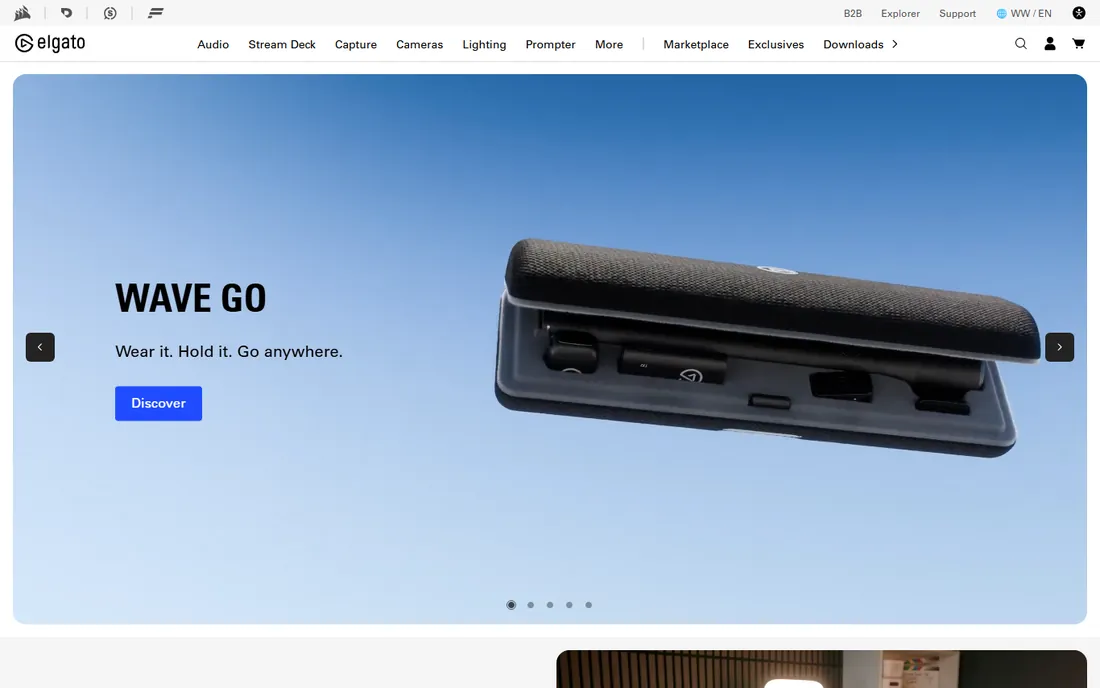
Elgato's 4K Capture Utility does one job and does it well: turn your Elgato card's input into a recording with the least fuss possible. It detects the card automatically, handles 4K passthrough and HDR tone mapping on supported models, and stays light on system resources while capturing. Flashback recording is the standout feature, continuously buffering so you can save the last minutes retroactively.
It is deliberately not a production tool. There is no streaming output, no scene composition, no overlays. That is fine, because its job is to be the reliable recorder while OBS or Streamlabs handles the show. Every Elgato owner should install it first; whether you keep using it depends on whether you stream or just record.
What we like- Purpose-built for Elgato hardware with zero configuration friction
- Records clean 4K footage with minimal CPU overhead
- Flashback recording buffers retroactively capture moments you missed
Watch out for- Elgato hardware only
- No streaming, scenes or overlays, so you will outgrow it if you go live
#2
OBS Studio
Best for: Free, full-featured streaming and recording from any capture card
Visit obsproject.com
Starting priceFree
Free planYes (fully open source)
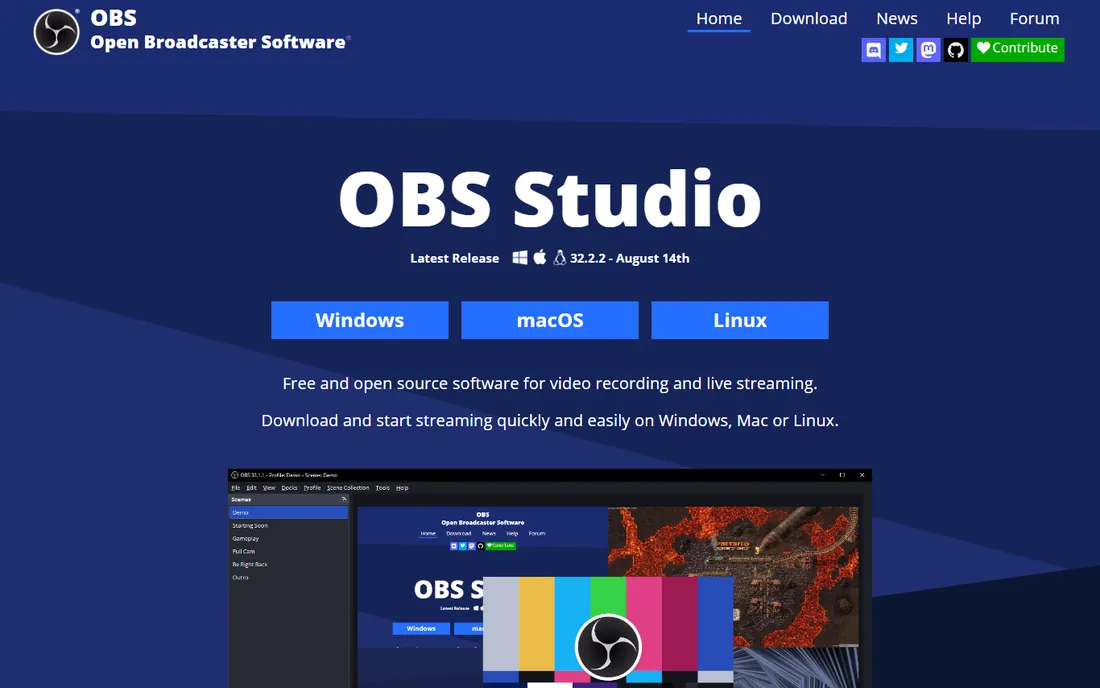
OBS Studio is the free software that made an industry. It accepts any capture card as a video source, composites it with webcams, overlays, alerts and media, and streams to Twitch, YouTube or anywhere via RTMP, all without costing a cent or watermarking anything. The plugin ecosystem adds everything from advanced audio processing to replay buffers. For capture card owners who stream, it is the default recommendation worldwide.
The price of free is self-reliance. Settings like buffering, color range and audio sync for capture devices reward research, and troubleshooting happens in forums and Discord rather than a support desk. But the knowledge base is enormous: any capture card plus OBS problem you encounter has been solved publicly. Install this if you do anything beyond simple recording.
What we like- Completely free with no watermarks, tiers or feature gates
- Works with every capture card brand
- Scenes, sources, plugins and multi-platform streaming cover professional needs
Watch out for- Interface assumes technical comfort
- Optimal settings for capture cards take research
- No official support channel
#3
AVerMedia RECentral
Best for: AVerMedia capture card owners wanting the official companion app
Visit avermedia.com
Starting priceFree
Free planYes
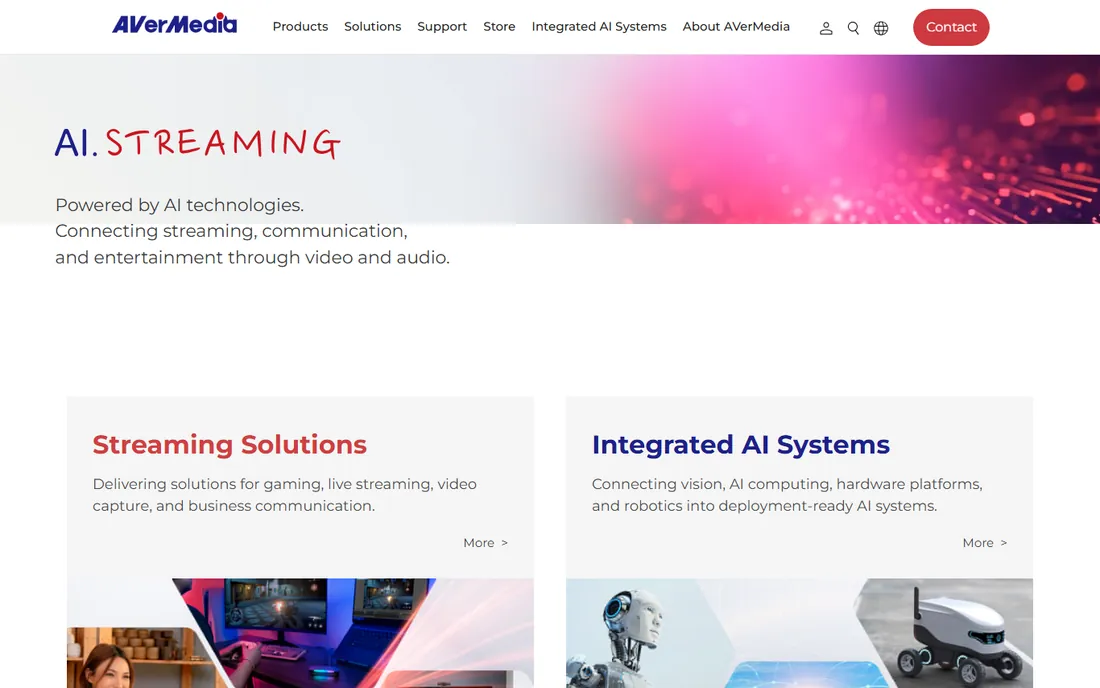
RECentral is AVerMedia's answer to Elgato's utility, with a bit more ambition. Beyond clean recording it offers streamer modes with overlays and multi-platform streaming, all tuned for AVerMedia cards like the Live Gamer series. Dual-PC streamers appreciate the multi-card handling, and the recording quality controls are straightforward.
Like its Elgato counterpart, it is brand-locked and outgunned by OBS on production depth. AVerMedia owners should still install it: firmware updates and card-specific features flow through the official app, and its simple recording mode is genuinely convenient. Use it as the companion to OBS rather than the replacement.
What we like- Built for AVerMedia hardware with direct driver-level integration
- Simple recording, streaming and overlay modes in one app
- Multi-card support for dual-PC setups
Watch out for- AVerMedia hardware only
- Feature depth lags OBS for serious production
- Interface updates arrive slowly
#4
XSplit Broadcaster
Best for: Beginners who want polished streaming without a learning cliff
Visit xsplit.com
Starting priceFree (Premium from $59.95/year)
Free planYes (watermarked, resolution-limited)
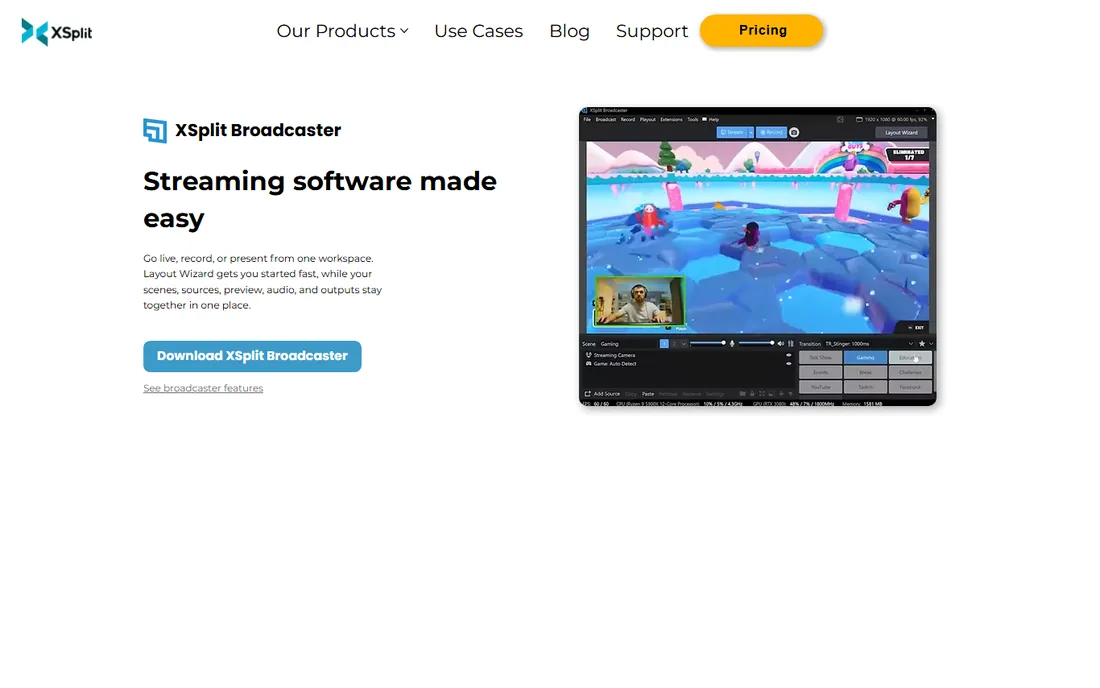
XSplit Broadcaster trades OBS's depth for approachability. Capture card sources drop in with a clean preview, scenes assemble through an interface that explains itself, and built-in integrations handle chat, alerts and stream health without plugins. For a new streamer with a capture card, the time from install to live is noticeably shorter than with OBS.
The freemium structure is the catch. Free recordings carry watermarks and quality caps; Premium at $59.95 per year (or $199 lifetime) removes them and adds multi-streaming and higher resolutions. Windows-only is a hard limit for Mac streamers. It is a fair trade for beginners who value their time, and the paid tier is cheap enough to be a non-decision once streaming becomes a habit.
What we like- Friendlier than OBS for first-time streamers, with guided setup
- Native capture card source support with low-latency preview
- Scene presets and plugins speed up production
Watch out for- Free tier watermarks output and caps quality
- Meaningful features (multi-streaming, 1080p60) need Premium
- Windows only
#5
Streamlabs Desktop
Best for: Streamers who want alerts, overlays and chat built in
Visit streamlabs.com
Starting priceFree (paid Ultra tier available)
Free planYes
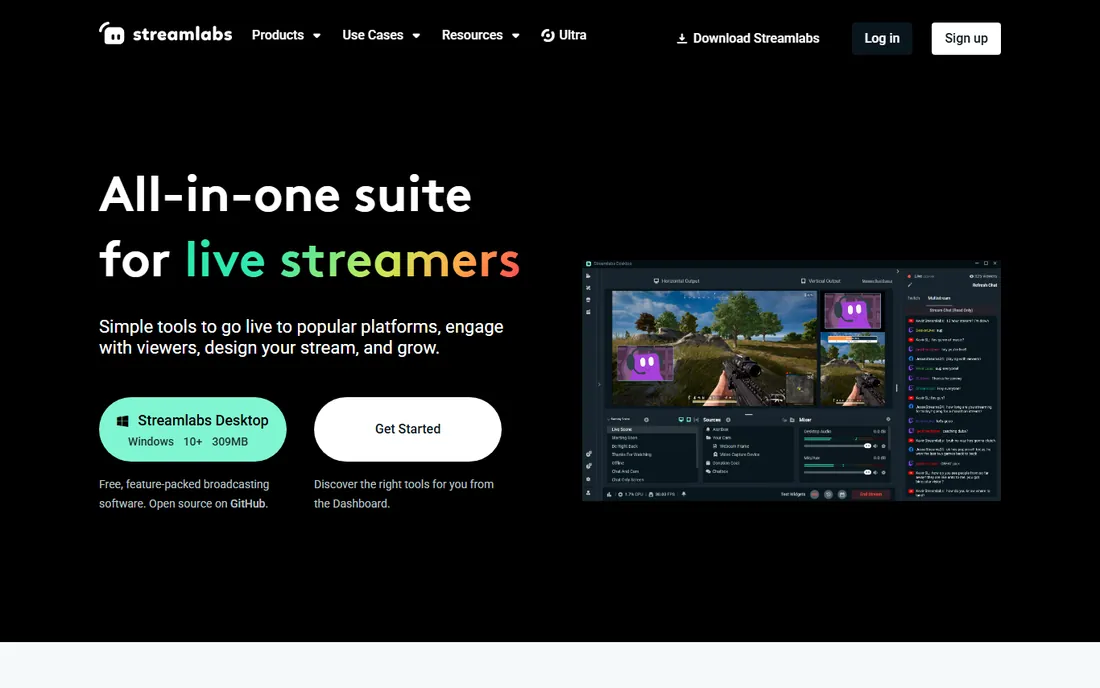
Streamlabs Desktop takes OBS's engine and wraps it in a streamer-first experience: alerts, donation widgets, chat boxes and overlay themes work out of the box instead of requiring plugin archaeology. Capture card sources behave as expected, and multistreaming lets you hit Twitch, YouTube and others simultaneously. For personality-driven streamers, the integrated toolkit saves real setup time.
It costs more CPU than vanilla OBS, which matters on single-PC setups already encoding a capture feed. The free tier is fully usable, but premium themes and some pro features sit behind the Ultra subscription. Choose Streamlabs when streamer widgets matter more than squeezing every frame of performance; choose OBS when performance and control come first.
What we like- Built on OBS with alerts, overlays, chat and tip widgets pre-integrated
- Huge theme and overlay store
- Multistreaming to several platforms from one app
Watch out for- Heavier on system resources than plain OBS
- The best themes and features push toward the paid Ultra tier
- Customization ceiling is lower than OBS with plugins
#6
vMix
Best for: Multi-camera live production beyond gaming
Visit vmix.com
Starting price$60 (HD edition, one-time)
Free planFree trial (60 days)
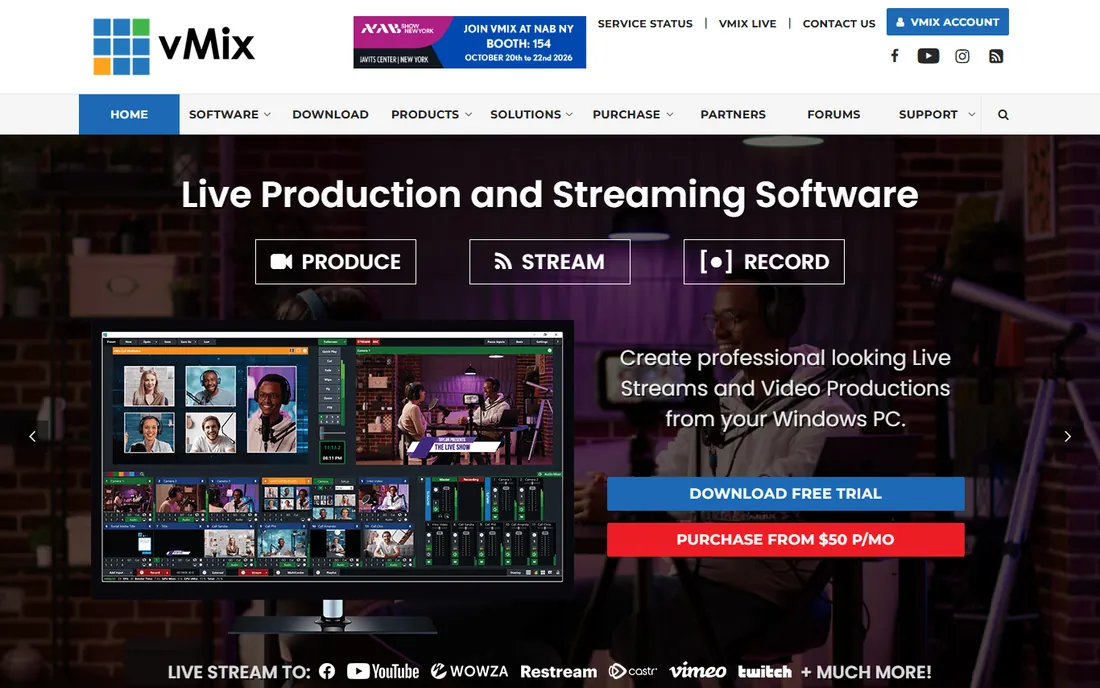
vMix is what you graduate to when a stream becomes a production. It treats capture cards as camera inputs in a real vision-mixing workflow: multiple angles, instant replay, lower thirds, virtual sets and streaming, all live. Houses of worship, sports streamers, schools and event producers use it precisely because it replaces racks of hardware at software prices.
The $60 HD edition is a one-time purchase, which is remarkable value against subscription competitors; higher tiers (4K, Pro) cost more but remain perpetual licenses. The learning curve is the real price: this is professional software with professional complexity, and Windows-only to boot. If your capture card feeds a multi-camera show rather than a gameplay stream, vMix is the serious answer.
What we like- True live production switcher: multi-camera, instant replay, graphics and streaming in one app
- One-time pricing from $60 with no subscription
- Excellent capture card compatibility across brands
Watch out for- Windows only
- The interface is unapologetically professional and intimidating
- Higher editions climb steeply in price
#7
Wirecast
Best for: Broadcast-grade production for businesses and professionals
Visit telestream.net
Starting priceSee website
Free planFree trial
Wirecast is Telestream's professional live production platform, and it shows. ISO recording captures isolated camera feeds for post-production, replay and graphics tools serve sports and events, and remote guest integration handles interview shows. Output quality and reliability are tuned for paying clients and broadcast schedules, backed by real support.
This is not priced or designed for hobbyists; check Telestream's current pricing, but expect professional-tier costs. Solo streamers get everything they need from OBS or vMix at a fraction of the price. Wirecast earns its place when the production has a client, a schedule and a reputation on the line.
What we like- Professional feature set trusted by broadcasters: ISO recording, replay, graphics and remote guests
- Polished output suitable for client work
- Strong support and documentation
Watch out for- Pricing sits well above hobbyist tools
- Heavier system requirements
- Overkill for solo gaming streamers
#8
Bandicam
Best for: Simple, high-quality recording from capture devices
Visit bandicam.com
Starting price$39.95 (one-time)
Free planYes (watermarked, 10-minute limit)
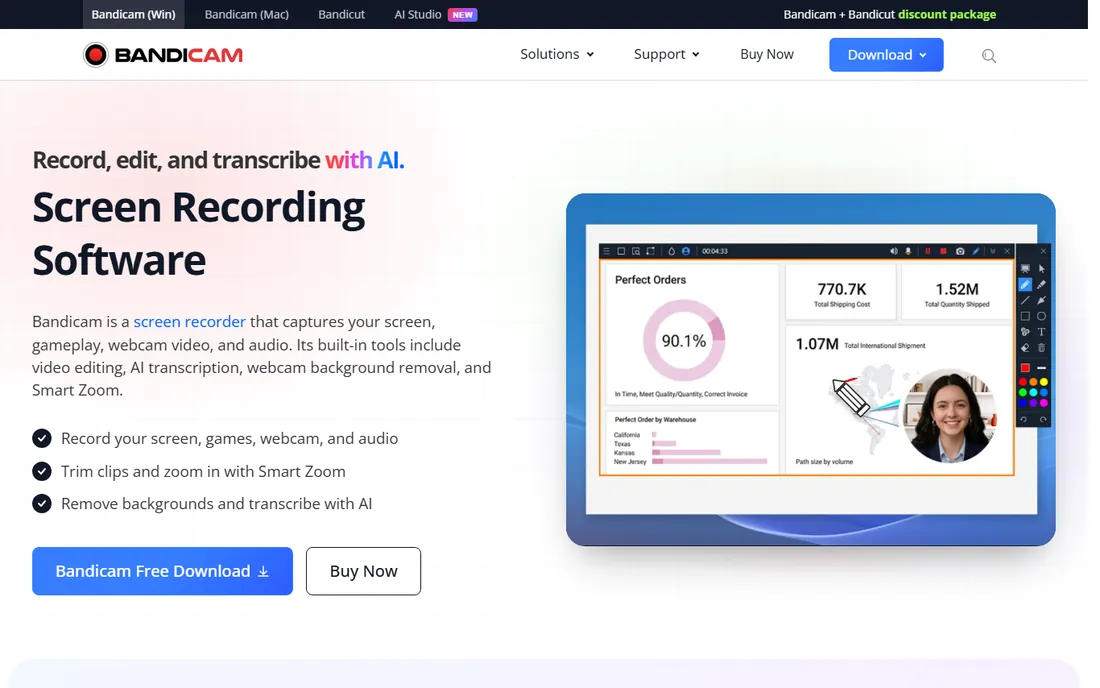
Bandicam is the anti-production tool: no scenes, no streaming, just press record and get a clean file. For capture card owners archiving console gameplay, recording set-top box output or capturing long sessions unattended, that simplicity is the feature. Scheduled recording and automatic file splitting handle multi-hour captures without babysitting.
The free tier's 10-minute watermarked limit makes it a trial in practice; the $39.95 one-time license removes both. Windows-only and recording-only mean streamers should look elsewhere. But as a dedicated capture recorder paired with a separate streaming tool, Bandicam's reliability and low overhead are hard to beat.
What we like- Dead-simple recording from HDMI and capture devices with excellent quality
- Low system impact
- Scheduled recording and auto-complete features for unattended capture
Watch out for- Recording only, no streaming or scene production
- Free tier watermarks and limits recordings to 10 minutes
- Windows only
How we chose
We started with the software capture card owners actually install: the card makers' official utilities, the free production standards, and the pro live-production tools. For each candidate we checked the vendor's own site for current pricing and compatibility, confirmed the product is maintained in 2026, and compared capture card support, recording quality, streaming capability, production features (scenes, switching, graphics) and ease of use. We weighted real capture-card workflows (console recording, dual-PC streaming, multi-camera production) over generic streaming features.
Do you even need a capture card?
Answer this before buying software or hardware. If you play and stream on the same PC, you do not need a capture card at all: OBS or Streamlabs captures your screen directly with less latency and zero extra hardware. Capture cards earn their keep in three scenarios: console gaming (the card bridges console HDMI to your PC), dual-PC streaming setups (gaming PC output captured by the streaming PC), and camera or multi-device production (cameras, tablets and secondary machines as video sources).
If you already own the card, the software decision follows the use case. Console recording only: your card maker's free utility or Bandicam. Streaming gameplay: OBS Studio or Streamlabs. Multi-camera or event production: vMix or Wirecast. Buying software cannot fix buying the wrong hardware, so match the tool to the job the card was purchased for.
Matching software to your capture card and your use case
Compatibility first: every tool here works with the major card brands (Elgato, AVerMedia, and generic UVC devices), but the official utilities only work with their own hardware. If you own an Elgato card, install 4K Capture Utility regardless of what else you use; the same applies to RECentral for AVerMedia. These handle firmware, card-specific features and the simplest recording path.
Then choose your production layer. Solo streamer: OBS Studio (free, maximum control) or Streamlabs Desktop (free, maximum convenience) or XSplit (easiest start, cheap paid tier). Archivist: Bandicam or the official utility. Multi-camera producer: vMix at $60 one-time is the value king; Wirecast when clients demand broadcast polish. One caution: do not run two apps fighting over the same capture device simultaneously. Pick one app to own the card feed and close the others.
Frequently asked questions
What software should I use with my Elgato capture card?
Install Elgato 4K Capture Utility first for firmware updates and simple recording. For streaming, add OBS Studio (free) or Streamlabs Desktop (free): both treat the Elgato as a video source with full scene production. That two-app combination covers everything from archiving to full broadcasts.
Is OBS Studio really free for commercial streaming?
Yes. OBS Studio is free and open source with no tiers, watermarks or commercial restrictions. You can stream professionally, take sponsors and sell products using it without paying anyone. The only costs are your hardware and your time learning it.
Do I need the paid version of XSplit?
Only if the free limits bother you. The free tier watermarks output and caps recording quality, which is fine for testing. Premium ($59.95 per year) removes watermarks and enables 1080p60 and multi-streaming. If you stream regularly, a year of Premium costs less than most streamers spend on coffee monthly.
Can I use a capture card with a Mac?
Yes, with caveats. Most modern cards (Elgato HD60 X and up, many AVerMedia models) work on Mac via UVC, and OBS Studio runs natively on macOS. But the Windows-only tools here (XSplit, vMix, Bandicam, RECentral's full feature set) are unavailable, and some advanced card features need the Windows utilities. Check your specific card's Mac support before committing.
Why is my capture card footage delayed in OBS?
A small delay (typically under 100ms) is normal: the card processes the HDMI signal before your PC sees it. OBS lets you add matching delay to your webcam and microphone so everything stays in sync. If the delay is large or growing, check USB port bandwidth (use USB 3.0+ ports directly, not hubs) and close competing apps.
What is the difference between vMix and OBS?
vMix is a professional live production switcher with multi-camera mixing, instant replay, virtual sets and ISO recording, priced from $60 one-time. OBS is a free, open-source streaming and recording tool with scenes and plugins. vMix suits event and broadcast production; OBS suits streamers and creators. Many productions use vMix for switching and OBS for encoding.
Sources we checked (8)
- https://www.elgato.com
- https://obsproject.com
- https://www.avermedia.com
- https://www.xsplit.com
- https://streamlabs.com
- https://www.vmix.com
- https://www.telestream.net
- https://www.bandicam.com
Is your product missing or out of date?
We review this list regularly. Vendors can request a listing, send updated pricing or ask about featured placement.

Shihab Mia · Founder, Rankite
Shihab has spent more than a decade helping SaaS and e-commerce brands grow through search. He writes Rankite's software buying guides from pricing pages, documentation and public user reviews. More about Shihab.